-
-
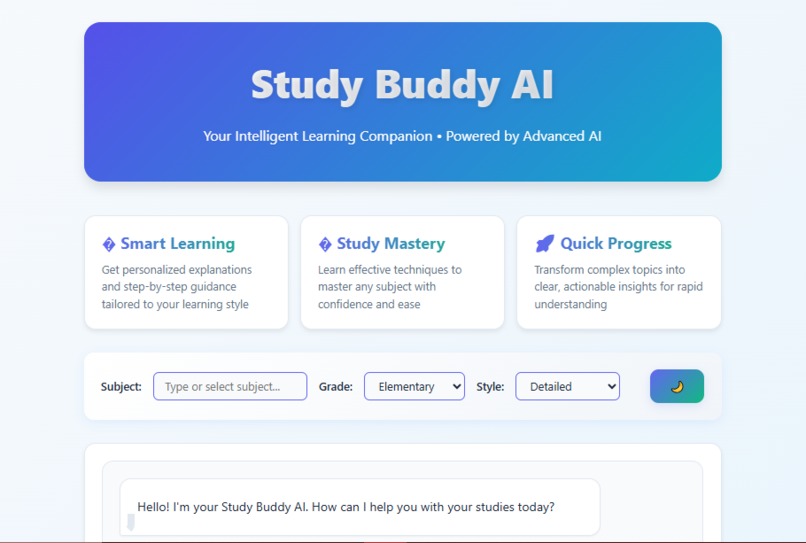
main-interface
-
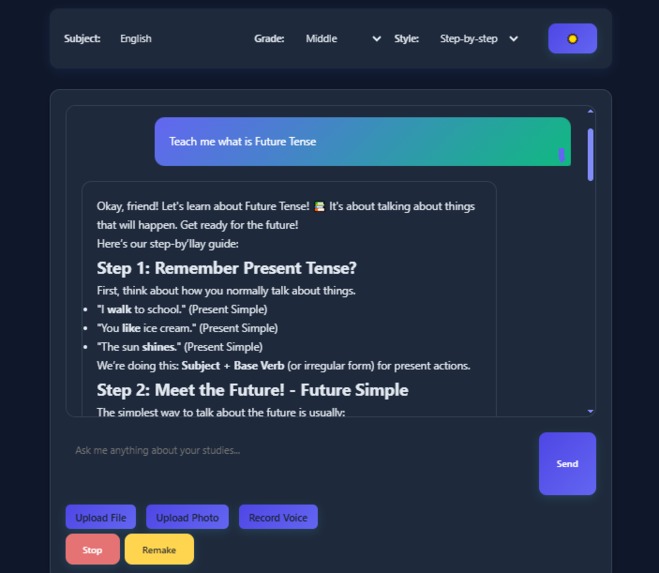
basic-chat
-
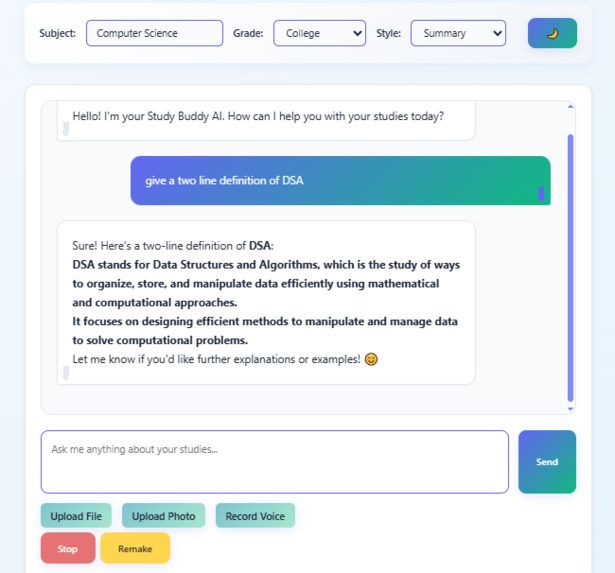
chat-interface
-
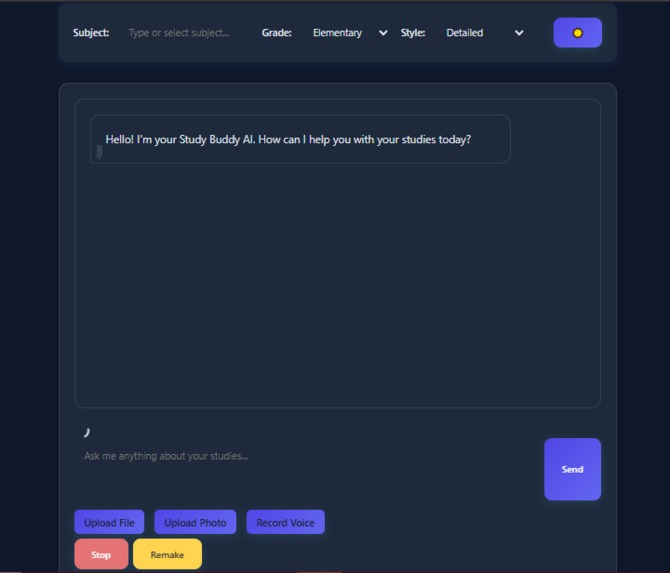
dark-mode
-
file-processing
-
file-uploading
Inspiration
The idea for Study Buddy AI came from witnessing students struggle with traditional learning methods during the digital education boom. I noticed that students often had diverse learning materials, PDFs, handwritten notes, voice recordings, and images, but no unified way to process and understand them all. The inspiration struck when I realized that AI could bridge this gap by creating a truly multi-modal learning companion that adapts to each student's unique needs.
What it does
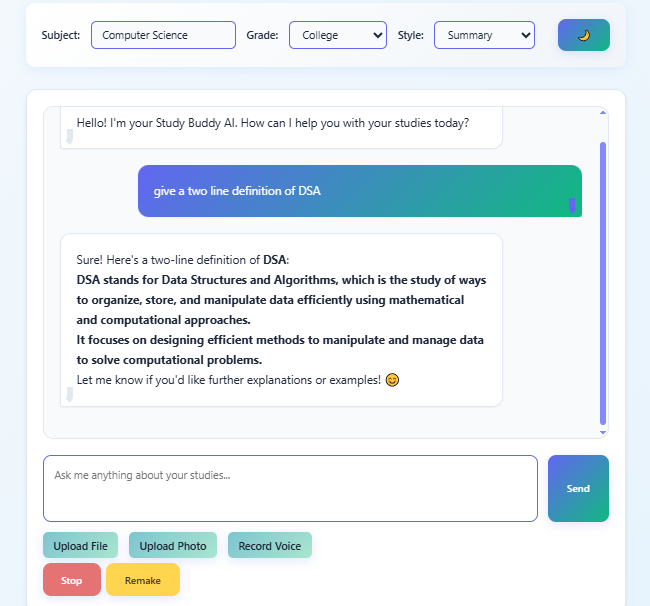
Study Buddy AI is an intelligent academic assistant that processes multiple input types:
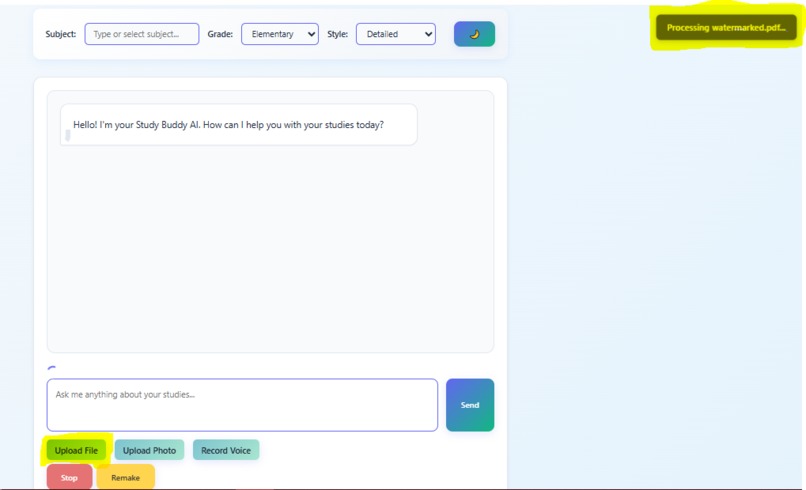
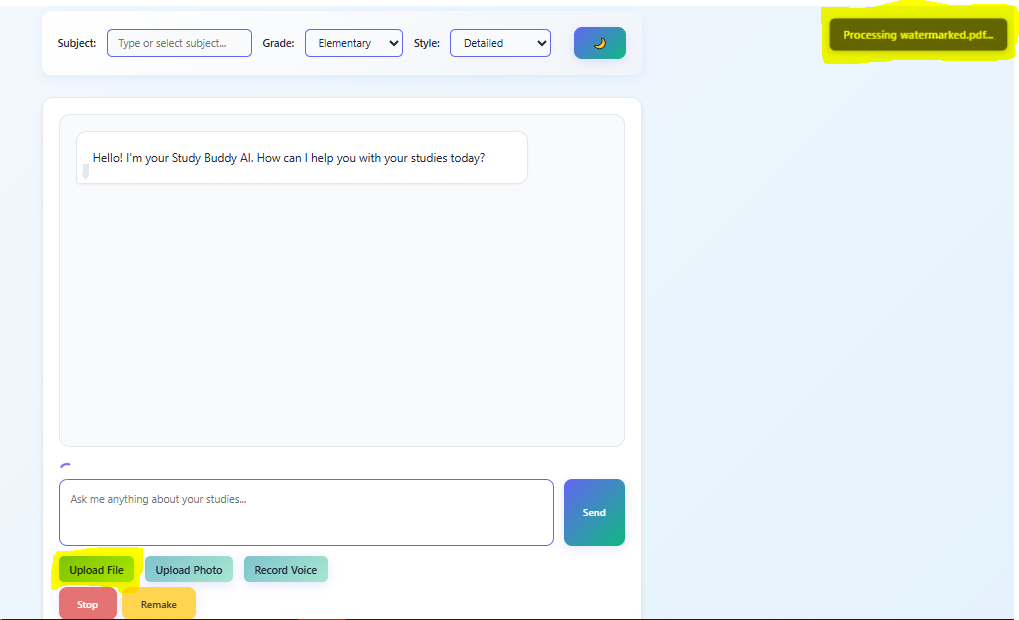
- 📄 PDF & Word Documents: Extract and analyze text content
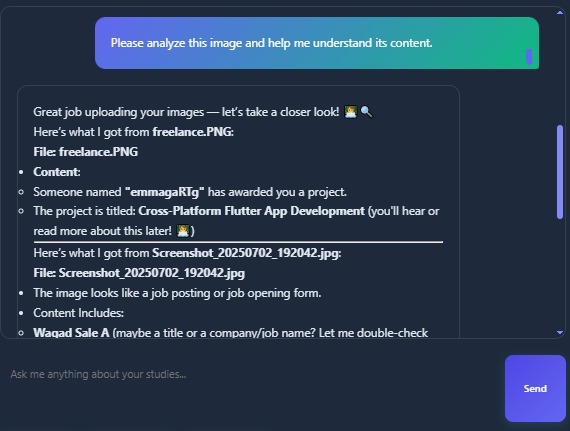
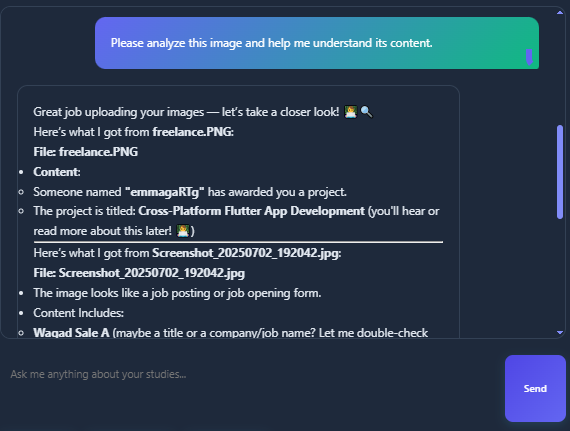
- 🖼️ Images & Photos: OCR technology for handwritten notes and diagrams
- 🎤 Voice Input: Speech-to-text for audio learning
- 💬 Text Chat: Natural conversation with AI tutor
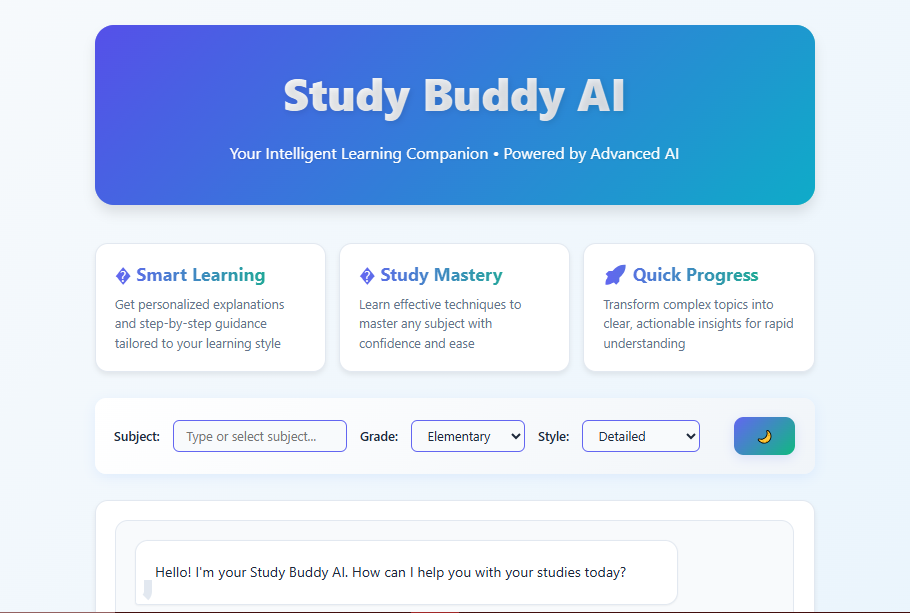
The AI adapts explanations based on:
- Subject (Math, Science, English, History, Computer Science)
- Grade Level (Elementary through College)
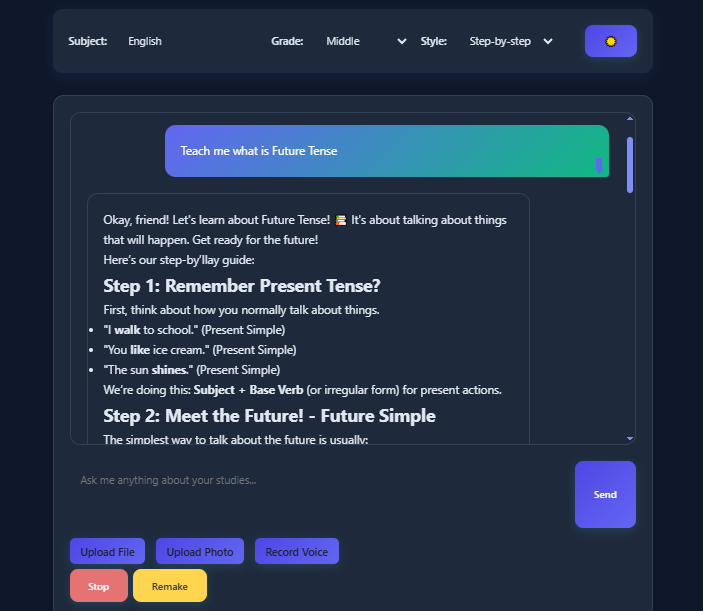
- Learning Style (Detailed, Summary, Funny, Step-by-step)
How I built it
Frontend Architecture:
- Pure HTML5/CSS3/JavaScript for maximum compatibility
- CSS Grid & Flexbox for responsive design
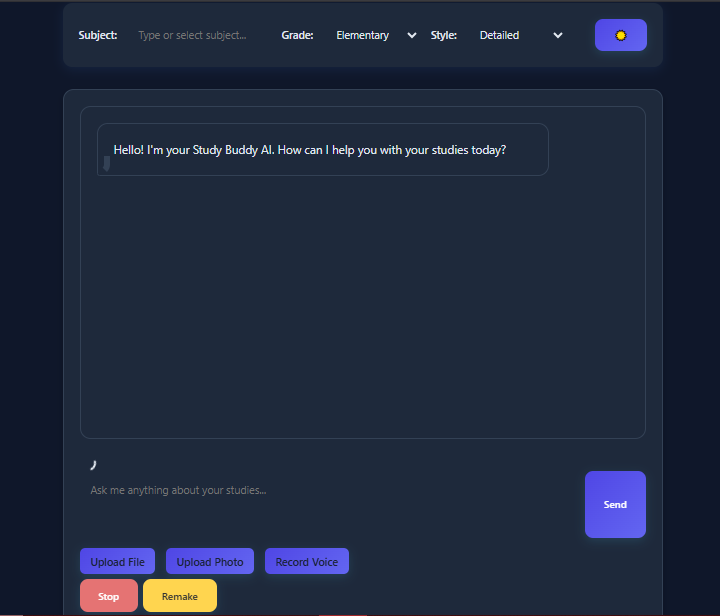
- CSS Variables for seamless dark/light mode switching
- Vanilla JavaScript for real-time streaming responses
AI Integration:
- OpenRouter API with DeepSeek model for intelligent responses
- Streaming implementation for real-time text generation
- Context-aware prompting for educational content
Multi-Modal Processing:
- PDF.js for PDF text extraction
- Mammoth.js for Word document processing
- Tesseract.js for OCR (Optical Character Recognition)
- Web Speech API for voice input transcription
Key Features Implemented:
- Real-time response streaming with stop/remake functionality
- File upload with visual progress indicators
- Responsive design optimized for mobile and desktop
- Intelligent conversation history management
- Dynamic UI theming with smooth transitions
Challenges I ran into
Real time Streaming: Implementing word-by-word streaming while maintaining the ability to stop mid-generation required careful timeout management and state tracking.
Multi-Modal Integration: Coordinating different file processing libraries (PDF.js, Tesseract.js, Mammoth.js) while maintaining a smooth user experience was complex.
Responsive Design: Creating a chat interface that works seamlessly across devices required extensive CSS media queries and flexible layouts.
API Integration: Handling different AI model responses and error states while maintaining conversation context across multiple file types.
Performance Optimization: Ensuring OCR and document processing don't block the UI thread, implementing proper loading states and background processing.
What I learned
Study Buddy AI represents the future of personalized education - where technology adapts to each learner's unique needs, processing information in whatever format they have, and delivering explanations in their preferred style. This project demonstrates how AI can make quality education more accessible and engaging for students worldwide.
What's next for Study Buddy AI
- Enhanced AI Models: Integration with multiple AI providers for specialized subject expertise
- Collaborative Features: Study groups and shared learning sessions
- Advanced Analytics: Learning progress tracking and personalized recommendations
- Mobile App: Native iOS/Android applications with offline capabilities
- Integration APIs: Connect with popular learning management systems
- Advanced OCR: Support for mathematical equations and scientific diagrams
Built With
- ai
- api
- apideepseek
- assemblyai
- css3
- deepseek
- html5
- javascript
- mammoth.js
- marked.js
- openrouter
- pdf.js
- tesseract.js

Log in or sign up for Devpost to join the conversation.