🚀 StudyBuddy AI
🎯 Inspiration
The idea for StudyBuddy AI came from the need for a smarter, more interactive study assistant. Traditional study tools often lack instant AI-driven responses and structured learning support, making it difficult for learners to get quick, relevant information. Inspired by efficiency, accessibility, and AI-powered learning, we built a system that simplifies studying while enhancing knowledge retention.
💡 What It Does
✅ AI-Powered Study Assistance – Instantly answers study-related questions
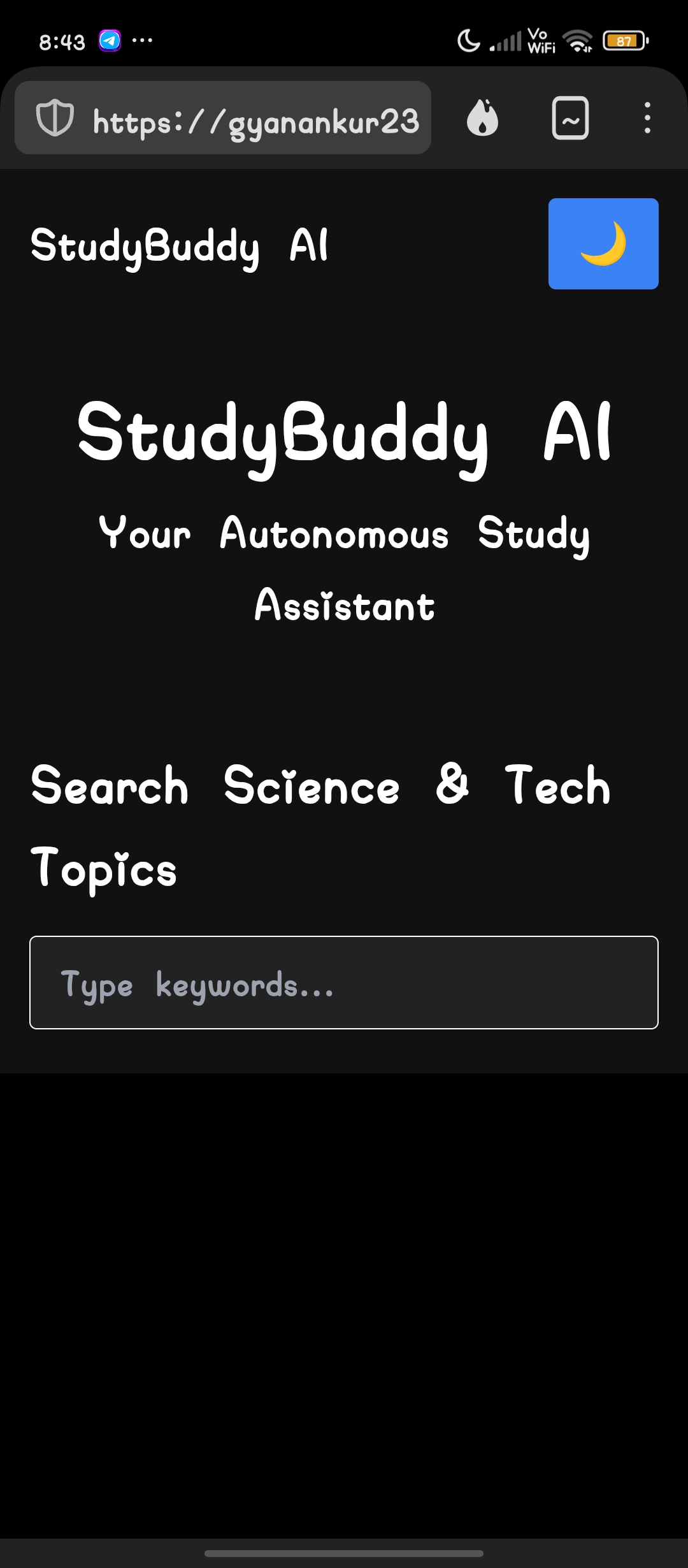
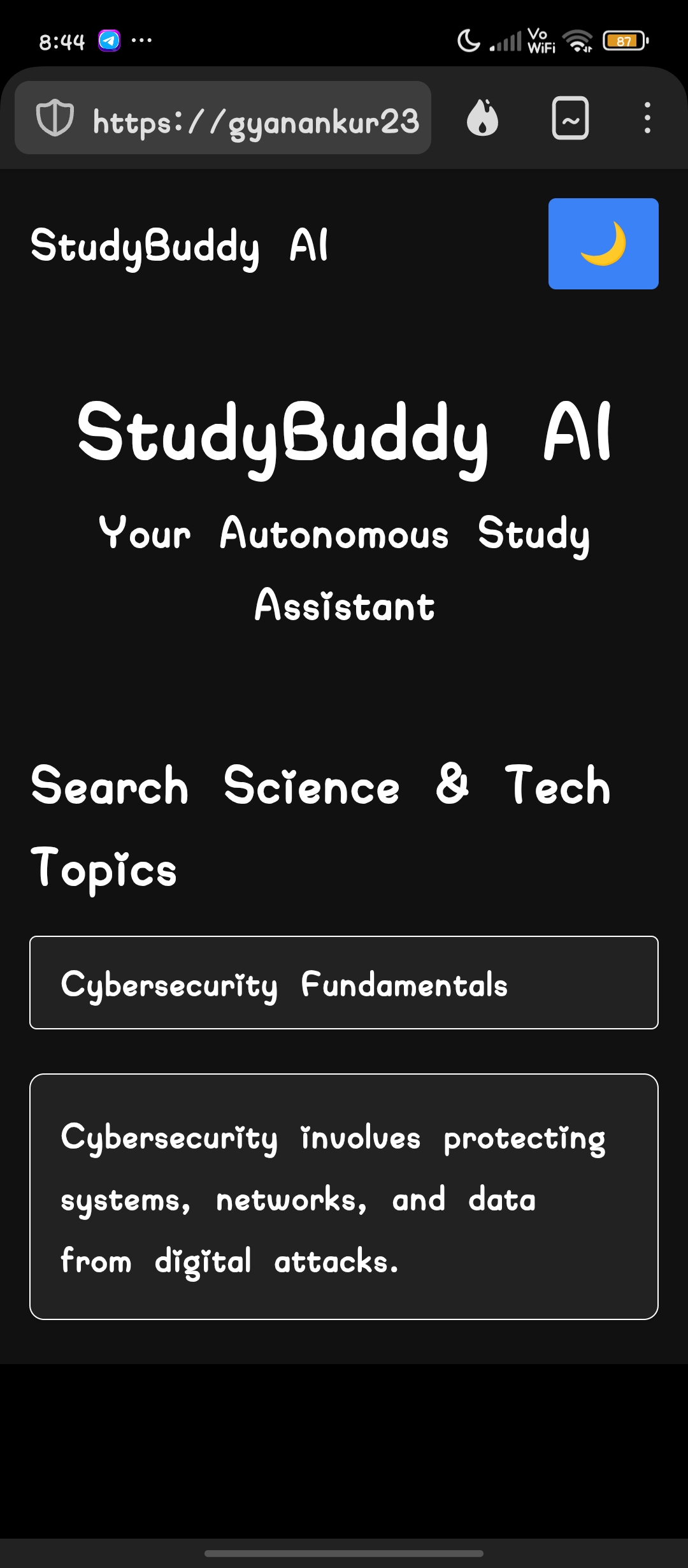
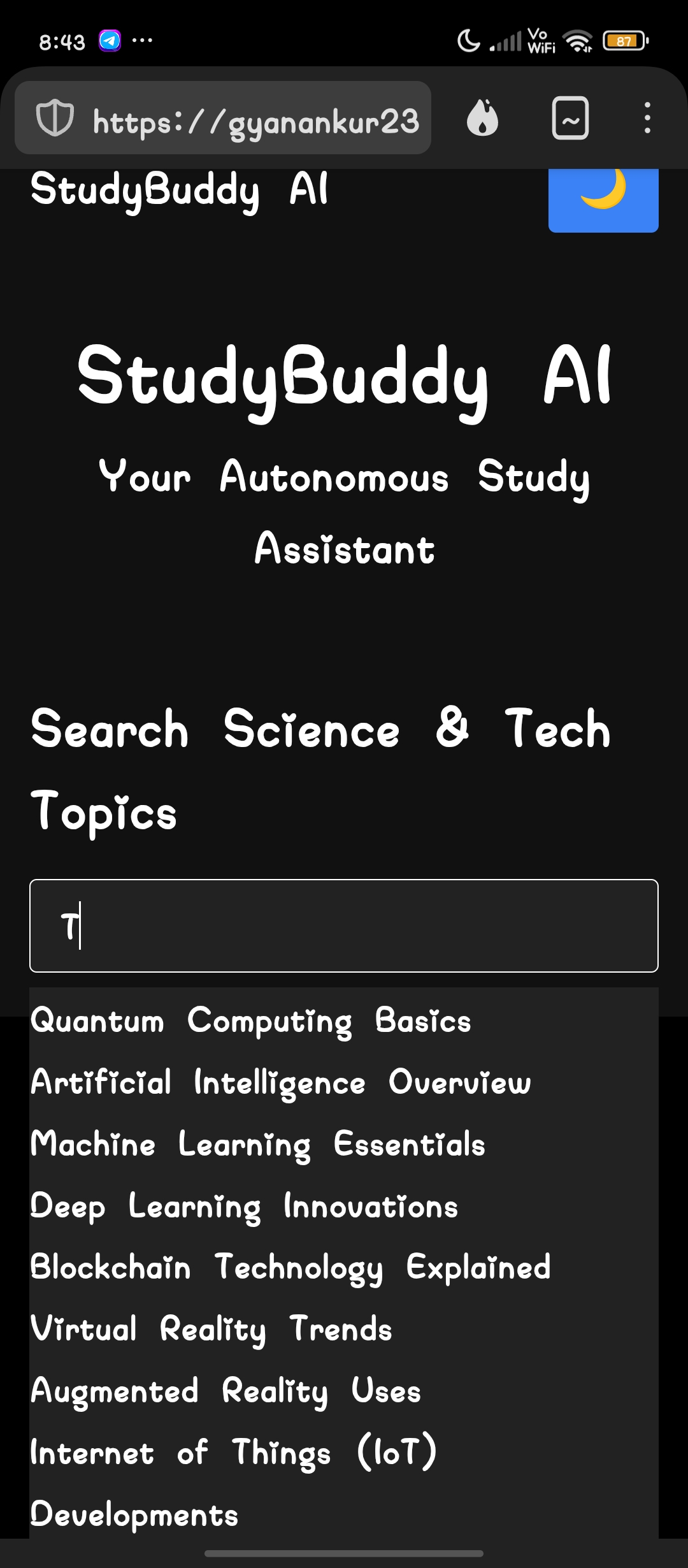
✅ Smart Keyword Search – Type a term & get relevant suggestions
✅ Dark Mode Toggle – Seamlessly switch for comfortable studying
✅ Interactive Learning Dashboard – Organizes study resources efficiently
✅ Fully Deployable on GitHub Pages – No setup required
StudyBuddy AI acts as a personal tutor, offering structured responses and real-time information retrieval, making studying faster and more effective.
🛠 How We Built It
Tech Stack
- Frontend: HTML, CSS (Tailwind), JavaScript
- Local JSON Storage: Houses study topics & responses
- Deployment: GitHub Pages for open accessibility
Development Process
1️⃣ Created a sleek UI using Tailwind CSS
2️⃣ Developed a keyword-based search system (JSON-based, no API required)
3️⃣ Implemented a functional dark mode with localStorage
4️⃣ Optimized performance for smooth user experience
5️⃣ Ensured deployment readiness with GitHub Pages
🔥 Challenges We Ran Into
📌 UI Complexity: Finding the balance between usability & aesthetics
📌 Dark Mode Persistence Issues: Ensuring localStorage stored preferences correctly
📌 Dropdown Functionality Bugs: Fine-tuning real-time search interactions
📌 GitHub Deployment Fixes: Debugging relative paths to prevent styling glitches
Each challenge made the final product more refined and reliable, ensuring StudyBuddy AI is efficient and user-friendly.
🏆 Accomplishments We're Proud Of
✨ Successfully developed an AI-driven study assistant
✨ Implemented a smooth dark mode toggle with storage memory
✨ Created a fully responsive UI for seamless learning
✨ Deployed the project on GitHub Pages, making it globally accessible
✨ Overcame deployment and functionality hurdles to create a polished product
These wins prove our ability to problem-solve, adapt, and innovate!
📚 What We Learned
🔹 How to optimize UI elements using Tailwind CSS
🔹 Best practices in frontend JavaScript interactions
🔹 Handling local JSON data storage efficiently
🔹 Debugging complex GitHub Pages deployment issues
🔹 How to enhance project visibility & user engagement
Each lesson adds valuable technical skills, shaping future projects.
🔮 What's Next for StudyBuddy AI
The next phase focuses on enhancing functionality and expanding features, including:
🚀 AI-powered deep learning responses – More intelligent study interactions
🚀 Speech-to-Text Support – Voice-based learning queries
🚀 Expanded Study Database – Cover more academic fields
🚀 Advanced UI improvements – Animations & accessibility enhancements
With future updates, StudyBuddy AI will evolve into a fully adaptive learning assistant, creating an even smarter and more user-friendly study experience.
🌐 Live Demo
🔗 [https://gyanankur23.github.io/Study-buddy-AI/]
🙌 Made By
👨💻 Gyanankur Baruah
🔗 GitHub Profile: Gyanankur23

Log in or sign up for Devpost to join the conversation.