-
-
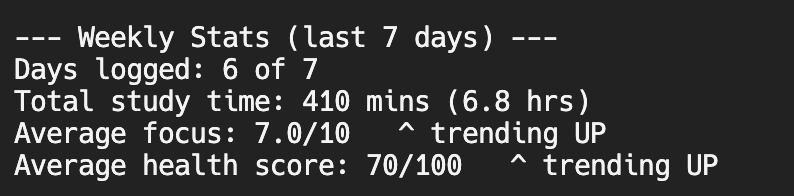
Weekly Stats Screen
-
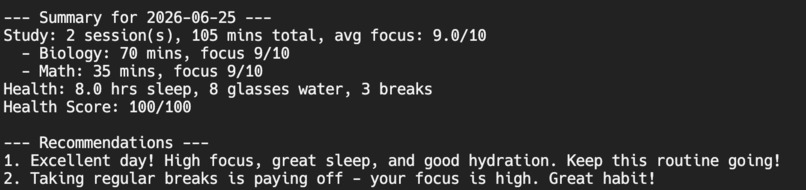
Recommendations
-
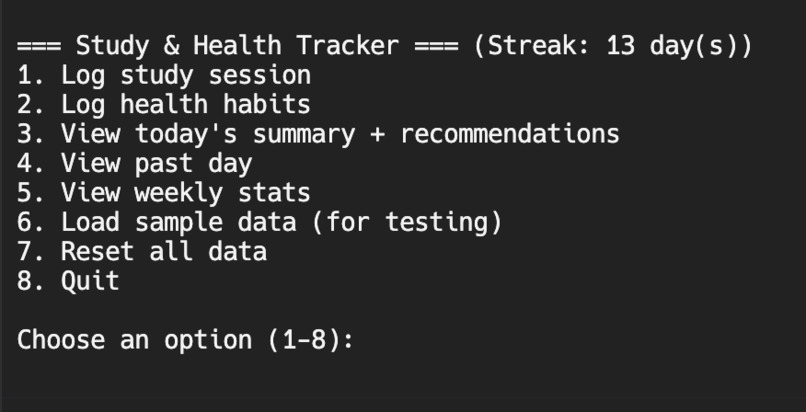
Main Menu
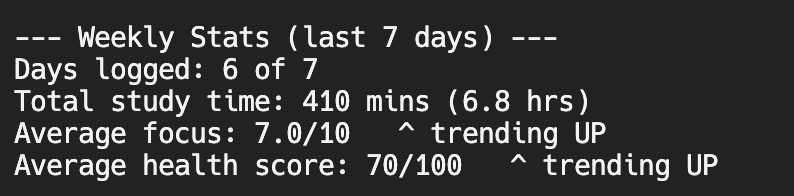
What it does
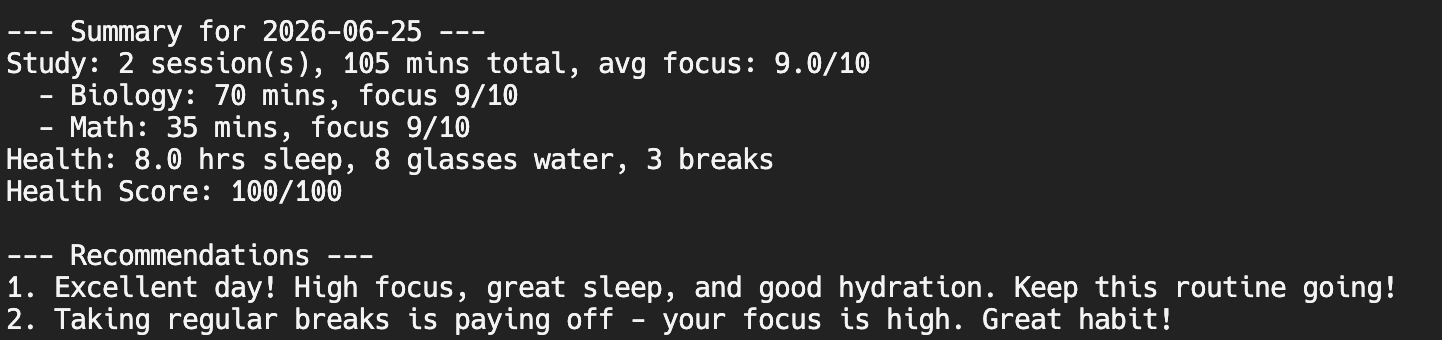
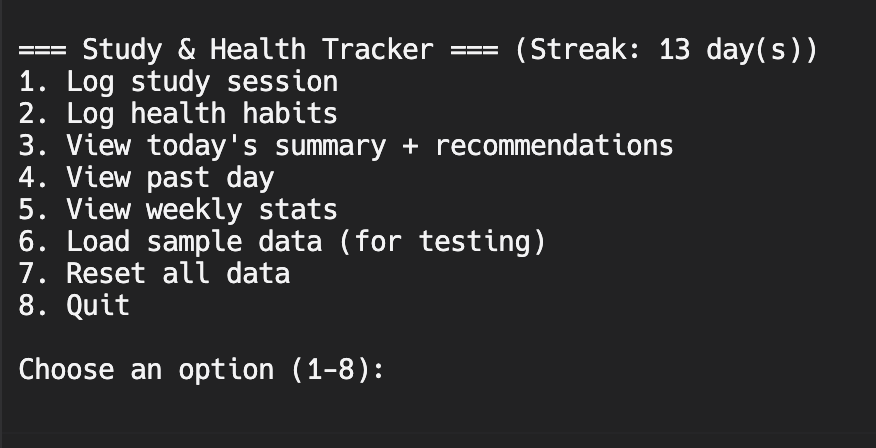
Study & Health Tracker is a tool that lets students log two things that usually get tracked separately: how they study (subject, time, focus level) and how they take care of themselves (sleep, water, breaks). The app then connects the two. After logging, it calculates a daily health score out of 100 and gives personalized recommendations based on your actual data — for example, if you slept under 6 hours and your focus was low, it tells you to prioritize sleep before studying tomorrow. It also tracks a daily streak to encourage consistency, and shows weekly stats so you can see whether your focus and health are trending up or down over the past 7 days. The core idea is that studying and health aren't separate. Bad sleep hurts focus, skipping water hurts concentration, and the app makes that connection visible so students can actually improve. How Python was used
The entire project is built in pure Python using only built-in libraries (no external packages needed):
Functions organize every feature — logging, scoring, recommendations, weekly stats — so the code stays readable and each piece does one job. The json module saves all data to a file so your logs persist between sessions. Close the app, reopen it, and your data is still there. The datetime module handles dates, calculates streaks by counting backward day-by-day, and pulls the last 7 days for weekly stats. Conditional logic (if/elif) powers the health scoring and the recommendation engine — the app reads your numbers and decides what advice to give. A reusable input-validation function checks every number the user enters and re-asks if it's out of a realistic range.
Challenges I faced, how I solved them, and what I learned
The most annoying challenge wasn't the code itself — it was the environment. I kept switching between different places to run my code, and it constantly slowed me down because things would paste wrong or not save properly. I solved it by just picking one platform and sticking with it instead of jumping around. That alone made the rest of the build way smoother. Lesson learned: pick your tools early and commit, instead of fighting your setup the whole way through. The most interesting challenge was a bug I found while testing. I realized the user could enter any number of minutes with no limit — so you could log something impossible like 340 hours of studying in a single day, which obviously can't happen. This was a real problem because it would break the weekly stats and make the whole tracker untrustworthy. To fix it, I set realistic boundaries on every input (like capping a study session at 12 hours, sleep at 24 hours, and focus at 1–10) and made the program re-ask if you enter something invalid. The bug actually turned into one of my favorite features, because catching bad input makes the app feel reliable. What I learned: I now know how to write functions to organize a program, how to save and load data to a file with JSON so it persists, and how to use realistic boundaries to validate user input. Before this hackathon I couldn't have done any of those, and now I understand why each one matters — not just how to type it.

Log in or sign up for Devpost to join the conversation.