-
-

Study AI
-
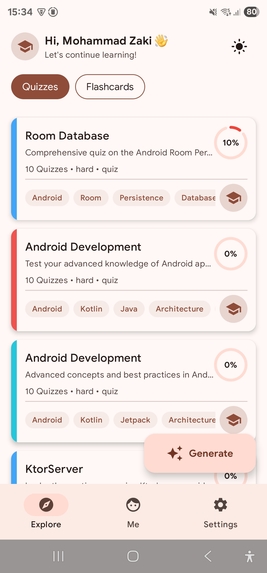
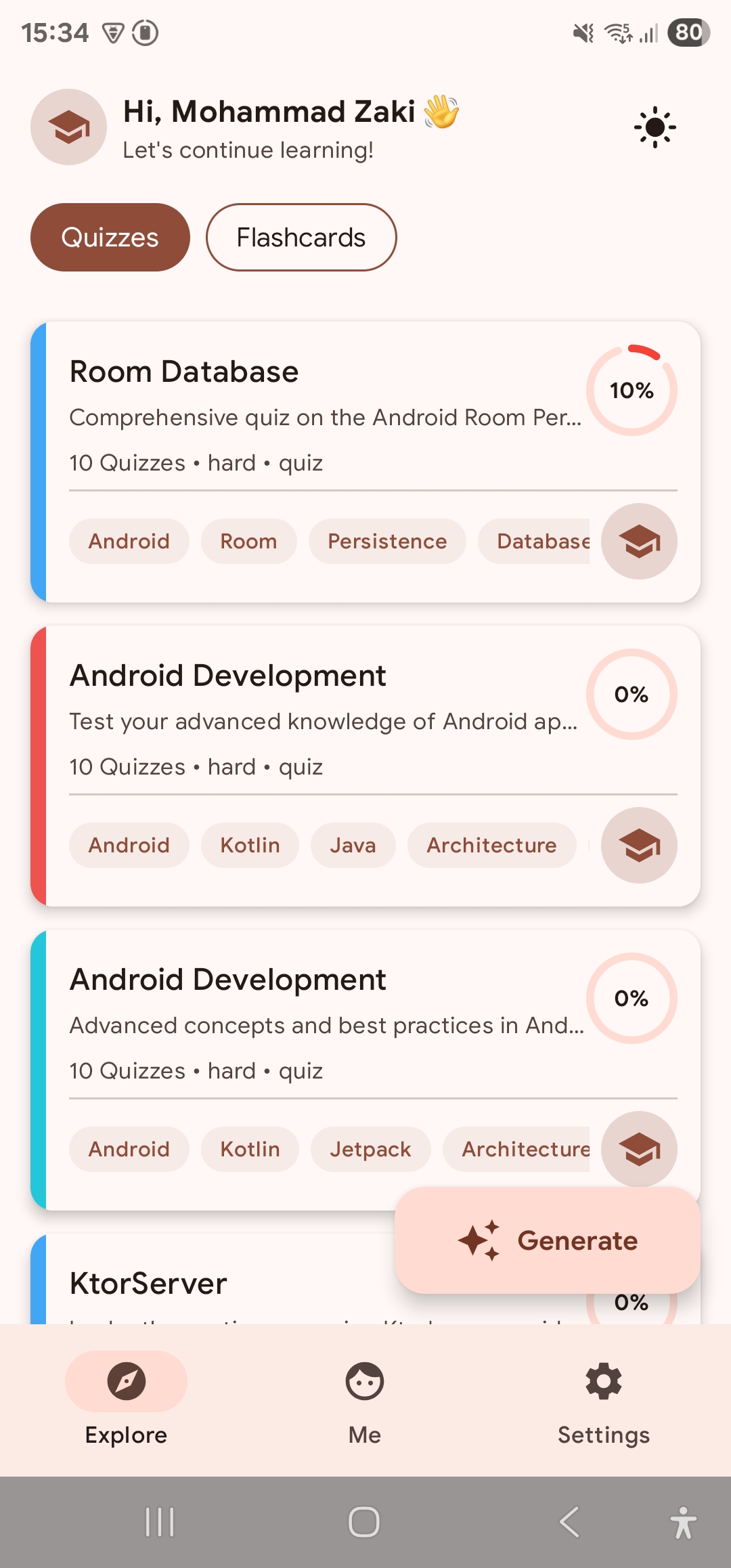
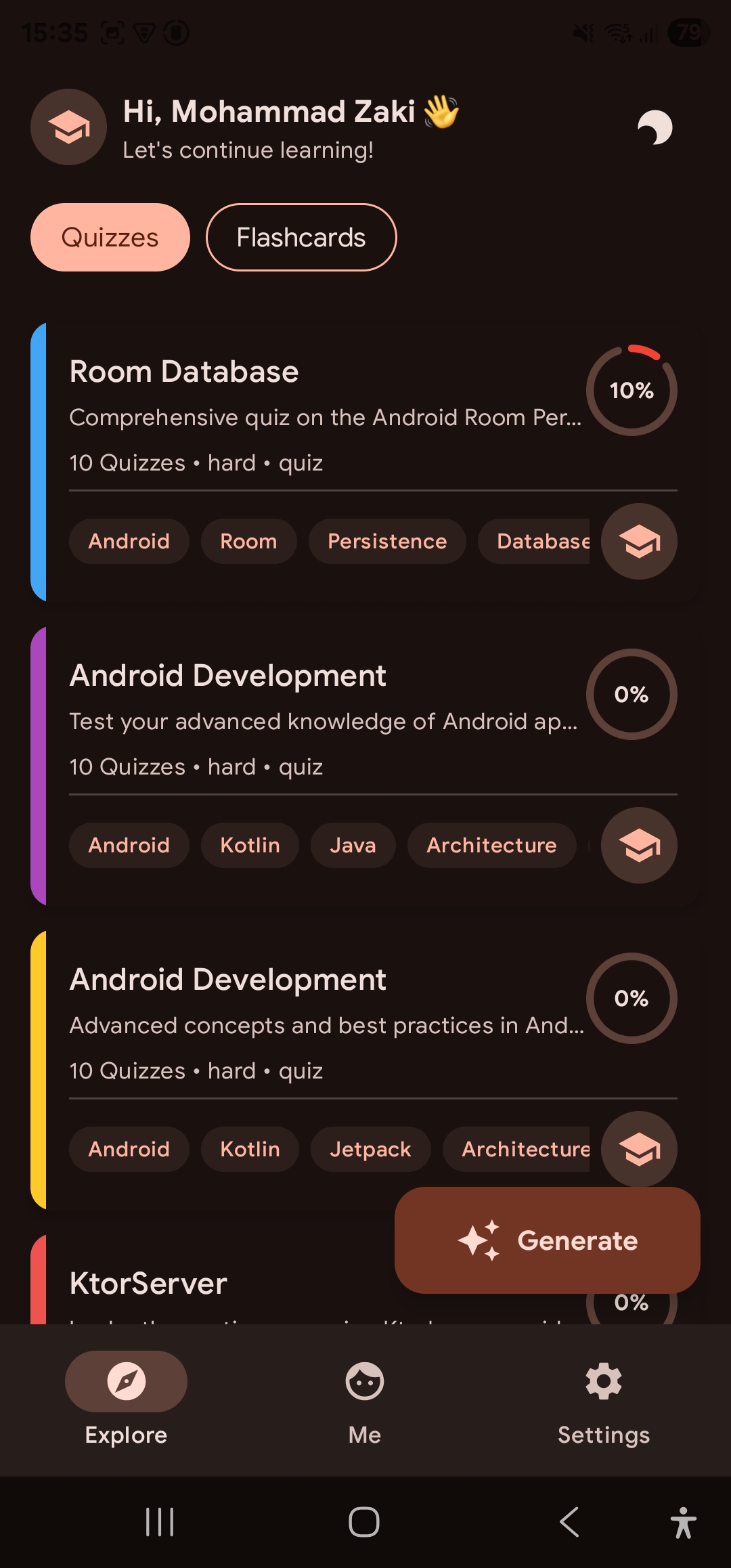
Home Screen
-
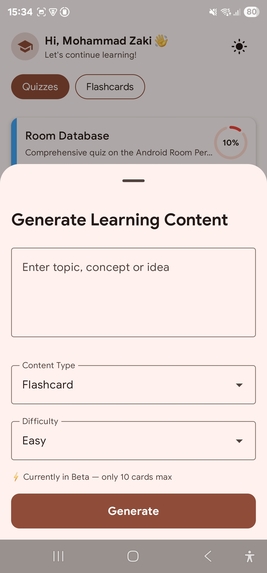
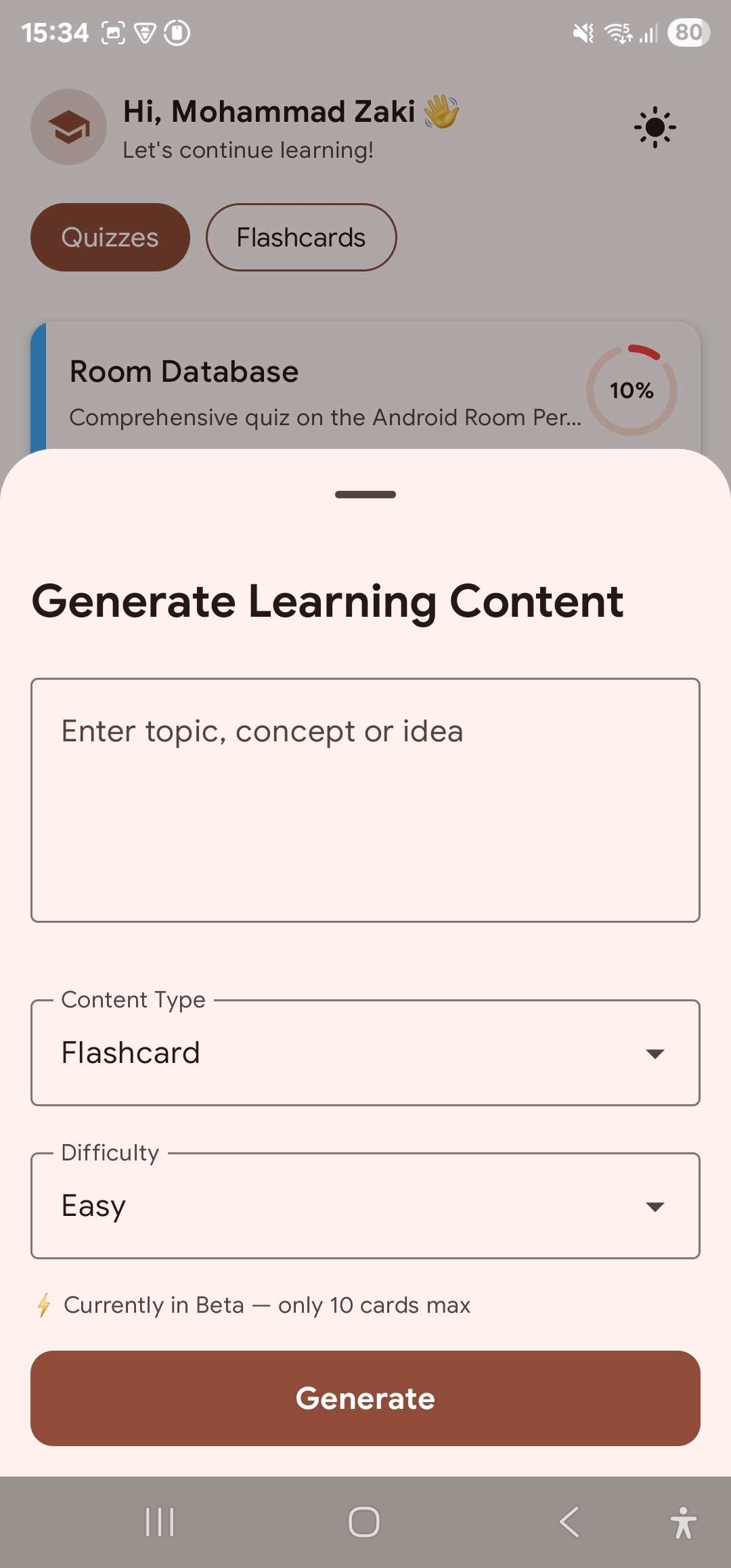
Generate
-
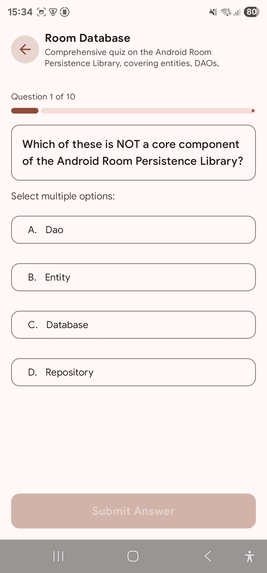
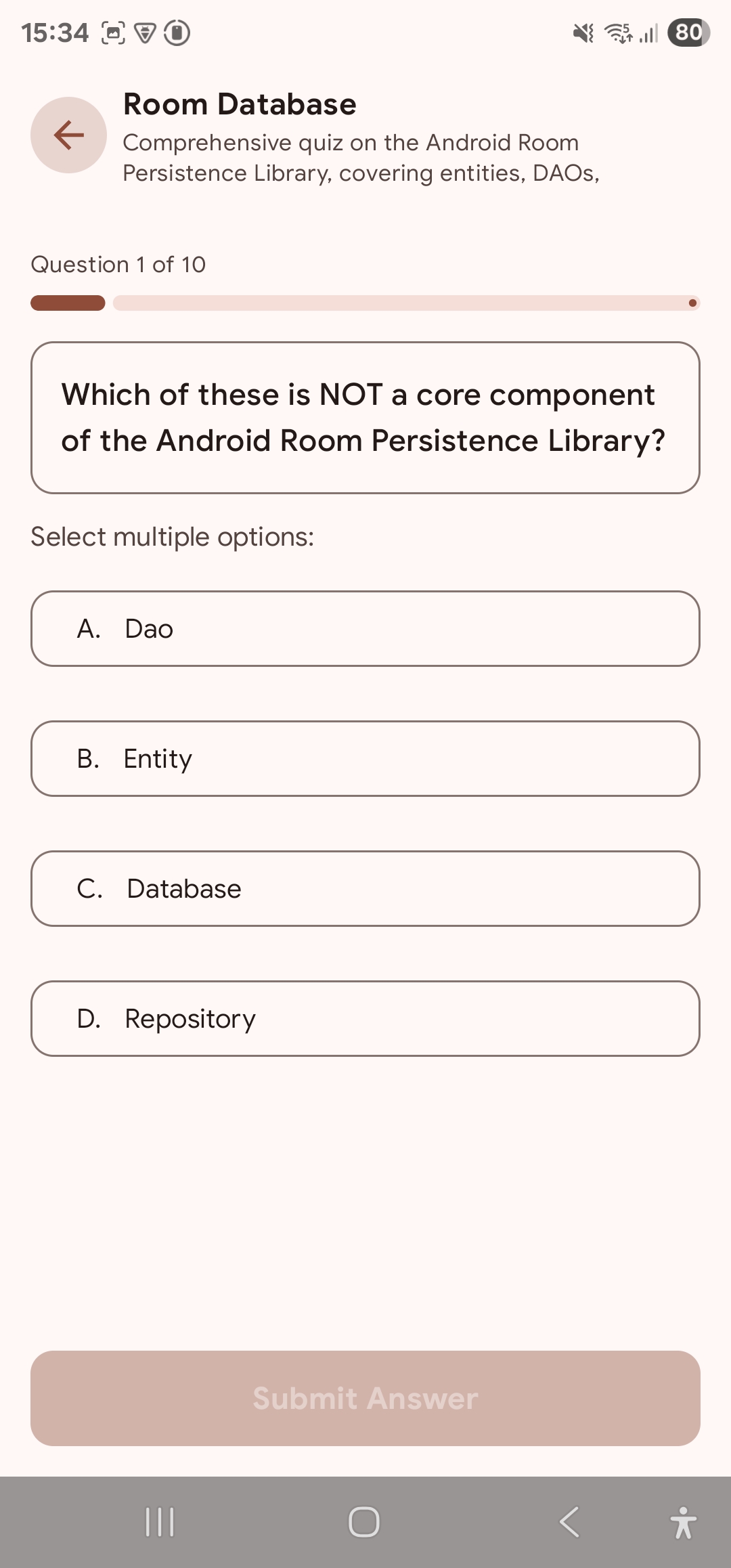
Quiz
-
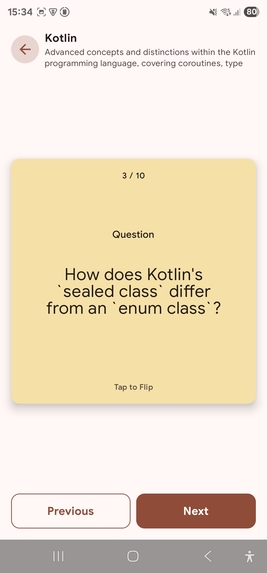
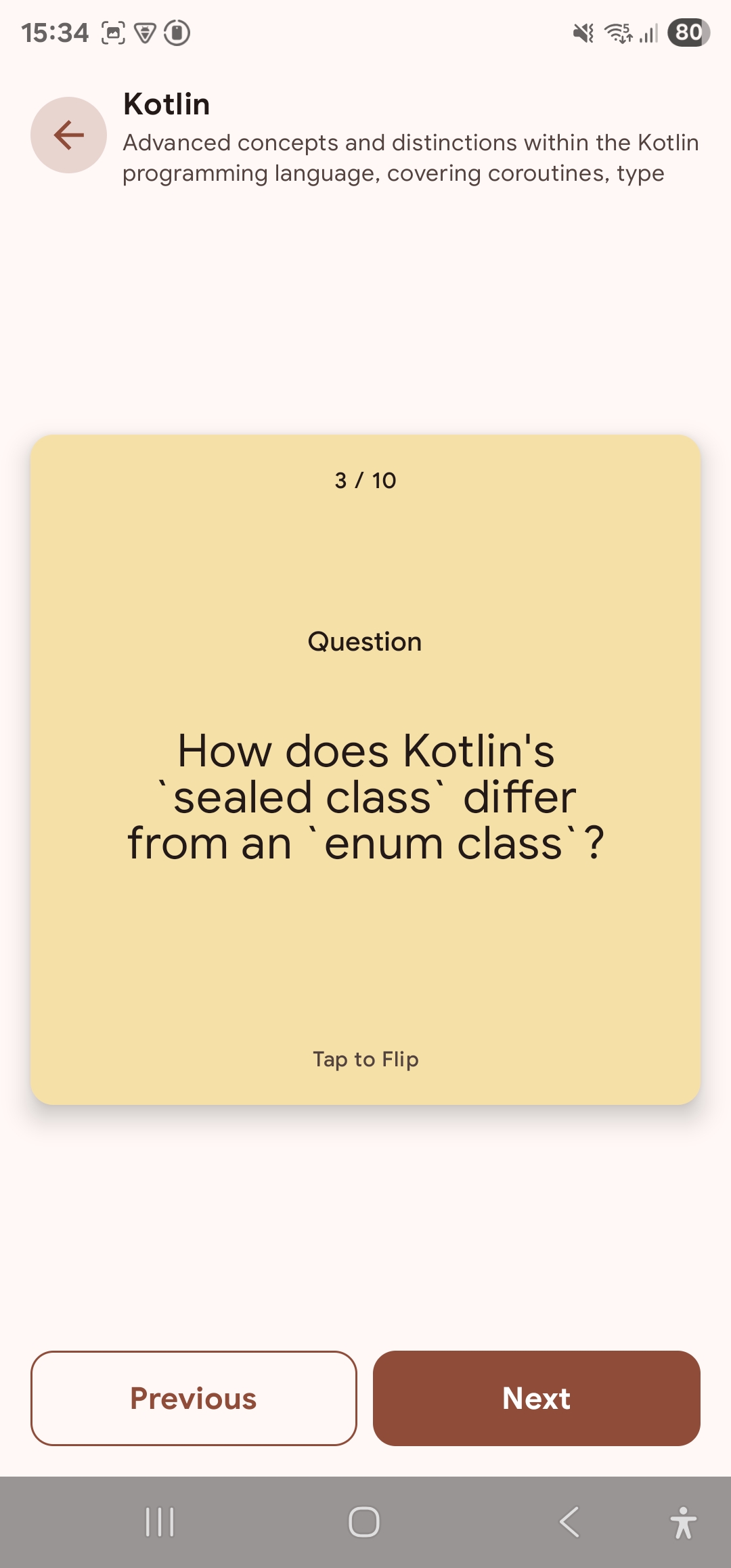
Flash Card
-
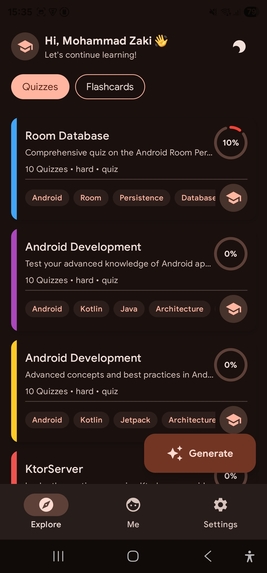
Dark Mode
-



Inspiration
- The need for a smarter, more efficient way to study: many students spend a lot of time making notes or flashcards manually, which is tedious and error-prone.
- The rise of AI tools and large language models makes it feasible to automate parts of studying—creating explanations, flashcards, structuring content—so learners can focus on understanding rather than formatting.
- A desire to help people learn faster, retain more, and manage study content in an organized way.
What it does
- It acts as a personal AI tutor. Students can turn topics into structured study material: flashcards, quizzes.
- Key features include:
- AI-generated flashcards
- Smart explanations with definitions, key concepts, benefits & limitations
- Adaptive learning (different difficulty levels: easy/medium/hard) depending on the learner’s stage
- AI-generated flashcards
- Privacy & security are emphasised: materials are stored with user accounts. The app declares “no data shared with third parties”, although data isn’t encrypted.
How we built it
- Front-end / client app: Android app built using Kotlin Multiplatform.
- Back-end / AI services: Ktor Server - Kotlin Framework (Langchain4j and Koog).
- Adaptive difficulty logic: Logic to select or generate content at different difficulty levels (easy, medium, hard).
- Data storage/user accounts: Users’ materials (flashcards, quizzes) are stored under the user account with a backend database.
Challenges we ran into
- Correctness and reliability of AI outputs.
- Handling diverse domains (science, humanities, etc.).
- Adaptive learning logic and user progress tracking.
- Scaling backend infrastructure.
- Privacy & security compliance.
- User experience design on small screens.
- Latency / responsiveness of AI features.
Accomplishments that we're proud of
- Successfully launched Study AI on the Google Play Store, making AI-powered learning tools accessible to students worldwide.
- Designed an intuitive UI/UX that makes studying simple, fast, and enjoyable.
- Overcame technical challenges such as AI reliability, latency, and content quality, ensuring a smooth user experience.
- Created a foundation for cross-platform scalability so that the app can expand beyond Android in the future.
What we learned
- Integrating AI to produce pedagogically useful content is non-trivial: it's not just summarisation, but organising information well, generating useful questions, and ensuring correctness.
- UX design is just as important as AI features: making the process seamless encourages adoption.
- Performance and latency are key challenges when relying on AI over a network.
- Ensuring content quality and reducing hallucinations is essential for learner trust.
What's next for Study AI
- A lot of new things are coming soon, like Topic Generation, Community Quizzes, Achievements and much more.
Built With
- ai
- android
- kotlin
- kotlinmultiplatform
- ktor
- server

Log in or sign up for Devpost to join the conversation.