-
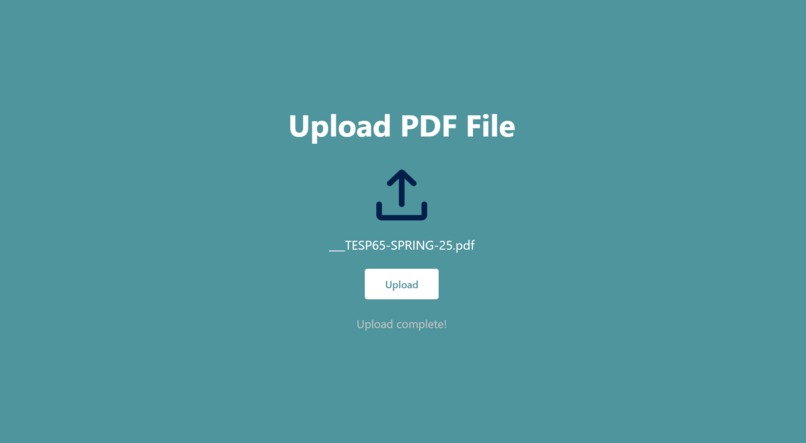
Uploading a file
-
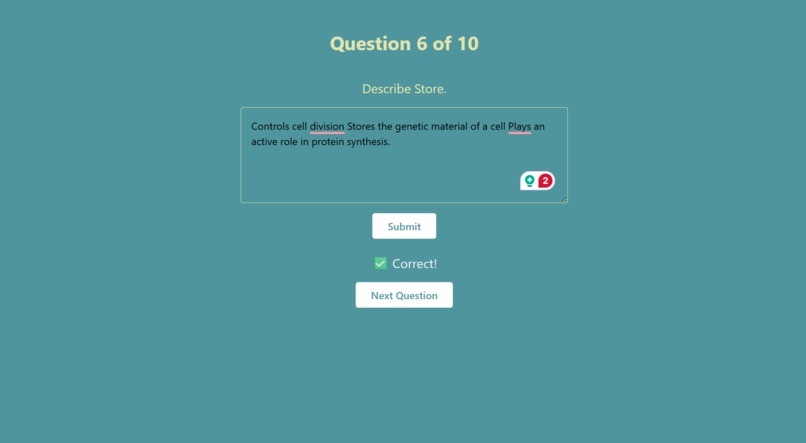
Answering a generated question correctly
-

Completing a set of 10 questions

Inspiration
We needed to study for a class, but our professor gave us a 500-page Google Slides document with no study guide. Manually turning these into Quizlets with 50+ questions per section was draining and left us with little time to study. We wanted to automate the question-creation process so we could focus on learning, not typing.
What it does
Our tool takes a PDF input, extracts and chunks the text, identifies key concepts, and generates free-response quiz questions to help users study more efficiently. It aims to reduce time spent manually creating flashcards and study sets, while improving retention through interactive practice.
How we built it
- Python for backend processing, including PDF parsing and text chunking
- Custom logic to extract key terms and generate relevant questions
- React and Tailwind CSS for a responsive frontend
- Hosted on Intel Tiber GPU for scalability and performance
Challenges we ran into
- Deciding whether to use AI or rule-based systems for chunking and question generation
- Handling a wide range of PDF formats and ensuring accurate text extraction
- Designing an interface that gives users feedback options for unhelpful questions
- Getting the backend and frontend to communicate smoothly
Accomplishments that we're proud of
- Learned how to use Intel Tiber for the first time
- Successfully processed large documents and extracted meaningful content
- Built a working MVP that can handle real class notes and generate study material automatically
What we learned
- How to chunk large amounts of raw text into meaningful segments
- How to balance automation with user customization
- The importance of UX when building educational tools
What's next for Automated Quiz Generator
- Add multiple-choice, true/false, and other question types
- Implement fuzzy matching for close answers
- Allow users to choose the type and number of questions
- Use AI to improve accuracy and adapt to various subject matters


Log in or sign up for Devpost to join the conversation.