-
-
Project Banner Promo
-
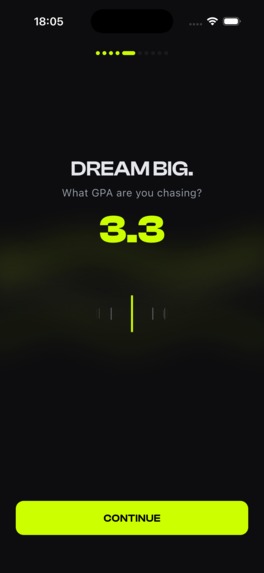
Screen Demo
-

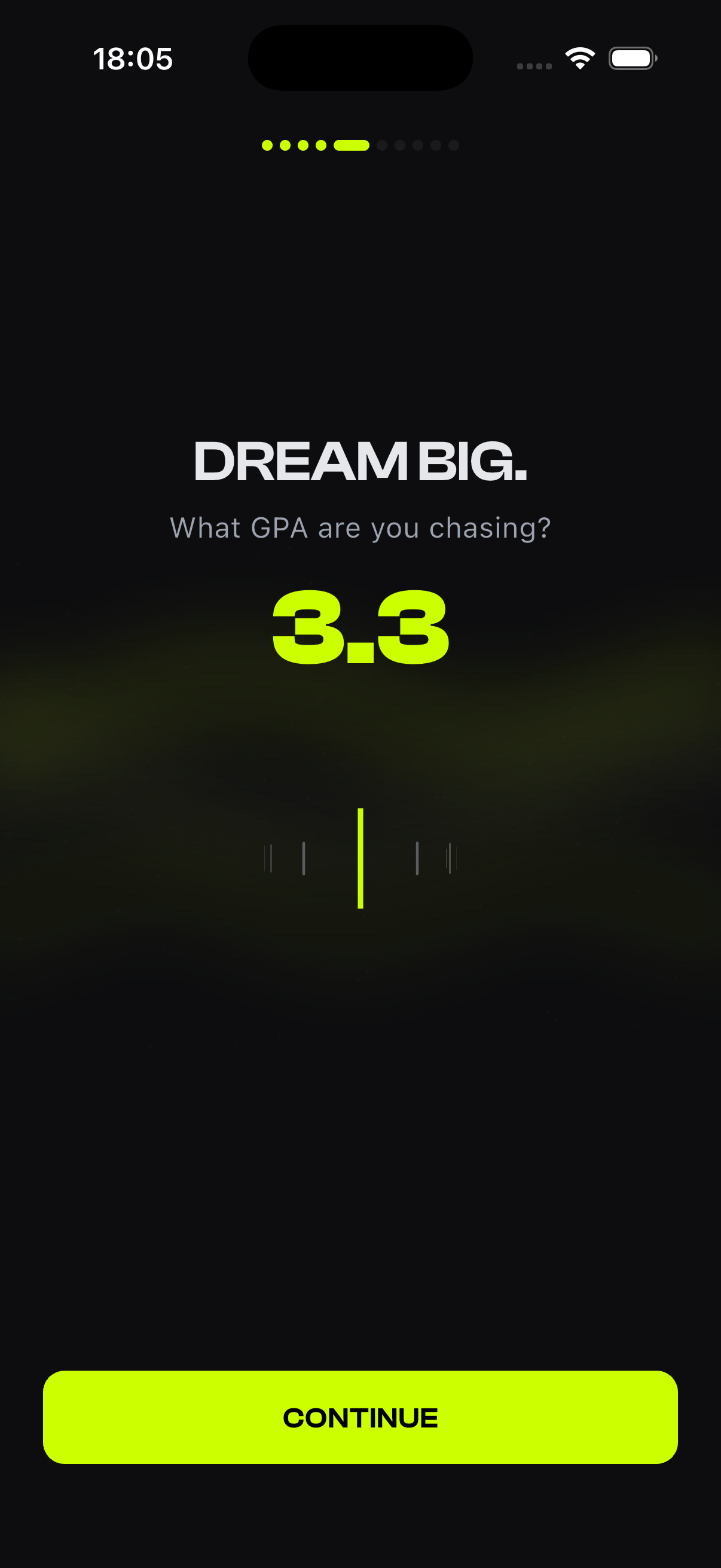

Inspiration
I was studying for a Physics exam and kept opening Instagram and YouTube to "just take a quick break." I failed that exam. Not because the material was impossible, but because I couldn't keep my own phone out of my own way for long enough to actually learn it. I was annoyed at myself in a way that stuck.
Around the same time I kept seeing fitness apps that lock your phone until you finish a set of pushups. I liked the honesty of that mechanic: no willpower required, no streak to feel guilty about breaking, just a real lock and a real unlock condition. I wanted the same deal, but for the thing that actually cost me the exam. You don't get to scroll until you've earned it by studying.
That's Studlok. Distracting apps lock immediately. You get them back by finishing a Deep Work session or passing a Quiz, then they lock again automatically. There's no way around it, which is the whole point.
What it does
Studlok uses Apple's Family Controls / Screen Time framework to put a real, OS-enforced lock on the apps a user chooses, not a reminder they can swipe away. To unlock them, they complete a focused Deep Work session or pass a quiz. Free users get a daily cap of sessions; Studlok Pro (built on RevenueCat) removes that cap and unlocks a feature where you upload a photo or PDF of your own course notes and get a real, AI-generated quiz built from your material, not a generic question bank.
How we built it
The lock itself can't be built in Flutter alone. Family Controls enforcement has to live in native Swift, so the app is really two halves working together over a shared App Group container:
- Flutter/Dart for the whole UI: onboarding, sessions, quizzes, progress, settings, all talking to native code over a method channel.
- Native Swift, split across four compiled targets: the main Runner app, a
DeviceActivityMonitorextension that tracks session timing, aShieldConfigurationDataSourceextension that renders what the lock screen looks like, and aShieldActionDelegateextension that handles what happens when someone taps the shield's button. Each of these runs as its own process with its own real platform constraints; the shield, for instance, is a static snapshot the OS renders once per appearance, with no live countdown possible.
On top of that lock mechanic:
- Supabase (Postgres + Row Level Security + Storage + Edge Functions) backs the optional sign-in and AI quiz feature. A user signs in with Apple or Google, uploads their notes to a private per-user Storage bucket, and a server-side Edge Function sends the file to Anthropic's Claude API, using forced tool-use rather than free-text JSON parsing so the model has to return a structurally valid quiz instead of something we have to hope parses correctly.
- RevenueCat runs the whole subscription layer for this year's Shipaton: free-tier session caps, the Pro paywall, and entitlement checks gating both unlimited sessions and the AI feature.
- A full custom design system, built from the ground up this cycle: a Clash Display type scale, a three-tier dark elevation color system, and from-scratch interactive widgets like a curved "ruler" GPA picker with an animated aurora glow behind it, and a breathing ambient pulse on the Deep Work timer.
- A local-only spaced repetition and mastery system for the hardcoded practice packs (~160 hand-written, hand-verified questions across Test Prep and CS & Coding). No backend needed for this part; every device tracks its own per-question attempt history and biases the next draw toward what you actually got wrong. Concretely, each question gets a weight $$w_i$$ (roughly 3x if the last attempt was a miss, neutral otherwise), and drawing 5 questions without replacement uses the Efraimidis–Spirakis A-Res trick: for each candidate, draw $$u_i \sim \text{Uniform}(0,1)$$, compute a key
$$k_i = u_i^{1/w_i}$$
and take the top 5 by key. Higher weight pushes $$k_i#$ closer to 1 more often, so missed questions resurface more, without ever fully excluding anything else from the pool.
Challenges we ran into
- The lock mechanic itself was the hardest part of the whole build.
DeviceActivityMonitor'sintervalDidEndcallback, the thing that's supposed to fire when a session ends so the app can re-lock, is a well-documented unreliable API for short, one-shot schedules. Sessions would sometimes just... not re-lock on time. The fix was aSessionReconcilerthat re-checks session state every time the app comes to the foreground, so the OS callback becomes a nice-to-have instead of the only thing standing between "locked" and "not locked." - A real App Store rejection, days before this hackathon's work even started. Apple's automated review flagged the Family Controls entitlement as missing, except it wasn't. I pulled the entitlements straight off the actual signed, uploaded binary with
codesign -d --entitlementsacross all four compiled targets, showed the evidence in the Resolution Center, and got approved on the same build with no rebuild needed. A good early lesson that "the reviewer says X" and "X is actually true" aren't always the same thing. - The shield has no supported way to deep-link back into the app. You can't jump from a locked screen straight into a quiz. The workaround: the shield's button tap schedules a local notification instead, and tapping that notification sets a flag the app reads on resume. Along the way I found that responding to the shield action with
.noneinstead of.closekeeps the shield itself on screen and gets iOS to re-query what it should display. That's what let the shield's text change to "CHECK YOUR NOTIFICATIONS" right after the button was pressed, instead of just closing and leaving the user stranded. - The Simulator lies about Shield UI. A lot of this had to be verified on a real device, which slowed iteration on anything shield-related considerably.
- A RevenueCat entitlement misconfiguration made the paywall keep reappearing after a real purchase went through. Turned out to be the wrong products attached to the Entitlement in the RC dashboard, not a code bug at all, which took longer to find than it should have because I kept looking in the wrong place (the code).
- Shipping a mobile app, solo, for the first time. I've released web apps before, but never a native mobile app end to end. The sheer amount of process, entitlements, provisioning profiles, App Privacy nutrition labels, Resolution Center back-and-forth, that a web release simply never asks of you was its own challenge, separate from any single bug.
What we learned
The biggest shift wasn't technical, it was in how I think about shipping. Every app I'd released before this was a web app, and a web release doesn't make you think about "how will many different, not-necessarily-technical people actually hold and use this thing." Building for the App Store forced that question constantly: onboarding had to make sense to someone who's never granted a Screen Time permission before, not just to me.
The two pieces I'm most proud of are the native Shield mechanic, the actual enforcement core that makes the whole "no way around it" promise real, and the full design revamp I did from scratch this cycle: a real design system, custom widgets, motion, all built to look like a considered product instead of a template. Both pushed my design-and-ship speed further than anything I'd built before, and that's the skill I most wanted out of this project.
I also built this entirely solo, deliberately without telling friends while it was in progress. I wanted to build without the fear of judgment shaping decisions, and only shared progress on a separate account built for exactly that. Shipping it here is the first time it's been genuinely public.
What's next
More content packs, deeper personalization of the AI-generated quizzes, and eventually Android. Family Controls is iOS-only, so an Android version would need its own enforcement story, not a port.
Built With
- anthropic-claude-api
- apple-family-controls
- dart
- deno
- flutter
- ios
- next.js
- postgresql
- react
- revenuecat
- screen-time-api
- sign-in-with-apple
- sql
- supabase
- supabase-auth
- supabase-edge-functions
- supabase-storage
- swift
- tailwind-css
- typescript
- vercel

Log in or sign up for Devpost to join the conversation.