
Inspiration
StudioPulse came from thinking about a problem that can become extremely expensive in film and media production: what happens when the technology behind the production fails at the worst possible moment?
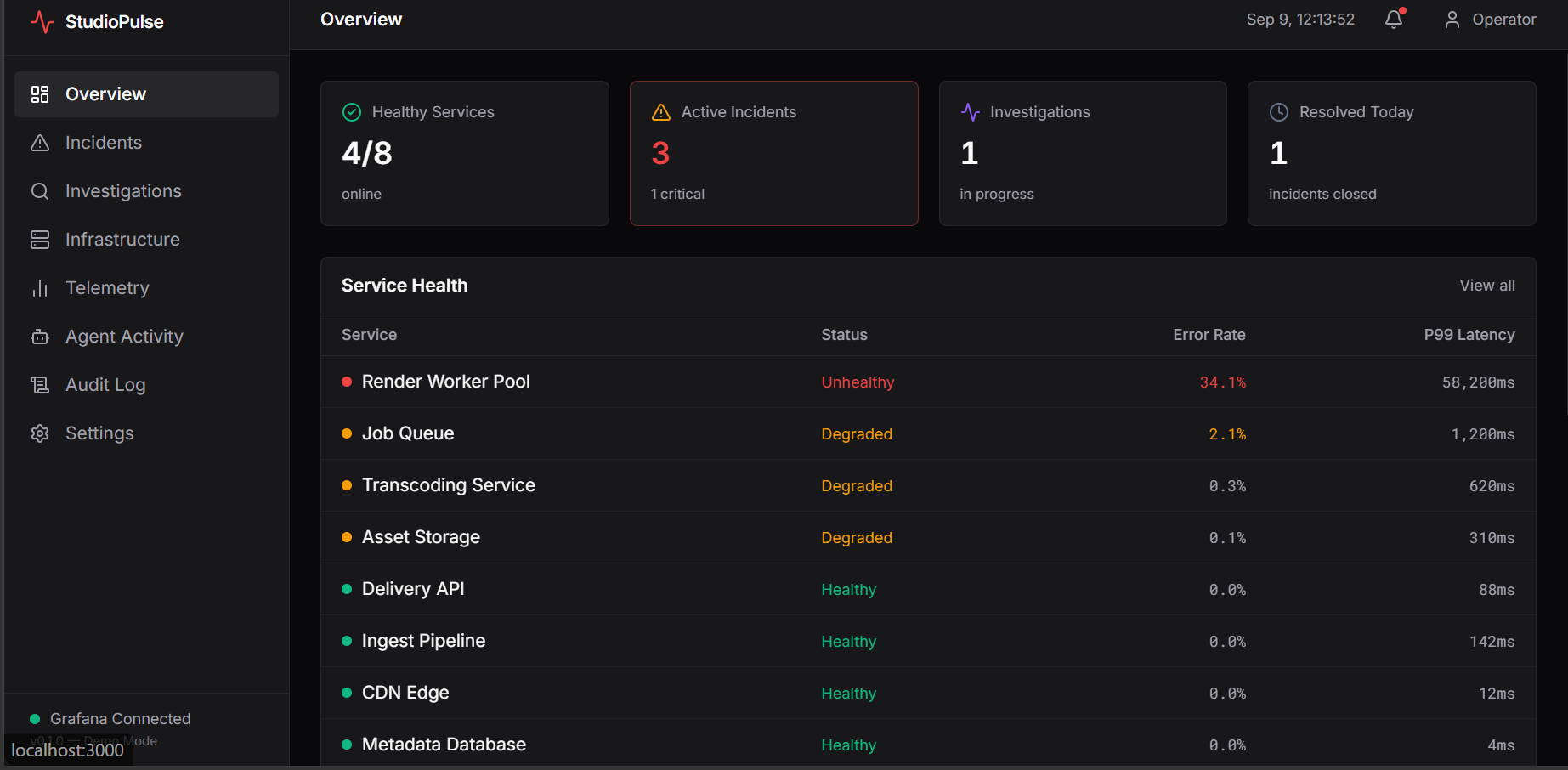
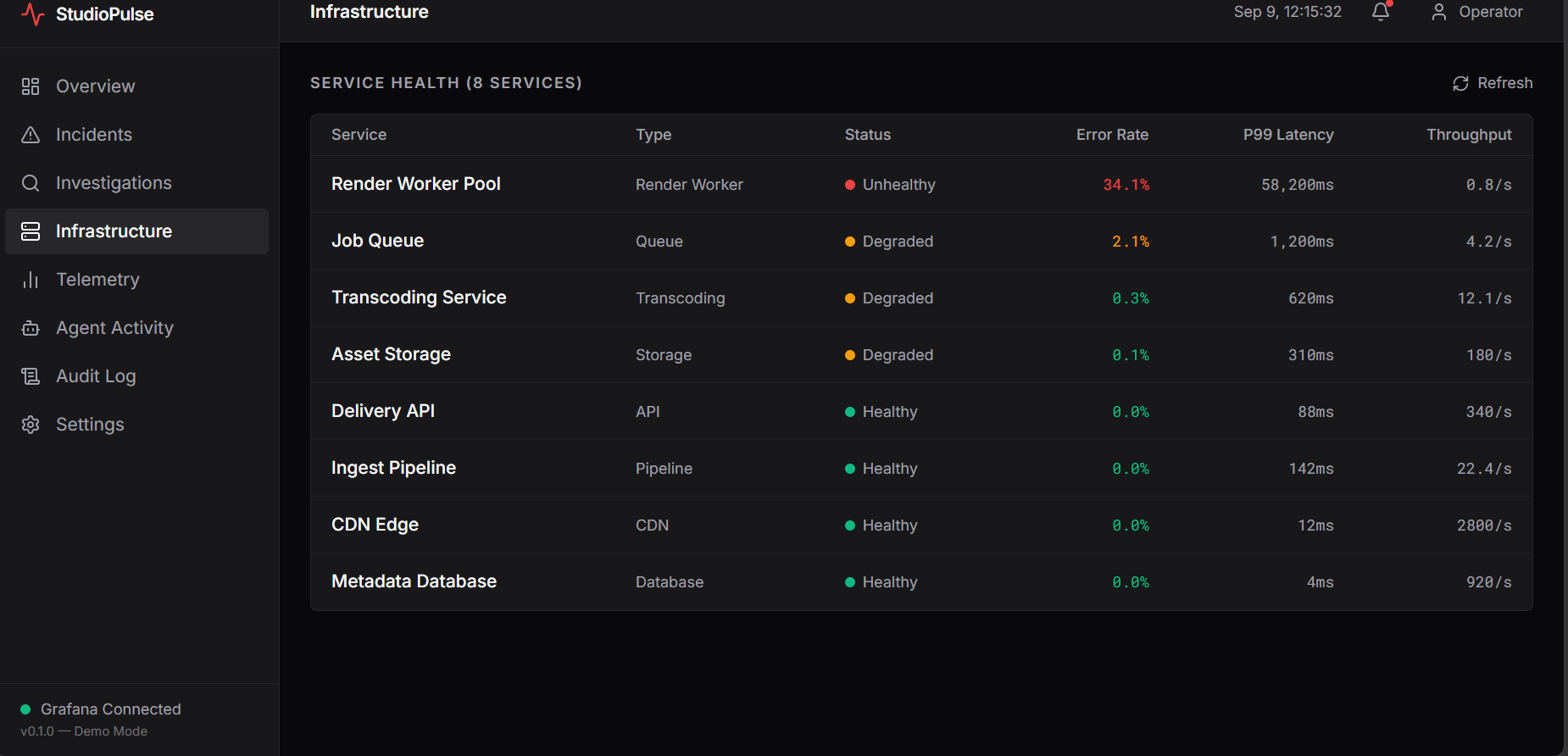
Modern film studios, post-production teams, and streaming companies rely on rendering systems, storage, transcoding pipelines, APIs, GPUs, and other infrastructure to keep production moving.
When something goes wrong, engineers may have to jump between dashboards, metrics, logs, traces, and alerts while trying to figure out what actually caused the problem.
Imagine a 4K rendering pipeline beginning to fail just hours before a delivery deadline. The data needed to solve the problem might already exist, but finding the connection between all of those signals can take time.
I wanted to explore whether an AI agent could do more than summarize an alert.
I wanted it to investigate the incident itself.
That idea became StudioPulse.
Keep Production Moving.
What StudioPulse Does
StudioPulse is an autonomous AI incident-investigation platform designed specifically for film and media production infrastructure.
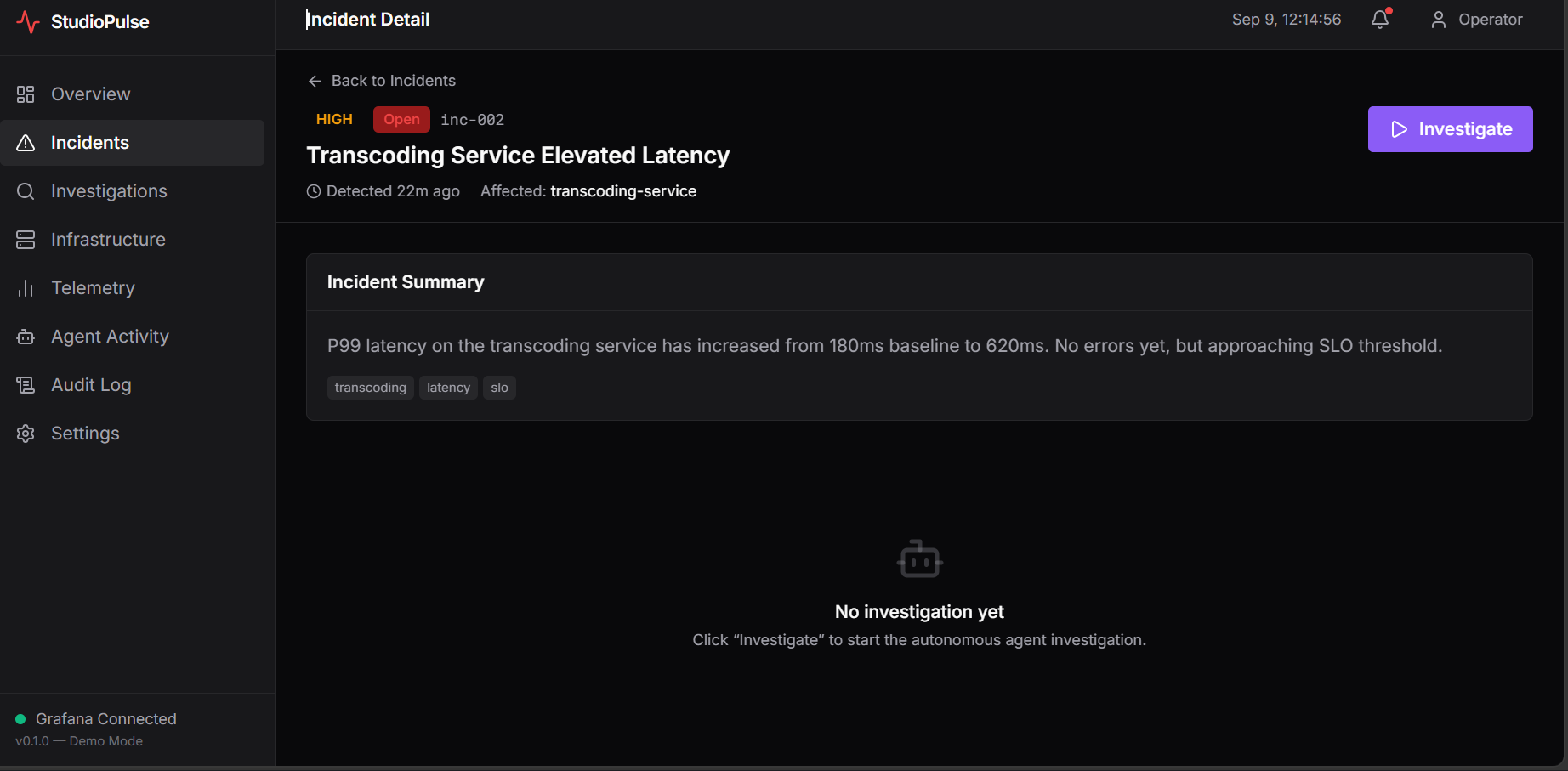
When an incident occurs, the system gives a Gemini-powered agent the context of the incident and allows it to investigate using observability data.
Instead of following one hard-coded sequence, the agent can decide what evidence it needs.
It can:
- Query infrastructure metrics
- Search logs for error patterns
- Analyze traces for bottlenecks
- Check active alerts
- Find relevant Grafana dashboards
- Correlate information across multiple telemetry sources
- Form a hypothesis
- Test that hypothesis with additional queries
- Identify a likely root cause
- Produce confidence-scored recommendations
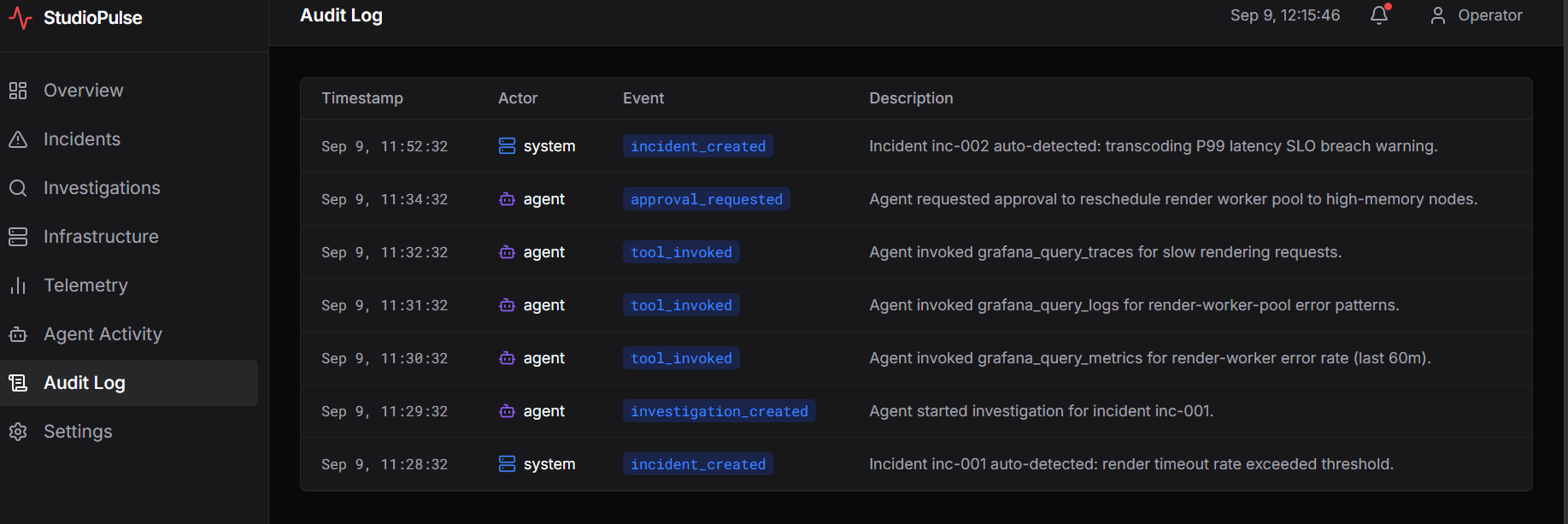
- Record the investigation in an audit trail
The goal is not to remove engineers from the process.
StudioPulse is designed to help them understand an incident faster while keeping important decisions under human control.
How I Built It
I built StudioPulse as a Next.js and TypeScript web application.
For the intelligence layer, I integrated Google Gemini using the @google/genai SDK.
The Gemini agent uses function calling in a multi-turn investigation loop. This means the AI can decide which observability tool to call next depending on what it discovers during the investigation.
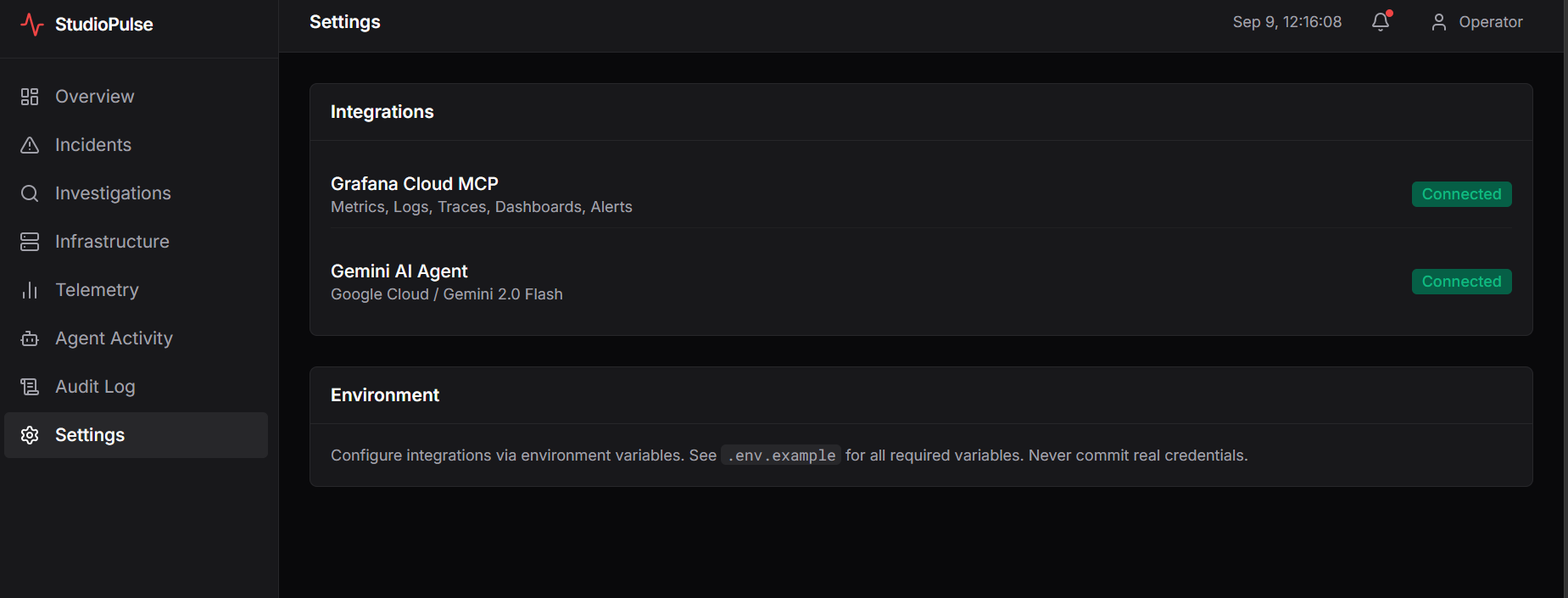
For observability, I integrated the Grafana Cloud MCP server.
StudioPulse can work with telemetry from:
- Prometheus / Mimir for metrics
- Loki for logs
- Tempo for traces
- Alertmanager for alerts
- Grafana dashboards for additional operational context
The application streams investigation activity back to the interface so the user can follow what the agent is doing rather than waiting for a single final AI response.
I also built a demo mode with realistic seeded telemetry so the investigation workflow can still be demonstrated without requiring every judge to configure their own Grafana environment.
The Demo Scenario
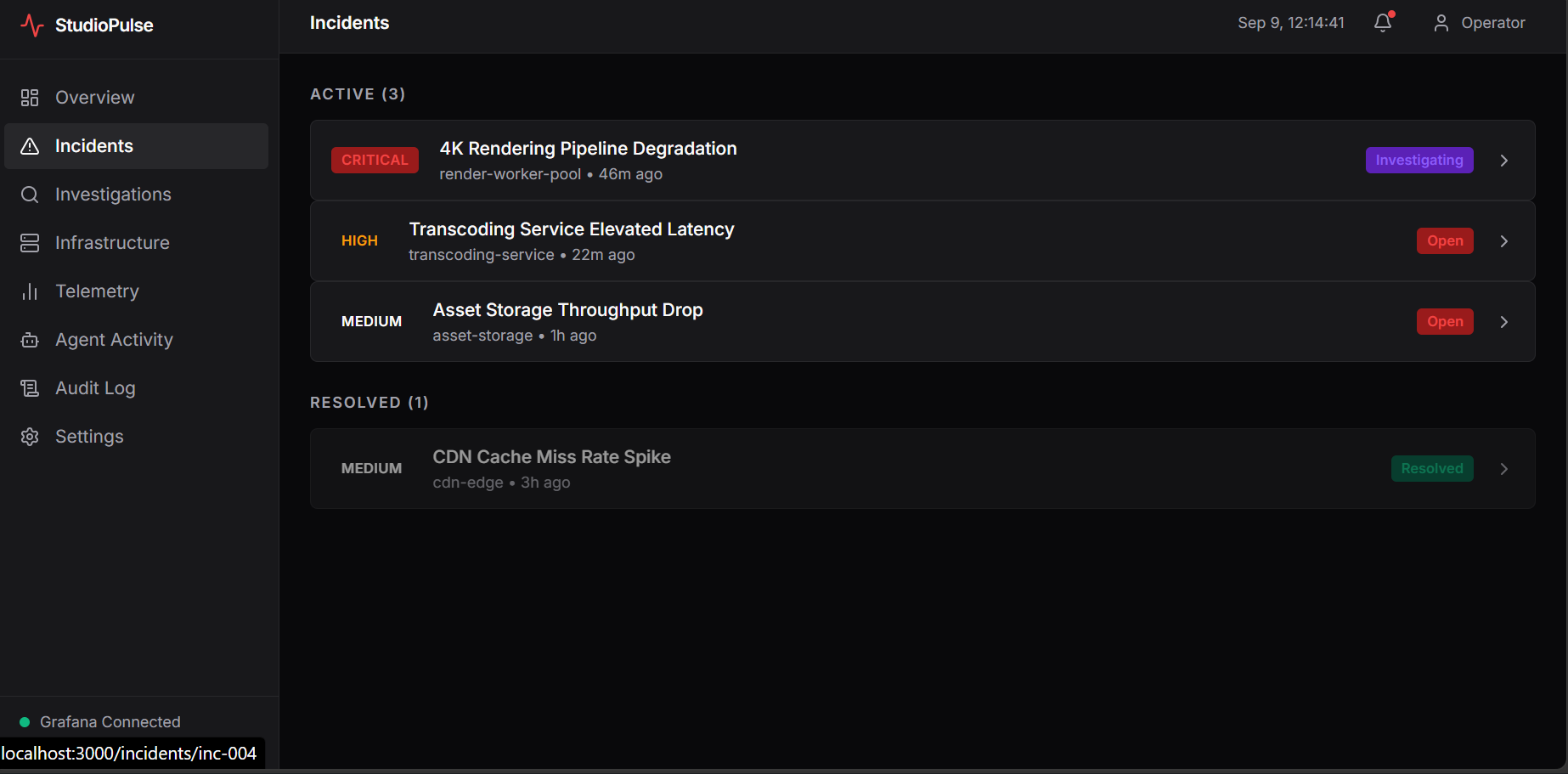
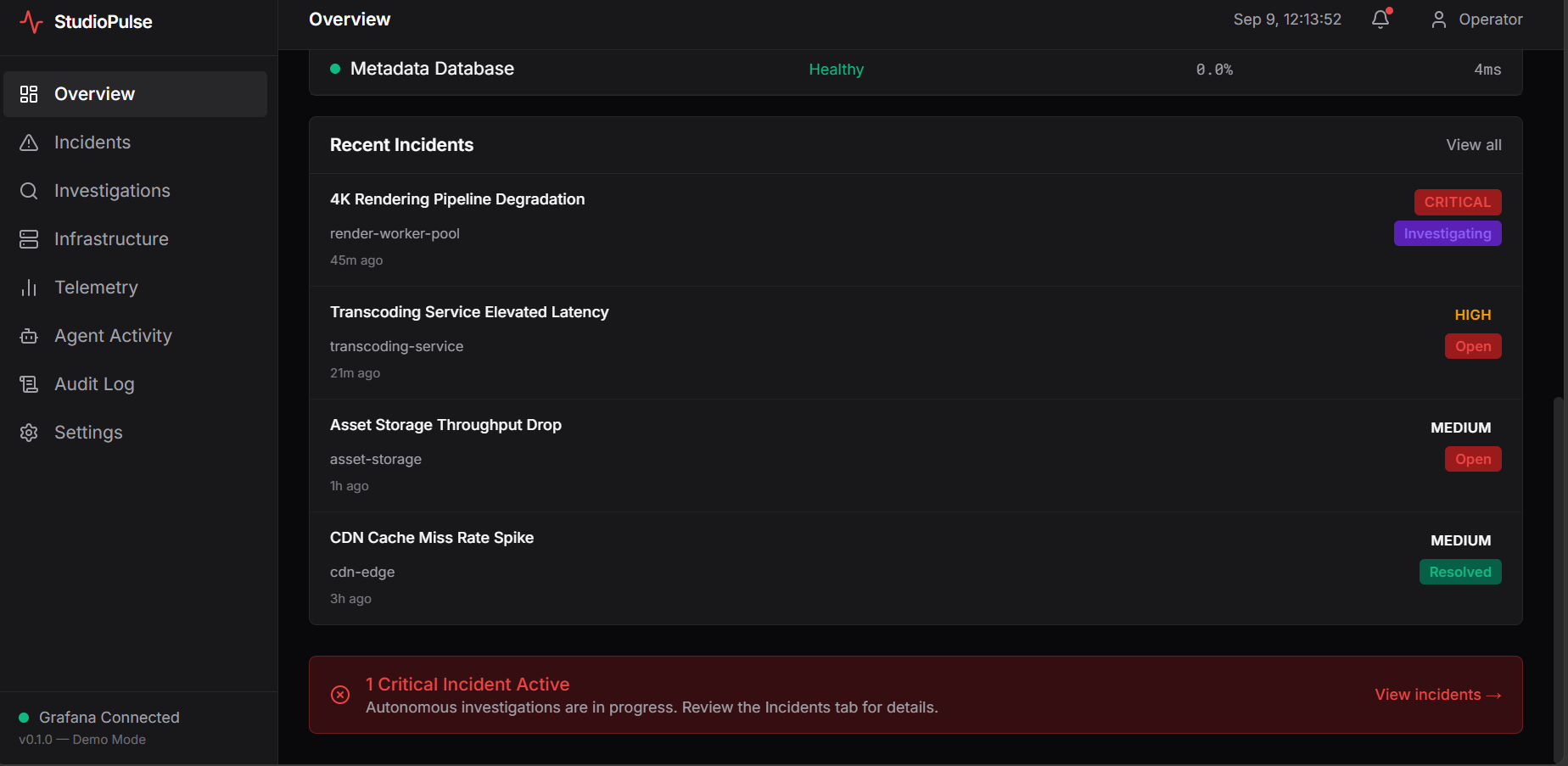
The main StudioPulse demo focuses on a 4K Rendering Pipeline Degradation incident.
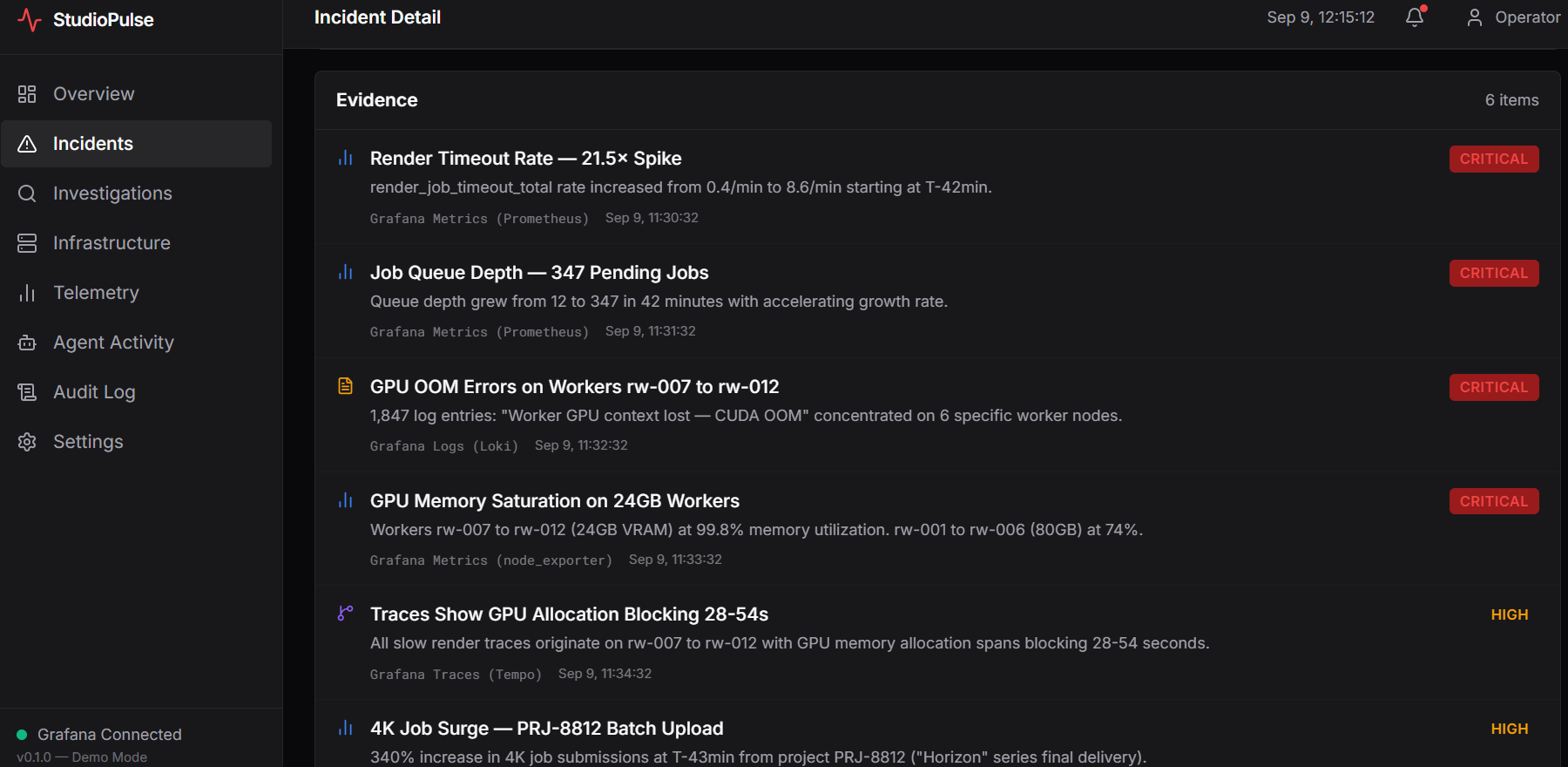
The AI agent investigates the incident by looking at rendering timeout metrics, GPU-related errors in logs, traces from the rendering pipeline, and other infrastructure signals.
As it gathers evidence, the investigation becomes more focused until StudioPulse identifies the likely root cause and generates recommendations.
The user can see the investigation unfold through the Agent Activity interface and review the complete process afterward through the audit trail.
Challenges I Faced
One of the hardest parts of StudioPulse was making the AI behave like an investigator rather than a chatbot.
It would have been much easier to send all the data to Gemini once and ask it for an answer.
But that was not the experience I wanted.
I wanted the agent to decide:
What do I know? What evidence am I missing? What should I query next? Does the evidence support my hypothesis?
Building that type of loop required much more thought around tool calling, context, telemetry, and how the agent communicates its progress.
Another challenge was designing the application around real observability concepts while still making the demo understandable to someone who may not work in infrastructure every day.
Security was also important.
Telemetry must be treated as data, not trusted instructions. Credentials should remain on the server, and an AI agent should not automatically make high-impact infrastructure changes just because it thinks something is wrong.
That led me to add clear boundaries between investigation, recommendation, and human approval.
What I Learned
StudioPulse taught me that agentic AI becomes much more interesting when it is connected to real tools.
The most important part is not simply giving an AI a large amount of information.
It is giving the AI the ability to find the information it needs, reason about the evidence, and then decide what information it needs next.
I also learned much more about:
- Gemini function calling
- Agentic workflows
- Model Context Protocol (MCP)
- Grafana observability
- Metrics, logs, and traces
- Server-side credential handling
- Streaming AI activity to a frontend
- Prompt-injection defenses
- Human-in-the-loop AI systems
- Designing interfaces for technical investigation workflows
What I'm Proud Of
What I am most proud of is that StudioPulse does not treat AI as a decorative feature.
The AI is part of the core workflow.
It investigates.
It gathers evidence.
It forms and tests hypotheses.
It explains what it found.
And when a recommendation could have a significant impact, the human still makes the final decision.
StudioPulse is my attempt at showing what AI-assisted operations could look like for the film and media industry.
Because when production infrastructure fails, every minute matters.
StudioPulse — Keep Production Moving.

Log in or sign up for Devpost to join the conversation.