Inspiration
My journey to building Studi.io didn't start with a line of code; it started with a poor performance.
Two years ago, I had a terrible experience. I was an ambitious engineering student, but I was drowning. The problem wasn't a lack of effort or intelligence, it was a 1,400-page PDF on Electromagnetic Fields. The document was a wall of black-and-white text, dense academic jargon, and complex formulas that felt like they were written in an alien language.
I remember spending weeks staring at those pages. I highlighted them, re-read them, and stayed up until 4 AM trying to force the information into my brain. But nothing stuck. The large volume of "bulky" material paralyzed me. I felt isolated, unable to afford a private tutor, and too ashamed to admit I was lost.
When I walked into the exam hall, my mind went blank. The panic set in, and I watched my semester crumble in real-time. I had a low grade in that course which eventually affected my overall performance in that semester.
In the aftermath of that poor performance, I saw students around me turning to examination malpractice not because they were "bad students," but because they were desperate. They were intimidated by the same bulky notes that had crushed me.
That was my lightbulb moment. I realized that:
Students don't cheat when they are confident; they cheat when they are overwhelmed.
I built Studi.io to be the tool I wished I had back then. I wanted to take those terrifying, bulky PDFs and turn them into something friendly, interactive, and conquerable. I wanted to prove that with the right support, any student can master the material honestly.
What it does
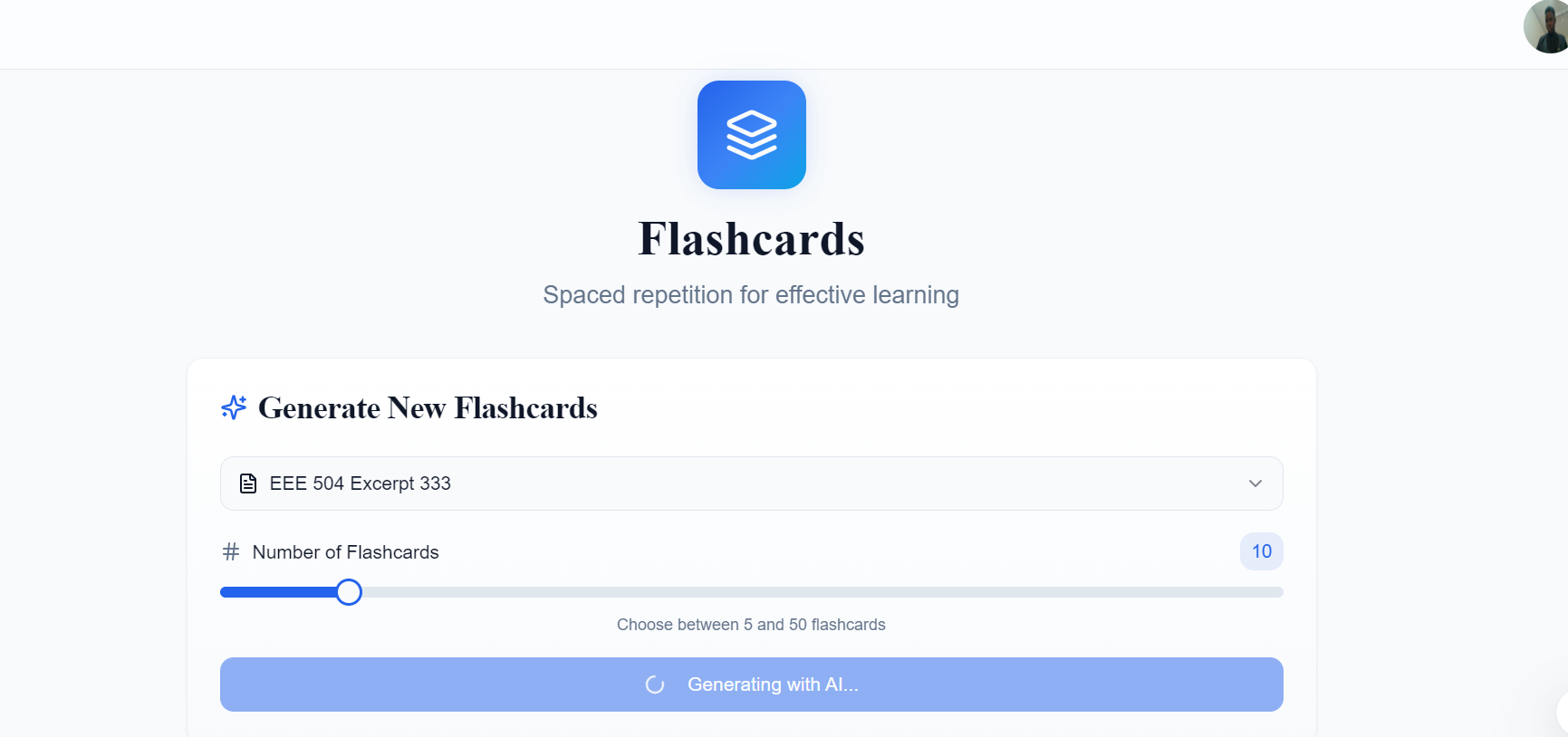
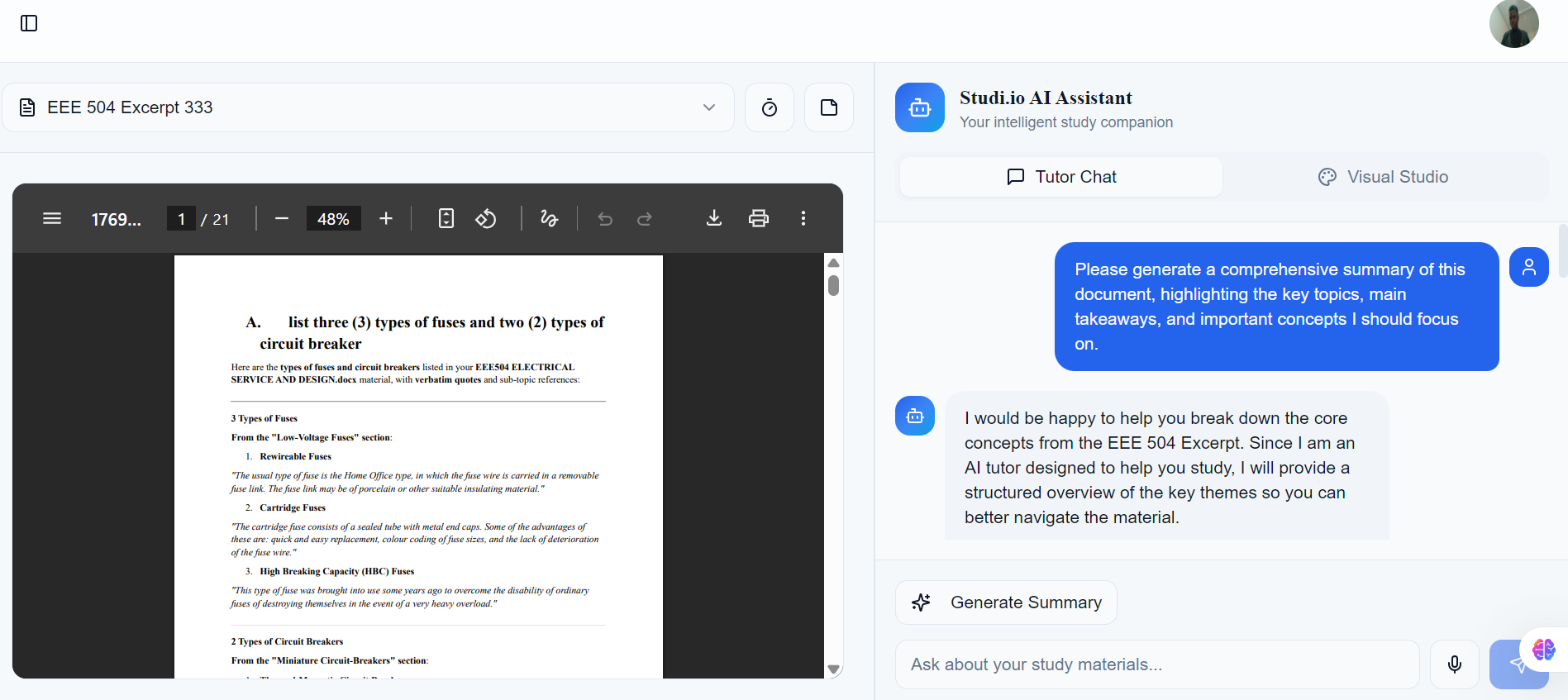
Studi.io is an AI-powered ethical study companion that "grounds" itself in a student's specific lecture notes. It transforms passive reading into active mastery through four core pillars:
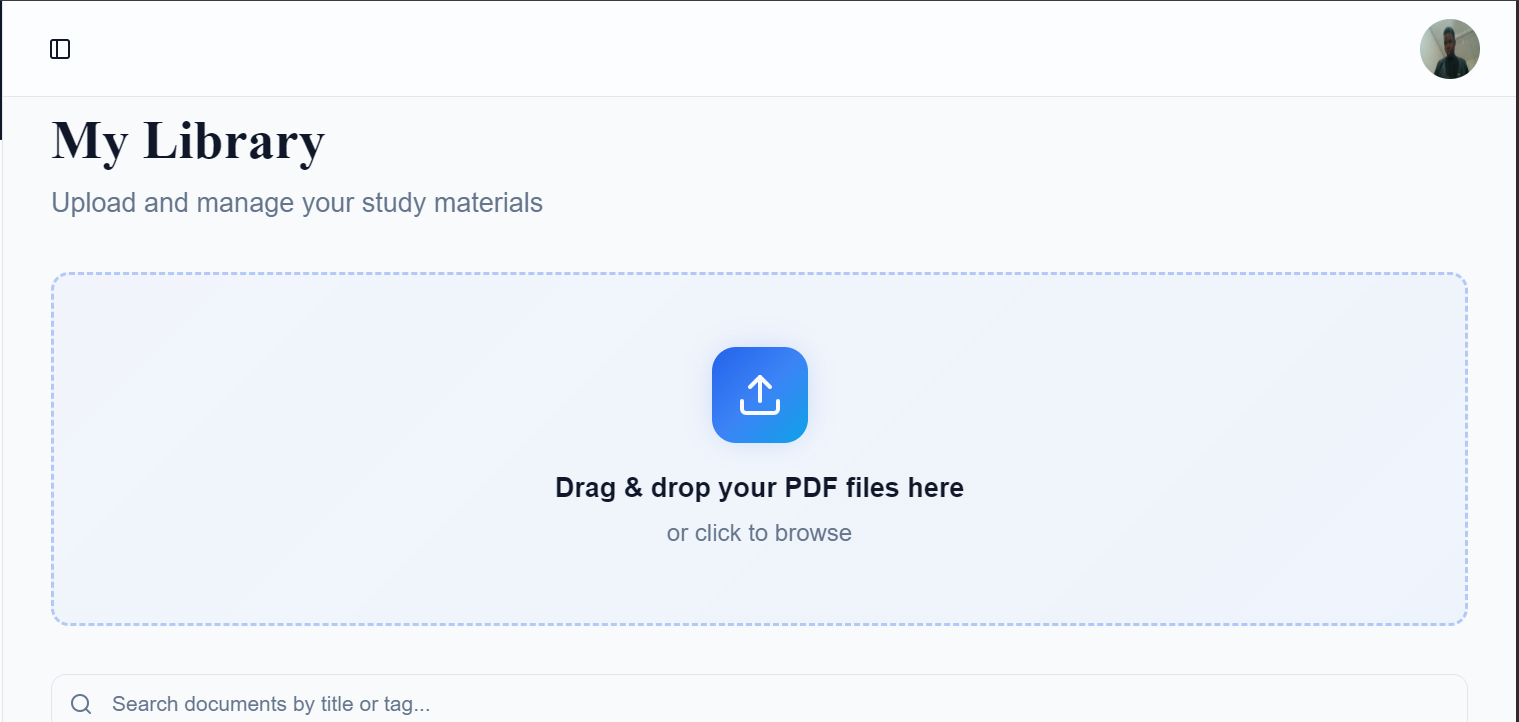
- The Interactive Study Room (RAG Chat): Instead of passively reading a 50-page chapter, a student can upload their specific course PDF and ask, "Explain this concept like I'm 5." The AI acts as a 24/7 personal tutor, answering questions using only the information from that specific document. Crucially, it provides citations (e.g., "[Source: Page 12]"), building trust and ensuring the student learns the exact material required by their professor.
- Visual Intelligence Studio: For visual learners who get lost in walls of text, Studi.io instantly generates diagrams, flowcharts, and mind maps. If a student is struggling to understand a complex process, the AI draws it for them in seconds, bridging the gap between abstract theory and visual understanding.
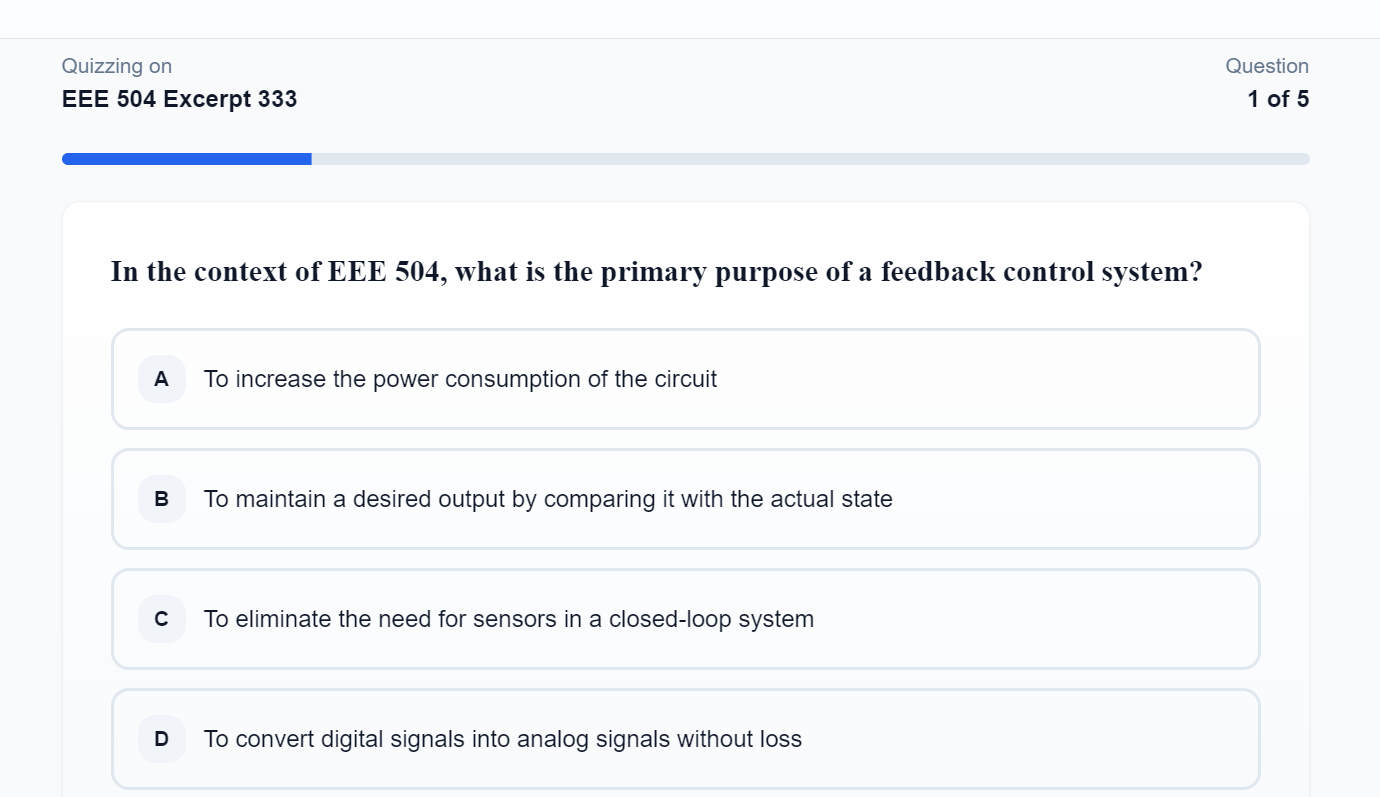
- The Quiz Arena (Active Recall): We replace exam anxiety with proof of competence. The AI scans the uploaded notes to generate custom quizzes (Multiple Choice and Theory). This forces Active Recall, allowing students to identify their weak spots days before the exam, rather than discovering them in the exam hall.
- Audio Study Mode: Recognizing that students are always on the move, we convert static notes into engaging audio summaries. Students can "listen" to their textbooks while commuting or doing chores, turning downtime into productive study time.
How we built it
Studi.io was engineered as a high-performance, full-stack web application with a focus on modularity and user experience.
The Core Stack
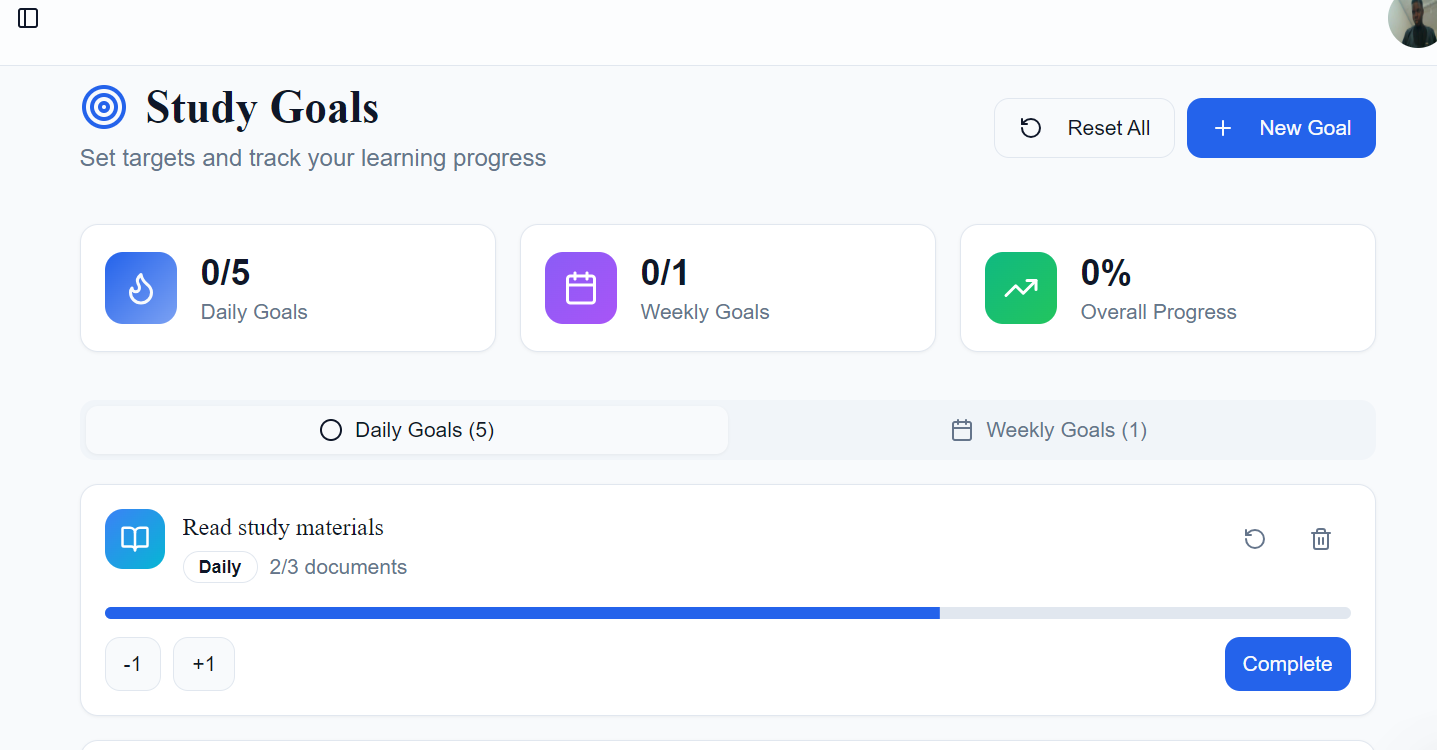
- Frontend: We built a responsive, distraction-free interface using React and Tailwind CSS. The UI is designed to mimic a clean study desk, reducing cognitive load.
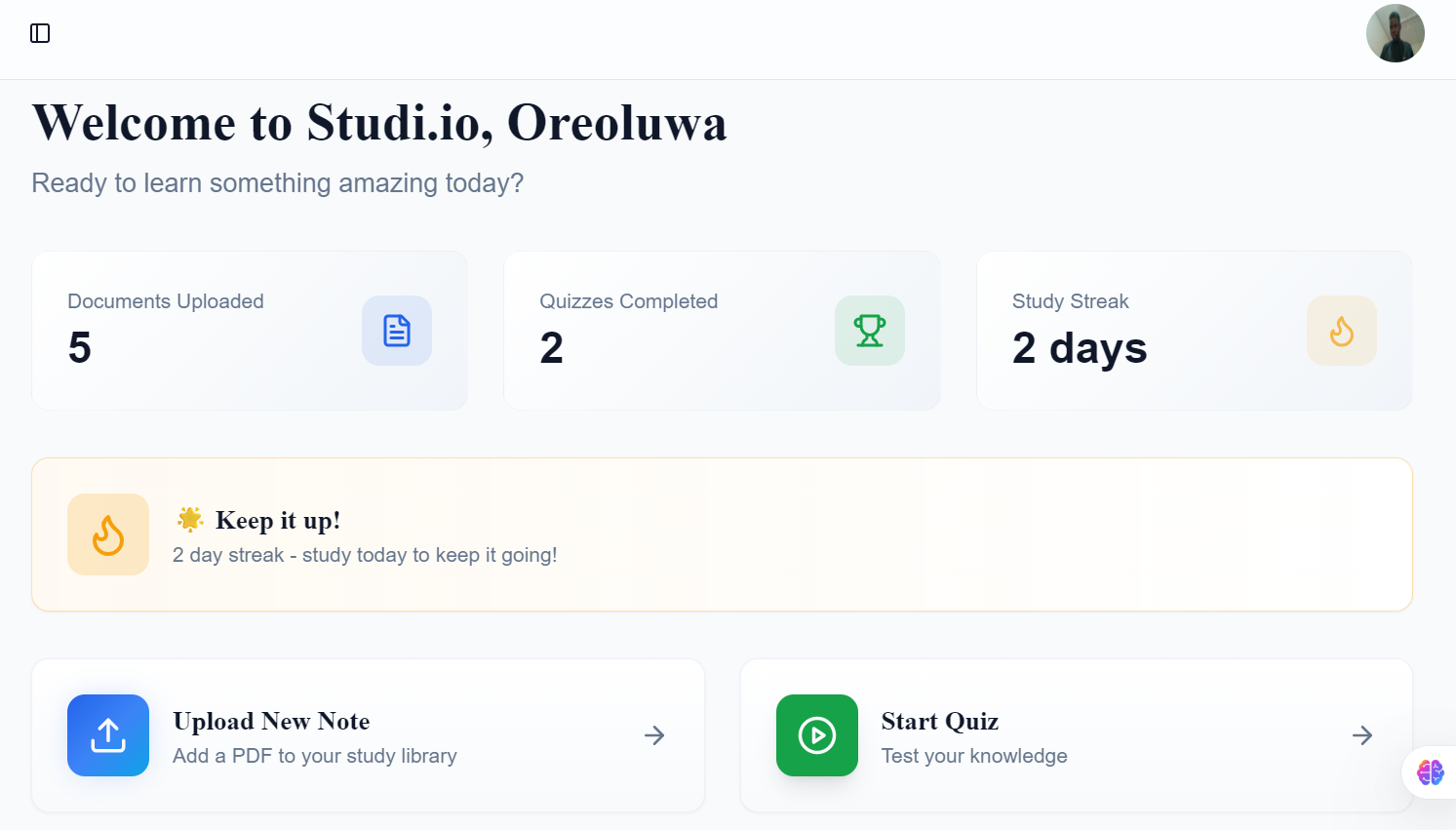
- Backend & Database: Supabase serves as our backbone, handling secure authentication, real-time database updates for study streaks, and object storage for user-uploaded PDFs.
The AI Engine (RAG Pipeline)
- Ingestion: When a PDF is uploaded, we parse the text and split it into semantic chunks.
- Vectorization: These chunks are converted into vector embeddings using OpenAI's embedding models.
- Retrieval: When a student asks a question, we perform a cosine similarity search to retrieve the most relevant chunks.
- Generation: These chunks are fed into GPT-4o, which synthesizes the answer.
Tools
We leveraged cutting-edge tools below to supercharge development:
- OpenAI: We utilized OpenAI's GPT-4o model as the core reasoning engine for our RAG pipeline, enabling the application to understand complex academic context and generate accurate, cited explanations. We also used their embedding models to convert static PDF text into searchable vector data.
- ElevenLabs: We integrated the ElevenLabs API to power our Audio Study Mode. This allows us to convert dense text into natural, human-like speech, making learning accessible for auditory learners and students with reading difficulties.
- Daytona: Daytona served as our Cloud Development Environment (CDE). It allowed us to standardize our dev environment instantly, eliminating the "it works on my machine" problem and significantly speeding up our iteration cycles.
- Saily: We utilized Saily’s global connectivity solutions to test the application's performance across different simulated network conditions, ensuring that students in regions with unstable internet can still access their study materials reliably.
- Nexos.ai & KrosAI: These platforms provided the infrastructure for our advanced agentic workflows, enabling the AI to handle complex, multi-step reasoning tasks (like breaking down a syllabus into a study plan) with higher accuracy.
Challenges we ran into
- The "Hallucination" Risk: Early in development, the AI would answer questions using general internet knowledge rather than the specific PDF. If a student asked about a specific theory, the AI might give a Wikipedia definition instead of the Professor's definition. We solved this by implementing strict System Prompts and a Temperature setting of 0, forcing the model to refuse answering if the information wasn't explicitly found in the provided context.
- Complex PDF Parsing: Engineering notes often contain mathematical formulas and tables that standard parsers destroy. We had to experiment with multiple PDF parsing libraries before finding a solution that could preserve LaTeX formatting and table structures during the ingestion process.
- Latency vs. User Experience: Generating high-quality visual diagrams with DALL-E takes time (5-10 seconds). To prevent users from abandoning the app, we implemented Optimistic UI updates and skeleton loaders, keeping the user engaged with tips and progress indicators while the image generation happened in the background.
Accomplishments that we're proud of
- Taming the "Hallucination" Beast: We are incredibly proud that we successfully engineered a RAG pipeline that refuses to guess. Getting the AI to say "I don't know" when the answer isn't in the PDF, rather than inventing facts, was a major technical victory for academic integrity.
- The "Visual Intelligence" Breakthrough: Many study tools are text-only. We are proud of building a feature that successfully converts abstract text into clear, generated diagrams. Seeing the AI draw a "Mind Map of Photosynthesis" based on a user's upload for the first time was a magical moment for the team.
- Turning "Bulky" into "Bite-Sized": The most rewarding feedback came when we tested the app with a 300-page engineering handout. The system successfully ingested it, indexed it, and allowed us to chat with it in under 30 seconds. We realized we had effectively "unlocked" that knowledge.
- Designing for Emotion: We are proud that we built a UI that feels calm and encouraging, not clinical. We moved away from the cold "database" look to a "Study Room" aesthetic that lowers student anxiety the moment they log in.
What we learned
- Context is King: A generic answer from ChatGPT is helpful, but a specific explanation derived from your professor's handout is transformative. We learned the immense power of Retrieval-Augmented Generation (RAG) in personalized education.
- Accessibility Cures Dishonesty: We validated our hypothesis that when students feel supported when they have a tool that breaks down the scary, bulky material the urge to look for shortcuts disappears. We aren't just building an app; we are building confidence.
- The Importance of "Human" Touch: Adding features like ElevenLabs' realistic voices and "Explain like I'm 5" modes made the AI feel less like a robot and more like a supportive study buddy.
What's next for Studi.io
- Offline-First Mobile App: Developing a React Native mobile version with offline caching, so students in areas with poor internet access can study their synced notes without data.
- Institutional Dashboard: Creating a portal for universities and lecturers to upload verified course content, view class comprehension trends, and identify topics where students are struggling before the exam.
- Peer-to-Peer "Battle Mode": Gamifying the experience further by allowing students to challenge their friends to quizzes based on shared class notes, turning studying into a healthy social activity.
Built With
- daytona
- elevenlabs
- gpt-4o
- krosai
- machine
- nexos.ai
- node.js
- openai
- rag
- react
- saily
- supabase
- tailwind-css
- typescript
- vercel


Log in or sign up for Devpost to join the conversation.