Inspiration
As students ourselves, we've experienced firsthand how difficult it can be to keep track of expenses and save money. With the already demanding workload of school, managing finances shouldn't be another source of stress. That's why we created StudentPenny, a financial planner tailored specifically to the needs of students, to help them take control of their spending and make their lives a little easier.
What It Does
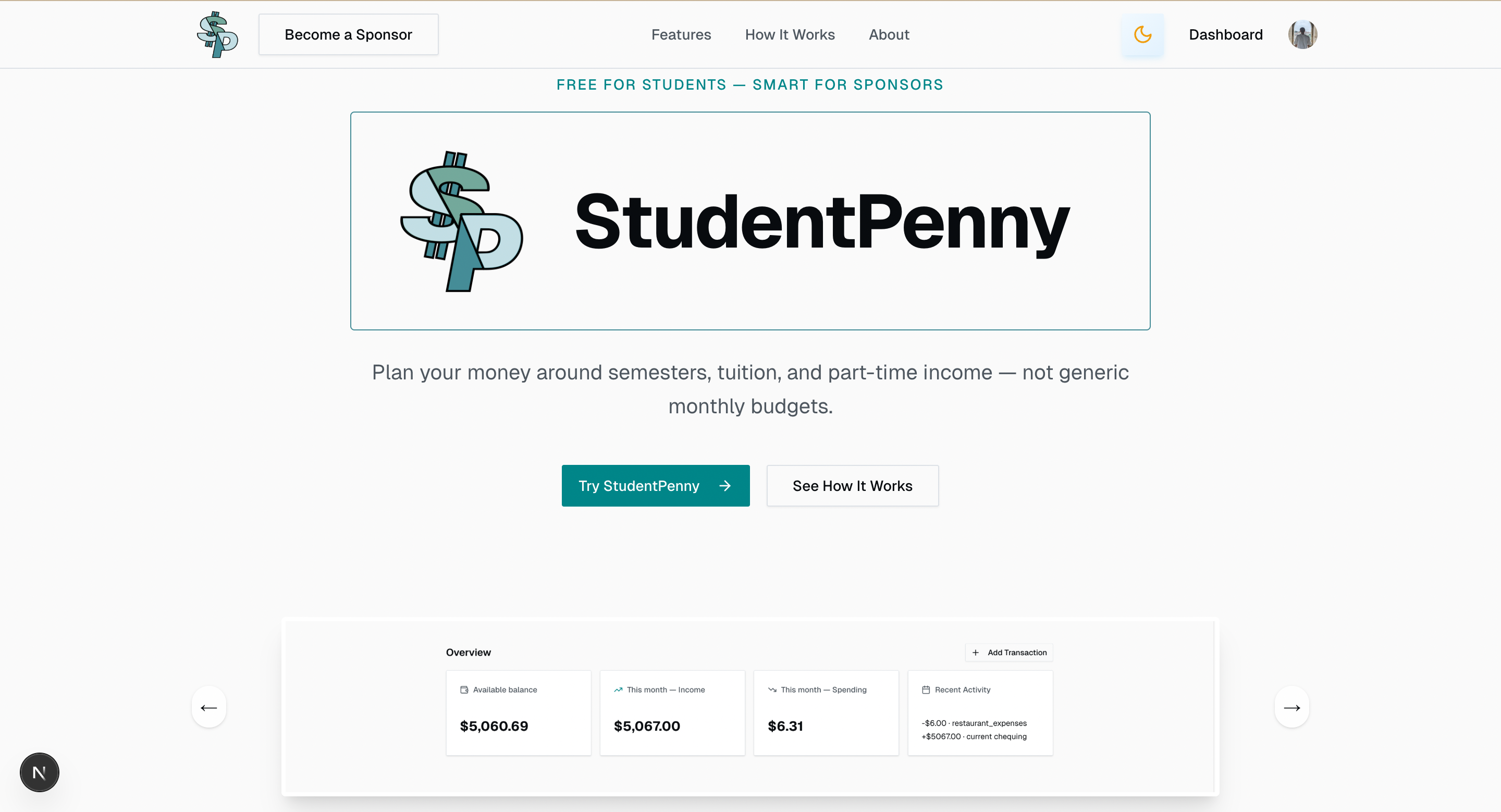
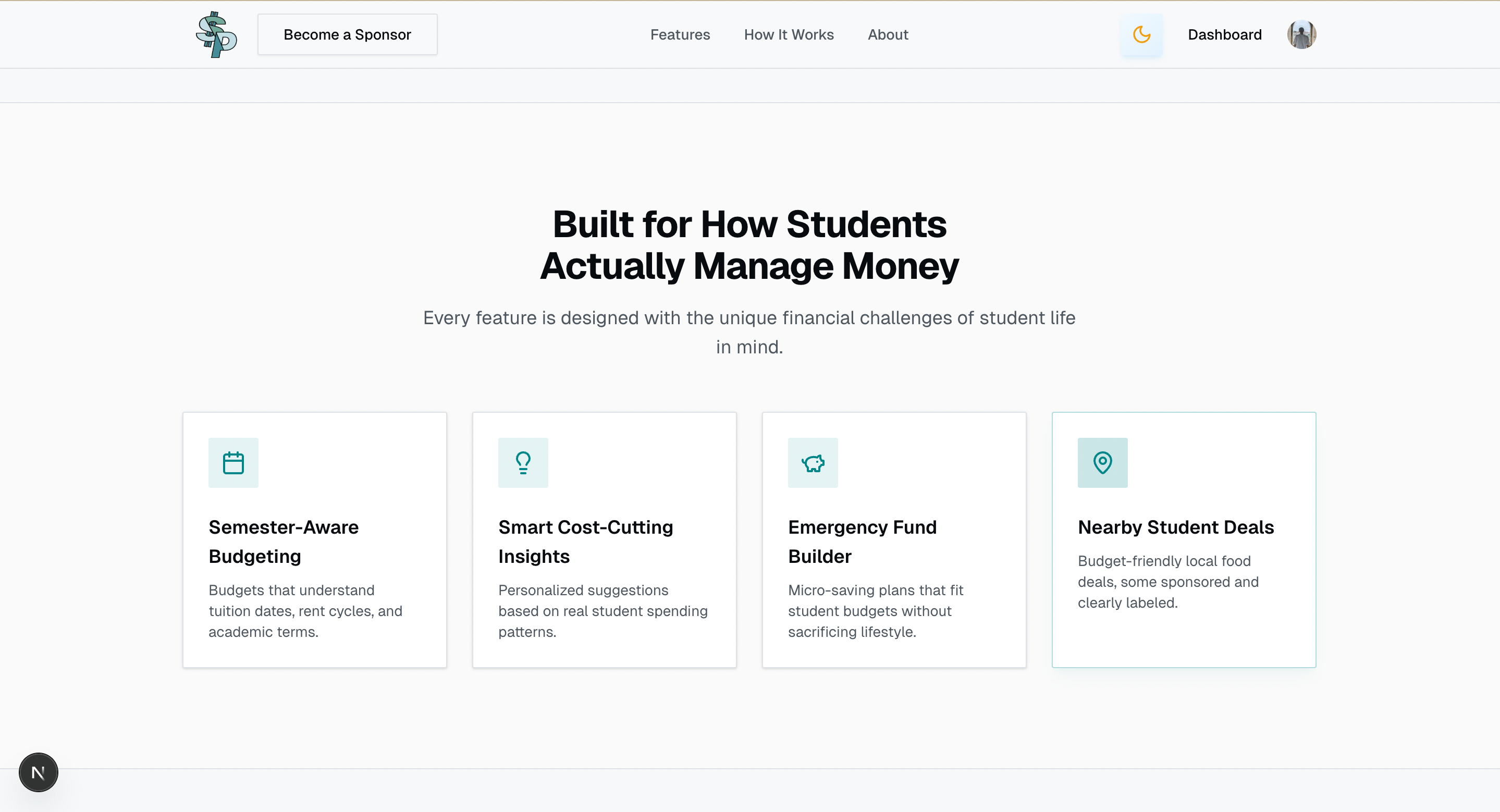
StudentPenny analyzes a student's transactions to generate a clear monthly overview and personalized analytics that help visualize where their money is going. It offers features such as:
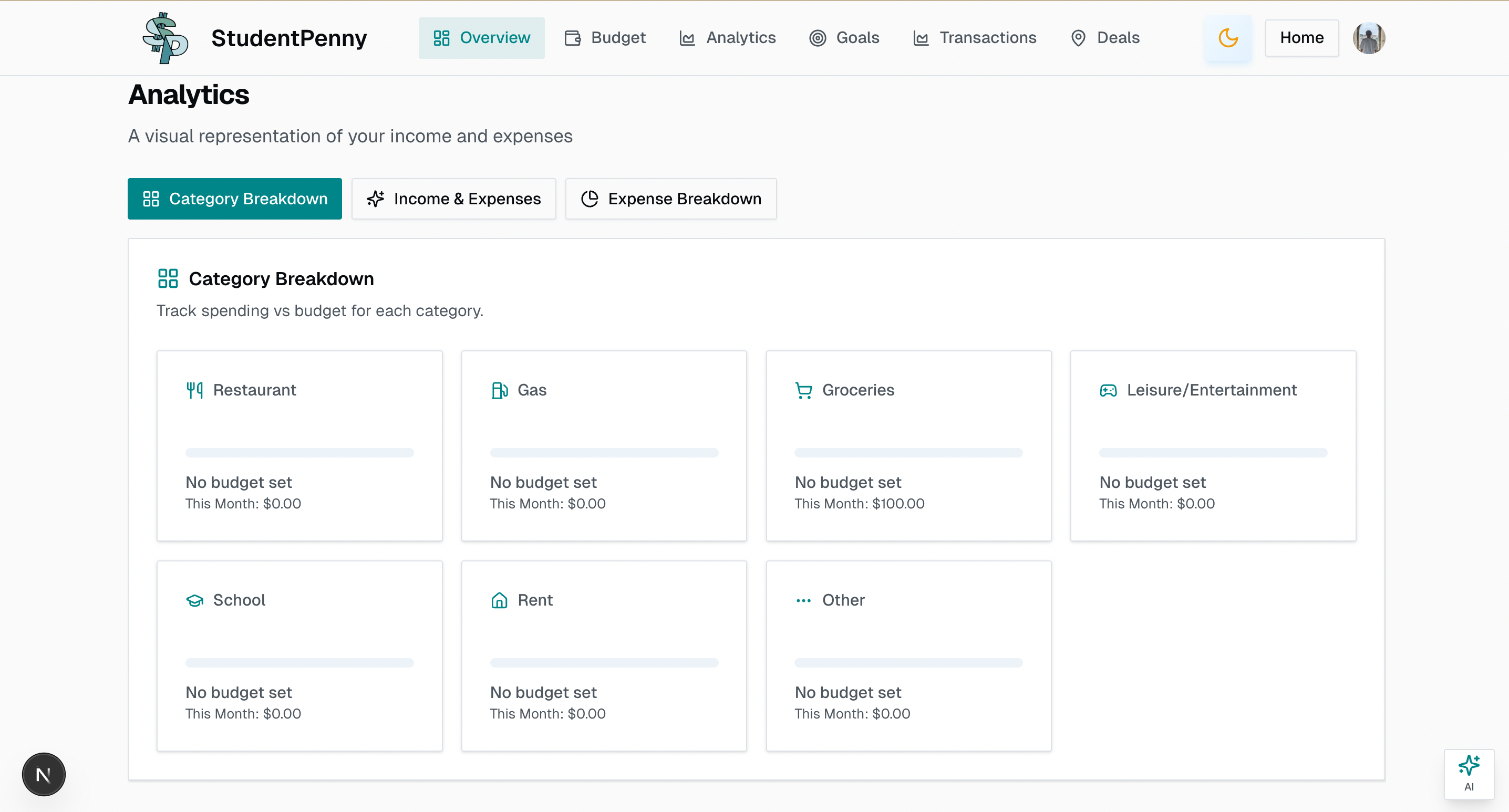
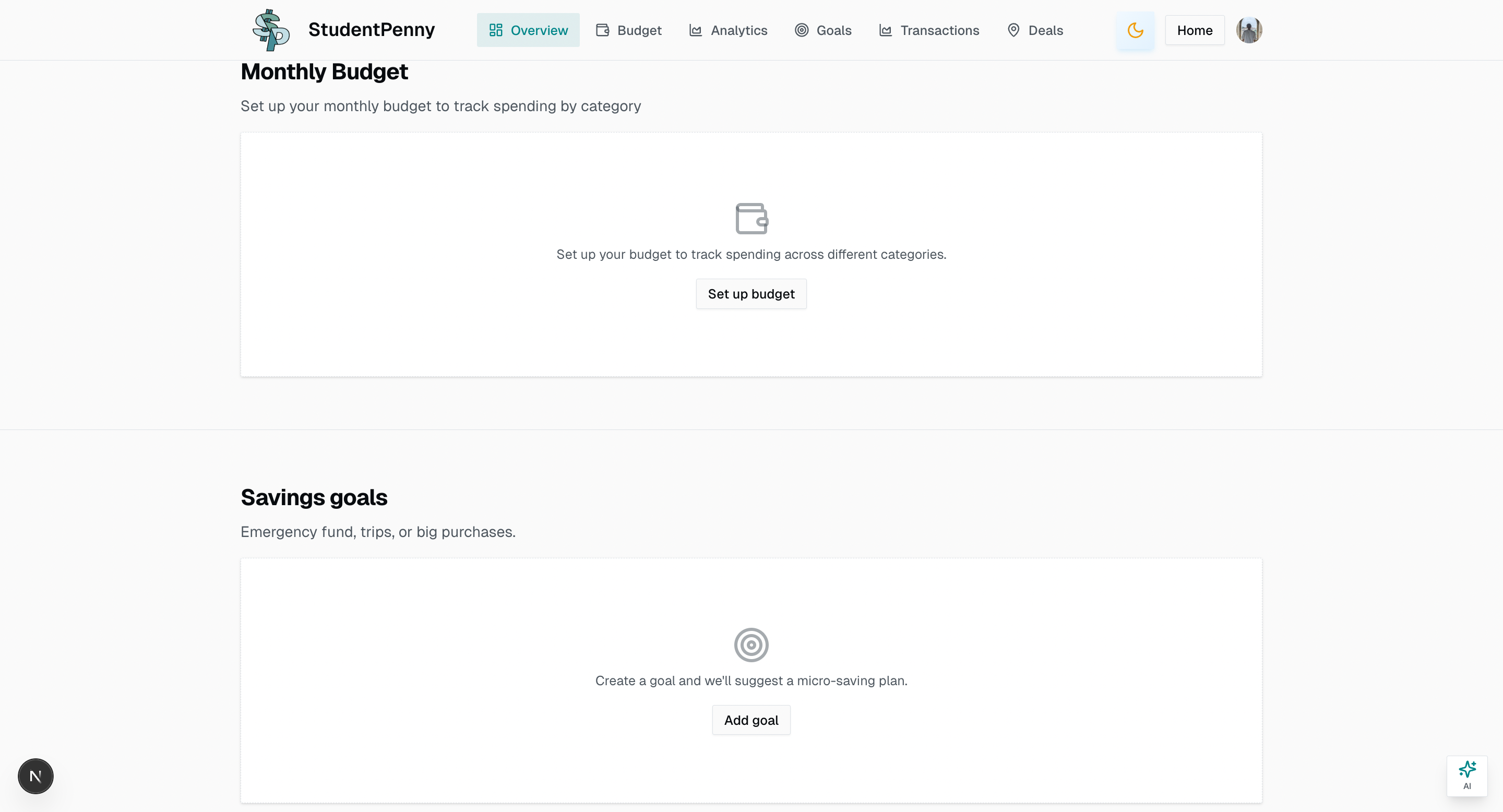
- Customized Budgets - Weekly and monthly budget tracking across 7 categories
- Savings Goals - Set and track progress toward financial goals with smart calculations
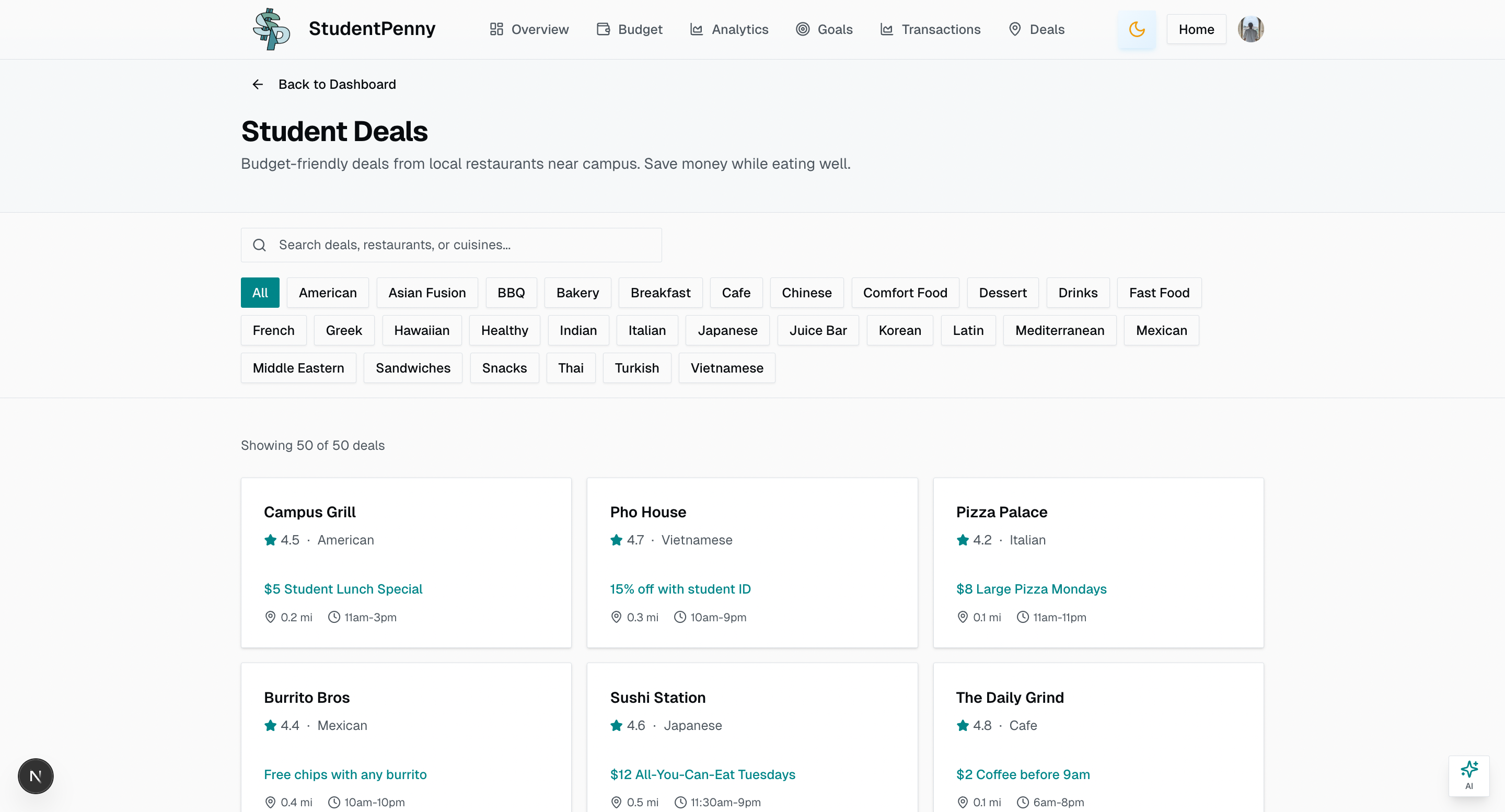
- Student Deals - A curated list of student-exclusive deals shared by sponsors
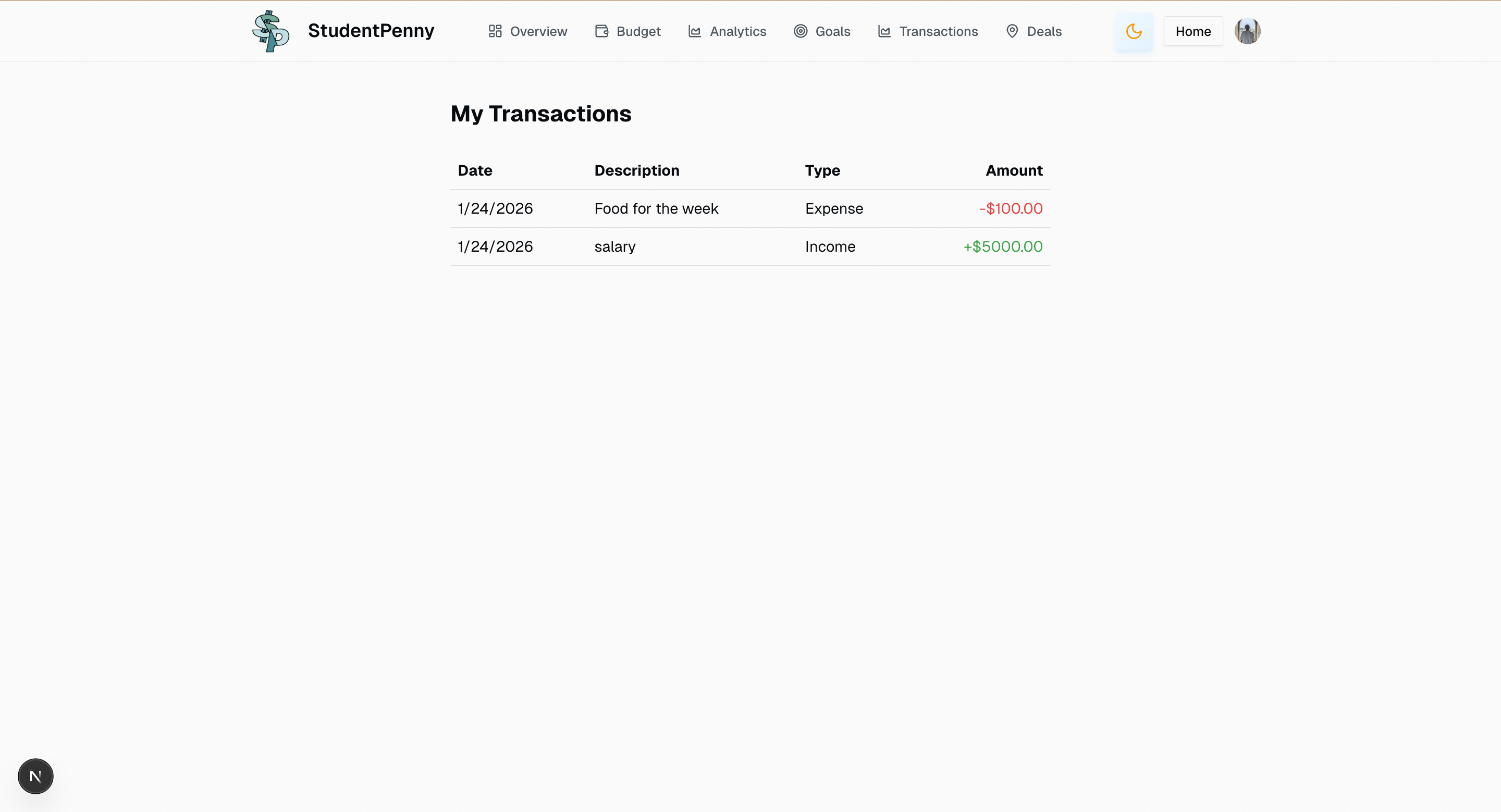
- Transaction Tracking - An up-to-date record of all income and expenses
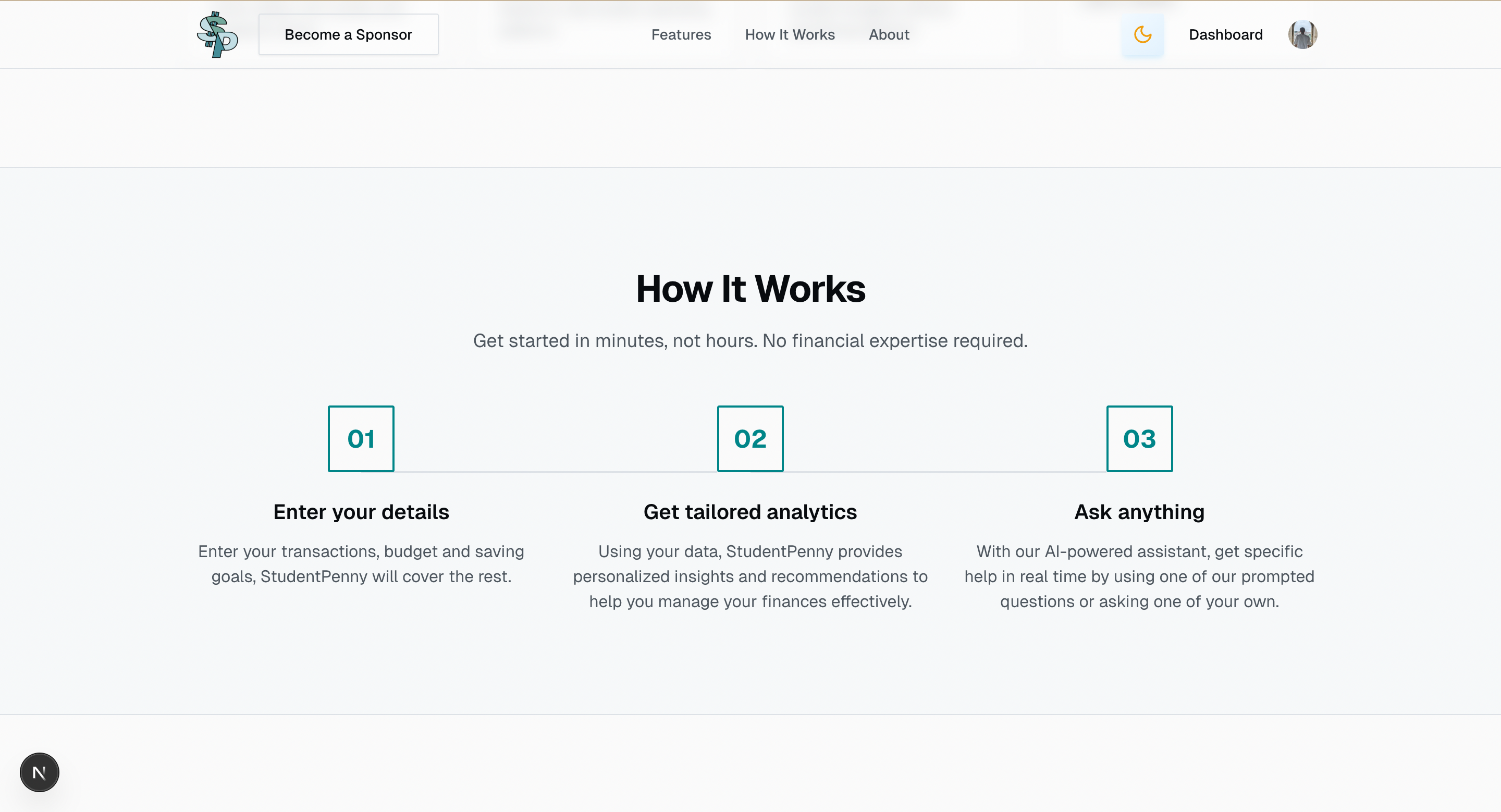
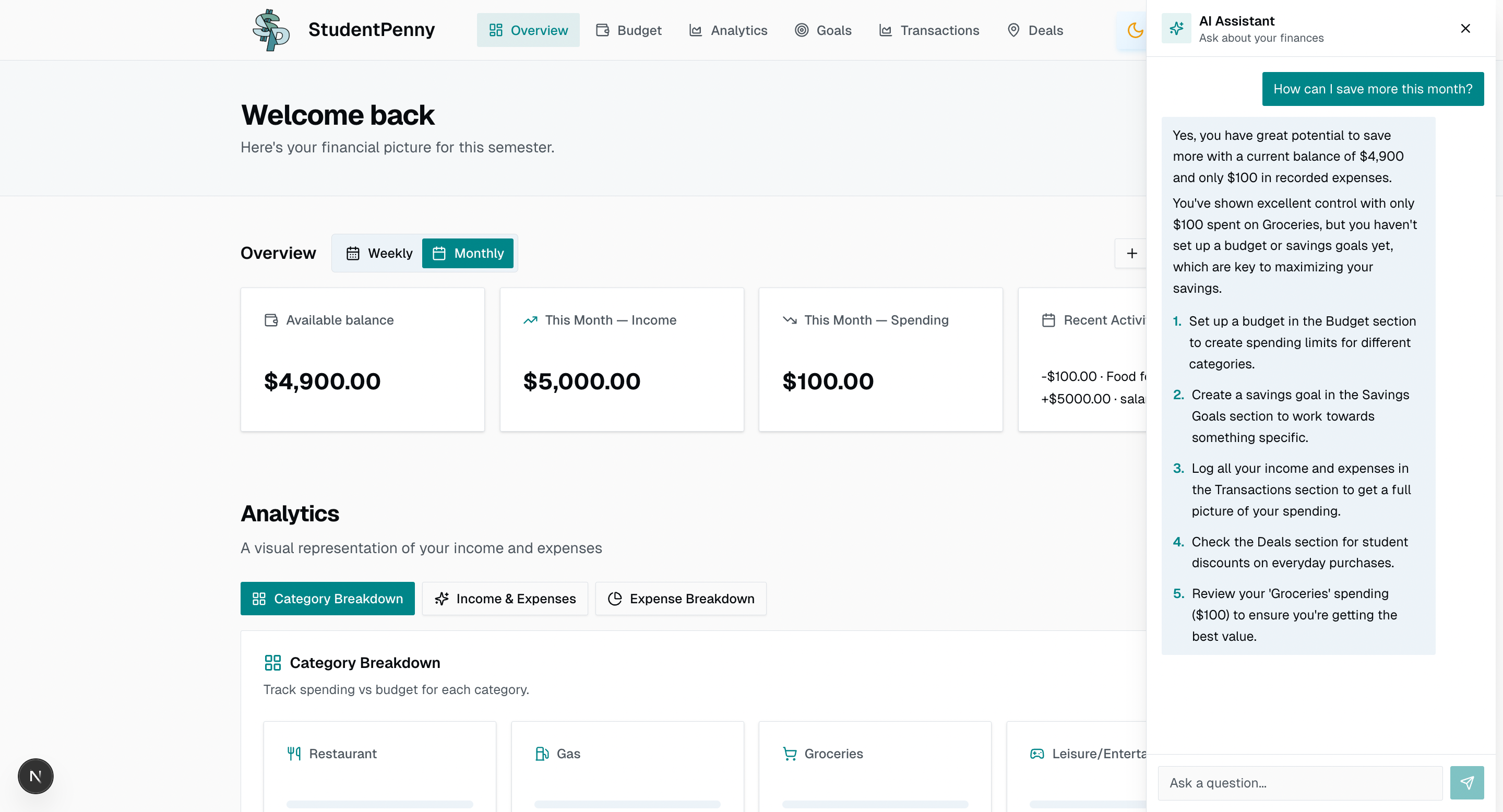
- AI Assistant - Personalized financial advice using your actual financial data to suggest actionable saving strategies
Tech Stack
Frontend
- Next.js 16 - React framework with App Router
- React 19 - UI library
- TypeScript 5 - Type-safe JavaScript
- Tailwind CSS 4 - Utility-first CSS framework
UI Components
- Radix UI - Accessible component primitives (shadcn/ui pattern)
- Recharts - Data visualization and charts
- Lucide React - Icon library
- next-themes - Dark/light mode support
Backend & Database
- Supabase - PostgreSQL database with real-time capabilities
- Clerk - Authentication and user management
- Google Gemini 2.5 Flash - AI-powered financial assistant
Forms & Validation
- react-hook-form - Form state management
- Zod - Schema validation
Features
Budget Management
Create and manage weekly or monthly budgets across 7 expense categories:
- Restaurant Expenses
- Gas
- Grocery Shopping
- Leisure
- School Fees
- Rent
- Other
Track spending against your budget with visual progress indicators and overspending alerts.
Savings Goals
Set financial goals with target amounts and dates. Our AI helps you plan how much you need to save daily, weekly, or monthly, and where you can cut spending to reach your goals. Categories include:
- Emergency Fund
- Trip/Vacation
- Big Purchase
- Education
- General
Transaction Tracking
Log all income and expenses with categories, descriptions, and merchant information. View transaction history with filtering by type, category, and date range.
Analytics
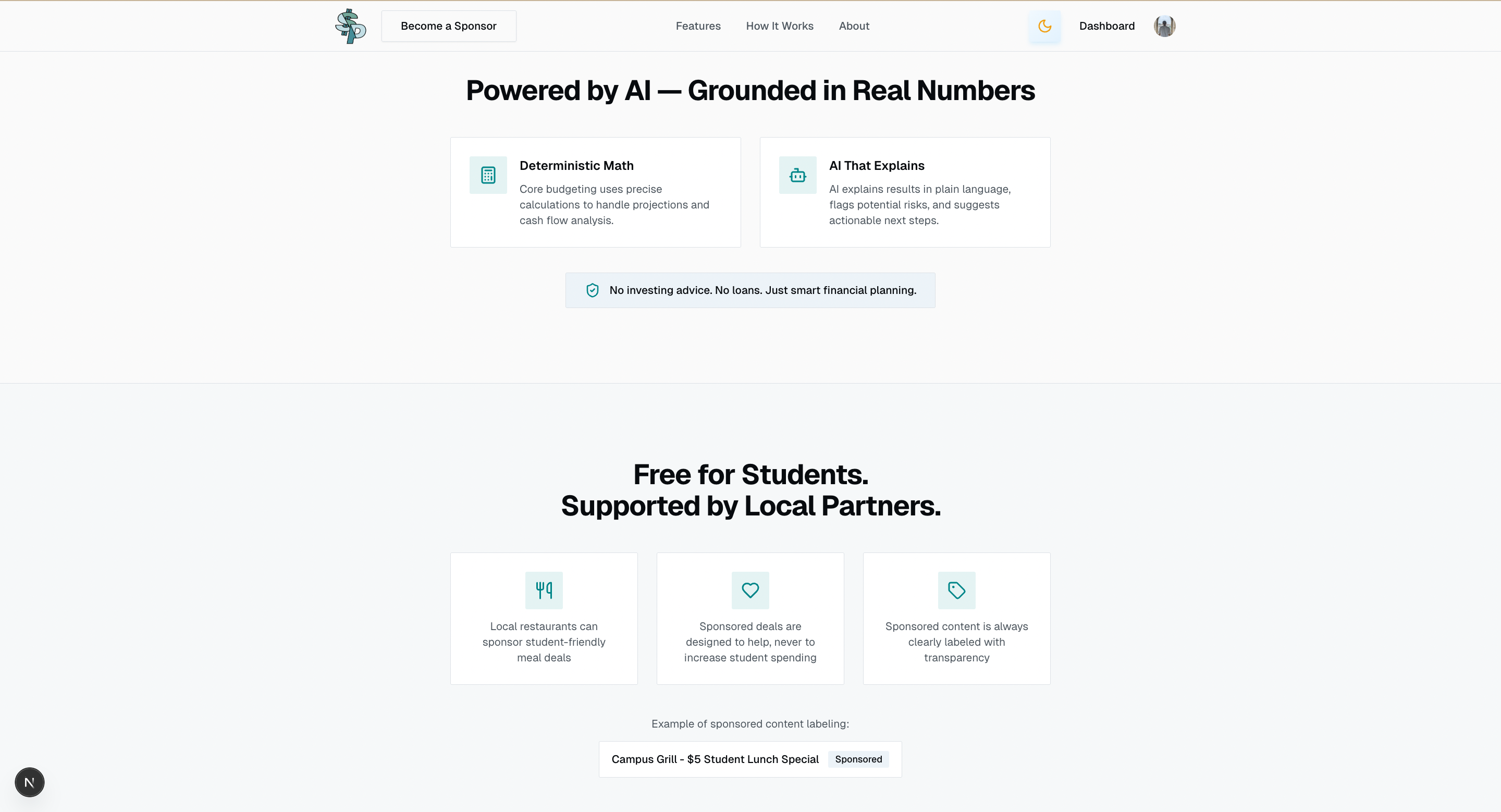
An analytics dashboard tracks spending vs budget for each category, compares your income and expenses over time, and visualizes how your expenses are distributed across different categories
AI Financial Assistant
Get personalized financial advice from an AI assistant that understands your:
- Current budget allocations
- Savings goals and progress
- Transaction history
- Recurring expenses
The AI provides actionable recommendations based on your actual financial situation.
Student Deals
Browse curated deals from local restaurants and businesses. Features include:
- Search and category filtering
- Ratings and distance information
- Save deals for later
- Sponsored content from local businesses
Recurring Expenses
Track regular bills and subscriptions with:
- Monthly, semester, or yearly frequencies
- Due date reminders
- Payment status tracking
Database Schema
| Table | Description |
|---|---|
budgets |
User budget allocations by category (weekly/monthly) |
goals |
Savings goals with target amounts and dates |
transactions |
Income and expense records |
deals |
Restaurant and business deals |
user_saved_deals |
User bookmarked deals |
recurring_expenses |
Regular bills and subscriptions |
sponsorship_requests |
Business sponsorship applications |
How We Built It
Due to time constraints and the power of AI models, we created the landing page using v0 and leveraged Cursor and GitHub Copilot AI to help code our app with manual code reviews and tweaks. The core architecture was designed around:
- Next.js App Router for seamless navigation and API routes
- Supabase for real-time database operations
- Clerk for secure authentication
- Google Gemini for intelligent financial insights
Challenges We Ran Into
We ran into issues integrating our database for analytics and our transaction lists. Synchronizing the budget tracking with real-time transaction data required careful consideration of data flow and state management.
Accomplishments We're Proud Of
- Building a fully functional financial management app in a limited timeframe
- Integrating AI that provides personalized advice based on actual user data
- Creating an intuitive UI with dark/light mode support
- Implementing a sponsorship system for local businesses to connect with students
What We Learned
- How to rapidly prototype with modern web technologies
- Integrating multiple third-party services (Supabase, Clerk, Google AI)
- Building accessible and responsive UI components
- Managing complex state across financial data
What's Next for StudentPenny
- Bank Integration - Connect directly to bank accounts for automatic transaction import
- Spending Predictions - Use AI to predict future expenses based on patterns
- Social Features - Share savings goals and challenges with friends
- Mobile App - Native iOS and Android applications
- Expanded Deals - Partner with more local businesses for student discounts
- Financial Education - Add learning modules about budgeting and investing
Built With
- css
- gemini-api
- supabase
- typescript

Log in or sign up for Devpost to join the conversation.