🚀 Inspiration
Students often face challenges managing multiple assignments, staying organized, and effectively planning their time. While many tools exist for task tracking, most function as basic to-do lists and lack meaningful guidance or prioritization.
I set out to build a platform that goes beyond simple tracking—one that actively helps students decide what to focus on and how to structure their work.
💡 What it does
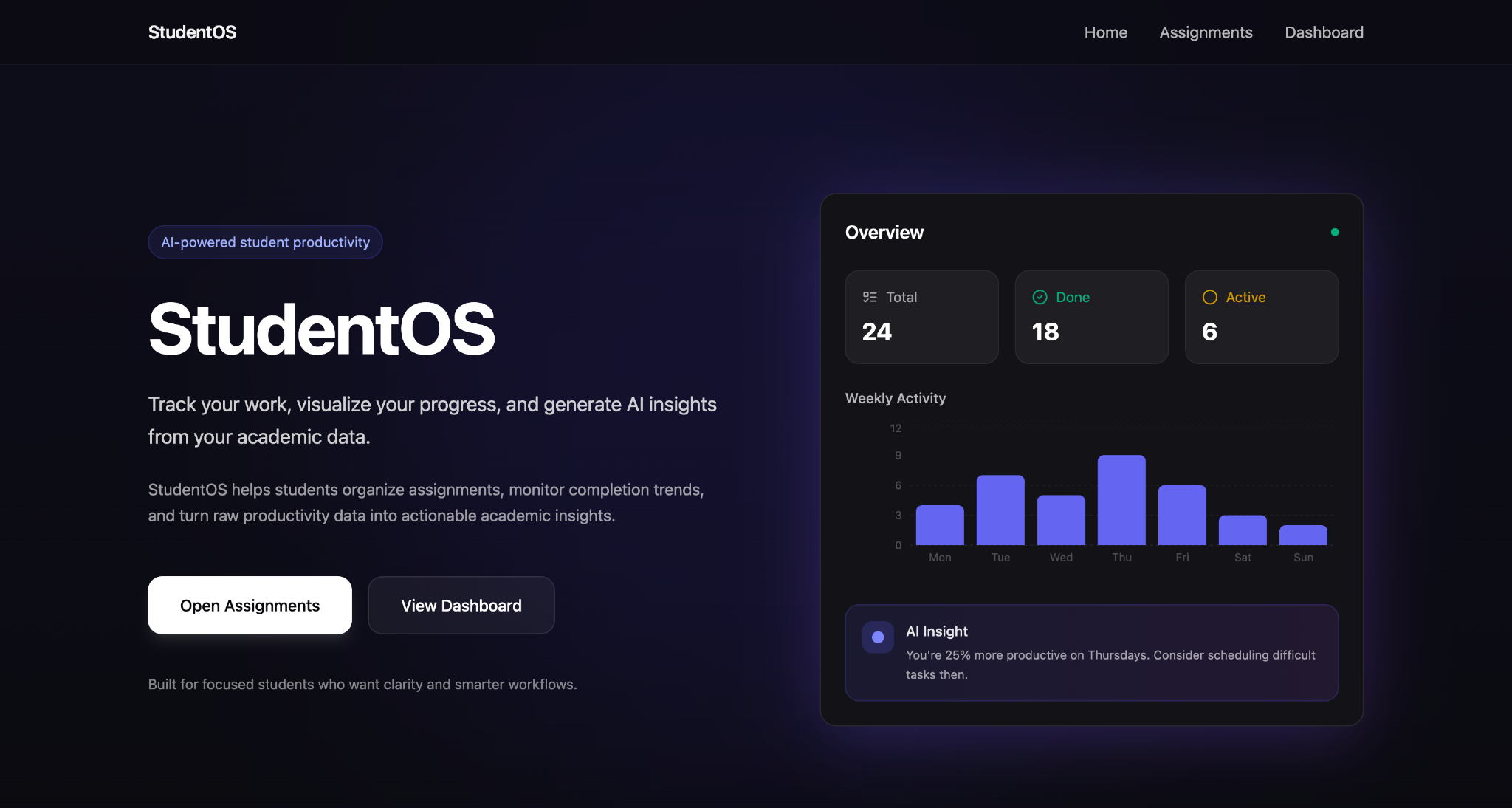
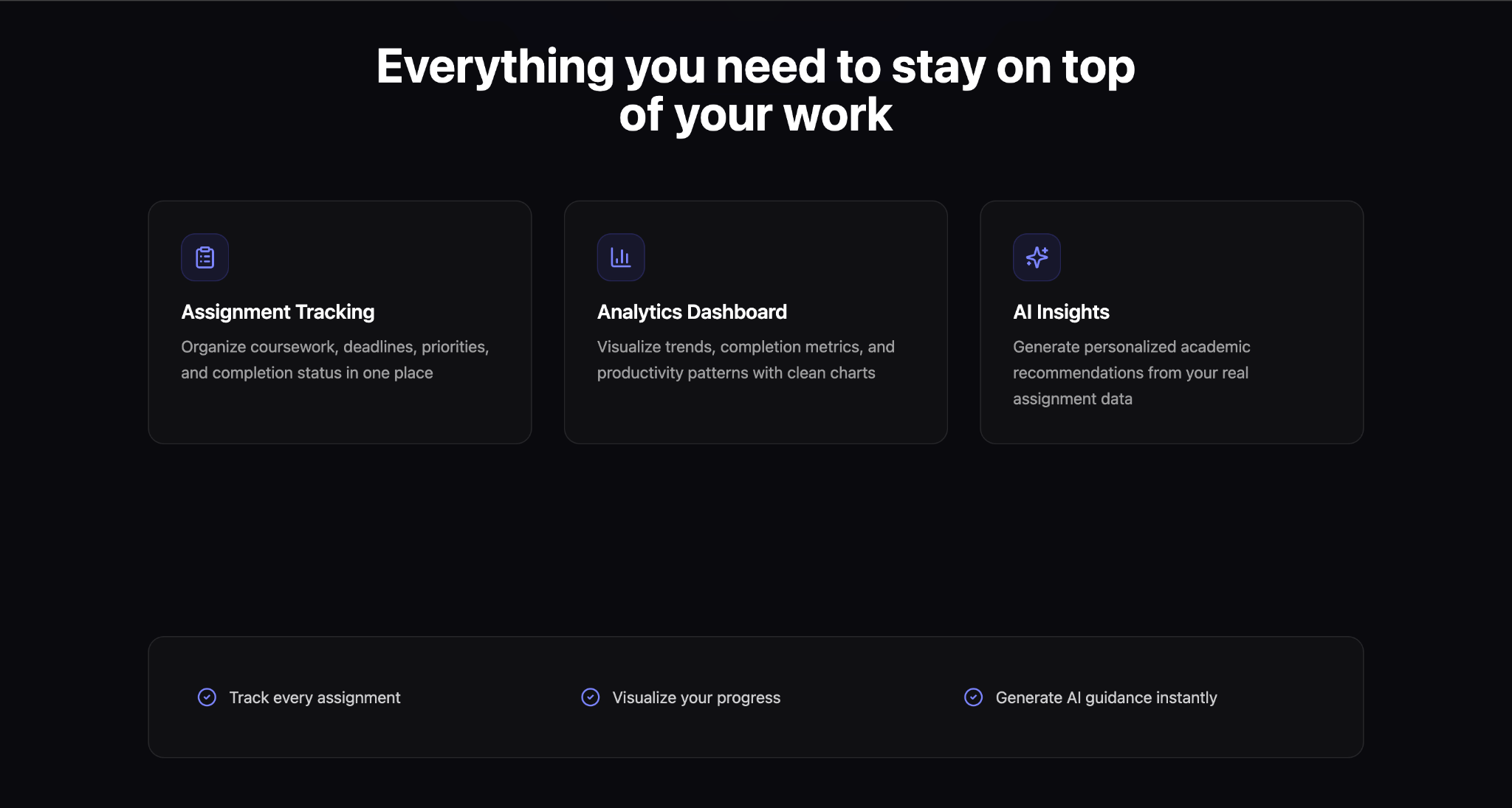
StudentOS is an AI-powered productivity platform designed to help students stay organized, focused, and consistent in managing their academic workload.
The platform enables users to:
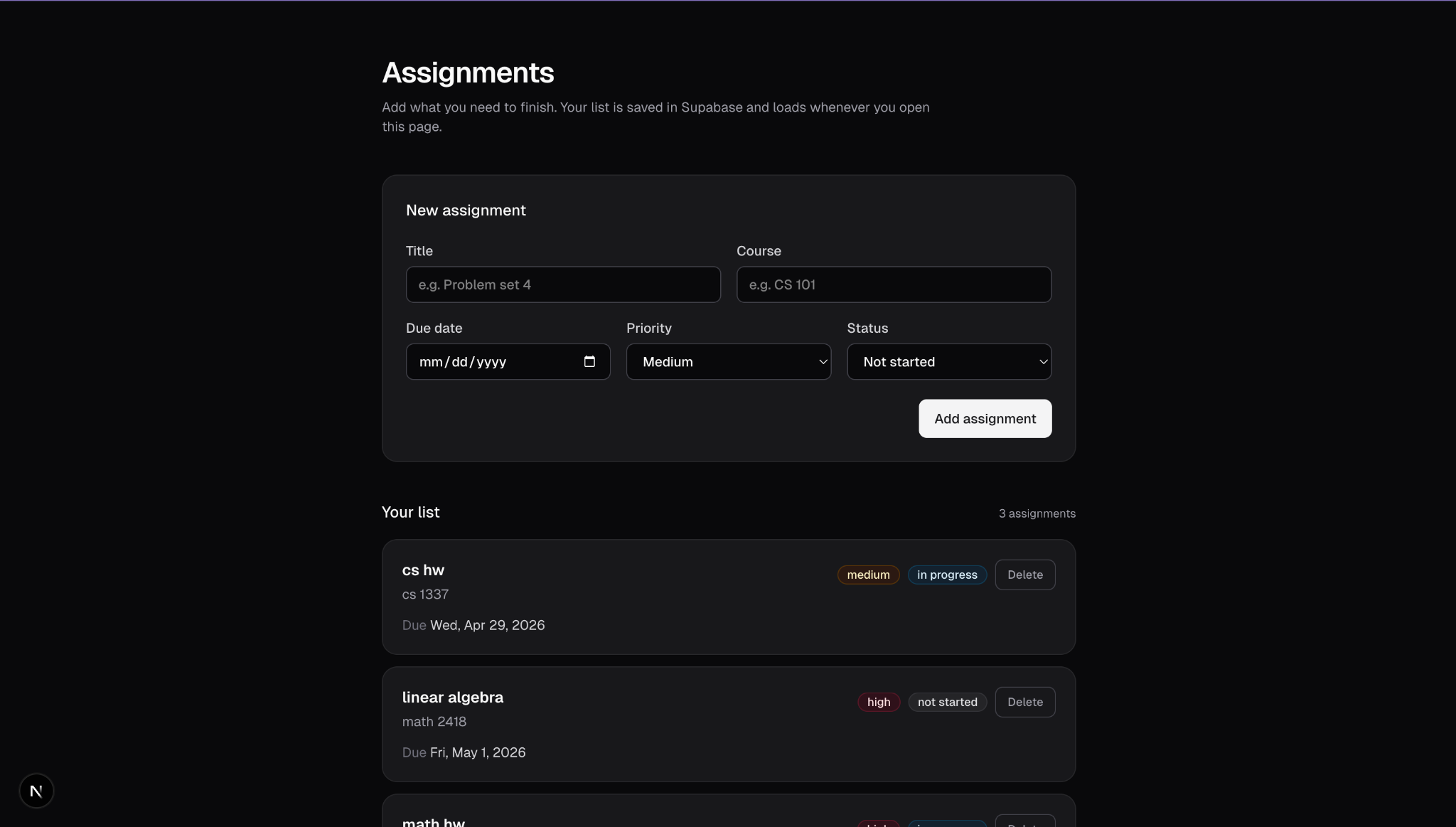
- Track assignments in a centralized system
- Generate AI-driven productivity insights based on current workload
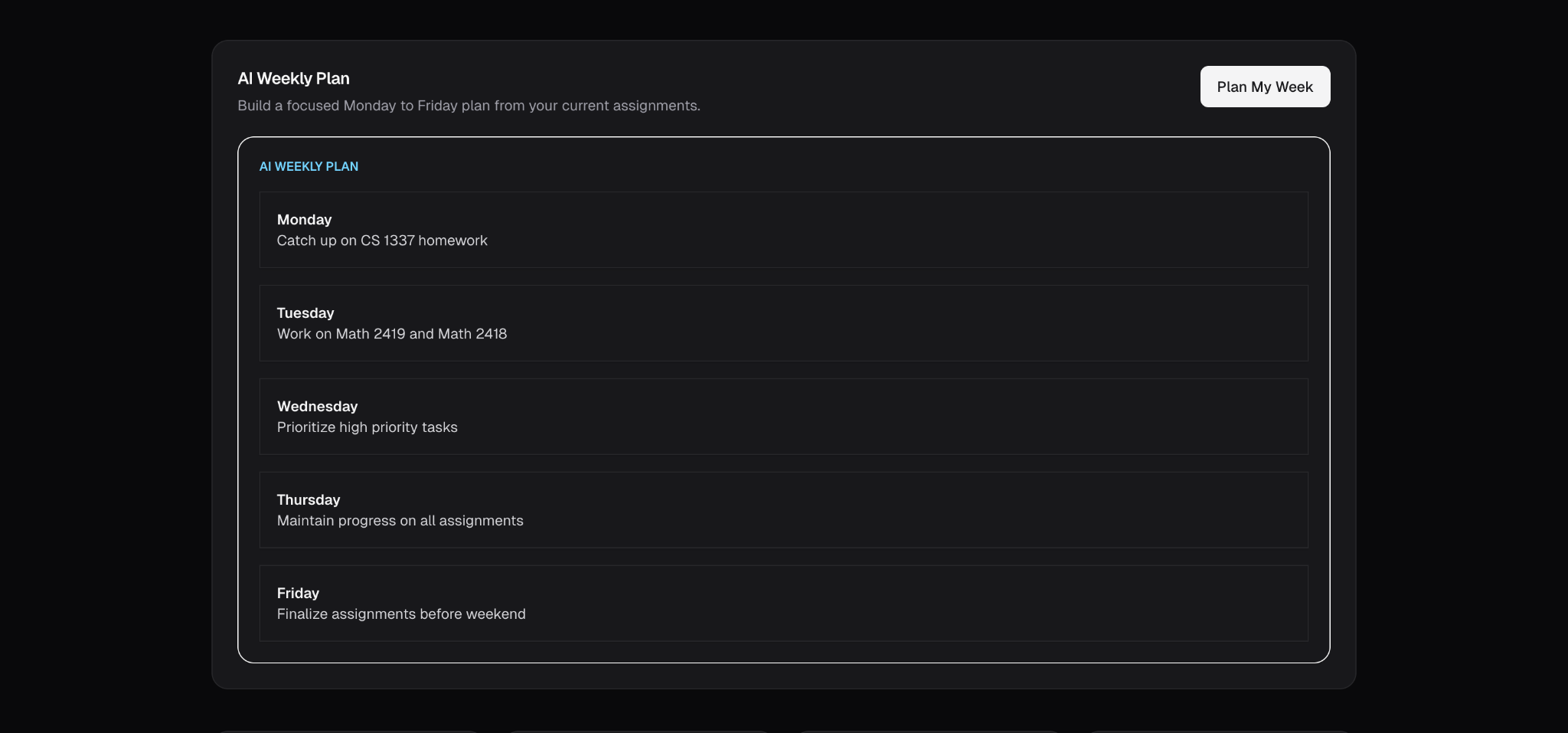
- Automatically create structured weekly study plans
- Break down tasks into clear, actionable steps
- Interact with tasks through intuitive checklists
By transforming scattered academic data into structured plans, StudentOS helps students move from disorganization to intentional execution.
🛠️ How I built it
StudentOS was developed as a full-stack application using modern web technologies:
- Frontend: Next.js with Tailwind CSS for a responsive and polished user interface
- Backend: Supabase for real-time database management and data persistence
- AI Integration: Groq API to generate personalized insights and weekly plans
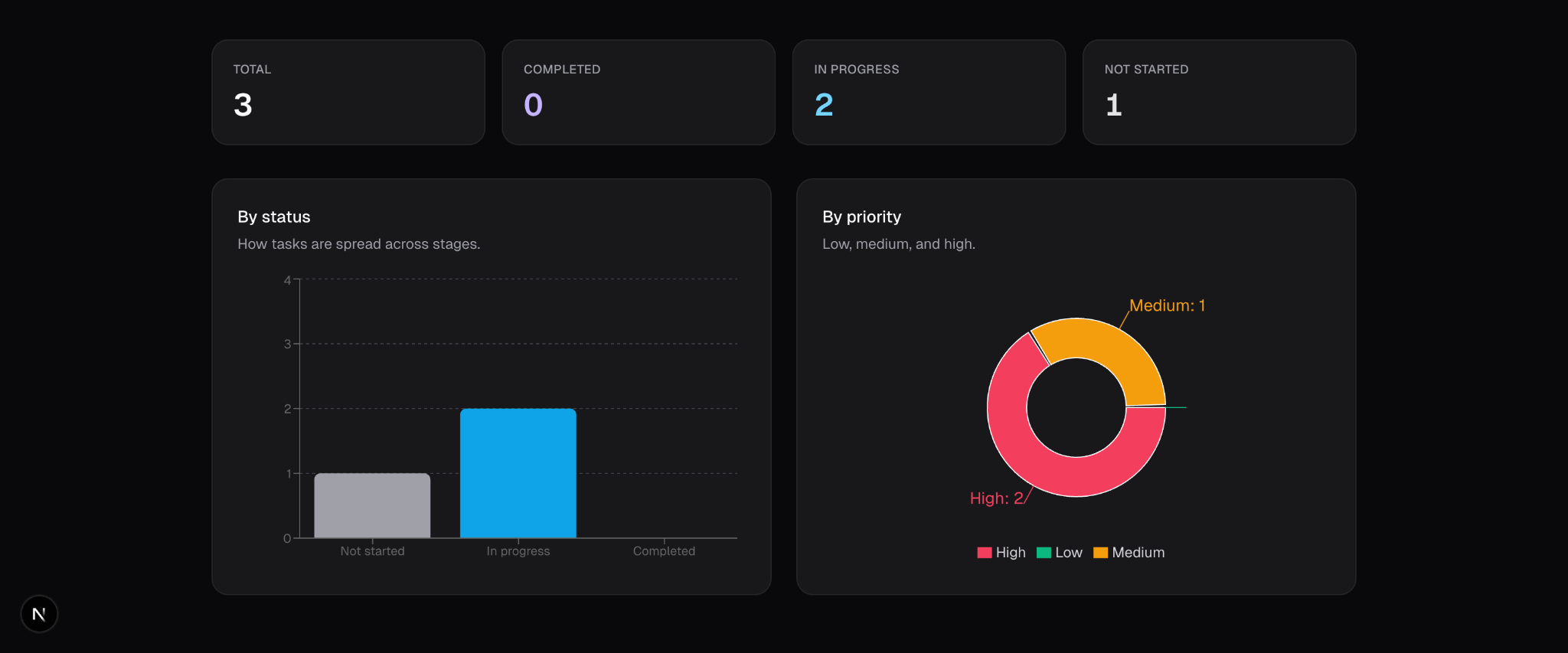
- Data Visualization: Recharts to present assignment trends and analytics
To ensure reliability, I implemented a custom parsing layer that converts AI-generated output into structured UI components, enabling consistent rendering of daily plans and tasks.
⚠️ Challenges I ran into
One of the primary challenges was handling inconsistent and unstructured AI responses. The model outputs varied in format, which made it difficult to display them cleanly in the interface.
To address this, I:
- Normalized and cleaned AI responses
- Designed a parsing system to extract structured data such as focus areas and tasks
- Transformed the parsed output into consistent, user-friendly UI components
Additionally, integrating dynamic AI content while maintaining a clean and responsive UI required careful state management and component design.
🏆 Accomplishments that I am proud of
- Developed a fully functional full-stack application with integrated AI capabilities
- Successfully translated raw AI output into structured, actionable user experiences
- Built a modern analytics dashboard with meaningful visual insights
- Designed an interface that feels intuitive, scalable, and product-ready
The result is a platform that goes beyond a prototype and closely resembles a real-world productivity application.
📚 What I learned
Through this project, I gained experience in:
- Integrating AI into production-style applications
- Designing systems to handle and structure imperfect AI outputs
- Building scalable frontend components using React and Tailwind CSS
- Managing backend data and workflows using Supabase
I also developed a deeper understanding of how to design user-focused features that provide real, practical value.
🔮 What's next for StudentOS
Future improvements include:
- Persisting task completion and tracking long-term progress
- Integrating calendar-based scheduling for better time allocation
- Enhancing AI insights with predictive analytics
- Personalizing recommendations based on user behavior patterns
I envision StudentOS evolving into a comprehensive, intelligent productivity system tailored specifically for students.
Built With
- groq
- next.js
- recharts
- supabase
- tailwind-css
- typescript


Log in or sign up for Devpost to join the conversation.