-
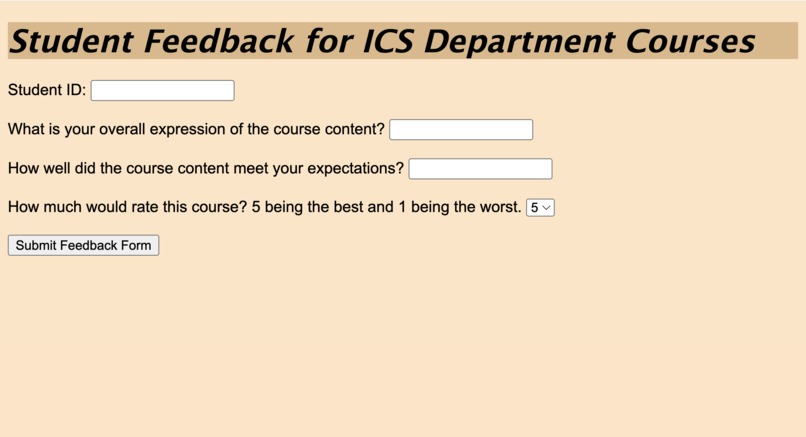
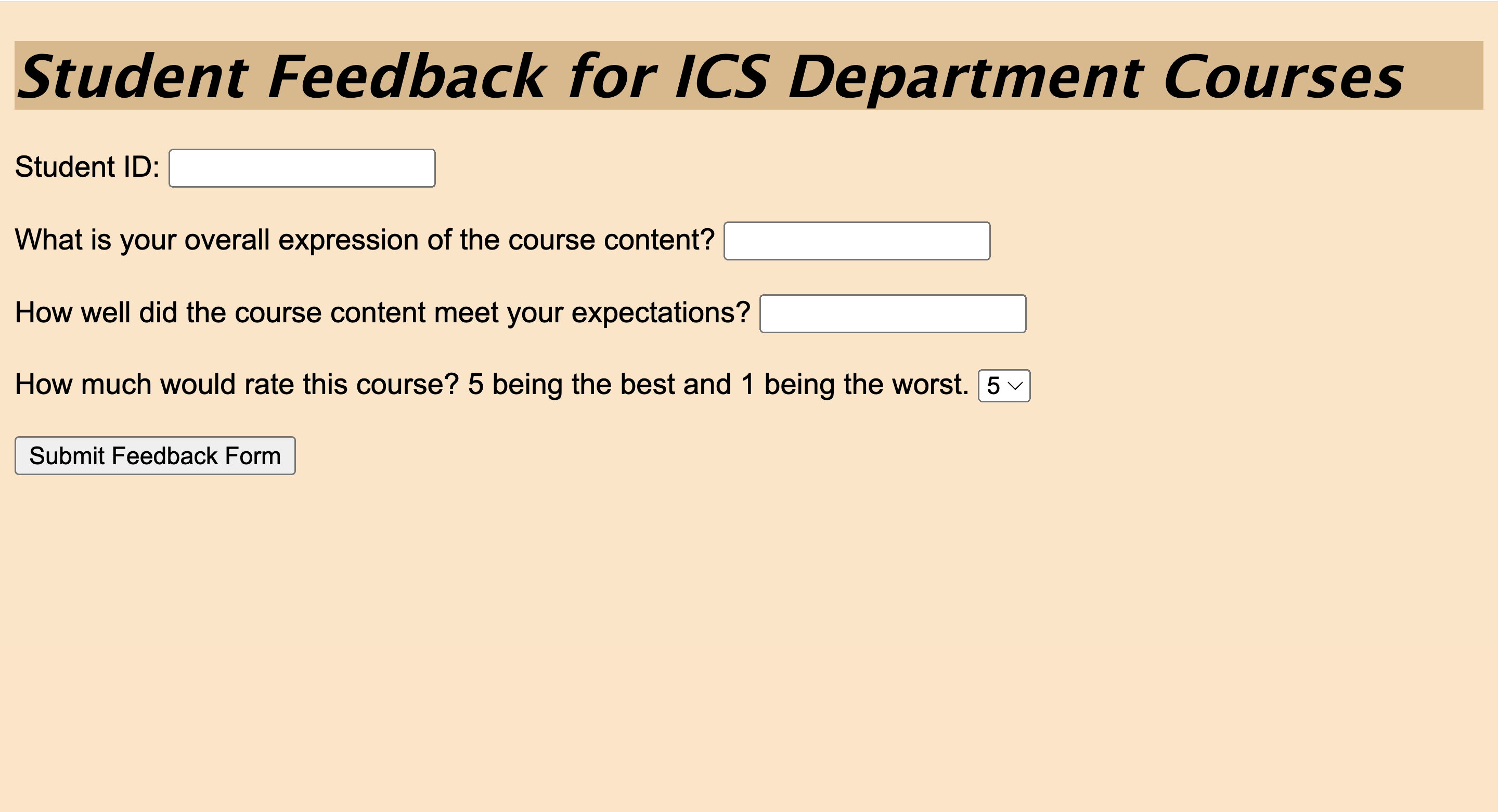
Website View
-
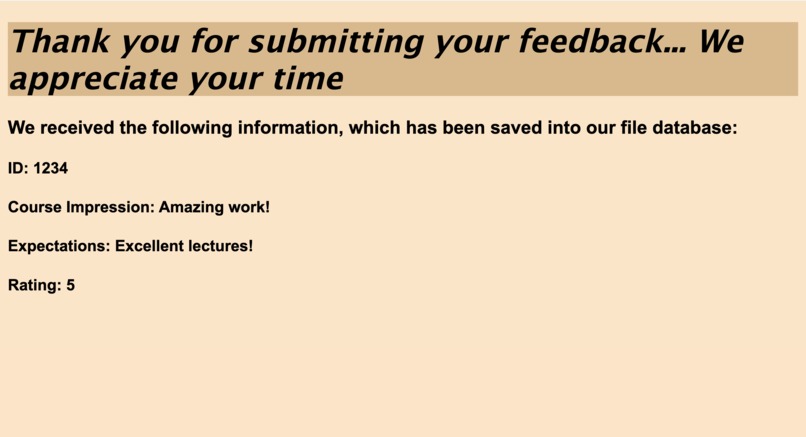
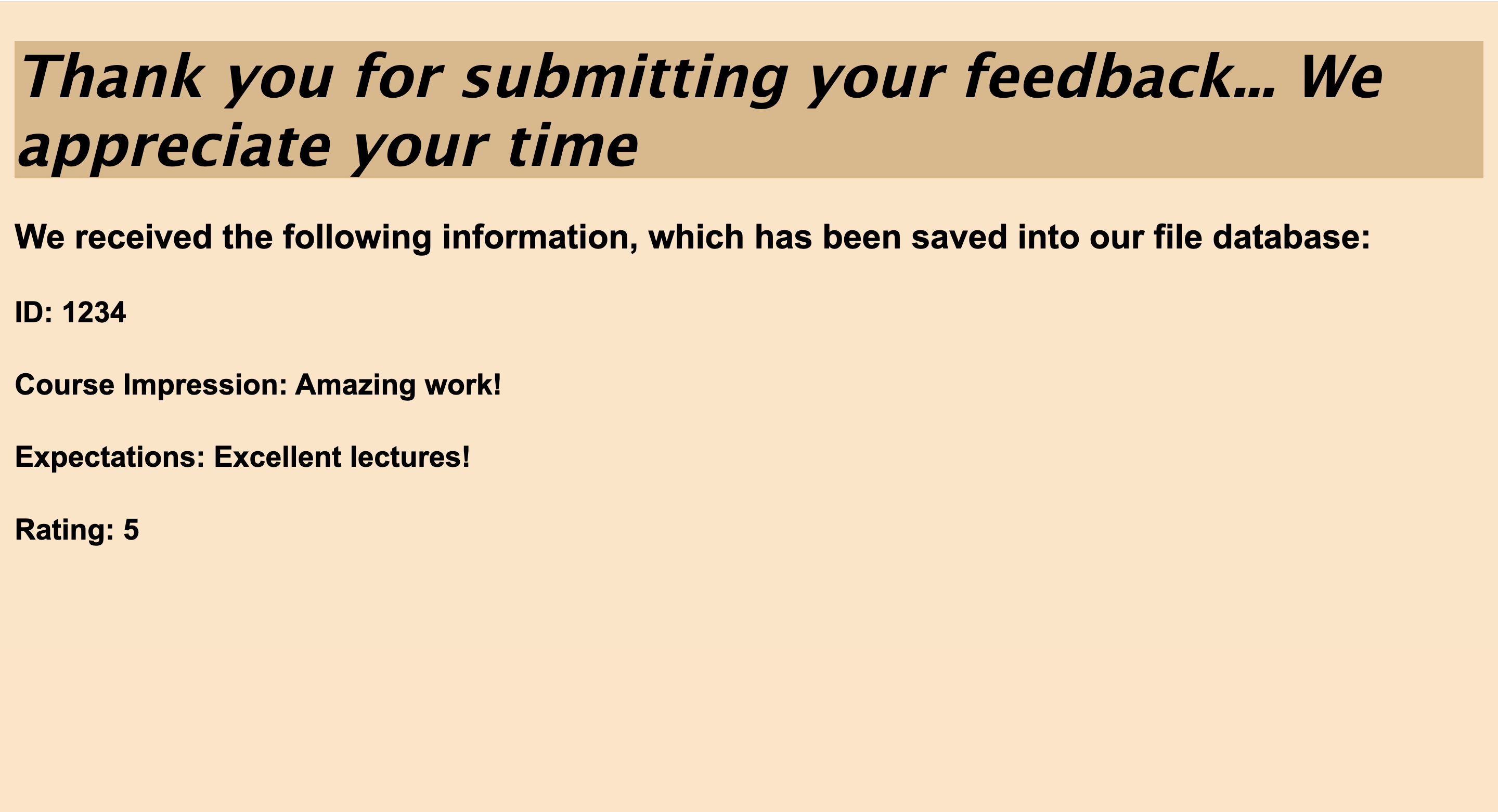
Success Message
-
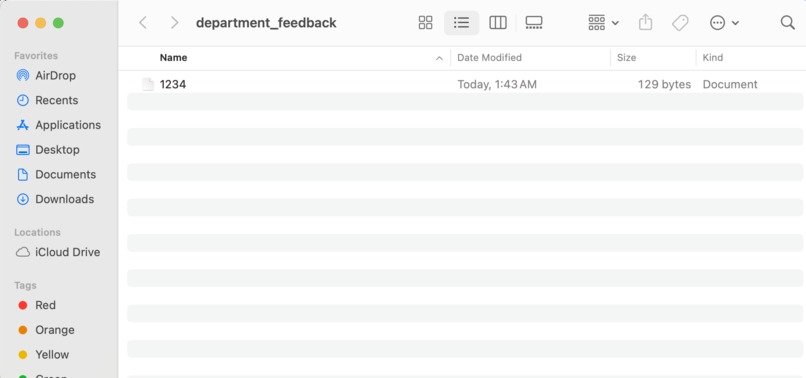
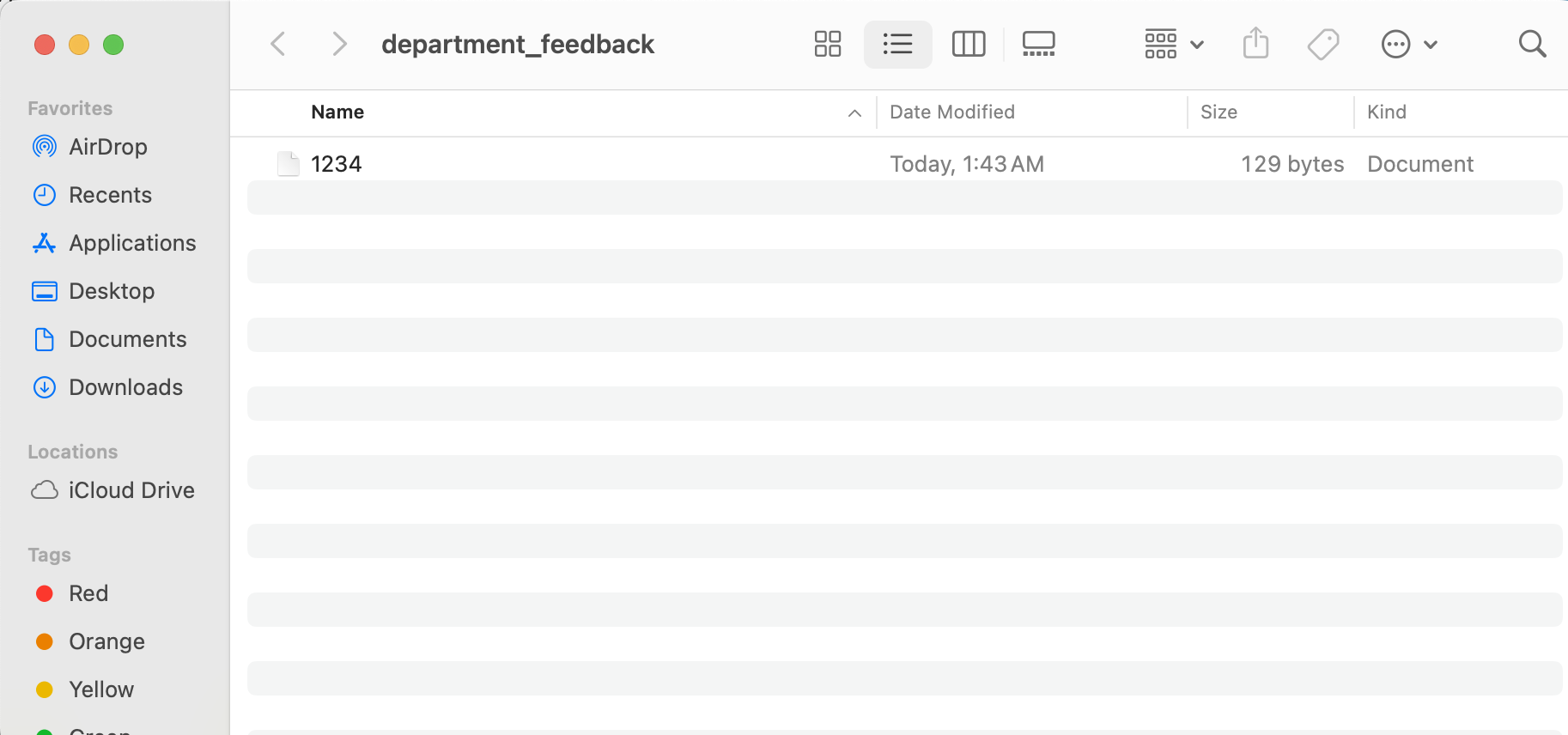
Input Data Placed into File
-
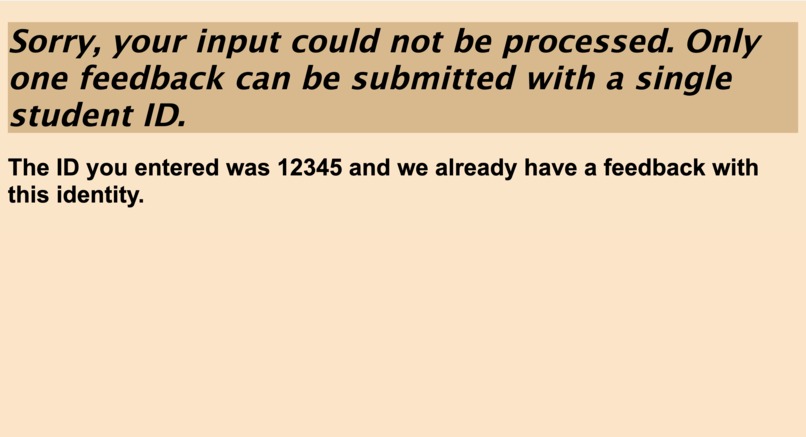
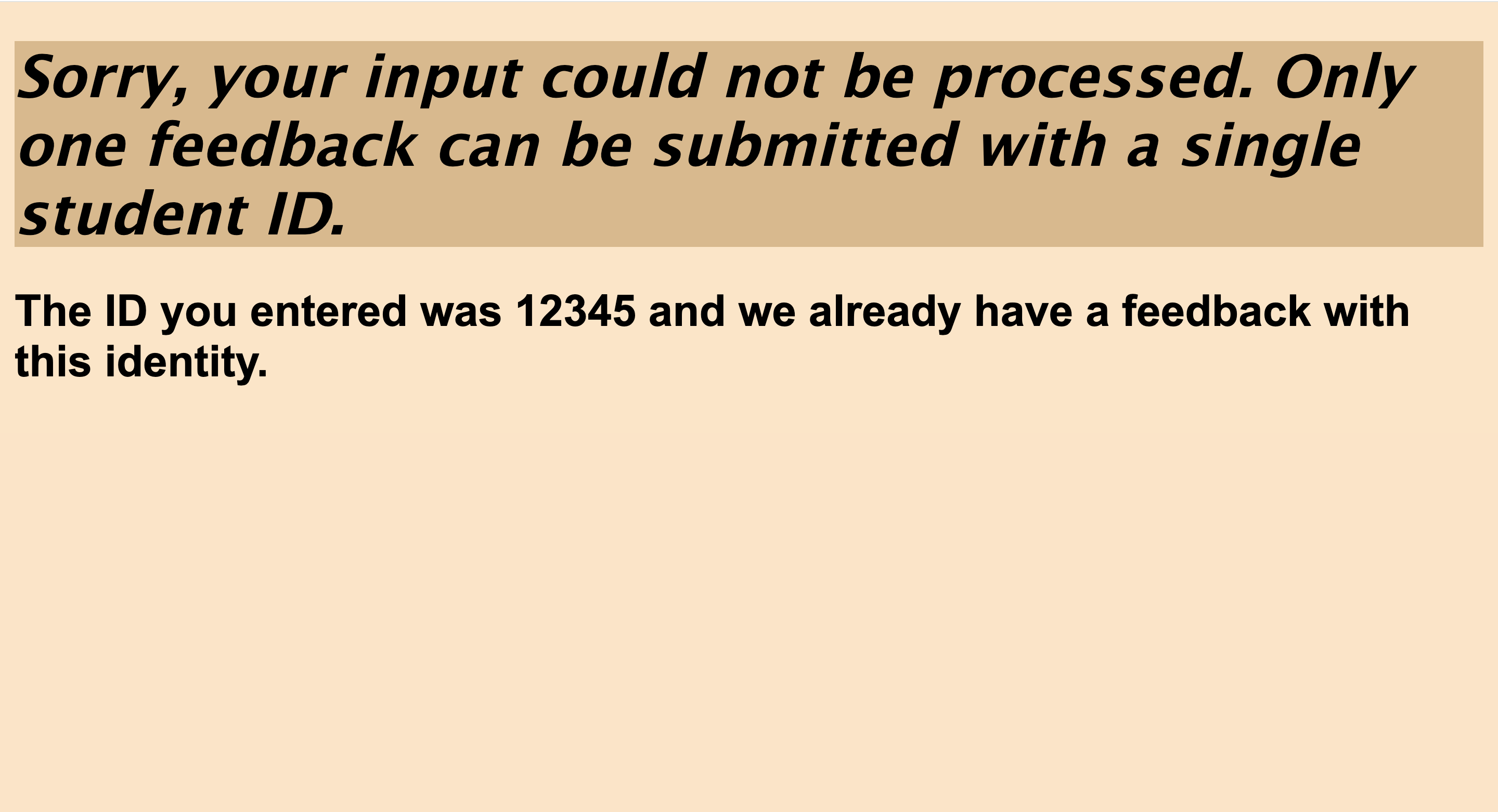
Failure Message
Inspiration
I always wanted to know what happens after you click on a submit button after filling out a form. And this is what I learned this time. There is a lot, going from one url to another. Doing whatever that needs to be done with that data.
What it does
Collects student feedback after a course. Students are asked for their ID and only one form submission is allowed for an ID. The data (input from user) submitted is saved in a folder in a file, which is labelled by that student's ID.
How we built it
Set up Django web framework. Create an app. Create two views, one for collecting input and one for displaying success/failure. HTML and CSS files are rendered after the user submits information depending on whether the student ID entered is valid or not. ID is considered valid if no previous submissions did not use it, otherwise considered invalid. This data provided by the user is received as a POST request and is stored in a directory, which contains individual files for every new student response. The files are titled by student ID numbers and these files contain the data entered by the student.
Challenges we ran into
Sometimes I thought that this view direct to this particular file and it did not, so I had to fix it by fixing typos and building proper logic. Other times, I was having difficulty accessing the student's response, however I was able to figure it out with time.
Accomplishments that we're proud of
Wow, a user can enter data and I control whatever I want to do with it. Take it wherever I want to.
What we learned
The use of Django and how multiple programming languages (i.e. Python, HTML/CSS) can be combined to achieve a goal in a very effective way.
What's next for Student Feedback Collection
Add a login feature (one for student and one for teacher), where a teacher can add students they want to submit the feedback form to.

Log in or sign up for Devpost to join the conversation.