Inspiration
The idea for Student Explorer came from seeing how difficult it can be for students to get a quick, visual overview of colleges, courses, and peers. Most databases are text-heavy, static, and not very interactive. We wanted to create a fun, interactive way to explore student data, where users could discover colleges, courses, and student profiles in a visually engaging way.
What it does
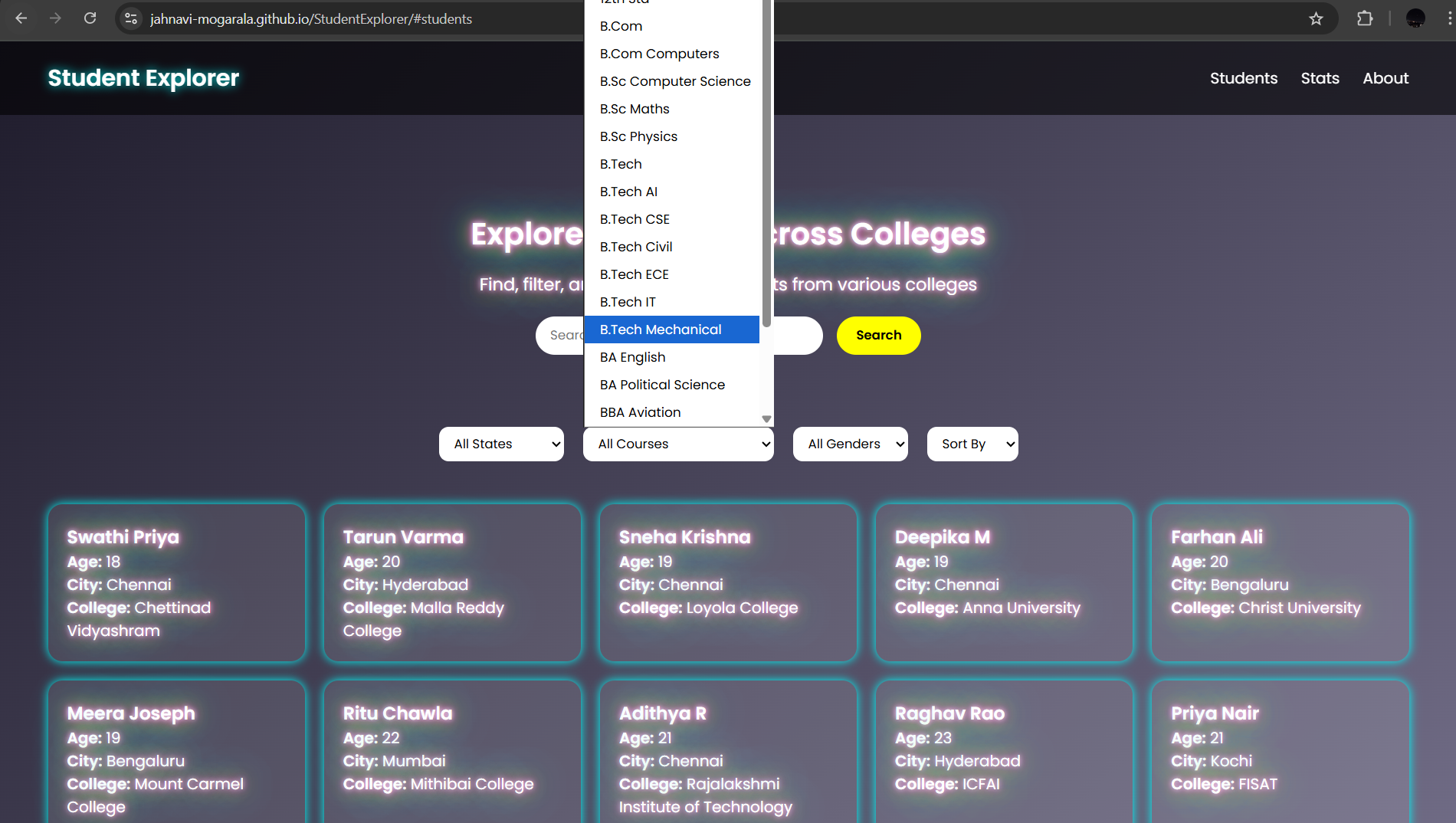
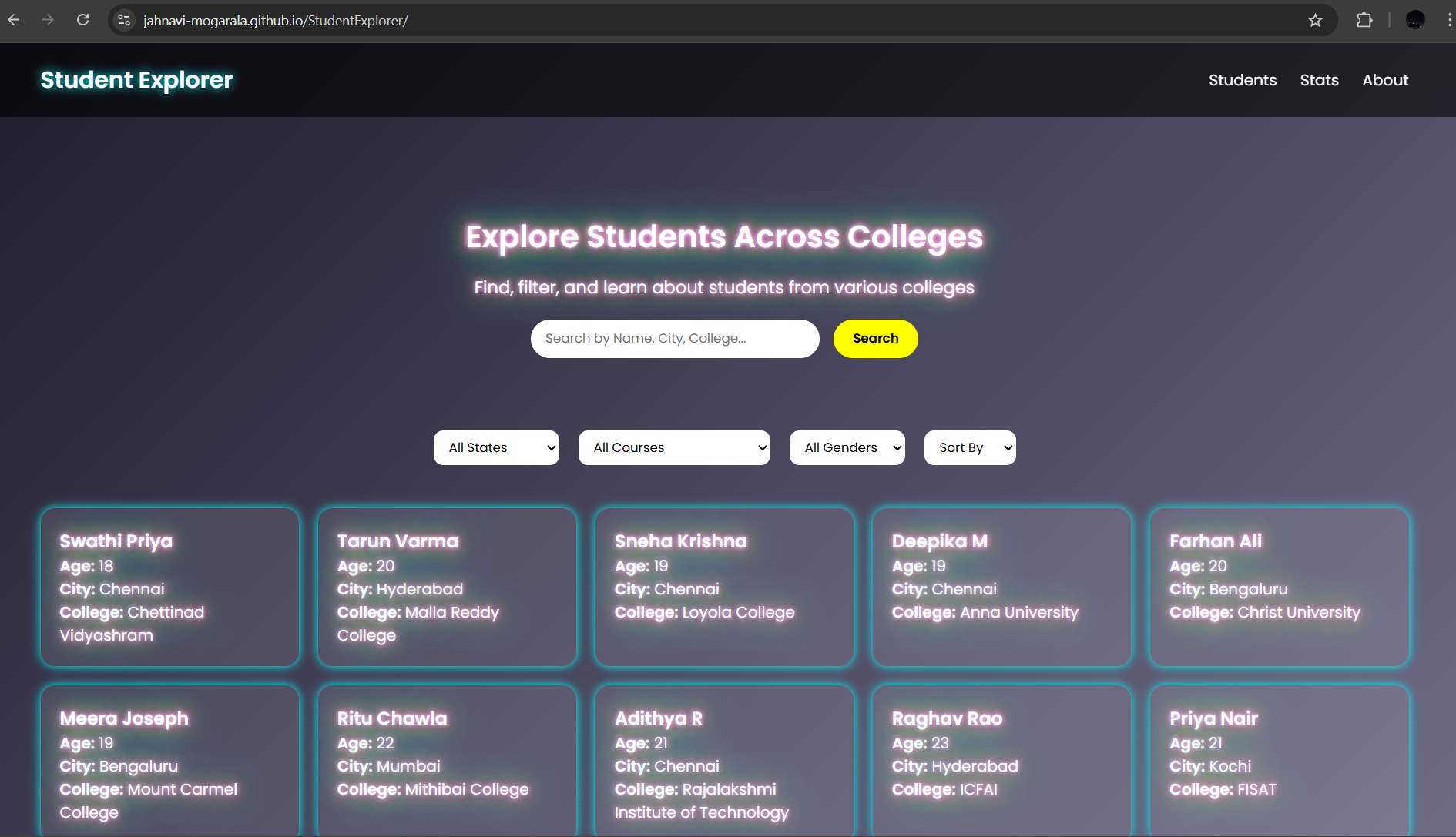
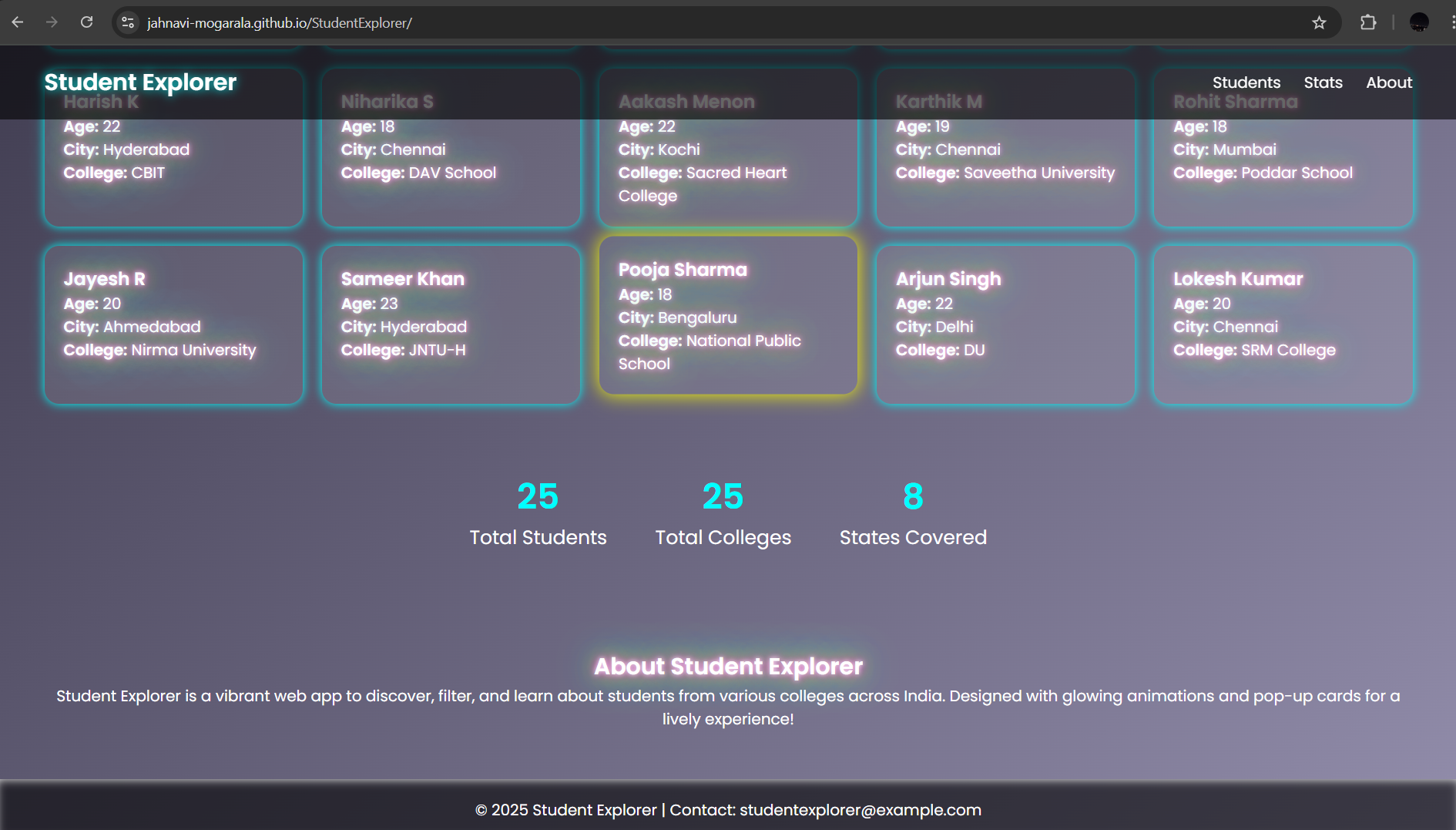
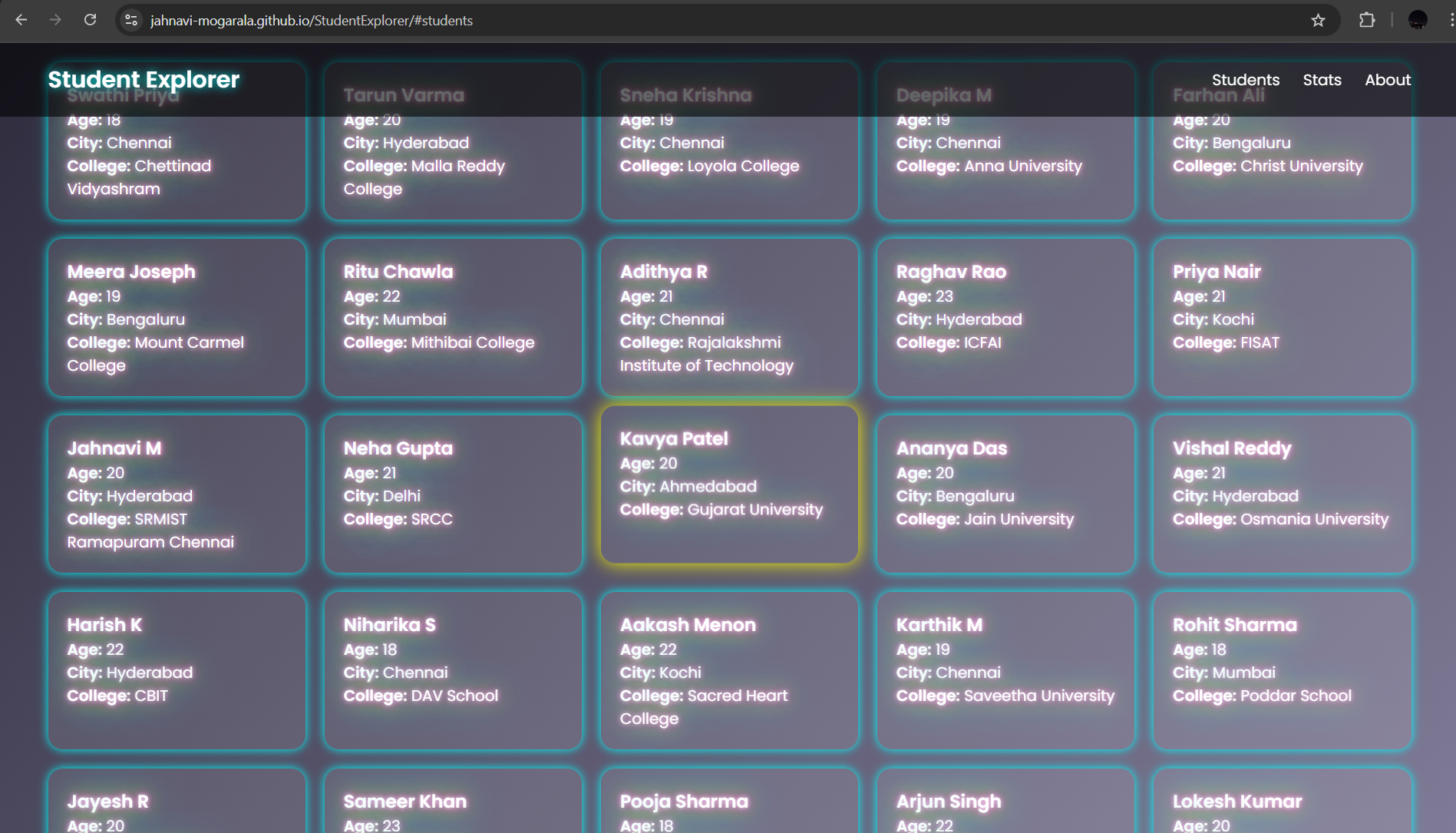
Student Explorer is an interactive web app that lets users explore students across India by college, city, state, course, and age. Users can: Search by name, city, or college Filter by state, course/class, or gender Sort students by name, age, or college Click cards to view detailed student profiles in animated pop-ups See stats for total students, colleges, and states The app is glowy and visually engaging, turning student and college exploration into a fun experience.
How we built it
We used HTML, CSS, and JavaScript to create a single-page web app: HTML: Structured the header, hero section, filters, student cards, stats, about section, footer, and modals CSS: Created glow effects, hover animations, pop-ups, and responsive design JavaScript: Loaded student data from a JSON array Implemented search, filter, and sort functionality Built clickable modals for student details Animated stats counters dynamically
Challenges we ran into
Combining filters, search, and sorting without conflicts Making the UI responsive for all screen sizes Designing glowing animations that are engaging but not overwhelming Ensuring smooth performance when rendering many student cards
Accomplishments that we're proud of
A fully functional, interactive web app that works without a backend Implemented glowing animated cards and pop-up modals for a visually engaging experience Created dynamic filtering, searching, and sorting that works seamlessly Built a project that can help students and educators explore colleges and courses easily
What we learned
How to structure a dynamic webpage using vanilla JS Working with JSON data dynamically Using CSS animations and transitions to enhance user experience Integrating multiple front-end features (search, filter, sort, modal, stats) in a cohesive way
What's next for Student Explorer
Add more students, colleges, and courses to expand the database Include charts and stats visualizations for colleges and courses Add dark/light mode toggle and interactive backgrounds Add login or profile features for personalized exploration
Built With
- and-responsive-design-javascript-(vanilla-js)-?-for-interactivity:-search
- and-stats-json-?-for-storing-and-managing-student-data-git-&-github-?-for-version-control-and-hosting-the-code-repository-google-fonts-?-for-modern
- animations
- backend
- clean-typography-browser-?-the-project-runs-entirely-in-a-web-browser
- filter
- glow-effects
- html-?-for-structuring-the-webpage-css-?-for-styling
- modal-pop-ups
- no
- sort

Log in or sign up for Devpost to join the conversation.