Student Appointment Booking System
Inspiration
In many colleges, scheduling a meeting between students and teachers is still handled manually—through notice boards, WhatsApp messages, or repeated in-person visits. This often leads to miscommunication, wasted time, and scheduling conflicts.
As a student, I personally experienced these issues and realized the need for a centralized, digital solution that could make appointment booking simple, transparent, and efficient. This motivated me to build the Student Appointment Booking System.
📚 What I Learned
Working on this project helped me gain both technical and practical knowledge:
- Designing user-friendly interfaces for real-world users
- Understanding client–server architecture
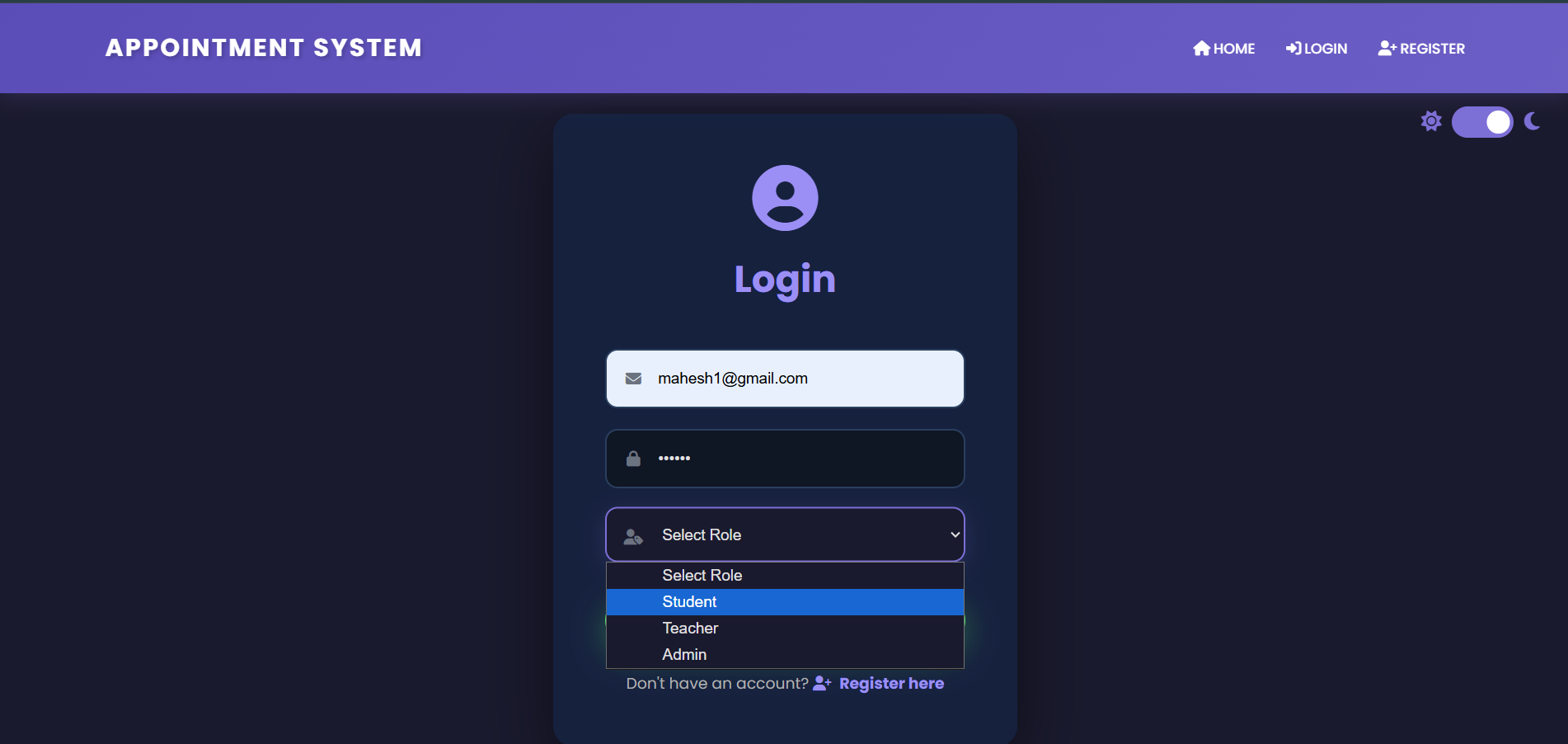
- Handling user authentication and data validation securely
- Working with databases to store and retrieve structured data
- Improving problem-solving skills by debugging real issues
- Managing time and breaking a large project into smaller modules
I also learned how important planning and scalability are when developing applications meant for actual use.
🛠️ How I Built the Project
The project was developed using a full-stack approach:
Frontend
- HTML, CSS, and JavaScript were used to create a clean and responsive interface
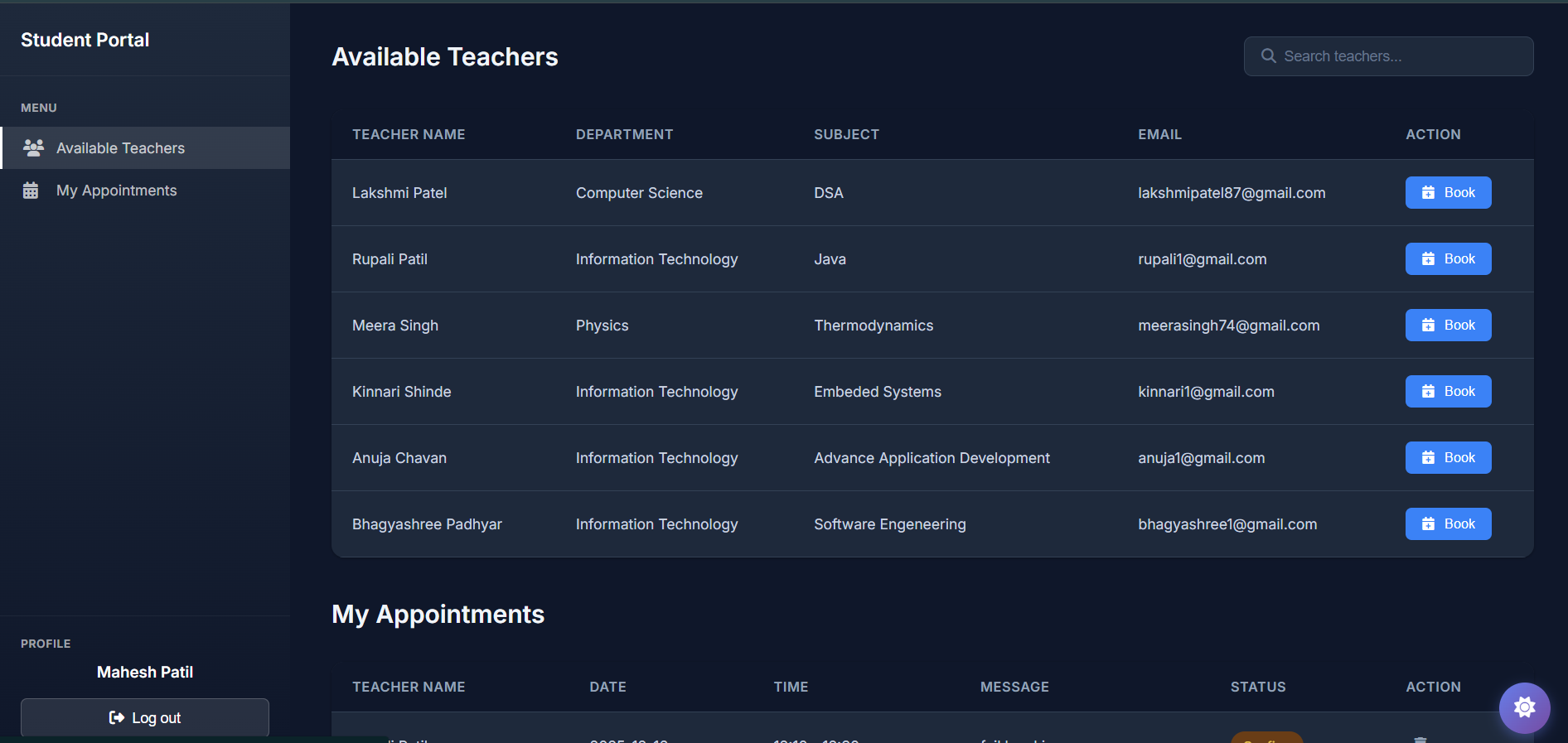
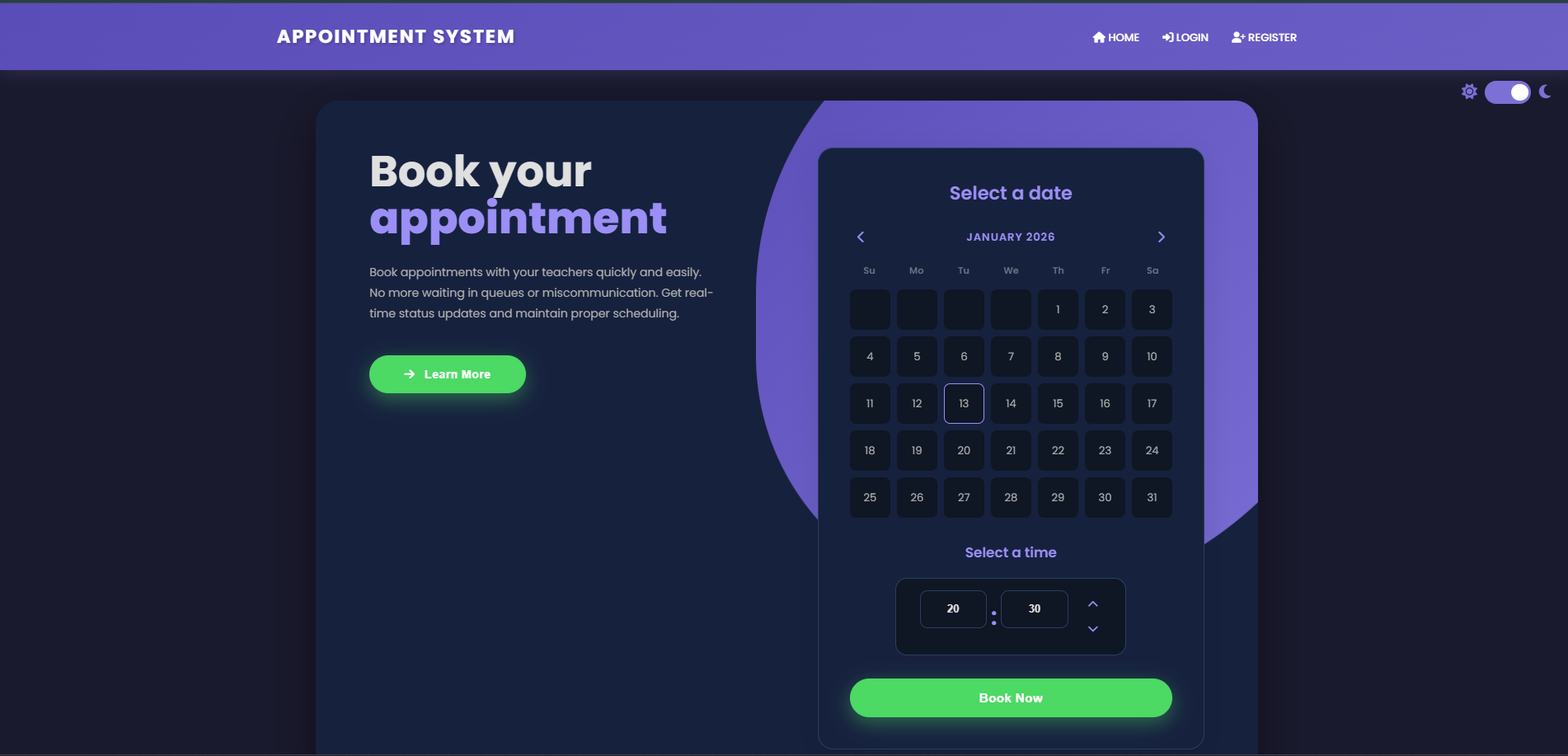
- Forms allow students to request appointments easily
- Validation ensures correct data entry before submission
Backend
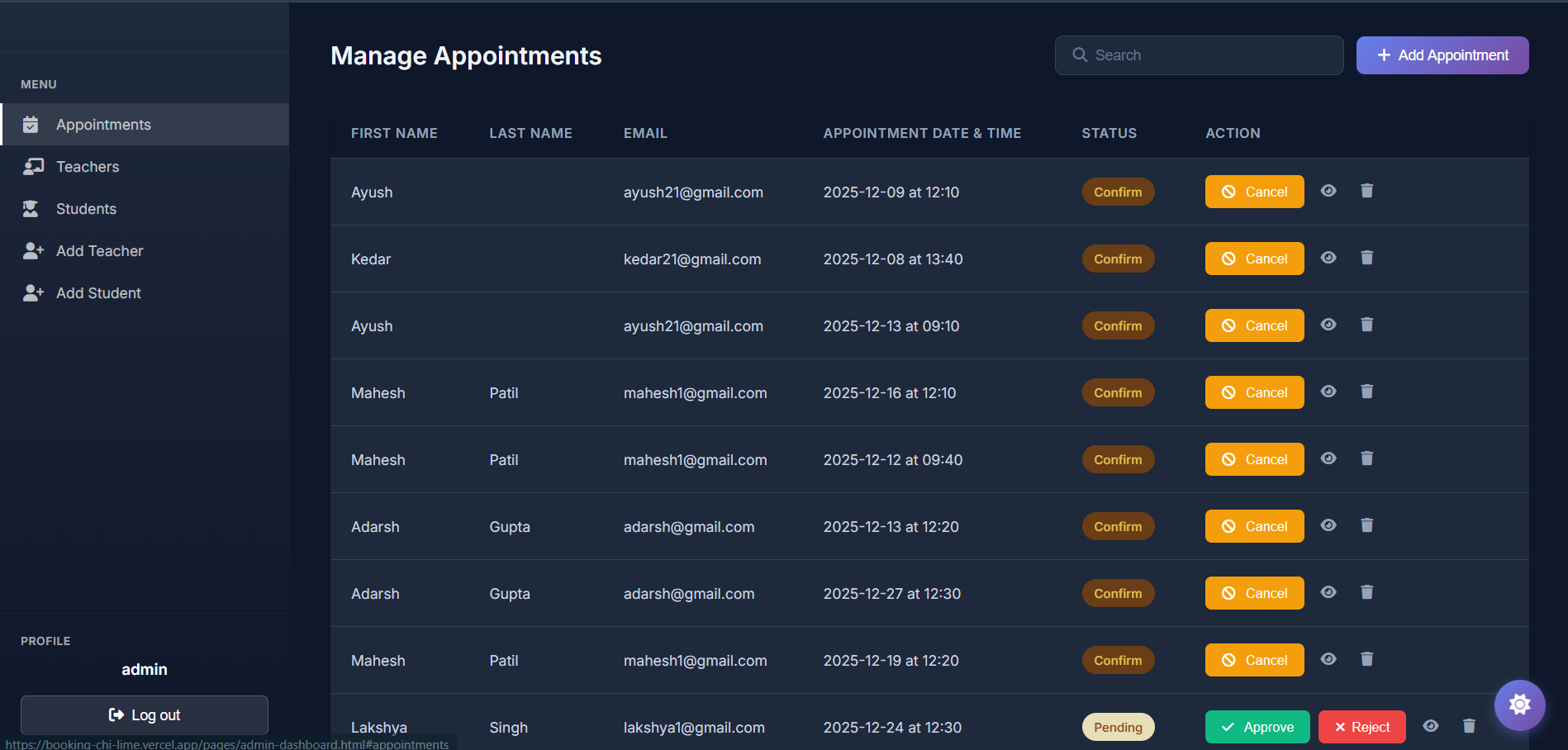
- The backend handles appointment requests, approvals, and rejections
- Logic ensures no time-slot conflicts occur
- Teacher and student roles are managed separately
Database
- A structured database stores:
- Student details
- Teacher availability
- Appointment records
- Student details
To avoid overlapping appointments, I applied logical checks similar to:
[ \text{Available Slot} = \text{Total Slots} - \text{Booked Slots} ]
This ensures that appointments are only booked when a teacher is available.
Challenges I Faced
1. Scheduling Conflicts
Preventing two students from booking the same time slot was challenging. I solved this by implementing availability checks before confirming appointments.
2. Data Validation
Ensuring all user inputs were correct and secure required multiple validation layers on both frontend and backend.
3. UI Simplicity
Designing an interface that is simple for non-technical users while still being functional took several iterations.
4. Error Handling
Handling edge cases such as canceled appointments or incomplete data taught me the importance of robust error handling.
Conclusion
The Student Appointment Booking System is a practical solution to a common academic problem. This project strengthened my full-stack development skills and gave me experience in building a system that solves real-world challenges.
It has also motivated me to continue developing scalable and impactful applications in the future.
This project reflects my growth as a developer and my commitment to creating meaningful software solutions.

Log in or sign up for Devpost to join the conversation.