Inspiration
StuddyBuddy originated from 4 students at the University of British Columbia that felt a need for prioritizing mental and physical health while regaining control over the technology that surrounds us. It was inspired by our own struggles during online school and the lack of productivity tools that actually worked for our demographic. We created a personalized productivity tool as a Google Chrome extension that is customizable, aesthetic, and efficient using a healthy reward system.
What it does
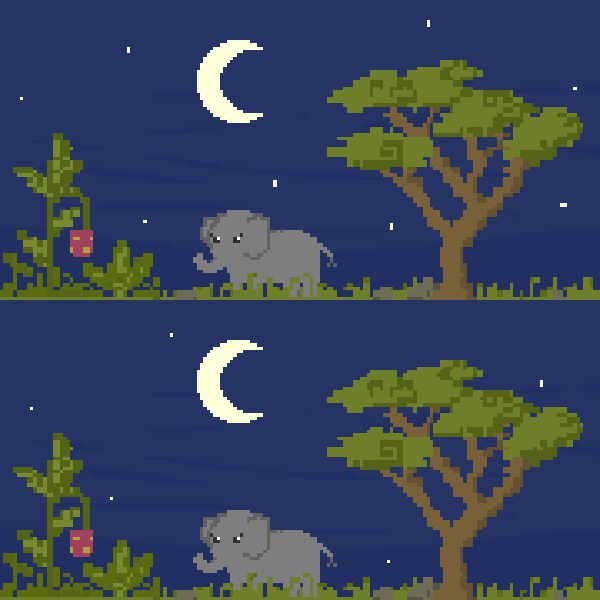
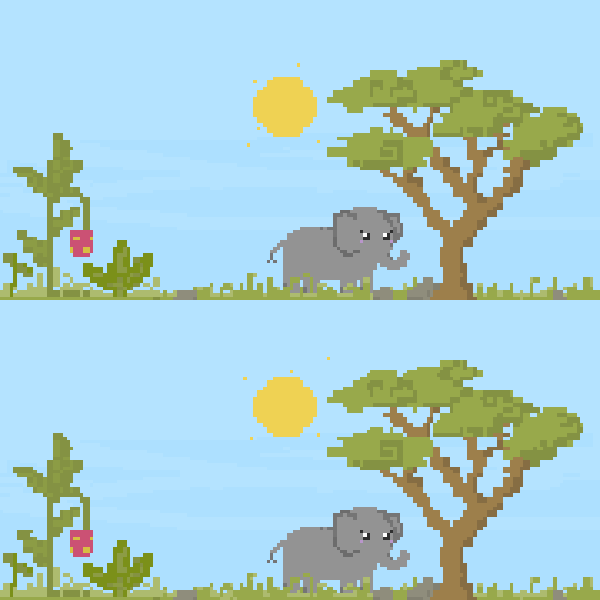
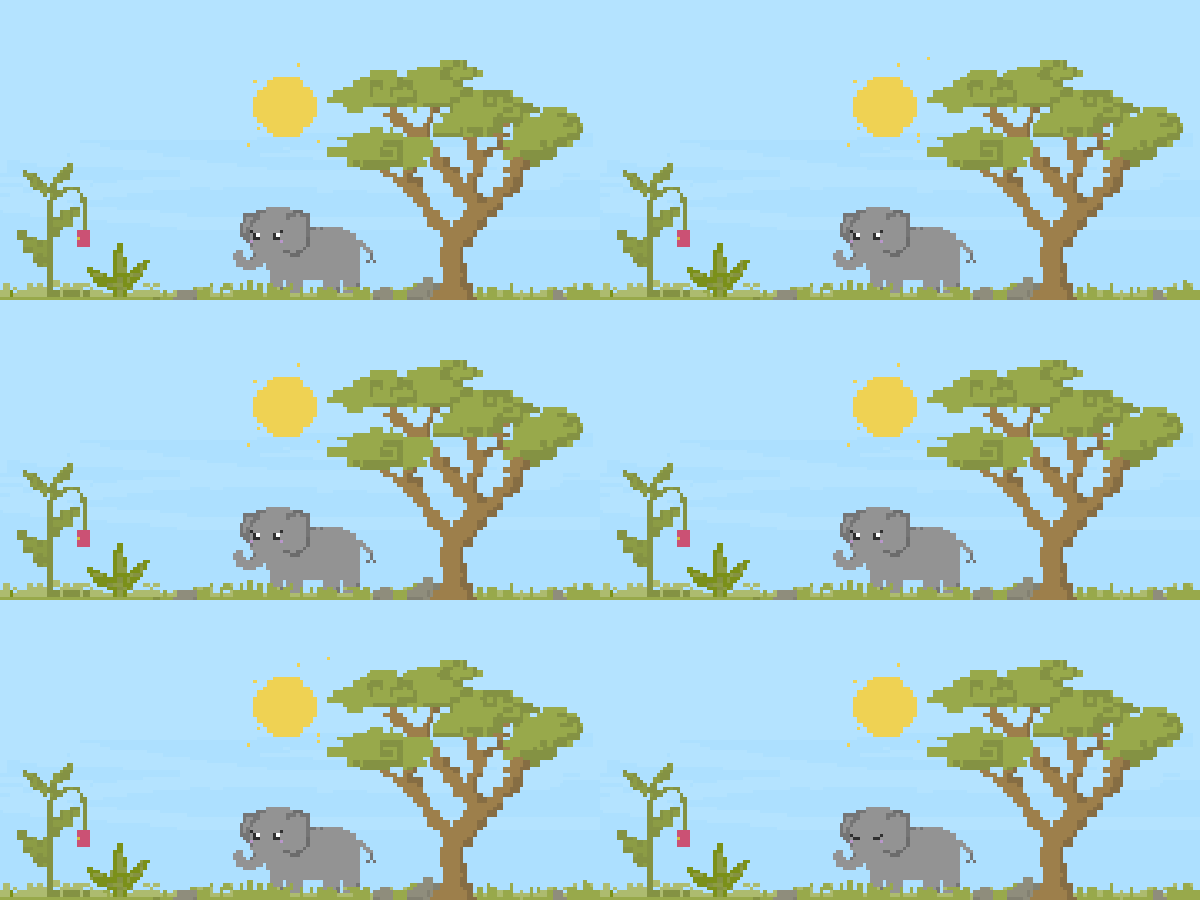
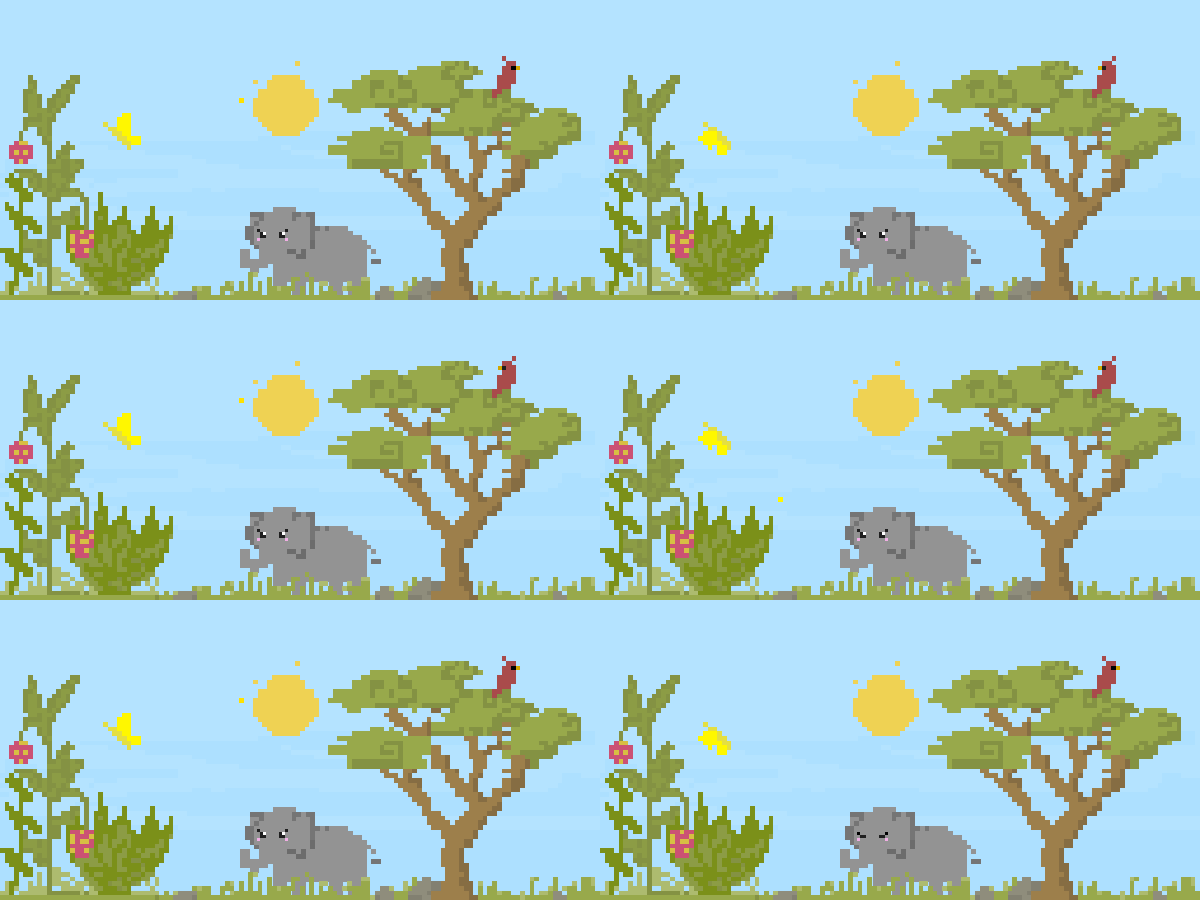
StuddyBuddy is a Google Chrome extension that is a simple productivity tool that is customizable, aesthetic, and efficient through a healthy reward system. An assortment of animals cheer you on, tracks your progress, and helps control screen time.
Components include: Timer, Break Time, Rounds, Time Remaining, Progress Bar, Start button, Animated Animal, and a StuddyBuddy!
How we built it
We used three programming languages in the development of this chrome extension: CSS, JavaScript, and HTML. We also used several coding technologies such as GitHub and Visual Studio Code. This project was a huge learning curve and we took advantage of the resources available to us including youtube videos, online code sharing platforms, and of course, the wonderful NW Hacks mentors.
We began by researching the basics of how to design a chrome extension and watched more tutorials to include the functionality we were looking for. As with most programmers, we also did a lot of trial and error to consistently test out our design and catch small bugs early, as opposed to solving larger issues at the end.
Challenges we ran into
Considering this was our first hackathon with no technical experience outside of the classroom, it was definitely difficult figuring out where to start with the project in terms of the code. We overcame this problem by talking to a mentor about how to approach the project. He advised that we first create a plan of all the components we need to code before we actually start working. It was definitely a challenge to learn HTML, CSS, and JavaScript on the fly as we built, rather than having that knowledge beforehand. I don’t think we necessarily “overcame” this challenge, but we more so embraced it as a learning opportunity and saw this as a chance to push our ability to learn quickly and effectively. Lastly, we underestimated the complexity of our initial idea; when we realized how complex it really was, we began to feel overwhelmed/lost. Instead of sitting in our frustration, we proactively decided to commit to making a minimum viable product. We accepted the fact that things don’t always go as planned and quickly iterated our vision for the product.
Accomplishments that we're proud of
Our team is proud of our willingness to take risks and learn throughout this project. There were many times we felt underqualified or not experienced enough, yet instead of giving up, we reached out for support from mentors and sought resources to help us. On the design side, we are proud of the creativity and originality of our designs. We believe these have the perfect balance of cute and motivation to help students stay productive while studying but remind them to take healthy breaks. On the development side, we are proud of our self-learning ability and desire to figure things out on our own if possible. As a whole, our team is very proud of our collaboration and communication. Each team member contributed many ideas to the final product and we worked well together to create a final solution for an issue we all sometimes struggle with.
What we learned
This hackathon was definitely a huge learning curve for our group! We learned new coding languages (CSS, JavaScript, HTML), code sharing technology (GitHub), how to use code editors (Visual Studio Code), and the terminal. We learned how a hackathon works and we were surprised to learn how many coding languages are required for one project! We also learned about ourselves in this project, like our new passion for creating cute animations and designs. We even learned how to use discord!
What's next for StuddyBuddy
In the future, we hope to add more animals and personalization settings, such as unlocking more options through rewards and garden growing. Further additions could be:
Music: automatically plays once a certain time limit is reached (animals dance) Breathe: screen displays flower that slowly expands and compresses several times to mimic deep breathing patterns (and animal breathes along) Stretch: follow an animal on screen stretching Fitness: do some low-intesity exercise like jumping jacks / plank / sit-ups (animals follow) Connect: text some friends/family to say hi (animals text) Gratitude: write down three things you are grateful for in this moment (into the browser textbox?) Meditate: plays a short meditation recording (led by the animal) Water: drink a cup of water (with the animal) Eat: get a healthy snack (the animals give suggestions) Walk: go for a short outdoor walk tracked by your phone (animal walks around screen) Tidy: take a before and after picture of a small area of your room (animal dusts the screen)
As well, adding shareable insights of time studying, break time, and completed tasks will add a social aspect! Having friends to keep you accountable on your goals and self care tasks will improve the efficiency of our extension. Finally, scaling up for different platforms like iOS or android.
Built With
- css
- github
- html
- javascript
- visual-studio-code


Log in or sign up for Devpost to join the conversation.