-
-
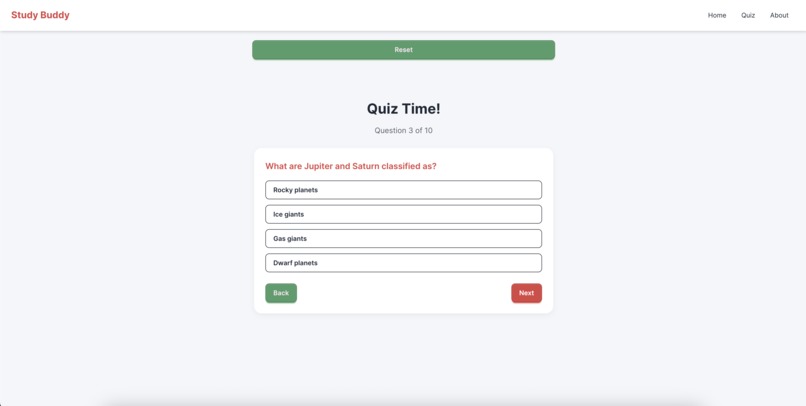
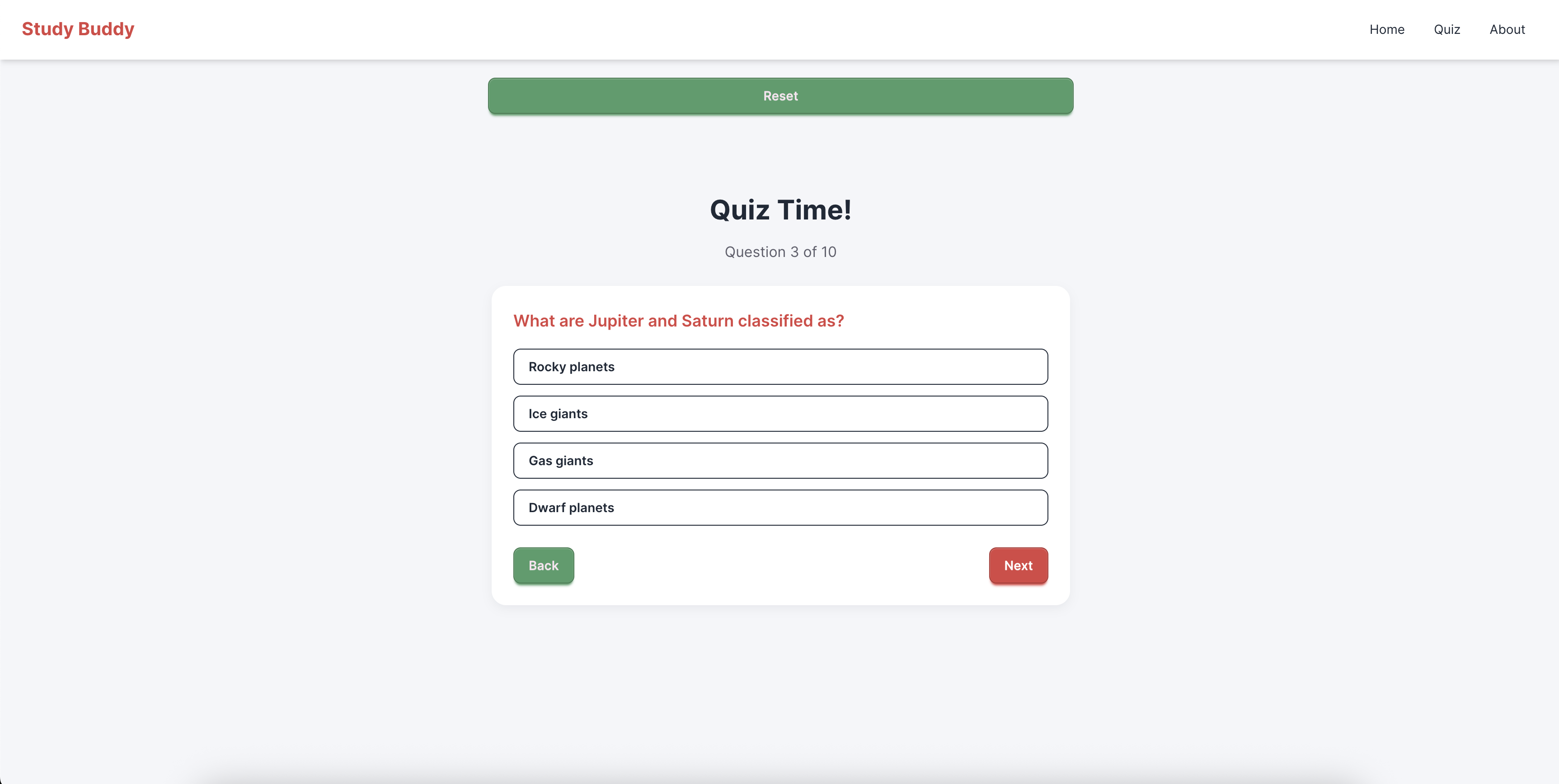
quiz
-
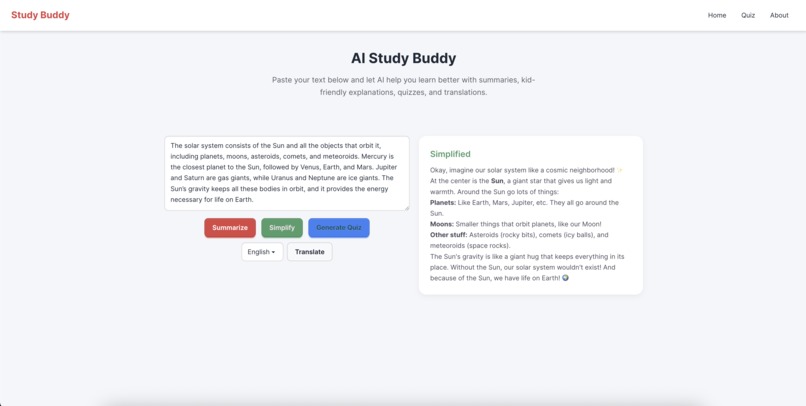
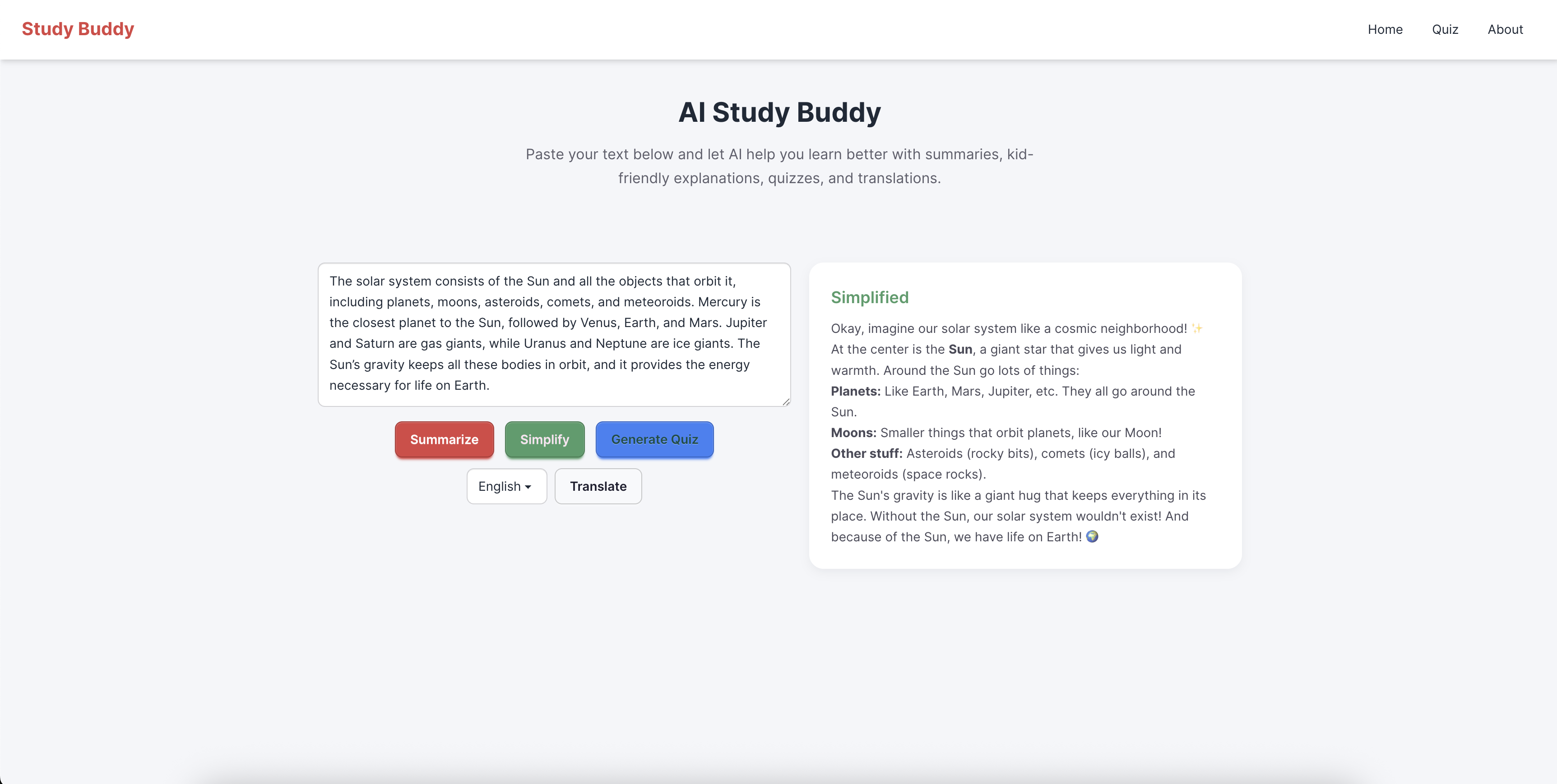
simplify
Inspiration
The inspiration for AI Study Buddy came from the challenge of climate change education. Complex scientific reports and dense articles often discourage young learners and non-native speakers. I wanted to create a tool that makes learning about science, sustainability, and other subjects simple, engaging, and accessible to everyone.
What it does
Study Buddy takes any block of text — such as a school lesson, article, or climate change report — and makes it easier to understand and learn from.
It summarizes long passages into short, clear insights. It rewrites content into simple, kid-friendly language. It generates interactive quizzes to test understanding. It translates content into multiple languages for inclusivity. The result is a learning tool that turns complex information into engaging, accessible lessons for everyone.
How we built it
Frontend: Built with Next.js and styled with DaisyUI (on top of Tailwind CSS) for fast and clean UI development.
APIs
Summarizer API → condenses long passages. Language Detector API → Automatically detects language of user input. Prompt API → generates quizzes and explain stuffs for kids. Translator API → enables multilingual support. Deployment: Hosted publicly on Netlify for easy access and testing.
Flow
User pastes text → AI generates a summary + simplified explanation. User clicks “Generate Quiz” → interactive MCQs appear. User chooses a language → translations display instantly.
Challenges we ran into
UI/UX without a designer: Overcame this by leveraging DaisyUI’s ready-made components and themes. Balancing features vs. time: Hackathon constraints meant focusing on a minimum viable product that still delivers a “wow” factor. Ensuring reliability: Needed to handle cases where AI outputs were incomplete or inconsistent. Offline/low-connectivity considerations: Client-side APIs solved this challenge by ensuring resilience.
Accomplishments that we're proud of
Built a fully functional AI-powered education app in a short hackathon timeframe. Successfully integrated four different Google AI APIs (Summarizer, Rewriter, Prompt, Translator) into one seamless learning experience. Created a clean and accessible UI without needing a professional designer, using DaisyUI and Tailwind. Delivered an app that works online and offline, making it useful for underserved communities. Turned complex scientific text — like climate change reports — into simple, engaging lessons with quizzes that young learners can actually enjoy.
What we learned
How to integrate multiple Google AI APIs (Summarizer, Language Detector, Prompt, Translator) into a single workflow. The value of simplifying complex information so that young learners can better understand topics like climate change. That interactivity (quizzes, translations) greatly increases engagement compared to static content. How to design a clean, functional UI quickly using DaisyUI, even without a design background. The importance of considering accessibility and inclusivity — especially language barriers and low-connectivity environments.
What's next for Studdy buddy
With more time, I’d love to add: Voice input and text-to-speech for accessibility. A gamified progress system with badges for learners. A database of saved quizzes and personalized learning paths.
Built With
- daisyui
- github
- google-language-detector-api
- google-prompt-api
- google-summarizer-api
- google-translator-api
- javascript
- netlify
- next.js
- tailwindcss
- typescript
- youtube

Log in or sign up for Devpost to join the conversation.