Study Buddy MCP
Inspiration
Students often need a simple way to organize study materials and revise topics effectively. We created Study Buddy MCP to make learning more interactive through topic-based flashcards and quizzes.
What It Does
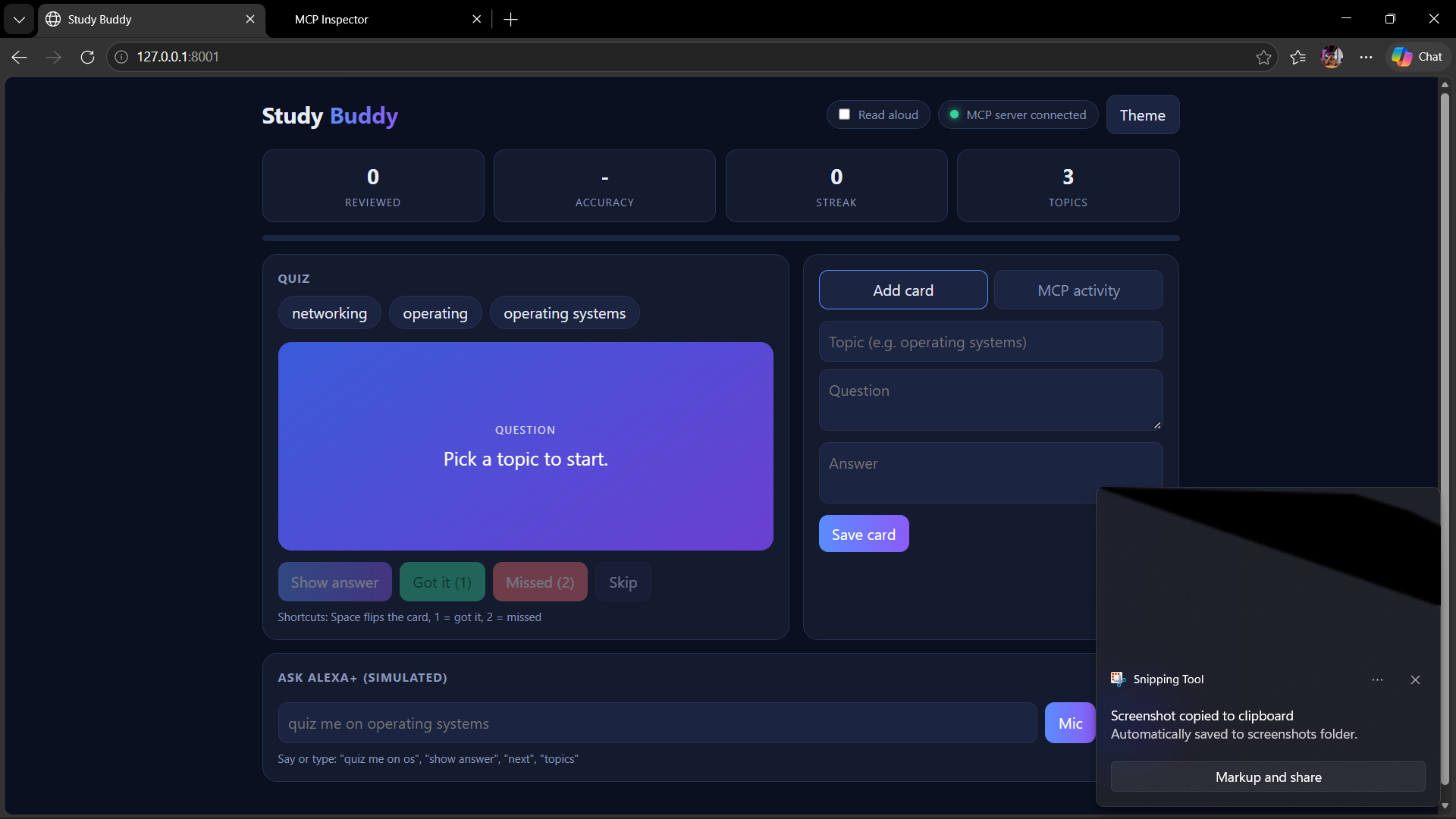
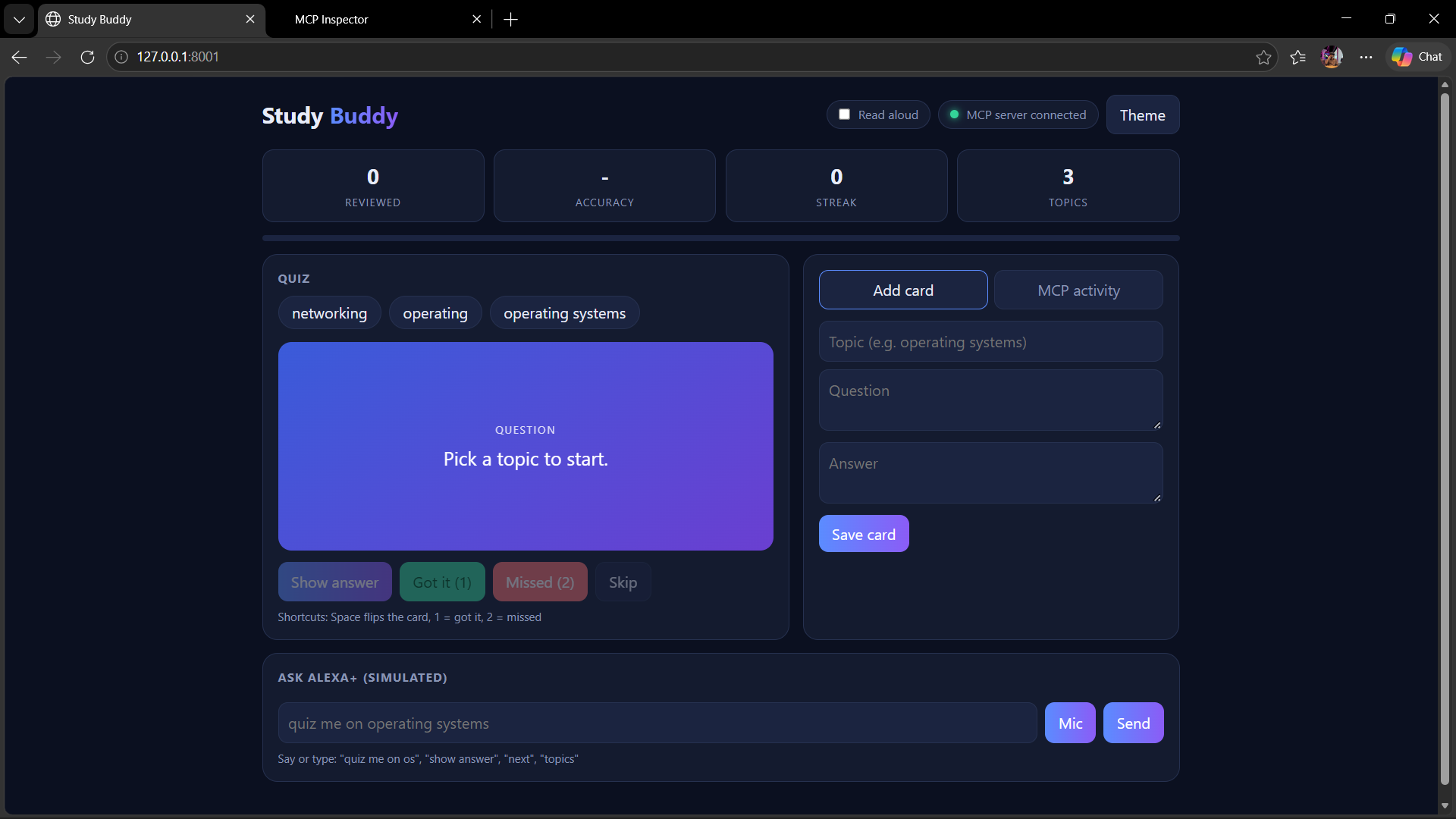
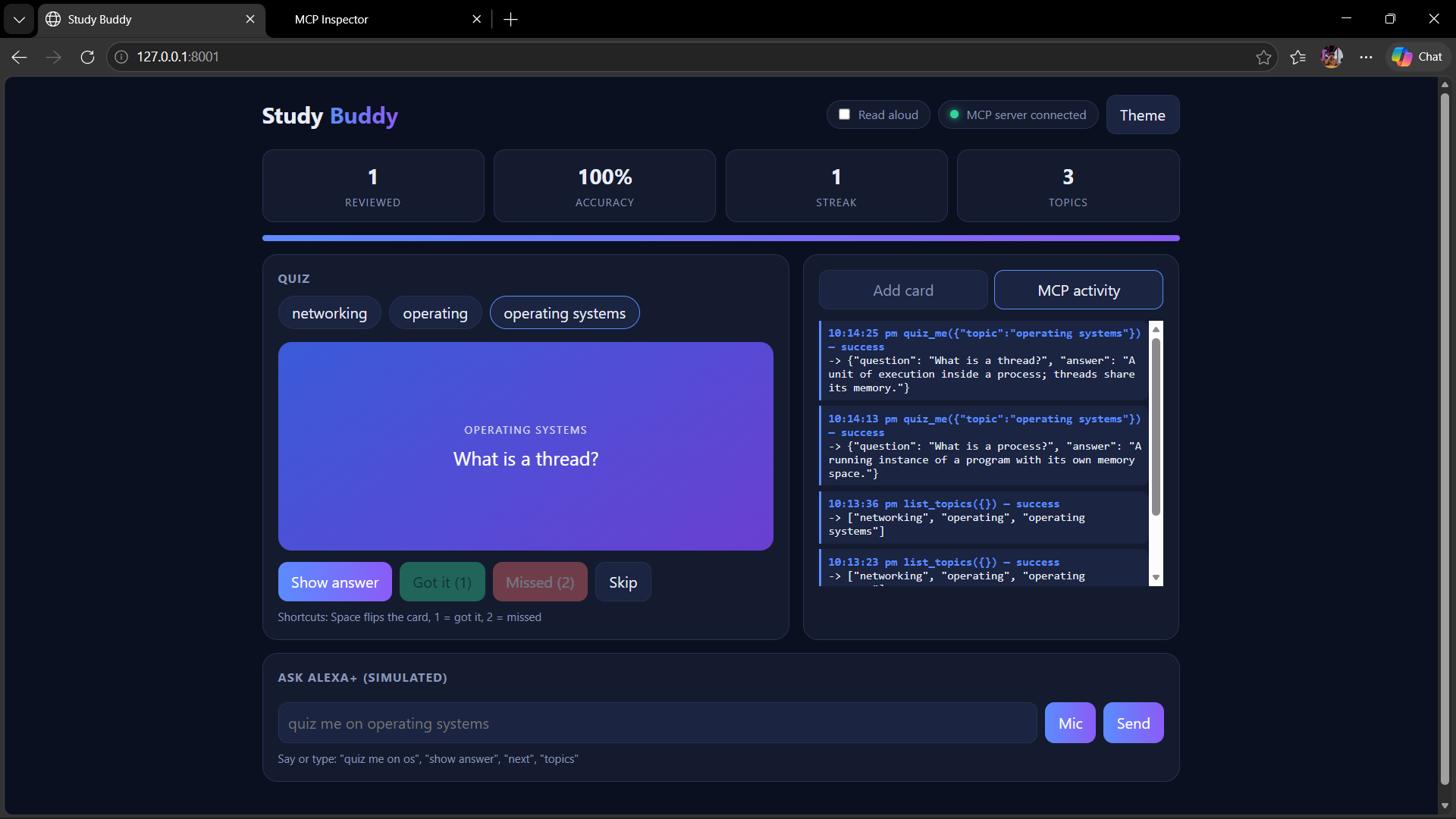
Study Buddy MCP is a study assistant that allows users to:
- Create and save flashcards under different topics.
- View all available study topics.
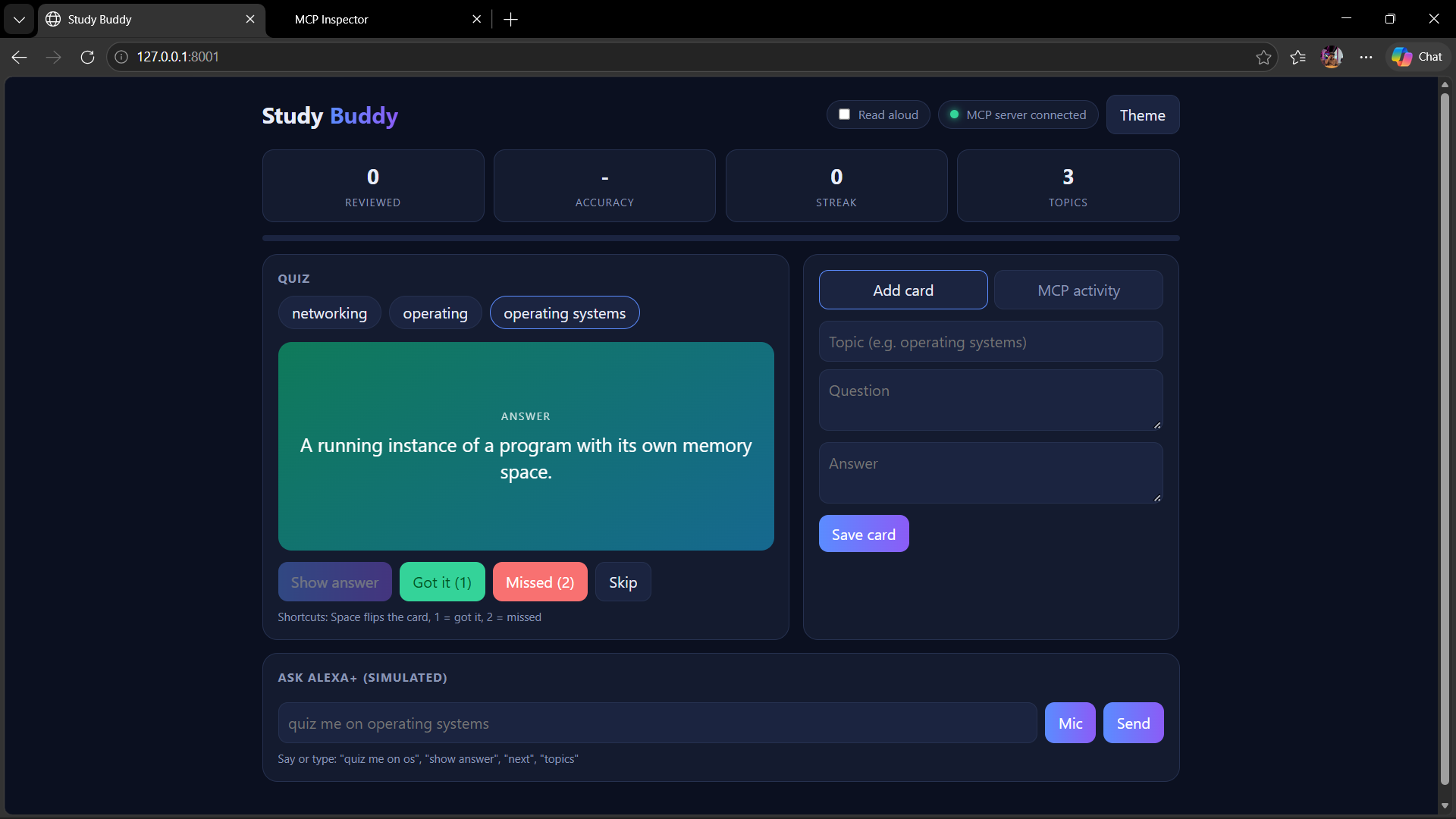
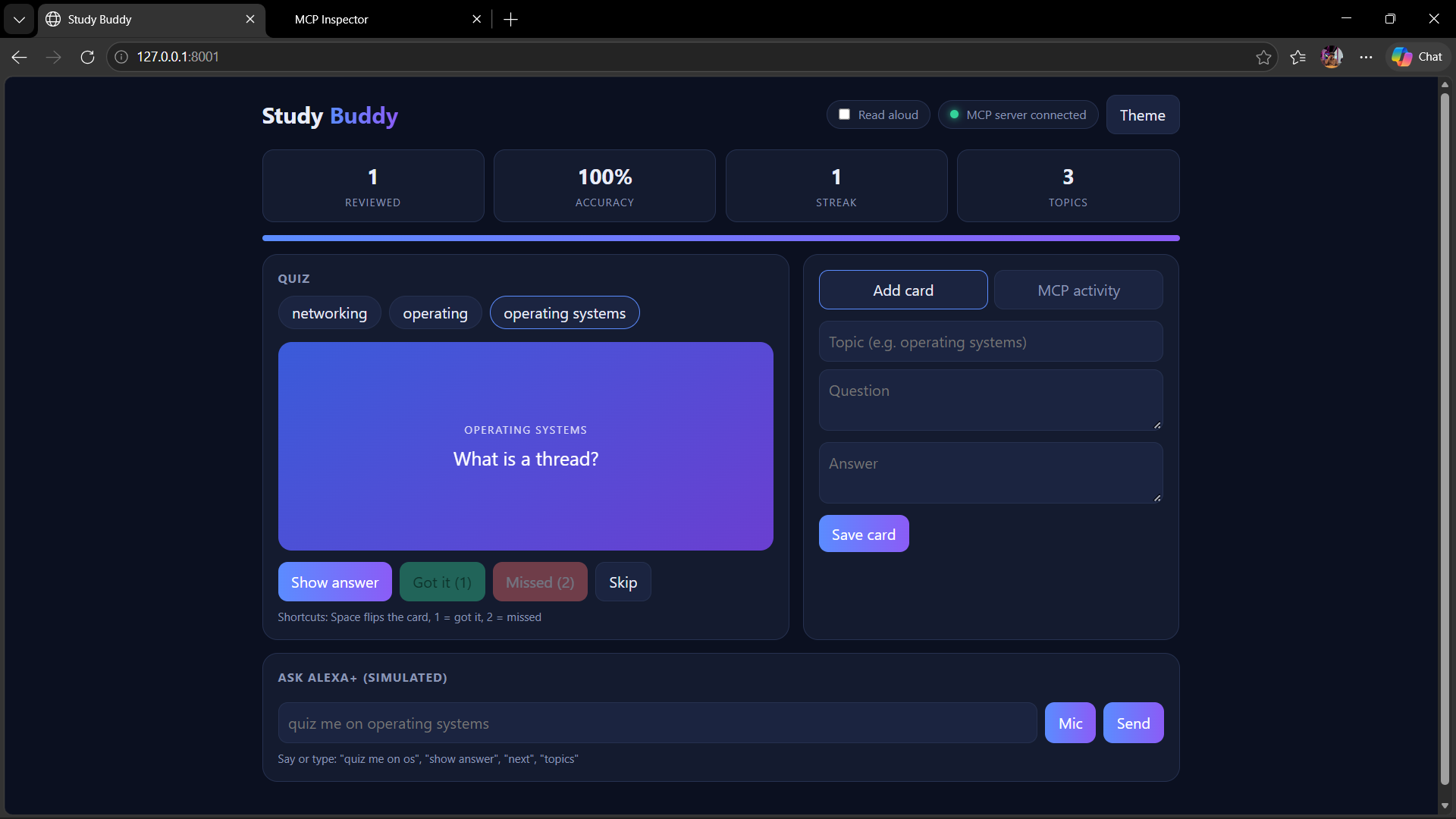
- Take quizzes using randomly selected flashcards.
- Reveal answers after attempting a question.
- View actual MCP tool activity and results.
How We Built It
We built the project using Python, FastAPI, SQLite, and the Model Context Protocol (MCP). The MCP server provides tools for adding flashcards, listing topics, and generating quiz questions. A web interface lets users interact with these tools, while SQLite stores flashcard data.
Challenges We Faced
One of our main challenges was connecting the web application to the MCP server, especially while deploying the services separately. Configuring the server's network host and port for deployment helped us understand how local applications communicate with remote services.
What We Learned
Through this project, we gained practical experience with MCP tool integration, API development, database operations, and deployment. We also learned how to connect a user-friendly interface with backend tools to build a more interactive learning experience.
Future Scope
We plan to explore AI-generated questions, personalized revision recommendations, and learning progress tracking to make Study Buddy MCP more useful for students.

Log in or sign up for Devpost to join the conversation.