-
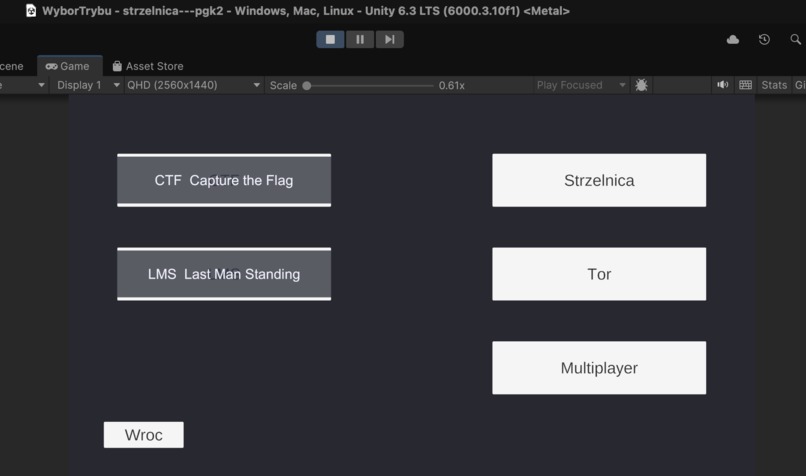
Starter page
-
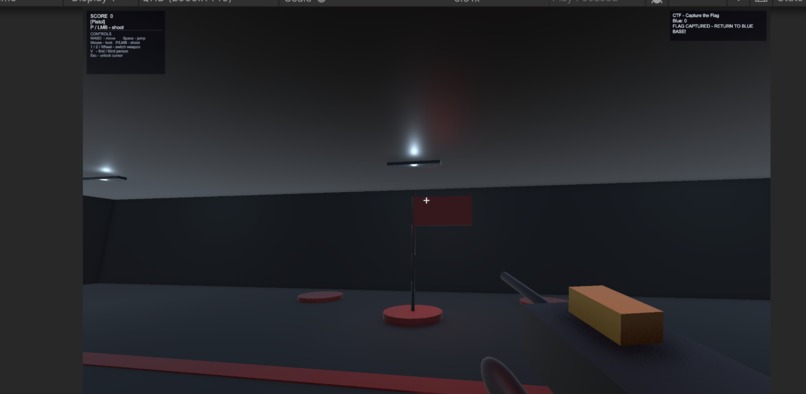
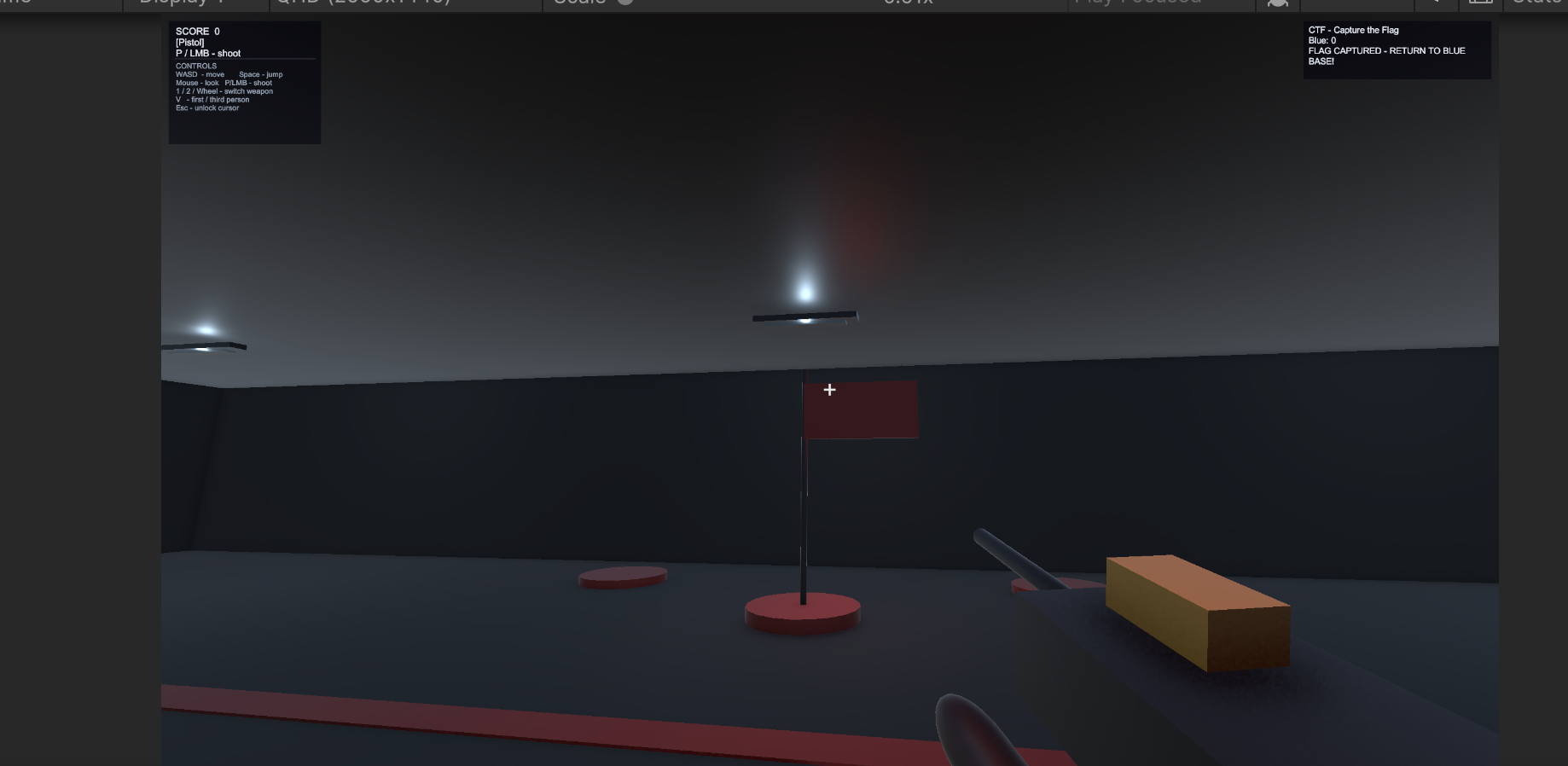
Capture the flag
-
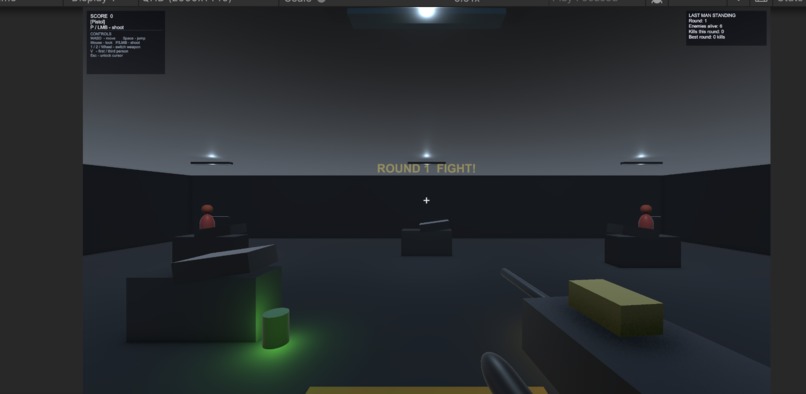
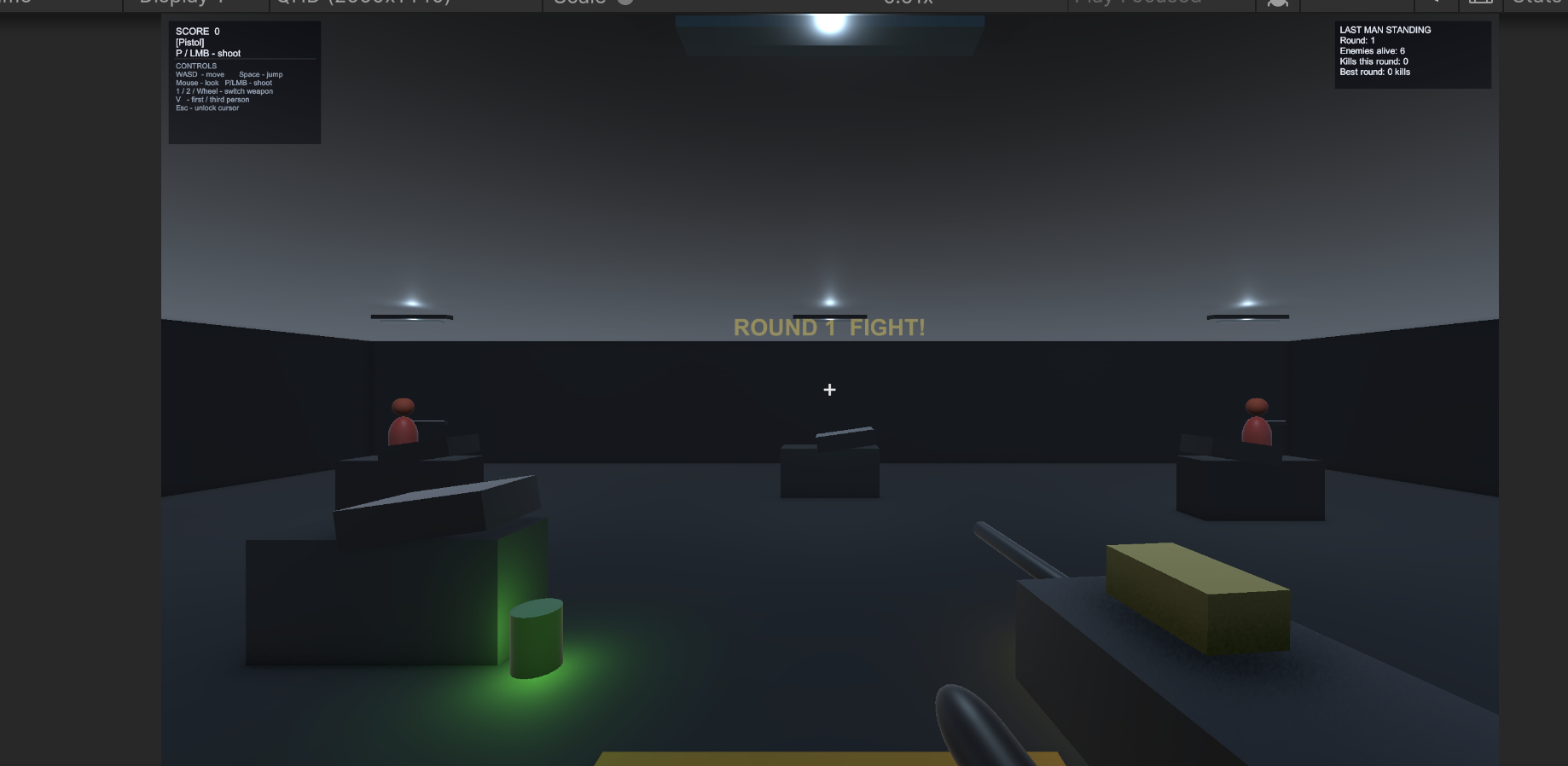
Last man standing
-
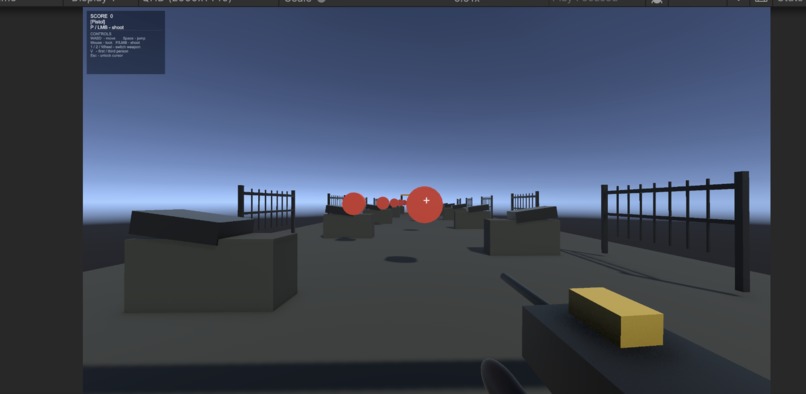
Obstacle course
-
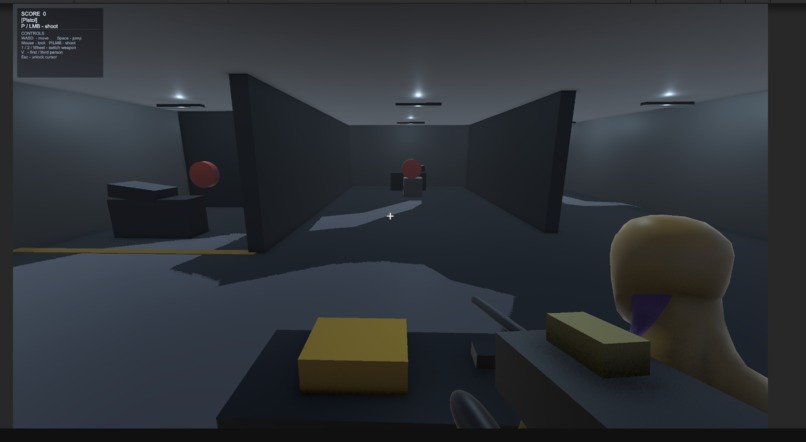
Shooting range
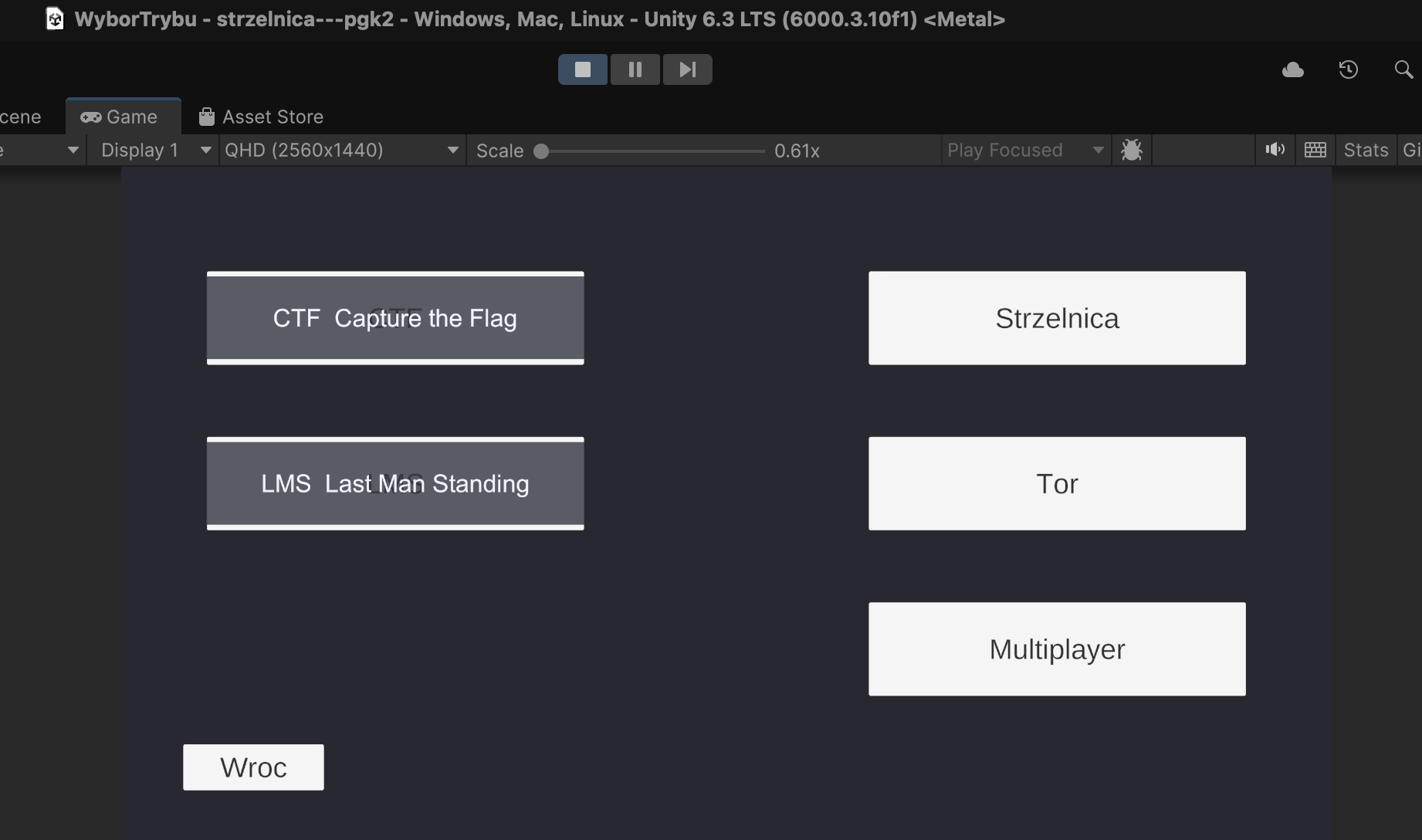
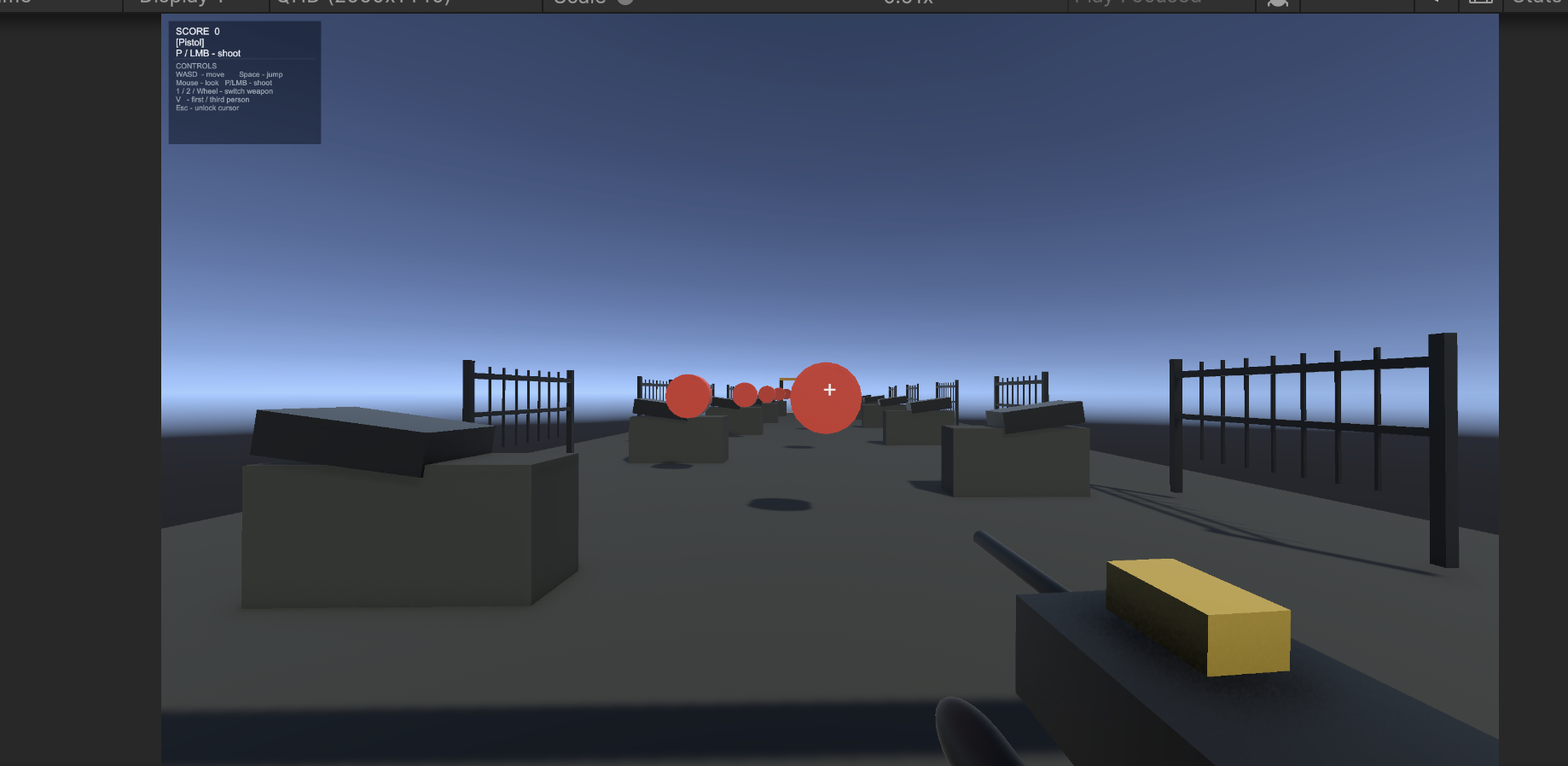
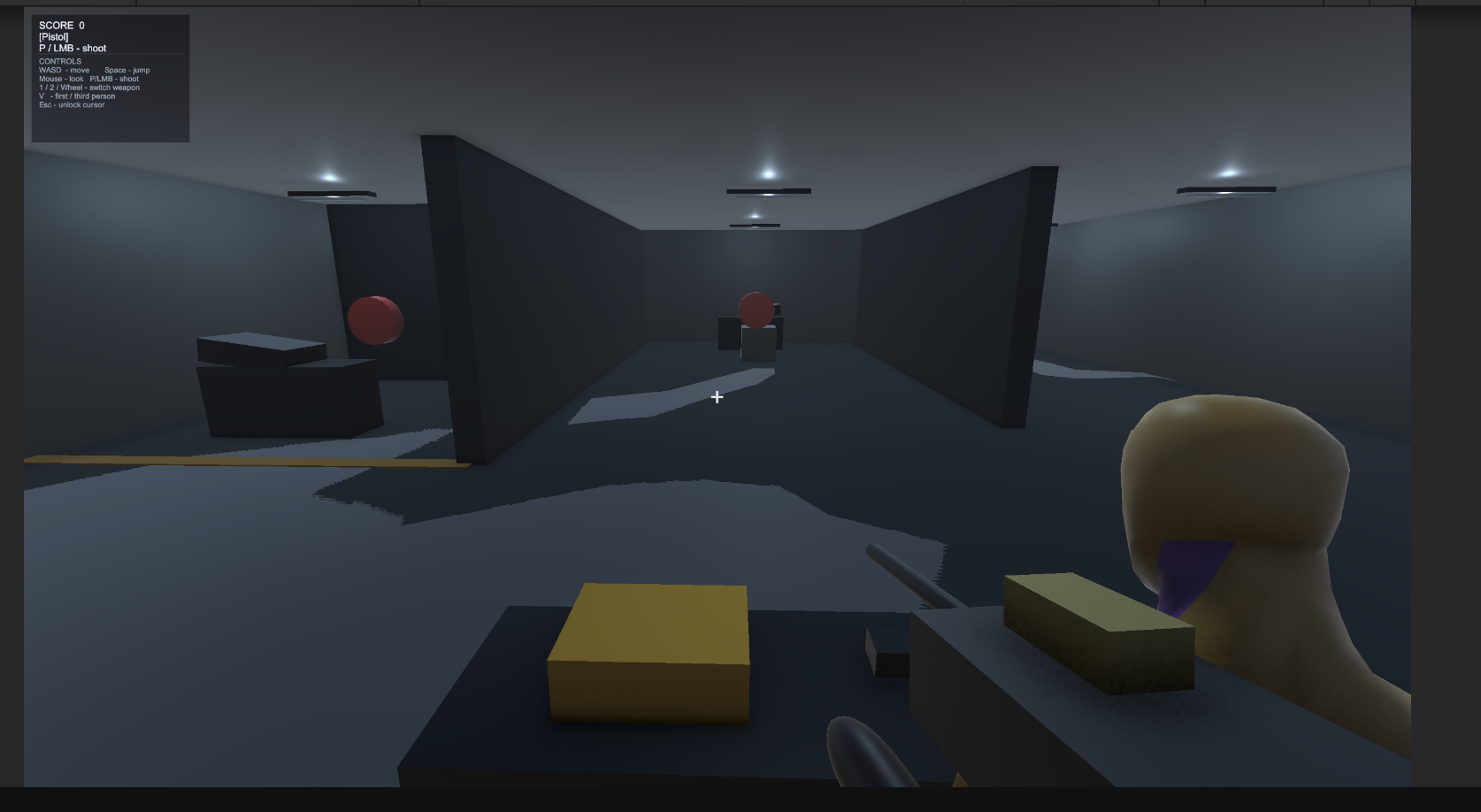
Strzelnica — Unity FPS Shooting Range
A first-person shooter built in Unity 6, featuring a shooting range, multiple game modes, and a third-person camera toggle.
Game Modes
| Mode | Description |
|---|---|
| Strzelnica | Classic shooting range — hit static and moving targets to score points |
| LMS (Last Man Standing) | Round-based mode — eliminate all targets to advance to the next round |
| CTF (Capture the Flag) | Grab the red flag and return it to the blue base |
| Tor | Obstacle course with a timer |
| Multiplayer | Work in progress |
Controls
| Action | Key / Mouse |
|---|---|
| Move | W / A / S / D |
| Look | Mouse |
| Jump | Space |
| Shoot | LMB or P |
| Switch weapon | 1 / 2 or scroll wheel |
| Toggle FPS / TPS | V |
| Unlock cursor | Esc |
Features
- Two weapons (pistol and submachine gun) with configurable damage, fire rate, and range
- Moving and static targets with respawn and randomized scale
- Real-time HUD — score, active weapon, crosshair
- Procedurally built weapon model (no external 3D assets)
- Inverse kinematics (IK) for aiming animations
- Scene navigation via a main menu and mode selection screen
Project Structure
Assets/
├── Scenes/          # MainMenu, WyborTrybu, Strzelnica, LMS, CTF, Tor, Multiplayer
├── Settings/        # URP render pipeline assets (PC + Mobile)
├── TextMesh Pro/    # TMP fonts and shaders
├── modele/          # 3D models (.fbx)
└── scripts/
    ├── gracz_ruch.cs              # Player movement, camera, jump, IK
    ├── WeaponSystem.cs            # Weapons, shooting, scoring, HUD
    ├── ShootableTarget.cs         # Target HP, respawn, sinusoidal movement
    ├── LMSGameManager.cs          # Last Man Standing round manager
    ├── CTFGameManager.cs          # Capture the Flag logic
    ├── SceneLoader.cs             # Scene navigation utility
    └── MilestoneTwoSceneBuilder.cs # Procedural scene builder
Requirements
- Unity 6000.3.10f1
- Universal Render Pipeline (URP) 17.3.0
- Input System 1.18.0
Setup
- Clone the repository
- Open Unity Hub → Add → select the project folder
- Unity Hub will detect the required editor version
- Open the
MainMenuscene and press Play
Note: The
Library/folder is excluded from version control. First-time import may take a few minutes.
Built With
- c#
- hlsl
- shaderlab
- wolfram-technologies

Log in or sign up for Devpost to join the conversation.