Inspiration
As a project manager and lifelong learner, I grew frustrated with clunky mind mapping tools that either lacked AI smarts or made collaboration a hassle. Whether I was drafting project roadmaps or helping my kids organize study notes, I needed a tool that was fast, flexible, and built for real-world use—no overly complex features, just intuitive power. That’s when I set out to build MindMap Creator AI: a tool that bridges the gap between AI automation and human creativity.
What it does
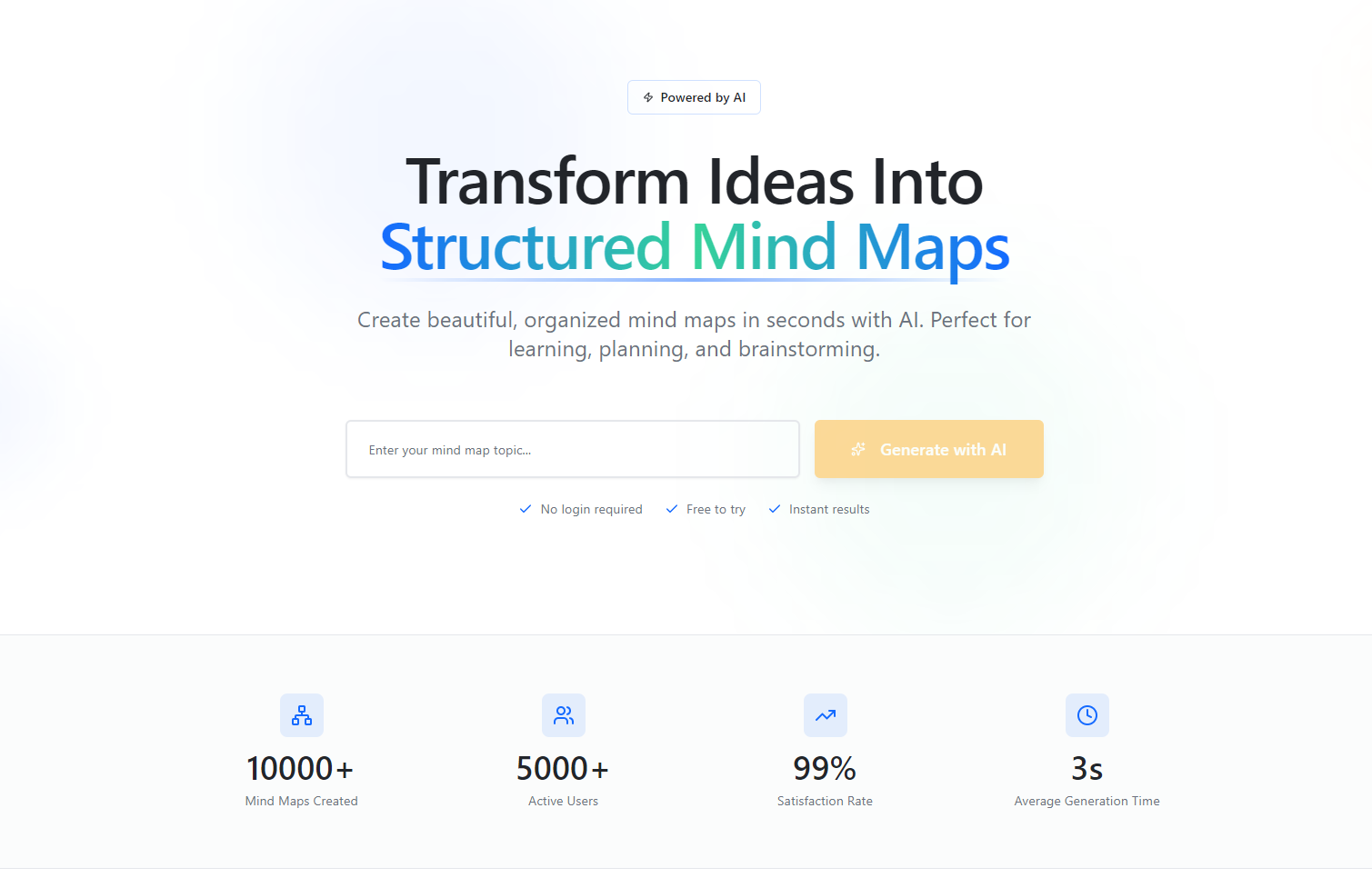
MindMap Creator AI lets users input a core topic, and our AI instantly generates a hierarchical mind map with logical sub-nodes. Users can edit, drag, and customize nodes (colors, fonts, icons), switch between tree/fishbone/radial layouts, collaborate in real-time with teammates, and export to PNG/JPG/PDF. Basic use is free, with a $7.99/month subscription for full unlimited access.
How we built it
We started with core tech stack choices: React for the frontend (to prioritize responsive design for laptops/tablets) and Node.js for the backend. We integrated the OpenAI API to train our AI logic to parse topics and generate meaningful structures, then used WebSockets to enable real-time collaboration. For exports, we built custom Canvas API rendering and PDFKit integration to preserve formatting, and Stripe for seamless subscription management.
Challenges we ran into
The biggest hurdle was syncing real-time edits across multiple users without lag—we spent weeks refining WebSocket logic to ensure node drags/edits updated instantly for all collaborators. We also struggled with AI generation consistency: early versions produced disjointed node structures, so we iterated on prompt engineering and topic analysis logic to align outputs with user intent. Export formatting was another pain point—ensuring layouts translated perfectly to PDF/PNG required testing dozens of edge cases.
Accomplishments that we're proud of
We’re thrilled that the AI generates complete, usable mind maps in seconds (meeting our core acceptance criteria) and that the layout switch preserves all node relationships—no lost work. The collaboration feature works flawlessly even with 5+ simultaneous users, and the subscription flow is smooth with zero friction. Most importantly, beta testers (students, PMs, entrepreneurs) told us it’s become their go-to for brainstorming and planning.
What we learned
Building this tool taught me the value of user-centric iteration: early feedback from target users (like adjusting the AI’s node hierarchy logic) made the product far more useful than if we’d stuck to our initial vision. I also deepened my understanding of real-time data synchronization and AI prompt engineering—skills that stretch far beyond this project.
What's next for this project
We’re prioritizing mobile responsiveness (even though it was out of scope for v1) to make the tool accessible on phones. We also plan to add AI-powered editing suggestions (e.g., "Add sub-node for risk assessment" on project plans) and version history for rollbacks. Long-term, we want to integrate with popular productivity tools (calendars, task managers) to turn mind maps into actionable workflows—keeping the core vision of simplicity, but adding layers of utility that grow with our users.
Built With
- canvas
- html/css
- openai-api
- pdfkit
- websockets

Log in or sign up for Devpost to join the conversation.