-
-

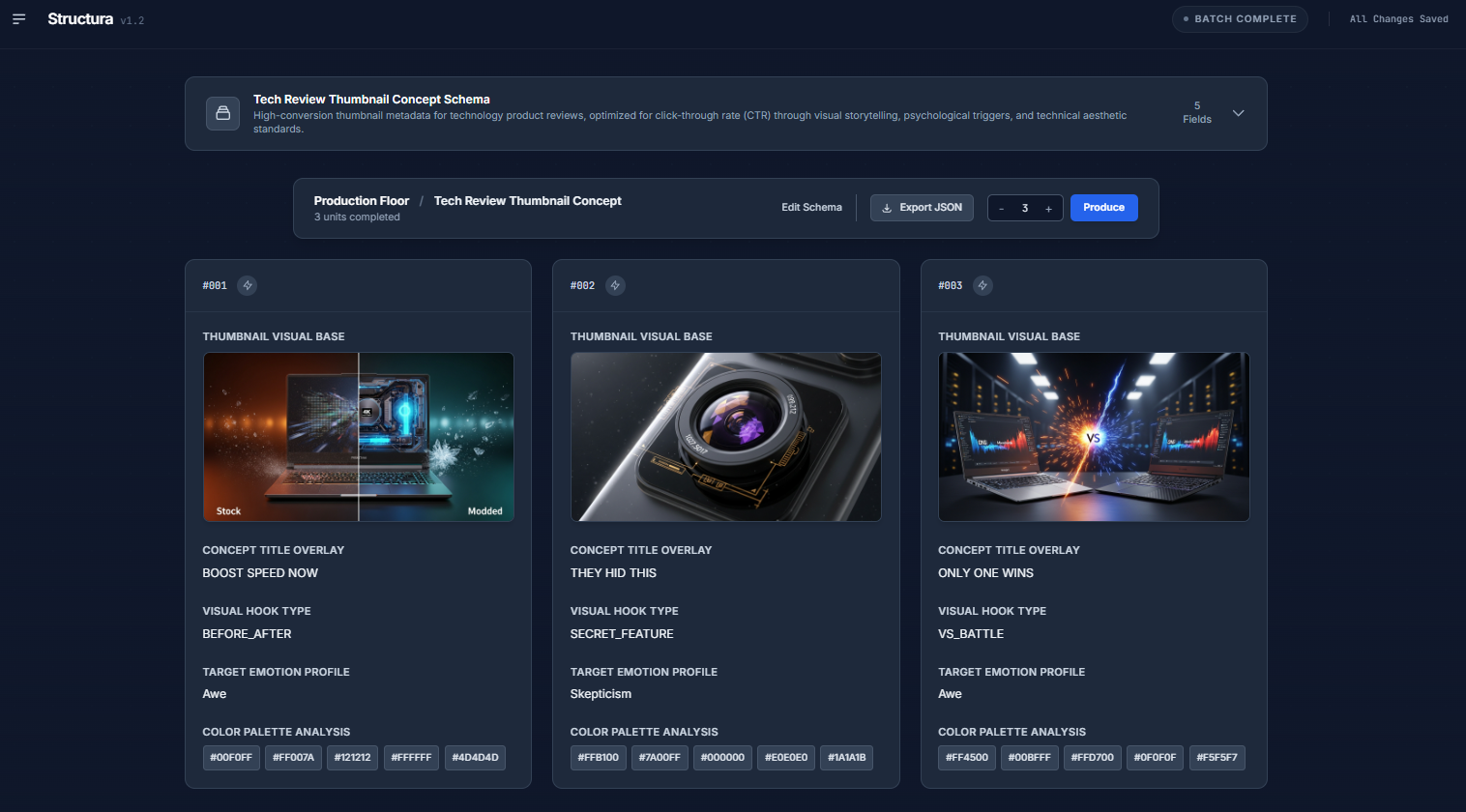
Tech product review thumbnail example
-

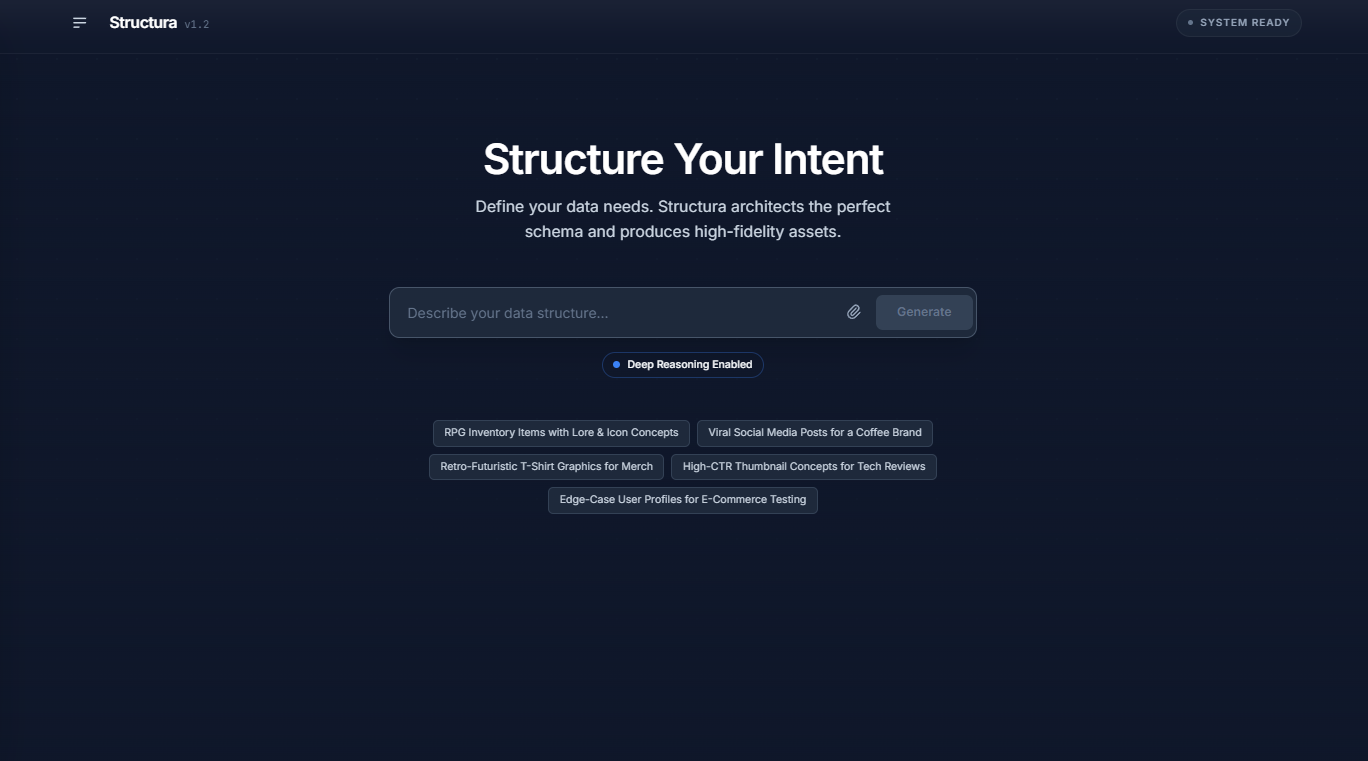
Landing Page
-

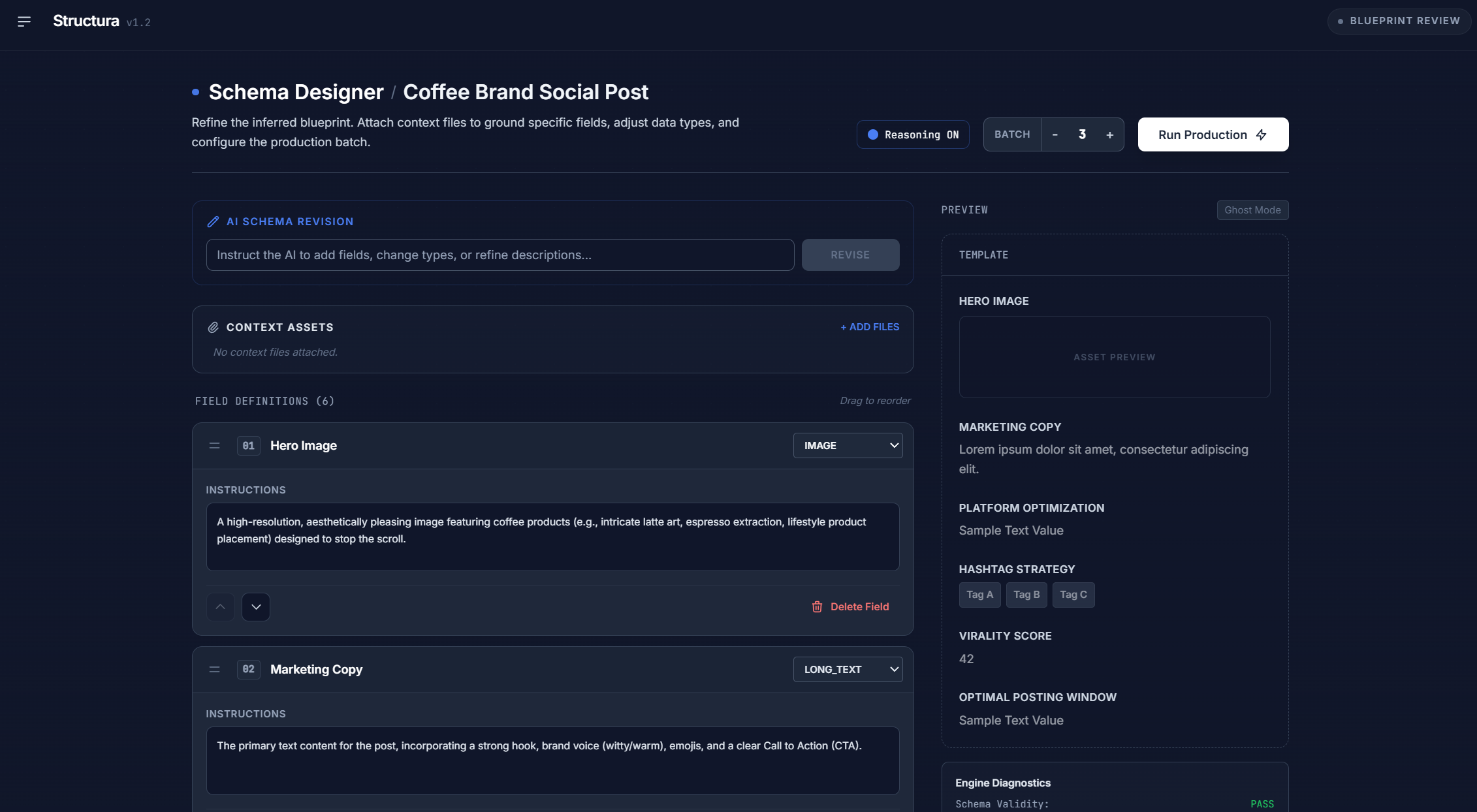
Schema Designer
-
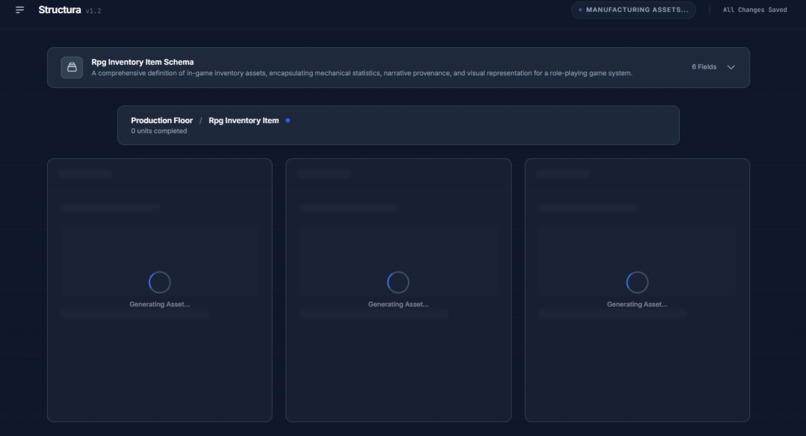
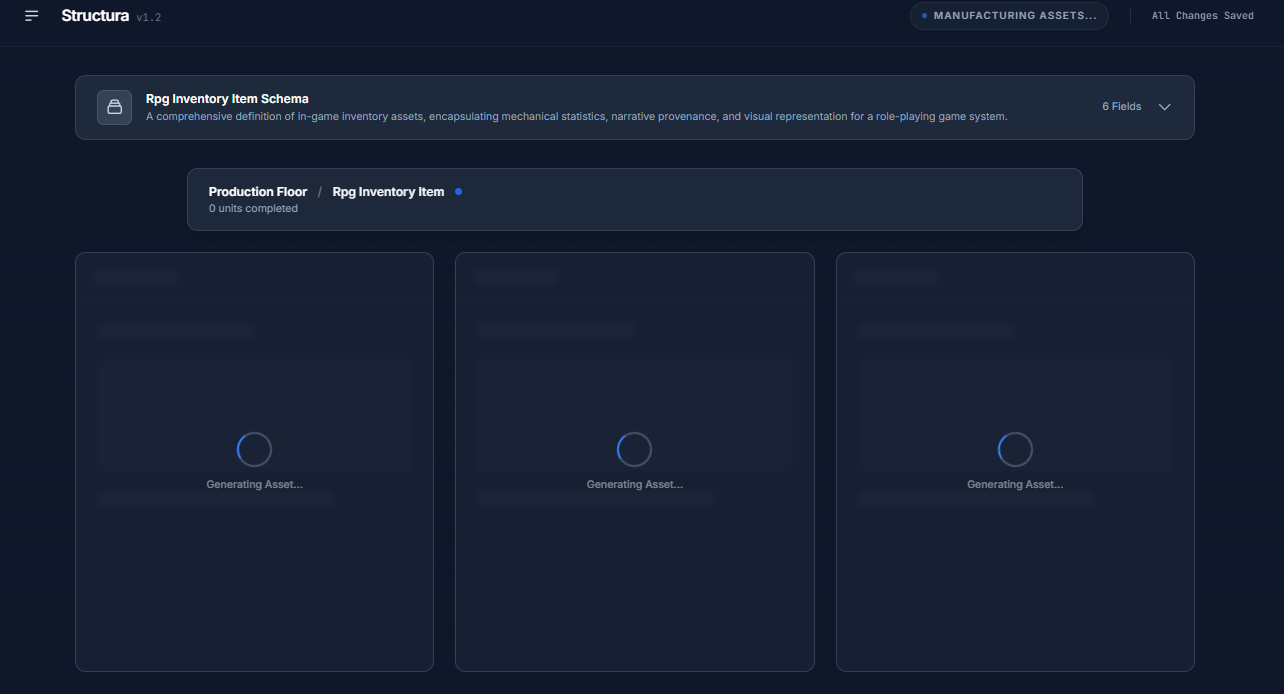
Generation of Assets
Inspiration
I noticed I was switching between different applications to get AI-generated content and even more applications to organize it. I wanted to create a single site that can generate structured data easily.
What it does
Structura acts like an autonomous data architect.
- You describe your use case in natural language (e.g., “I need an e‑commerce dataset with users, products, orders, and customer support calls.”).
- Structura uses Gemini’s reasoning capabilities to design the underlying schema: tables, fields, relationships, constraints.
- It then generates synthetic records that:
- Respect strict types and constraints
- Include coherent text fields
- Optionally attach matching images (via Imagen) and voice samples (via TTS) for relevant fields
The whole thing runs as a single, orchestrated batch, so you end up with a consistent, high-fidelity dataset spanning text, code, images, and audio.
How we built it
I built Structura around the Google GenAI SDK and a small orchestration layer using AI Studio:
Intent parsing and “Architecting” phase
- Gemini 3 Pro / Gemini 3 Flash in reasoning mode
- A configurable
thinkingBudgetforces the model to reason step-by-step before proposing a schema. - The result is a structured representation of entities, fields, relationships, and constraints.
Schema enforcement with Structured Outputs
- We pass dynamic JSON schemas to Gemini using
responseSchema. - This enforces strict typing (booleans, arrays, numbers, enums, nested objects) at generation time.
- We pass dynamic JSON schemas to Gemini using
Multimodal asset generation
- Text and structured records: Gemini 3
- Images: Imagen 3 and
gemini-2.5-flash-image - Audio: Gemini 2.5 Flash TTS for speech fields (e.g., call transcripts, voice notes)
Pipeline orchestration
- Internally, this behaves like a state machine:
intent → schema → validated records → images/audio → final dataset. - Each stage passes condensed context to the next to keep outputs aligned.
- Internally, this behaves like a state machine:
Challenges I ran into
Schema drift and “looks-valid” mistakes
Even withresponseSchema, I ran into cases where output technically matched the schema but not the user’s intent (e.g., fields that were always null or semantically off). I added a verification pass that checks sampled records back against the original plain-language description, not just the schema.Multimodal coherence
Generating assets per field is easy; making them line up across the entire record is harder. I had to create record-level context (like product name, category, price tier) into the image and TTS prompts to avoid mismatched or generic outputs.
Accomplishments that I'm proud of
A genuinely useful "architect" phase
The schema generator doesn’t just mirror the user’s wording; it catches implied relationships, normalization opportunities, and edge cases that typical prompt-only approaches missed.End-to-end, single-batch synthesis
It can go from a plain-English description to a multi-modal dataset in one orchestrated run—no manual stitching of text, images, and audio.Strict, reliable structure
With dynamicresponseSchemaand validation, Structura consistently produces machine-ingestible data, not just “JSON-shaped text.”
What I learned
Reasoning modes are worth the complexity
For schema design, having the model think in a structured way up front drastically reduces downstream fixes.Structured outputs are non-negotiable for data work
Once you’ve usedresponseSchemato enforce types and shapes, going back to free-form JSON feels reckless.Orchestration beats "just call a multimodal model"
The hardest part wasn’t generating text, images, or audio—it was making them all reflect the same underlying intent and schema. Thoughtful ordering and context sharing mattered more than I expected.Verification is its own product feature
Treating "Does this data actually match what the user asked for?" as a first-class check caught a surprising number of subtle issues.
What’s next for Structura
Connectors and exports
Easy exports to SQL, Parquet, BigQuery, and vector stores, plus direct seeding into development databases.Quality and realism controls
Sliders/toggles for noise, outliers, and imbalance so teams can mimic production quirks more accurately.
Structura started as a Google AI Hackathon project, but the goal is to turn it into a practical tool for anyone who needs rich, synthetic datasets and generated content without spending days wiring everything together.
Built With
- css
- google-gemini-api
- google-genai-sdk
- html
- indexeddb
- react
- tailwind-css
- typescript


Log in or sign up for Devpost to join the conversation.