-
-
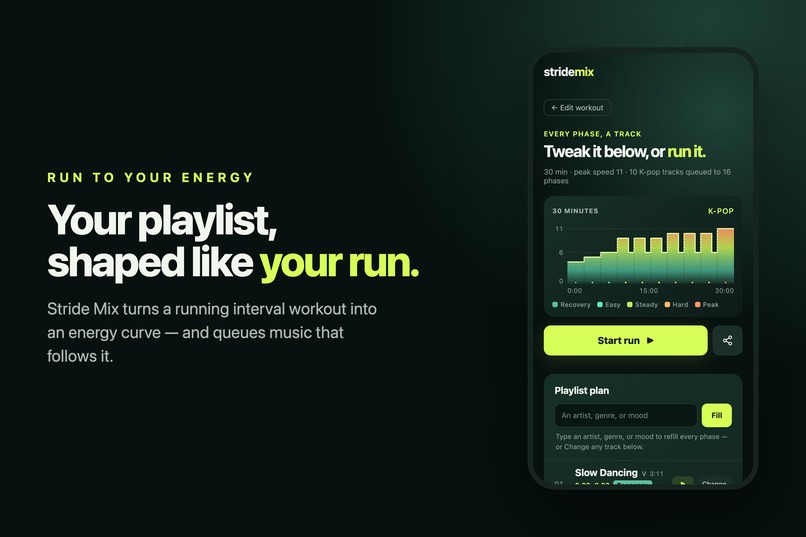
Your playlist, shaped like your run.
-
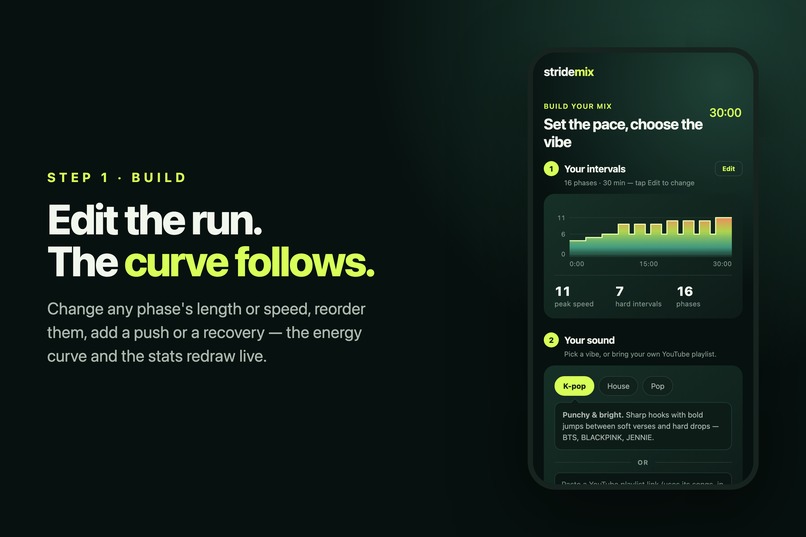
Edit the run. The curve follows.
-
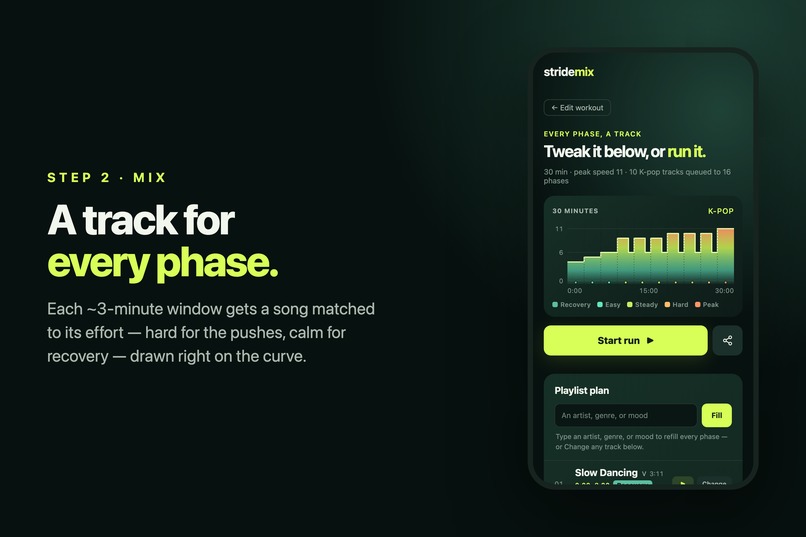
A track for every phase.
-
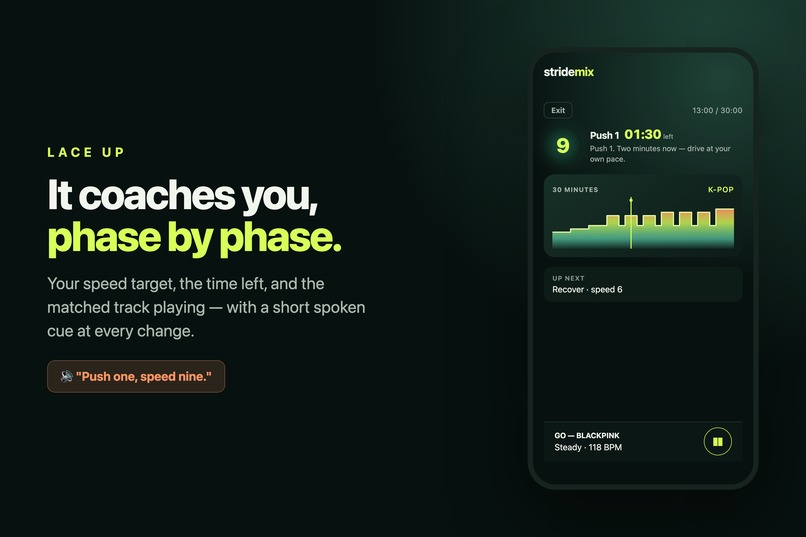
It coaches you, phase by phase.
-

Play free through YouTube, Shares in one link.

Inspiration
I run intervals, and my own playlist kept working against me. I'd hit the hardest sprint of the session and a slow, quiet track would be playing underneath it — so instead of running, I'd be thumbing through my phone hunting for something that matched the effort, burning the energy I actually wanted to spend on the interval. A minute later I'd drop to a recovery jog and something loud would be yelling at me.
That's the rhythm problem: regular playlists are flat. They don't know you just changed gears. I wanted one that moves with the workout — driving when the pace climbs, room to breathe when it drops — so I never have to touch my phone mid-run.
What it does
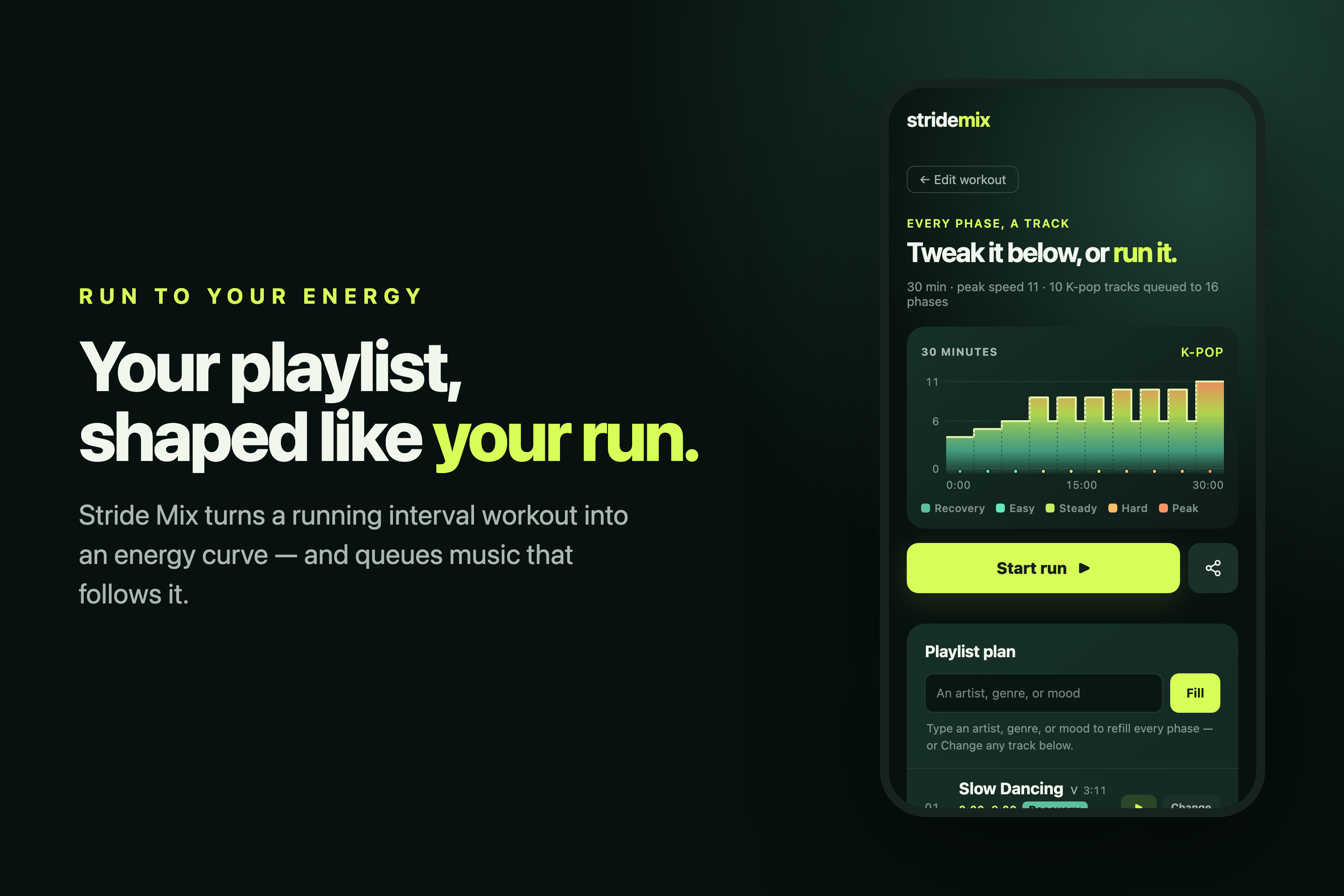
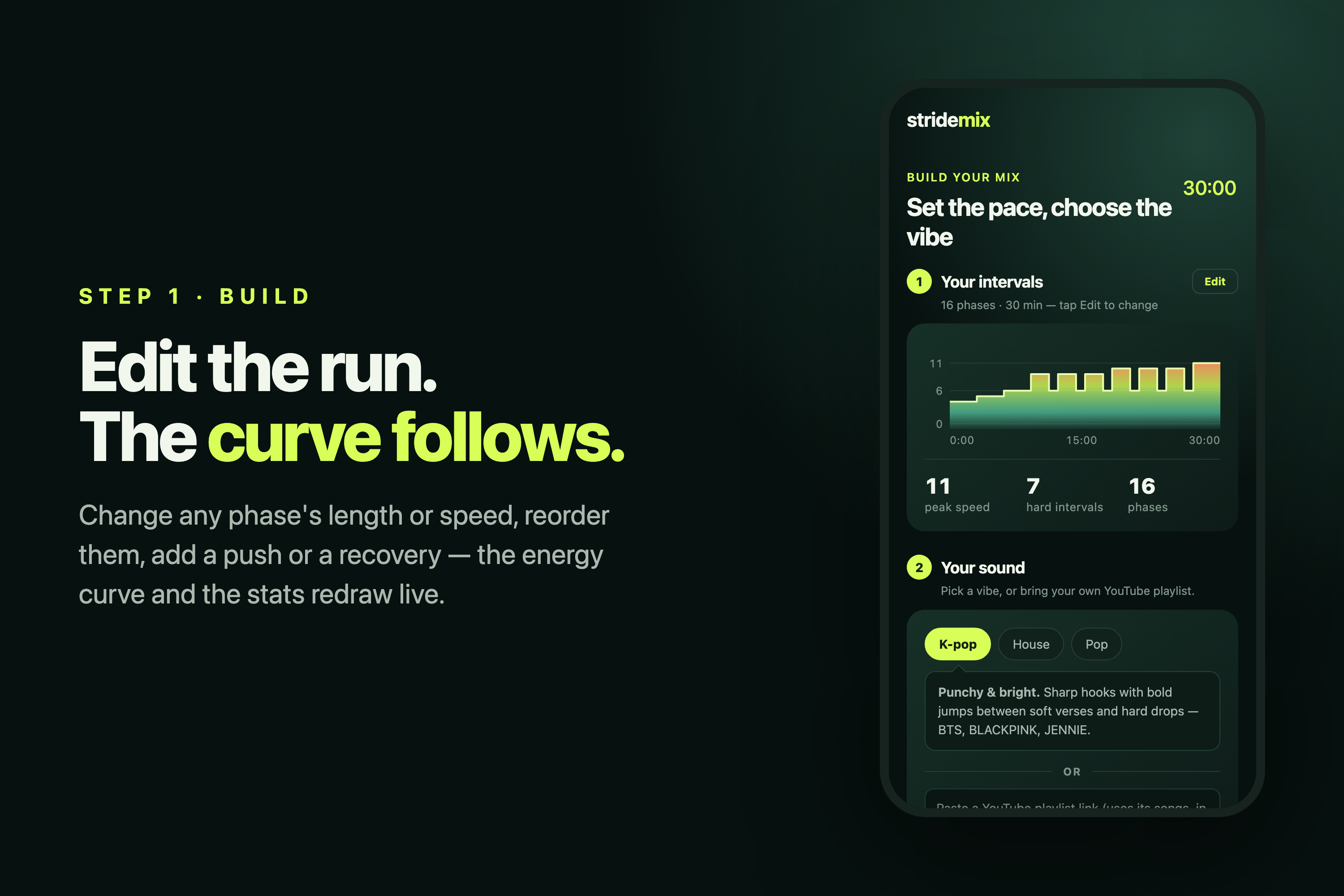
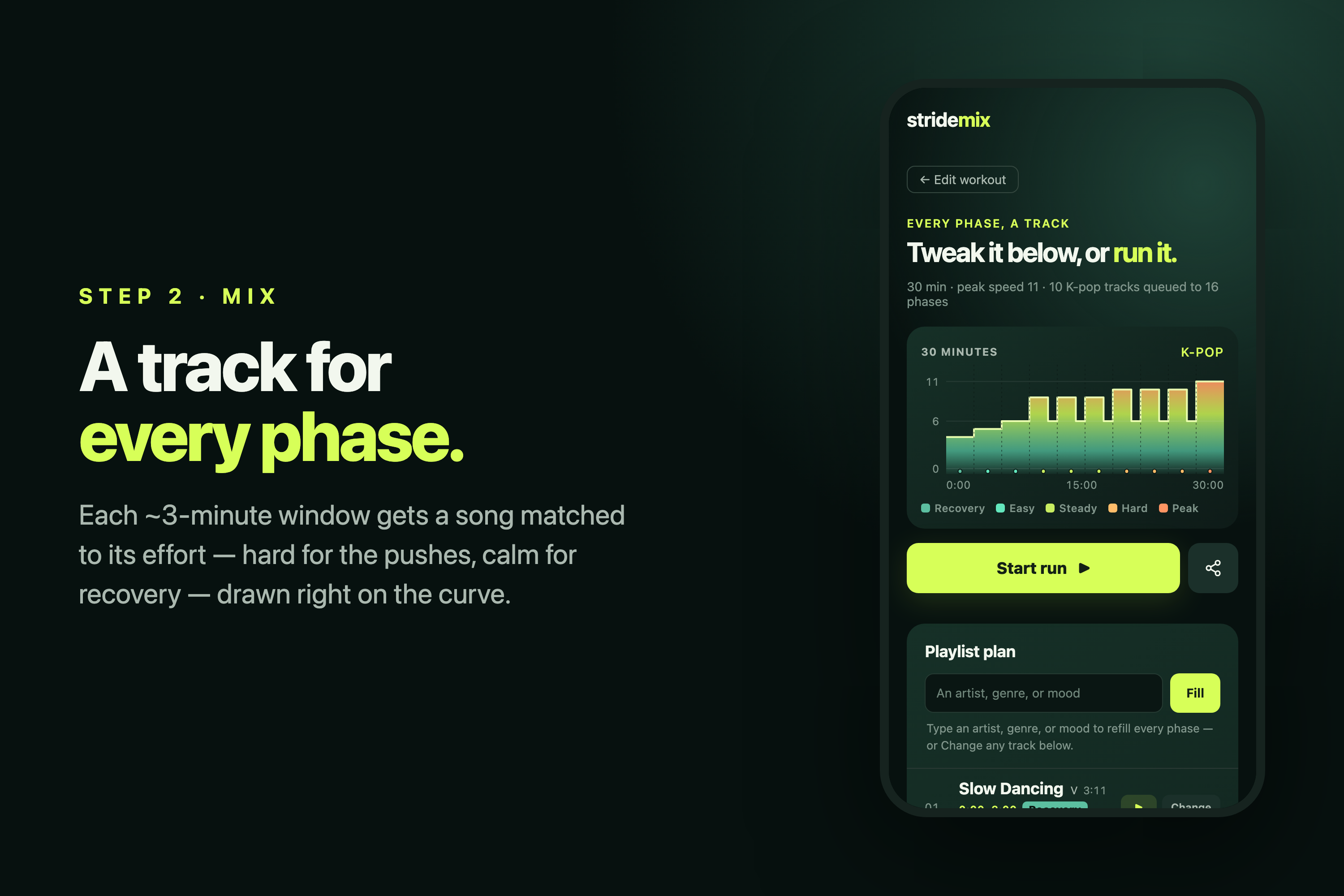
Stride Mix reads your interval plan as an energy curve — each phase's speed becomes a 1–5 effort level — and builds a queue that follows it: high-energy, high-BPM tracks for the pushes, calmer tracks with room to breathe for recovery. You can edit every phase's length and target speed, reorder them, or drop in a Push or Recovery block, and the curve and the queue re-shape live. Pick a vibe — K-pop, House, or Pop — and every track is yours to change: search YouTube in the browser, paste a link, or swap in a zone-matched alternative, then play it in an embedded mini player you can drag anywhere. It isn't trying to beat-match your cadence to the millisecond; it's about the right energy landing on the right effort.
How I built it
The core is dependency-free HTML, CSS, and vanilla JavaScript — no build step, and each screen has its own URL slug (/build, /mix, /run) via the History API. Each phase's speed maps to an energy zone (Recovery → Peak). I split the session into even ~3-minute windows and, for each, compute a time-weighted average energy of the phases it overlaps:
$$ E_{\text{window}} = \frac{\sum_i t_i \, e_i}{\sum_i t_i} $$
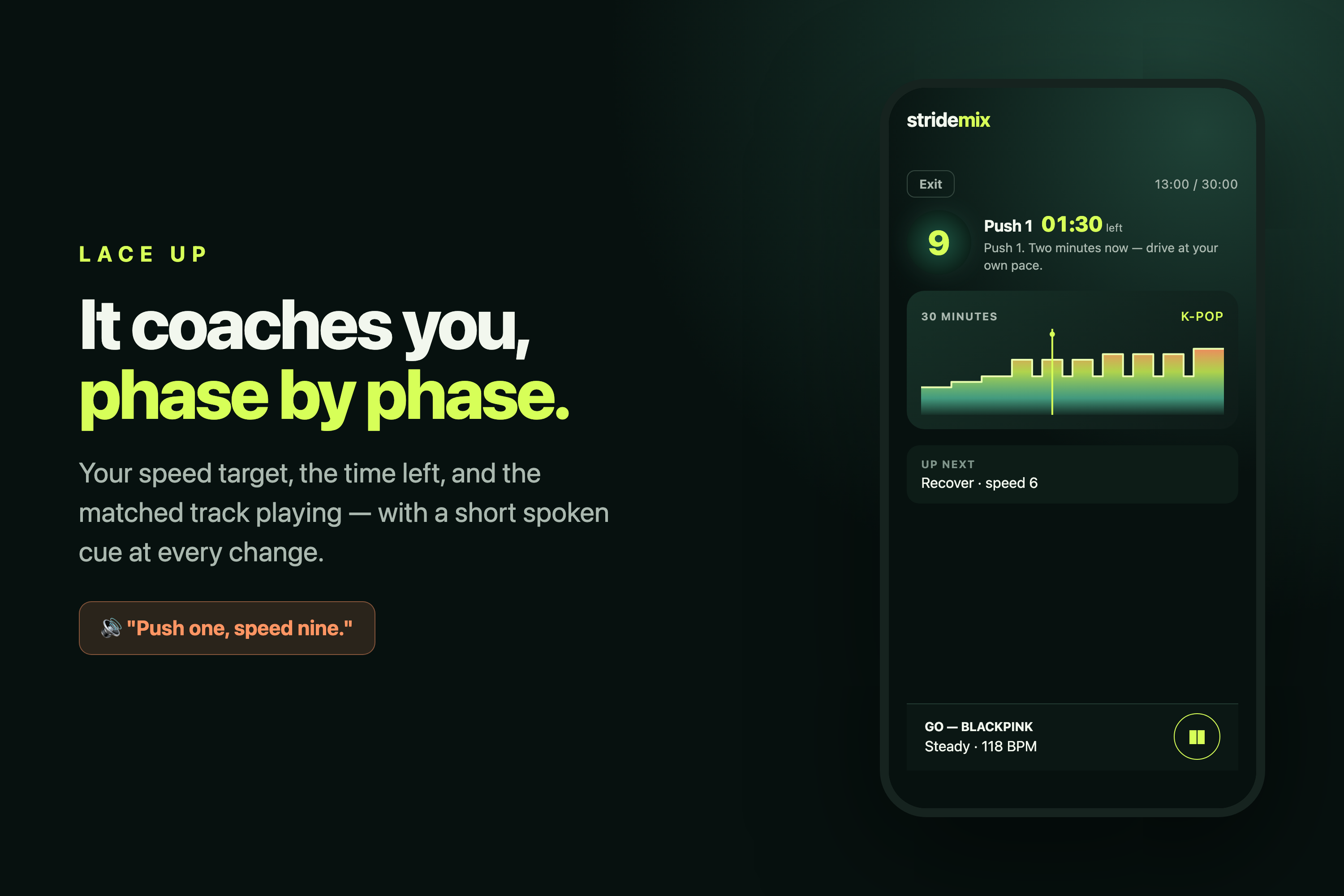
where \( t_i \) is the seconds of phase \( i \) inside the window and \( e_i \) its energy (1–5). I round that to a zone and pick the closest track by energy, breaking ties on the BPM nearest the zone's tempo band. The curve is drawn as an inline SVG ridge with speed and time axes, so you can see which song sits on which hill. Real playback runs through YouTube — an embedded mini player (draggable, and it auto-advances to each interval's matched track during the run) — while a small serverless function (api/search.js) keeps the free YouTube key server-side for the in-browser search. A run timer walks the session with per-phase coaching cues in a natural system voice (Web Speech API).
What I learned
The most interesting constraint was time. Songs are ~3 minutes; interval blocks can be 1–2. If you swap tracks every phase, you're changing songs mid-push and it feels frantic. So a single ~3-minute window often spans a push and the recovery after it — and the honest answer for that window is a "Steady" mid-energy track, not a peak banger. Embracing that instead of forcing a fake 1:1 match made the recommendations feel real — each track genuinely sits in its window's effort zone rather than being bent to a decorative "94% match."
Challenges I ran into
- Aligning ~3-minute tracks to variable-length intervals without a jarring swap every minute.
- Making music really play with no paid dependency: I hardcode verified official-audio video IDs so the demo plays out of the box, fall back to paste-a-link or the free YouTube key, and never mix or overlap audio — playback runs in YouTube's own player.
- Keeping the core reliable for an online-judged demo: no framework, no build, static hosting, with a tiny SPA-fallback server so the URL slugs survive a refresh.
What's next for Stride Mix
A rights-cleared catalog or saving the queue straight into a runner's YouTube or Spotify library, richer per-song tempo data to sharpen the match, and gapless playback — all while keeping the timer, editor, and queue working without a network.
Built With
- clipboard-api
- css3
- html5
- javascript
- mobile-first
- pwa
- python
- responsive-design
- svg
- vanilla-js
- web-app-manifest
- web-speech-api
- youtube

Log in or sign up for Devpost to join the conversation.