-
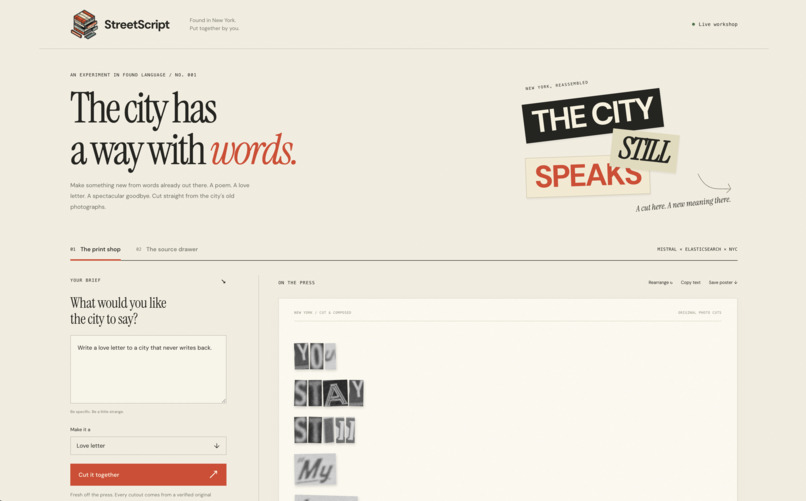
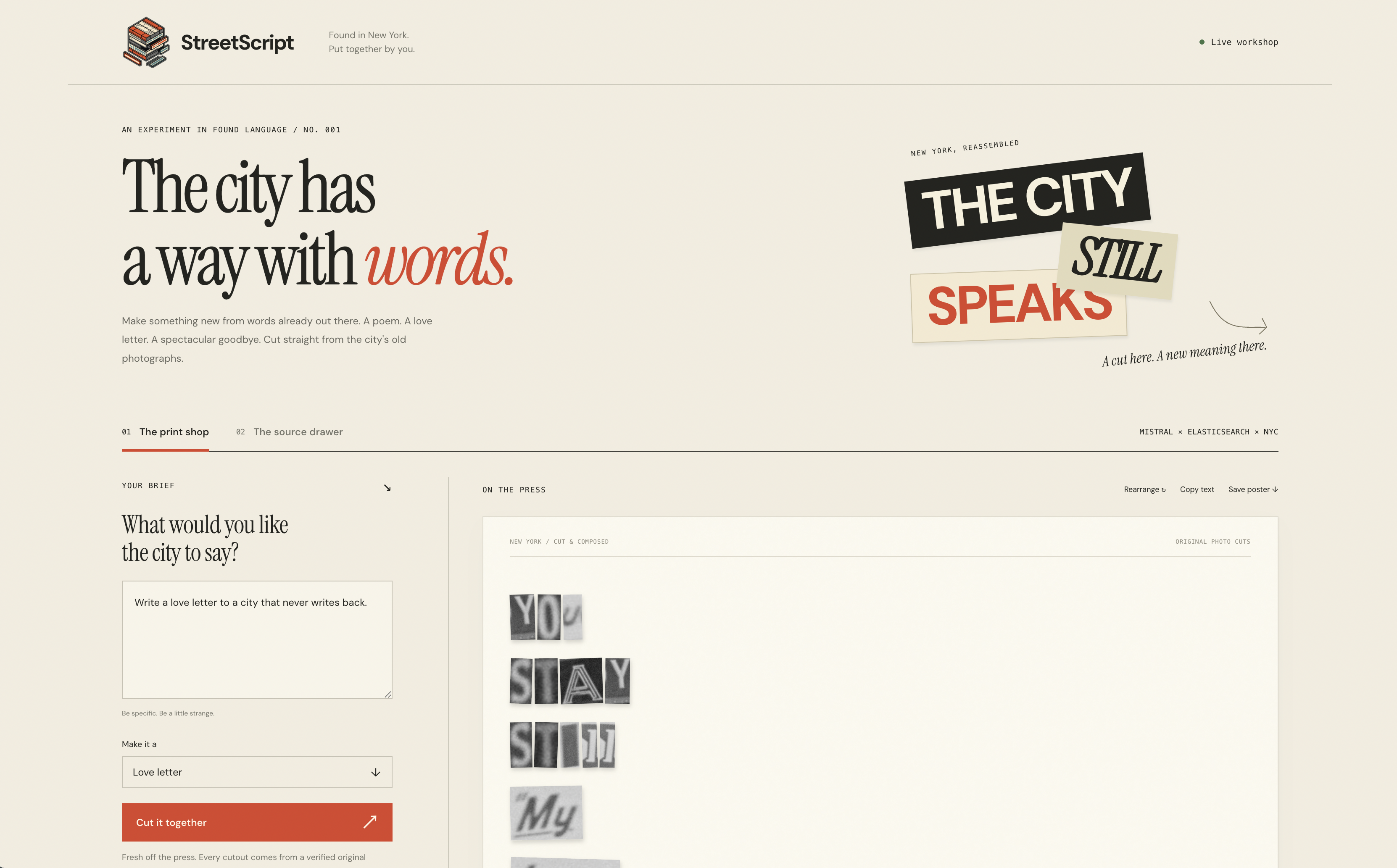
StreetScript composes a poem from original NYC storefront photograph cutouts; click each word to inspect its source.
Inspiration
What if New York could write you a breakup letter using only the words on its buildings?
We liked the idea of taking old storefront signs and making something new with them. StreetScript lets you write with words from historical NYC photographs, keeping the original lettering and texture.
What it does
Give it a prompt and choose a poem, love letter, breakup letter, or manifesto. StreetScript finds storefront words that fit, then asks Mistral to put them together using only that vocabulary.
The result is a collage made from pieces of the original photos. Click a word and you can see exactly where it came from. You can also save an SVG poster with the photos built in, so it works offline.
Sometimes the archive just doesn't have the words you need, so the writing can be a little strange or choppy. That's part of what makes it fun.
How we built it
We used plain JavaScript, HTML, CSS, and SVG for the frontend, and Python's standard library for the backend.
Mistral reads the signs in NYC Municipal Archives photographs. We check and correct the text, then use Tesseract and some manual work to find each word in the image.
Elasticsearch uses text and vector search to find relevant vocabulary. Mistral puts those words together, and our code checks that every word has an approved crop from a source photograph.
We also check that the photos haven't changed. Saved compositions keep their original source information, and exported posters include the image files.
Challenges we ran into
The hardest part was making sure the words really came from the photos. A transcription can look convincing and still be wrong, so we checked the signs and crops visually and made every output word clickable.
A lot of the old signs are blurry or tilted. We left out words we couldn't read clearly and located some crops by hand.
The small vocabulary also made writing tricky. We let Mistral reuse words, but it couldn't add words just to make a sentence sound better.
The OCR API was rate-limited during development, so we used Mistral's vision model for transcription and kept track of which method each source used.
Accomplishments we're proud of
We got the full flow working with real archive photos: finding words, making a collage, clicking through to the sources, and exporting a poster that works offline.
The tested collection includes eight reviewed photos and 42 approved word crops across five of them. We also have 106 passing tests covering the word checks, crops, saved work, imports, and API behavior.
What we learned
Search can help make something creative. Elasticsearch finds the words we can use, Mistral arranges them, and our code checks where they came from.
Keeping the original photo pieces mattered a lot. The old lettering gives the writing a feel we'd lose if we just typed the same words.
What's next for StreetScript
We want to add more photos and words, get better at finding words on difficult signs, and give people more control over the writing.
There's optional Mistral speech support in the code, but we haven't tested it live yet. The app runs locally for now, so making it available to more people would take some more work.
Photographs: 1940s Tax Department photographs, Courtesy of the Municipal Archives, City of New York. The app and exported posters keep the source links and credits.

Log in or sign up for Devpost to join the conversation.