-
-
Streamline
-
Ever wanted to go hands-free with your presentations?
-
Features
-
Technology


Streamline
Inspiration
After preparing for a presentation that required extreme coordination, we realized that there was no other accessible application that could help automate the presentation synchronization process with voice control. Streamline allows for this to happen while keeping it personalized for each user.
What it does
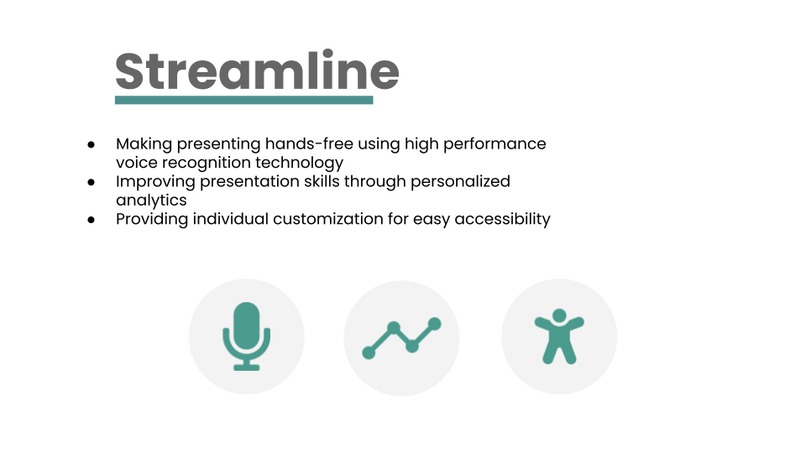
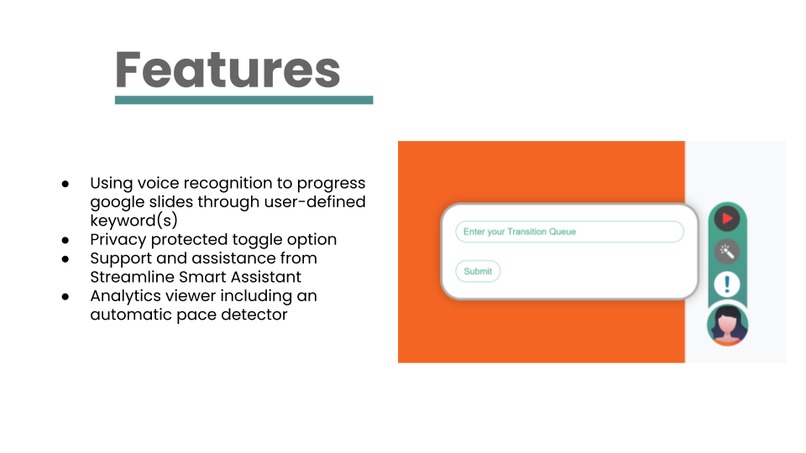
Streamline was designed to make delivering presentations easier for the presenter and more meaningful for the audience. Our product makes presenting hands-free by using voice recognition technology to automatically change the slide based on user-inputted transition words. This allows the presenter to fully focus on the delivery of the presentation itself and not worry about technical errors caused by the timing of manual slide changing; hence creating a streamlined process. In addition, Streamline analyzes and displays to the user helpful presentation analytics such as words per minute, most commonly used words*, and uses natural language processing* such as sentiment analysis to measure the overall productivity of a presentation.
* - Intended features, but not enough time to implement them during the hackathon
Challenges we ran into
Another significant challenge that our team ran into was the organization and consistency of the code. This was our first experience as a team collaborating on code in real-time with a very tight deadline. For example, we noticed instances where in order for the next person to work on their feature, commits would have to be made without reviewing and as a result - not all code used the same style of syntax and variable/method declaration. In addition to that, this was our first time for all team members using Javascript for a major project, we found it challenging to understand DOMs and how to use Javascript to inject an HTML UI overlay as opposed to just creating JS, HTML, and CSS files individually. (This is not possible since we are using the google chrome extension to inject a HTML overlay).
What we have learned
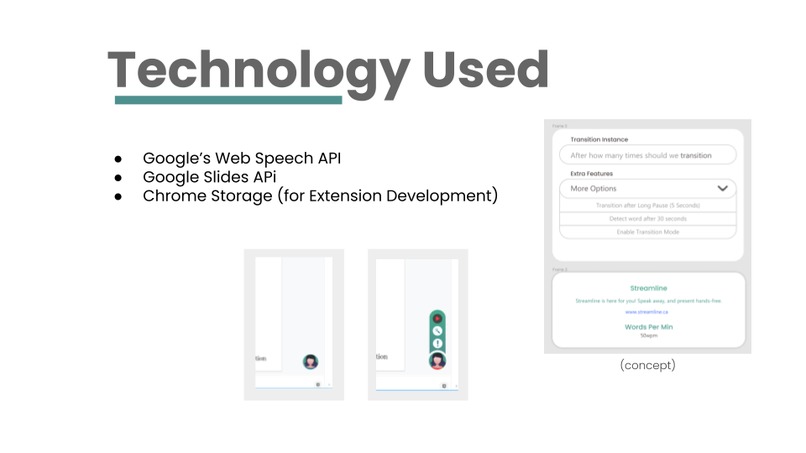
Chrome extensions provide ease of customization for one of the world's most used browsers. However, extensions do have their limitations in order to reduce vulnerabilities for the user. This project helped us understand the limitations as well as the advantages of chrome extensions and gave us very valuable information on how to set up and create a simple extension. This project also helped us learn and refine our skills in core web-development languages such as JS, HTML, and CSS. Working on a framework that we were not typically used to allow us to step out of our comfort zone; struggling and learning in the process. We think this was very beneficial as it allowed us to significantly improve our Javascript, considering we were unsure of the language before entering this hackathon.
Although it may take more time, document when you develop. It takes more time to go back later.
What's next
After better understanding some of the limitations of Chrome extensions, we would like to look into implementing the features of Streamline utilizing other frameworks that have more flexibility. We would like to see if we can simplify the UI by using React.js framework for creating our overlay since it has become a very popular framework for Chrome extensions. In addition, if we had more time we would like to see more machine learning tool kits used for speech analysis to give useful information to the presenter. Suggested features could be the most commonly used words, sentiment analysis, stutter detection, or other useful analytics that could be determined with the advent of machine learning in order to allow for better presentations.
Built With
- api
- chrome
- css
- figma
- google-slides
- html
- javascript
- voice-recognition
- vscode


Log in or sign up for Devpost to join the conversation.