-
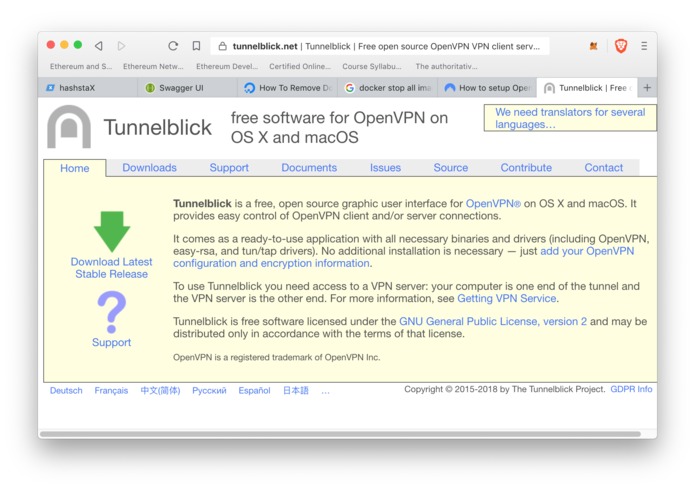
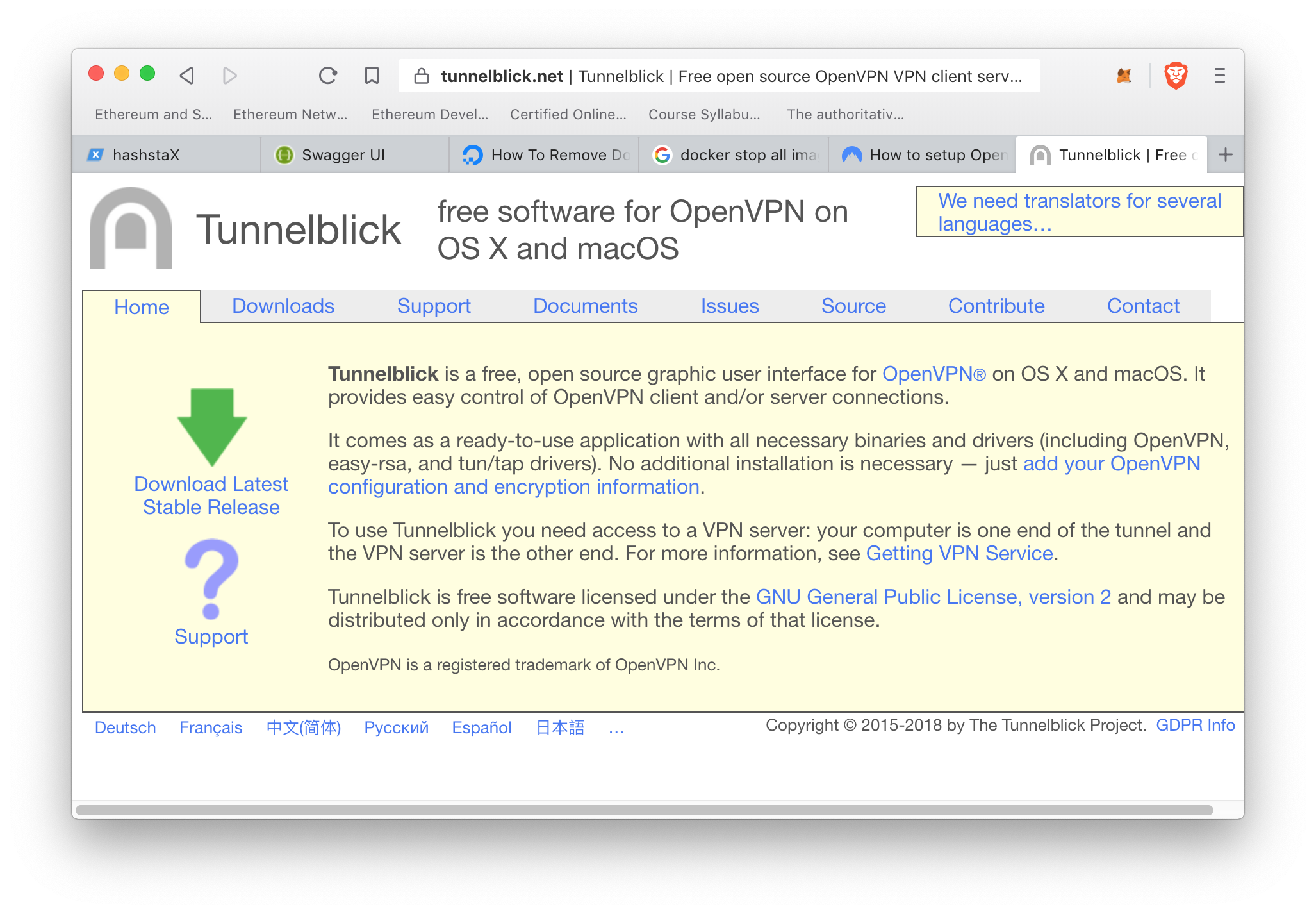
VPN Fist Fight: Tunnelblick for Mac
-
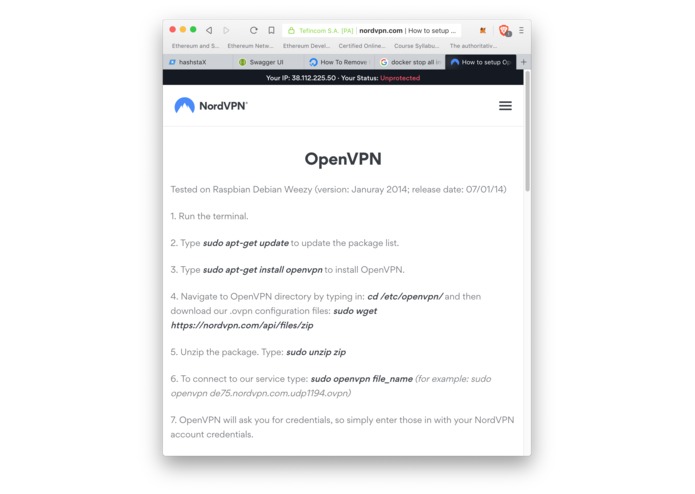
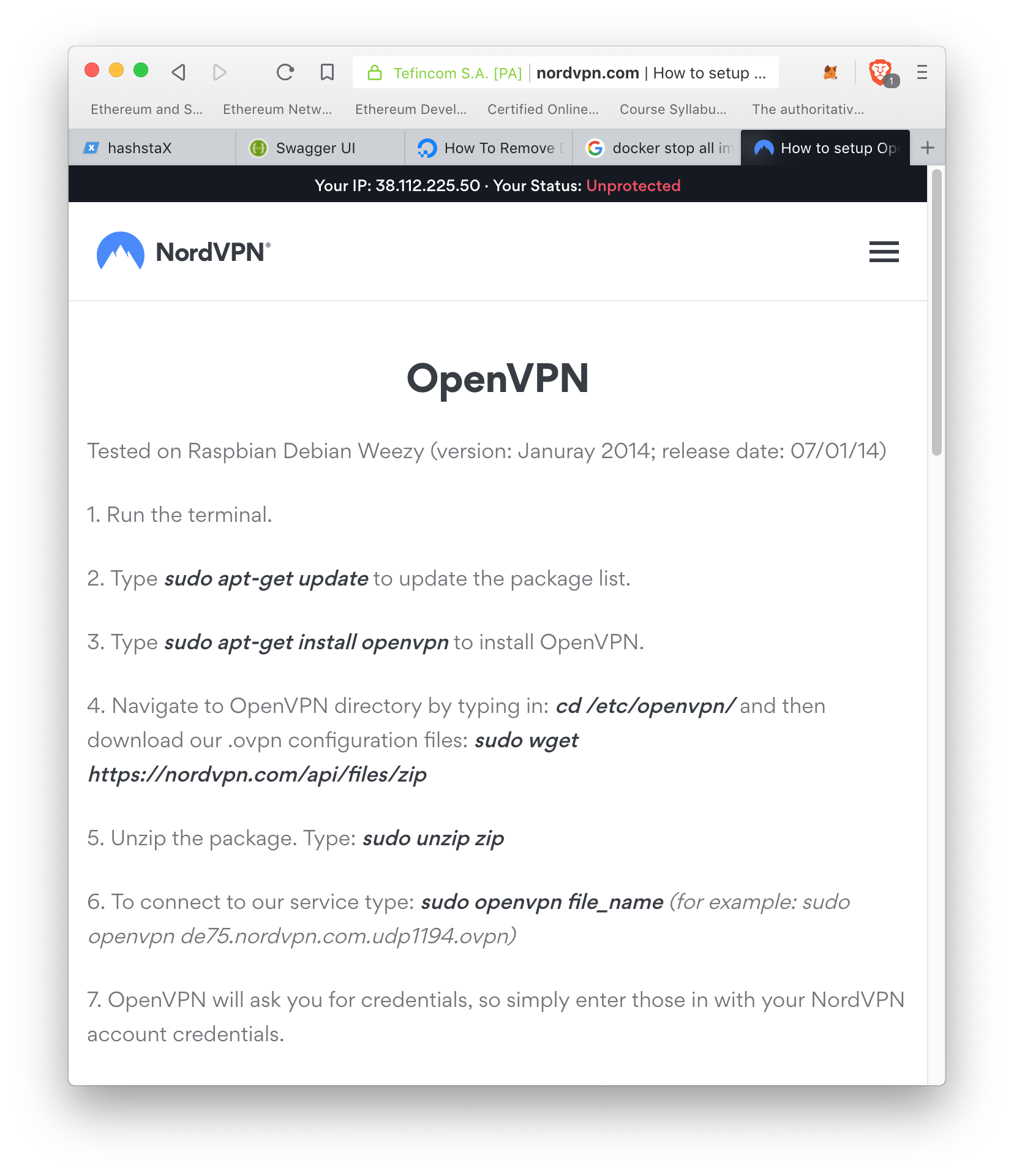
VPN Fist Fight: OpenVPN for Raspberry Pi
-
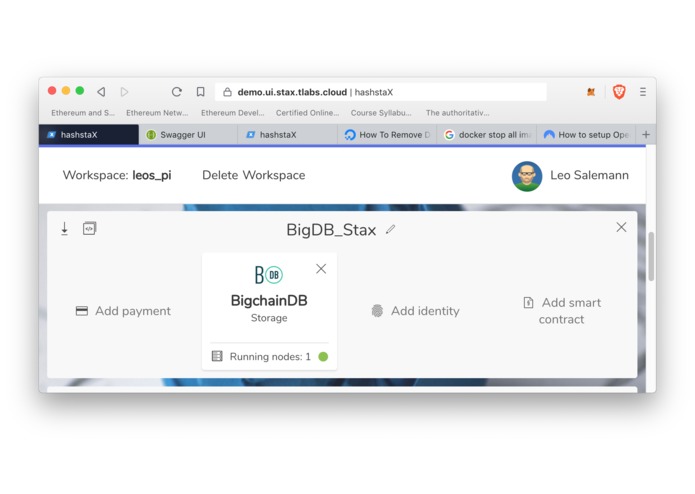
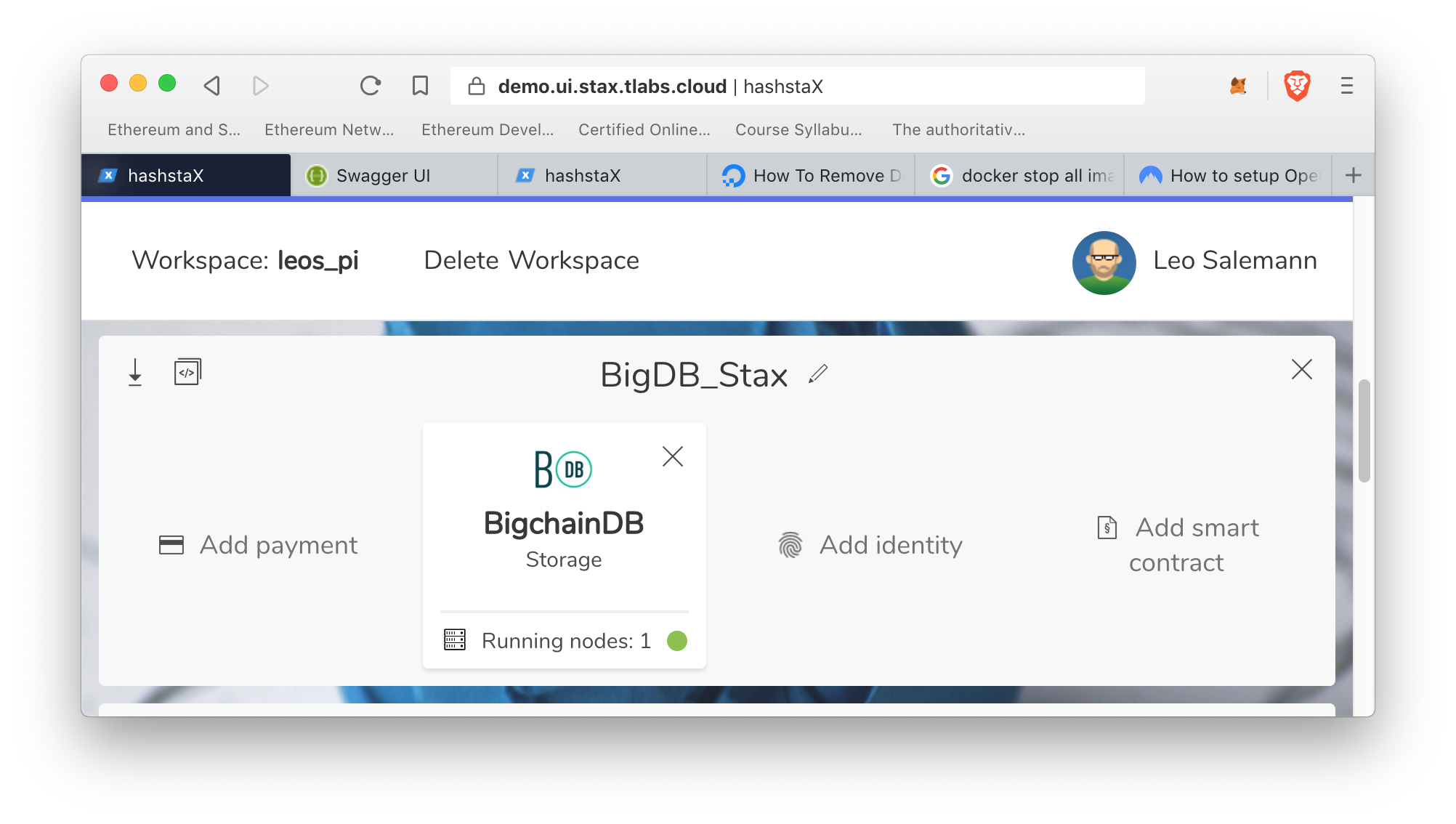
BigChainDB node in a hashstaX workpace
-
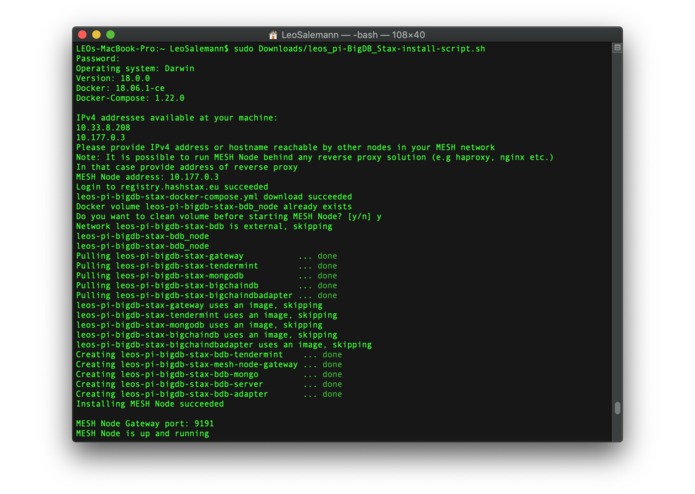
Deploying the node with Docker on Mac OSX. What's a MESH Node Address? Oh, it's the second IPv4 address (the VPN one).
-
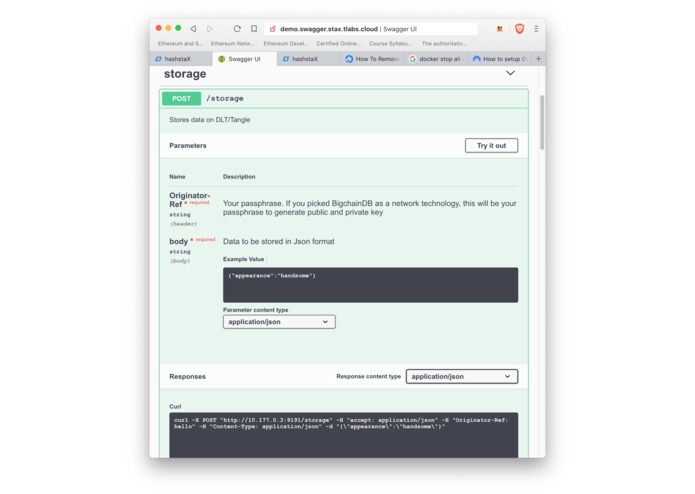
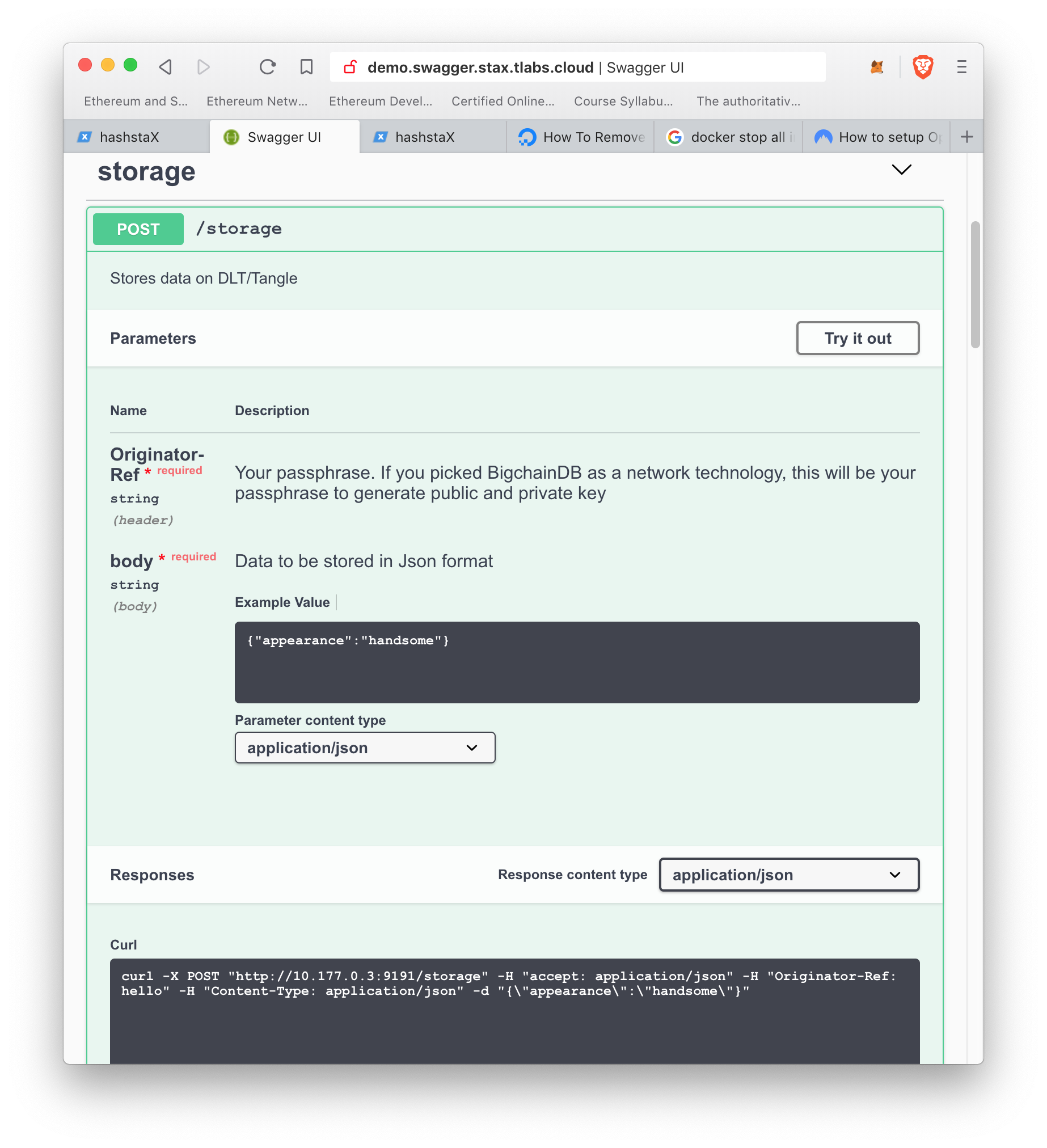
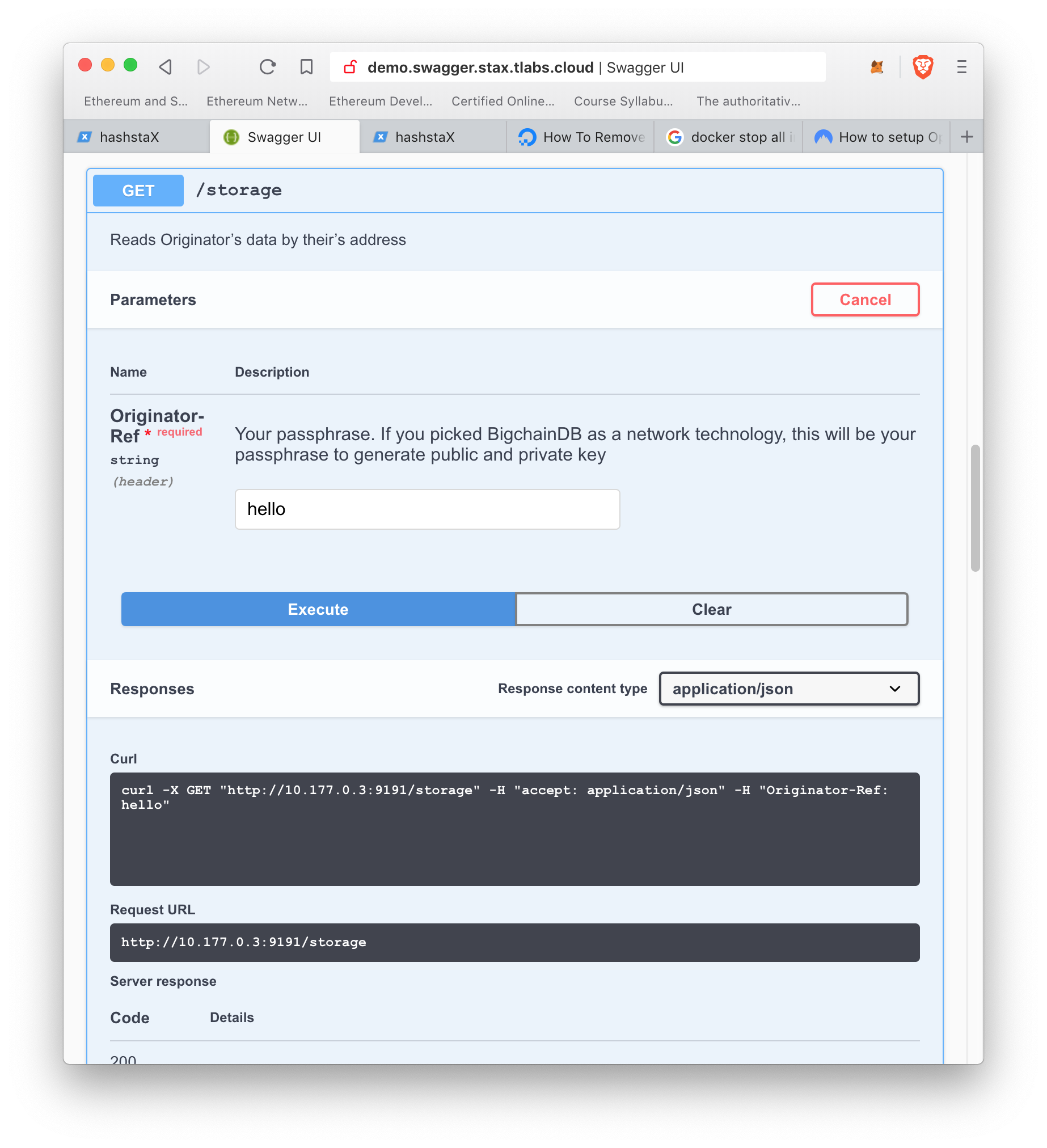
Posting and reading data with the swagger UI. Where do I get the passphrase? Oh, I can just type anything I want.
-
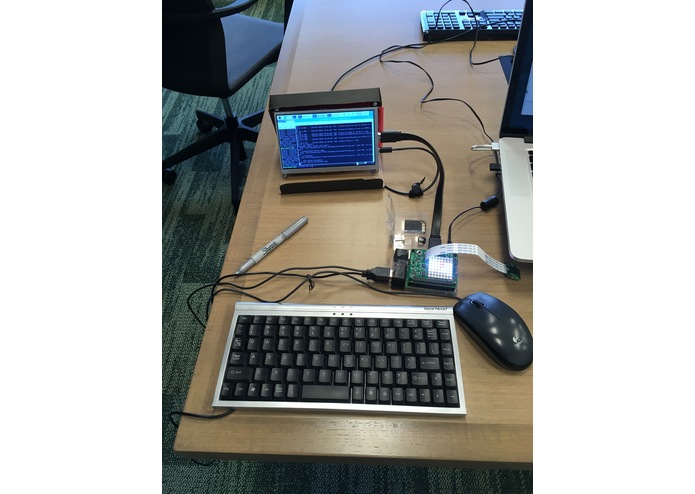
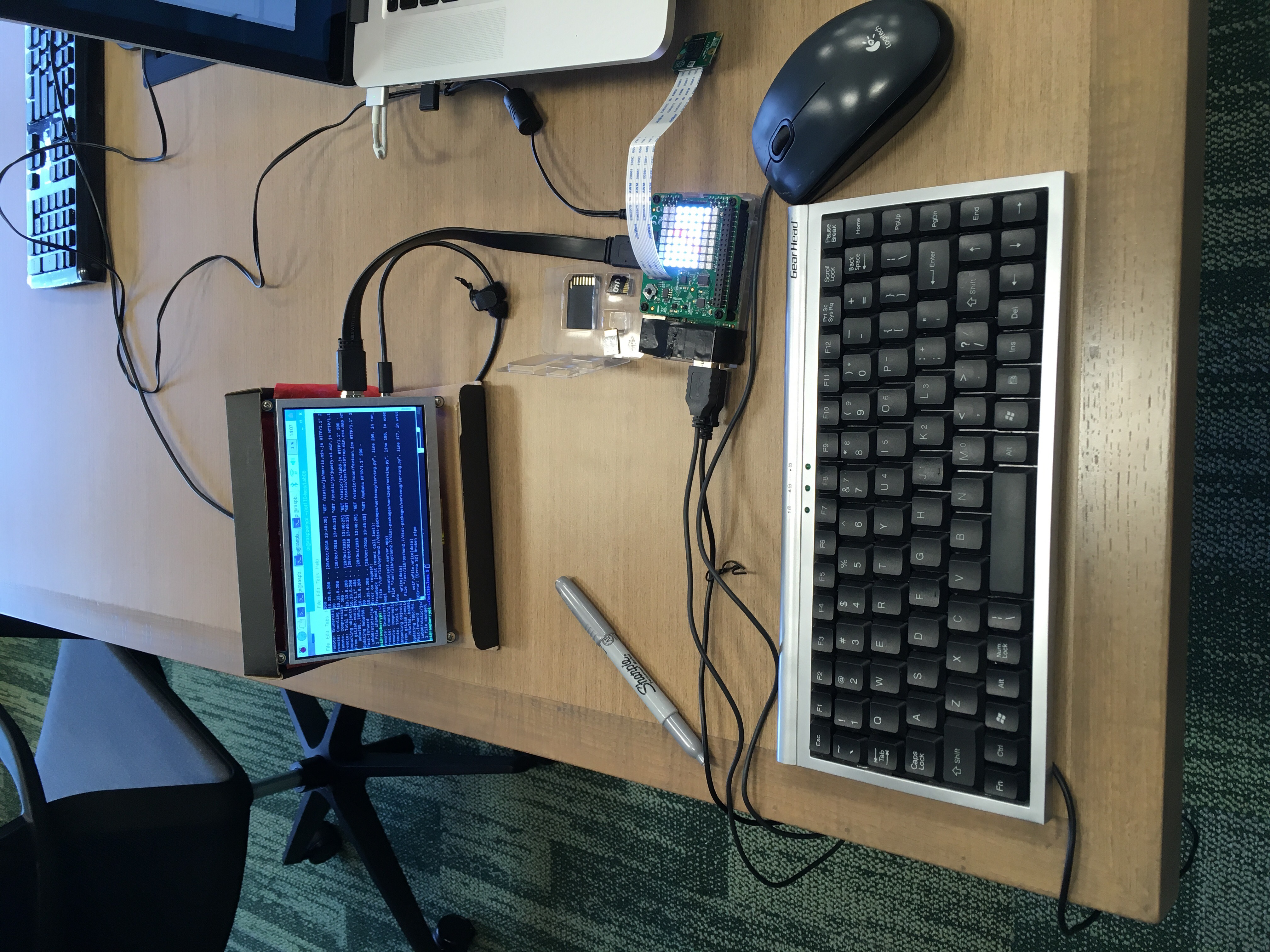
Time to add an Edge Device. RPi with SenseHAT: reads temp. press. humidity, orientation, acceleration.
-
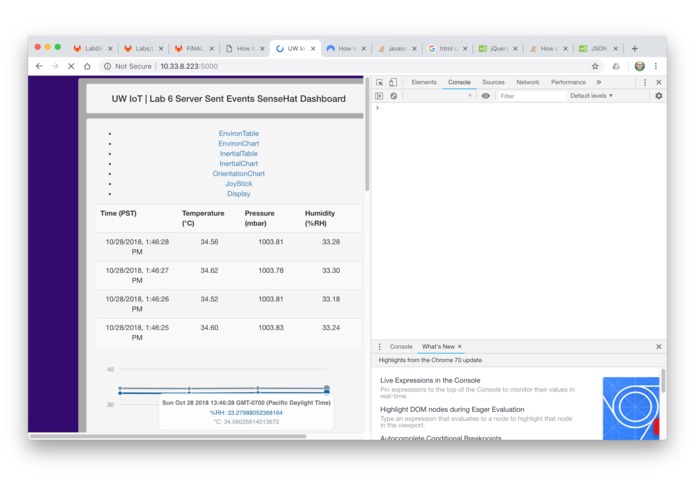
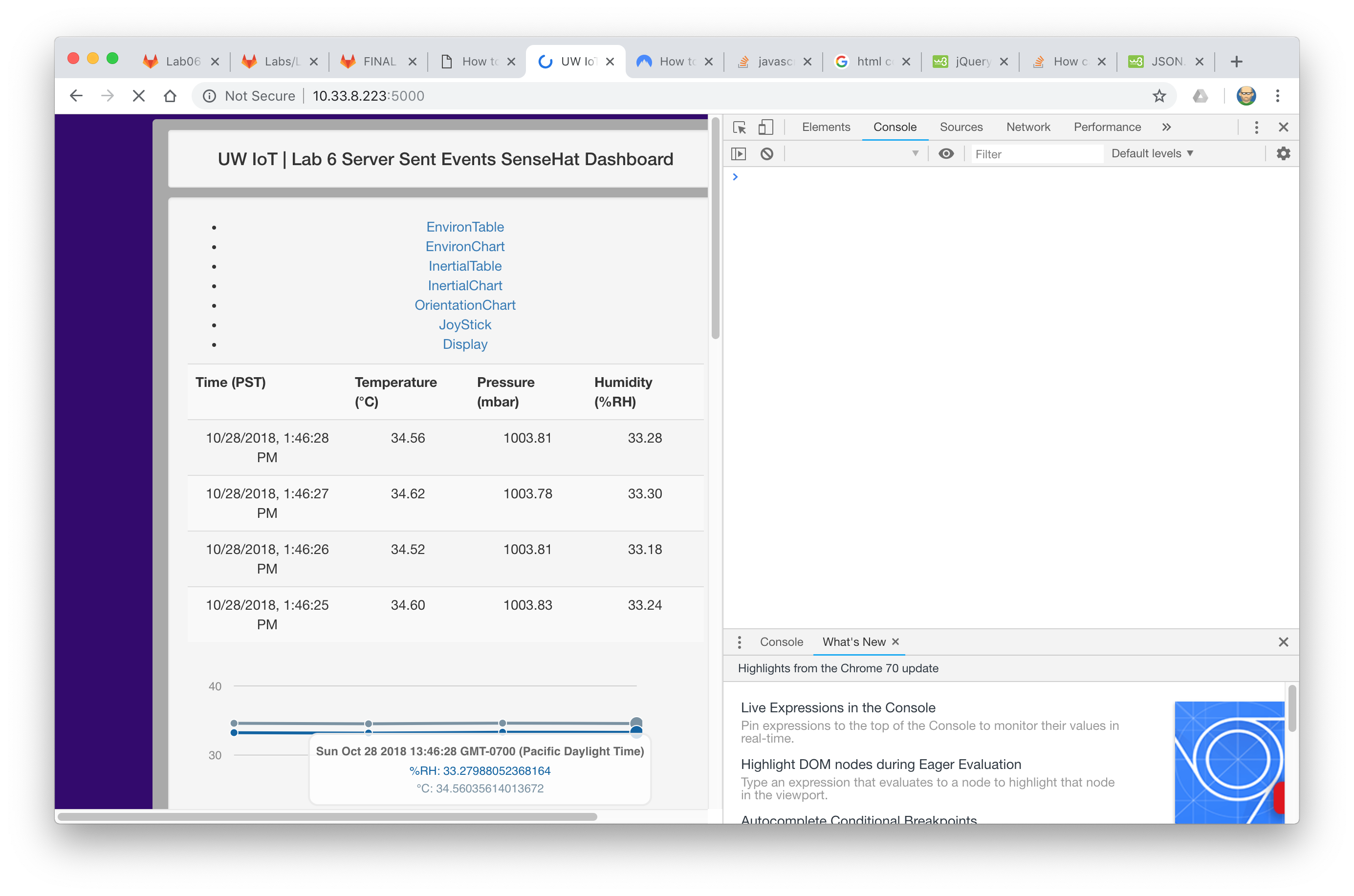
Website hosted on Raspberry Pi with python/flask. Displays SenseHAT data.
-
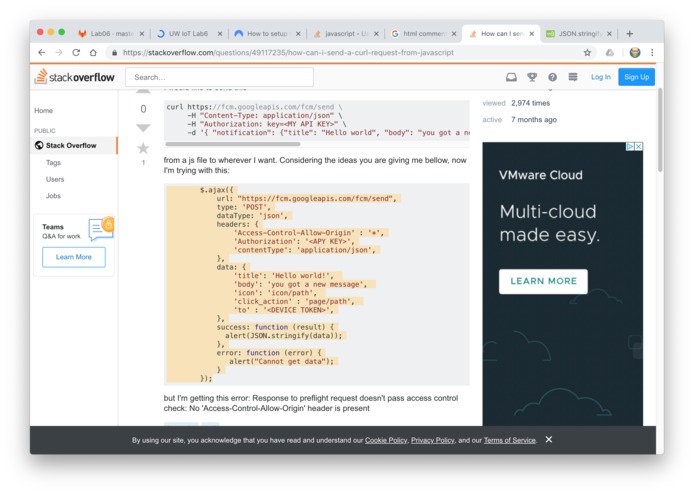
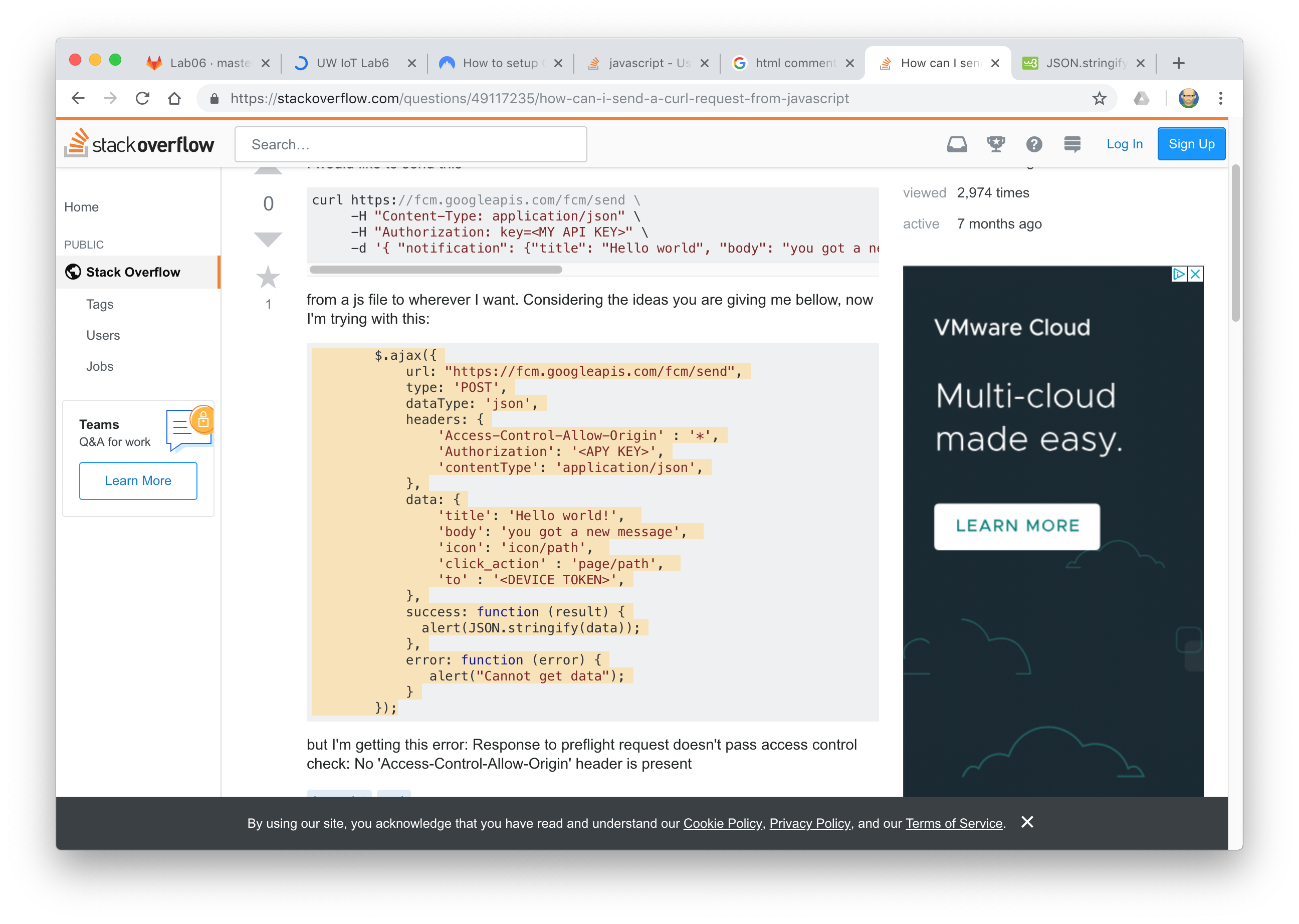
REST in Javascript: Connecting the Lightbulb to the switch. Thank you stackoverflow!!
-
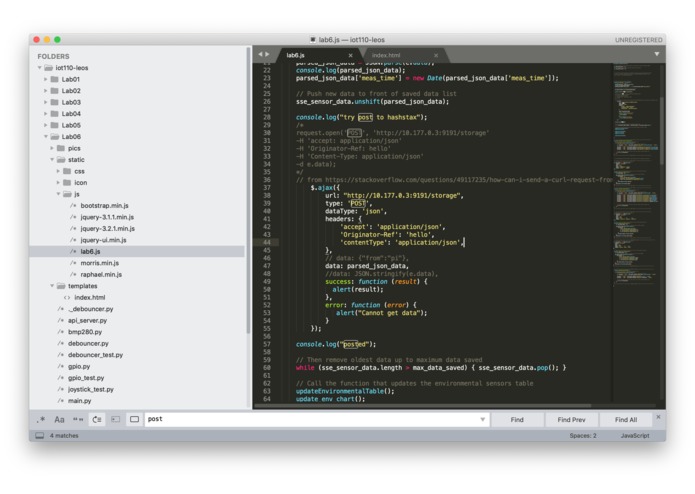
Look! Actual Code! Also see https://gitlab.com/LeoSalemann/iot110-leos/tree/master/Lab06
-
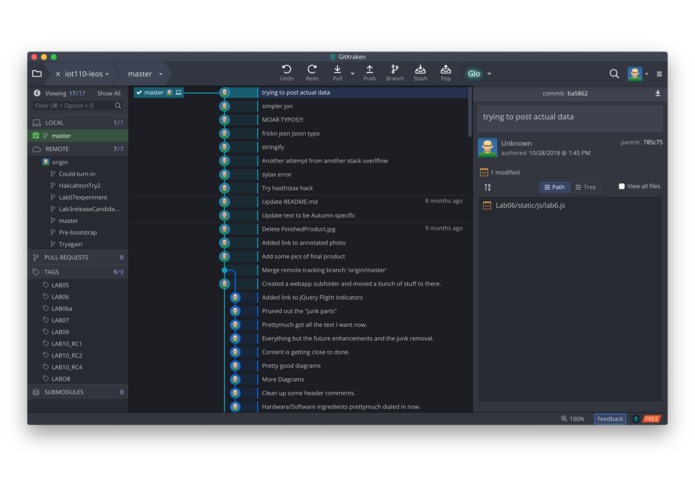
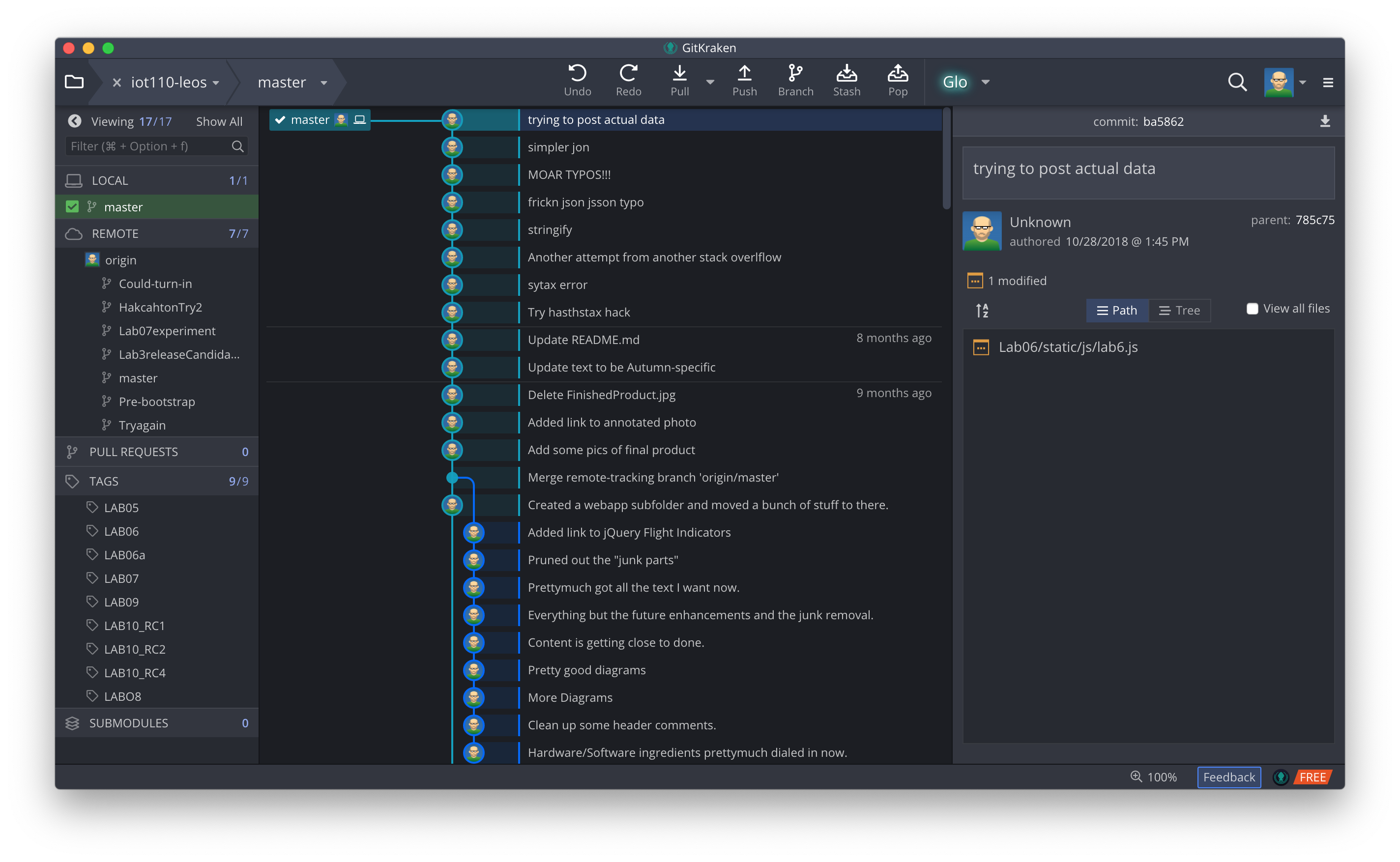
All that in seven commits (with a bunch more form earlier).
-
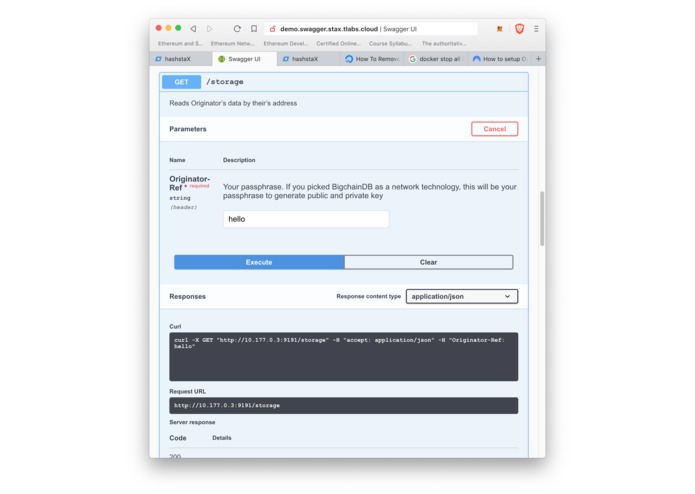
Try a GET via hashstaX/swag ...
-
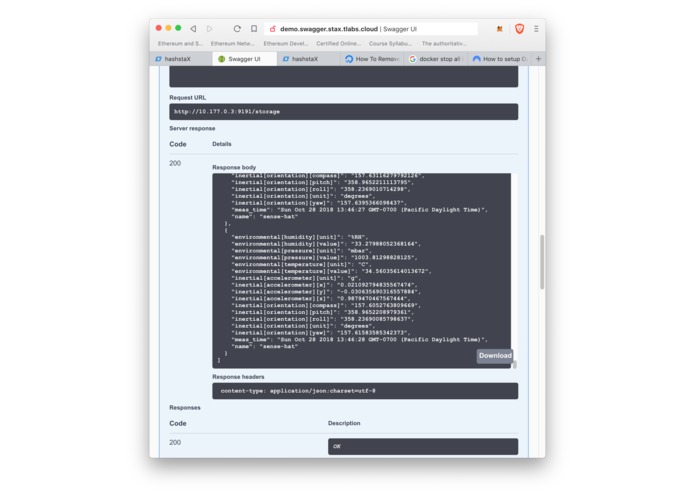
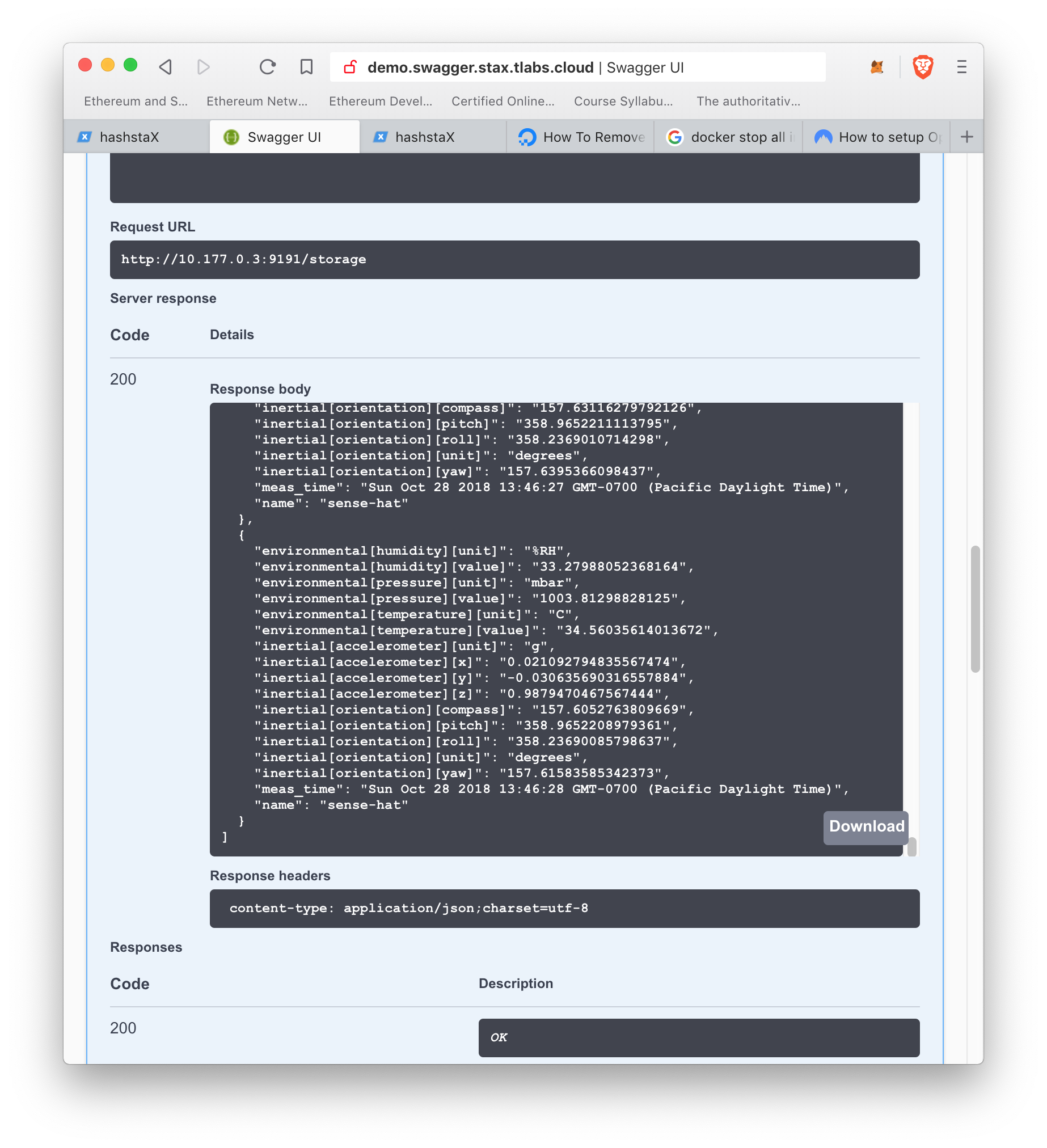
IT WORKS! Data from a Raspberry Pi SeneHat, logged into a blockchain database, and hashstaX did all the hard stuff.


Inspiration
I started with a simple exploration of hashstax, figuring out what I could do with it. After a few fall starts, I homed in on a storage solution based on BigchainDB. Once I could post and read simple data with the Swagger REST GUI, I turned to my Raspberry Pi with its SenseHAT as s source of real data.
What it does
A Raspberry Pi with a SenseHat detects humidity, pressure, temperature, accelerometer and orientation data, streaming all of this to a BigchainDB node running as a couple docker containers on a MacBook pro. A bit of javascript on the Pi's web client makes the REST POST call to send the data to BigchainDB.
How I built it
The BigChainDB node was created and deployed with hashstax. I never had to deal with the blockchain directly. Using HashstaX's Swagger UI I tested the REST API functions for posting and getting data. Once I had that working, I turned to an a Raspberry Pi project from an IoT class I took through University of Washington Professional & Continuing Education. Which hosted a python web server on the Pi using Flask, pulling environmental data from a SenseHAT and presenting it to the client with a Boost/javascript/html/css front end. I ended up making an extra REST POST call in the javascript to send the sensor data to the BigchainDB node.
Challenges I ran into
Figuring out what VPN clients to use. Ended up with tunnelblick on MacBook; NordVPN on Raspberry Pi.
When it came time to deploy the BigChainDB node from hashstax, I was prompted to provide MESH Node address. Had no idea what it was; turned out to be the IPv4 address from the VPN.
Once I started testing on with SwaggerUI, I was asked for a passprhase. Which passphrase? Where do I get it from? Turns out I could type anything I want.
Figuring out how to translate a curl REST call into javascript was tricky, but that could be cured through routine googling and stackoverflow. The other problems needed in-person tech support. Thanks, T-Labs!
Accomplishments that I'm proud of
I had fully-intended to spend the entire weekend just learning and noodling around with technology. I had no product or business plan whatsover. It was very satisfying to pull together a full end-to-end solution that could be used to address many needs from many people.
What I learned
Good thing I had been exposed to Docker, REST API's, and basic web-dev (html/css/javascript/flask), or I would have been sunk. The main learnings from this project include hashstax, BigChainDB, and calling REST through javascripts.
What's next for Streaming data from RPI to BigChainDB with hashstax
I should really be doing the REST calls from the server side; probably through python. It would also be cool to deploy the hashstax containers to Azure, AWS, or Googcle Cloud Platform so they could run independent of my MacBook.
Built With
- blockchain
- hashtax
- html
- javascript
- python
- rest


Log in or sign up for Devpost to join the conversation.