Inspiration
Streaming can feel lonely. Chat is full of ideas ("add a dice roller!", "make a welcome banner!"), but a streamer can't stop to code every one of them live. We wanted to close that gap: what if chat could actually build the stream with you, without risking the broadcast?
That is how StreamForge started: a stream control room where Twitch chat and Codex work together.
What it does
StreamForge lets viewers and streamers request overlay widgets in plain language, like "make a welcome banner with rose". Then:
- Received: the request lands in the Build Queue.
- Approved: the streamer or a moderator approves it.
- Built: Codex builds the widget, and four safety checks must pass.
- Live: the widget goes live on the OBS overlay, with a 10-second Undo if you change your mind.
Around that core flow, StreamForge includes:
- Overview with a setup checklist, hype signal and scene presets
- Build Studio with a progress stepper, redacted activity panel and sandboxed preview
- Widgets and Library with live previews, search,
.sfwidgetimport/export, and scene controls - Scenes, Safe Mode and Session Recap (downloadable as landscape or portrait PNG)
- Demo Director to rehearse a simulated stream with zero risk
- Chat commands such as
!roll d20, and a moderator-only!remove <widget name>
How we built it
- A dashboard (Build Studio, Widgets, Library, Scenes, Settings, Demo Director) plus a transparent 1920×1080 overlay for OBS.
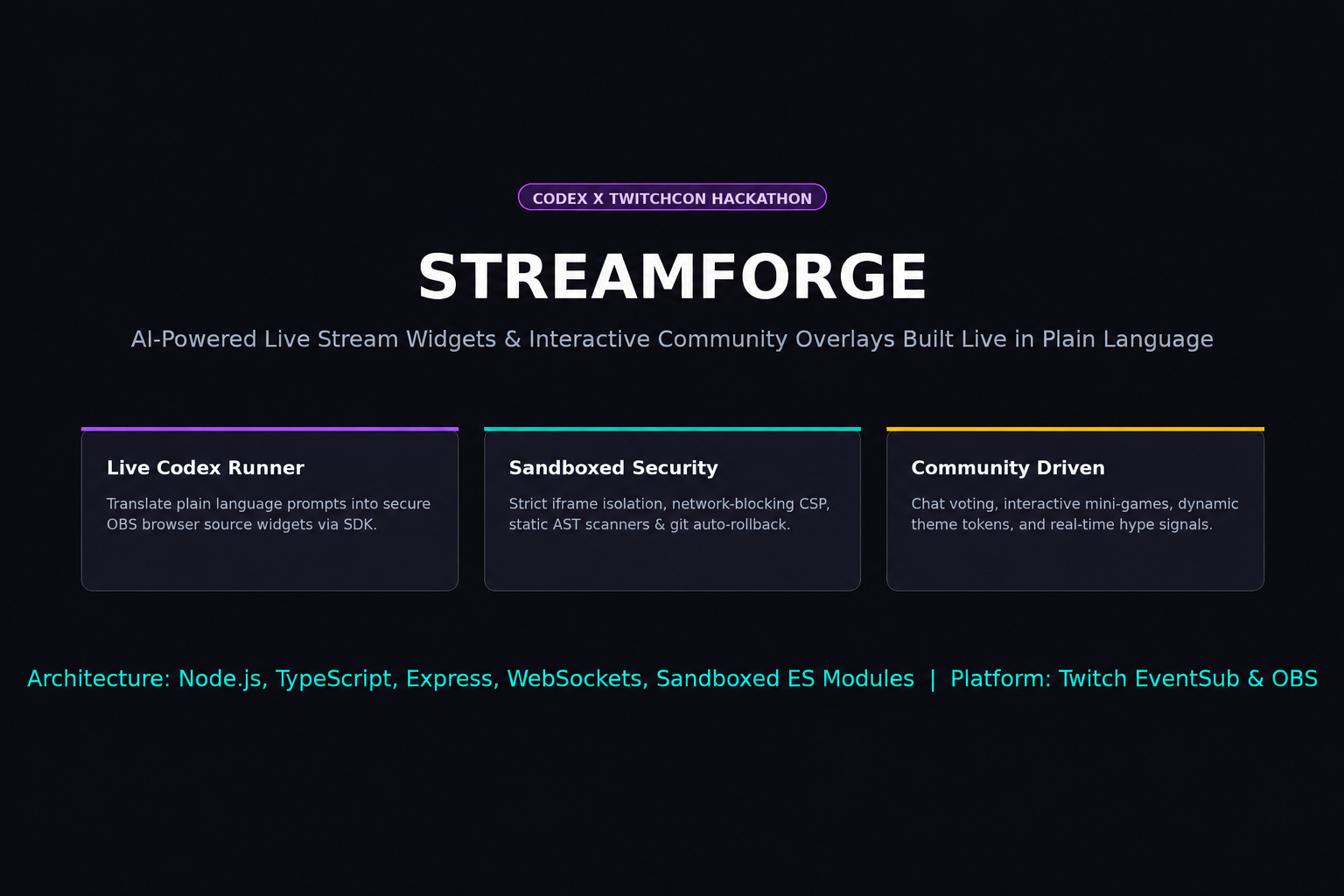
- Codex generates the widgets. Every widget runs in a sandboxed iframe, so one bad widget cannot take over the stream.
- A server-side auto-promotion policy (
Ask meby default,Eligible, orNever) decides whether a checked widget may go live automatically. Requests from normal viewers in chat always wait for approval. - The overlay measures every HUD element and reserves its space, so widgets never cover things like Up Next or the build feed.
- A mock/replay mode lets us develop and demo without live Twitch traffic or real Codex builds.
- We worked in clear stages with checkpoints, and wrote automated checks for each:
ui:smoke(mock click-through of every page),qa:ui(5 widget themes × 8 pages × multiple viewport widths, plus reduced-motion and contrast audits), andtest:flow(promotion policy, undo and restore).
Challenges we ran into
- Trust. Letting AI-built code reach a live broadcast is risky. We solved this with sandboxing, four safety checks, a human approval step, and an easy undo.
- Honest status. Early on, finished widgets went live automatically. Making "who is allowed to promote what" explicit meant redesigning the flow and updating all our tests.
- Overlay collisions. Many widgets plus HUD panels on one 1920×1080 canvas kept overlapping, so we built measured, reserved zones.
- Honest demos. In mock mode we show an empty build activity state instead of fake terminal output pretending to be live.
- Known issue. One of our theme-frame tests still fails (the Chat Runner widget shows no theme change, and one community widget uses a hardcoded color). We kept the check strict instead of loosening it.
Accomplishments that we're proud of
- A full flow from chat idea to live widget that is safe by default.
- Removal is reversible: Turn off, Remove from scene, and Restore, with permanent Delete kept separate.
- A repeatable QA harness that runs across every page, theme and screen size.
What we learned
- With AI-generated code, the product design around it (approval, sandboxing, undo) matters as much as the generation itself.
- Small UX details, like a progress stepper and plain next-step messages, make a complex pipeline feel simple.
- Building a mock mode early makes testing and demoing much faster.
What's next for StreamForge
- App-wide themes with an Auto mode
- Real before/after visual regression baselines
- Fixing the remaining theme-frame test
- Deeper Twitch integrations and a bigger community widget libraryn
What it does
How we built it
Challenges we ran into
Accomplishments that we're proud of
What we learned
What's next for StreamForge
Built With
- codex
- himl
- javascript
- node.js
- openai-codex
- twitch
- typescript

