-
-
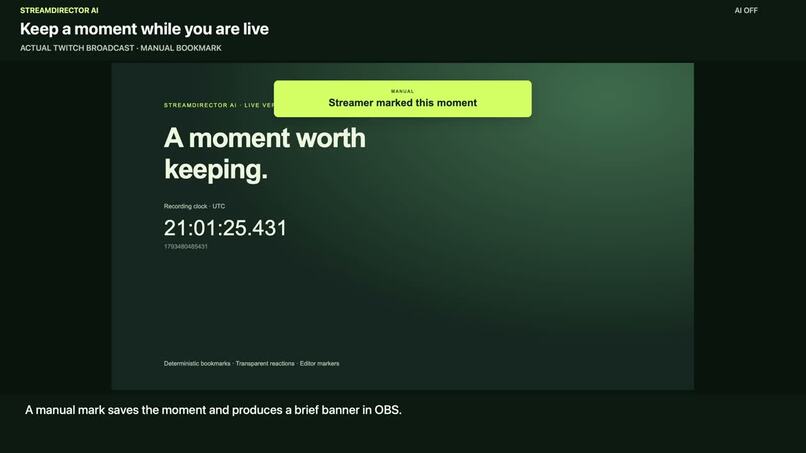
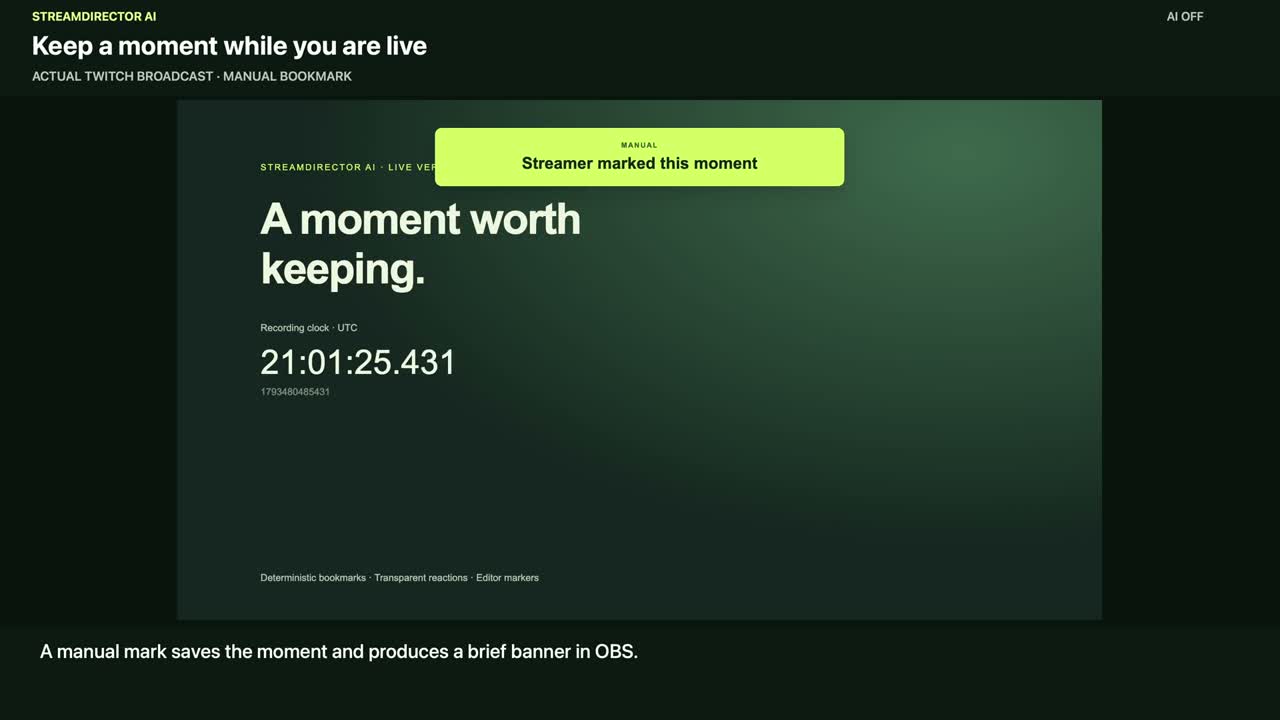
Actual Twitch broadcast: a manual bookmark produces an OBS banner.
-
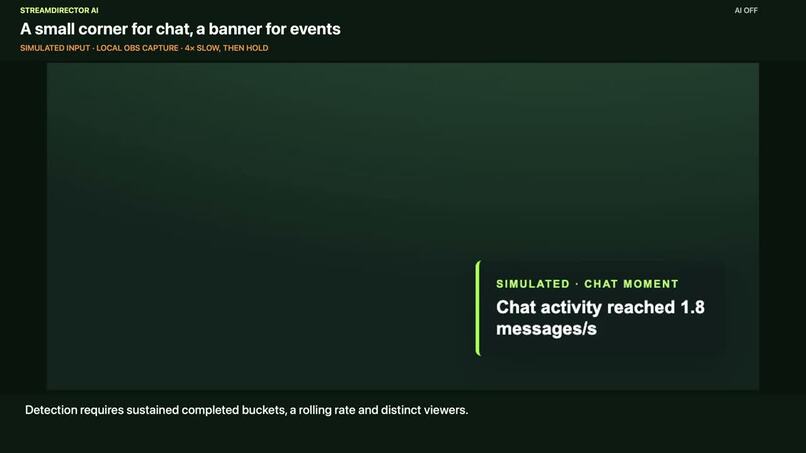
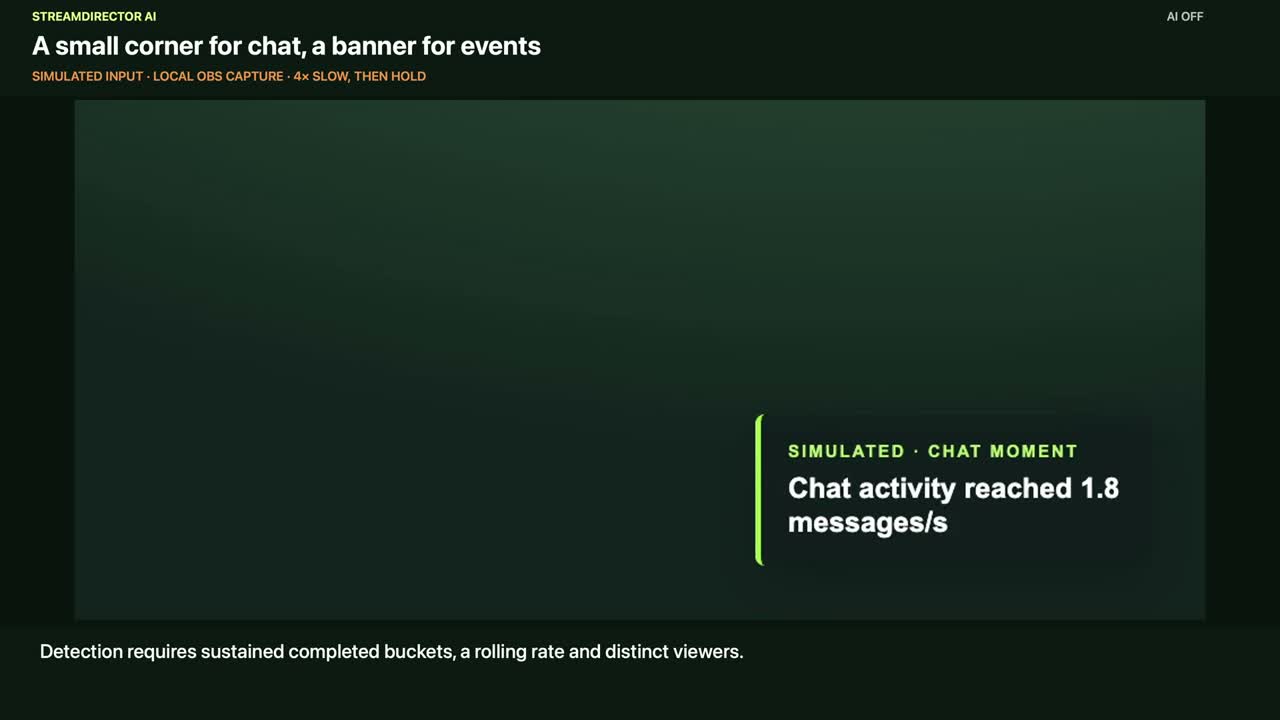
Simulated chat input: the corner reaction is shown in an OBS recording.
-
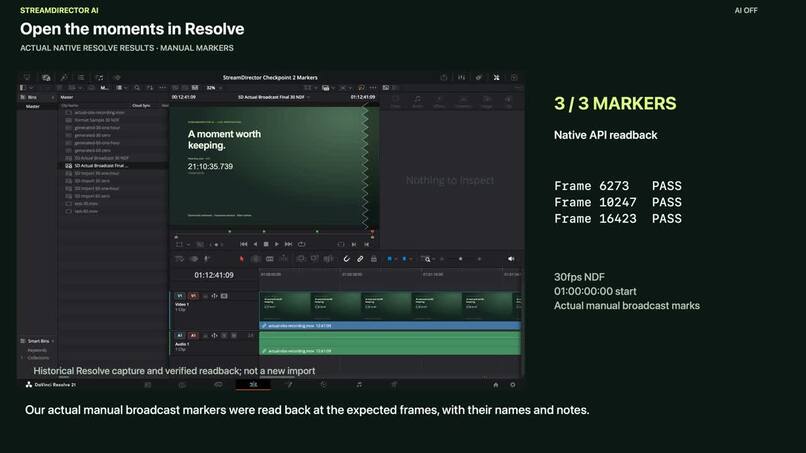
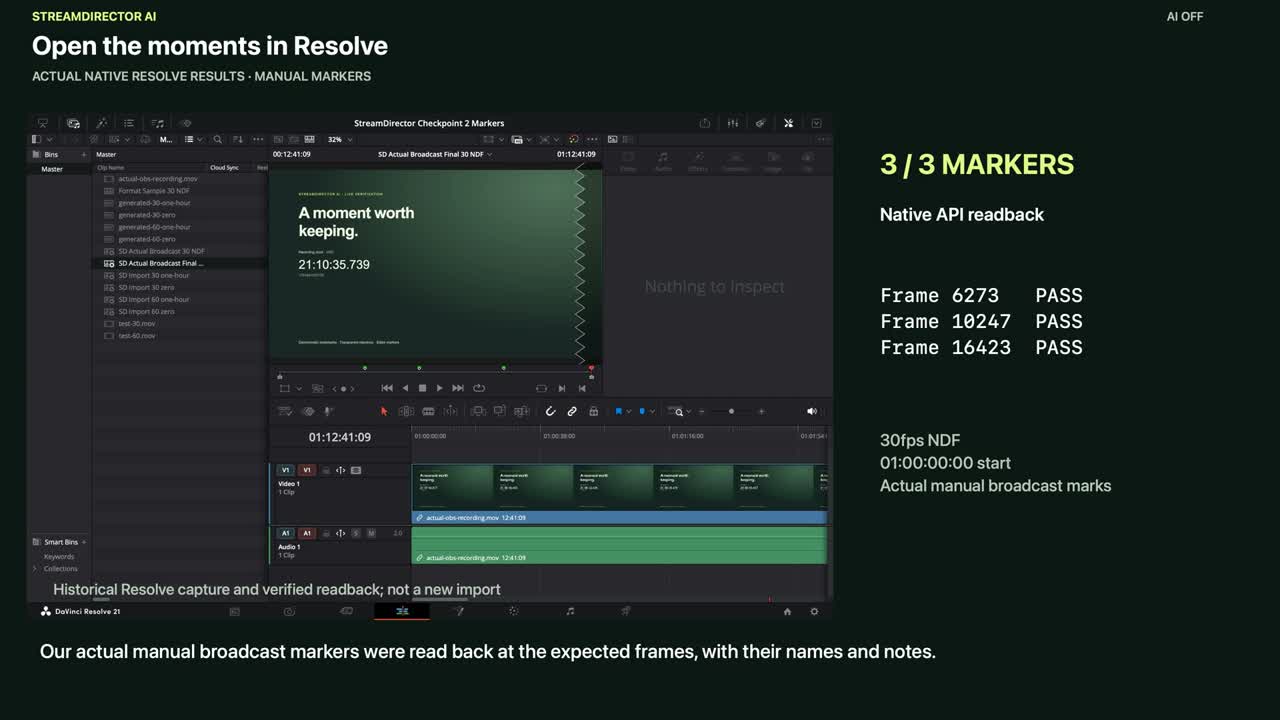
Actual native Resolve verification: three manual broadcast markers matched the expected frames.
Inspiration
A stream can last hours, but the moments worth editing may last seconds. After the broadcast, the creator still has to find them again.
I built StreamDirector AI to connect those two parts of the workflow: keep a moment while streaming, review why it was saved, and carry its timestamp into the editing timeline.
What it does
StreamDirector AI is a local Twitch bookmarking companion with an OBS overlay and DaVinci Resolve marker export.
The broadcaster can manually save a moment during a stream. Each bookmark retains timing and context, appears in the dashboard, and can trigger a brief OBS reaction. Afterward, the creator reviews the bookmarks and exports selected moments as CSV, JSON, or a Resolve marker EDL.
The export workflow explicitly accounts for recording alignment, timeline start time, frame rate, and editorial lead-in. The result is a set of navigation points on an existing recording, with the creator retaining control over the final edit.
The app also implements experimental automatic bookmarking using deterministic chat-activity and platform-event rules. Chat reactions use a small corner overlay; manual and platform moments use banners.
How I built it with Codex
I used OpenAI Codex throughout planning, implementation, testing, and revision. Development progressed through checkpoints covering detection and persistence, Twitch integration and exports, then the dashboard and overlay.
The application uses TypeScript, Node.js, React, and SQLite. Twitch OAuth authenticates the broadcaster, EventSub receives events, and server-sent updates connect the backend to the dashboard and overlay.
Reviews led to concrete fixes for false chat triggers, authentication races, stale dashboard responses, and expired caption context. The completed validation suite contains 154 passing tests, alongside type-checking and a production build.
Bookmark decisions remain deterministic. Optional AI captions can describe an already-confirmed bookmark; they cannot decide its timing or importance. AI captions are disabled in the submitted demonstrations.
Challenges and what I learned
The difficult part was making a saved moment mean the same thing across Twitch events, a local recording, and an editor timeline.
I learned to distinguish event timestamps from receipt times, preserve coverage gaps during reconnects, and validate exports inside the target editor. A file that parses successfully is only part of that verification.
Live testing also exposed recurring EventSub timeouts. Diagnostics narrowed the observations, but did not establish a verified production fix.
What we demonstrated
A real Twitch broadcast produced three persisted manual bookmarks and recorded OBS banners. Those bookmarks were imported into DaVinci Resolve at the expected frames. Additional native import cases covered 30/60 fps and zero/one-hour timeline starts.
The repository also includes a clearly labeled judge replay that demonstrates automatic chat bookmarking without Twitch credentials or paid AI access.
Current limitations
Positive live automatic chat bookmarking and sustained connection continuity remain unverified. Simulated chat and platform demonstrations are explicitly labeled. Real paid/redemption events and real AI-provider behavior have not been verified.
The project does not analyze video or automatically create clips.
What's next
The next milestone is a verified live chat-to-bookmark-to-recorded-overlay-to-Resolve workflow, followed by longer continuity tests and feedback from streamers and editors.
Built With
- 2.0
- api
- codex
- davinci
- esbuild
- events
- eventsub
- node.js
- oauth
- obs
- openai
- react
- resolve
- server-sent
- sqlite
- studio
- twitch
- typescript
- websockets

Log in or sign up for Devpost to join the conversation.