-
-
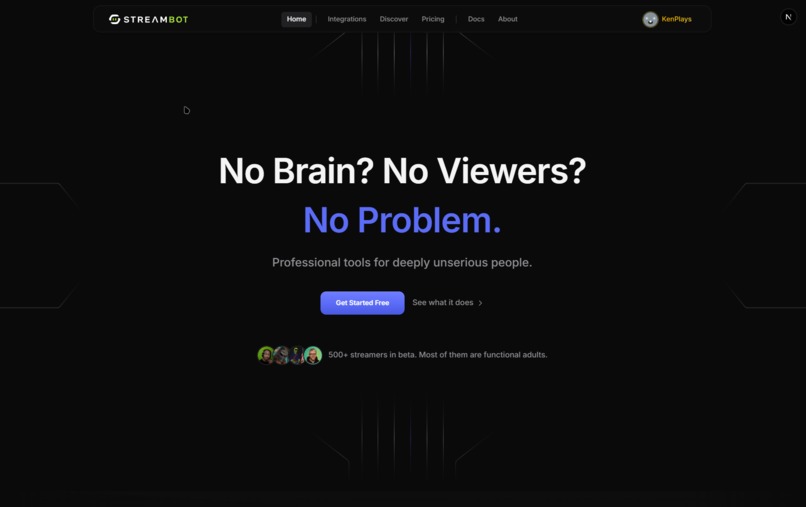
Home
-
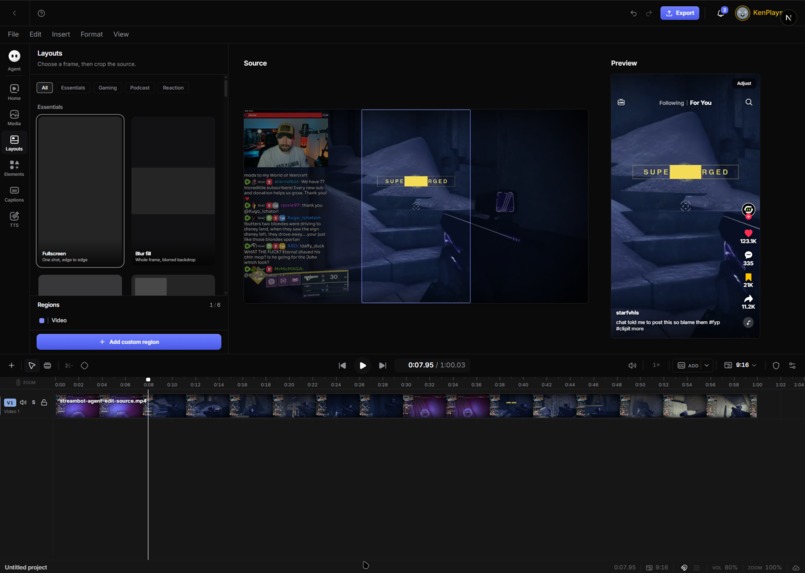
Clipit Studio
-
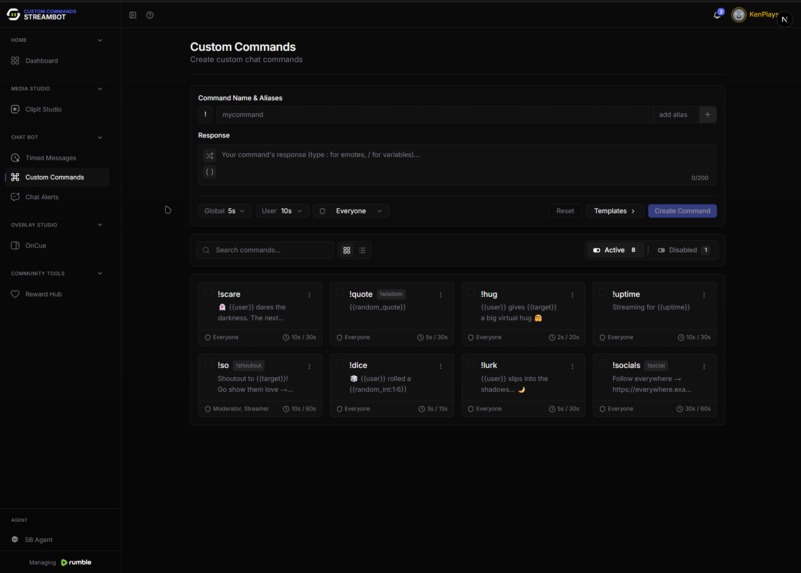
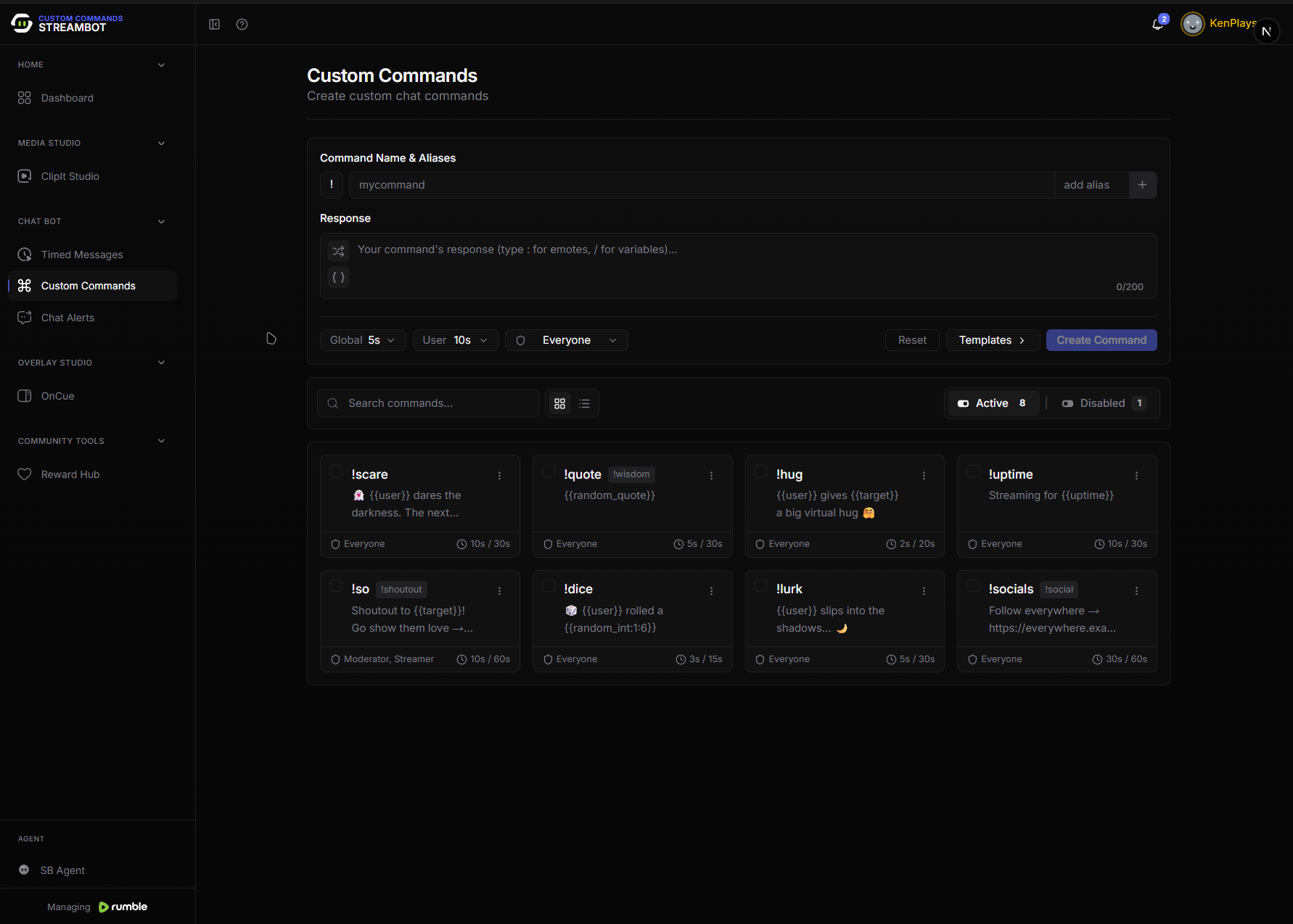
Custom Command
-
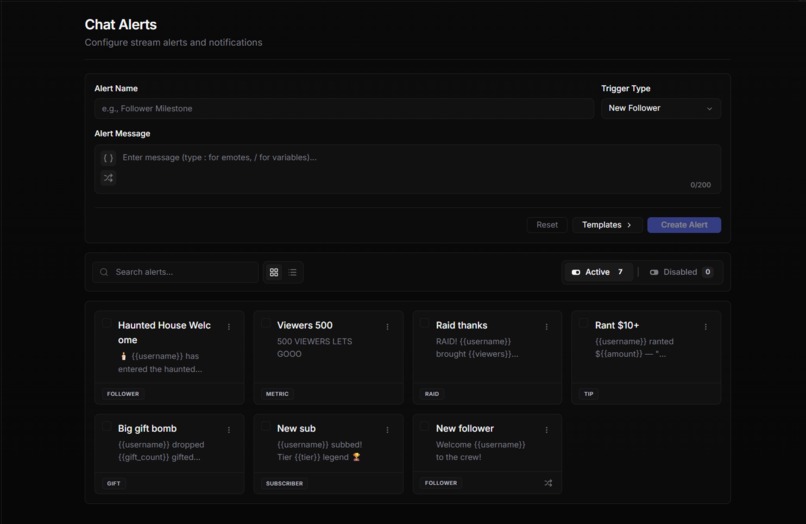
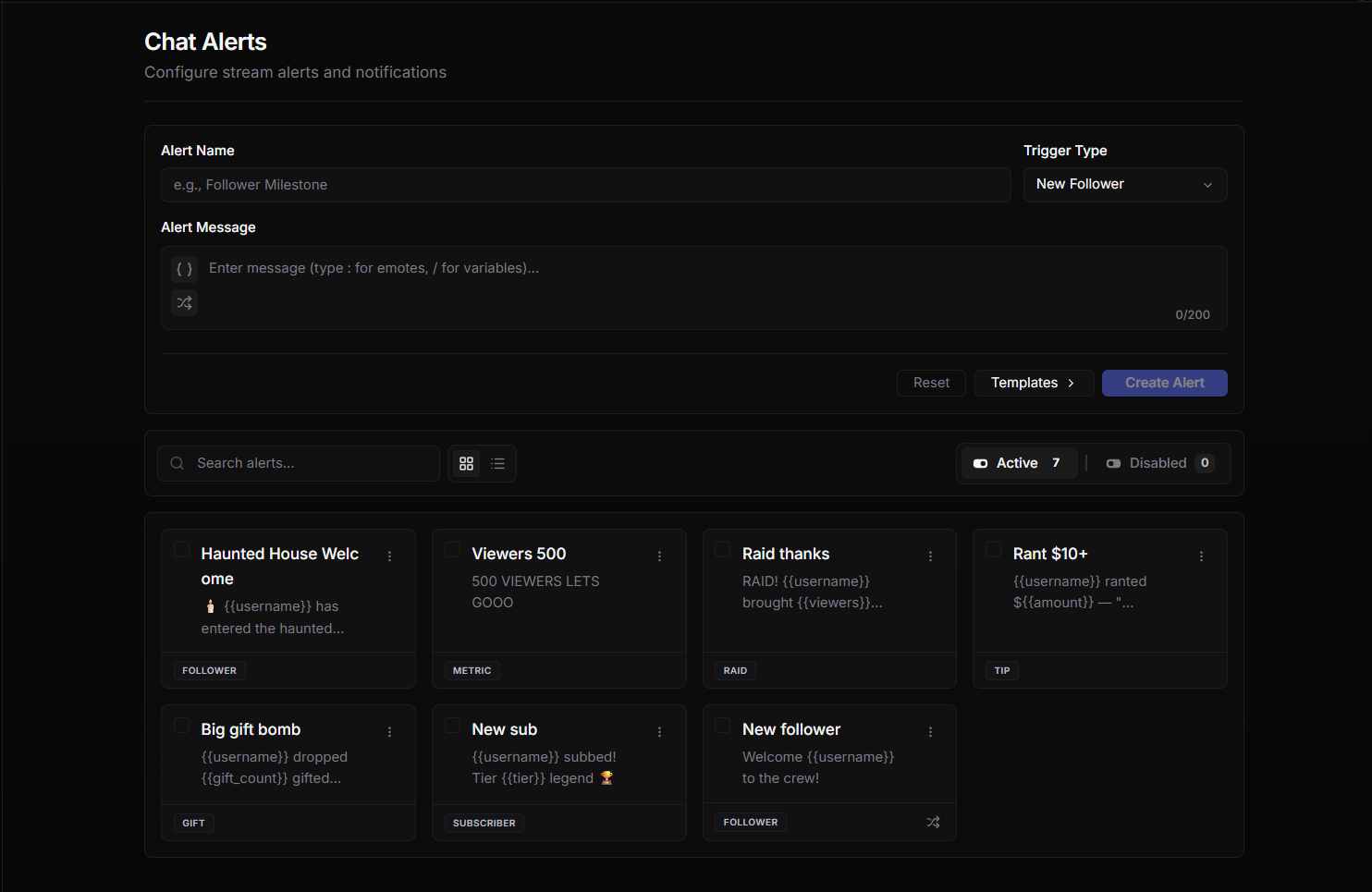
Chat Alert
-
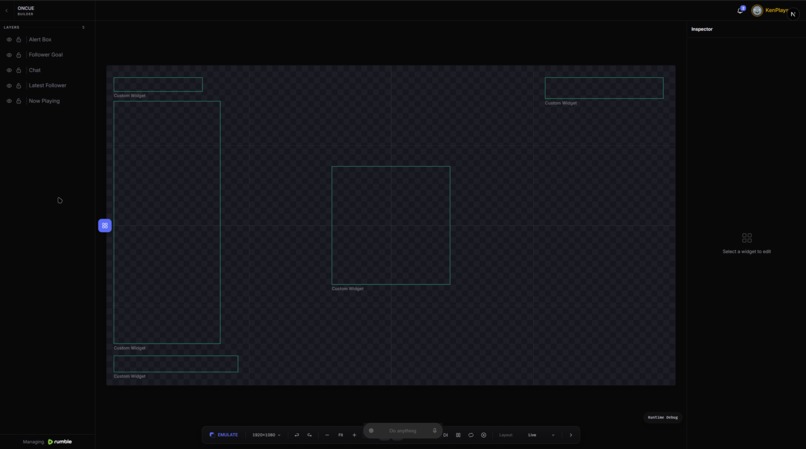
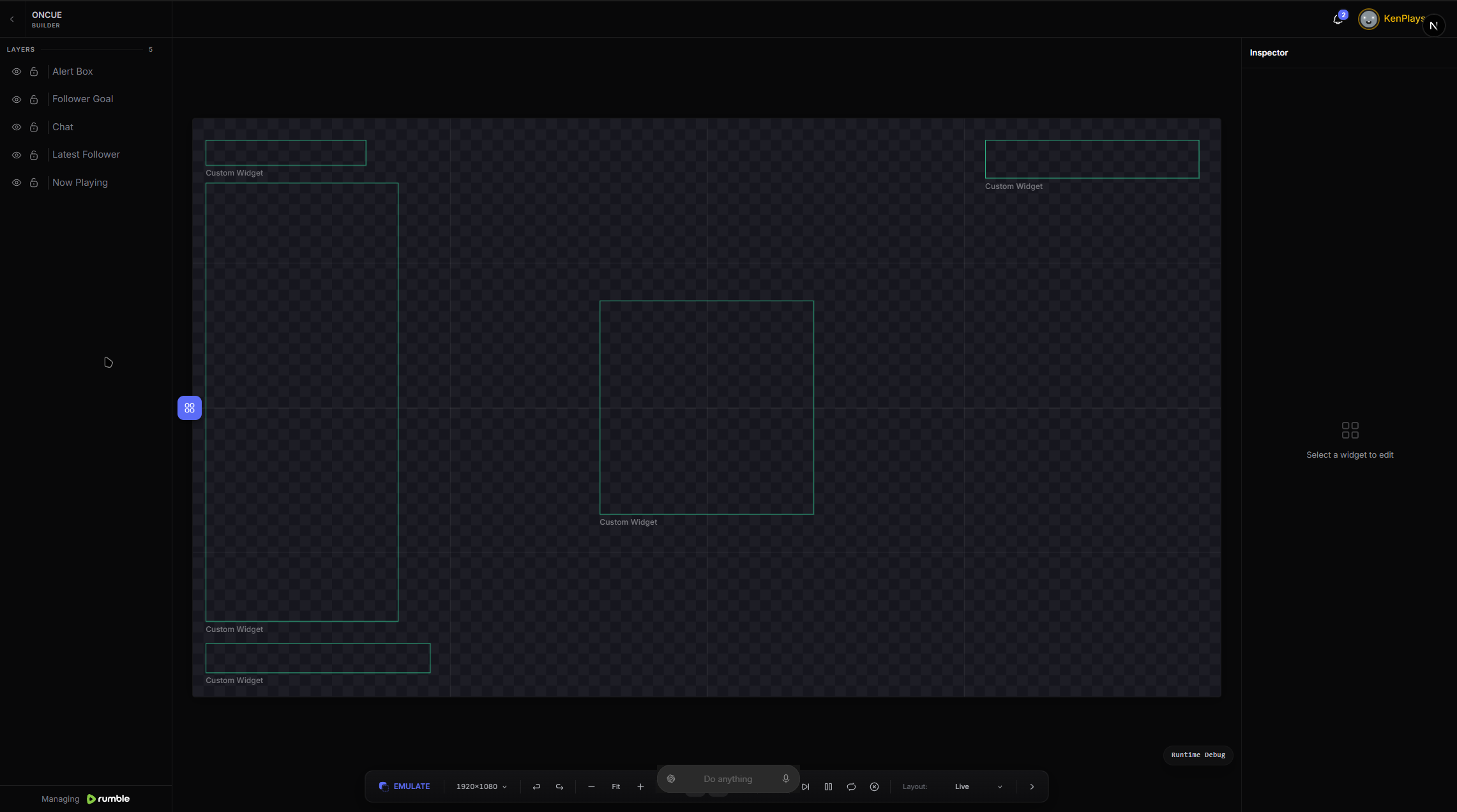
Overlay Builder
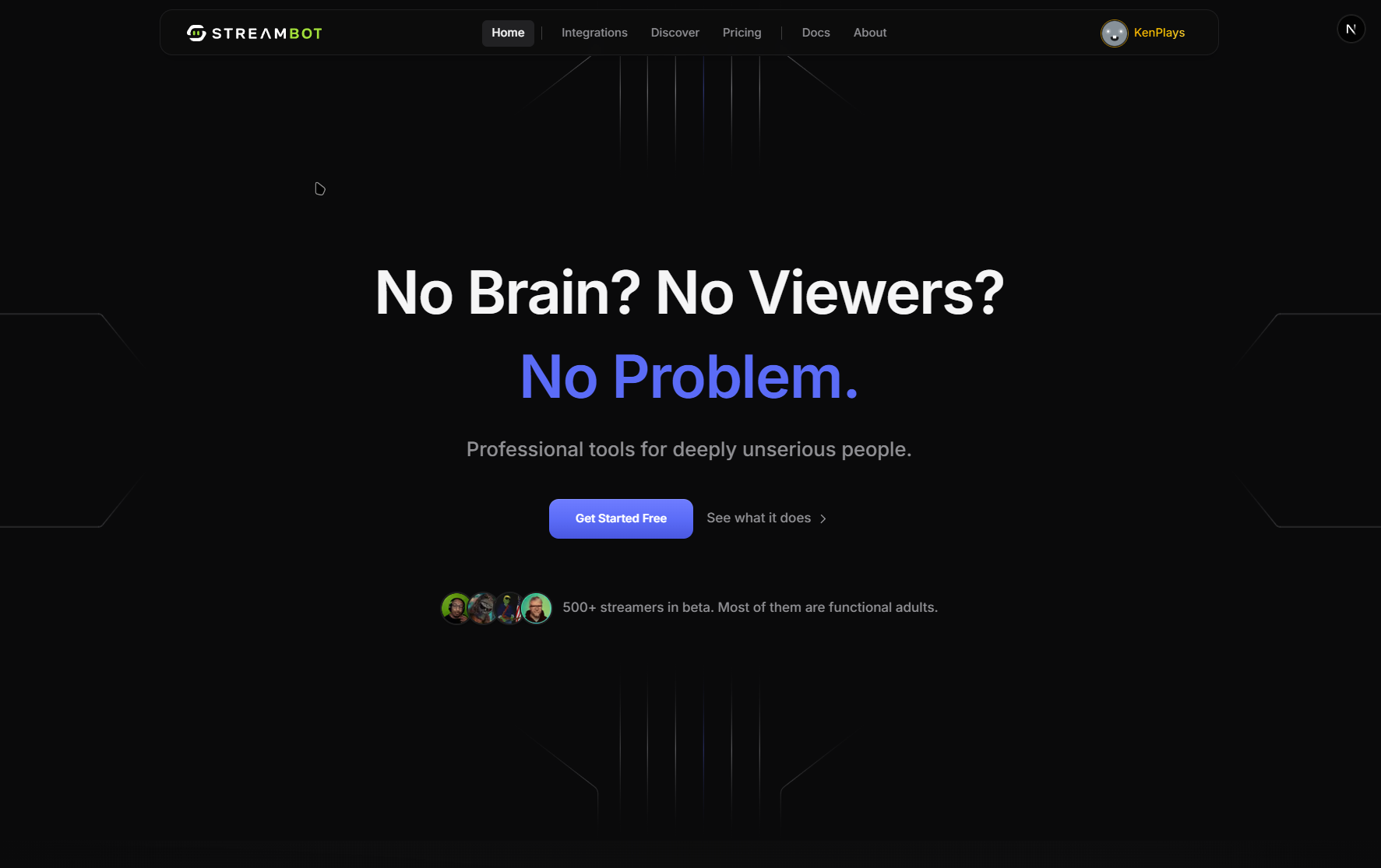
StreamBot — Agent Edition
Project Story
Inspiration
Streamers run a one-person production studio.
Before they ever go live, they may have to manage chat commands, alerts, timed promotions, overlays, clipping highlights for TikTok, and countless other pieces of production across a dozen different tabs.
Meanwhile, AI agents are still largely stuck outside the product. They screen-scrape interfaces, guess which buttons to click, and operate without a real understanding of the application's state.
We wanted to change that.
StreamBot is a real streamer dashboard already in production use. The WebMCP Challenge gave us the missing piece: instead of bolting an AI chatbot onto the side of the product, we gave the agent a first-class seat inside the application.
The agent uses the same tools as the streamer, operates against the same state, and leaves the same audit trail.
That led to the question driving this project:
What does setup feel like when a streamer and their AI agent share one workspace, while the human remains in control of anything that matters?
What It Does
Three experiences define StreamBot Agent Edition.
1. Propose, Don't Just Do
The agent isn't simply given unrestricted control.
A streamer can say:
"Set up my horror night."
Instead of immediately changing their dashboard, the agent creates a complete themed proposal:
!scaryand!bravecommands- 👻 Follow alerts
- Timed promotional messages
- A JUMPSCARE channel-point reward
- A follower goal bar
- Other relevant stream configuration
The entire setup appears as a review card.
The streamer can inspect the proposal, remove anything they don't want, and then hit Approve.
Only after approval does the agent execute the changes.
Proposal → Review → Approval → Execution
It's collaboration with a veto, rather than blind automation.
2. Guides That Teach on the Live UI
Agents shouldn't teach users from outdated screenshots or hallucinated interfaces.
If a streamer asks:
"How do chat alerts work?"
The agent first uses discover_targets to inspect the actual DOM and identify the elements currently available on the page.
It then uses compose_tour to build a spotlight walkthrough directly against those discovered elements.
The result is a guide that operates on the real product, in its current state.
No stale screenshots. No guessed buttons. No hallucinated UI.
The agent discovers the interface first, then teaches from reality.
3. Skilled Hands, Not Chat
The agent isn't limited to answering questions.
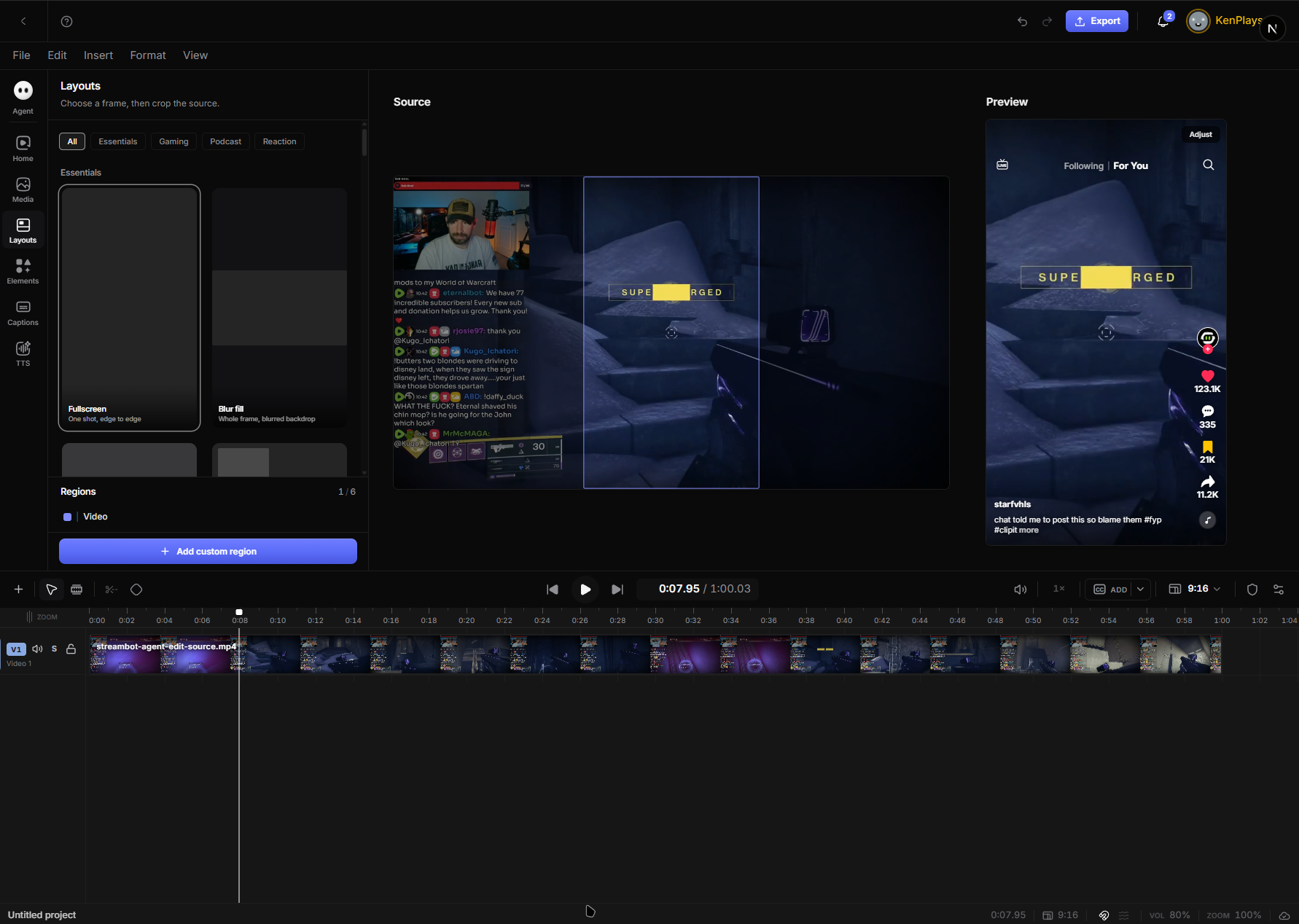
Inside StreamBot's ClipIt editor, it can stage vertical social edits directly against the mounted editor state.
That includes:
- Vertical layouts
- Facecam resizing
- Caption placement
- Real transcribed captions
- Designer-created caption presets
- Editor configuration
The agent isn't pretending to edit a clip through text.
It's operating the actual editor.
How We Built It with WebMCP
Route-Scoped Tool Suites
Each StreamBot dashboard route registers the tools relevant to the feature currently being viewed.
Examples include:
- Commands
- Alerts
- Timed Messages
- Rewards
- Canvas
- ClipIt
This is implemented through src/webmcp/suites.ts.
The agent only sees tools that are valid for the current context and available to its seat.
The Agent Uses the Same API as the UI
We didn't create a separate "AI version" of StreamBot's functionality.
Every agent tool calls the same endpoints used by the human interface.
That means the resulting state is identical regardless of who performed the action.
For example:
Agent creates !scary → the command immediately appears in the streamer's command list.
There is no synchronization layer or second source of truth.
Agent actions and human actions operate on the same application state.
Tool executions are also written to the account's audit log, just like actions performed by other members of the team.
A Bridge into Live Editors
For ClipIt, we needed the agent to interact with a mounted editor rather than a traditional API.
We built mountClipItEditorCommands, which connects the WebMCP suite directly to the ClipIt store.
The bridge dispatches real reducer actions and waits for state convergence before reporting success.
That distinction matters.
We don't report success because an action was dispatched.
We report success when the editor has actually reached the requested state.
Human-in-the-Loop Primitives
Human approval is built into the tool architecture itself.
propose_stream_setup opens a PrepProposalCard and blocks execution until the streamer makes a decision.
Our guide tools work similarly: they compose tours from curated block types that can only be placed on targets discovered from the current page.
The agent therefore has useful autonomy without having unlimited authority.
Permissions
The agent is treated as a real seat within StreamBot.
Its permissions are governed through:
Settings → Your Team
Tool suites are only registered in areas where the agent has permission to operate.
Challenges
1. Timeouts That Lied
Our first ClipIt bridge used pixel changes as proof that an operation had succeeded.
That seemed reasonable until we encountered a simple case:
A facecam was already in the requested position.
The operation succeeded, but because the pixels didn't change, the bridge waited 12 seconds and eventually reported a timeout.
We rewrote the system around state convergence instead.
A no-op move is now considered a successful operation if the editor is already in the requested state.
We also added fail-fast validation using valid-ID lists.
2. Making the Demo Deterministic
Transcription and streaming are inherently live, variable, and slow.
A two-minute demo can't wait around for production systems to finish processing.
We built a simulated backend using:
- An in-browser API shim
- A simulated stream engine
- Deterministic application state
This gives us a world that behaves like the real product without depending on unpredictable external timing.
For captions, we went further.
The demo pipeline uses real ASR transcripts generated with the same model and segmentation approach as production, then bakes those transcripts into the demo environment.
The result is deterministic while still containing genuine transcribed speech, rather than lorem ipsum pretending to be captions.
3. Spotlight Honesty
Our earliest tours referenced UI elements that didn't actually exist on the current page.
That exposed a fundamental problem with agent-generated walkthroughs:
The agent was assuming what the interface looked like.
We turned the fix into a core design principle:
Discover before you teach.
Every walkthrough begins with discover_targets.
The tour is then composed against what actually exists.
What We Learned
The biggest lesson was simple:
Agents Don't Need More Autonomy. They Need Better Seats.
Once the agent shared the human's:
- Tools
- Application state
- Permissions
- Audit trail
- Context
the interaction fundamentally changed.
It stopped feeling like:
"Prompt and pray."
And started feeling like genuine teamwork:
Proposal → Review → Approval → Execution
The guardrails aren't friction.
Scoped tool suites, approval cards, permission boundaries, and discover-before-teach aren't there to make the agent weaker.
They're what make the agent trustworthy enough to delegate to.
That's the direction we believe the agent-native web should move toward:
AI agents shouldn't sit outside applications, guessing how to use them. They should have a real seat inside the product with the right tools, the right context, and a human who stays in control.
Built With
- nextjs

Log in or sign up for Devpost to join the conversation.