-
-
Collaborating with Codex
-
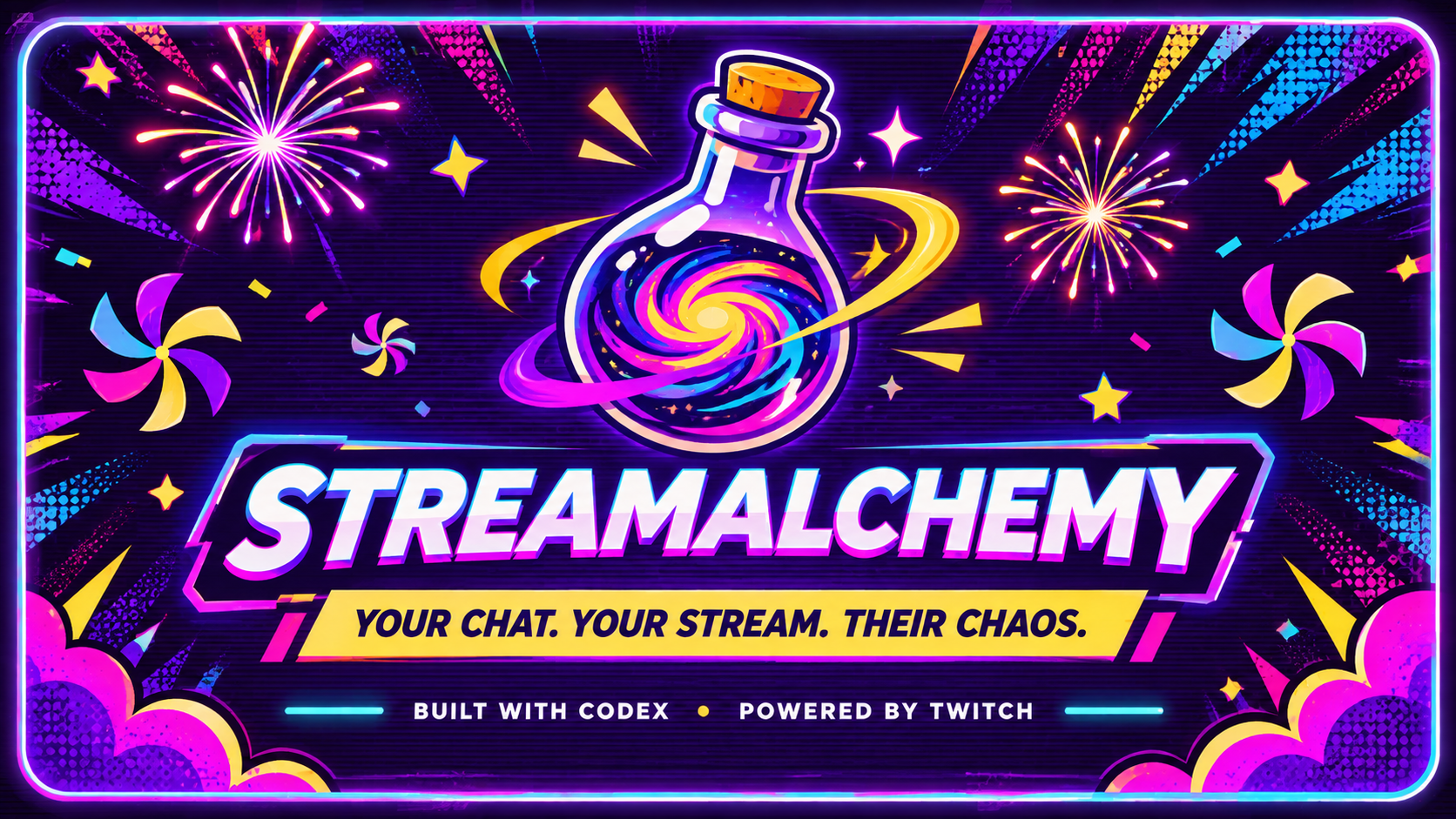
Your chat. Your stream. Their chaos.
-
An Alchemical Journey
-
I Let Twitch Chat Break My Stream | StreamAlchemy
StreamAlchemy — Turn Your Twitch Chat Into the Chaos
Inspiration
A livestream is most interesting when the audience feels like it is part of the experience rather than simply watching it. Chat already reacts to what happens on stream, but those reactions do not always translate into something the streamer and everyone watching can experience together.
StreamAlchemy started with a simple idea: what if viewers could actually change something on the stream, and everyone could see the result immediately?
I wanted to build a small, entertaining interaction that could turn an ordinary chat message into a shared moment. The result was Gravity Curse: a viewer can trigger a temporary gravity-defying visual effect, and the streamer gets to react to the chaos.
The project deliberately focuses on one complete interaction rather than a large collection of unfinished features.
What it does
StreamAlchemy is a Twitch audience-participation application that lets viewers trigger a 30-second Gravity Curse on a livestream.
There are two ways to activate it:
- Twitch Chat: A viewer types
!curse gravity. - Channel Points: A viewer redeems the streamer's configured Gravity Curse reward. The redemption handler was verified end-to-end using the official Twitch CLI mock EventSub server, since custom rewards require an Affiliate/Partner channel. A live redemption test remains on the roadmap.
Both inputs activate the same effect through a central Curse Engine.
The Chaos Sequence
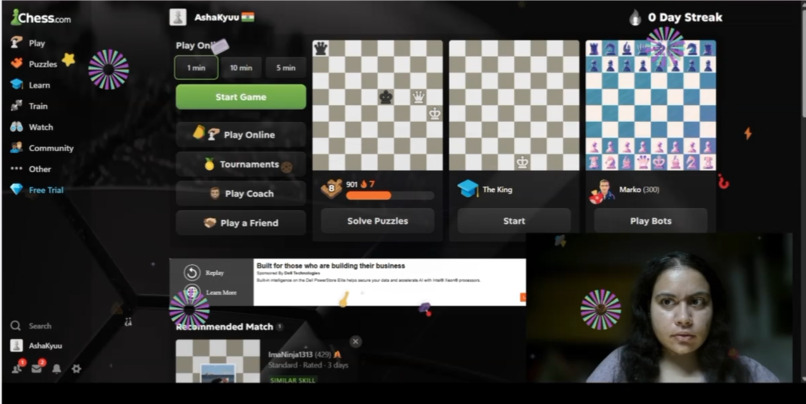
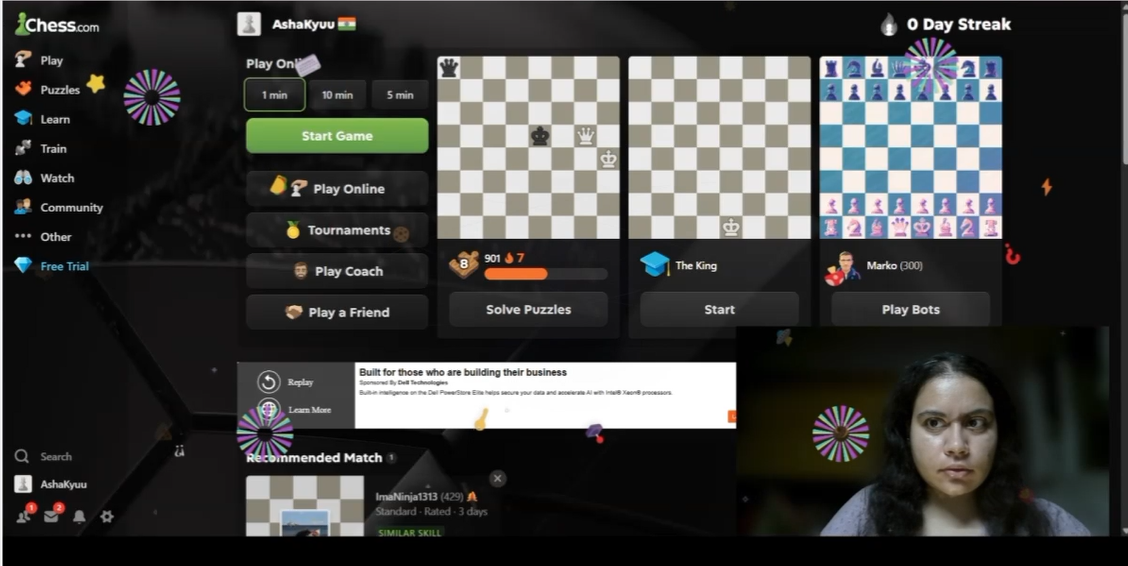
When Gravity Curse activates, the overlay executes a timed, escalating sequence derived from the engine's authoritative timestamps: fireworks and floating objects (0–4s), a spinning pinwheel storm (2–8s), a four-second full-screen obstruction (4–8s), a nine-second retro "Rickroll" finale using a local video asset (8–17s), and a restrained aftermath with a compact status strip until expiration. All stage timing is recalculated from startedAt and expiresAt, so a late-connecting or reconnecting OBS Browser Source always renders the correct current stage — never a restart. The visual layer is pure HTML/CSS/JavaScript with no external dependencies.
The streamer adds StreamAlchemy's transparent browser overlay as an OBS Browser Source. When Gravity Curse activates, the overlay displays the effect, its active status and a 30-second countdown. When the timer expires, the effect disappears and the overlay returns to its inactive state.
The application also handles duplicate events, rejects unsupported commands and unrelated reward IDs, and synchronizes the overlay if it reconnects while a curse is active.
The current MVP supports one curse and one active effect at a time. It does not modify the streamer's game or computer; the effect is presented visually through the overlay.
How we built it
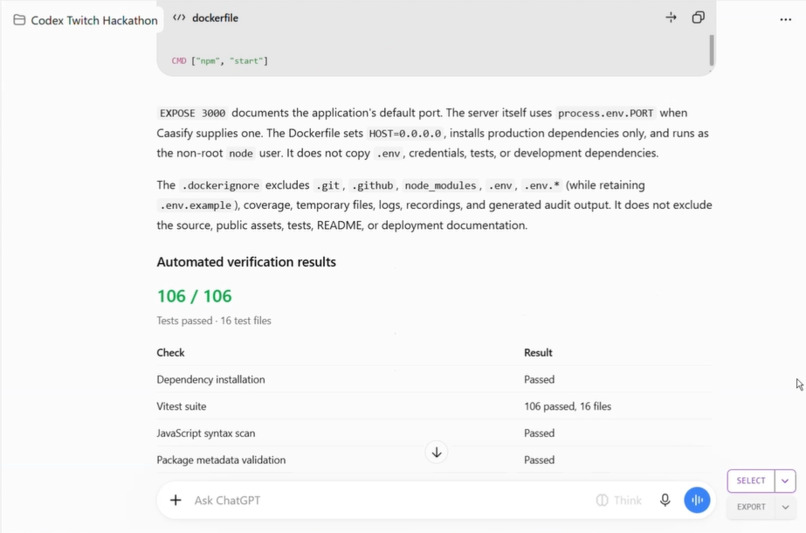
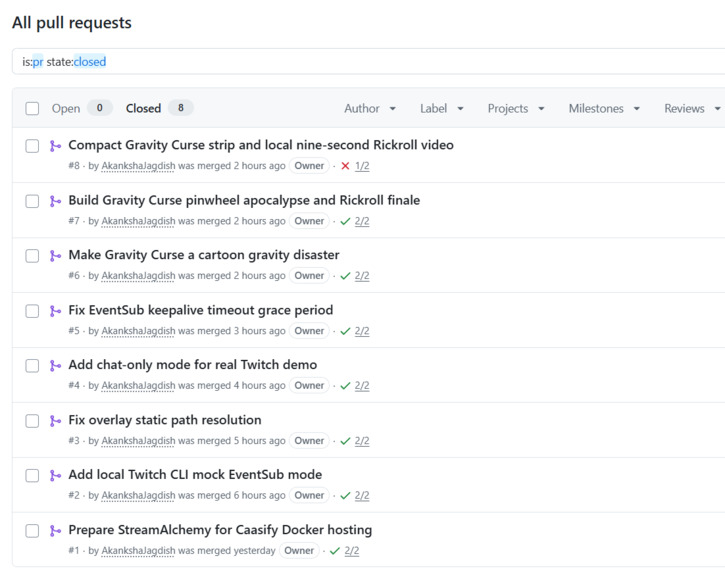
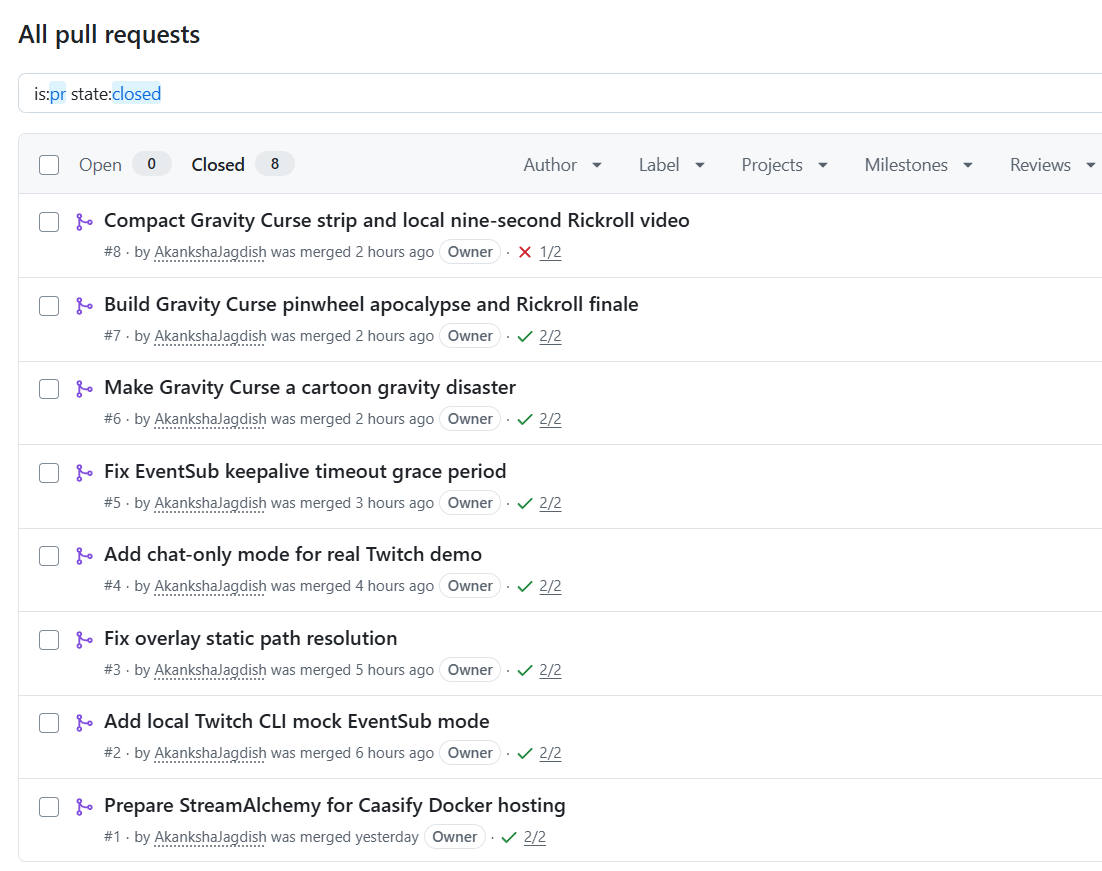
I used OpenAI Codex as the primary development tool, directing the project through an iterative implementation process. I established the product scope and architecture, then used Codex to implement the individual components, integrate them, investigate issues and build automated tests.
The backend uses Node.js 22 with Express. Twitch integration is implemented using Twitch EventSub WebSocket connections and a WebSocket client. The application listens for chat messages and Channel Points custom reward redemption events.
The two input paths have separate validation handlers but converge on one shared Curse Engine. This engine owns the active state, timestamps and expiration timer. Gravity Curse has a fixed duration of exactly 30 seconds; neither a repeated trigger nor an overlay reconnection restarts that timer.
The backend communicates with the browser overlay using Socket.IO. The overlay is built with HTML, CSS and JavaScript and is designed to have a transparent background so it can sit over a stream in OBS.
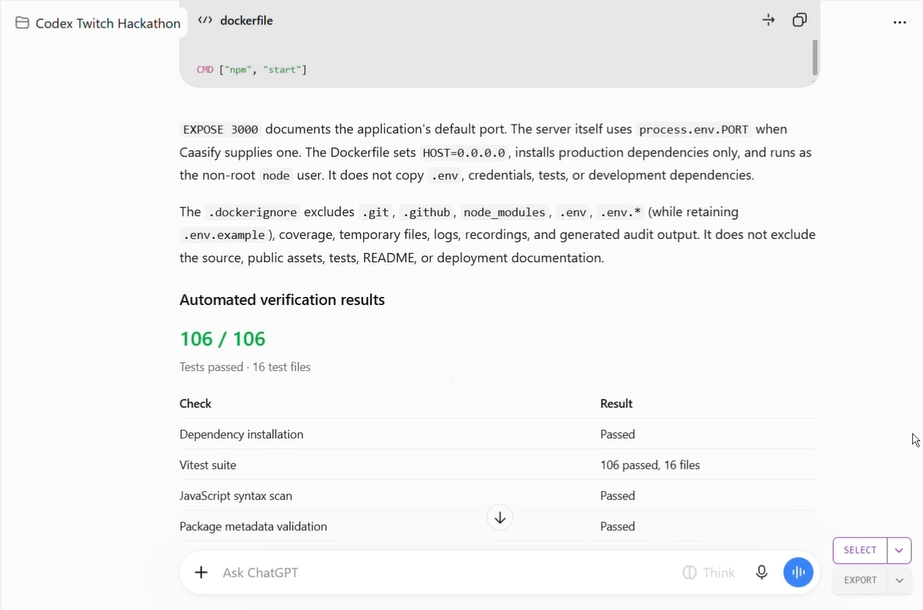
The application also includes structured logging with credential redaction, EventSub reconnection handling, duplicate-event protection and Vitest unit and mocked integration tests.
Repository: https://github.com/AkankshaJagdish/streamalchemy
The primary Codex session ID used to build StreamAlchemy is included in the submission form.
Challenges we ran into
One of the main challenges was getting two different Twitch interactions to produce exactly the same result without duplicating the effect logic. Chat commands and Channel Points redemptions arrive through different event payloads and require different validation. We addressed this by keeping their handlers separate while routing accepted requests into one Curse Engine.
Another challenge was managing time and state correctly. A browser overlay can disconnect and reconnect while an effect is active. If the browser simply started a fresh countdown on reconnection, the effect would last longer than intended. We made the backend authoritative: it supplies the original expiration timestamp, and the overlay calculates the remaining time from that timestamp.
EventSub also requires careful connection lifecycle handling. We implemented keepalive monitoring, reconnect handover, recovery after unexpected disconnections and token validation.
Finally, Twitch Channel Points have an eligibility restriction: creating custom rewards requires an eligible monetized broadcaster account. This creates a barrier for developers who want to test redemption flows on a new channel. We separated the application's redemption logic from Twitch's reward-creation process and documented the need for simulated EventSub testing during development.
Accomplishments that we're proud of
- Built two Twitch interaction paths that converge on one shared effect engine.
- Implemented a fixed, server-authoritative 30-second effect lifecycle.
- Created a transparent, animated OBS browser overlay with a live countdown.
- Implemented EventSub keepalive handling, reconnect handover and recovery.
- Added validation and deduplication for chat messages and Channel Points redemptions.
- Implemented overlay state restoration using the original expiration timestamp.
- Kept Twitch credentials out of browser payloads and added secret redaction to logs.
- Created automated unit and mocked end-to-end tests for the application's core interaction flows.
Most importantly, the project has a clear, demonstrable interaction: a viewer triggers an event, the stream visibly responds, and the effect expires automatically.
What we learned
I learned how Twitch chat and Channel Points can be connected to a real-time application through EventSub, and why choosing the correct authorization model and token scopes matters.
I also learned to treat real-time state as a backend responsibility. The browser should display the effect, but it should not own the authoritative timer. That distinction makes reconnection and synchronization much more reliable.
On the development side, using Codex effectively meant more than asking it to generate code. I had to define a narrow scope, establish architectural constraints, direct implementation in stages, inspect the resulting code, identify integration problems and ask for targeted corrections. The project benefited from keeping the requirements explicit and testing the connections between components rather than treating each component as an isolated success.
What's next for StreamAlchemy
The live chat path (!curse gravity → real Twitch EventSub → OBS overlay) has been verified against an actual broadcaster channel. Remaining work: a real Channel Points redemption on an eligible account, a stable public deployment (Docker image is built and CI-verified; public WebSocket ingress is being tested), and expanding the curse library beyond Gravity.
I also want to verify a stable public deployment so that streamers can use the overlay without running the backend locally.
Beyond the MVP, the natural direction is to expand the collection of temporary stream effects while preserving the same architecture: viewers trigger an interaction, the shared engine manages it, and the overlay makes the result visible to the entire community.
StreamAlchemy begins with one curse. The longer-term idea is to give every community more ways to participate in the stream they are watching.
Built With
- css
- docker
- express.js
- html
- javascript
- node.js
- obs-studio
- openai-codex
- socket.io
- twitch
- twitch-channel-points
- twitch-chat
- twitch-eventsub
- vitest
- websockets
