-
-
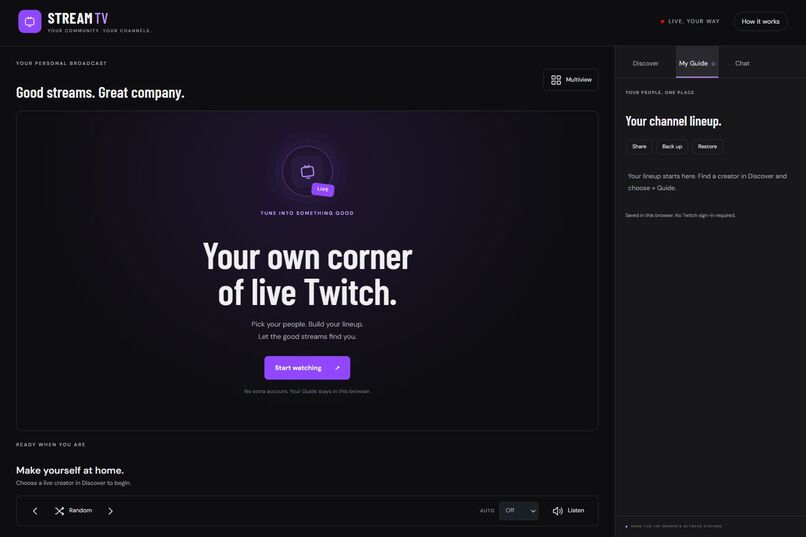
Build a personal Twitch TV lineup.
-
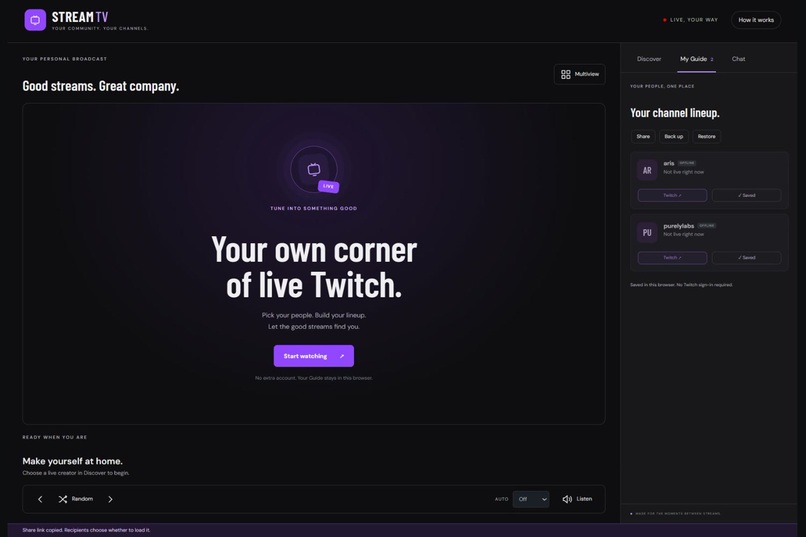
Save creators in a browser-local My Guide.
-
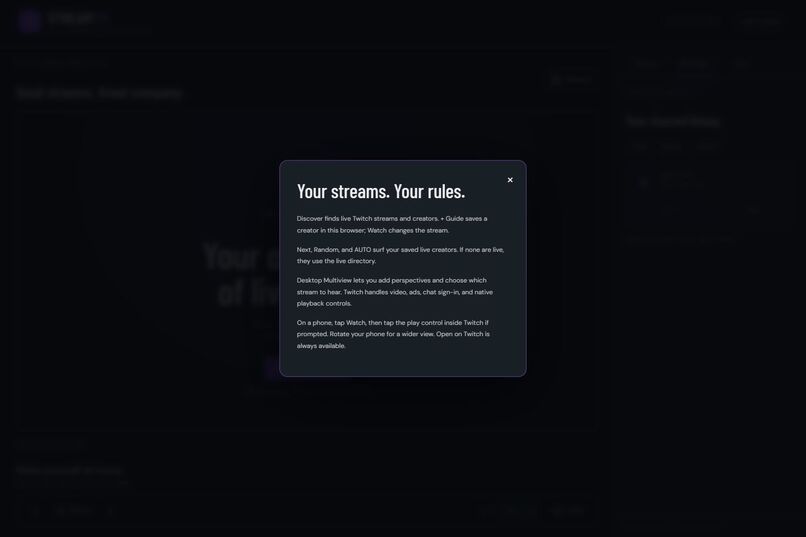
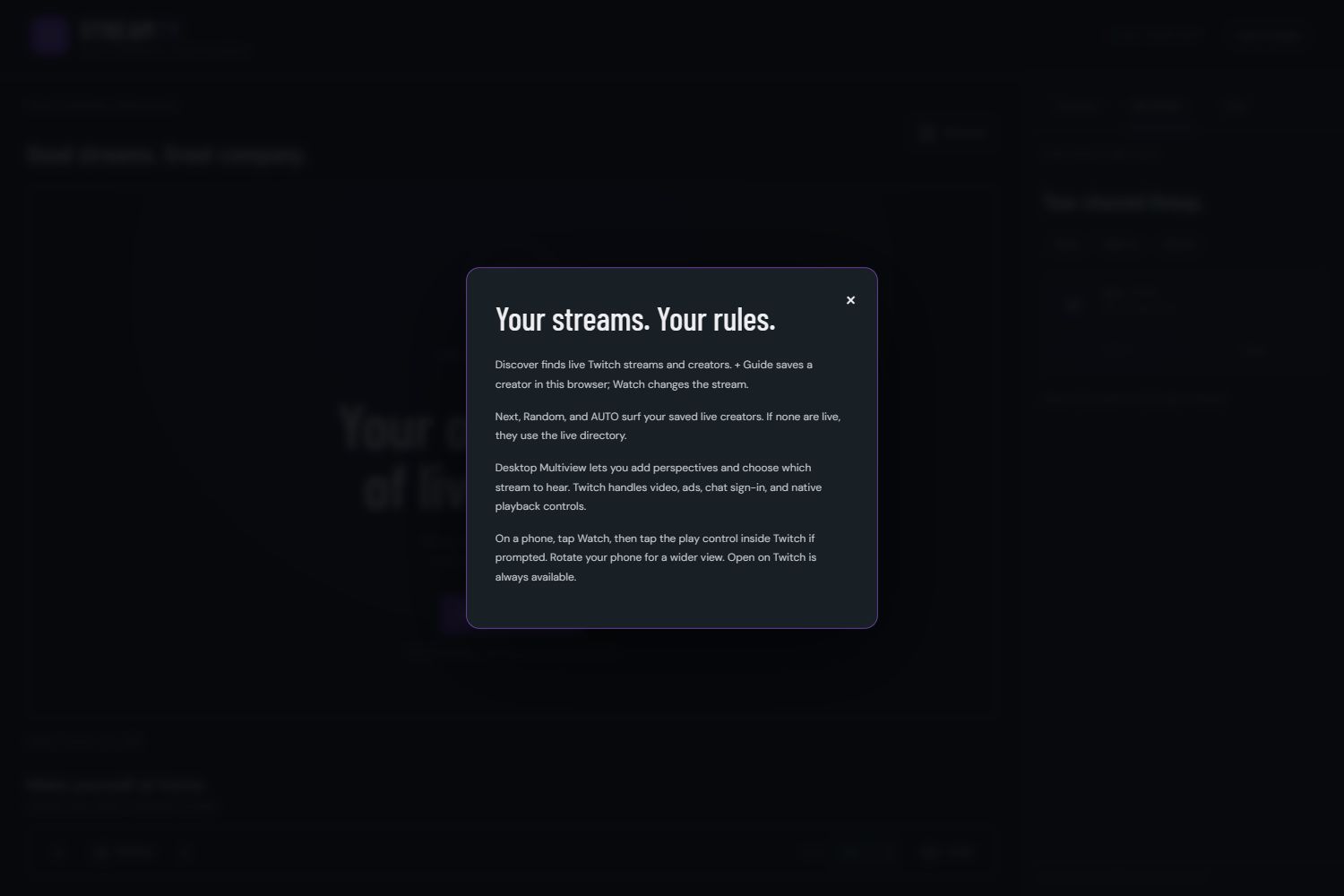
Built-in help explains playback, Guide, and Multiview controls.
-
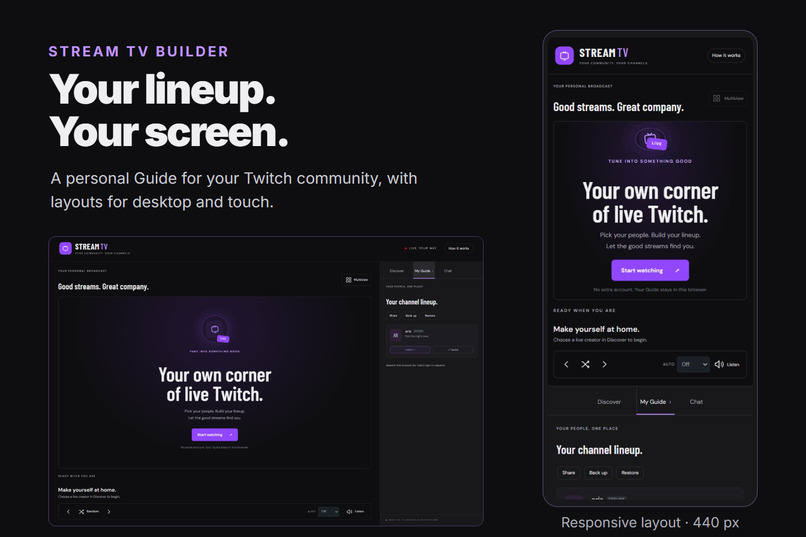
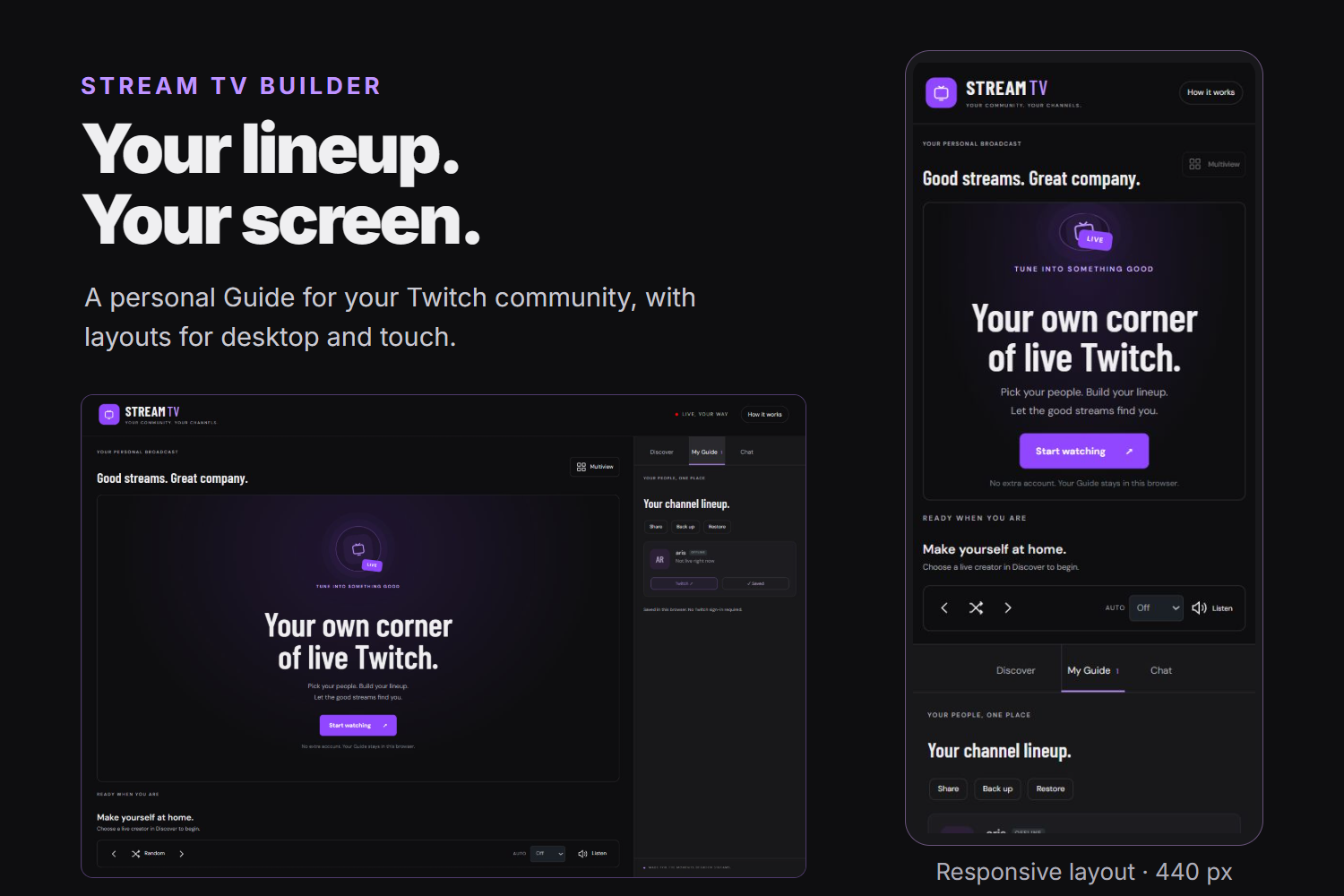
Responsive desktop and touch layouts; actual captured interface.
Inspiration
Stream TV Builder grew out of my earlier experiments with making Twitch feel like a personal TV lineup. I wanted viewers to spend less time juggling tabs and more time enjoying their favorite communities. For this hackathon, I built a separate WordPress implementation with OpenAI Codex.
What it does
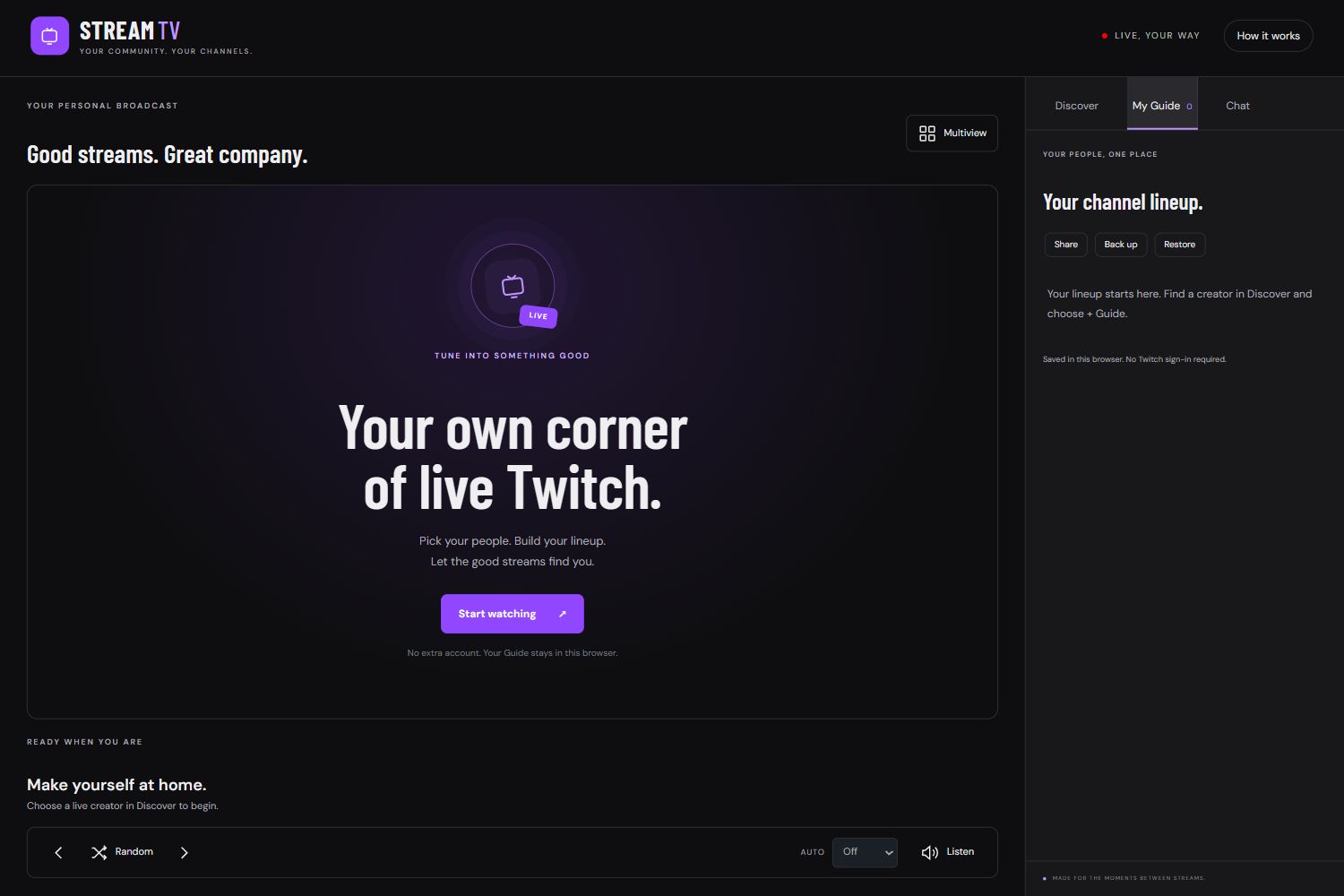
Stream TV Builder turns a WordPress page into a customizable Twitch viewing experience.
- Discover creators using Twitch-powered search and live channel listings.
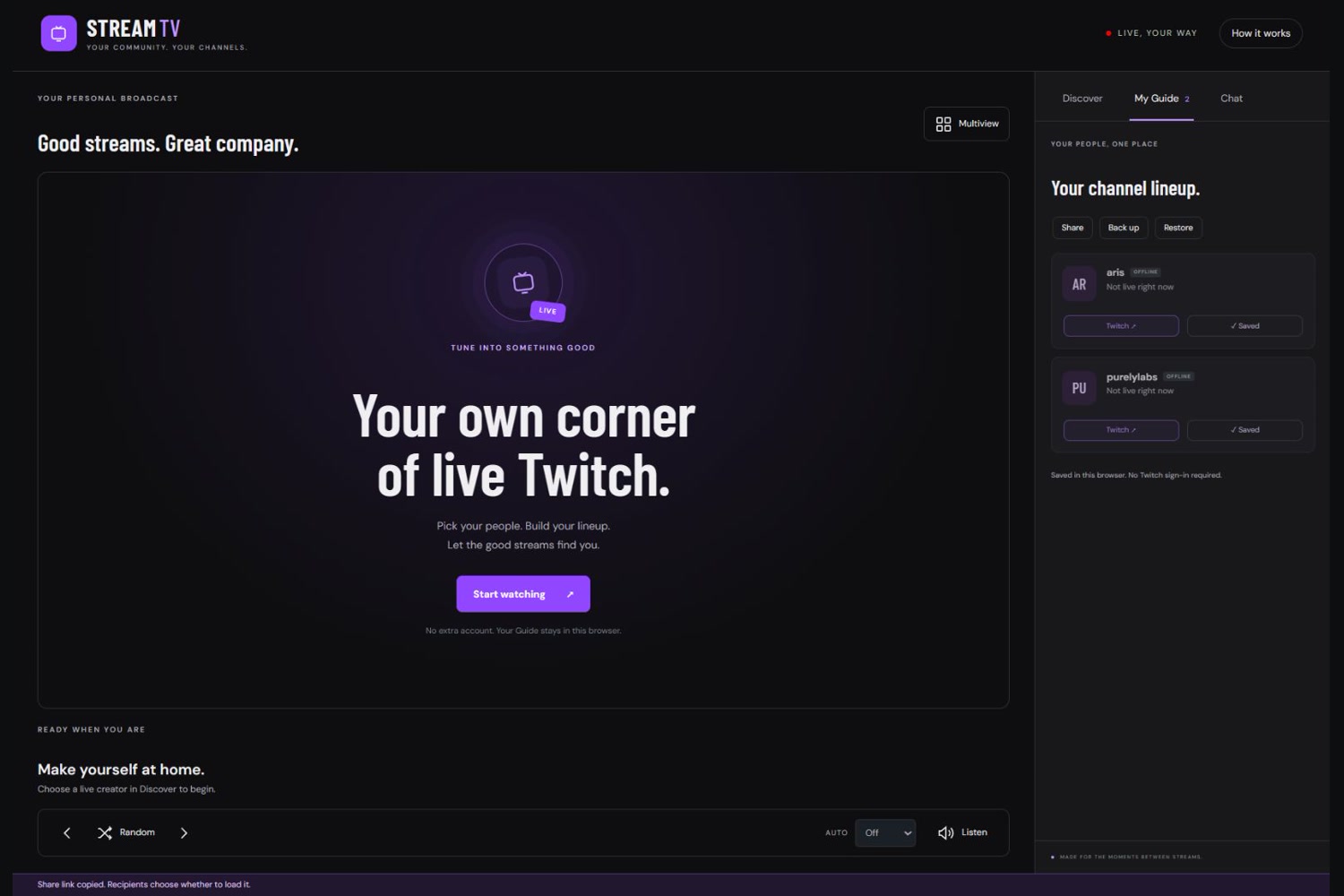
- Build My Guide, a personal lineup saved in your browser.
- Channel surf with Previous, Next, Random, and automatic switching.
- Use desktop Multiview to follow several streams and choose which one you hear.
- Save layouts and share your Guide, with backup and restore controls.
- Browse responsive layouts designed for desktop and touch screens. Twitch’s native embeds handle video playback and chat.
How I built it with Codex
I directed the product experience and used Codex to author the PHP plugin, JavaScript application, responsive styles, tests, and installation packages.
The WordPress backend communicates with Twitch while keeping application secrets on the server. The browser manages the Guide, viewing layout, channel navigation, and audio focus.
Codex also helped investigate deployment problems and turn those findings into fixes and regression checks.
Challenges
Keeping a stream playing while the surrounding interface changes required careful player lifecycle management. Twitch readiness events and browser autoplay restrictions also needed separate handling.
WordPress introduced additional challenges: production theme styles affected readability, and script loading initially interrupted the application’s configuration. Mobile sizing and rotation exposed another issue, leading to revised touch layouts and stronger browser checks.
What I learned
I learned how much work happens between a functioning prototype and a dependable viewing experience: handling asynchronous events, protecting credentials, preserving player state, and testing within the actual hosting platform.
Validation included model tests, PHP behavior checks, fourteen browser scenarios, and a real local WordPress installation. Automated browser tests used Twitch test doubles; separate deployment checks exercised real Twitch playback, chat, and Multiview. What’s next
Next steps include physical-device playback testing, accessibility improvements, and more ways for communities to share curated channel lineups.
