-
-
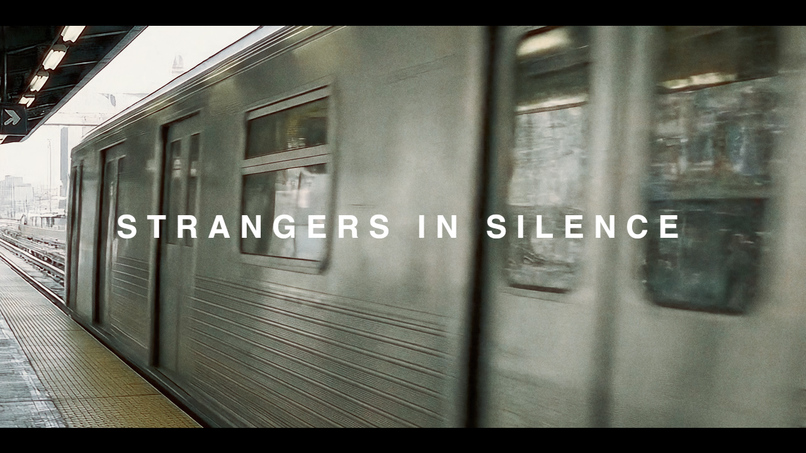
Strangers in Silence - Spec Movie Trailer
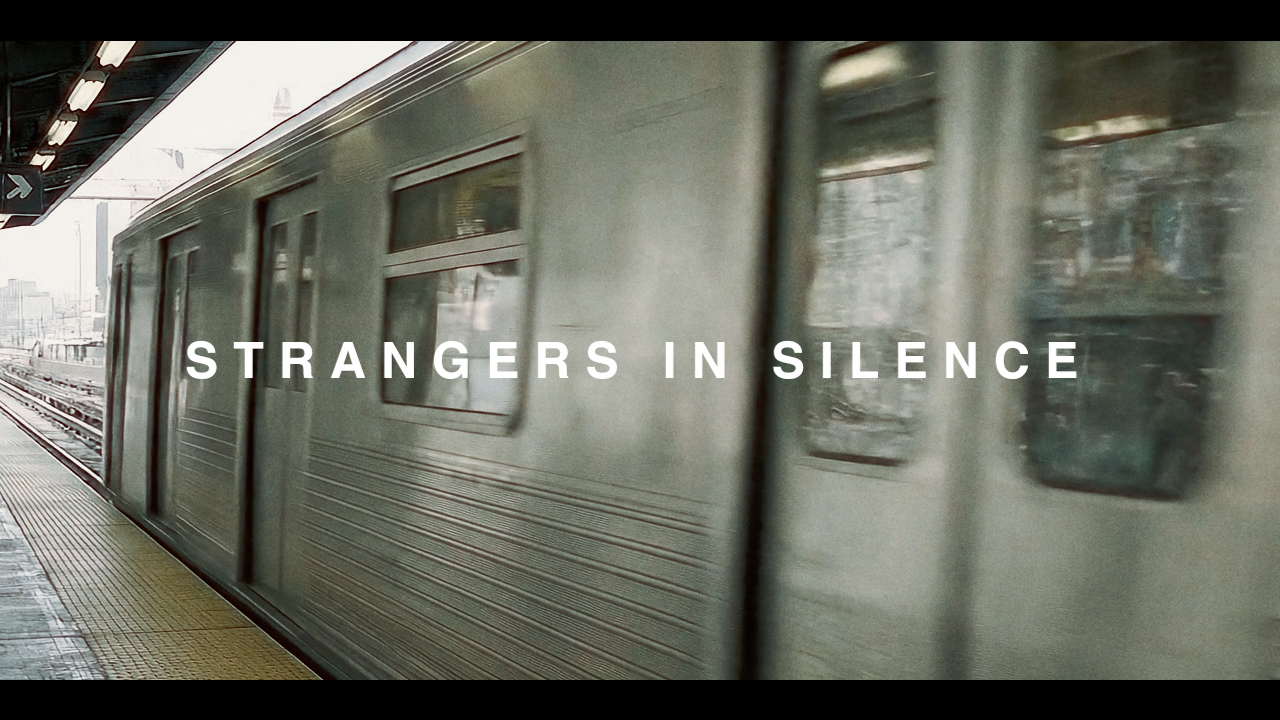
Inspiration
I wanted to showcase that with these AI tools, we can now create spec trailers/sizzles which build worlds that feel real, cinematic and tonally in line with what the final vision for our show or movie could be. I didn't simply want to just make an AI trailer but a spec trailer/sizzle for a movie concept that could be pitched and then made for real. AI is creating opportunities to visualise ideas that otherwise would have been pitched in spoken word or by Frankenstein-stitched together spec trailers using existing work/movies/shows. For this trailer, I haven't used any real footage, sounds or music. Everything is AI-generated. For real-world ideation, it's such an exciting time to be a creative in this field!
Tonally, I was inspired by movie trailers like Past Lives and Waves, that have that classic A24 style - focusing on people, emotion and the worlds they live in whilst having an almost analogue film look to them.
How I built it
- ChatGPT 4o - helping to develop the idea and script. Then generating JSON prompts for Veo3 to create more realistic-looking and more consistent shots.
- Google Veo3 - Essentially all the shots not of humans or of humans that don’t need to speak. The occasional generated audio from these videos have been kept in but most haven't.
- Runway - Consistent character image gen for main characters via Runway References and then Runway's Act-Two for 99% of the speaking shots, using motion capture on my iPhone.
- Sync.so - Fixing all the lip-sync moments to look and feel more accurate and realistic.
- Higgsfield - For the initial shot of Claire (the lead character) on the train via the Flux Context Pro tool. I then used that generated image in Runway References to build her out. I also generated 2 x speaking shots using the Higgsfield Speak tool.
- Google Gemini 2.5 Flash Image Preview - There are three shots I used this tool for. When Claire sees the poster in the train station, the exterior of the shop and then the close up of the shop sign. I then animated the images using Veo3 or Runway (as the exterior shot features people and in the UK we can’t upload shots of people’s faces to Flow)
- Elevenlabs Text-To-Speech V3 - I created the voice of Claire and Joe using the voice creation tool and then the bonus voices are Elevenlabs pre-made voices.
- Elevenlabs Music - Both music tracks are created using Elevenlabs. I then blended them together in the edit.
- Elevenlabs Sound Effects - ALL SFX and foley sounds are created using the Elevenlabs SFX generator.
- Adobe Premiere Pro - I have edited the entire video using Premiere Pro, as well as colour-corrected and graded it myself.
Challenges I ran into
Despite using Act Two and having lip sync built into the moments where characters speak, I still couldn't get the mouths to look in sync enough and it took the reality out of the whole trailer to anyone I showed it too. I then discovered sync.so and after a few tweaks here and there I feel like some of the speaking shots are really human-looking and real. A great example of combining a few AI tools to create the overall output you want.
Another challenge was visualising text. I originally had created some still images which featured text in Sora and then animated them in Runway/Veo3 but they just looked too Sora-like and not realistic at all. Then, as I was in the final stages of the trailer about to wrap it up, Nano Banana was released and I was suddenly able to create the poster on the station wall and not only that but generate a second camera angle of the same poster so I could cut between them. I was also able to create the shop front with a sign that looked real. I'm really happy with how it turned out as text in video has always been something I've struggled with.
Accomplishments that I'm proud of
I'm really happy with the opening 30 seconds, it just sets up the concept of the movie exactly how I wanted it to look. I feel like it looks cinematic, the AI-generated Chicago location not only looks real but also looks consistent and the initial shots of Claire, the lead character, look like a real video. Her reaction to the noisy kids as she puts her headphones on is one of my favourite shots in the whole trailer.
What I learned
Combining all these tools together will provide you with the best output. Learning the strengths and weaknesses of each of these tools will help you to rely on them more when you need a shot of X or a shot of Y doing something. Then by using multiple tools together you can enhance the video tenfold. It's not just the creators who are collaborating and sharing tips but the tools themselves, sharing the workload.
What's next for Strangers in Silence - Film Trailer
I'm not sure there's anything next for this project but I want to use the knowledge I've gained to create more sizzles and spec trailers for real-world projects to be able to pitch to broadcasters, producers and financers to get projects off the ground.
Built With
- adobe-premiere-pro
- elevenlabs
- flux-kontact-pro
- gemini
- higgsfield
- openai
- runway
- runway-acttwo
- veo3


Log in or sign up for Devpost to join the conversation.