-
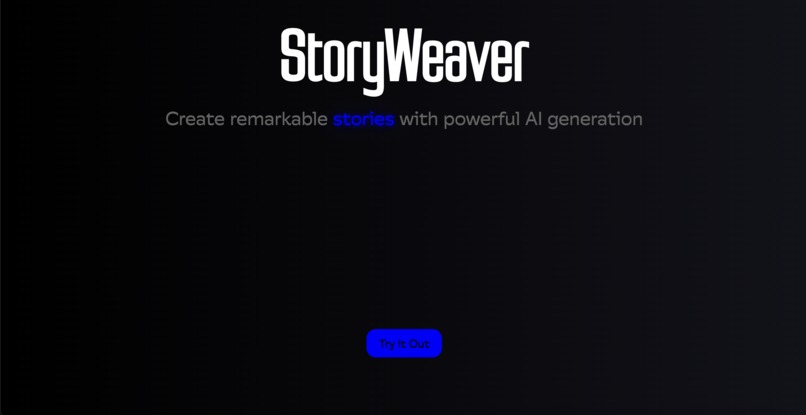
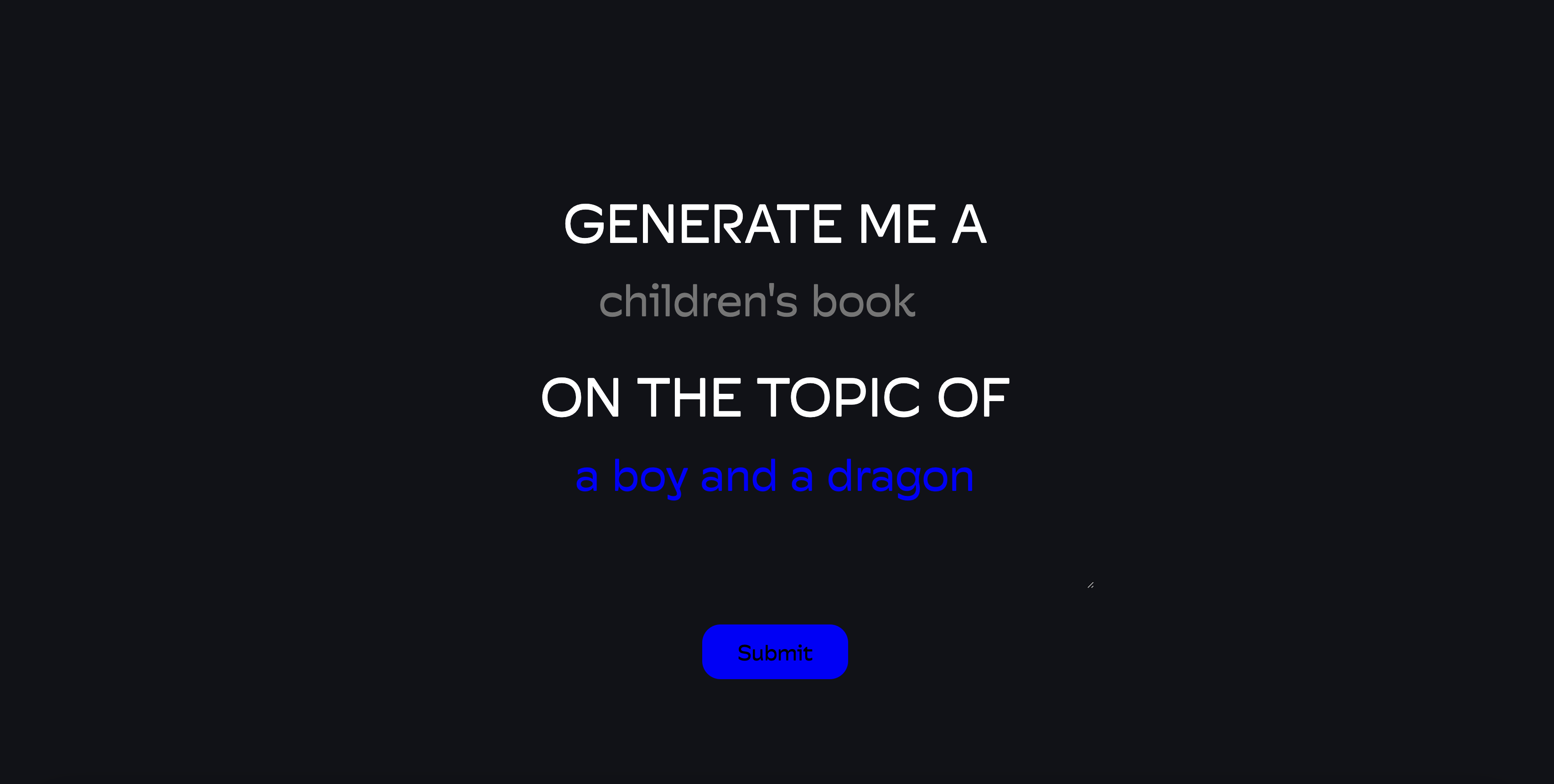
Our homepage, which educates users about our product
-
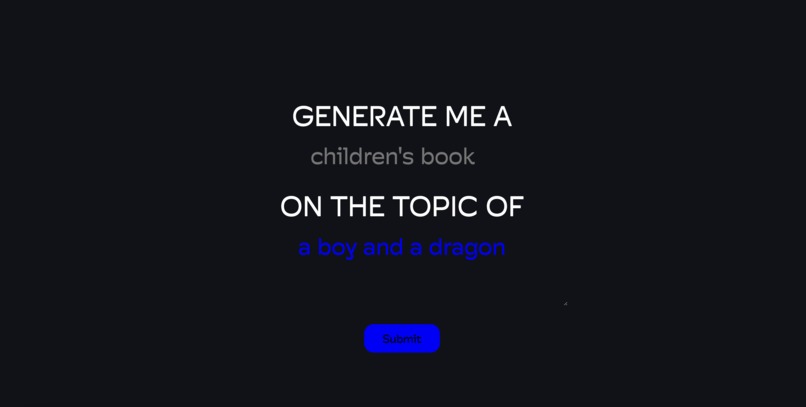
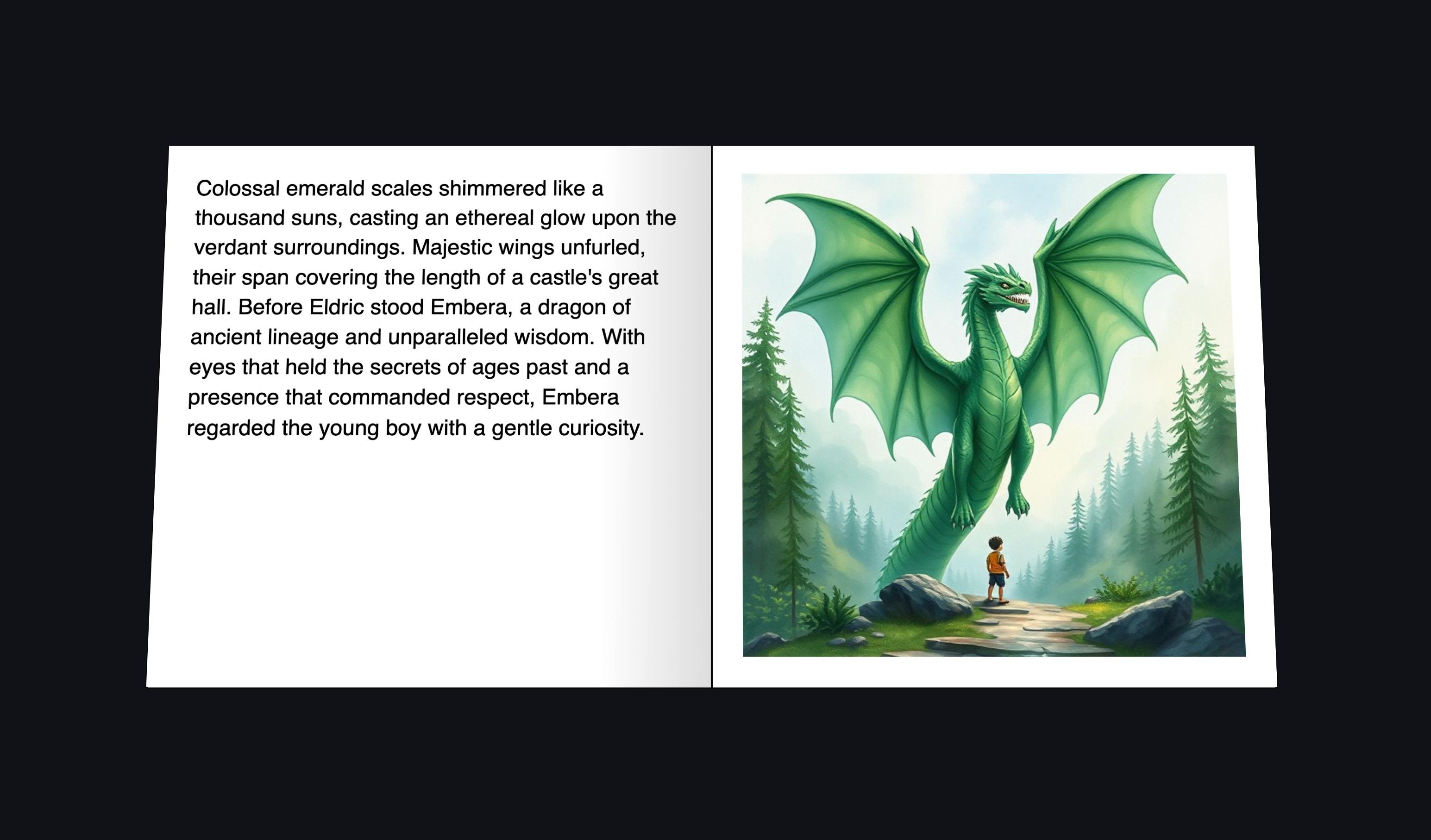
Our story generation page
-
Inspiration
When we entered the library in the hackathon venue, the first thing we saw was the children's book section. This got us thinking: why stop at what we see? We wanted to be able to generate an infinite library of children books, and so StoryWeaver was born. Additionally, we want to enhance availability for lower-income families who cannot afford buying pictures books, and also for teachers who want to give educations to their younger students.
What it does
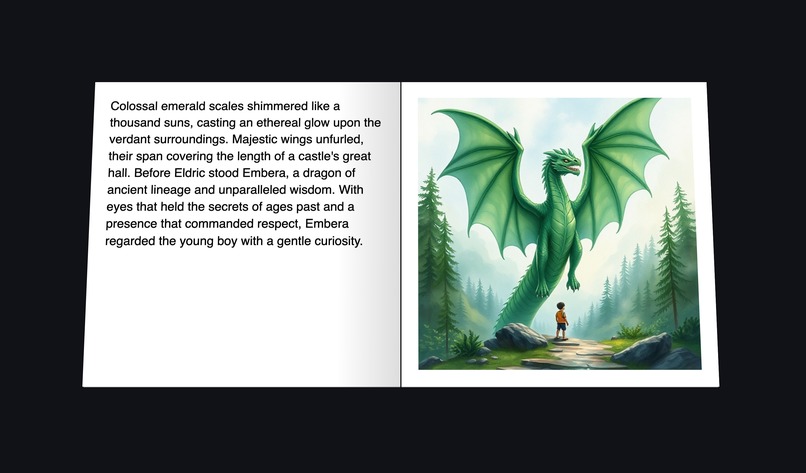
StoryWeaver automatically generates picture books with custom prompts that the user can create.
How we built it
We used Node JS and Vercel for the backend and hosting. To generate the base stories, we used the Gemini API. We split the story into separate sections and used the pollinations.ai API for image generation for each section. We prompt engineered for the image generation and story generation parts.
Challenges we ran into
The internet wasn't working for the first 2 hours of the hackathon, so we made essentially 0 progress during that time. Also, we struggled with fetching and decoding generated images. For the UI, we initially planned to use Svelte, but then switched to TailWind, and finally to raw HTML/CSS/JS due to the complexities of these frameworks integrated into vercel.
Accomplishments that we're proud of
We were able to connect and streamline generative AI APIs together seamlessly, which was a major accomplishment for us. We were also able to run prompts and image generation in parallel.
What we learned
We learned a lot about dealing with latency issues and how to use Generative AI API endpoints and mitigate their weaknesses (like lag). We also learned about prompt engineering for generative AI models.
What's next for StoryWeaver
We plan to add more options for customization, and faster story generation times.
Built With
- ai
- css3
- gemini
- html5
- javascript
- pollination
- vercel


Log in or sign up for Devpost to join the conversation.