-
-
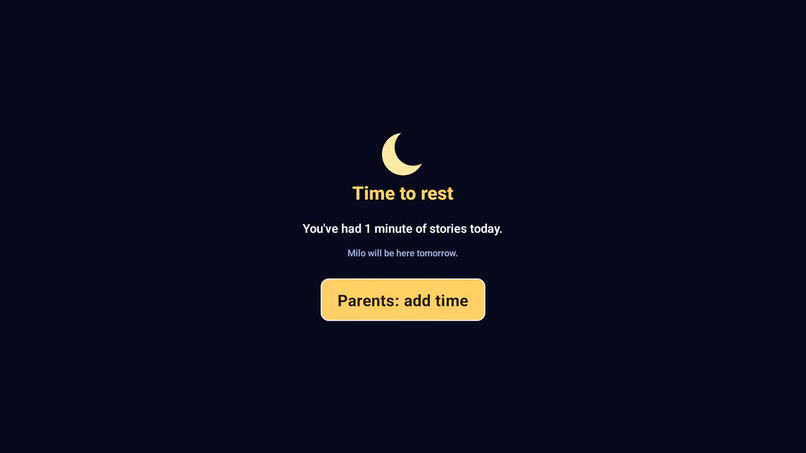
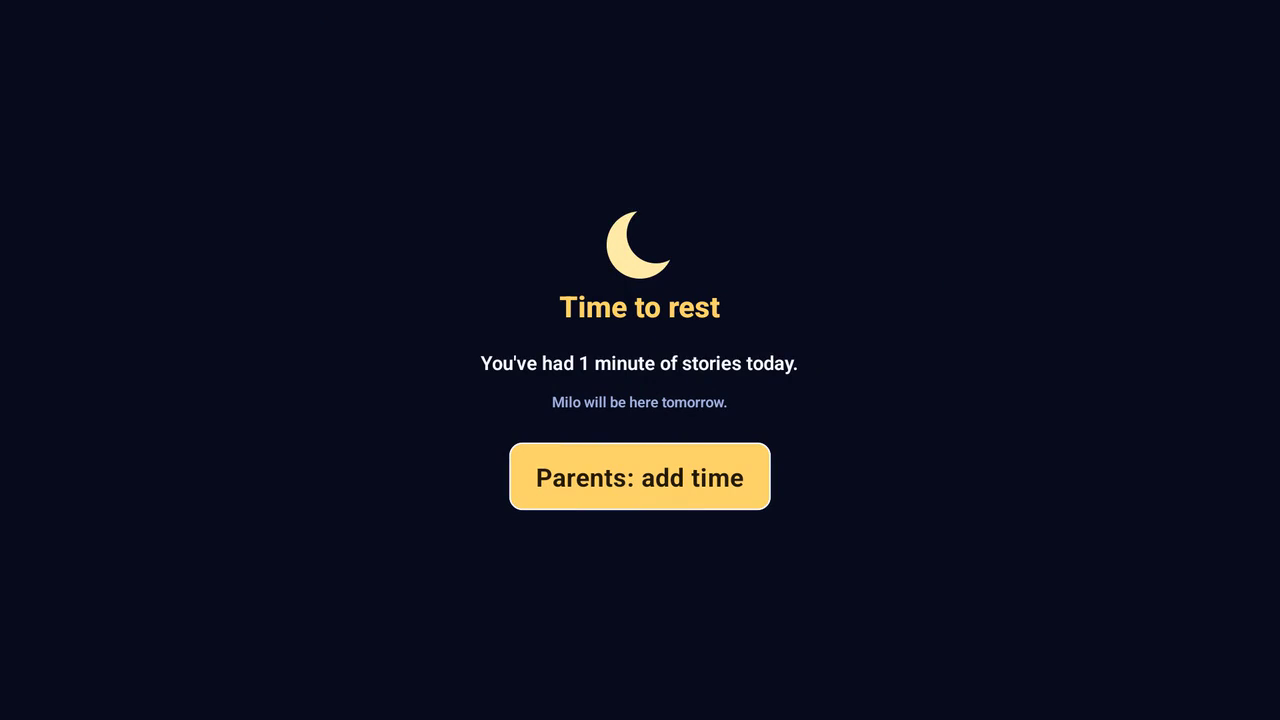
"Time to rest" wind-down after the limit fires
-
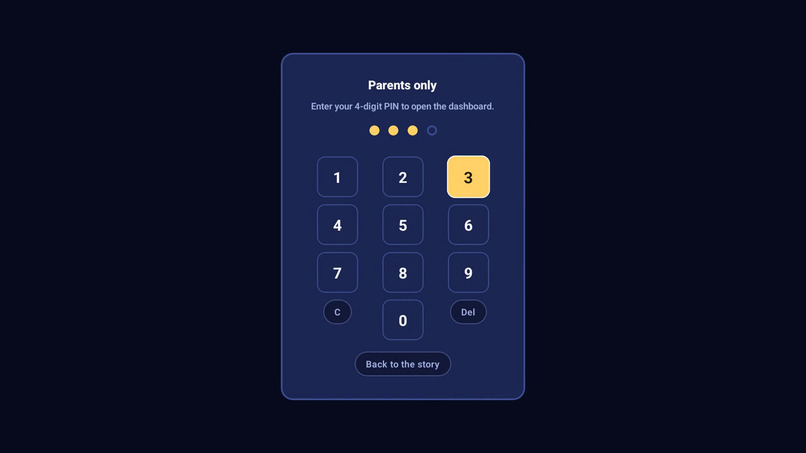
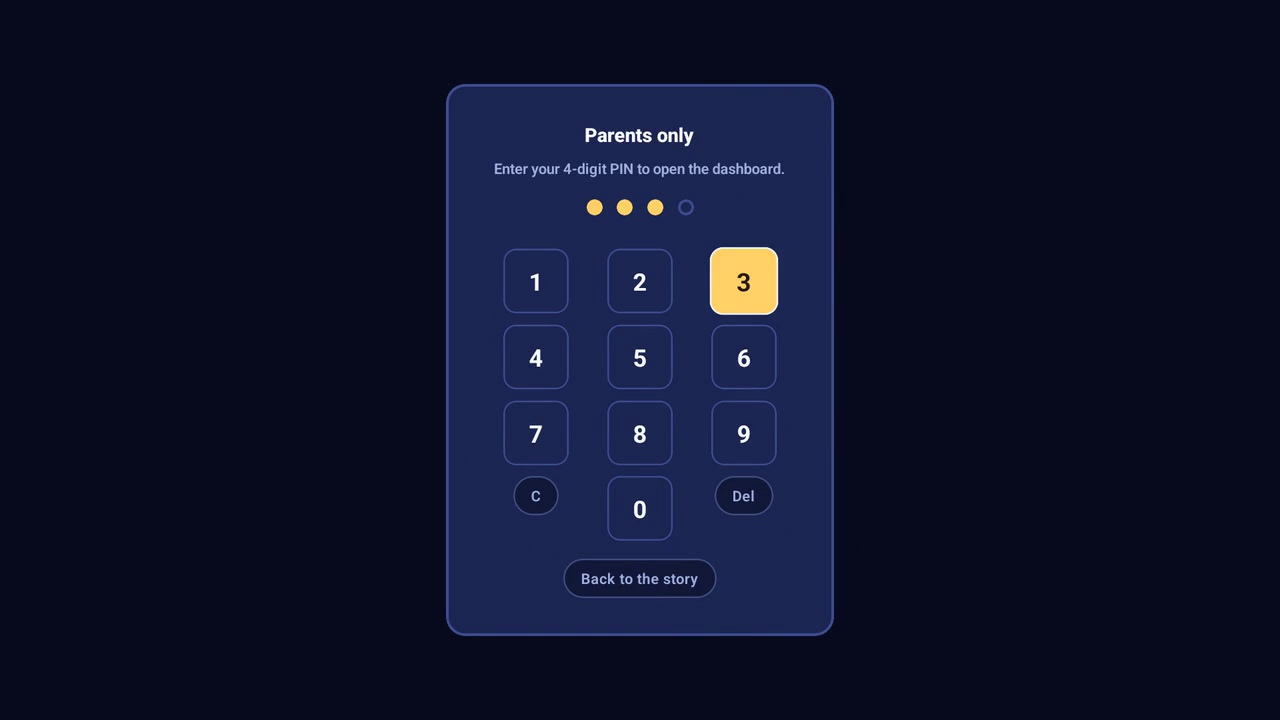
The four-digit parent gate
-
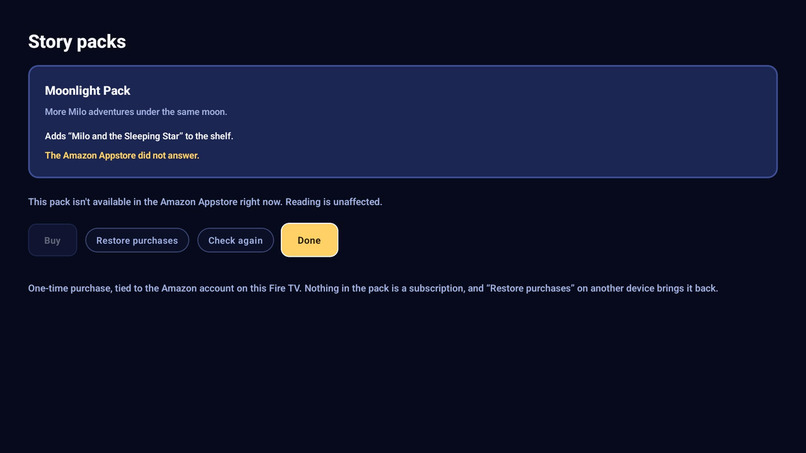
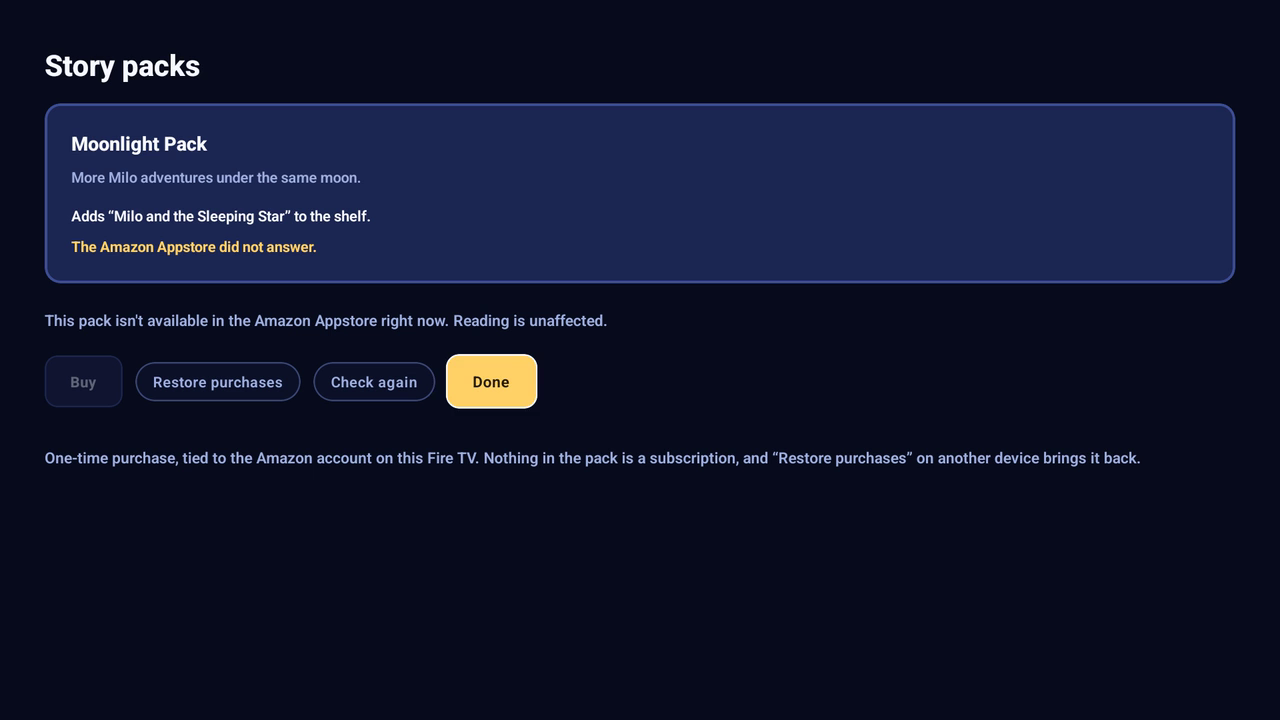
Story packs screen (Appstore integration + honest empty state)
-
Reading resumes — "19 min left today"
-
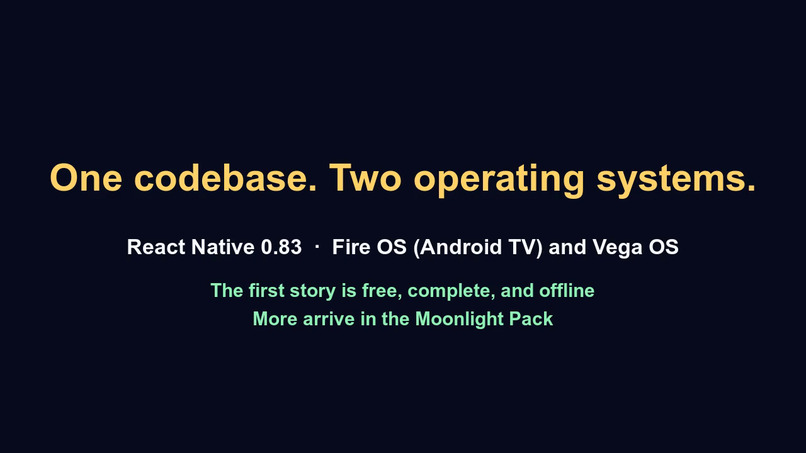
Closing card
-
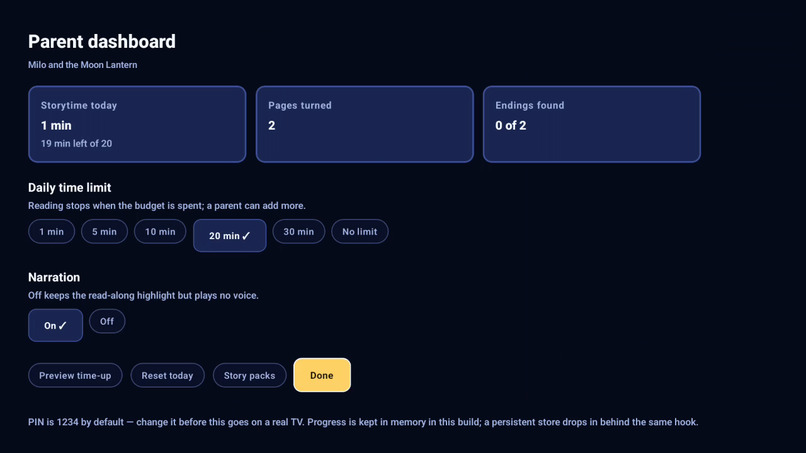
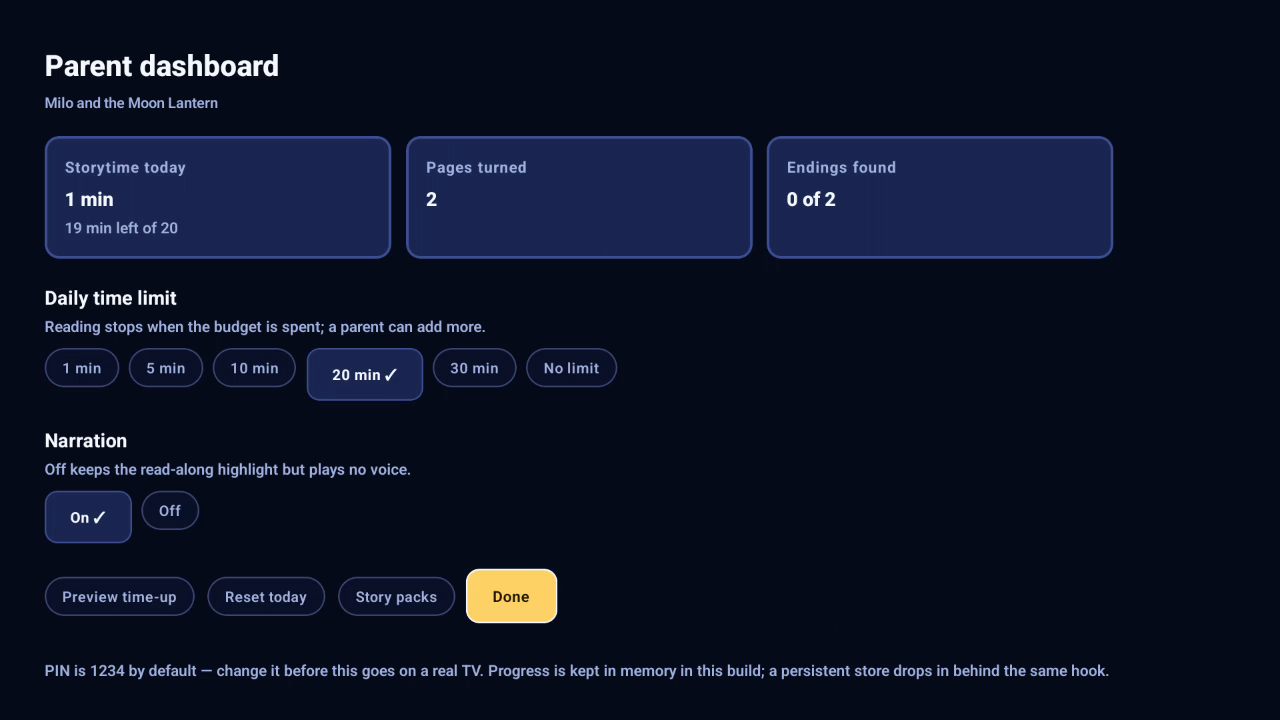
Dashboard after a parent adds time (limit → 20 min)
-
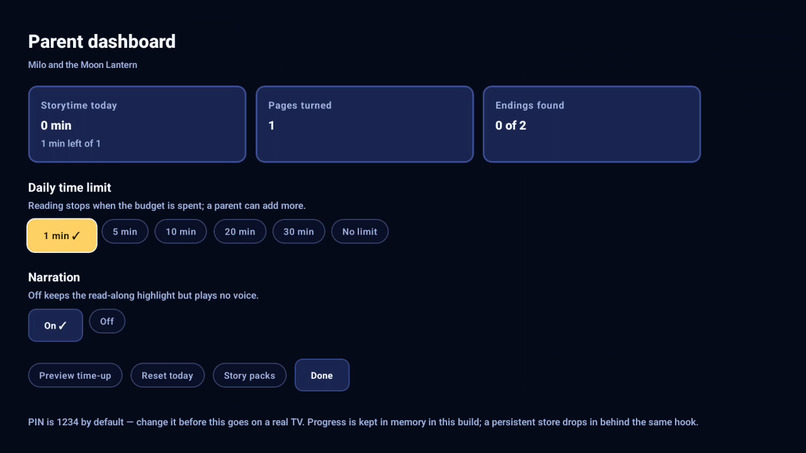
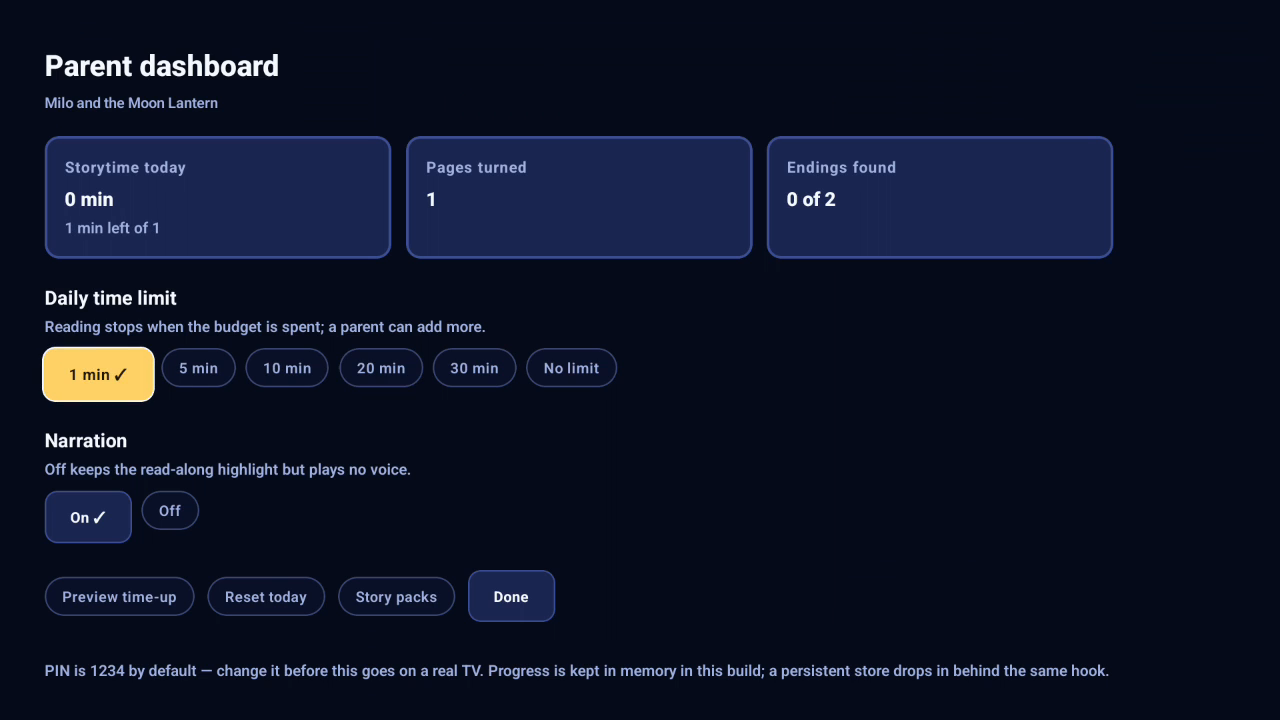
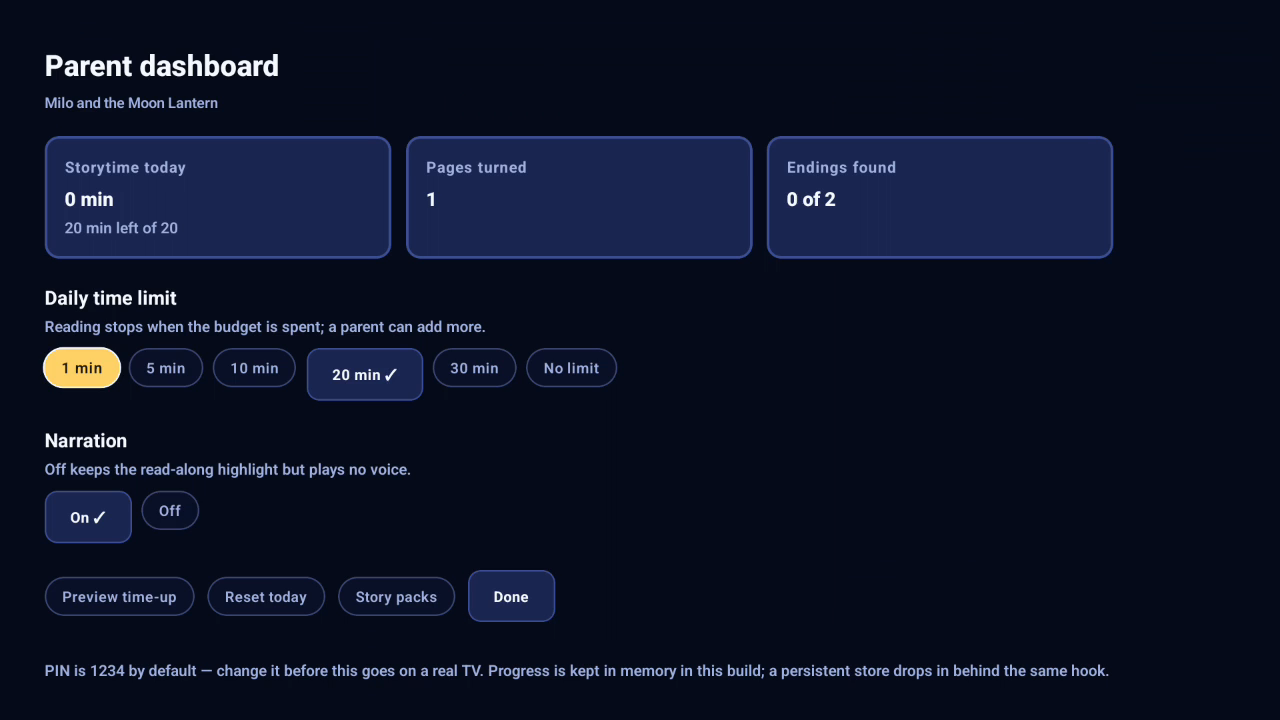
Dashboard with the daily limit set to 1 minute
-
Title card
-
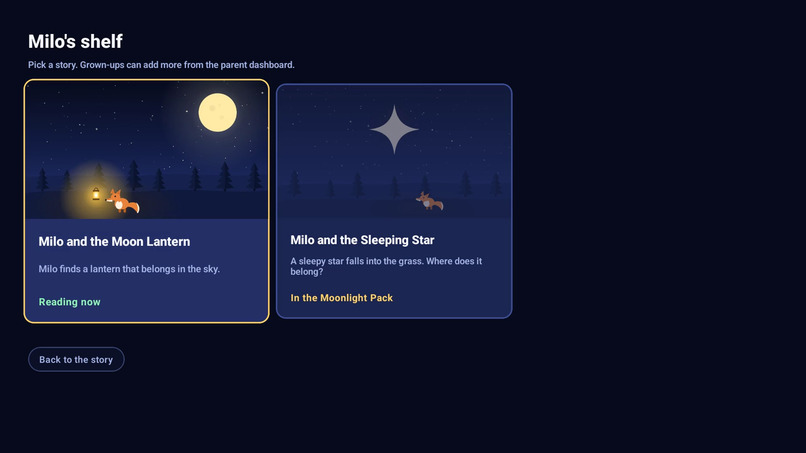
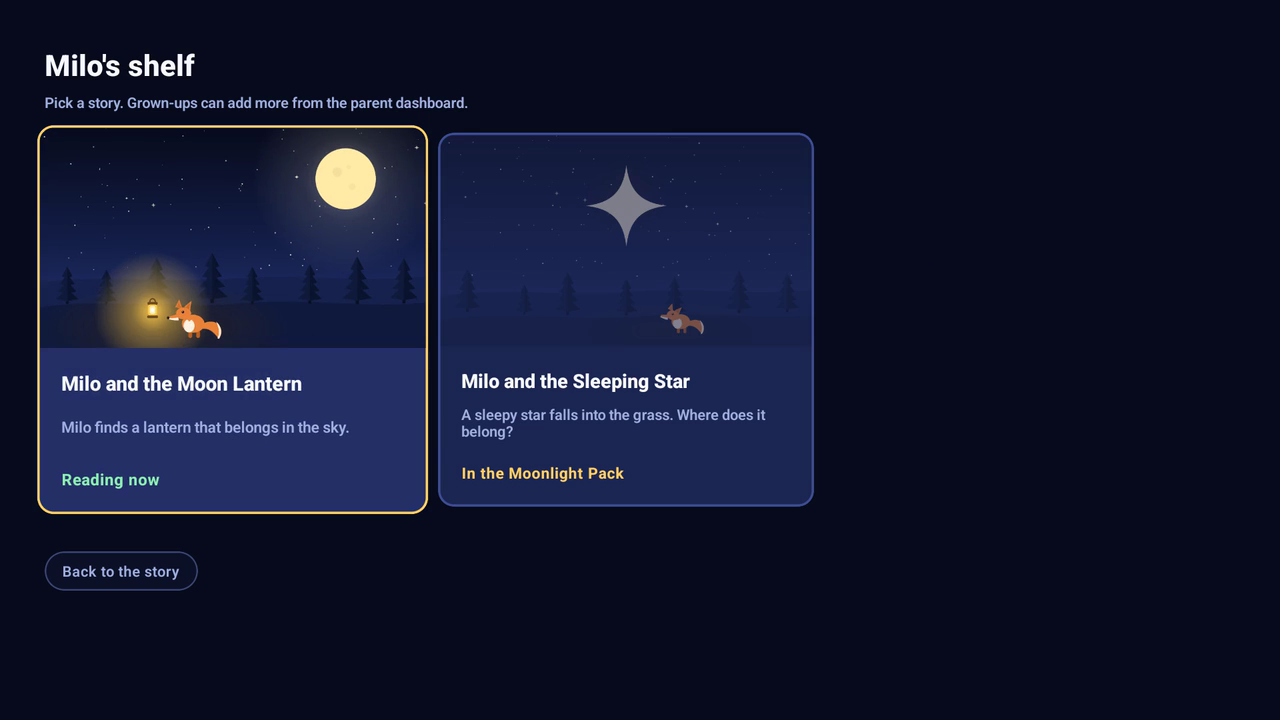
The shelf — story two locked, "In the Moonlight Pack"
-
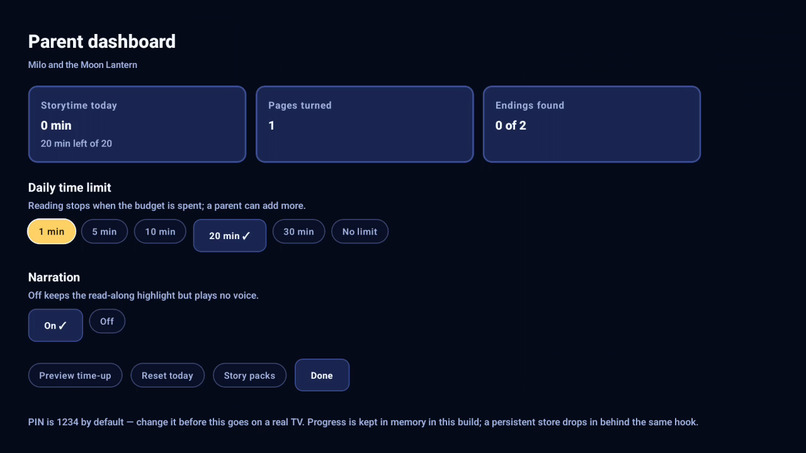
Parent dashboard — minutes, pages, endings
-
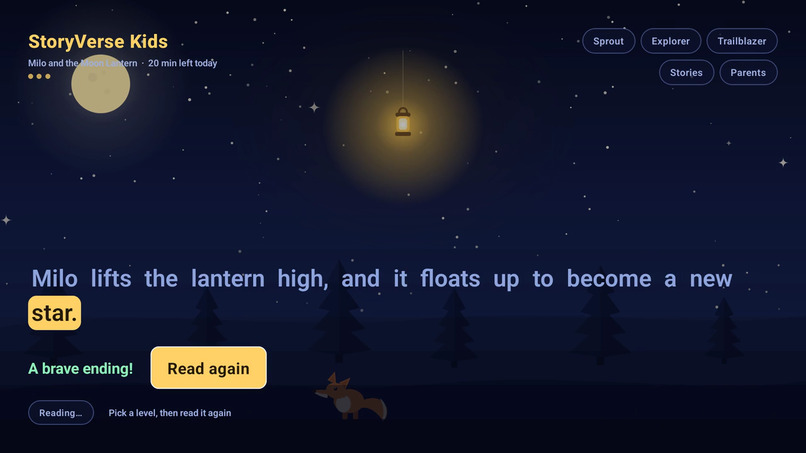
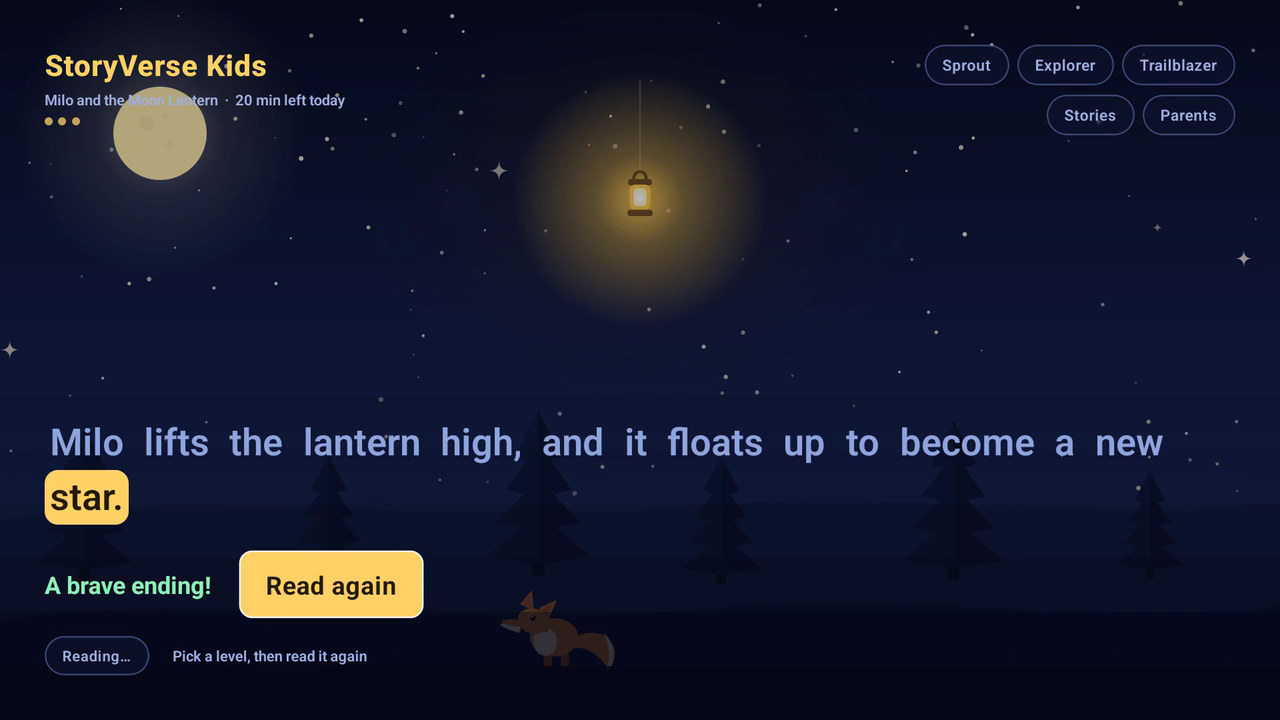
"A brave ending!" + Read again
-
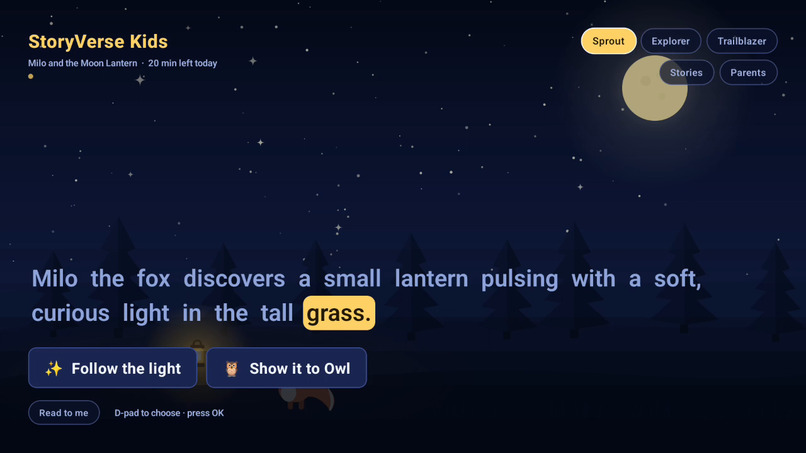
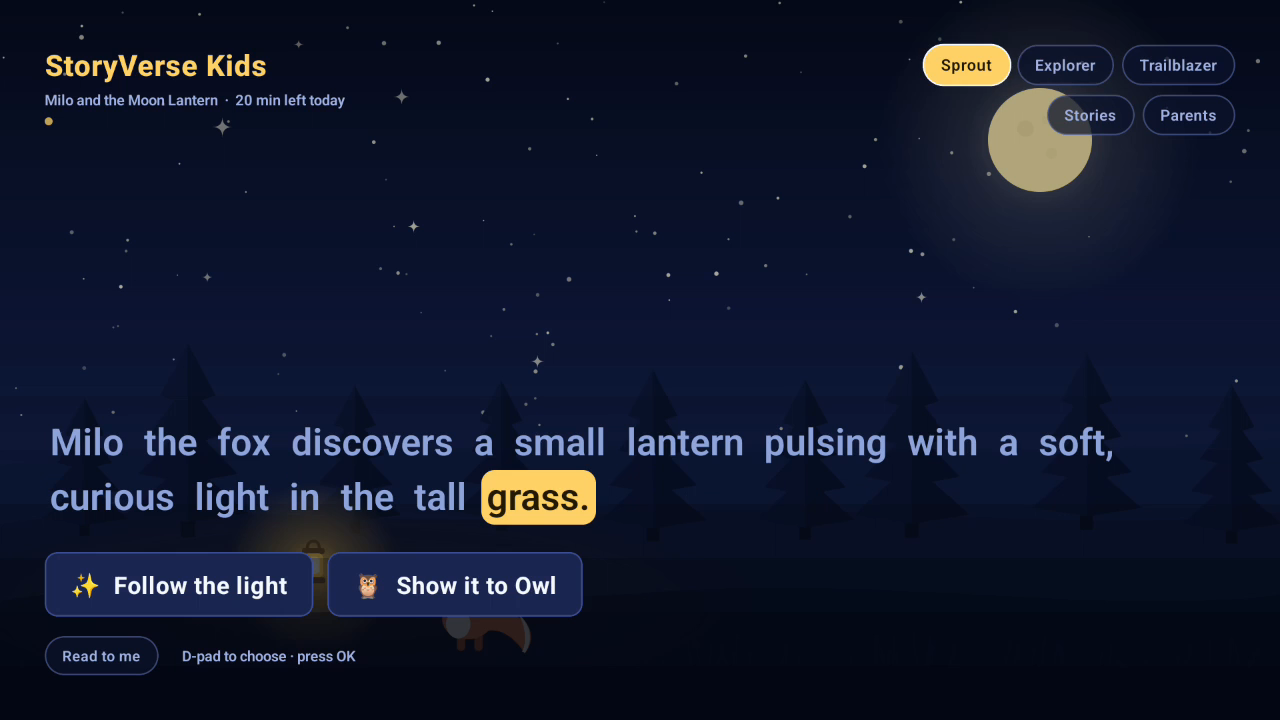
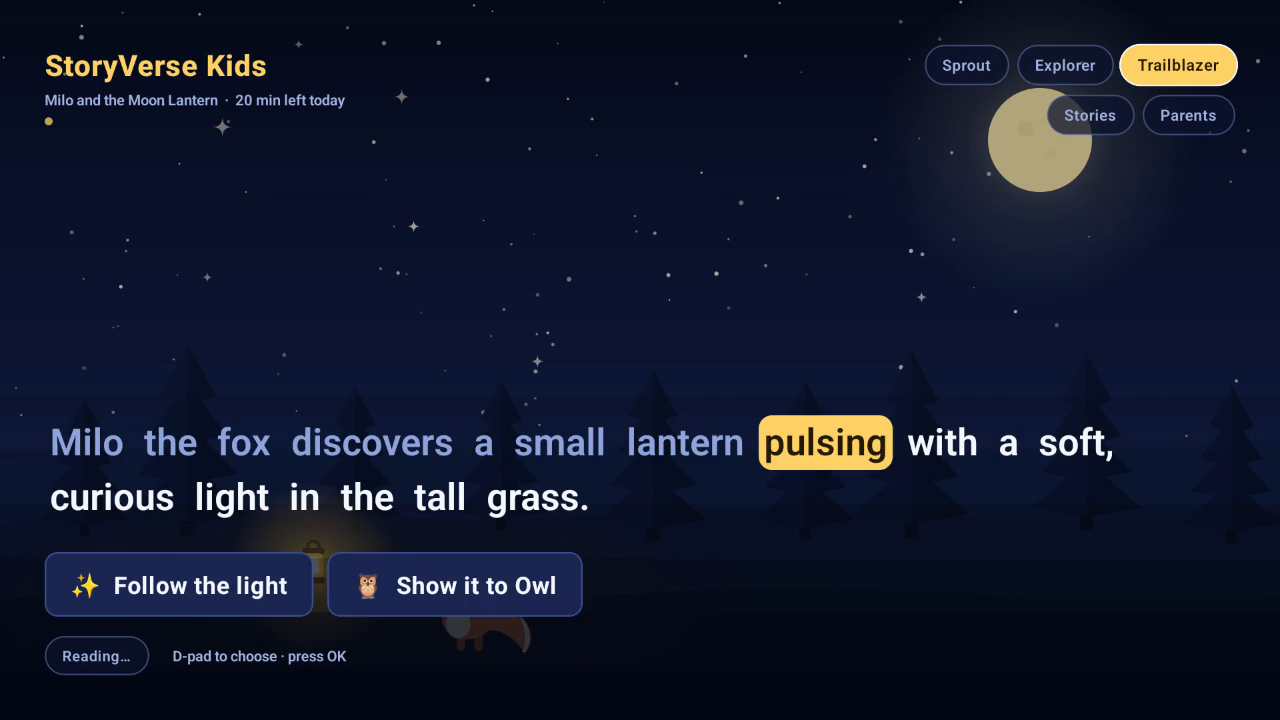
Same page at Sprout level (simplest words, biggest text)
-
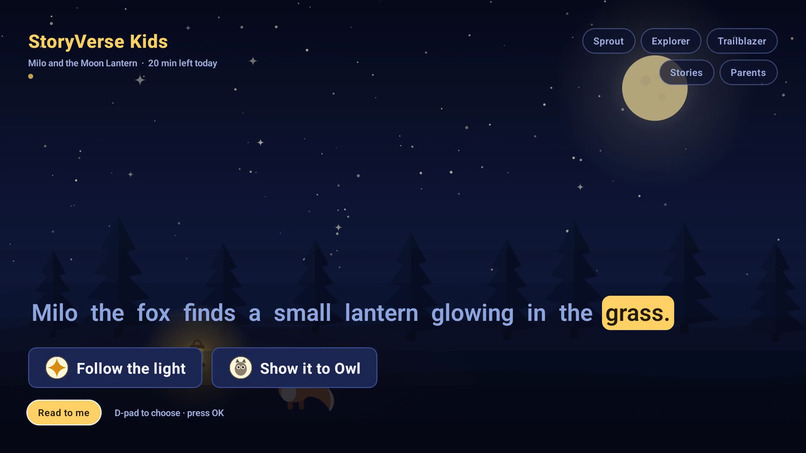
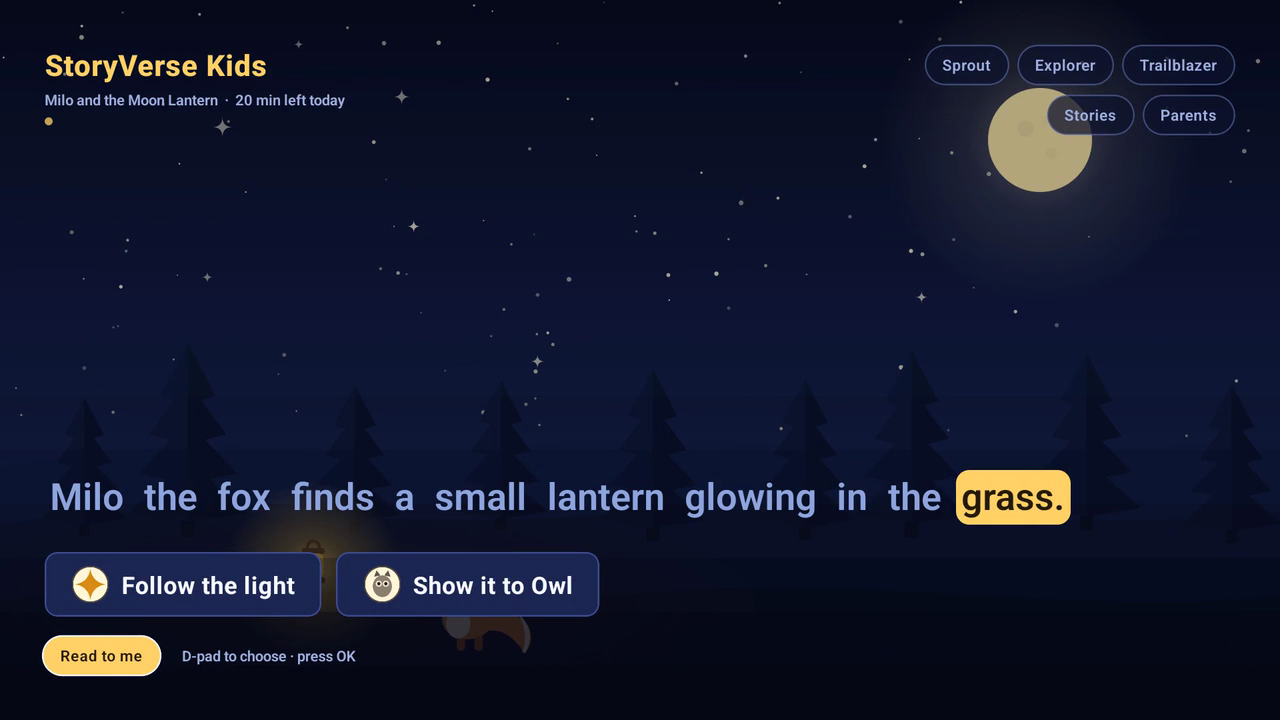
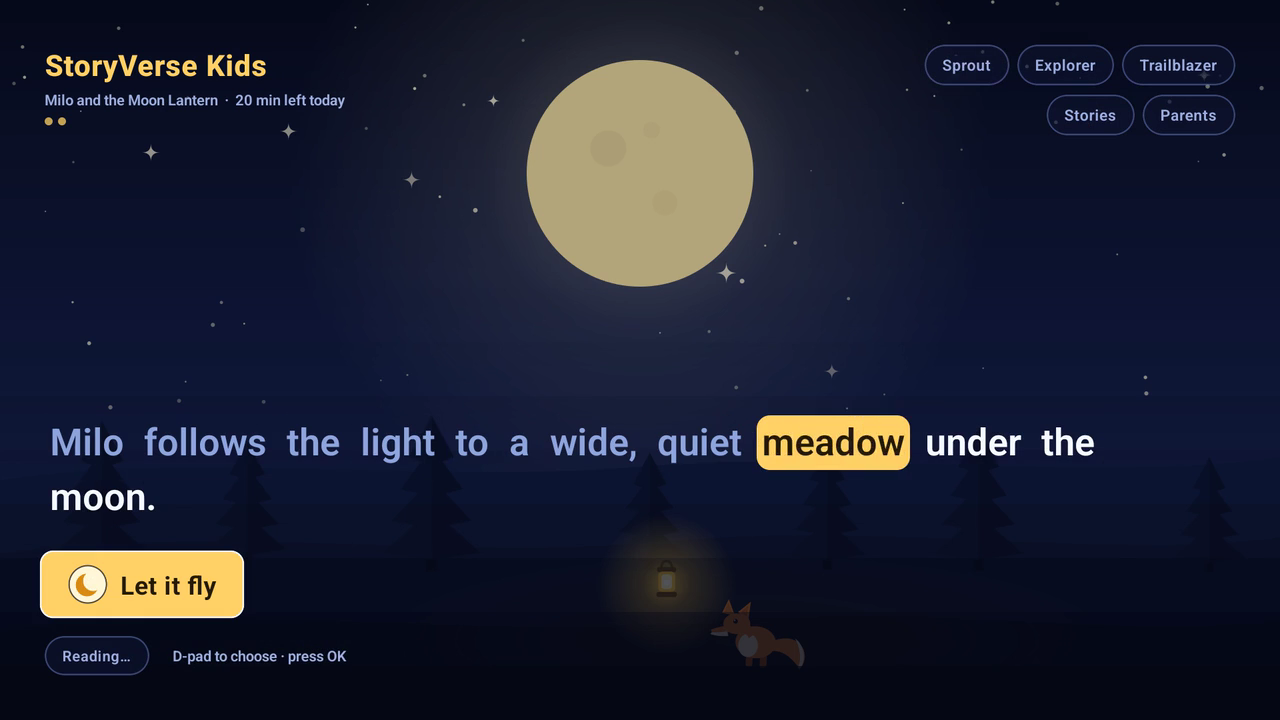
Page 1 at Explorer level, word highlight mid-sentence (read-along)
-
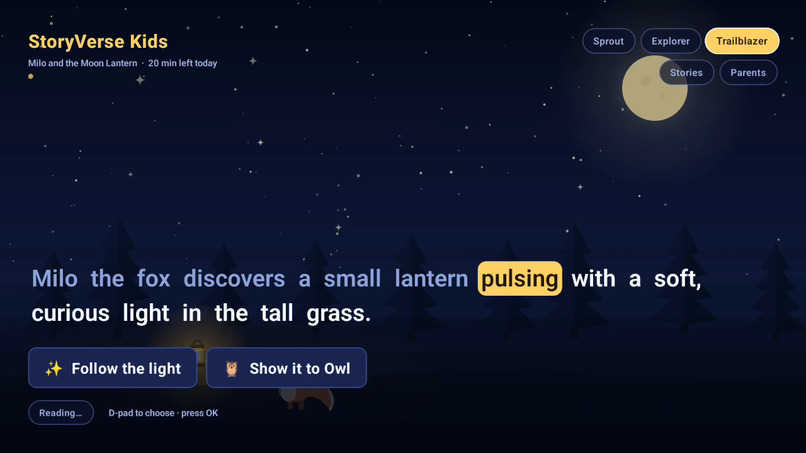
Same page at Trailblazer level
-
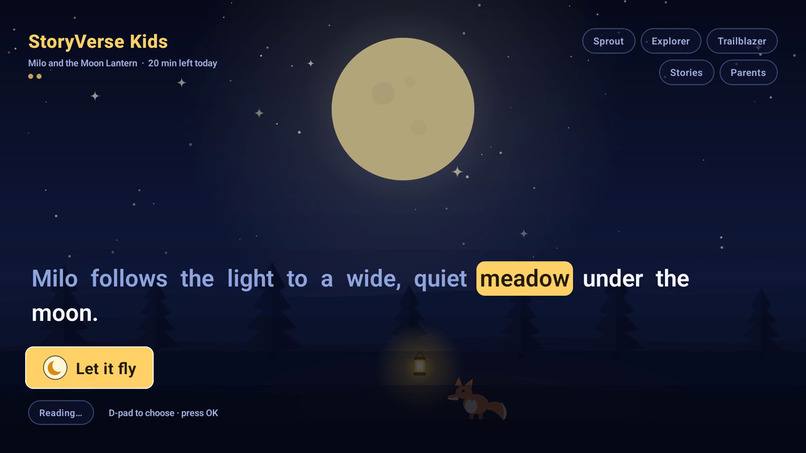
The branch choice on page 2
Inspiration
Almost everything on a TV for children is video. The thing that teaches a child to read — text, and the voice reading it with them — lives on a tablet, because a TV has no touchscreen and a remote is a terrible keyboard.
A TV does have one very good input though: a D-pad, and a child who is delighted to be allowed to press it. So we built the interactive part of storytime to need exactly one button. The story branches, the child picks, and the text is the star of the screen: written three times at three reading levels, highlighted word by word as a real voice reads it aloud, so a child who cannot yet read every word can still follow along on the big screen in the living room.
The other half of the idea is who pays for it. Children's apps are full of accidental purchases. So the first story is free and complete — no account, no network, no purchase — and anything else sits behind a four-digit parent gate, together with a daily time limit and a plain dashboard of what has actually been read.
What it does
A branching story that adapts to the reader. "Milo and the Moon Lantern" runs at three reading levels — Sprout ("Milo finds a little lantern. It is glowing!"), Explorer, and Trailblazer — from the same scenes and the same branch points. The child picks what happens next with the D-pad, and the ending they reach is theirs: the story ships with two. Read-along narration. A warm voice reads each page — told, not read out: pages are rendered a sentence at a time so there is a real beat between sentences, and a longer beat on the last one. The words light up in time with it, holding on the last word of a sentence while the narrator breathes, and a "Read to me" control replays the page or hands the reading over to the child. A shelf. Story one is free and complete. Story two ("Milo and the Sleeping Star", in the Moonlight Pack) is locked, and its card is the only route to buying it. A parent gate on every way out. The locked card, the dashboard, and the wind-down screen all sit behind the same four digits. A locked story never shows a price to a child. A parent dashboard. Minutes read today, pages turned, endings found out of how many, narration on or off, and the daily time limit. A daily limit that behaves. At the limit the story is replaced by a calm "Time to rest" screen that says how many minutes the child has had — and a parent can add time from it without losing the page the child was on. A store that degrades honestly. Story packs are bought through Amazon In-App Purchasing. Where the Appstore is not reachable, the screen says one plain sentence instead of an error, and the free story is provably unaffected.
How we built it
One codebase, two TV operating systems. The whole product lives in a shared React Native package (@storyverse/shared) — story engine, screens, theme, and every platform seam — consumed by two apps:
Target Stack Fire OS (Android TV) [email protected] with the Appstore SDK for purchases Vega OS @amazon-devices/react-native-kepler@4 on React Native 0.83 + React 19.2 Both are React Native 0.83, so the shared screen is not a port — it is the same components.
The AI runs while we write, not while a child reads. This was the constraint that shaped the architecture: no AWS credits, so nothing at runtime may need a server, and still the content has to be generated rather than hand-authored. So stories, art (procedural SVG rendered to PNG) and narration (Kokoro-82M, a neural voice on the CPU, told a sentence at a time and timed per word) are all produced at authoring time by tools/build-art.mjs and tools/build-audio.mjs, and shipped inside the app. A child in a car with no wi-fi gets the whole thing.
The narrator is a blend of two voices, not one of the model's stock ones: af_heart is the sample voice in nearly every Kokoro demo, so on its own it is the most recognisable voice the model has. Averaging 30% of a second voice's style vector into it keeps the delivery we chose by ear and makes the timbre impossible to place — which matters for a character a child will hear for hours.
The generation step is still a real layer, not a one-off script: stories come from a StorySource and narration from a NarrationPlayer, so a hosted model with network behind it can replace either without touching a screen. Today's implementation happens to be local and free.
Every platform difference is one small file. The shell asks four questions — what stories exist, what art and clips to play, what is owned, how the plate is driven — and each app answers them (apps/firetv/App.tsx, apps/vega/src/App.tsx). The bridge to the Appstore is a small Kotlin module exposing one platform-agnostic PurchaseStore; the shared UI never sees a status code, only "is this pack owned, is it buyable, is the store even reachable".
The rules are pure and tested. The story engine's branching, the parental time rules, the shelf unlocking rules and the purchase-status folding are plain functions with 39 tests behind them, which is why the fixes below could be made in an evening without a device.
Challenges we ran into
The remote's OK button worked on page one and did the wrong thing on every page after. We found this while recording the demo, by driving the app with the D-pad and nothing else. Pressing OK on a new page's choice silently restarted the narration, because focus had been handed to a chip underneath the choice. The cause is a race: hasTVPreferredFocus asks Android to focus the new view as it mounts, but React removes the old page — the one holding focus — in the same commit, and the removal's focus hand-off runs after the new view's request. A touch tap advanced the story instantly, which is exactly why months of screenshots had never caught it. Fixed with a focus request armed a frame later (F18 in the friction log).
The time limit reported a number the parent had not chosen. The clock was tied to "is the story screen visible", and the wind-down screen is part of it — so a child who left it on kept accumulating "minutes of stories" and the message drifted from "1 minute" to "3 minutes" after a one-minute limit. The limit was enforced the whole time; the sentence lied. The counter now stops at the budget (F19).
Half of an in-app-purchase integration cannot be tested on an emulator. The Fire TV emulator has neither the Appstore client nor App Tester, so the SDK links, initialises, registers its listener, runs a product query down its own pipeline, and then fails — which is the unhappy path. Every claim about prices, purchases, restore and fulfilment would be a claim about code we could not run. So we wrote down which half was verified and which half was not (docs/PLAN.md, "The one gap"), and made the store's absence a designed state instead of a crash, so the free story provably does not depend on any of it. That call held up on hardware: on a Fire TV Stick 4K Max the Appstore client is present, the product query comes back FAILED (no authentication key, no published SKU), and the screen says so and keeps reading. The unhappy path is now verified on a real device; the happy path still is not, and we are not going to claim otherwise.
Vega OS plays media; a bundled clip is what its player could not be given. We wired the whole stack — the media package, the documented manifest services, media-control focus — far enough that the clip loaded and playbackstarted fired, and then never heard a byte of it. The bisection in F24 is unambiguous: a remote MP3 played on the same device through the same player, while six ways of naming a bundled clip either reported MEDIA_ERR_SRC_NOT_SUPPORTED or reported no error at all and stayed silent. So the Vega build ships the shared silent player and says "audio off" on screen. The narration seam is the same one the Fire OS build uses; it just has nothing behind it there yet.
The two Metro configs deliberately disagree. packages/shared must never contribute its own React or React Native: on Vega that breaks the Kepler runtime, on Fire OS the app must pin them itself. Both configs carry a comment explaining why they differ, because the asymmetry looks like a mistake otherwise.
Accomplishments that we're proud of
The same screens, the same story engine, and the same parent dashboard running on both Fire OS and Vega OS from one shared package — verified by building, installing and launching the release artefacts on both, not by reading the docs. A purchase flow that is parent-gated end to end, with the store seam and the status folding unit-tested, and an honest empty state where the store does not exist. 39 tests over the pure rules, and no screen that can show a child a raw platform exception. A dimension of the product — "how long may I read?" — treated as seriously as the story itself, because that is the thing a parent actually judges the app by. A friction log of 24 real entries with steps to reproduce, kept as we went, including the two bugs found by trying to film the product using only the remote (F18, F19). The demo video is a genuine screen recording driven by the D-pad, with no touch input at all.
What we learned
A demo you cannot film with the real input device is a test you have not run. Two of the most serious bugs here were invisible to tapping and to single screenshots, and were found only by recording the app being used the way a child uses it. "Not currently supported" is a claim that needs a control, not a forum post. We first took a community thread's word for it that Vega could not play bundled media, and shipped a silent player on that basis. The honest answer needed one experiment with a known-good input to separate the platform from us: Vega and its emulator both play audio perfectly, and what remains is a bundle-resolution gap that is ours, not theirs (F24). Pin your dependencies to a version, not to a range — a floating Appstore SDK resolved differently between machines, and the APK size moving by a megabyte is a review comment nobody wants on submission day. Small seams pay for themselves: StorySource, NarrationPlayer, PurchaseStore are each a few dozen lines and each one is the difference between "swap it" and "rewrite the screen".
What's next for StoryVerse Kids
More packs. The pack and shelf model already reads from a library module; the next stories are data, plus the art and narration the build pipeline already generates. Persistent progress. Today the dashboard's state is in memory; it is behind one hook with a well-defined interface, and a store drops in behind it. Vega narration the moment local playback lands, so the audio chip becomes a real control there too. A real device in the loop for purchases, so the happy path can be demonstrated instead of described. Voice pick, and a second voice for the parent's own recordings, behind the same narration seam.
Built With
- amazon-devices/react-native-kepler
- ffmpeg
- imagemagick
- kokoro-82m
- react-native-tvos

Log in or sign up for Devpost to join the conversation.