Inspiration
Movie night at our house starts with twenty minutes of scrolling and ends with someone unhappy. Kids want to be part of the story, not just watch it. We wanted a TV experience where the family decides together what happens next, and where every choice becomes real video on the big screen within seconds.
What it does
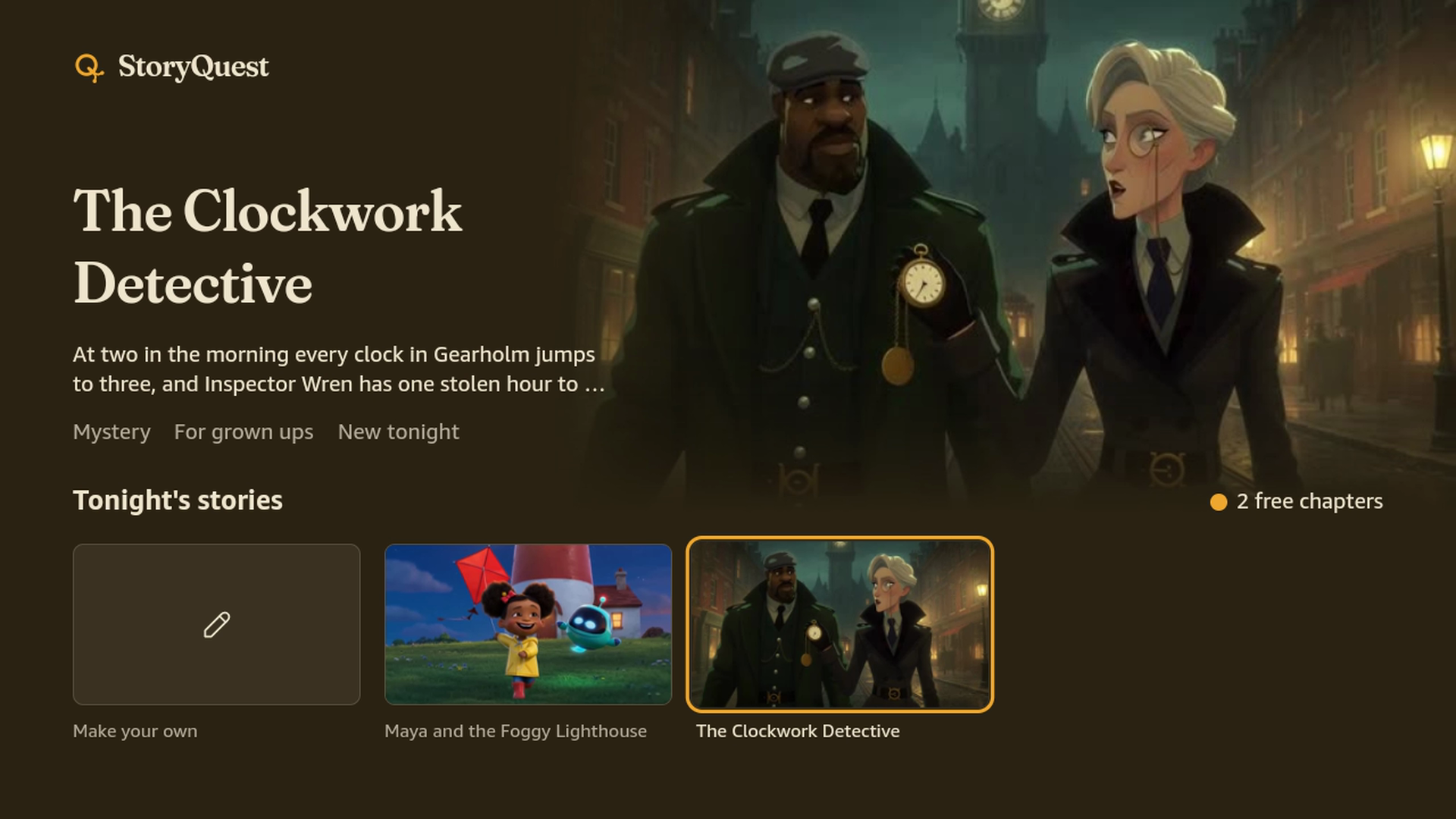
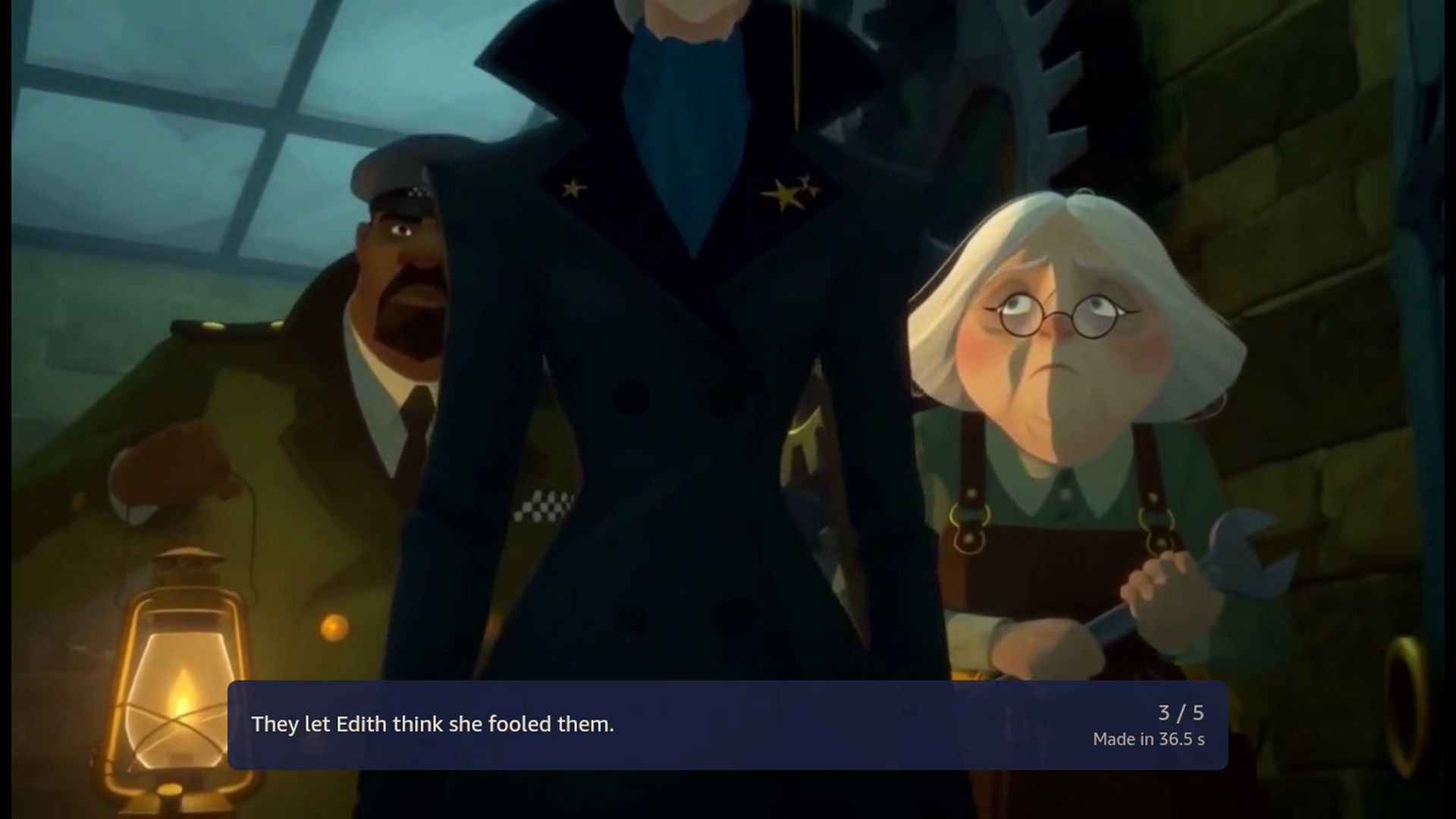
StoryQuest turns Fire TV into a story the family steers.
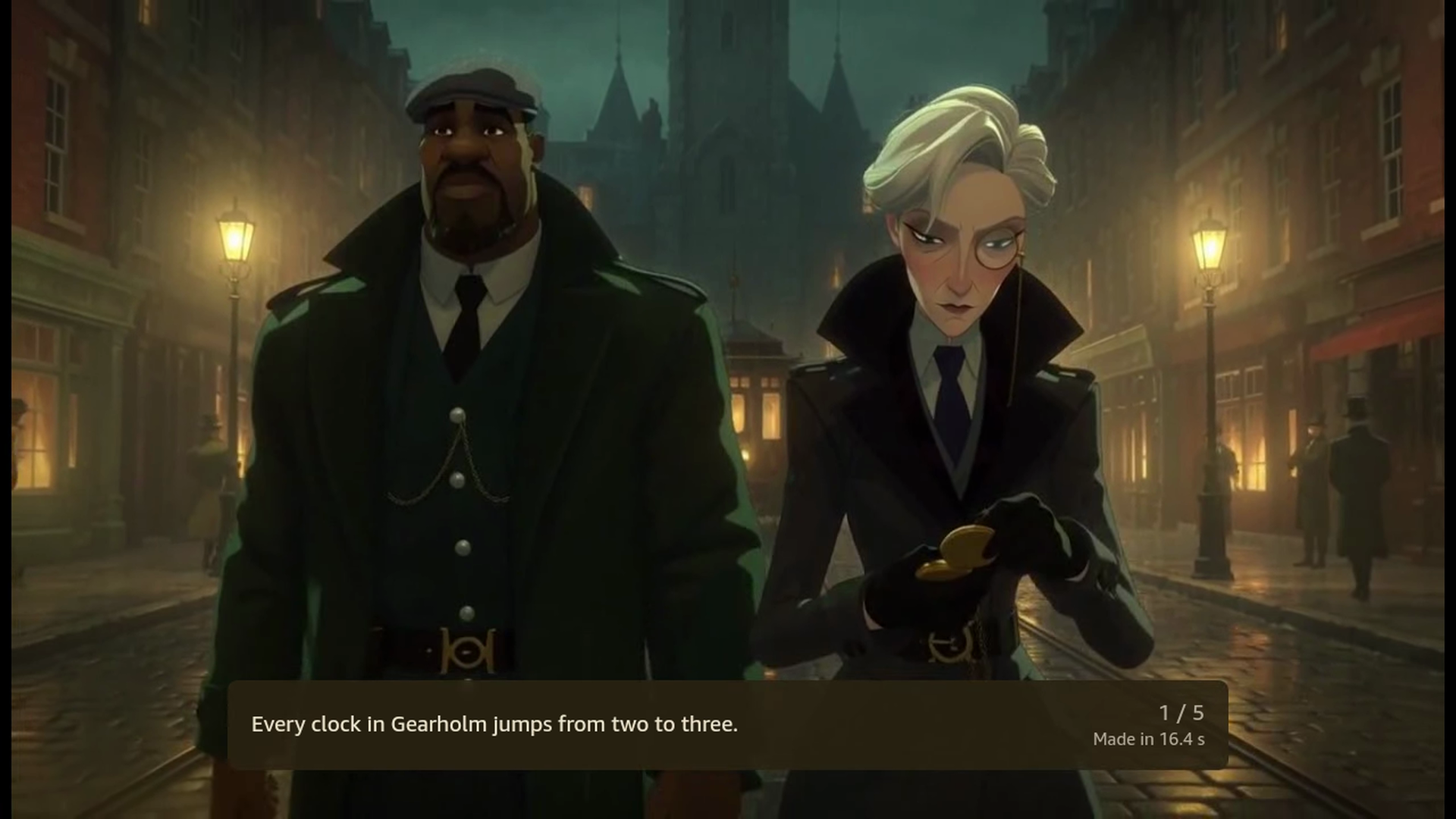
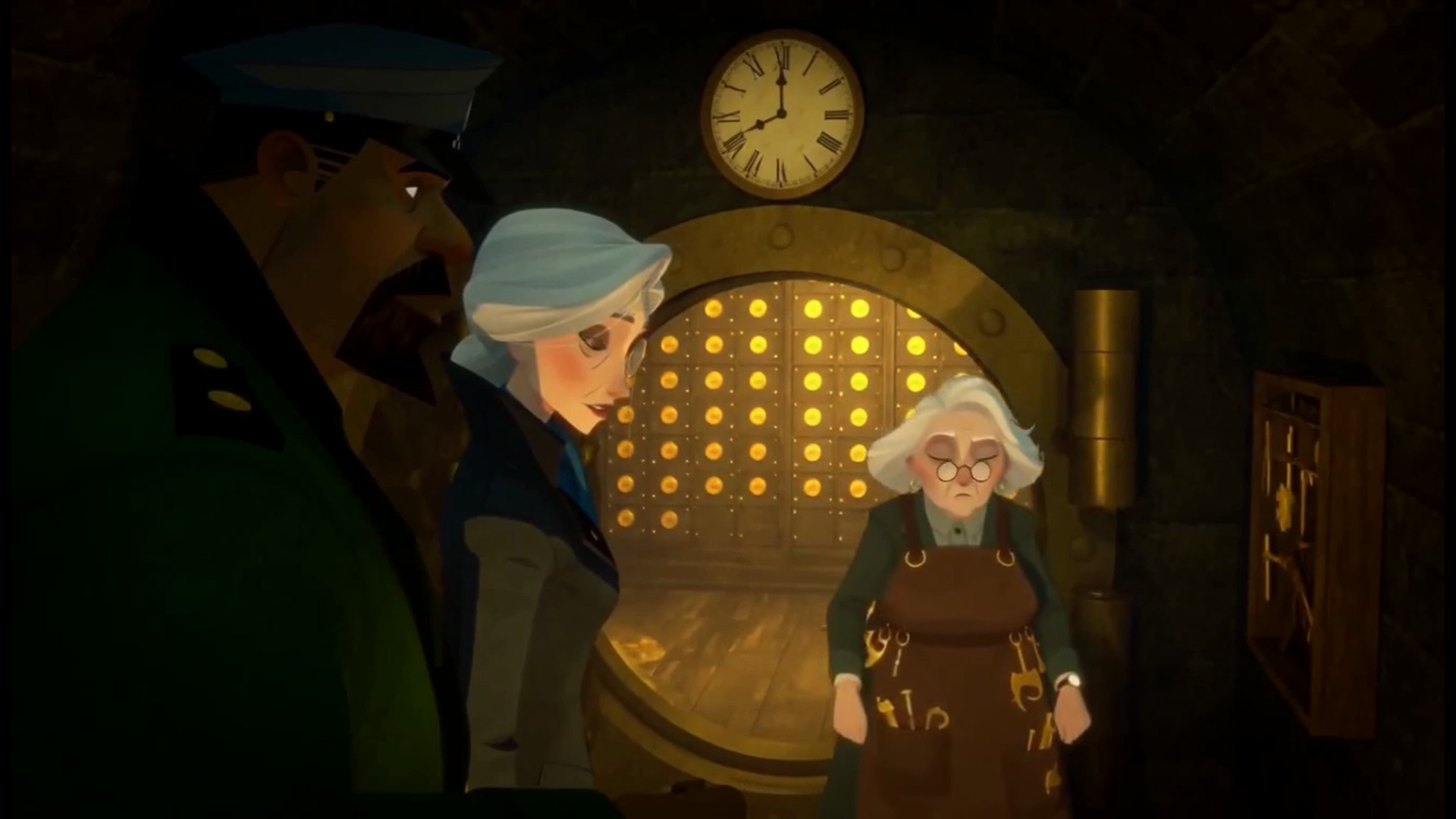
- Watch a chapter: A minute of AI film with sound and spoken lines.
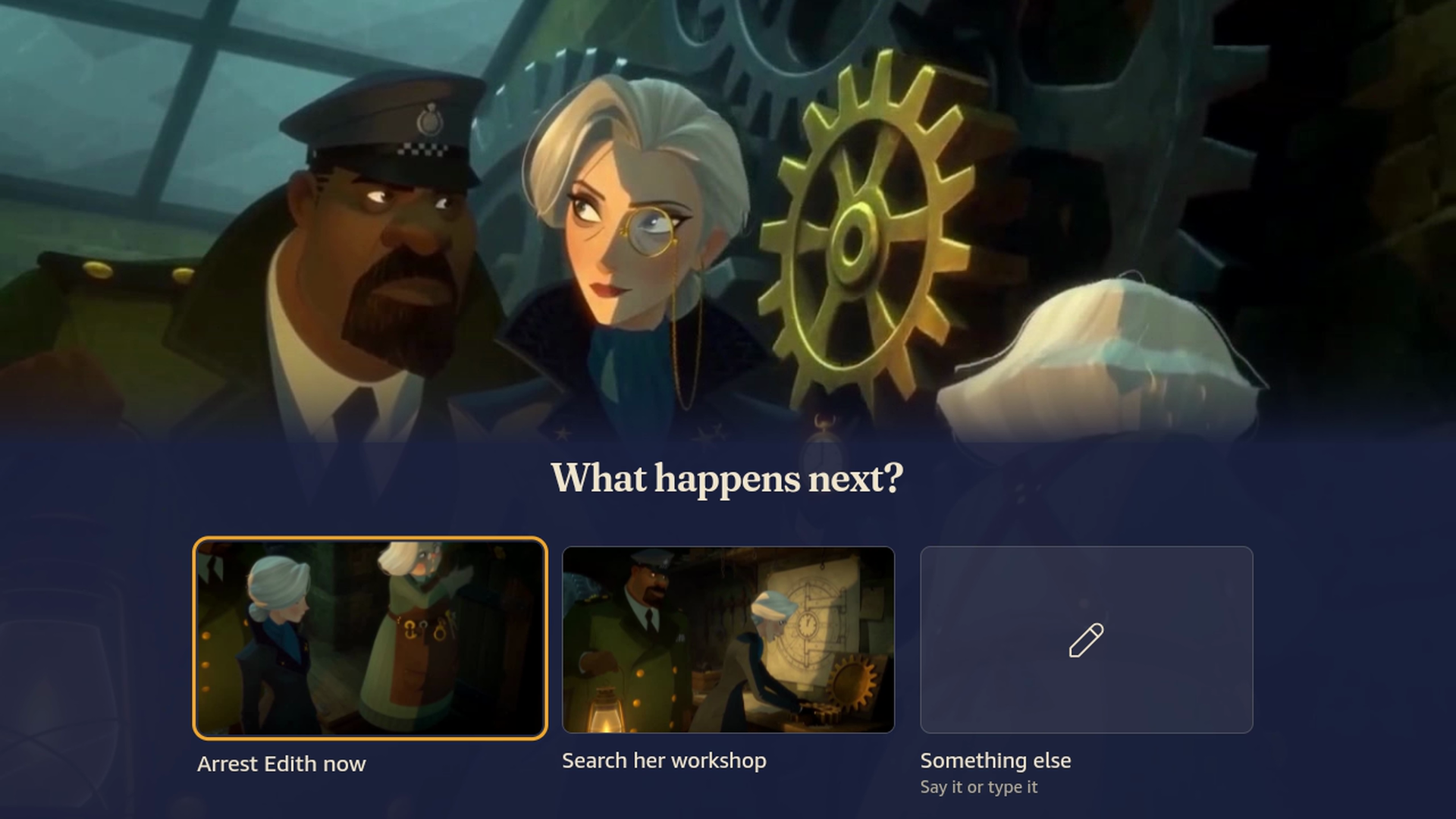
- Choose what happens next: pick a path with the remote, or let a short countdown pick one.
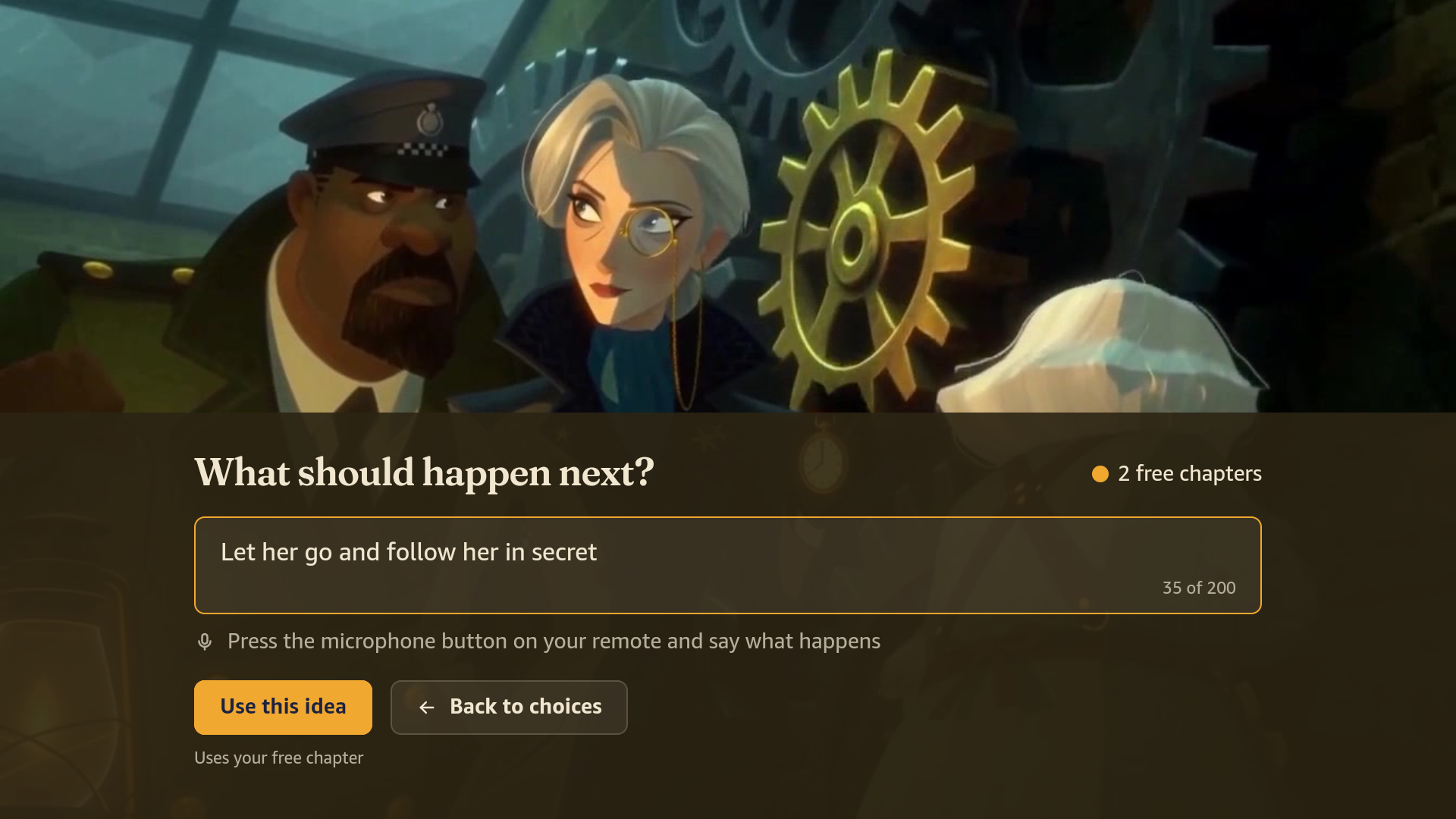
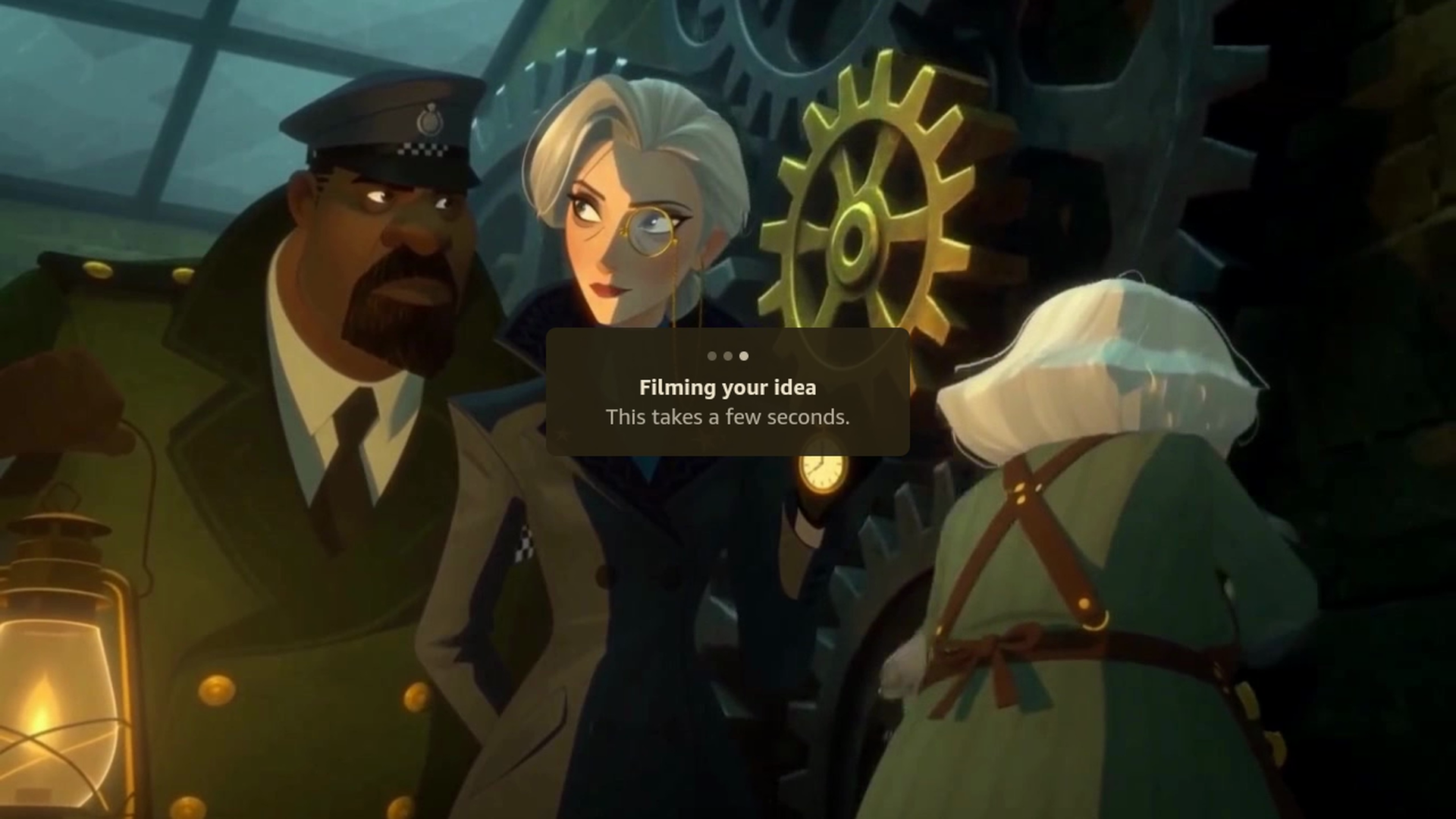
- Say your own idea: the next chapter is written and filmed from it in seconds.
- Continue watching: recent stories wait at the front of Home.
- Share the ending: a QR code opens the whole story as one movie.
- Safe for kids: an audience setting, safety checks on every idea and scene, a grown ups check and a report button.
- Free to watch, Sparks to film your own: daily stories and their shared paths are free. Chapters filmed only for your family cost 3 Sparks each, bought with Amazon In App Purchasing (10 for $11.99 or 25 for $24.99). The first custom chapter is free, and there is no sign up.
- Designed like a picture book at night: flat inks, warm paper type and story titles in Fraunces, with every AI scene framed like an illustration on the page.
How we built it
- Fire TV app: React Native for Vega, built on Amazon's multi TV sample. One W3C media player is reused for every clip, the next clips are downloaded to the device while the family decides, and ready choices start playing immediately while the choice syncs in the background. Remote focus uses spatial navigation, every card has an accessibility label for voice navigation, and Vega Media Controls handle play and pause.
- Story director: a language model first plans a story chapter by chapter, then writes one chapter at a time as JSON: a memory summary, three shots (each with a caption, the action, one short spoken line and the sound) and the next two choices. The server turns every shot into MiniMax's own prompt layout and adds each character's fixed look and voice word for word, so characters look and sound the same from clip to clip. In production that is DeepSeek V4.1 Flash through OpenRouter, routed to the fastest host that does not keep prompts: about 2 seconds and a fraction of a cent per chapter. The same prompts, JSON checks and spend caps run on Claude in Amazon Bedrock, the Anthropic API or any OpenAI compatible model, picked with one setting. The story plan keeps every chapter on course for its ending, and the final chapter may not bring in new characters, so endings land with the cast the family knows. Production stories are three chapters of three 15 second shots, and an editor can draft and approve every chapter before anything is filmed.
- Video: fal's MiniMax H3 Max Turbo renders each 15 second shot with sound in about 12 seconds, starting from the previous shot's last frame (image to video). The next shot of a chapter is filmed while the current one plays.
- Server: Node 22, Fastify and SQLite in one Docker container. A unique constraint on (parent, choice) dedupes generation when two families pick the same new path at once. Only the first shot of each choice is filmed ahead so its card has a picture; the rest of a chapter is filmed when a family actually picks it. A free filming budget, a hard spending cap and a check on the video account's balance keep costs bounded: past the free budget new chapters cost Sparks, and if nothing can be filmed the app says so and charges nothing.
- Business model: a filmed chapter costs
$$3 \times 15\,\text{s} \times \$0.04/\text{s} = \$1.80$$
in video. Shared trees make free stories a fixed daily cost, and private chapters are paid with Sparks through Amazon In App Purchasing, with receipts verified on the server through the Receipt Verification Service. We simulated a launch with 1000 new families a day to set prices.
- Testing without a Fire TV: our laptop could not run the simulator well, so we ran the Vega Virtual Device headless in Docker on a Linux server, scripted remote key presses, screenshots and recordings, and played full stories automatically. We open sourced that setup as vega-headless.
Challenges we ran into
- No Vega OS device, and a laptop too weak for the simulator (an Intel Mac with 8 GB of free disk). We moved all Vega work to a Linux server, which meant making the Vega Virtual Device boot headless in a container (IPv6, software OpenGL, zombie process locks). With no graphics card there, video played at half speed and menus stuttered until we ran the device at 720p. Every step is in our friction log.
- The W3C media player refused http media with an opaque error code. Serving everything over https fixed it.
- Latency. Our first build took about 2 seconds from choice to playback. Prefetching the next scenes, downloading clips to the device and playing optimistically brought it down to about 1 second on the software emulated virtual device.
- A black flash between the clips of a chapter: switching the player's source blocked the app for about a second before our cover frame could appear. Drawing the cover first, then loading the next clip one frame later, fixed it.
- Keeping characters consistent across independently generated clips with a video model that takes no reference images. Chaining from the last frame, MiniMax's own prompt layout, and each character's look and voice repeated word for word in every clip made the biggest difference.
Accomplishments that we're proud of
- Every chapter is real video with sound, generated live, steered by voice or remote.
- The whole app runs and was tested on the official Vega Virtual Device, with automated playthroughs.
- A detailed friction log and an open source tool, vega-headless, for developers without a strong machine or a Fire TV.
What we learned
- Latency is a design material: a still frame that matches the next clip's first frame turns a wait into a seamless cut. On the virtual device, switching the player to a new clip blocks the app for about a second, so that still has to be on screen before the switch, not after.
- The Vega platform is fast to build on once the tooling is running, and React Native let us share one UI across Fire TV, Android TV and the web.
What's next for StoryQuest
- Publishing StoryQuest on the Amazon Appstore, then family profiles.
- Story memory across nights, and stories in more languages.
Built With
- amazon-in-app-purchasing
- bedrock
- deepseek
- docker
- expo.io
- fal
- fastify
- ffmpeg
- fire-tv
- minimax-h3-max-turbo
- node.js
- openrouter
- react-native
- react-native-for-vega
- sqlite
- typescript
- vega-os
- vega-sdk
- vega-virtual-device
- w3c-media-api

Log in or sign up for Devpost to join the conversation.