💡 Inspiration
We all love watching series and movies, but life gets busy. We miss episodes, forget the plot after a long break, or don't have 2 hours to watch a full movie just to know what happens.
Fire TV is built for the big screen, and Vega OS is Amazon's fast and lightweight platform for it. We asked: what if your TV could tell you the story so far, made just for you?
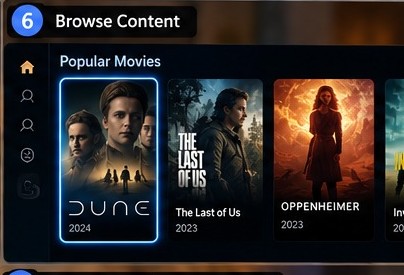
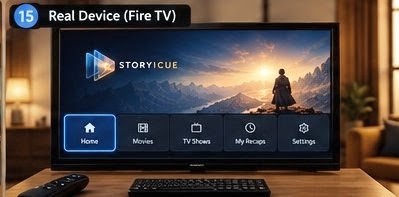
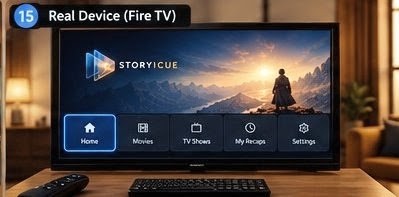
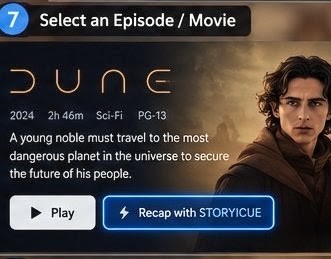
So we built STORYICUE, a Fire TV app that gives a personalized recap and summary with the help of AI for any video you play. You get the core of the story quickly, without watching everything.
🎯 What It Does
- Shows a personalized recap ("Previously on...") of the series or video you are watching
- Gives a short summary with key characters, plot points and important moments
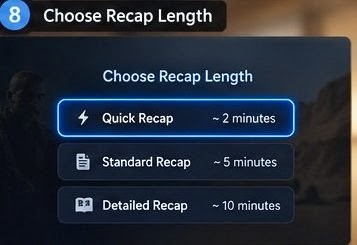
- Lets you choose the summary length (quick or detailed)
- Works fully with the TV remote
- Built for the big screen, with large text and simple navigation
🛠️ How We Built It
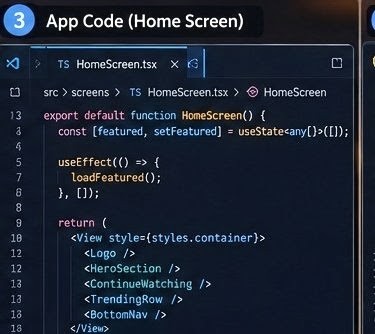
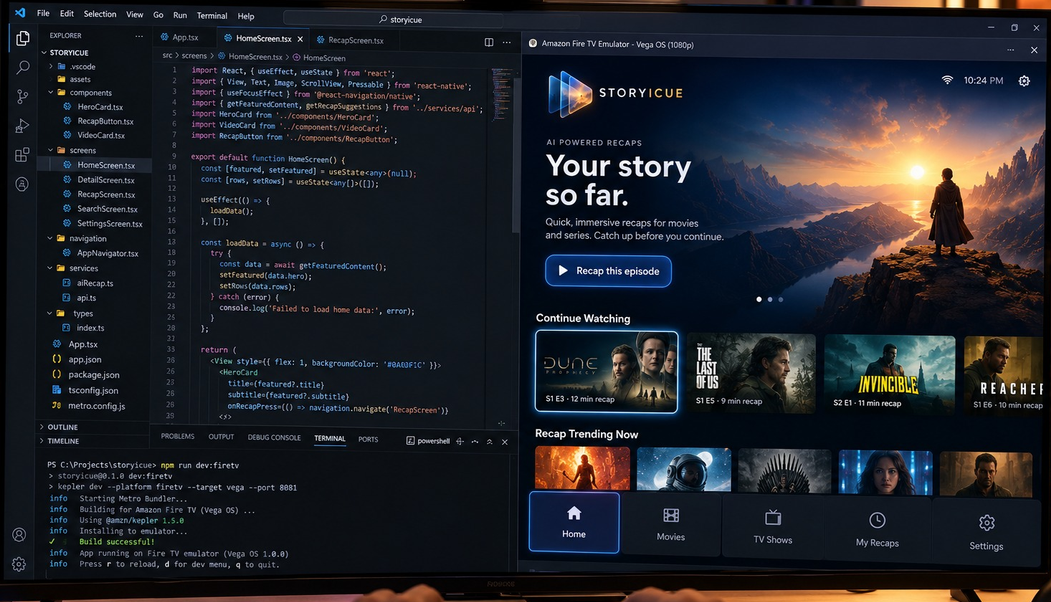
STORYICUE is a native Vega OS app for Fire TV, built with React Native and TypeScript.
| Layer | Technology |
|---|---|
| Platform | Vega OS, Vega SDK, Kepler CLI, Fire TV (TV target) |
| Frontend | React Native 0.83, React 19.2, TypeScript 5.8 |
| Vega UI library | @amazon-devices/react-native-kepler |
| Build tools | Node.js 20+, npm, Metro, Babel, Bash scripts |
| Testing | Vega Virtual Device, Jest, React Native Testing Library |
| Code quality | ESLint (with Kepler plugin), Prettier |
| Input data | [Subtitles / transcripts / metadata] |
| AI model | [Your AI model or API] |
| Backend | [Your backend, or "None, runs on device"] |
Flow:
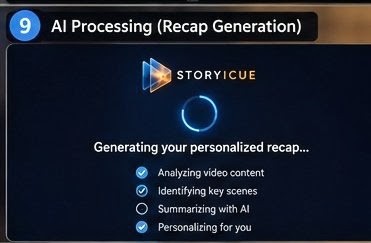
Video plays → Get video context → AI creates summary → Personalize recap → Show on TV screen
⏱️ Time Saved
$$ \text{Time Saved} = \left(1 - \frac{T_{\text{recap}}}{T_{\text{video}}}\right) \times 100\% $$
Example: a 45 minute episode summarized in a 2 minute recap saves about $95.6\%$ of viewing time.
📚 What We Learned
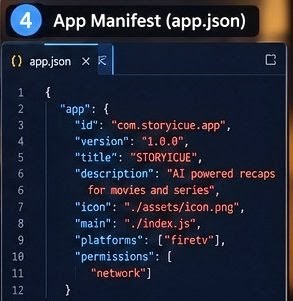
- How Vega OS works, including its manifest, build and packaging flow
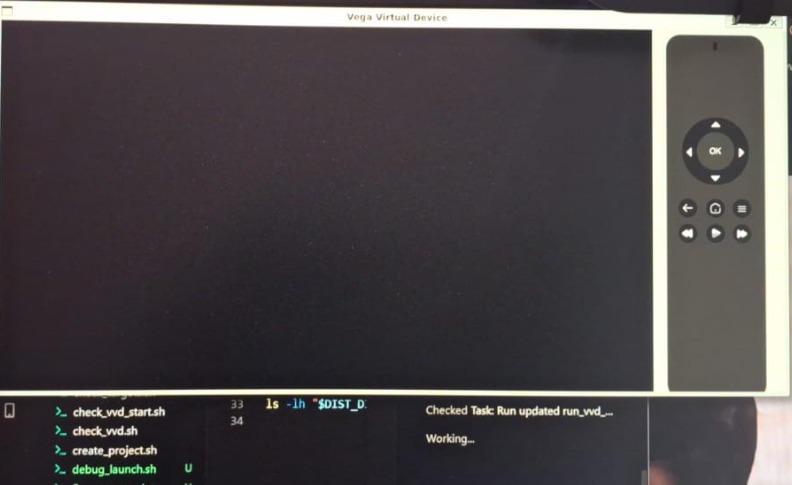
- How to build and test apps on the Vega Virtual Device
- How to design for the 10-foot TV experience (big text, D-pad navigation, focus control)
- How to use AI to summarize video content
- How to keep recaps short, clear and spoiler-free
- How to write tests and lint rules for a TV app
🚧 Challenges We Faced
- Vega OS is new: There are fewer examples and tutorials, so we read the docs carefully and experimented a lot.
- Environment setup: Setting up the SDK, Java, Node and the Vega Virtual Device took many tries and custom scripts.
- Video playback: We had to install and configure media codecs so video and audio could play on the virtual device.
- TV navigation: Remote and focus handling is very different from touch screens.
- Getting video context: [Explain how you got subtitles or scene data and what was hard.]
- Spoilers: A good recap must not reveal future events, so we controlled the AI output carefully.
- Speed: Summaries had to appear quickly on TV hardware.
🚀 What's Next
- Support for more streaming apps and languages
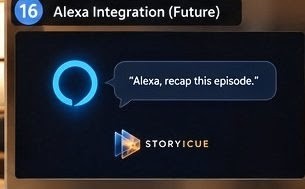
- Alexa voice commands ("Alexa, recap this episode")
- Character cards and a story timeline
- Smarter recommendations based on viewing taste
Built With
- babel
- bash
- eslint
- fire-tv
- javascript
- jest
- kepler-cli
- metro
- node.js
- npm
- prettier
- react
- react-native
- react-native-for-vega
- react-native-testing-library
- toml
- ts-jest
- typescript
- vega-os
- vega-sdk
- vega-virtual-device


Log in or sign up for Devpost to join the conversation.