-
-
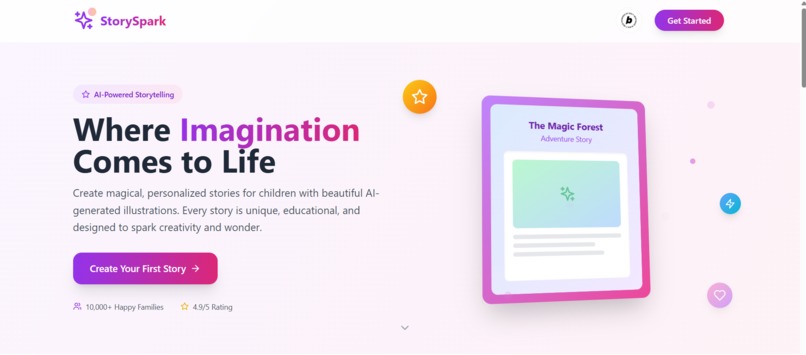
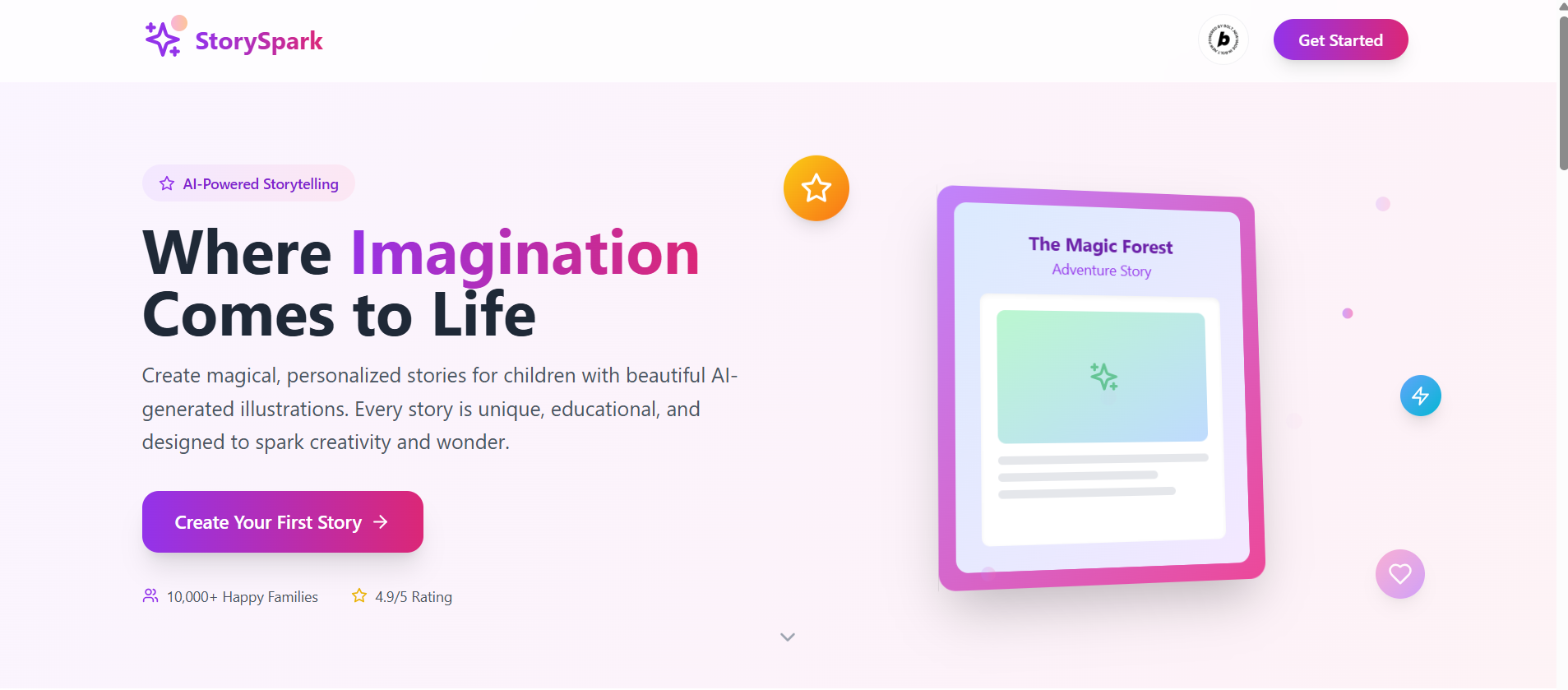
This is the first page which describes our product.
-
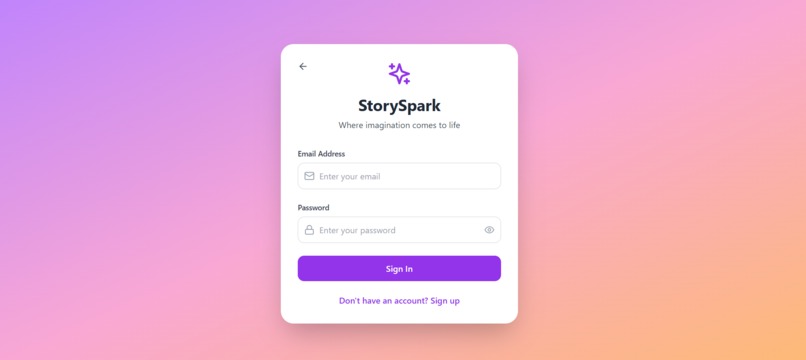
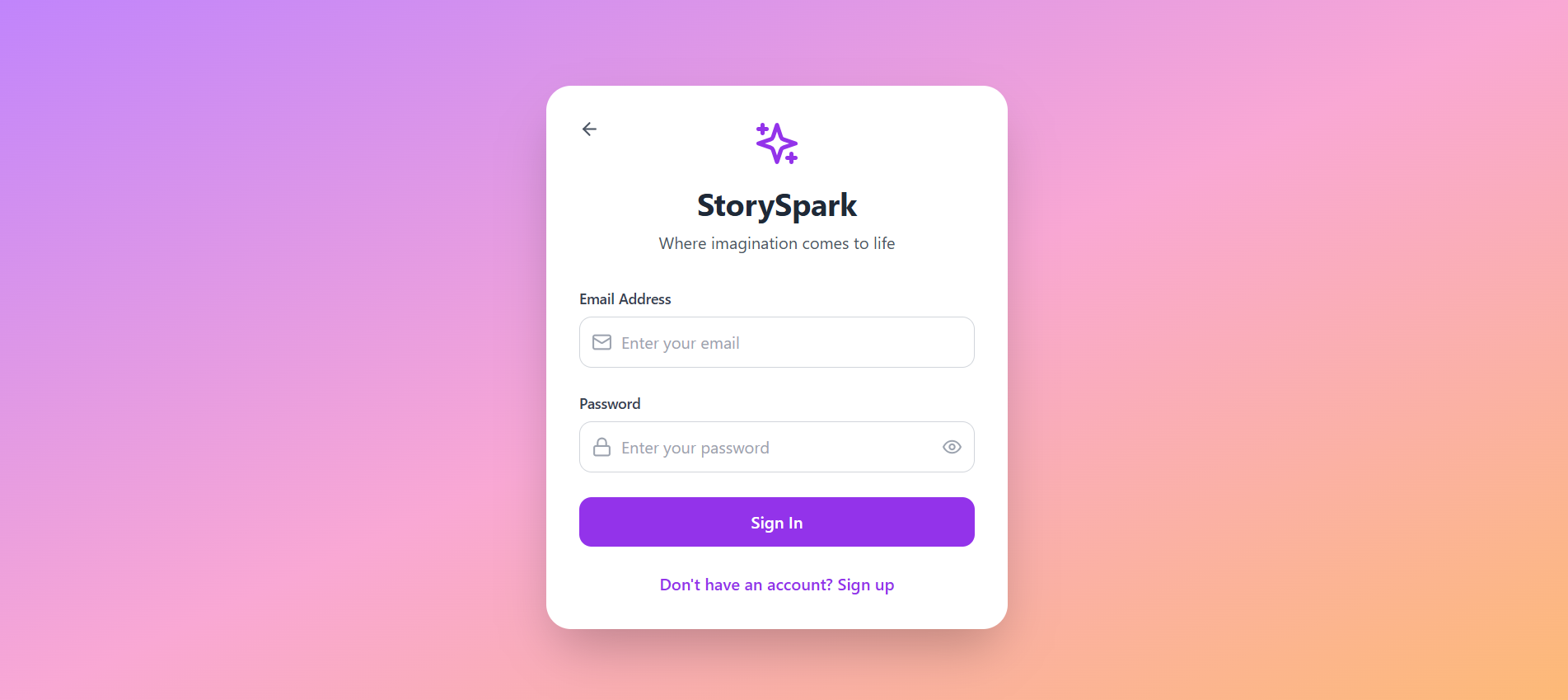
A login page where users can signup and also sign in to our product.
-
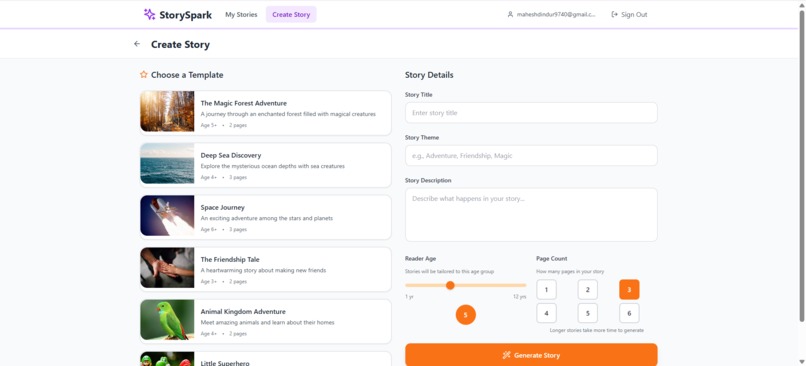
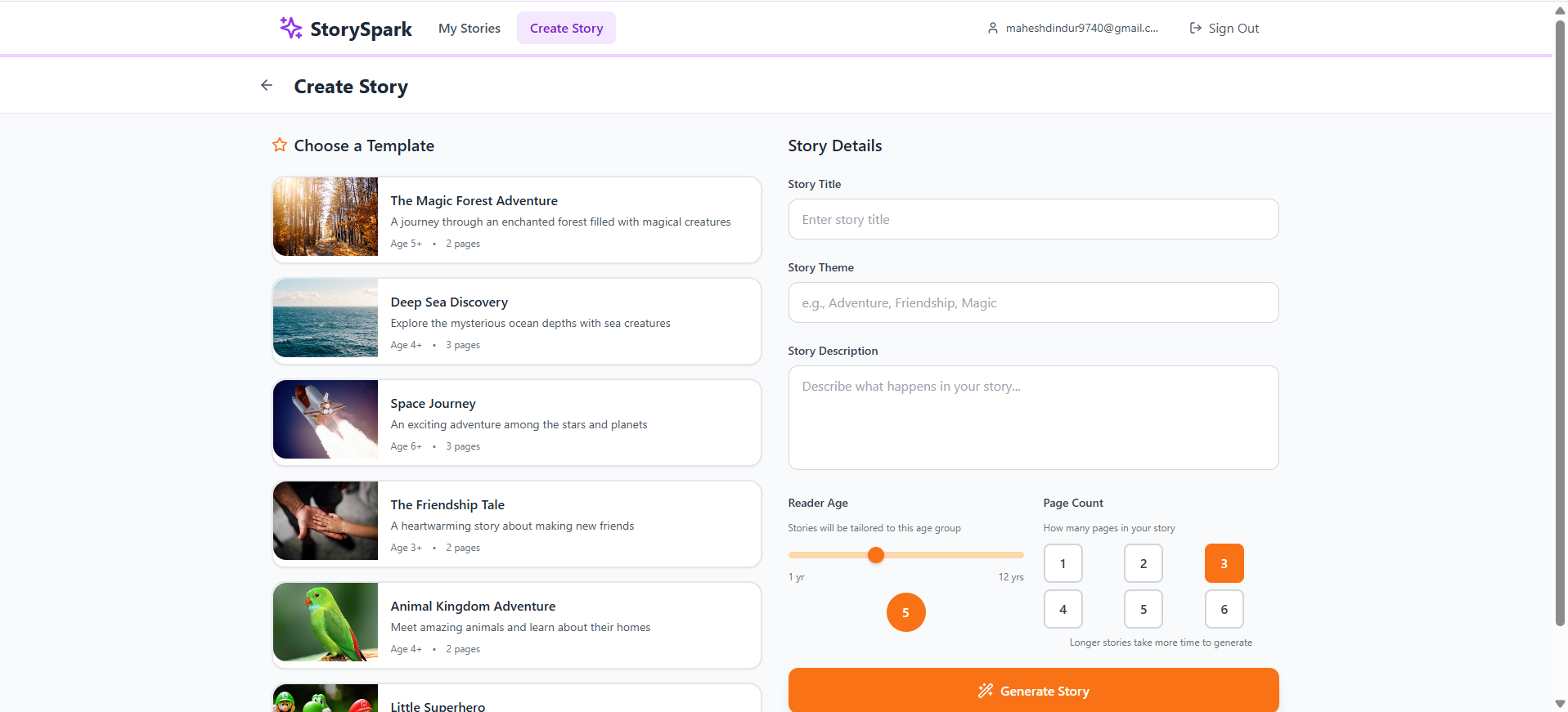
The story creation page where user gives input along with some templates for the new users to help them to adjust to our product.
-
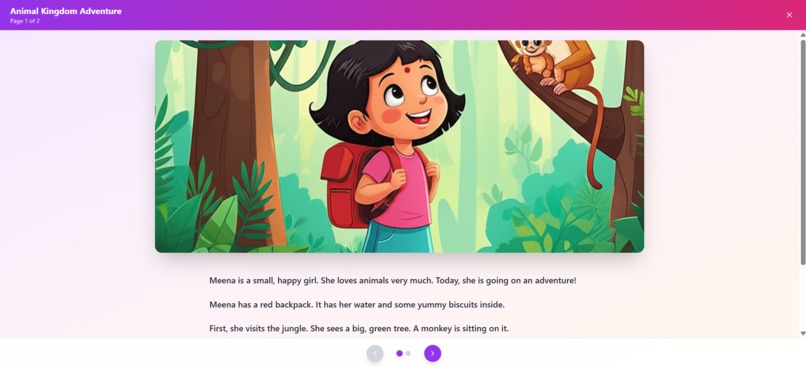
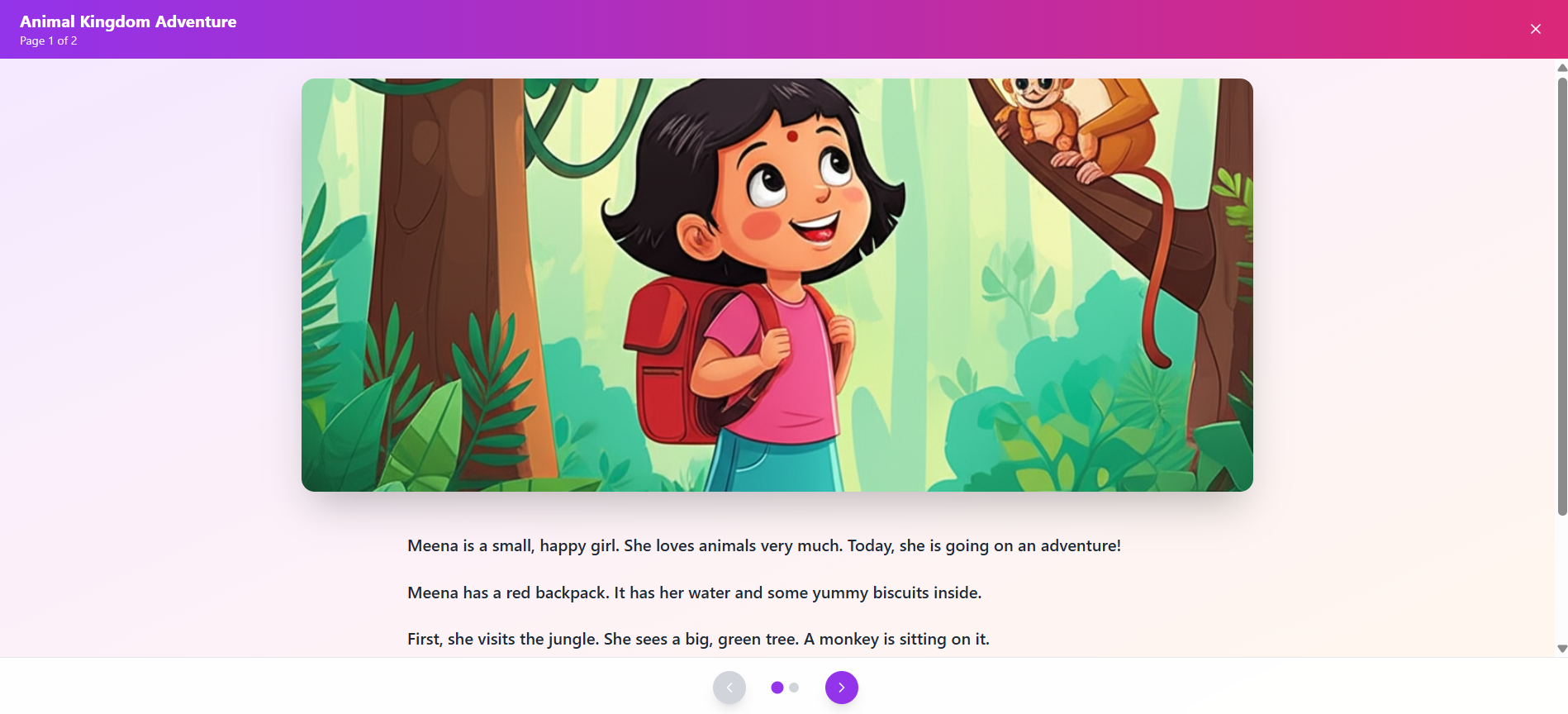
This page shows the story along with the images generated which are stored in then database.
-
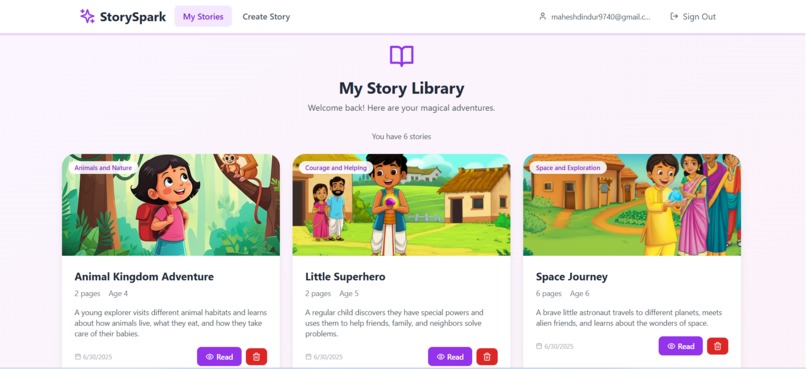
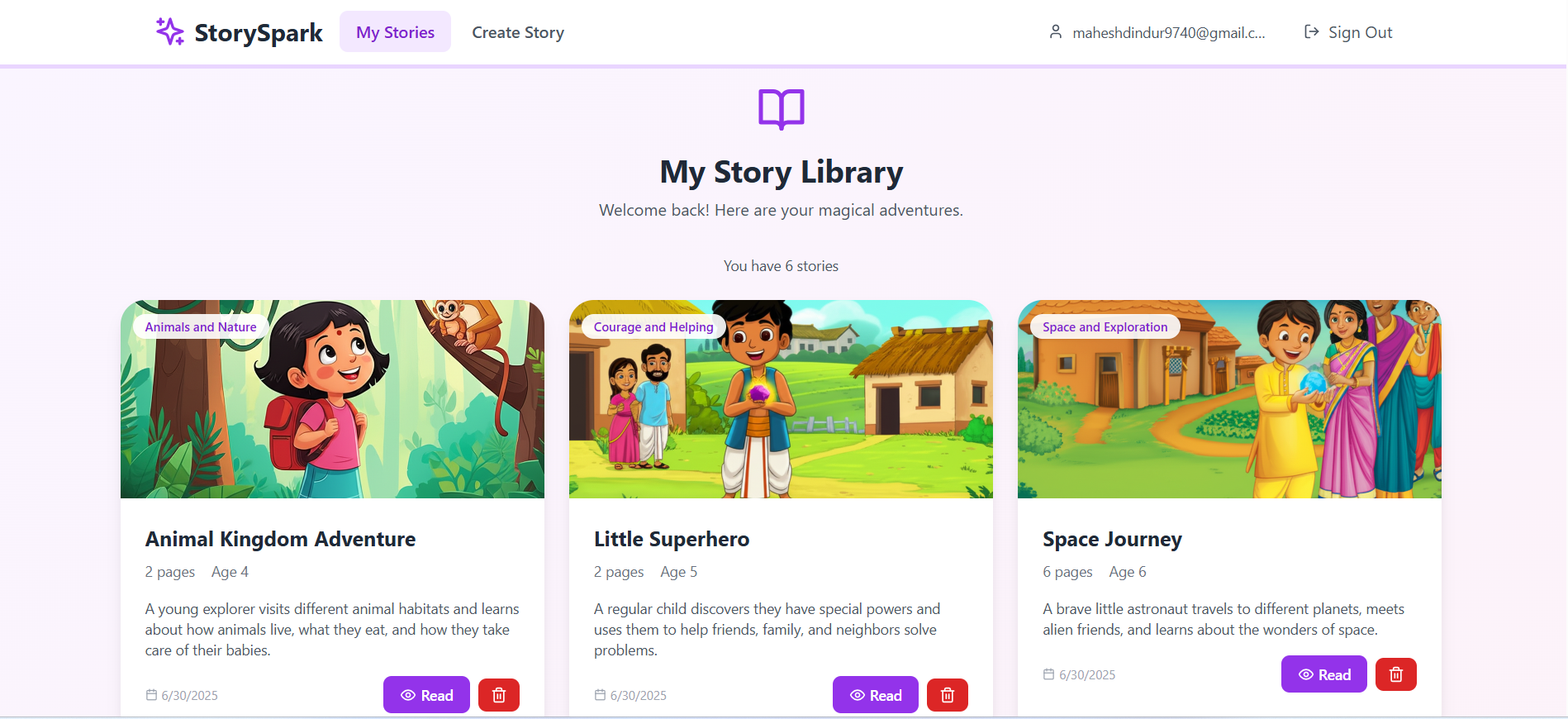
This is how system shows the already generated stories which are stored in database
📖 StorySpark – AI-Powered Personalized Storytelling for Kids
✨ Inspiration
In today’s busy world, many parents want to spend quality time with their children but struggle with one simple thing — telling creative, engaging stories. After a long workday, finding the time and mental space to make up a magical bedtime story can feel impossible.
StorySpark was born to solve that.
It reconnects parents and children through the timeless joy of storytelling — without needing to be a writer or illustrator. Using AI, we help parents instantly create beautiful, age-appropriate stories with vibrant illustrations. Storybooks are evolving — and StorySpark is how we bring them into the digital age.
💡 What it does
StorySpark lets users:
- 📜 Generate custom children’s stories using AI based on a few simple inputs (title, theme, age, page count)
- 🖼️ Generate cartoon-style illustrations for each page using AI image generation
- 💾 Save stories to a personal library tied to their account
- 📚 View stories in a flipbook-style reader
- 🔐 Sign up and sign in securely to manage stories
🏗️ How we built it
- Frontend: React with Tailwind CSS for a clean, kid-friendly UI
- AI Integration:
- Google Gemini 2.0 Flash API for story text generation (Key 1)
- Google Gemini Image Generation for base64 illustration generation (Key 2)
- Backend: Supabase
- Auth (email )
- PostgreSQL database (RLS for user security)
- Storage (for uploaded AI images)
- Users fill a form or choose from templates → Gemini generates the story and image → images are uploaded to Supabase → content is stored and shown in a story viewer.
🧗 Challenges we ran into
- Gemini’s image API sometimes failed to return
inlineData; we had to debug parsing and refine prompts carefully. - Managing two different API keys (story vs. image) required strict separation in logic.
- Supabase required detailed access control (RLS) to ensure privacy and ownership of stories.
- Parsing AI responses (especially wrapped in Markdown or invalid JSON) was tricky and required fallback handling.
🏆 Accomplishments that we're proud of
- We built a fully functional story creation pipeline using AI, from prompt → story → image → storage → UI.
- Seamlessly connected two Gemini APIs in a clean UX.
- Enabled parents with zero storytelling experience to instantly create fun, illustrated stories for their kids.
- Implemented secure user authentication and a personal story library in just a few days.
📚 What we learned
- How to work with multimodal AI output (text + base64 image)
- How important prompt engineering is — especially for image accuracy
- How to handle Supabase storage, public URLs, and access rules
- The value of simplifying UX for non-technical users like parents
- That AI can be used not just for content generation — but for emotional connection
🚀 What's next for StorySpark
- 🧾 Export stories as downloadable PDFs for printing
- 🌍 Add multilingual support
- 🎤 Use AI voice narration for each page
- ✨ Let kids customize characters or upload their own photos
- 🔗 Share stories via public links or QR codes
💖 StorySpark isn’t just a product — it’s a digital bridge between imagination and family bonding.

Log in or sign up for Devpost to join the conversation.