-
-
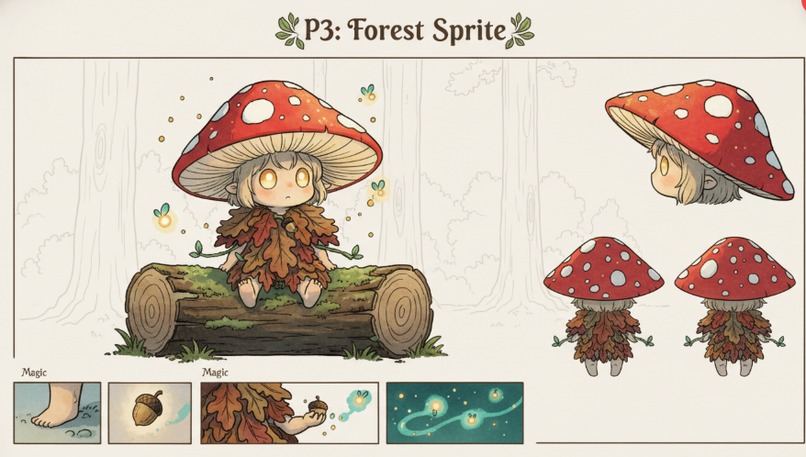
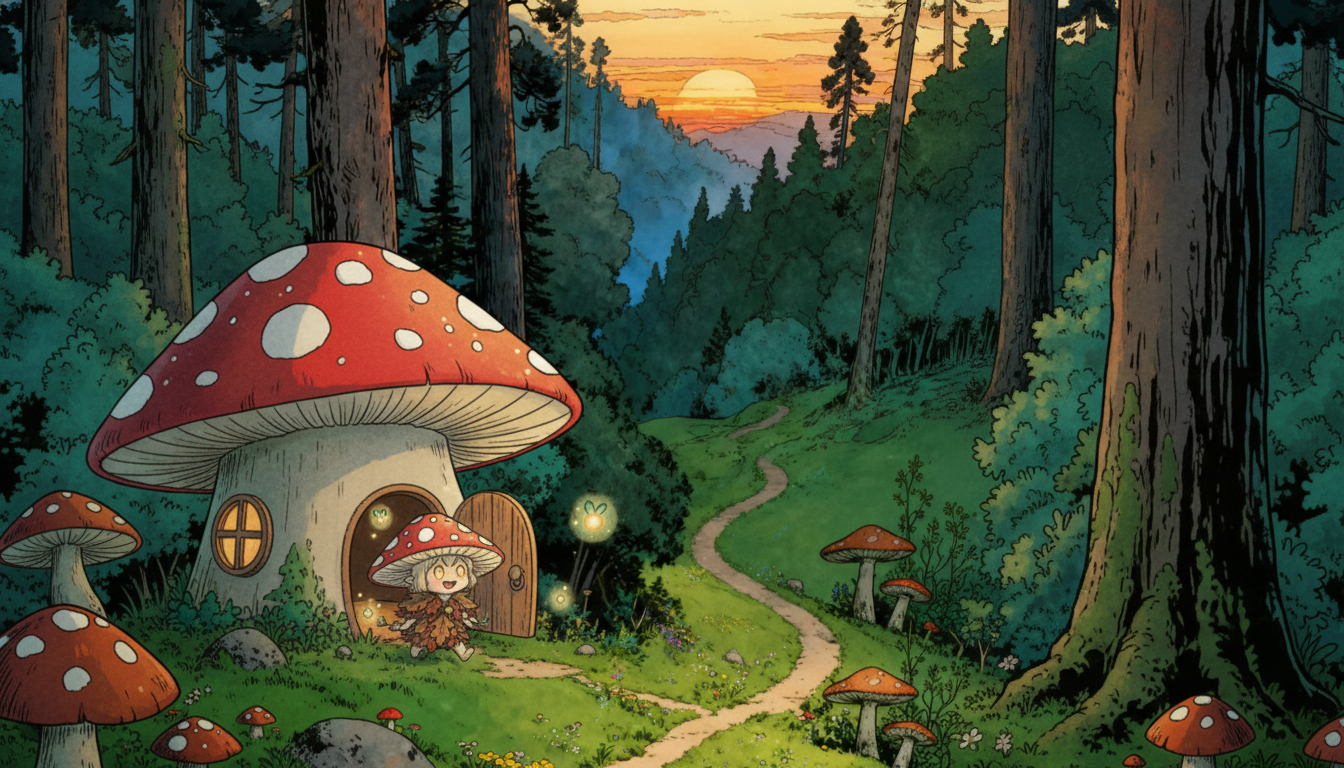
Generated by StoryFlowAI
-
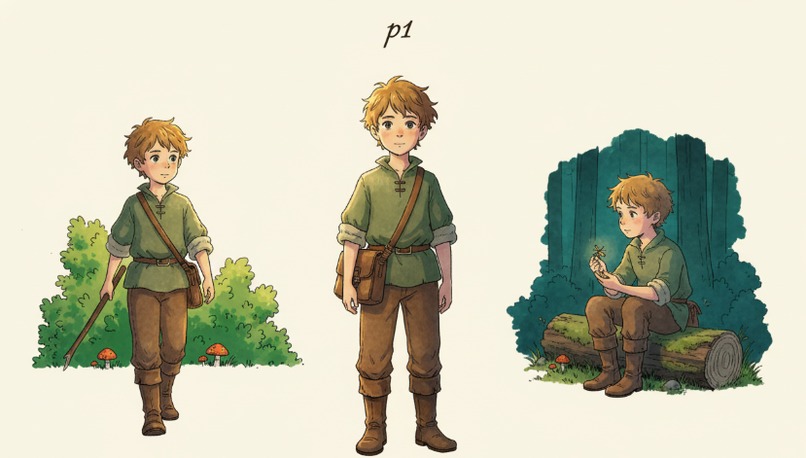
Generated by StoryFlowAI
-
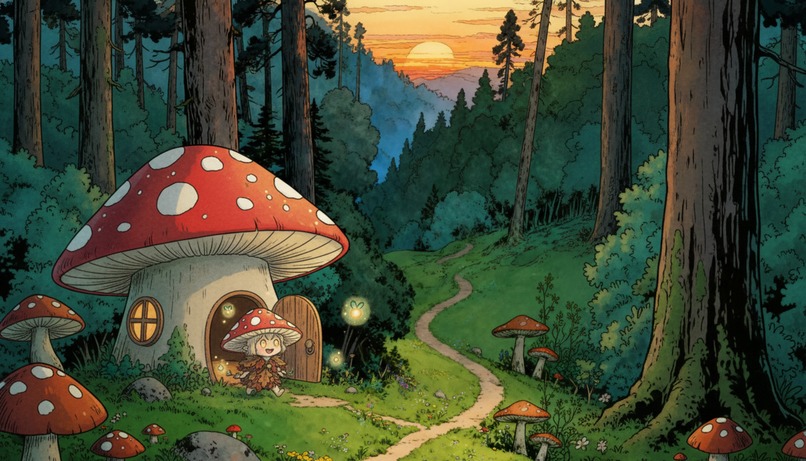
Generated by StoryFlowAI
-
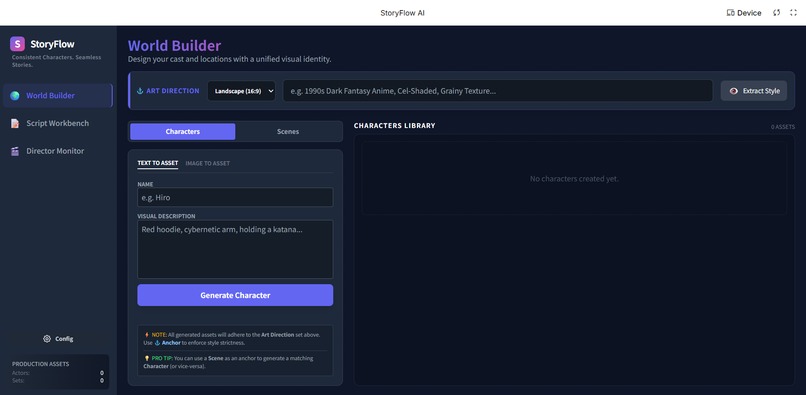
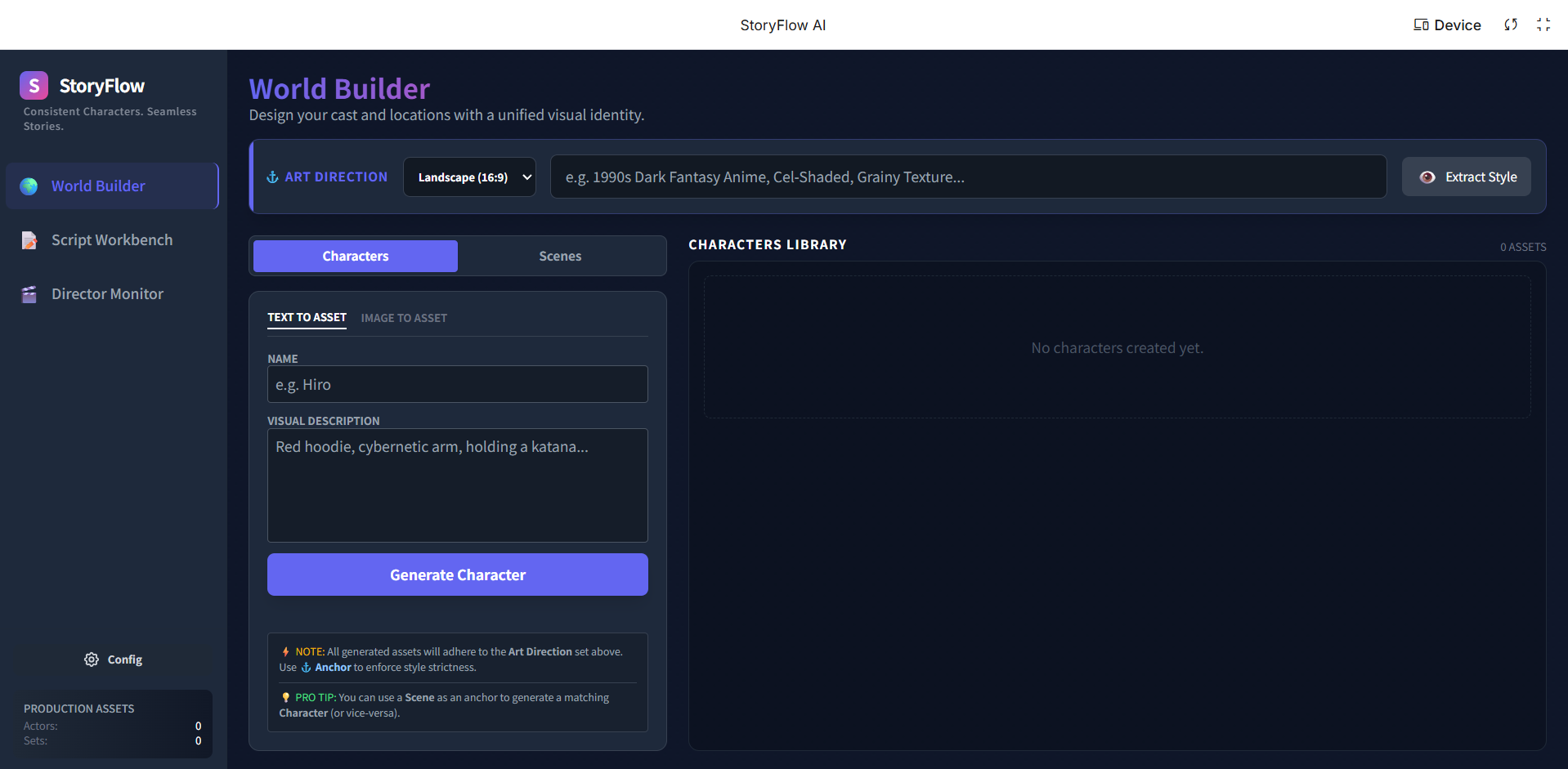
StoryFlowAI Interface: World Builder
-
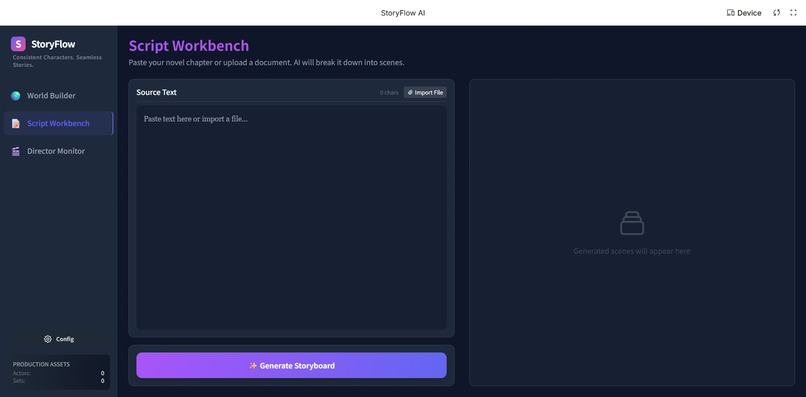
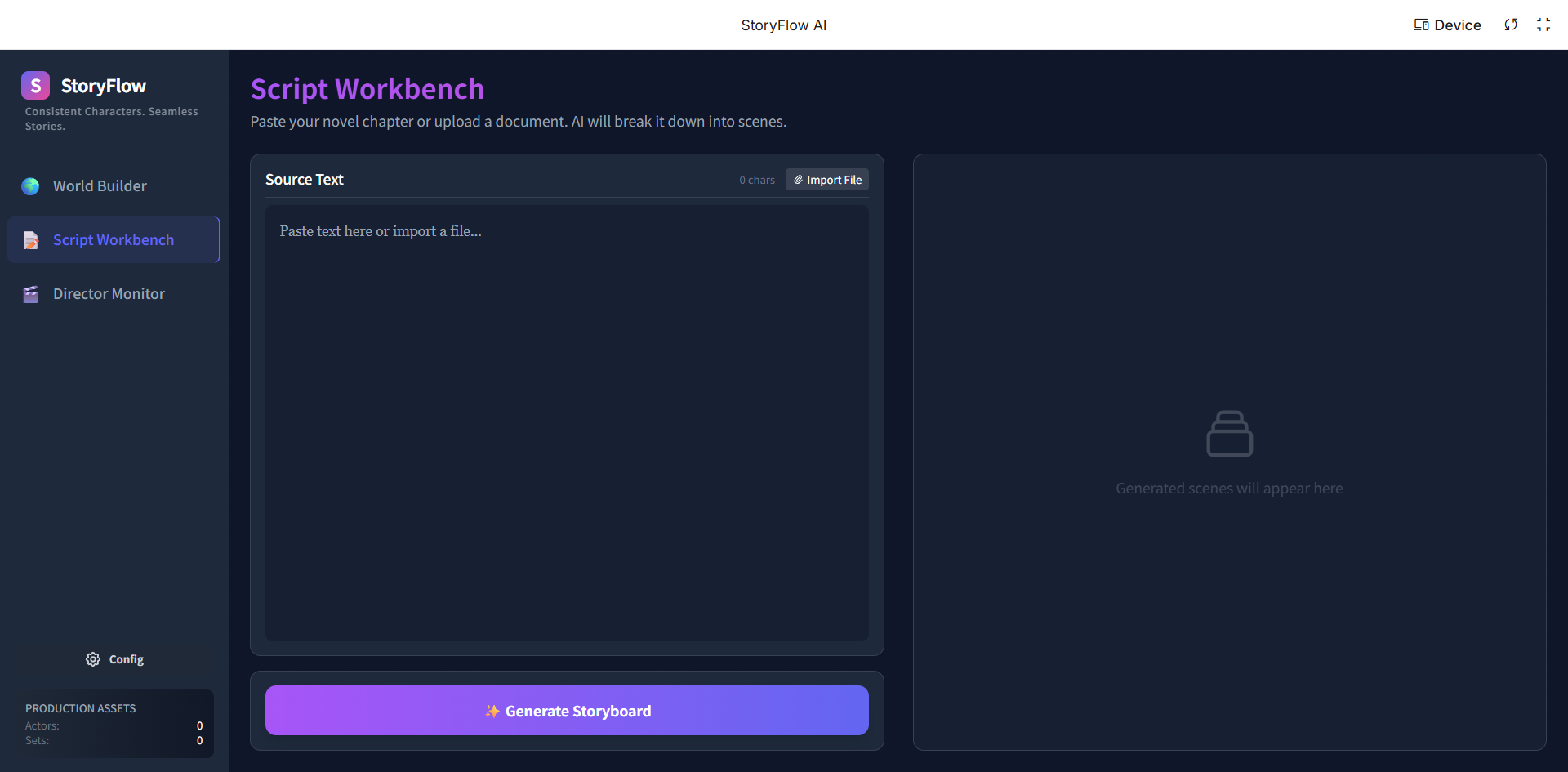
StoryFlowAI Interface: Script Workbench
-
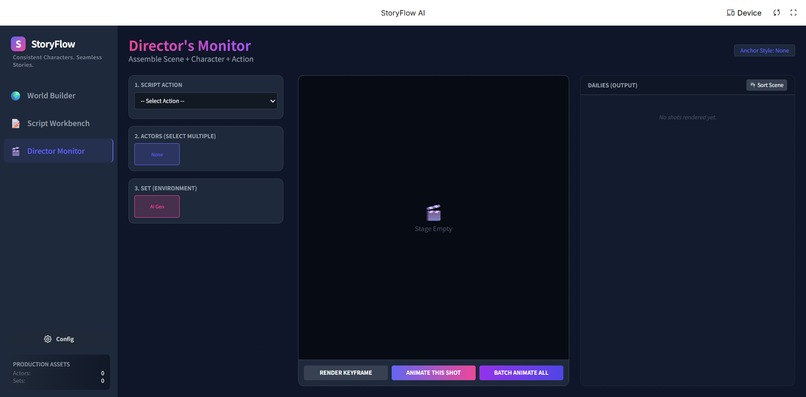
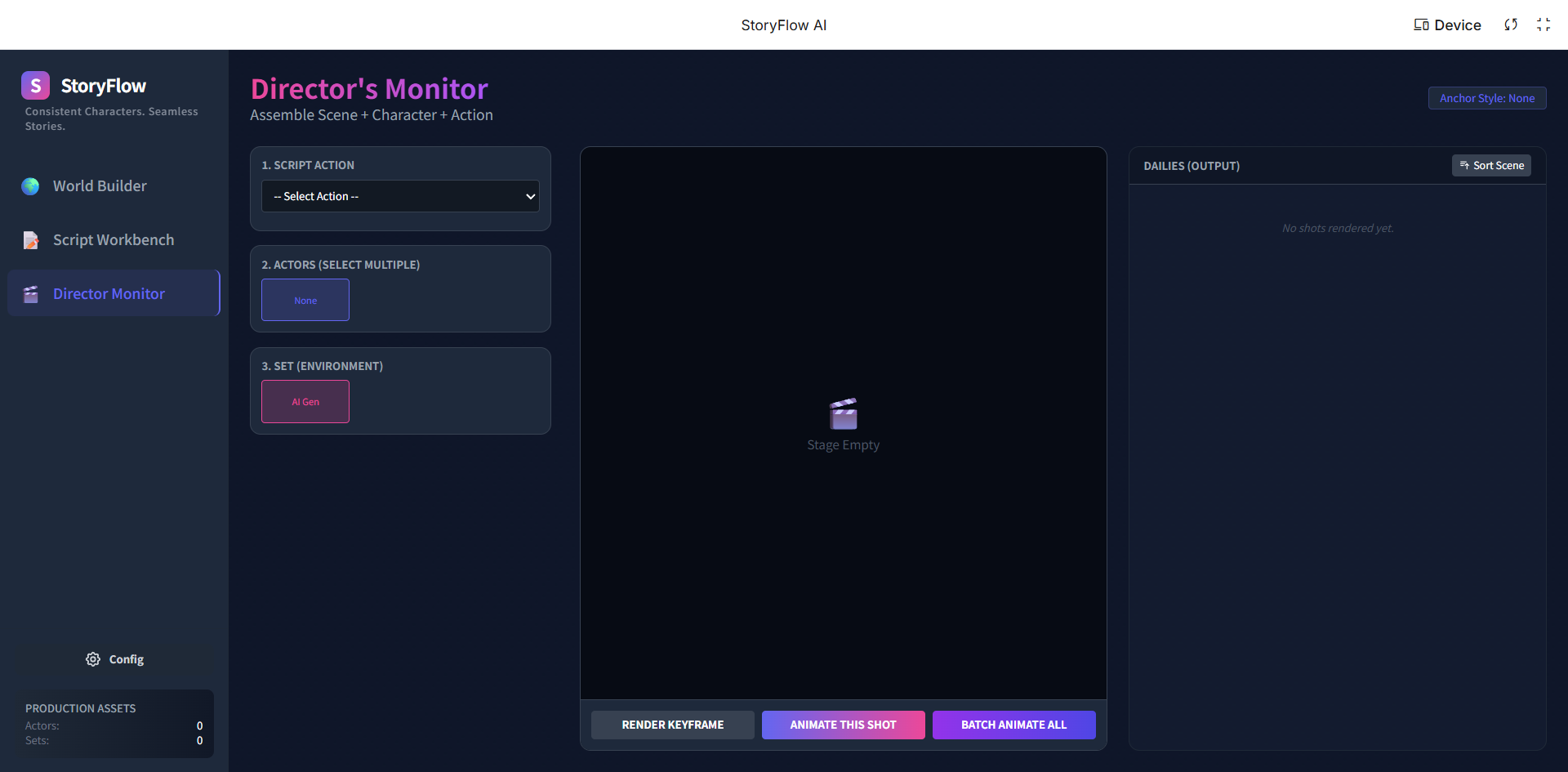
StoryFlowAI Interface: Director's Monitor
💡 Inspiration
We are living in the golden age of Generative AI, yet for storytellers, it feels like a slot machine.
We noticed a massive gap: Text-to-Video models suffer from severe "amnesia." You generate a character in Shot 1, but by Shot 2, their face has changed, their clothes are different, and the art style has drifted from "Cyberpunk" to "Pixar."
We wanted to build a tool for Introverts, Fan Fiction Writers, and Creators who have amazing stories but lack the skills to draw or film. We asked ourselves: How can we turn random AI generations into a coherent, directed workflow?
Thus, StoryFlowAI was born. Our mission is to move from "Prompting" to "Directing."
🤖 What it does
StoryFlowAI is an all-in-one platform for creating consistent animated series, fan creations, and picture books. It solves the consistency problem through a 3-step pipeline:
World Builder (The Visual Law):
- Users define the global aspect ratio and art style (via text or image upload).
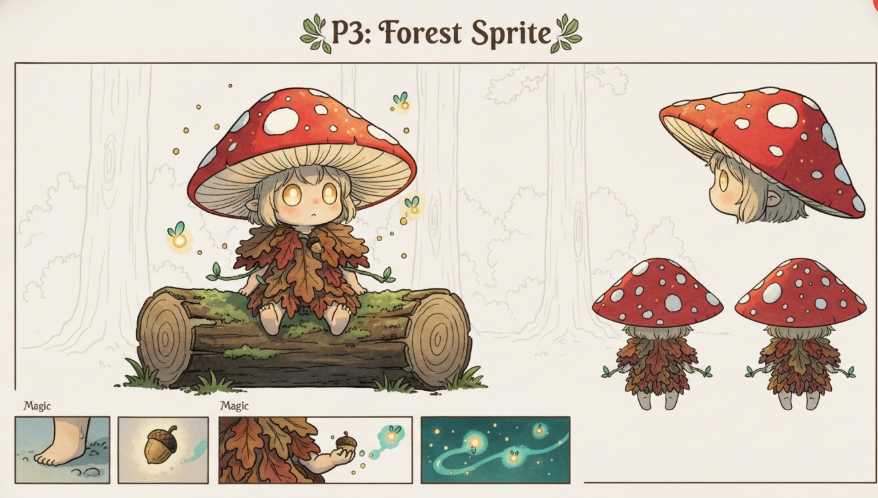
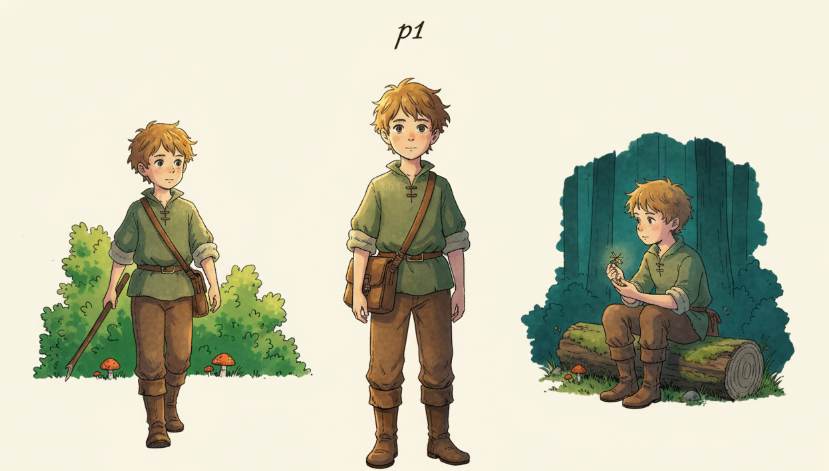
- The Anchor System: Users generate characters/scenes and lock them as "Anchors." Once anchored, Gemini ensures all subsequent generations mathematically adhere to these visual traits.
Script Workbench (The Brain):
- Powered by Gemini 1.5 Pro's long-context window, users can upload entire novels or rough ideas.
- The system automatically breaks text down into executable shooting scripts, separating Dialogue, Visual Action, and Camera Movement.
Director's Monitor (The Synthesis):
- Users compose shots by selecting a Script Line + Character Anchor + Scene Anchor.
- Render Keyframe: We prioritize generating a perfect, consistent static keyframe before animation to ensure control.
⚙️ How we built it
We built StoryFlowAI using Google AI Studio as our core engine.
- Multimodal Prompts: We leveraged Gemini's ability to understand both text and images simultaneously. When a user sets an "Anchor," we pass that image embedding along with the text prompt for the next generation.
- Structured Output: We utilized Gemini 1.5 Pro to parse unstructured novel text into strict JSON formats for our Script Workbench, ensuring that "Visual Actions" are separated from "Dialogue."
- The Consistency Logic: We treat consistency as a function of the Anchor ($A$) and the Prompt ($P$). Instead of $f(P) \rightarrow Image$, our workflow operates as: $$Image_{t+1} = f(A_{character}, A_{scene}, P_{action})$$ This ensures that $Image_{t+1}$ maintains the visual identity of the previous steps.
🚧 Challenges we ran into
The biggest challenge was Control vs. Creativity. Early versions of the model would ignore the "Anchor" image and hallucinate new faces. We spent a lot of time refining the system instructions in Google AI Studio to prioritize the visual reference over the creative variance.
The "Video" Elephant in the Room: Our original vision included end-to-end video generation. However, we faced a hurdle: reliable, commercial-grade Video Generation APIs are currently expensive or closed-access. Instead of shipping a broken feature, we pivoted to perfect the Keyframe Engine. We realized that if the Keyframe is inconsistent, the video will be garbage. By solving the "Static Consistency" first, we have laid the perfect foundation for video models once they become accessible.
🏅 Accomplishments that we're proud of
- The UI/UX: We built a "Dark Mode" geek-style interface that feels like professional software, not just a toy.
- The Anchor System: Seeing a character actually look the same across 10 different generated shots was a "Eureka" moment.
- Novel-to-Script: The ability to paste a 2000-word chapter and have Gemini instantly break it down into a shot list is a huge time-saver for creators.
🧠 What we learned
- Context is King: Gemini 1.5 Pro's large context window is a game-changer for narrative consistency. It can "remember" a character description from Chapter 1 while generating Chapter 5.
- Multimodality is the future of UI: Allowing users to drag-and-drop images as "inputs" (instead of just text) makes the tool accessible to people who can't describe "Cyberpunk Rococo Style" in words but can show a picture of it.
🚀 What's next for StoryFlowAI
- Video Model Integration: As soon as APIs like Google Veo or stable open-source video models become available via API, we will enable the "Animate" button.
- Audio & Lip-Sync: Integrating TTS (Text-to-Speech) to automatically voice the dialogue generated in the Script Workbench.
- Community Asset Library: allowing users to share their "Anchors" (Characters/Styles) so others can create fan fiction in the same universe.
Built With
- gemini3
- google-ai-studio


Log in or sign up for Devpost to join the conversation.