-
-
Storybox is an interactive storyteller that uses the Live API
-
Uses multimodal input/output
Inspiration
I've been using chatgpt live audio to set up story plots for my 3 year old son and he absolutely loves it. With this project, I wanted to make it actually feel like a narrated storybook with beautiful illustrations, voices that match the story while still keeping it live.
What it does
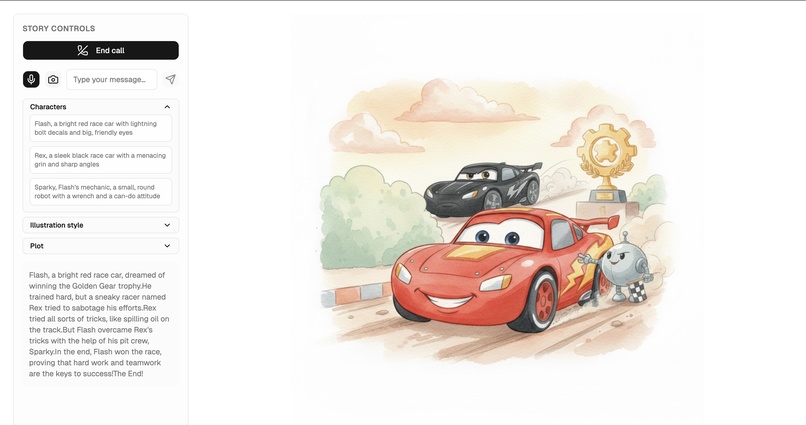
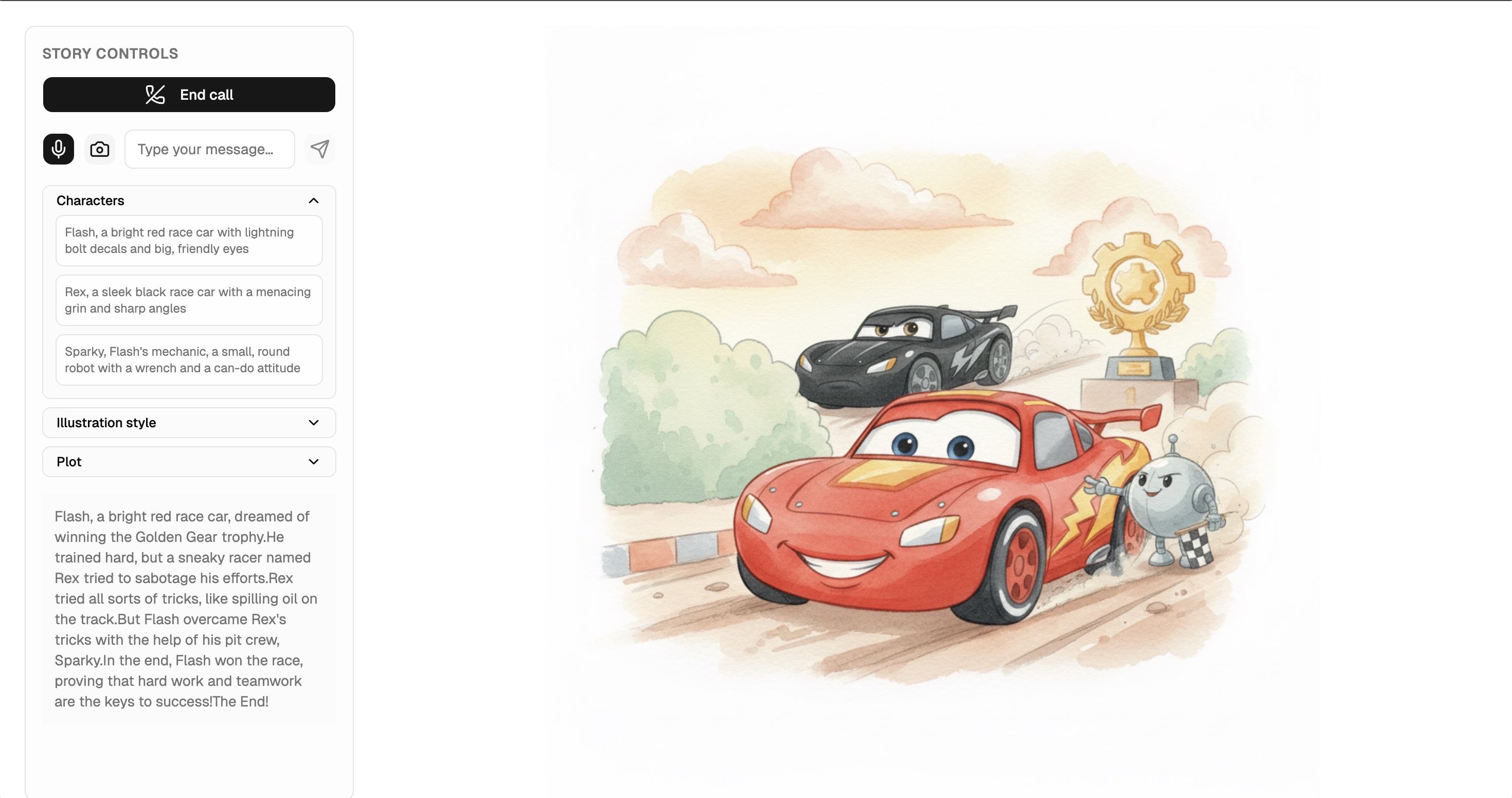
Storybox is a live, voice-first storybook experience powered by Gemini. A child says what they want the story to be about, and a conversational “setup” agent turns that into a full story arc, cast of characters, and narrator voice. Then Storybox hands off to a dedicated narrator agent running on Gemini Live that speaks the story page by page, while generating a fresh illustration for each page in real time.
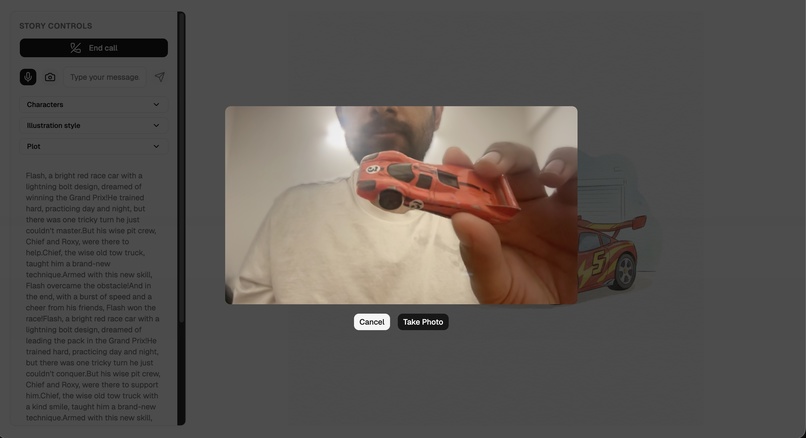
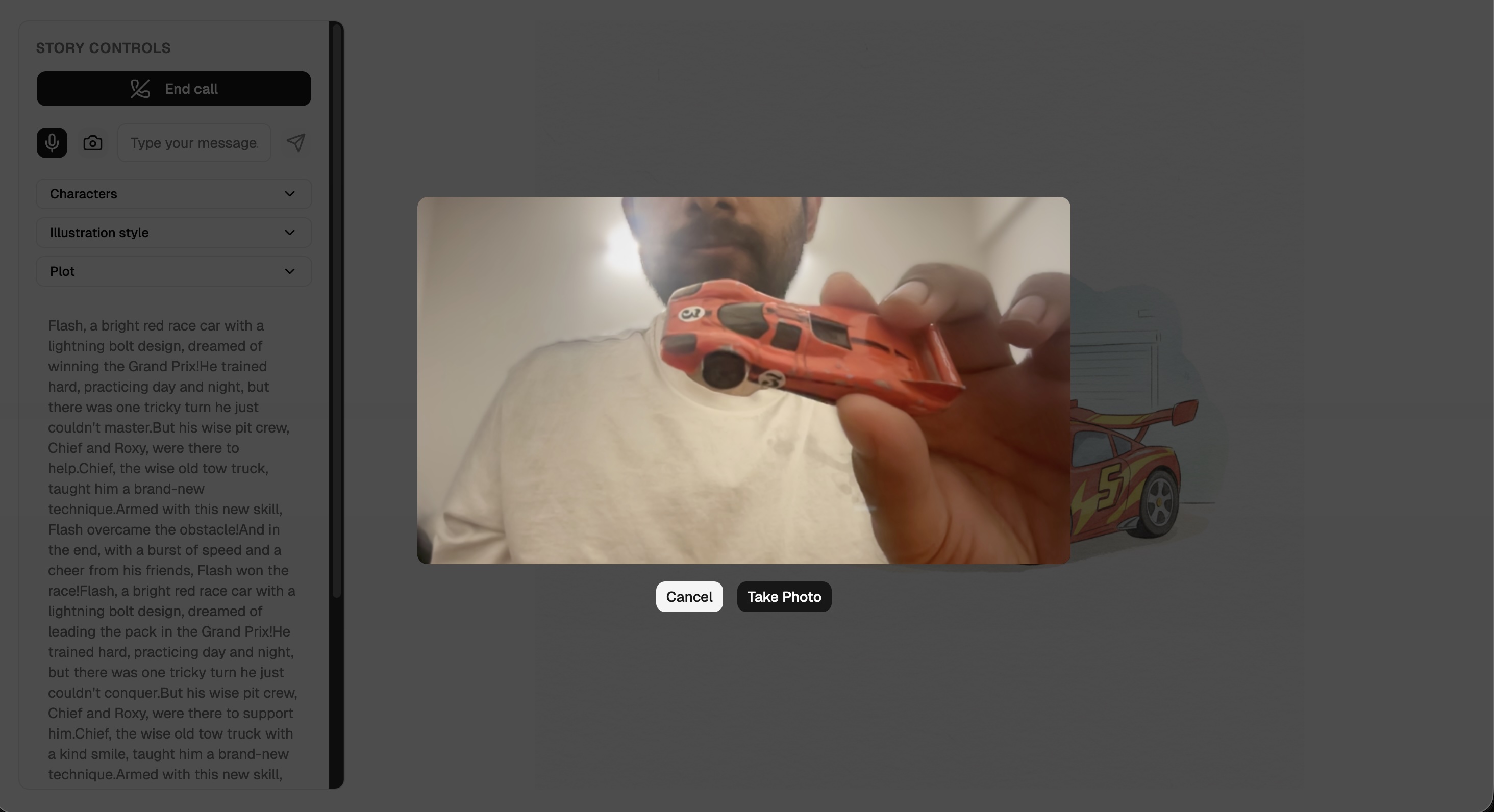
The app streams microphone audio into Gemini Live, shows live transcripts so adults can see what’s happening, and displays a full-bleed page illustration that updates on every page turn. Under the hood, Storybox prepares the next page’s plot and image in the background while the current page is being narrated, so page turns feel instant. Kids can also point the camera at objects or drawings and send those images into the live session, letting the narrator weave what it “sees” into the story.
How we built it
Live conversation layer: Use Gemini Live via @google/genai/web, streaming microphone audio and receiving synthesized speech plus incremental transcriptions.
Story setup: A start_story tool call triggers api.prepare-story, which uses gemini-2.0-flash to generate a structured JSON outline and characters, then gemini-2.5-flash-image to create a cover illustration. The result becomes a typed StoryConfig defining plot, voice, and visual canon.
Narration loop: Start a new Gemini Live session with audio output, transcription, and two tools: prepare_next_page and show_next_page.
Page generation: When the model begins narrating a page it calls prepare_next_page. The backend (api.prepare-next-page) uses gemini-2.5-flash-image to produce the next page’s short plot and illustration, optionally conditioned on the previous page’s image for visual consistency.
Page transition: When show_next_page is called, the page is flipped and a response with FunctionResponseScheduling.WHEN_IDLE lets the model continue narration immediately.
Visual consistency: An “illustration style prefix” combining global art direction and character descriptions is included in every text and image request.
Runtime engine: A small turn engine buffers LiveServerMessages, streams PCM audio for playback, and maintains a readable transcript, turning Gemini Live events into a continuous storytelling loop deployable as a multi-stage Docker service.
Challenges we ran into
Tool calling in live mode was a bit tricky. The agent would call the tool at unexpected times and sometimes repeatedly while I was testing. Also generating the "next page" illustration and story via tool call so that when it's time to go to the next page, the image could load instantly.
Accomplishments that we're proud of
I'm proud that Storybox feels genuinely live: from a child’s perspective, it behaves like a single, continuous conversation, even though I'm orchestrating two separate agents, several server endpoints, and multiple Gemini models under the hood. The transition from setup agent to narrator agent is fully automated-driven by a tool call and a farewell turn-so the user never has to click through configuration screens or wait on a blocking “generate story” step.
I'm also happy with the depth of the multimodal integration. The same system that generates the global outline is responsible for a story-specific cover image; page turns are powered by a background pipeline that jointly computes the next page’s text beat and its illustration; and I expose a simple camera capture hook so kids can inject real-world images into the live session.
What we learned
Tool calling in Live is different - we have to worry about turns. Most of the learning was around turn handling.
What's next for Storybox
- Save story presets
- Download and replay stories
- Mobile version

Log in or sign up for Devpost to join the conversation.