-
-
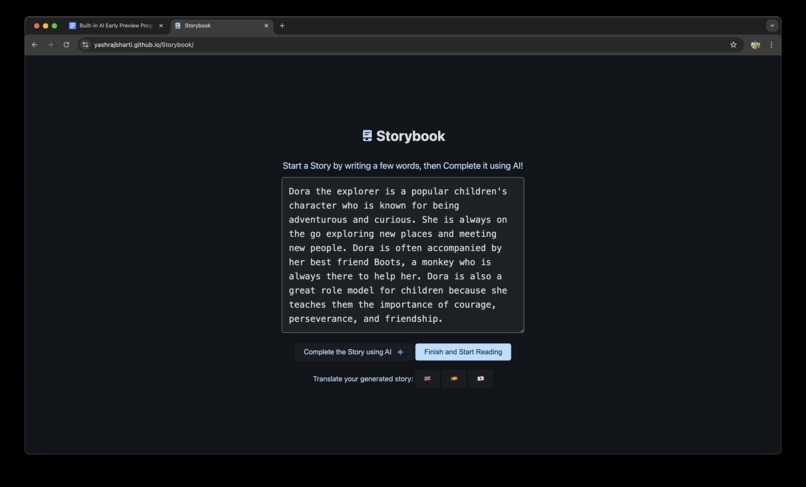
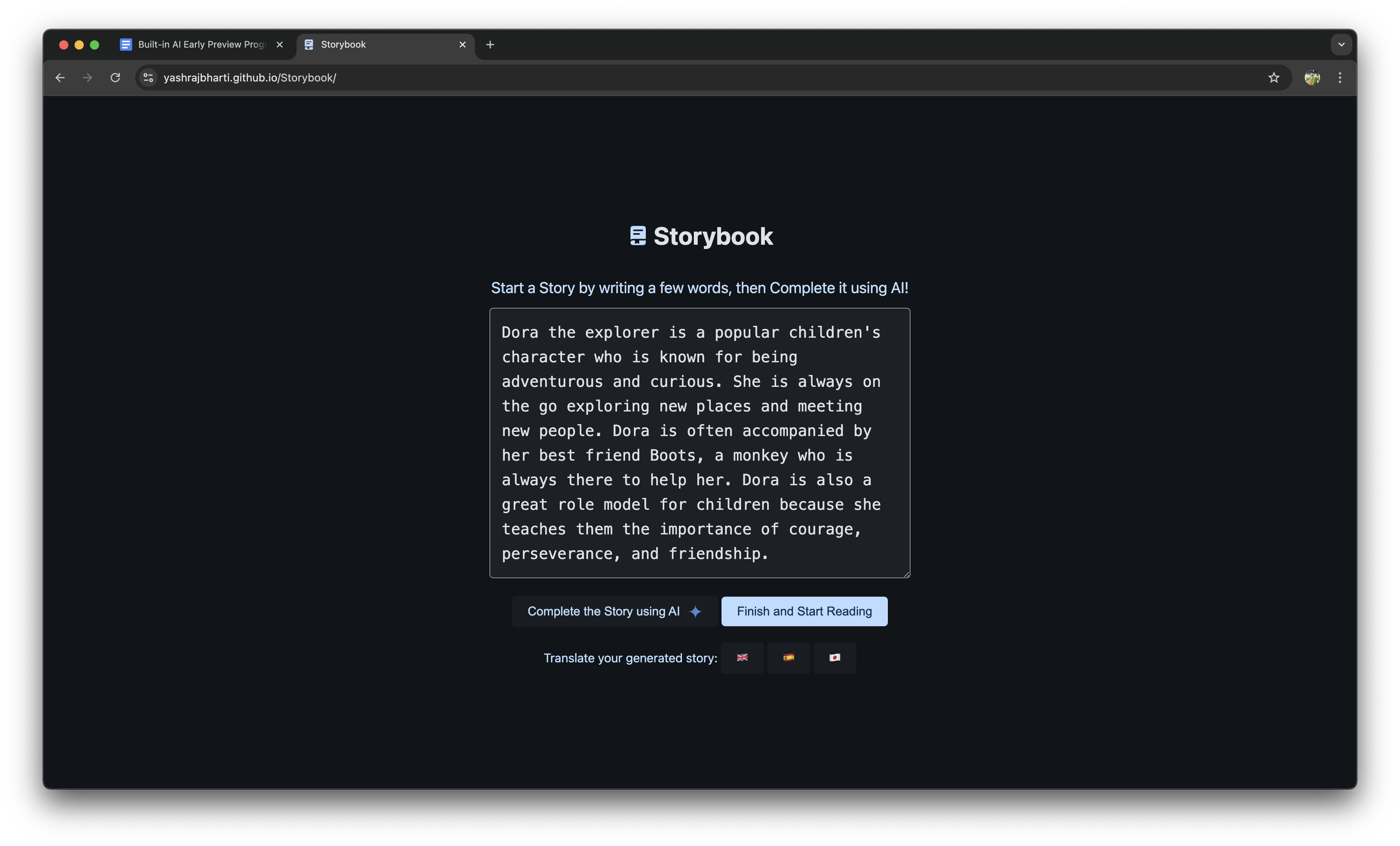
App UI for Storybook
-
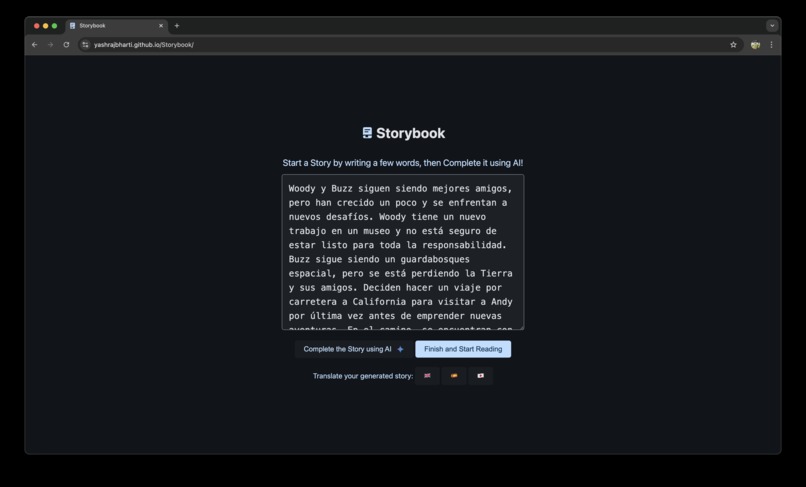
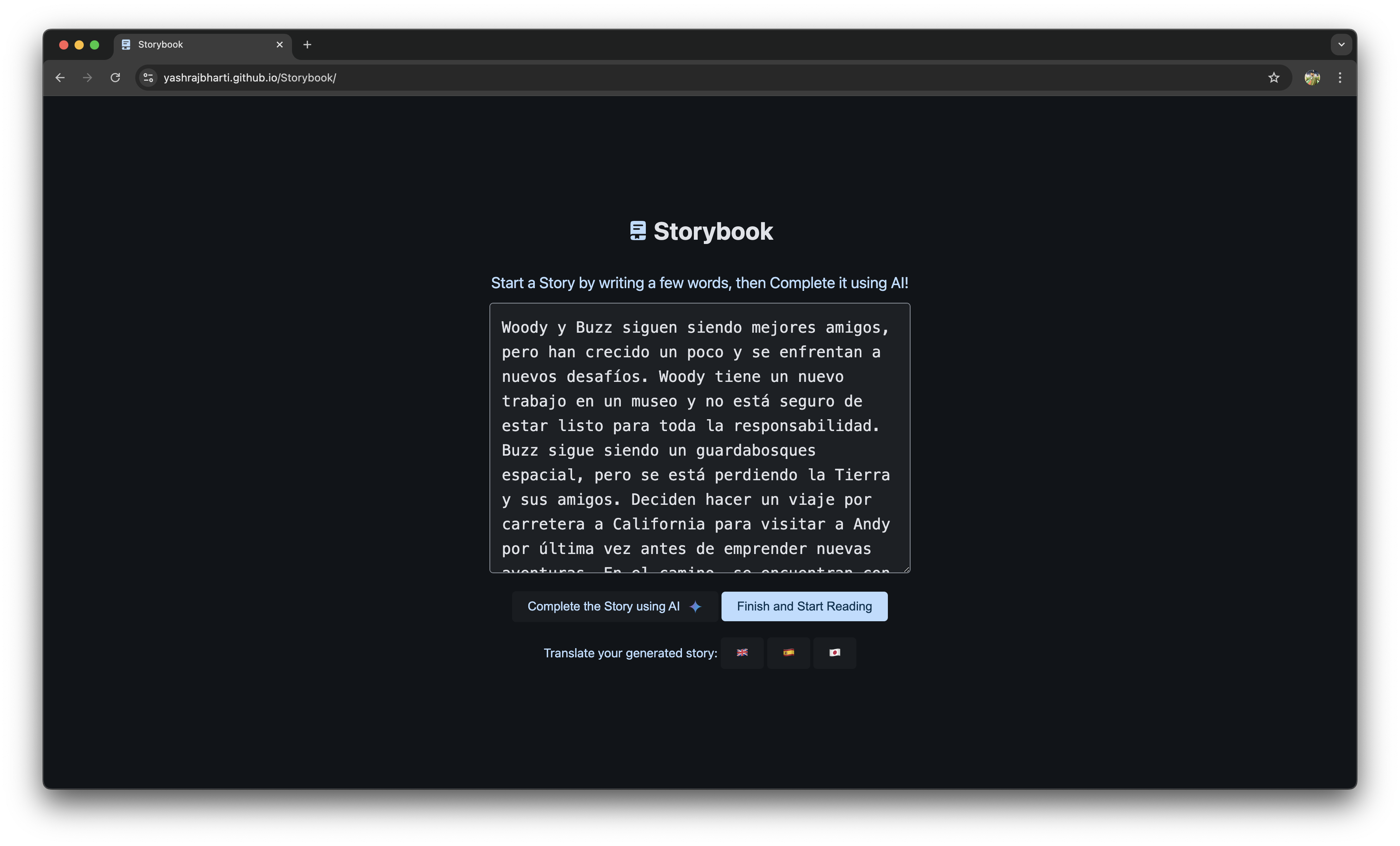
Generated Story in Spanish
-
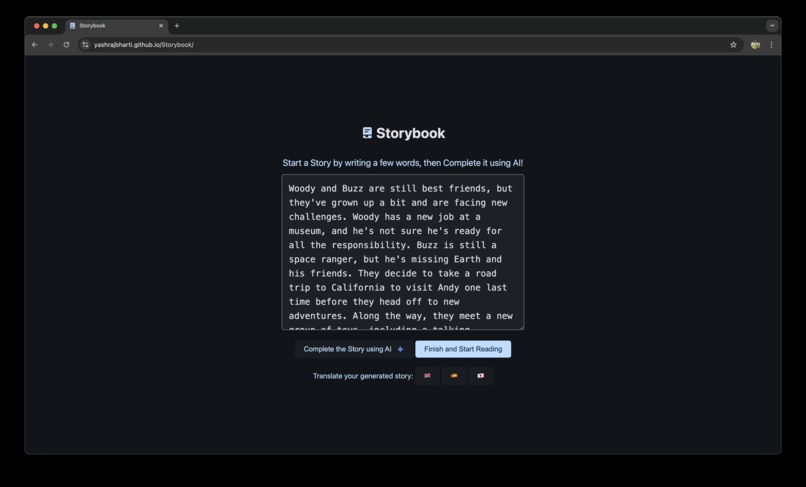
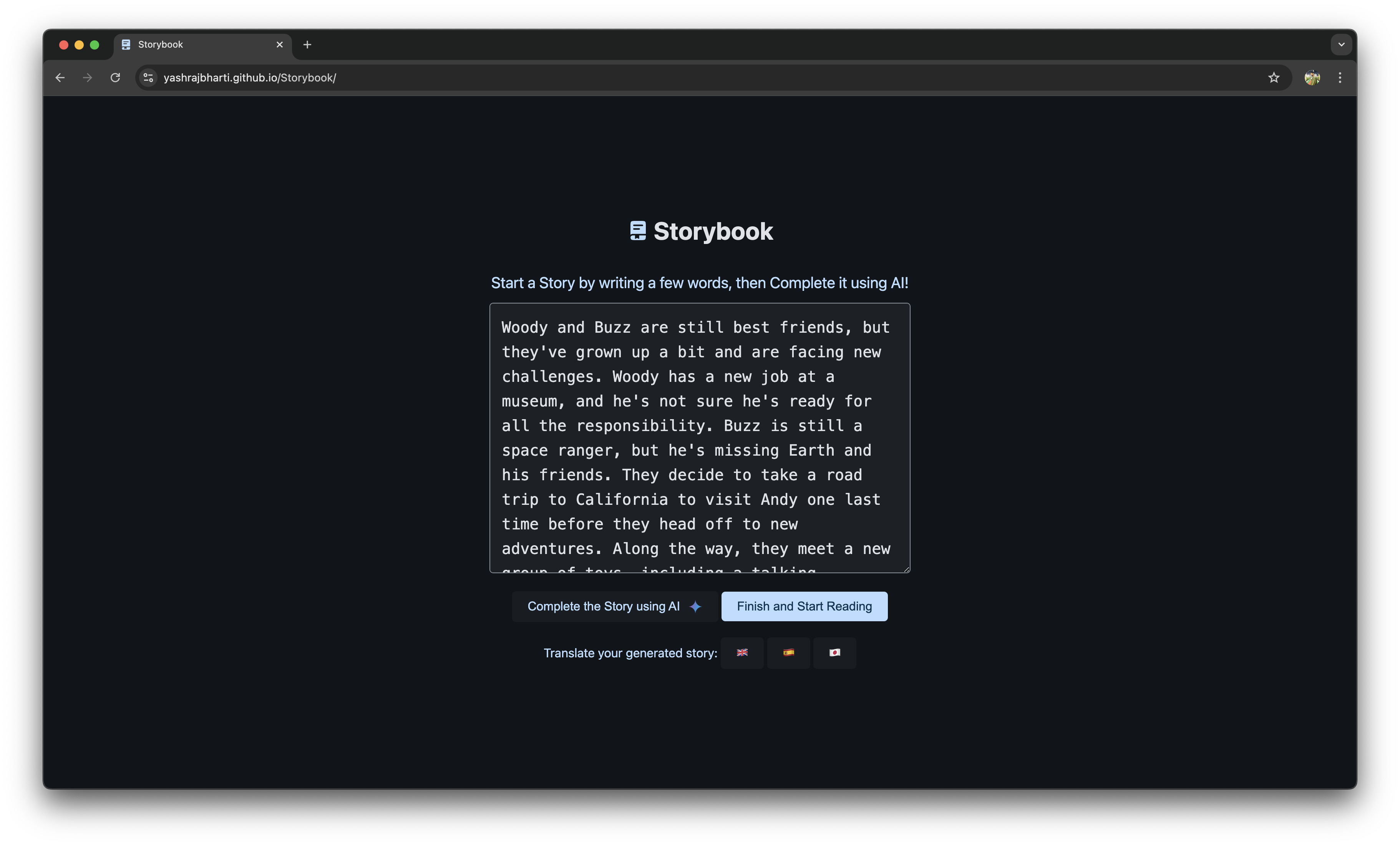
Generated Story in English
-
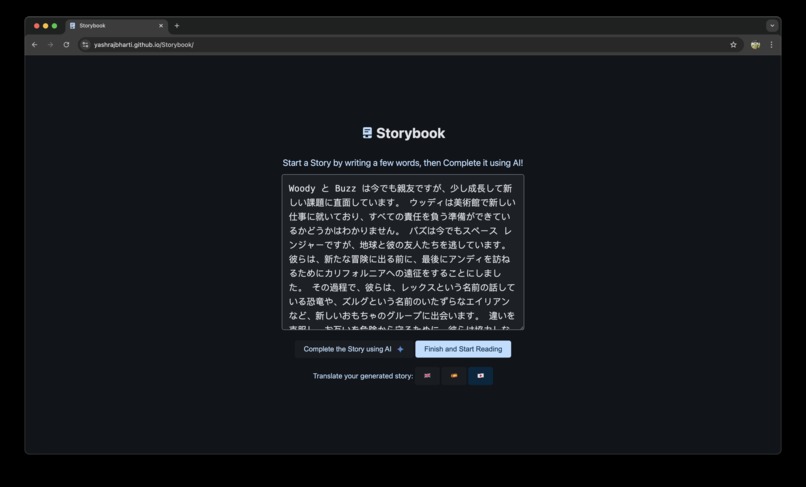
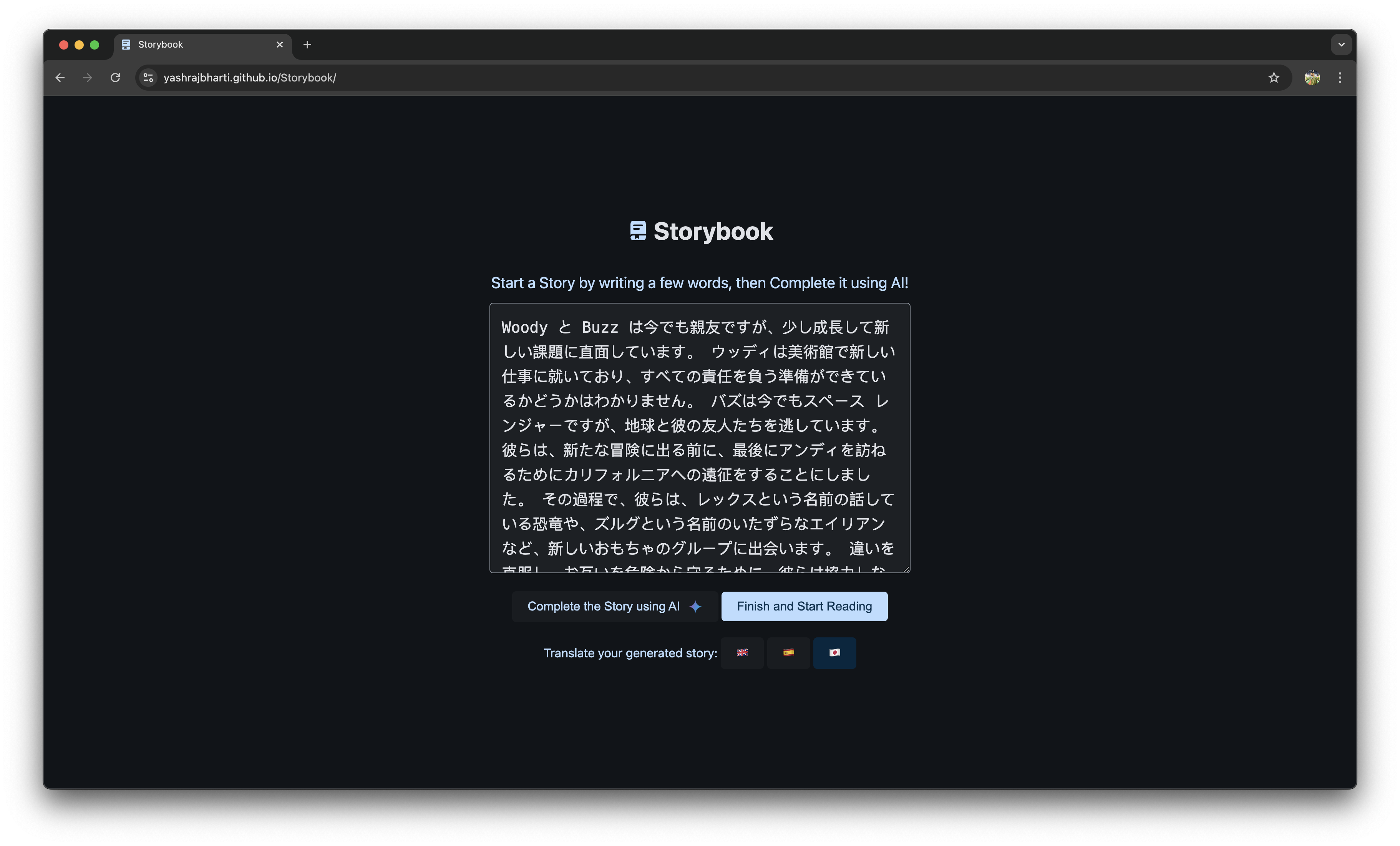
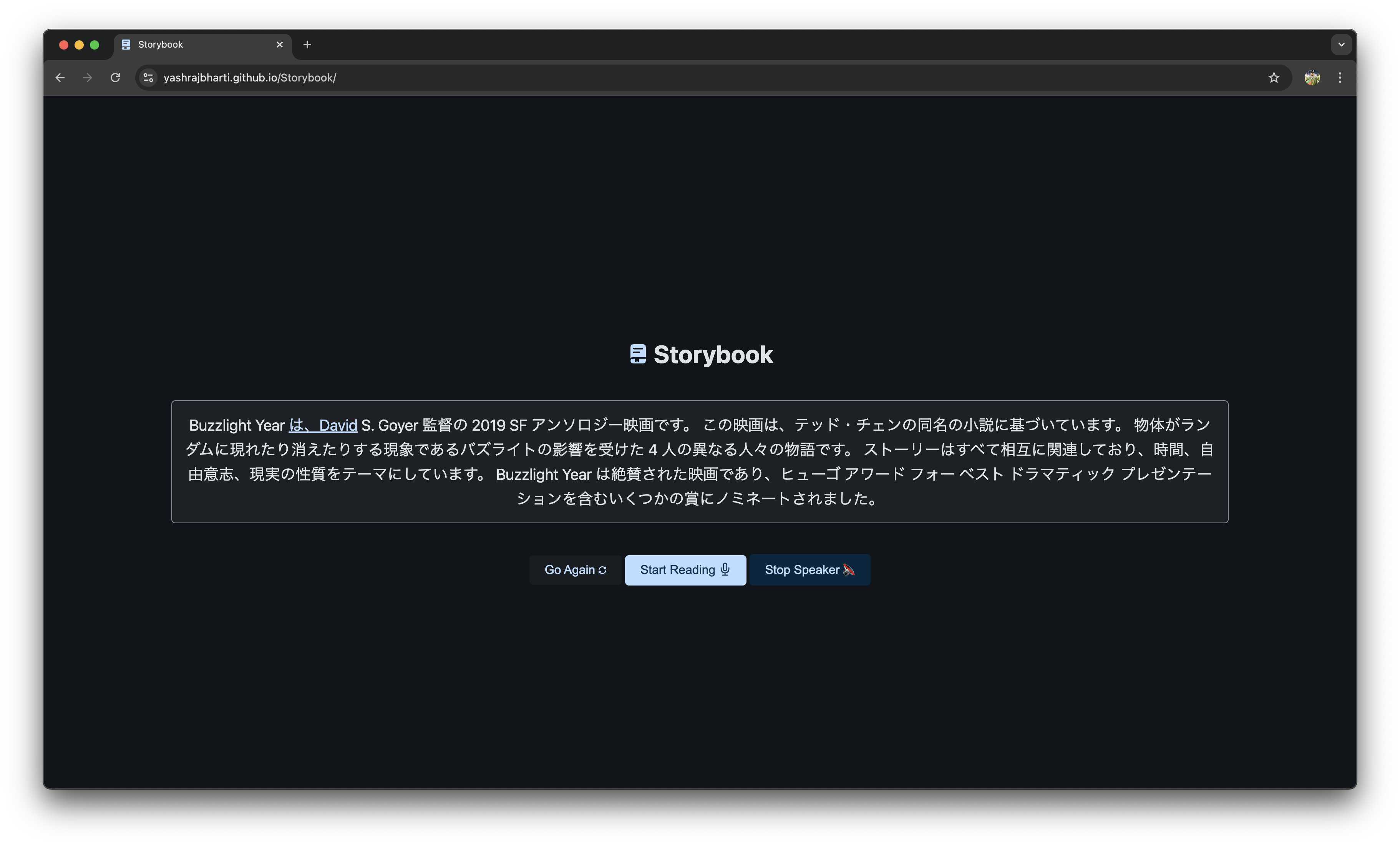
Generated Story in Japanese
-
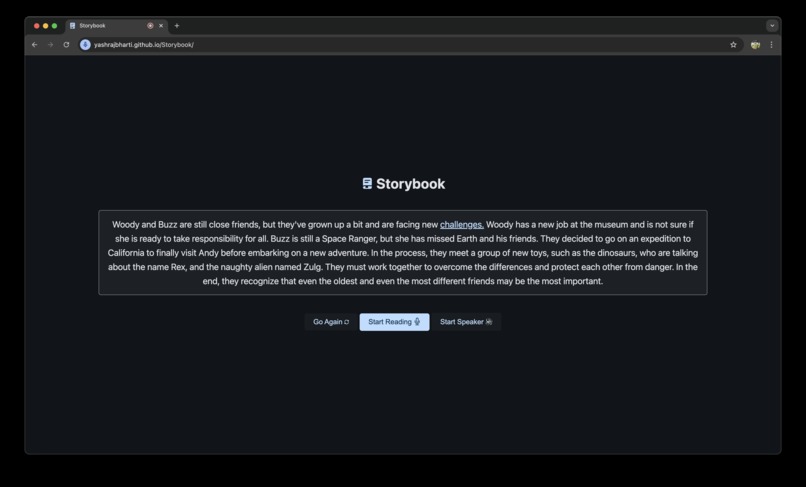
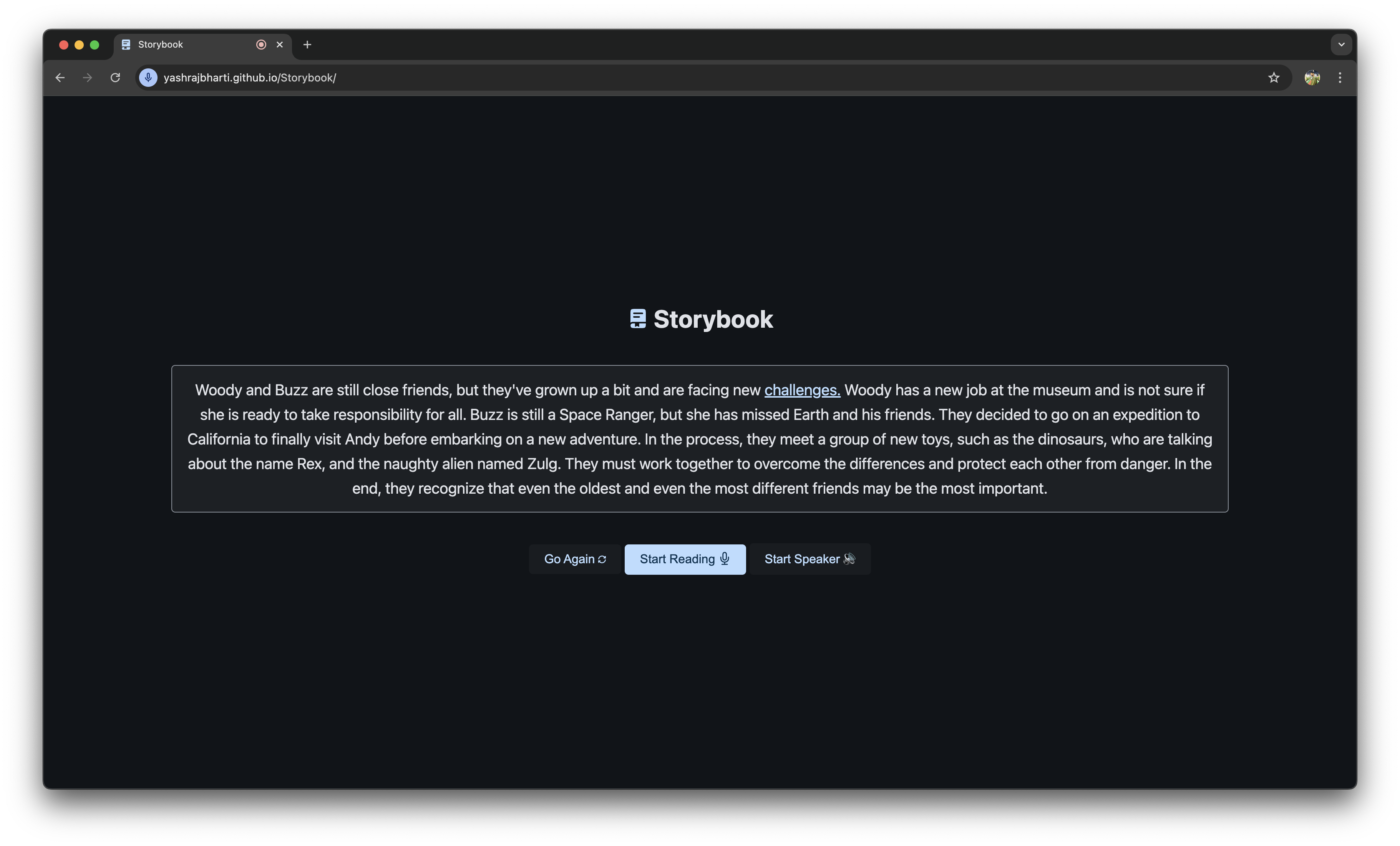
Reading English Paragraph with help of Speech Recognition
-
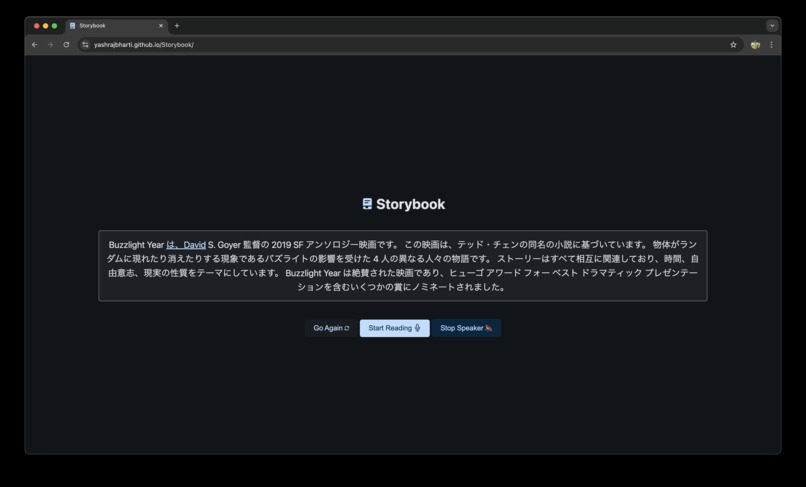
Listening to Japanese Words with help of Speech Synthesis
-
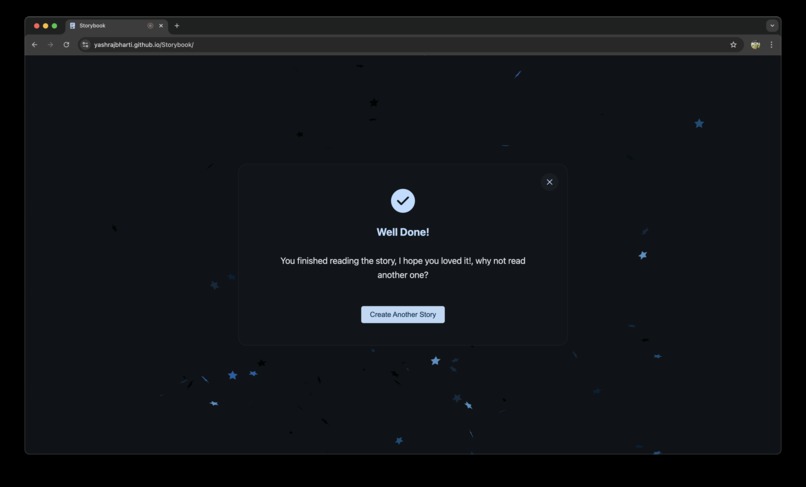
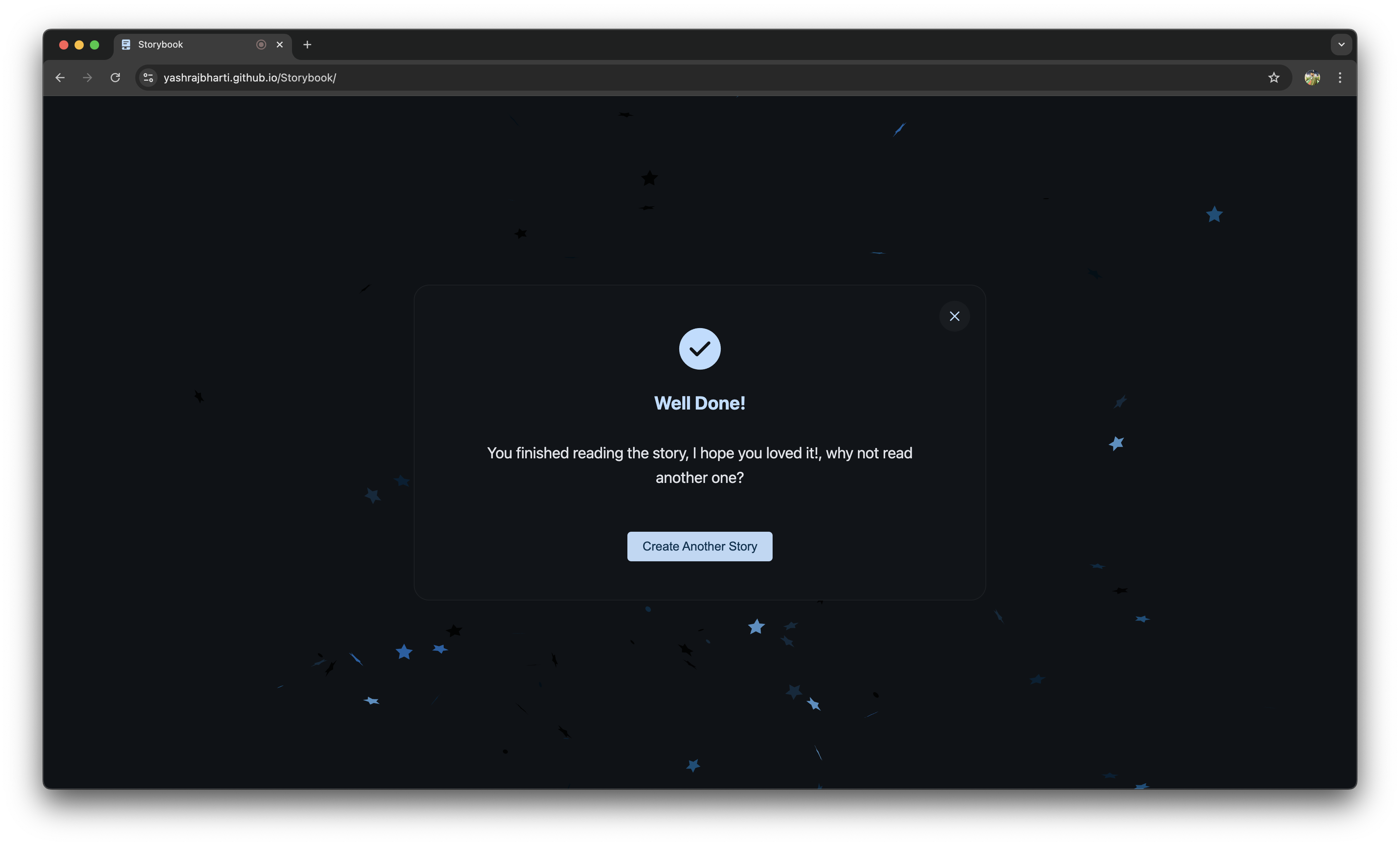
Gamification on Finishing one story to keep them wanting to make more
Inspiration
Storybook was inspired by my fascination with Google Chrome APIs and my ongoing interest in Project Fugu. Working with motivation from Thomas Steiner on real use cases like the Contacts Picker API and the Badging API fueled my desire to explore more possibilities with these cutting-edge tools. As someone whose native language isn’t English, I’ve always sought innovative ways to improve language learning and accessibility. This project is a natural progression of my passion for creating tools that bridge technology and learning.
What it does
Storybook combines AI-driven storytelling, multilingual translation, and text-to-speech synthesis to create an interactive and educational experience.
- Users can generate creative stories from simple prompts.
- Seamlessly translate stories between English, Spanish, and Japanese.
- Listen to stories with real-time word highlighting, perfect for language learners and accessibility.
- Offers fallback options, enabling users to manually input stories if AI APIs are unavailable.
How I built it
- AI Story Generation: Leveraged Google’s Write API (Gemini Nano) for dynamic story creation.
- Translation: Integrated Google Translate APIs for accurate, context-aware multilingual support.
- Speech Features: Used the Web Speech API for text-to-speech synthesis with synchronized word highlighting.
- Progressive Enhancement: Ensured compatibility for users with older browsers by supporting manual story input.
Challenges I ran into
- API Integration: Aligning multiple APIs to work cohesively across features like AI, translation, and speech synthesis.
- Real-Time Highlighting: Achieving smooth synchronization between audio playback and word-by-word highlighting.
- Language Nuances: Capturing the correct tone and context in translations between diverse languages.
- Cross-Browser Support: Ensuring optimal performance on browsers with varying levels of support for new APIs.
Accomplishments that I'm proud of
- Successfully integrating advanced AI, translation, and speech features into a single cohesive app.
- Developing a tool that is not only technically impressive but also practical for language learners, including myself.
- Building progressive enhancements that ensure inclusivity, even for users with limited browser capabilities.
- Creating a fun and educational platform that merges storytelling, learning, and accessibility in unique ways.
What I learned
- The importance of designing with accessibility and progressive enhancement in mind.
- Deeper insights into the capabilities and limitations of the Write API and Web Speech API.
- How to navigate challenges in synchronizing audio and visual elements for a smooth user experience.
- The value of creating tools that solve real-world problems, especially in education and accessibility.
What's next for Storybook: AI-Powered Storytelling and Language Companion
- Expanded Language Support: Adding more languages for translation and text-to-speech capabilities.
- Custom Voice Options: Allowing users to select different voice types, accents, and tones.
- Enhanced Accessibility: Incorporating additional features for users with diverse needs, such as adjustable speech rates and highlighting colors.
- Community Contributions: Encouraging users and developers to contribute ideas and improvements to the platform.
- Mobile Optimization: Creating a mobile-friendly version to broaden accessibility and usability.
Storybook is just the beginning of an exciting journey to make storytelling and language learning more accessible and engaging for everyone! I'd definitely do it again, built more into this project as I can see the potential in this tool for learning and one can keep revisiting it, as it will always have something new to offer.
Built With
- and-google-cloud-services-for-ai
- css
- html
- javascript
- modern-chrome-apis
- recognition
- speech
- synthesis
- translation
- web-components
- write


Log in or sign up for Devpost to join the conversation.