-
-
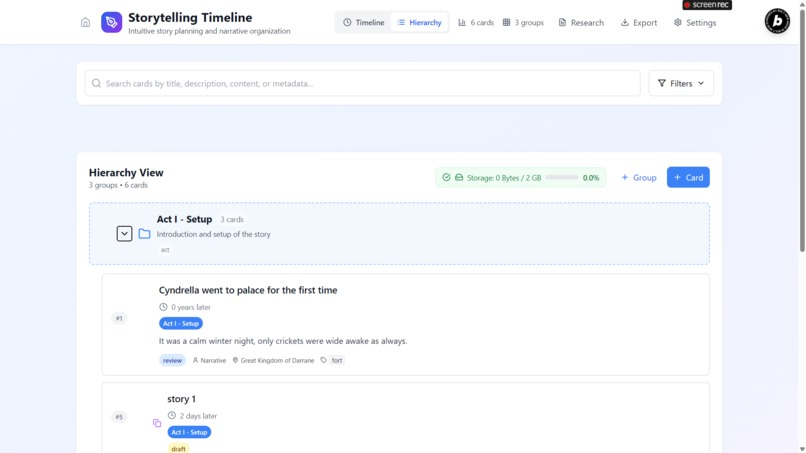
Group view of events
-
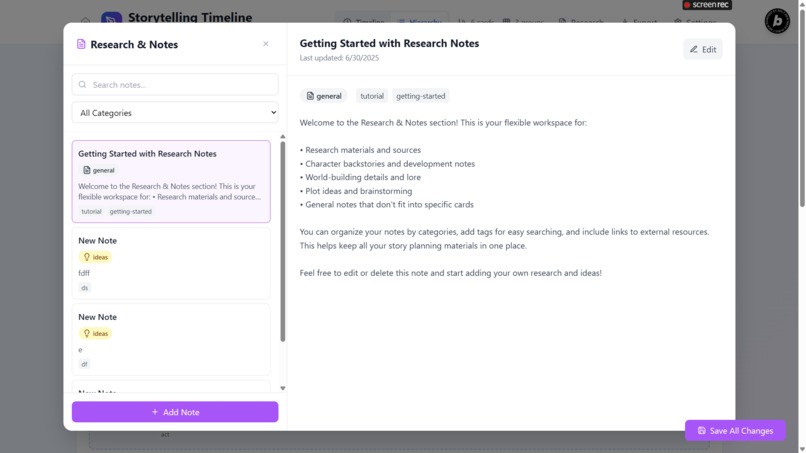
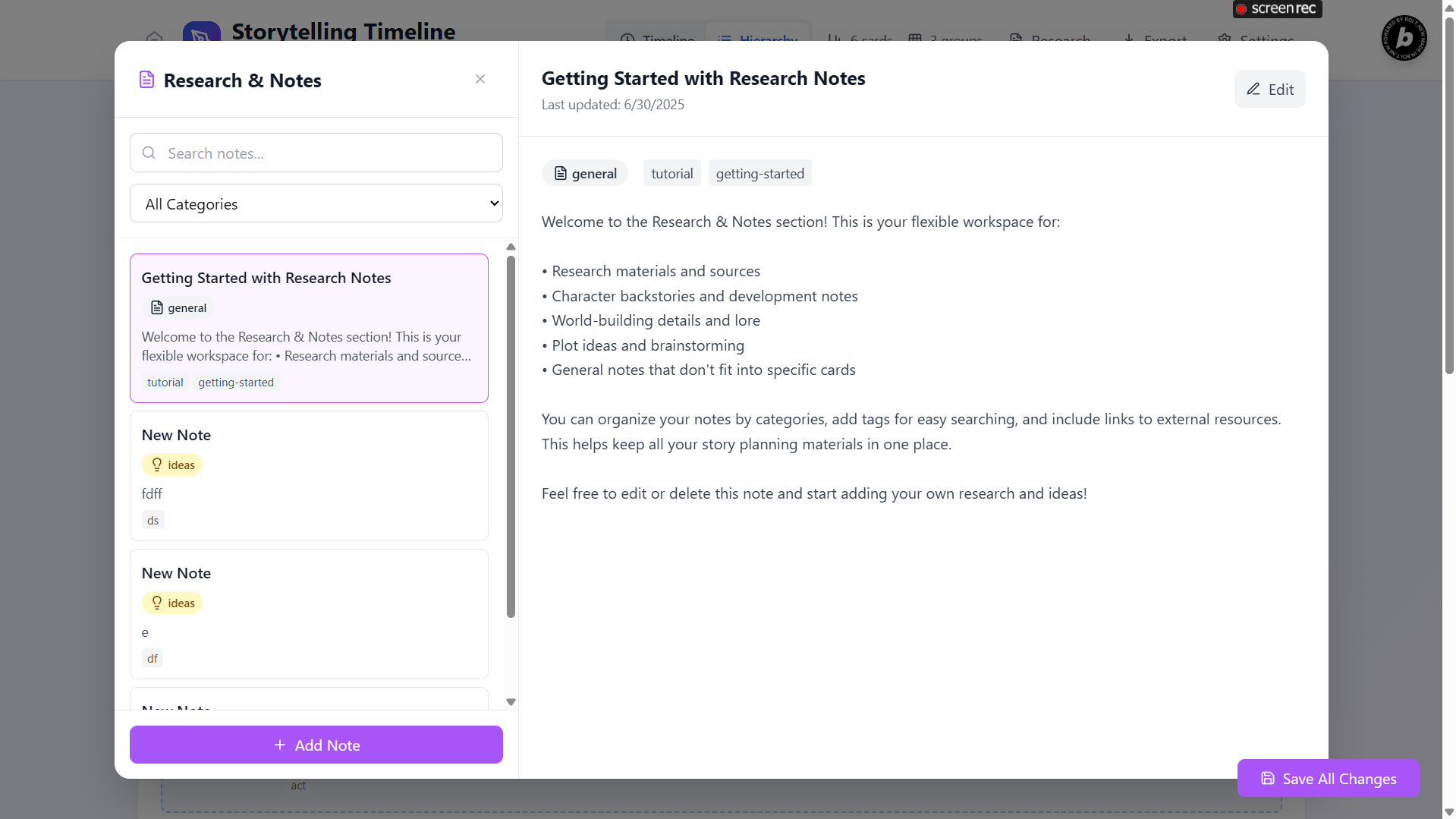
Research page for random, ungroupable ideas
-
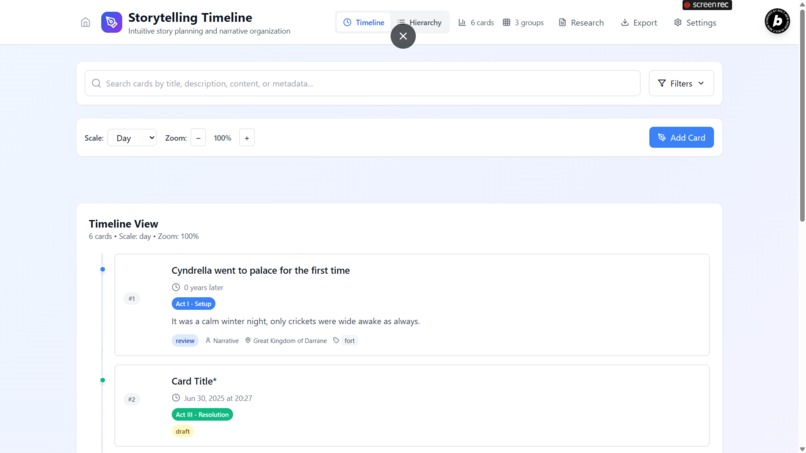
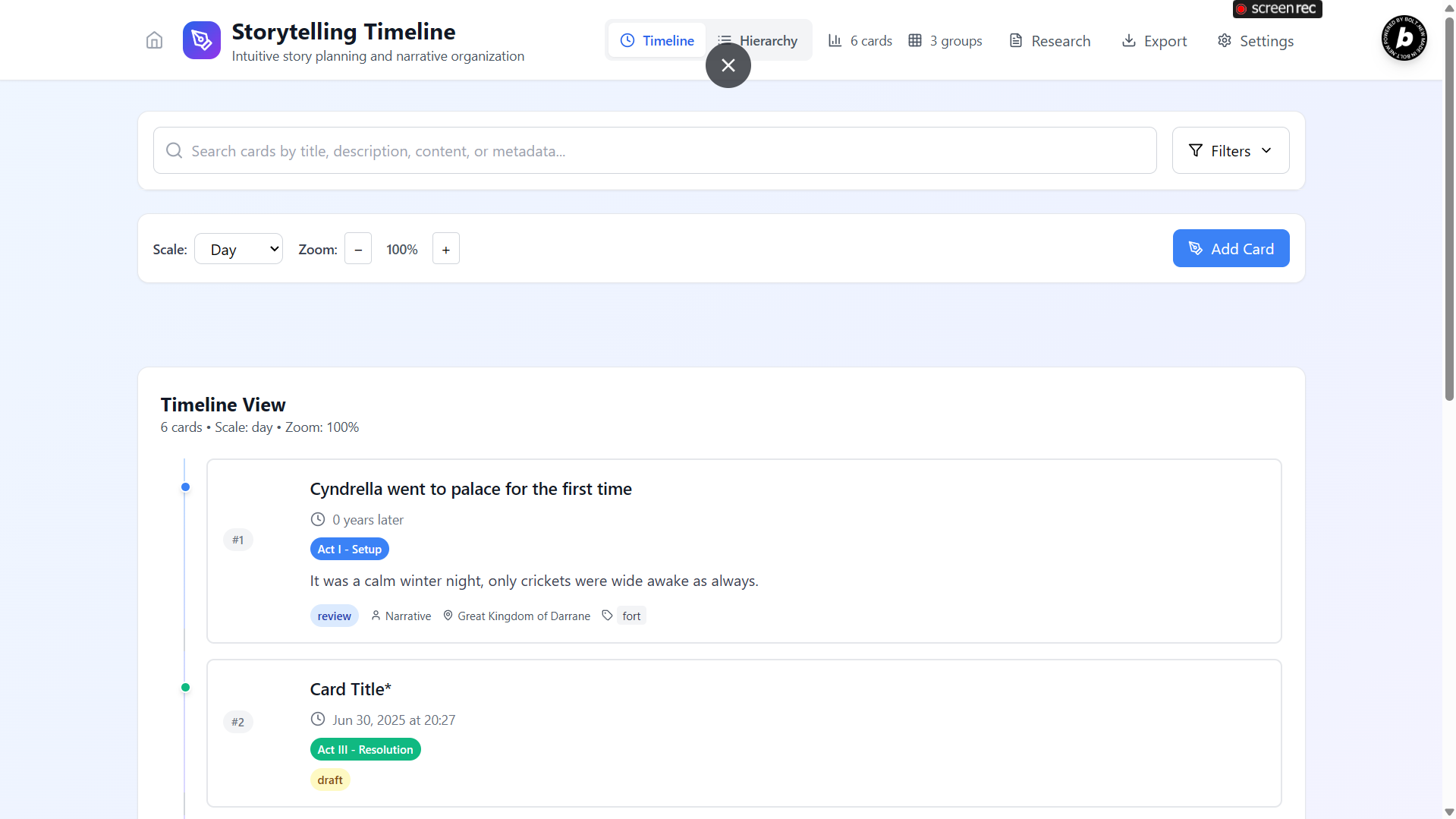
Actual Usecase rearranging card events
-
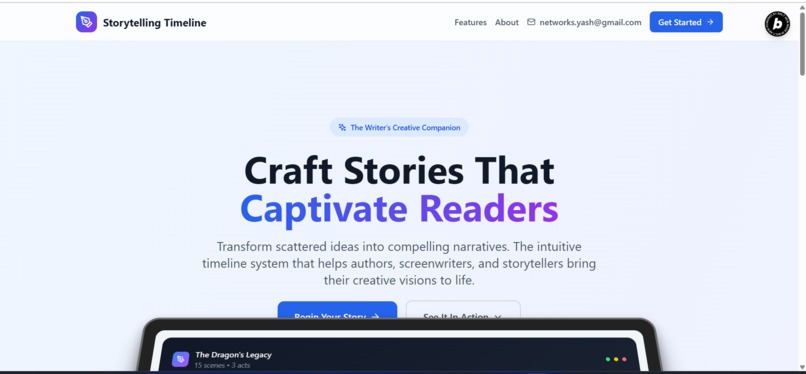
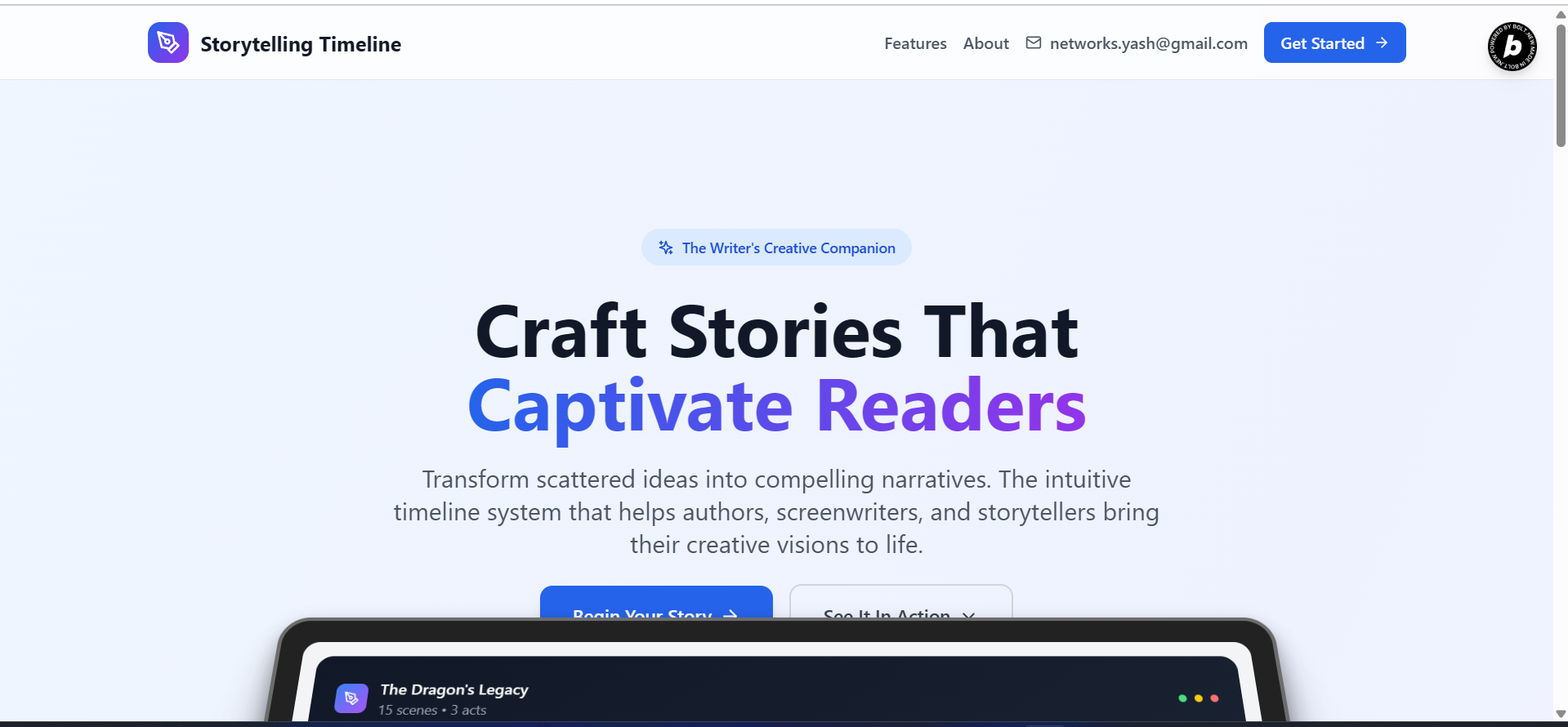
Landing Page smooth animated
-
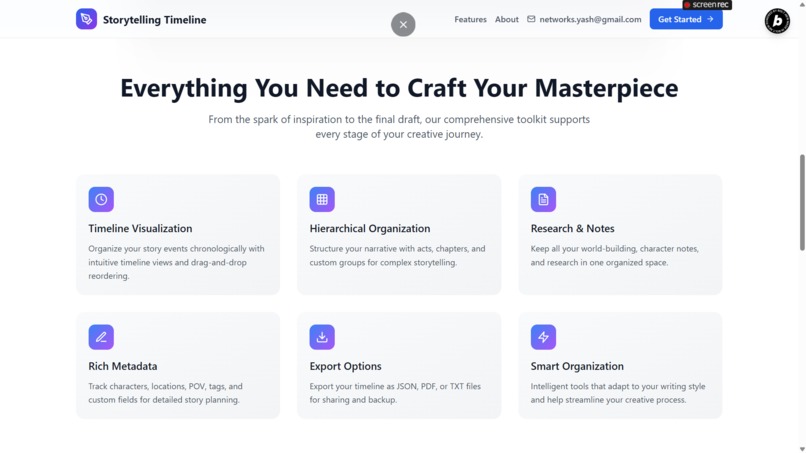
Brief Features

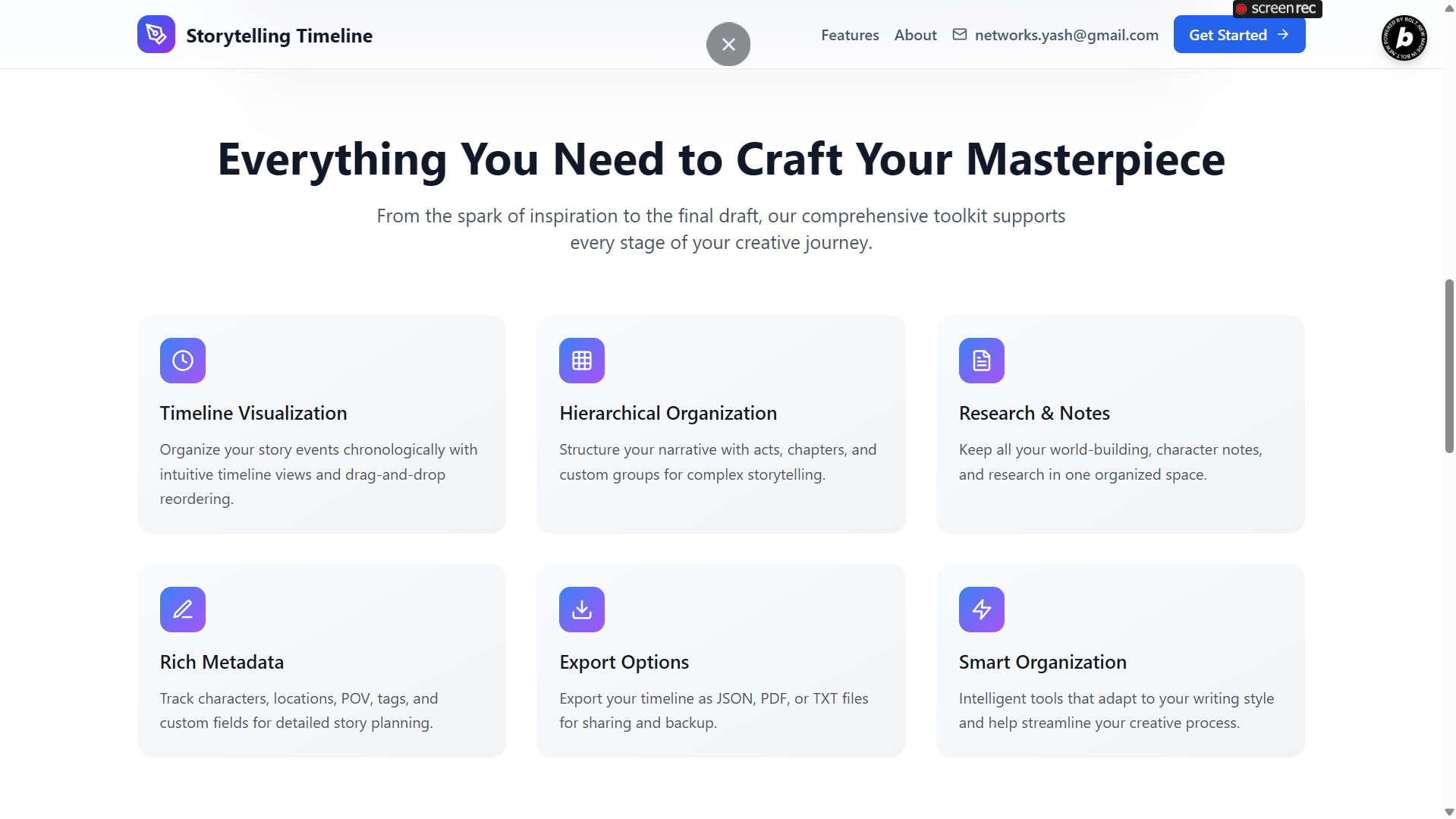
Dynamic Story Planning Timeline Application
About the Project
Inspiration
The core inspiration for this project stemmed from the challenges many writers and storytellers face when trying to organize complex narratives. Traditional linear outlines or simple note-taking applications often fall short when dealing with intricate plotlines, multiple character arcs, non-linear timelines (such as flashbacks or concurrent events), and extensive world-building. The goal was to create a dynamic, visual, and highly customizable tool that could adapt to various storytelling approaches, allowing creators to map out their entire narrative universe in a structured yet flexible manner. We aimed to provide a digital canvas where ideas could be freely arranged, refined, and visualized, moving beyond the limitations of static documents.
What I Learned
Building this application provided significant learning opportunities in several key areas:
- Advanced React State Management: I gained a deeper understanding of managing complex, interconnected data within a React application. This involved mastering the use of
useStateanduseCallbackhooks, and designing a centraluseTimelineSystemhook to encapsulate all application logic and data flow, ensuring efficiency and preventing unnecessary re-renders. - Implementing Intuitive Drag-and-Drop: I delved into the
@dnd-kitlibrary, learning how to implement robust and responsive drag-and-drop functionality for reordering both individual cards and entire groups. This was crucial for providing a fluid and natural user experience for timeline and hierarchy manipulation. - Data Persistence and Integrity: I explored effective strategies for data storage using the browser's
localStorage, including custom serialization and deserialization. A significant learning curve involved developing a comprehensive data validation system to ensure the integrity of data during import, export, and automatic saving, preventing potential corruption. - Third-Party Library Integration: I successfully integrated and utilized various third-party libraries for specialized functionalities, such as
jspdfandhtml2canvasfor advanced PDF export, andframer-motionfor creating engaging and fluid UI animations, particularly evident on the landing page. - Modular Component Design: The project reinforced the importance of a modular component architecture. Breaking down complex features into smaller, reusable components significantly improved code organization, maintainability, and scalability, making it easier to add new features and debug existing ones.
- Flexible Time Management: A particular challenge and learning experience was designing a system capable of handling diverse forms of time information—absolute dates, relative durations, and custom story-specific time units—which is essential for accommodating various narrative structures.
How I Built My Project
The application was developed as a modern React project, leveraging Vite for a fast development server and build process, and TypeScript for enhanced type safety and code quality. The user interface was styled using Tailwind CSS, a utility-first CSS framework that enabled rapid and consistent styling across all components.
The core of the application's logic is centralized within the useTimelineSystem custom hook. This hook manages all the application's data, including TimelineCards (representing events or scenes), CardGroups (for acts, chapters, or custom groupings), ResearchNotes, MetadataTemplates, and SearchQueryes. Data persistence is handled through a custom useLocalStorage hook, ensuring that user data is saved in the browser's local storage, complemented by an useAutoSave hook for automatic data saving.
Key UI components include:
-
App.tsx: The main application shell, responsible for overall layout, navigation, and switching between different view modes. -
TimelineView.tsxandHierarchyView.tsx: These are the primary visualization components, displaying cards and groups in either a chronological timeline or a hierarchical structure, both supporting drag-and-drop reordering. -
CardModal.tsxandGroupModal.tsx: Forms for adding, editing, and managing the details of individual cards and groups. -
SearchAndFilter.tsx: Provides powerful search and filtering capabilities, allowing users to quickly find specific cards based on various metadata. -
ResearchNotesModal.tsx: A dedicated section for organizing and managing research notes, world-building details, and character backstories. -
ExportModal.tsxandDataBackup.tsx: Components that facilitate data export in JSON, TXT, and PDF formats, as well as data import and backup functionalities. -
LandingPage.tsx: An engaging introductory page designed withframer-motionand custom UI components to showcase the application's features.
The application utilizes lucide-react for its iconography, providing a clean and consistent visual language throughout the interface, including the main logo which features the icon.
Challenges I Faced
Throughout the development process, several challenges emerged:
- Managing Complex Data Relationships: Ensuring data consistency and integrity across interconnected entities, such as correctly assigning cards to groups, and updating parent-child relationships during reordering or group modifications, required careful state management and logic.
- Optimizing Drag-and-Drop Performance: Implementing a flexible drag-and-drop system that supports reordering within groups, between groups, and in the main timeline, while maintaining smooth performance, especially with a growing number of items, was a significant technical hurdle.
- Robust Data Validation: Developing a comprehensive data validation system for imported data was crucial to prevent application crashes or data corruption from malformed backup files.
- Flexible Time System Design: Creating a time-tracking system that could accommodate absolute dates, relative durations, and custom story-specific time units (e.g., "Third Age, Year 3019") required a flexible data model and careful implementation.
- User Experience vs. Feature Richness: Balancing a rich set of features with an intuitive and uncluttered user interface was a continuous design challenge. The goal was to make powerful tools accessible and easy to use without overwhelming the storyteller.
- PDF Export Fidelity: Achieving accurate and well-formatted PDF exports using client-side libraries like
jspdfandhtml2canvaspresented challenges in terms of preserving styling, layout, and handling dynamic content.
Built With
- Languages: TypeScript, JavaScript
- Frontend Framework/Library: React
- Build Tool: Vite
- Styling: Tailwind CSS
- UI Animations: Framer Motion
- Drag-and-Drop:
@dnd-kit(core, sortable, utilities) - Date Manipulation:
date-fns - PDF Generation:
jspdf,html2canvas - Icons: Lucide React (used for all icons, including the main logo )
- Data Storage: Browser Local Storage
Try it out
Built With
- css
- dnd-kit
- framer-motion
- html2cancas
- javascript
- jspdf
- local-storage
- lucid
- react
- tailwind
- typescript
- vite


Log in or sign up for Devpost to join the conversation.