-
-
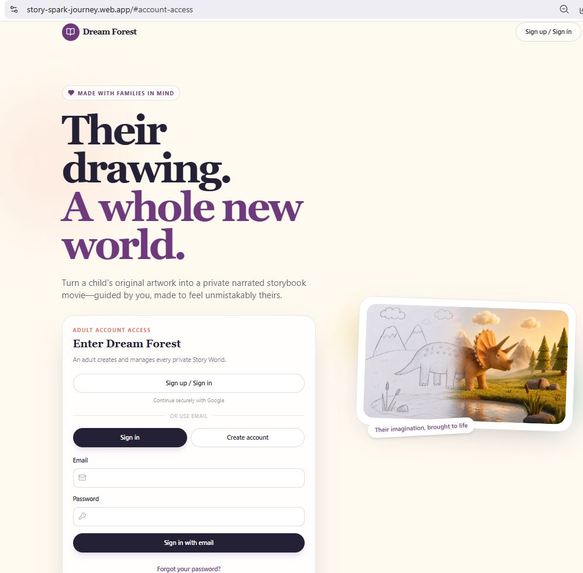
Homepage
-
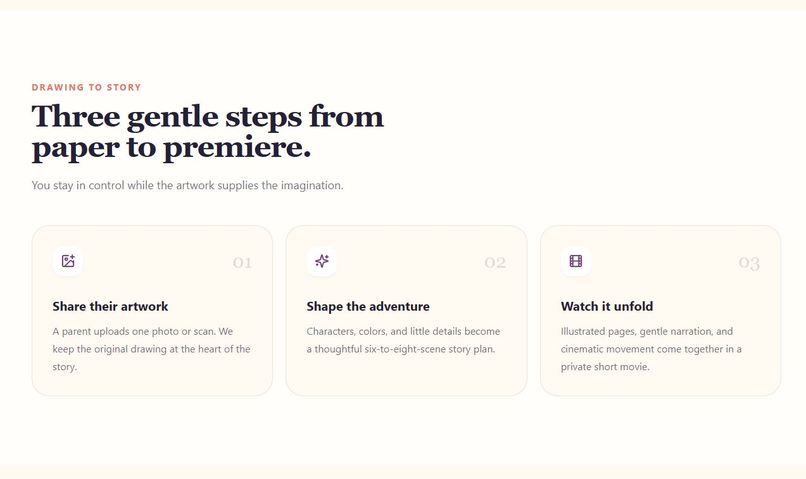
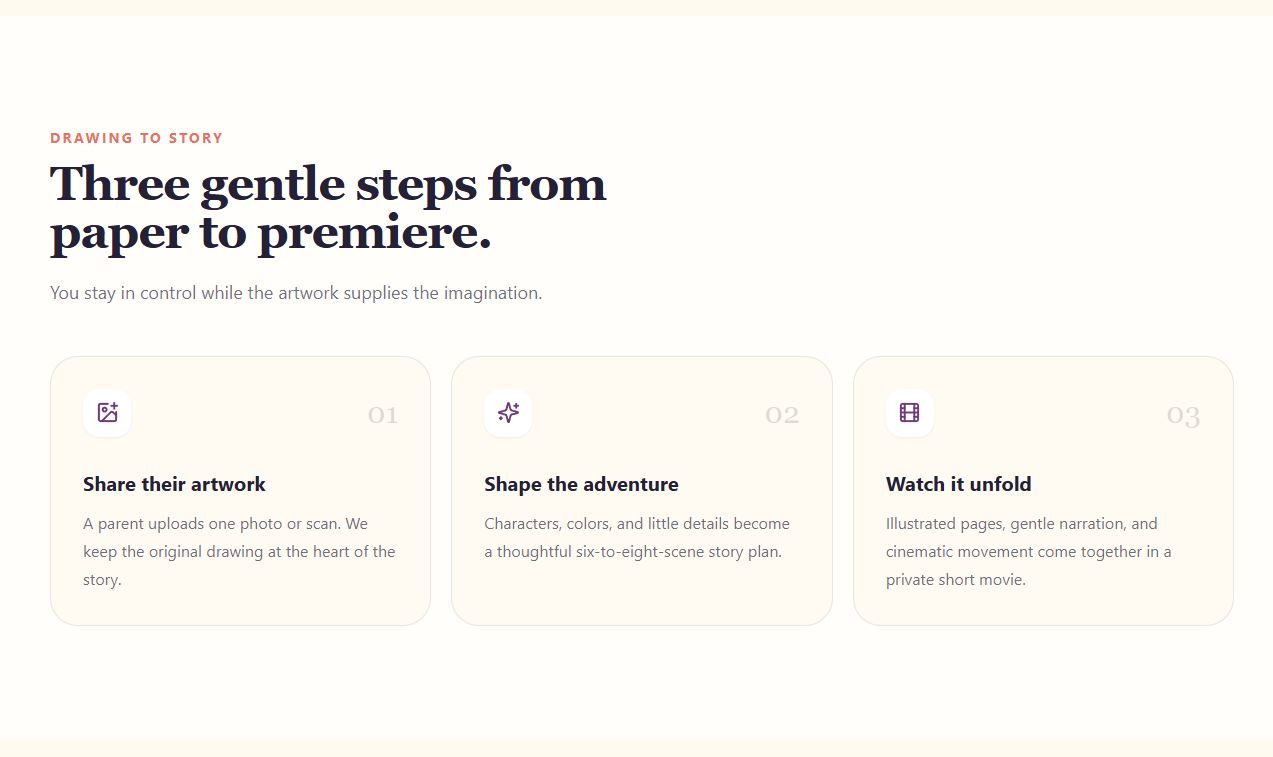
From paper to premiere
-
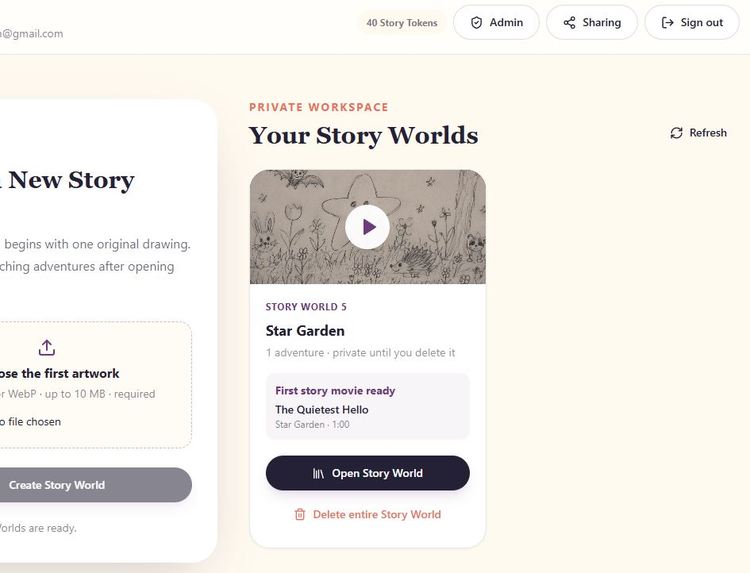
Play story world videos
-
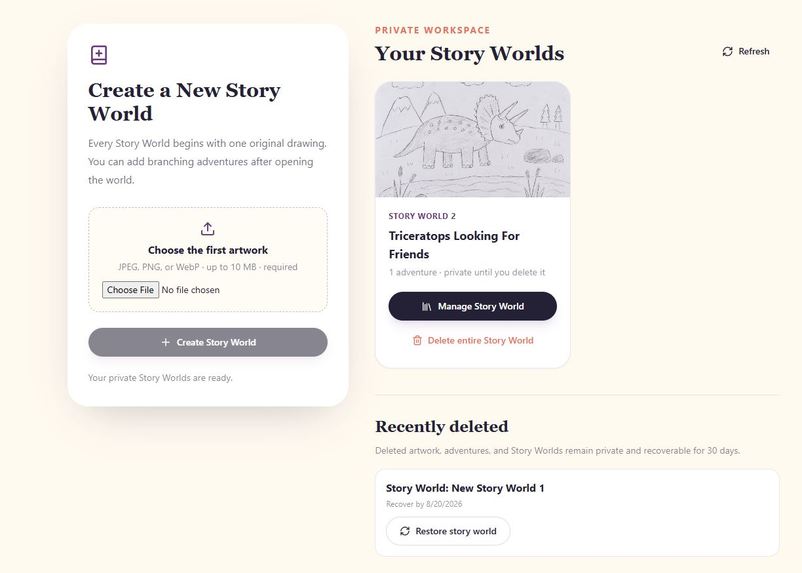
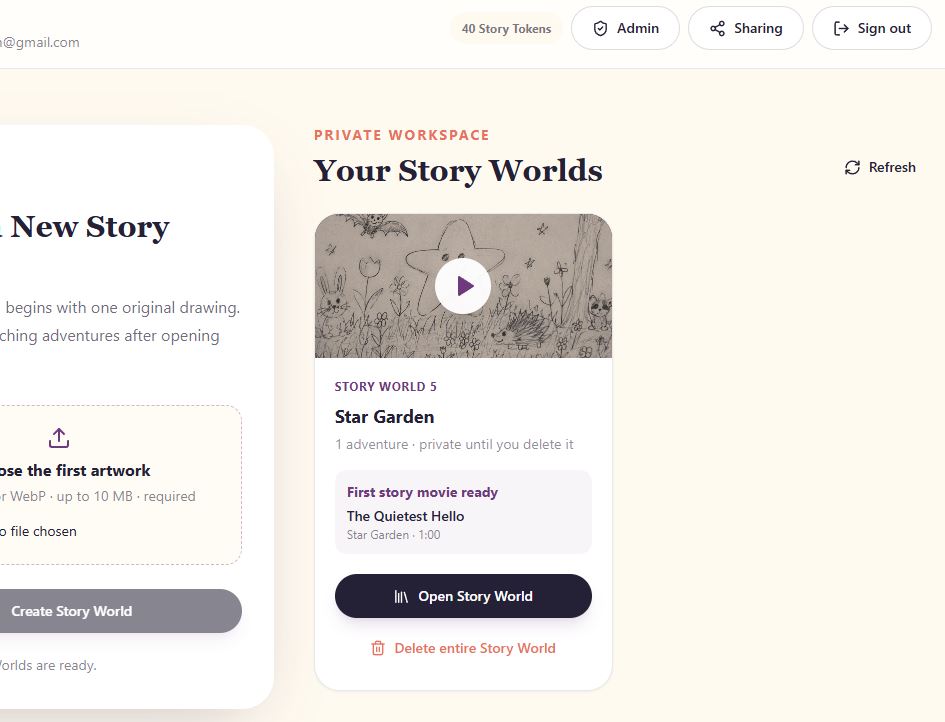
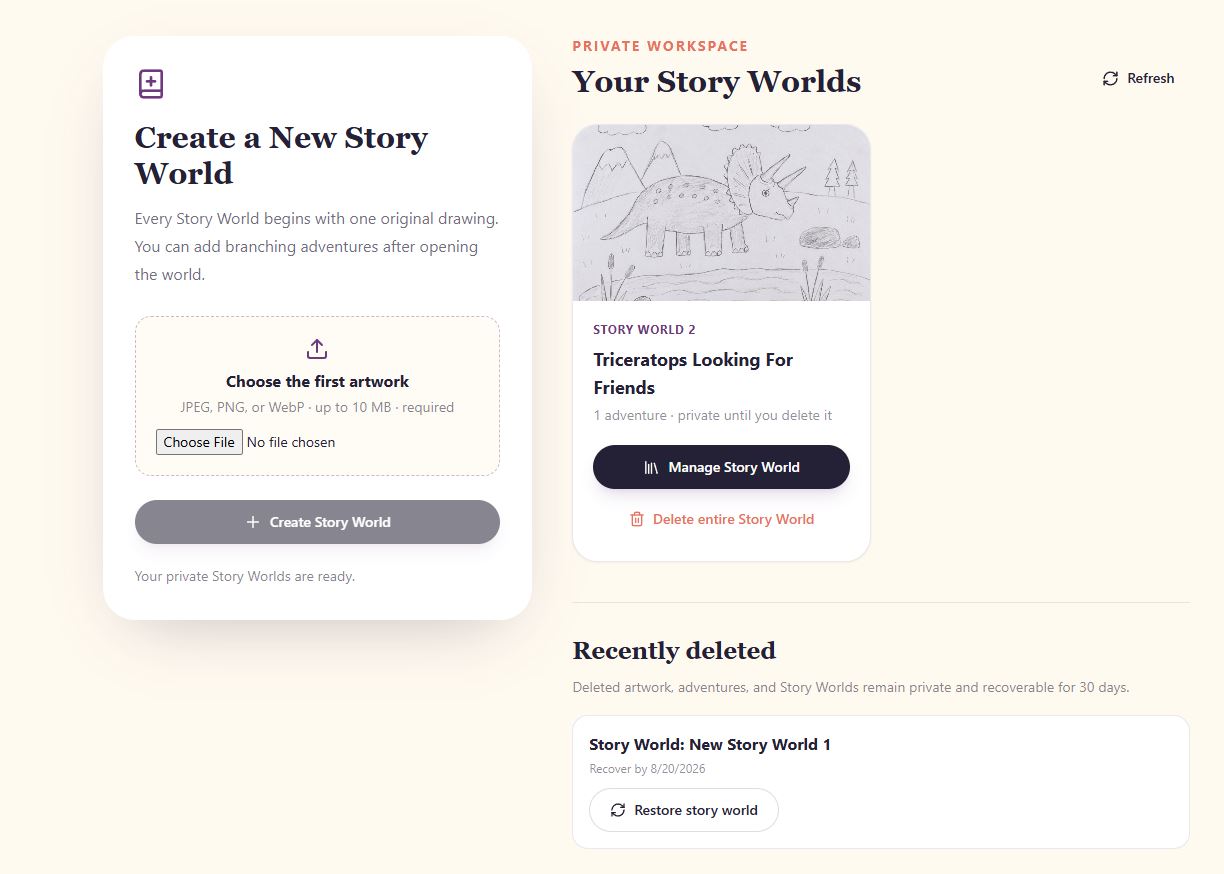
Story World Dashboard
-
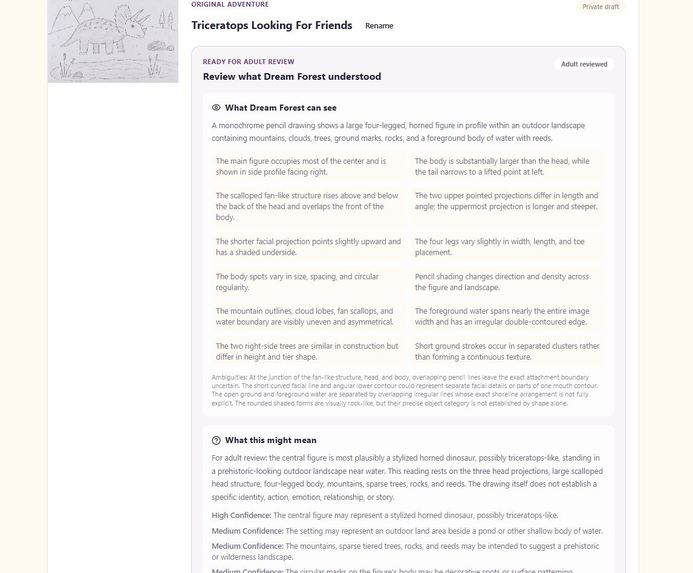
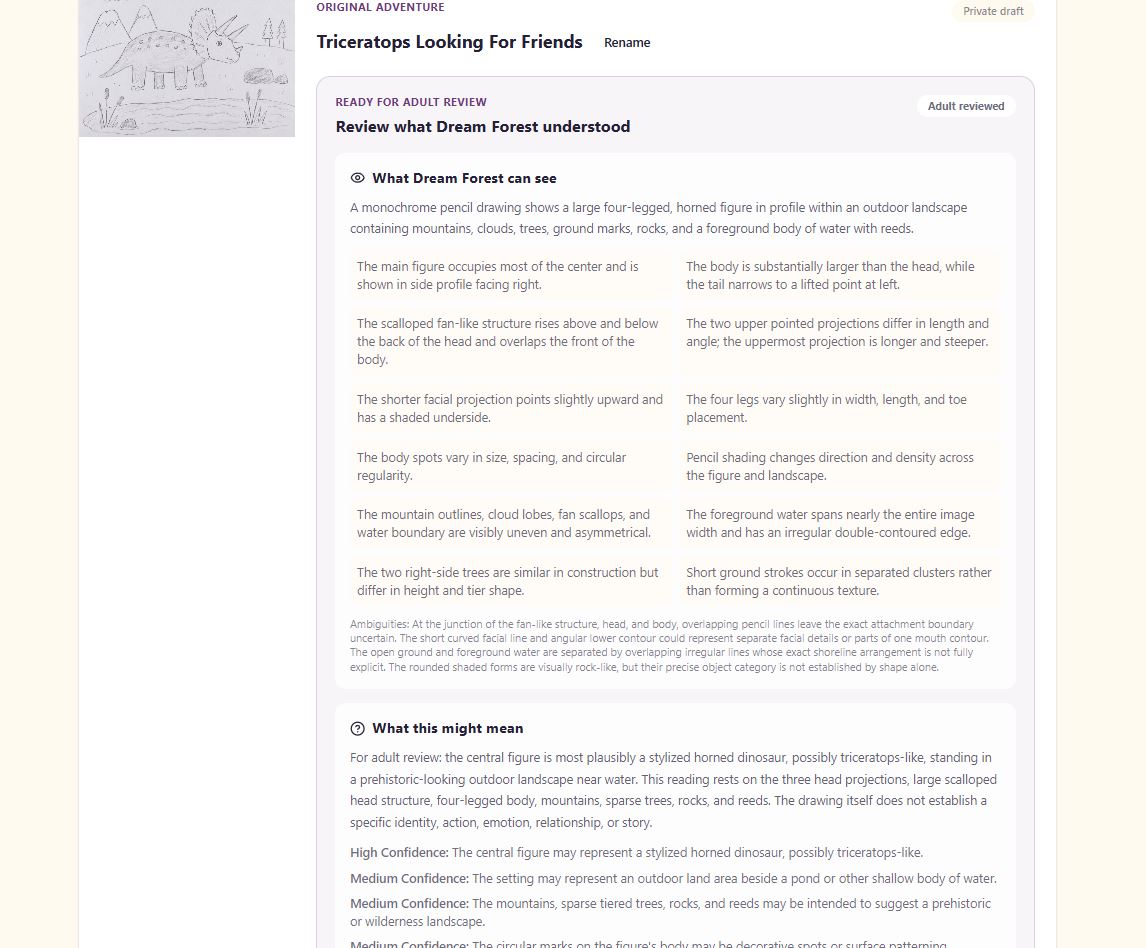
AI interpreting uploaded sketch
-
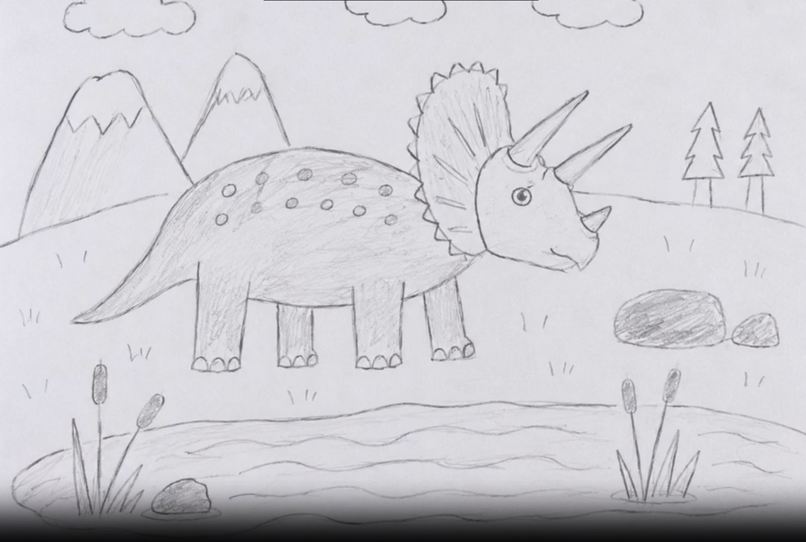
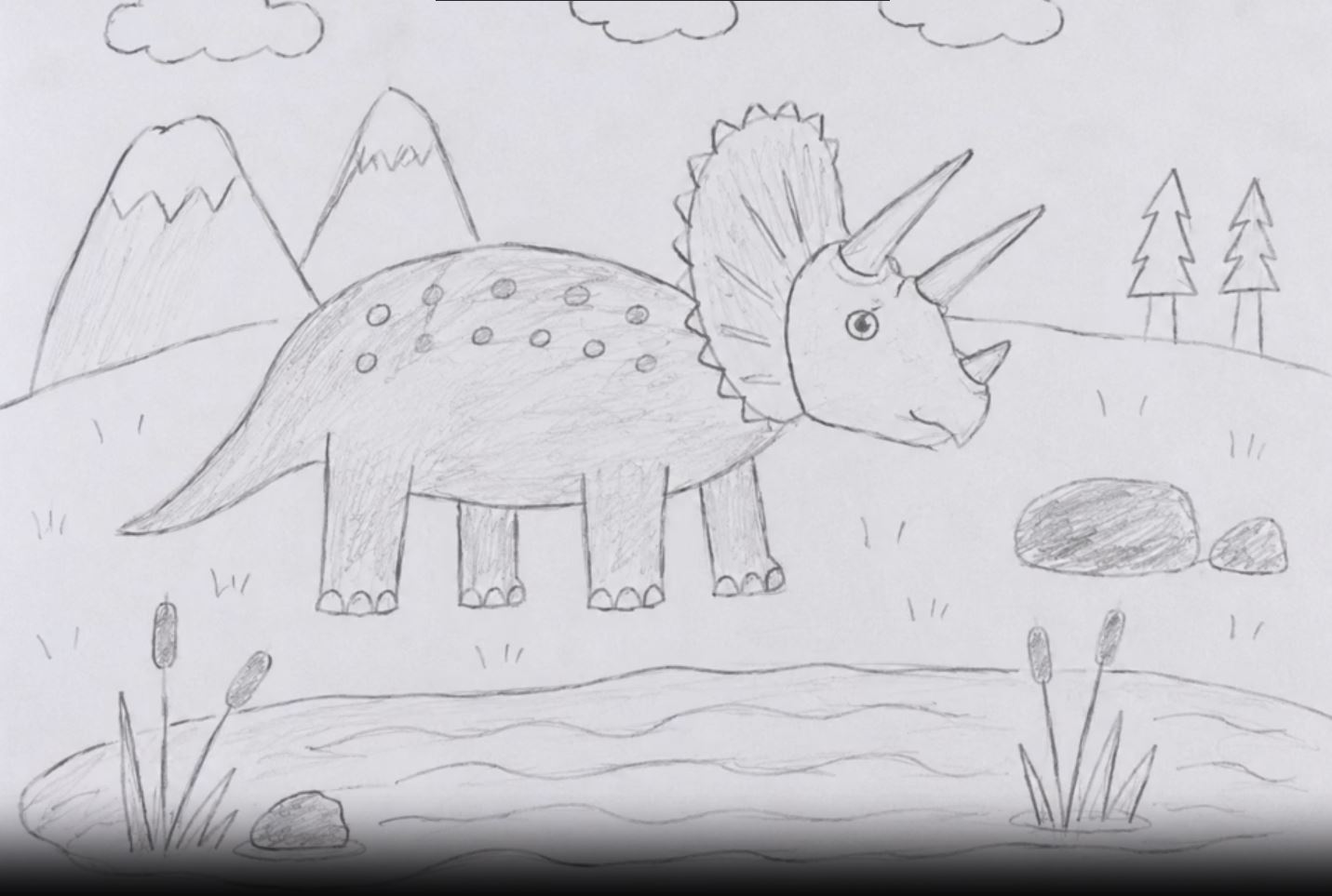
Triceratops drawing
-
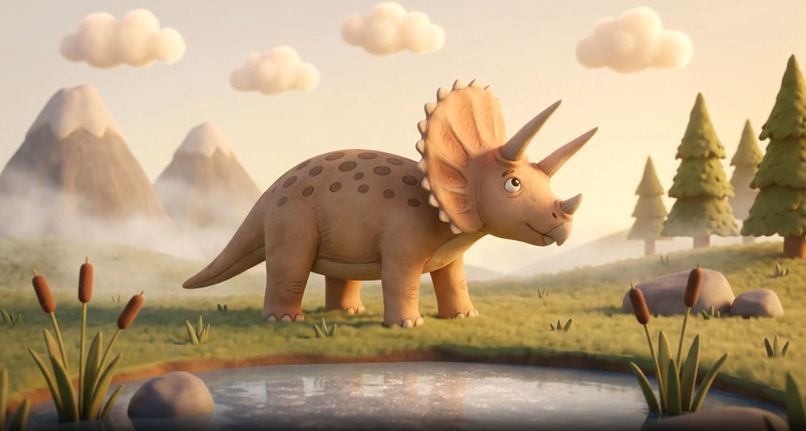
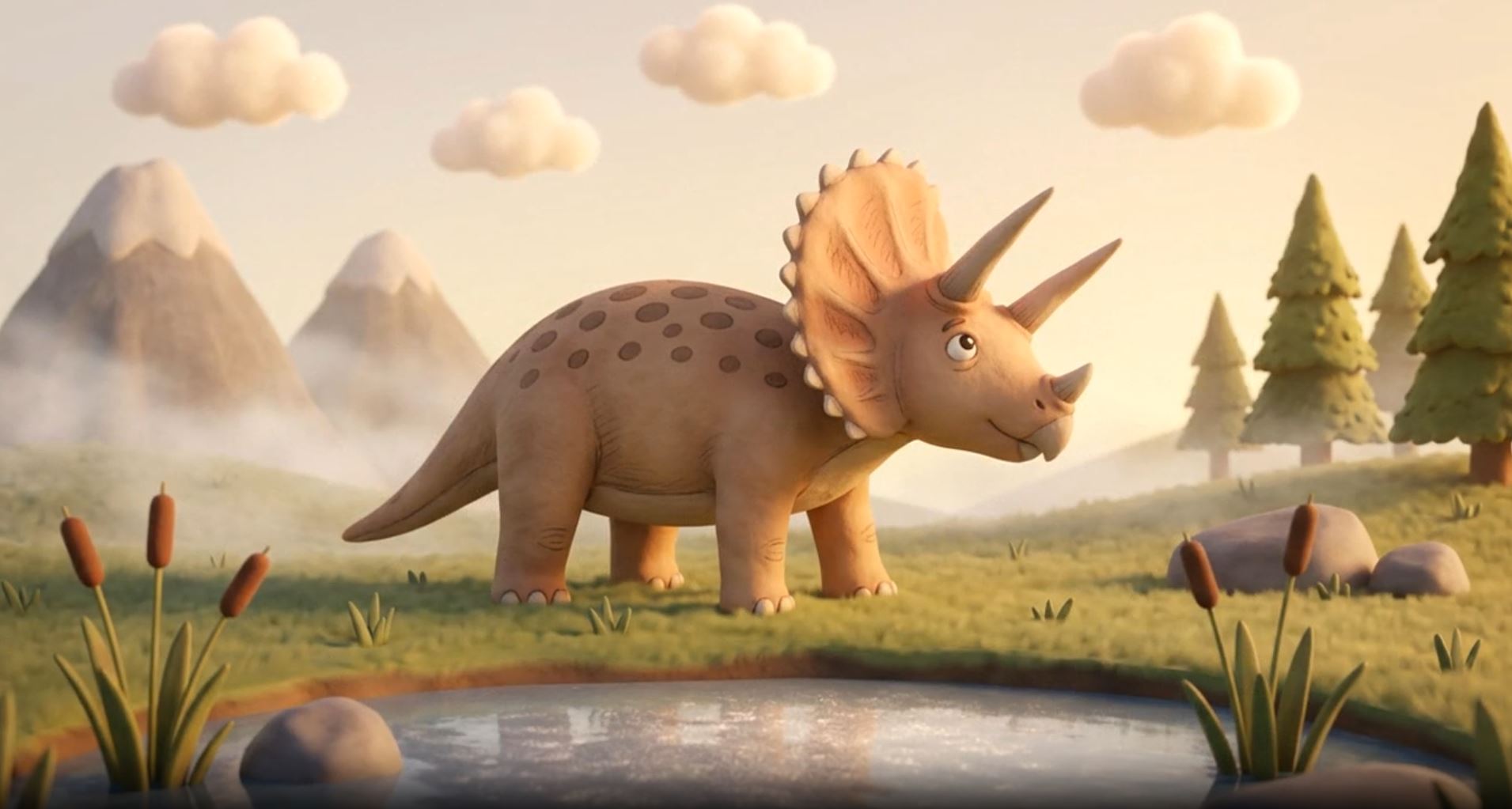
Triceratops AI story generation 1
-
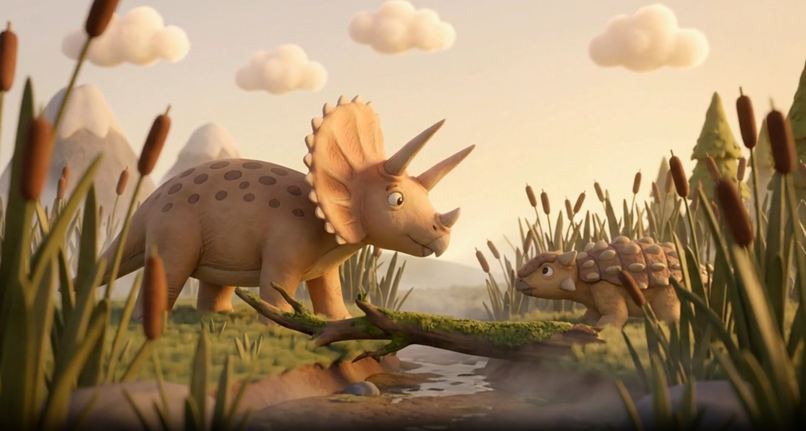
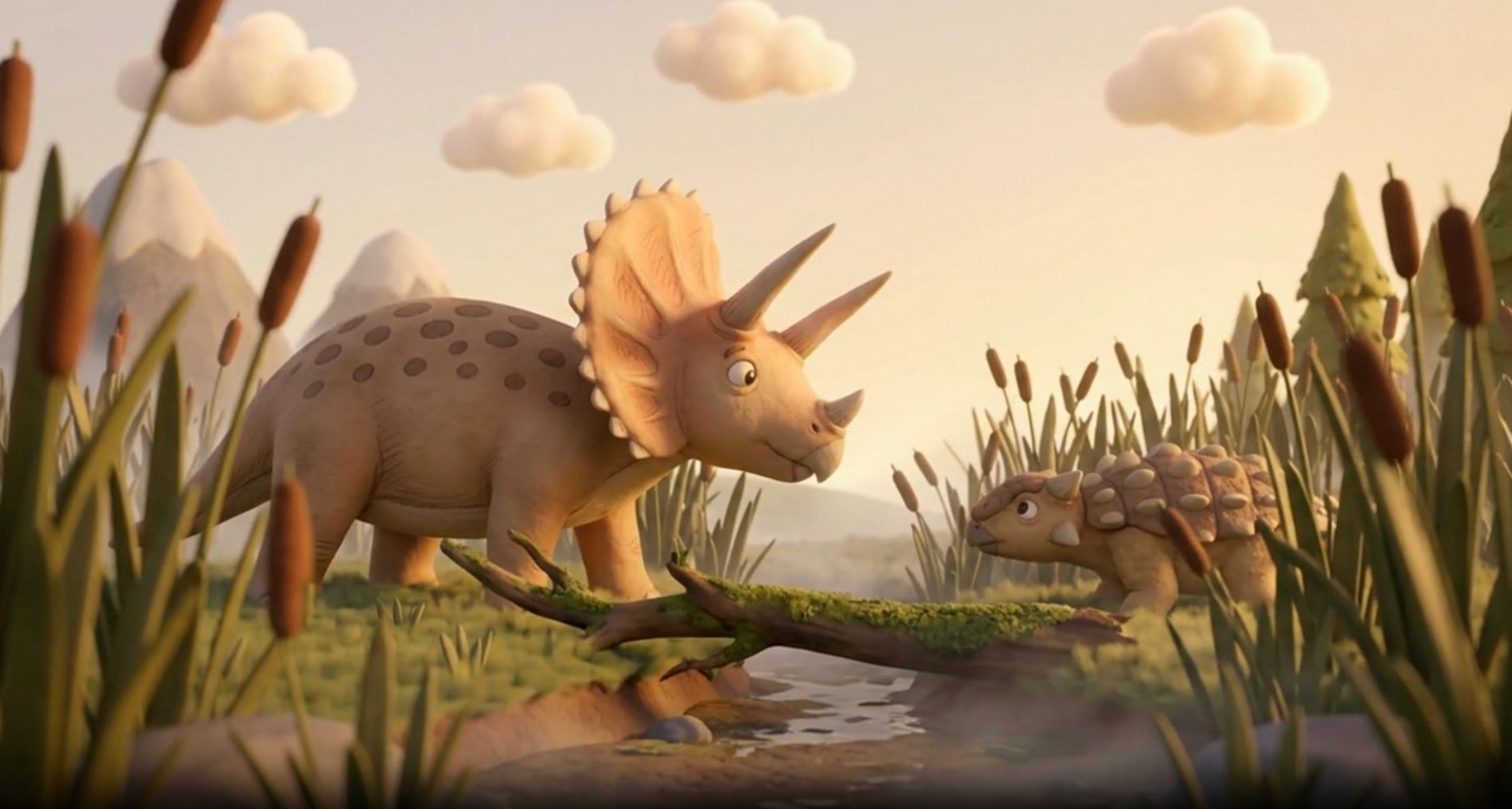
Triceratops AI story generation 2
-
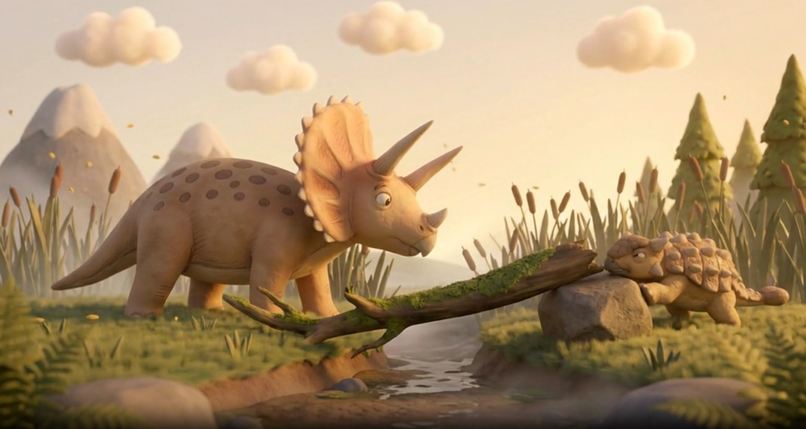
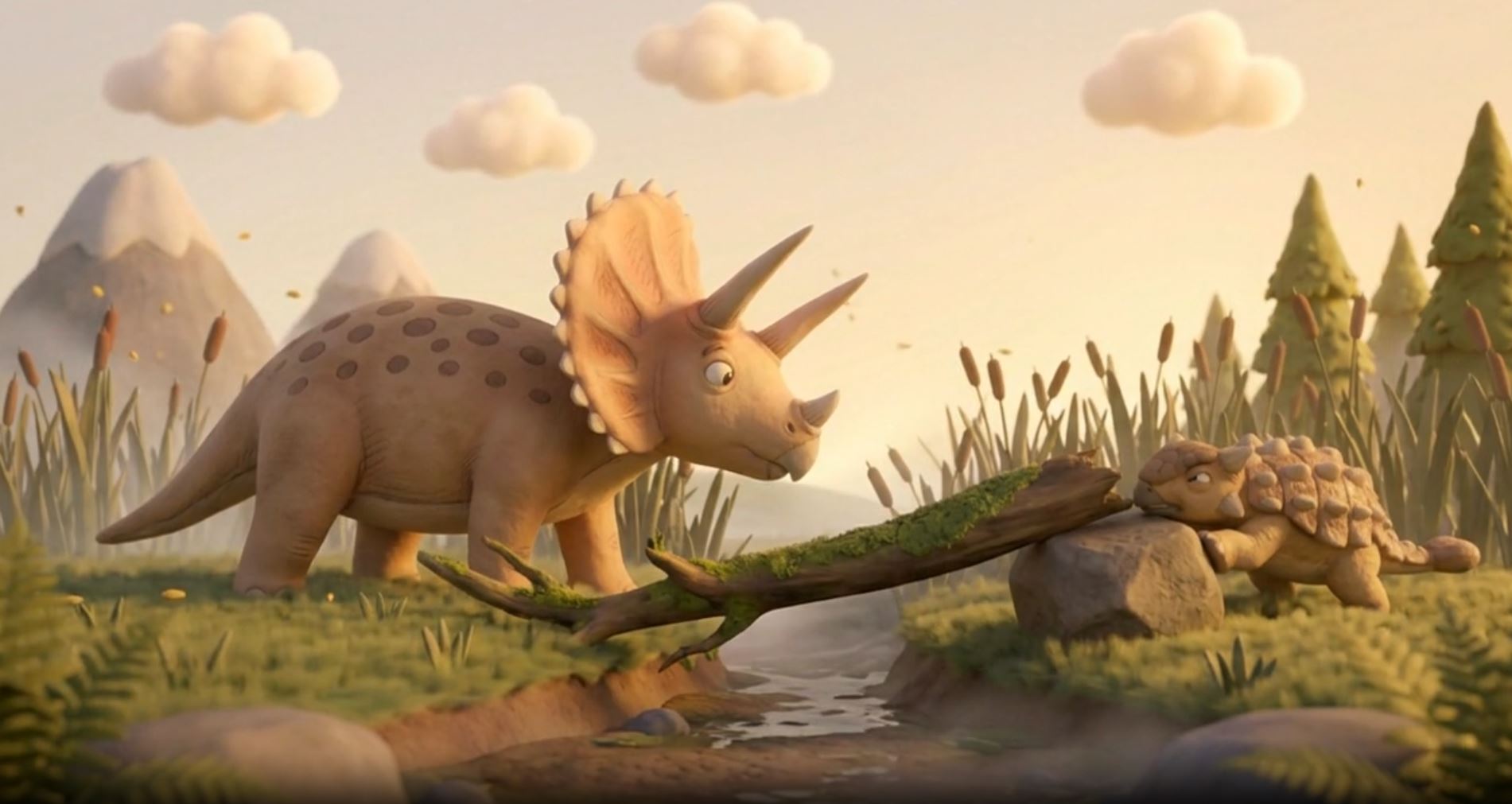
Triceratops AI story generation 3
-
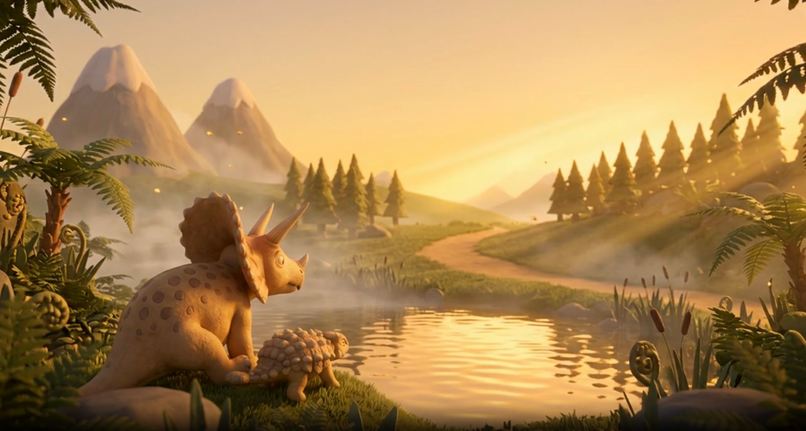
Triceratops AI story generation 5
-
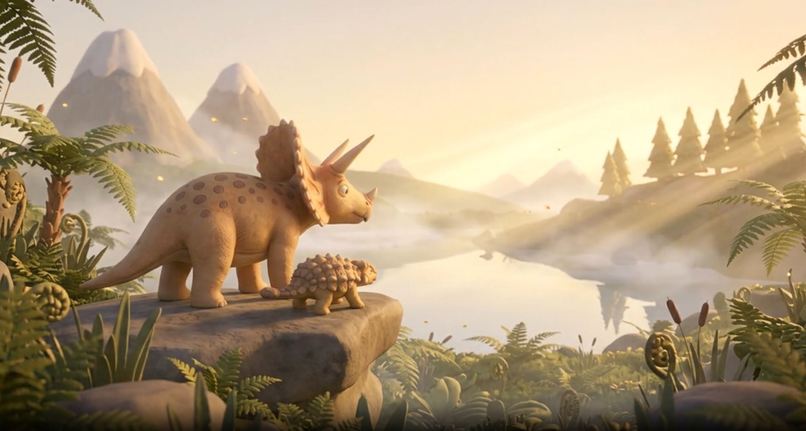
Triceratops AI story generation 4
Inspiration
About 35 years ago when I was 7, my older brother learned of the first store near us selling personal computers, specifically the new Amiga model. I wanted to share his enthusiasm, but didn't understand why he wanted one so badly. He noticed I was drawing at the time and said, "These computers can make moving drawings." I interpreted that to mean a computer could ingest a drawing and turn it into a living animation of the drawing's characters and environment.
I was so excited that I spent the whole afternoon drawing up six dinosaur pictures, and to my brother's delight begged our dad to consider getting a computer. We went to the computer store the next day, and after patiently listening about the blazing fast 25MHz cpu and 2MB of RAM, the store rep asked if I had any questions. I proudly presented the stack of drawings and said, "my brother told me it can make these pictures move." He laughed and told us that's not how it works. Then, he proceeded to show us a cool Star Wars animation that lasted about 5-10 seconds, and explained that it took two digital artists about 6 months to create the animation.
That day I learned computers couldn't make the future I'd imagined quite yet, and it became a funny memory.
What it does
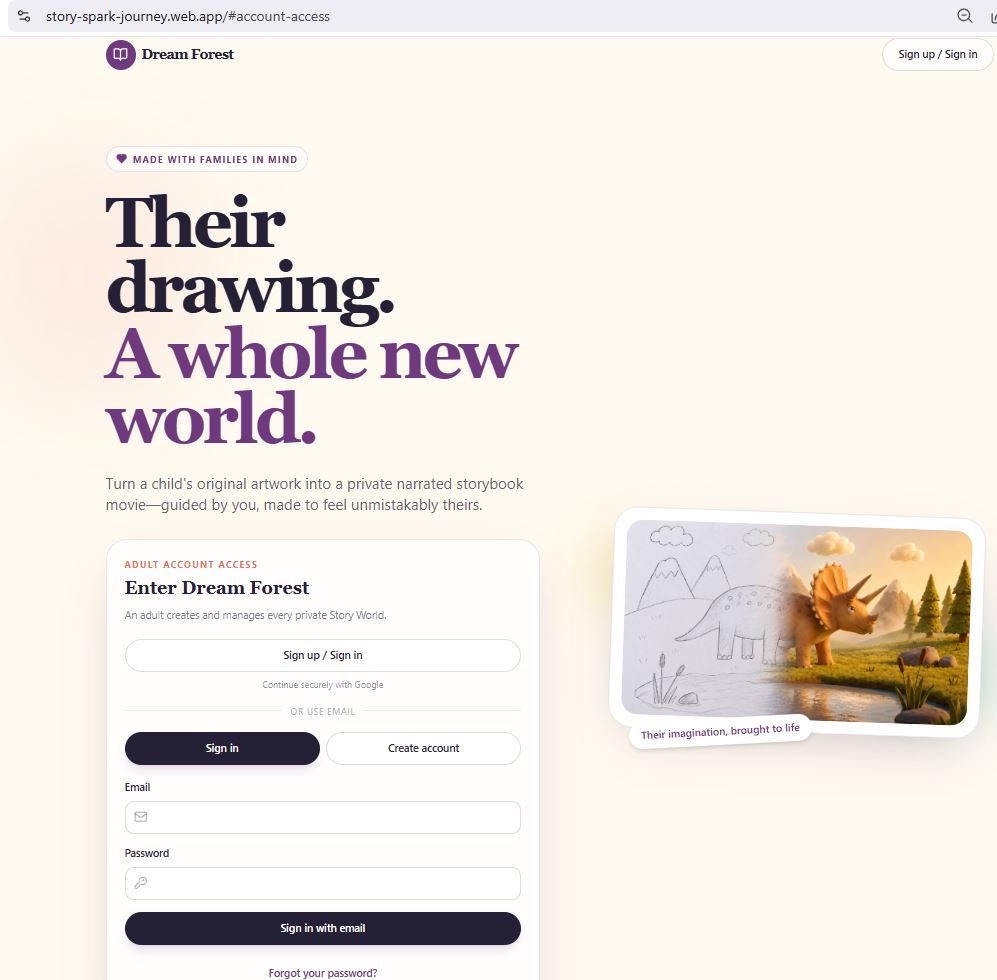
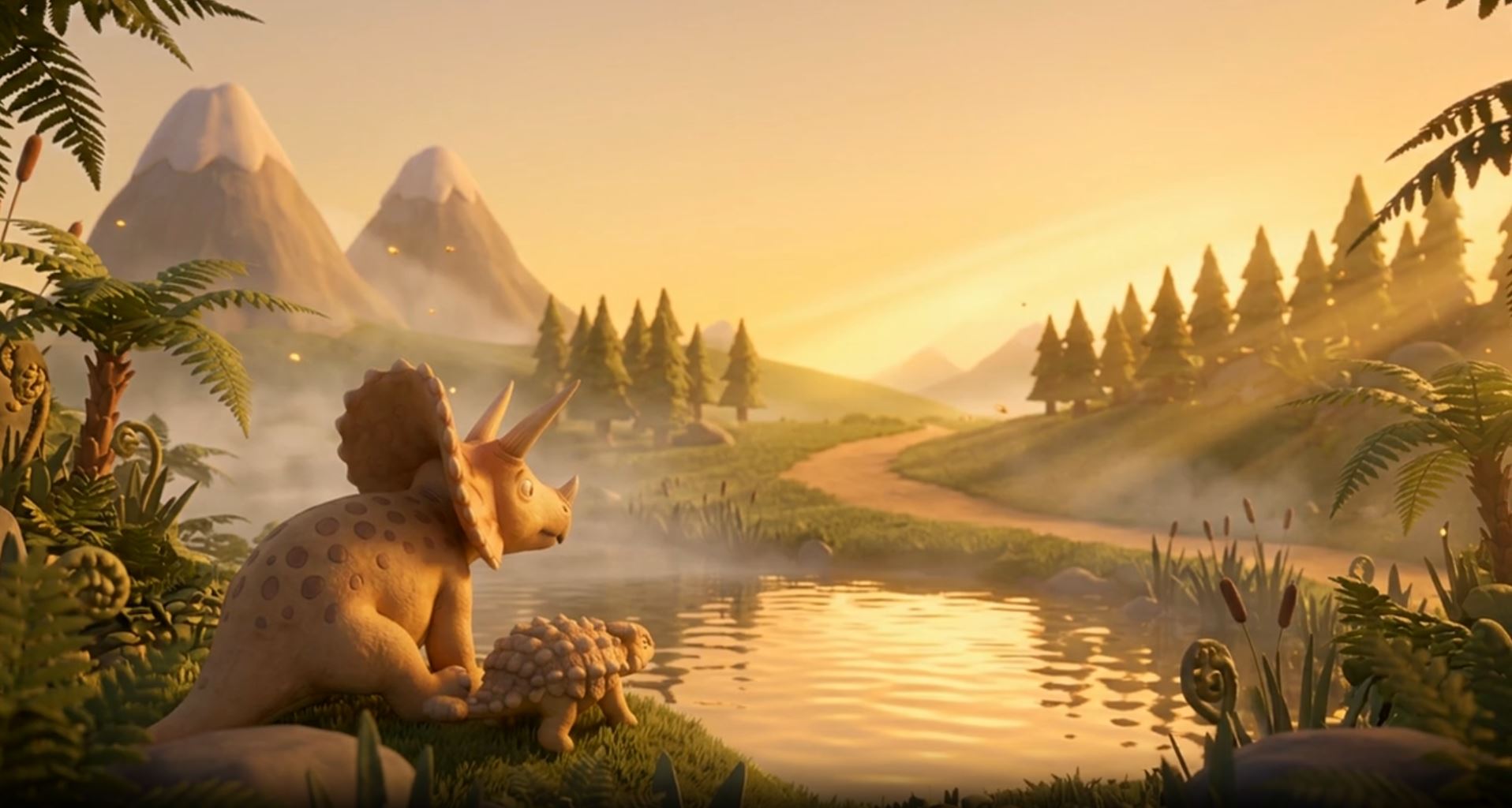
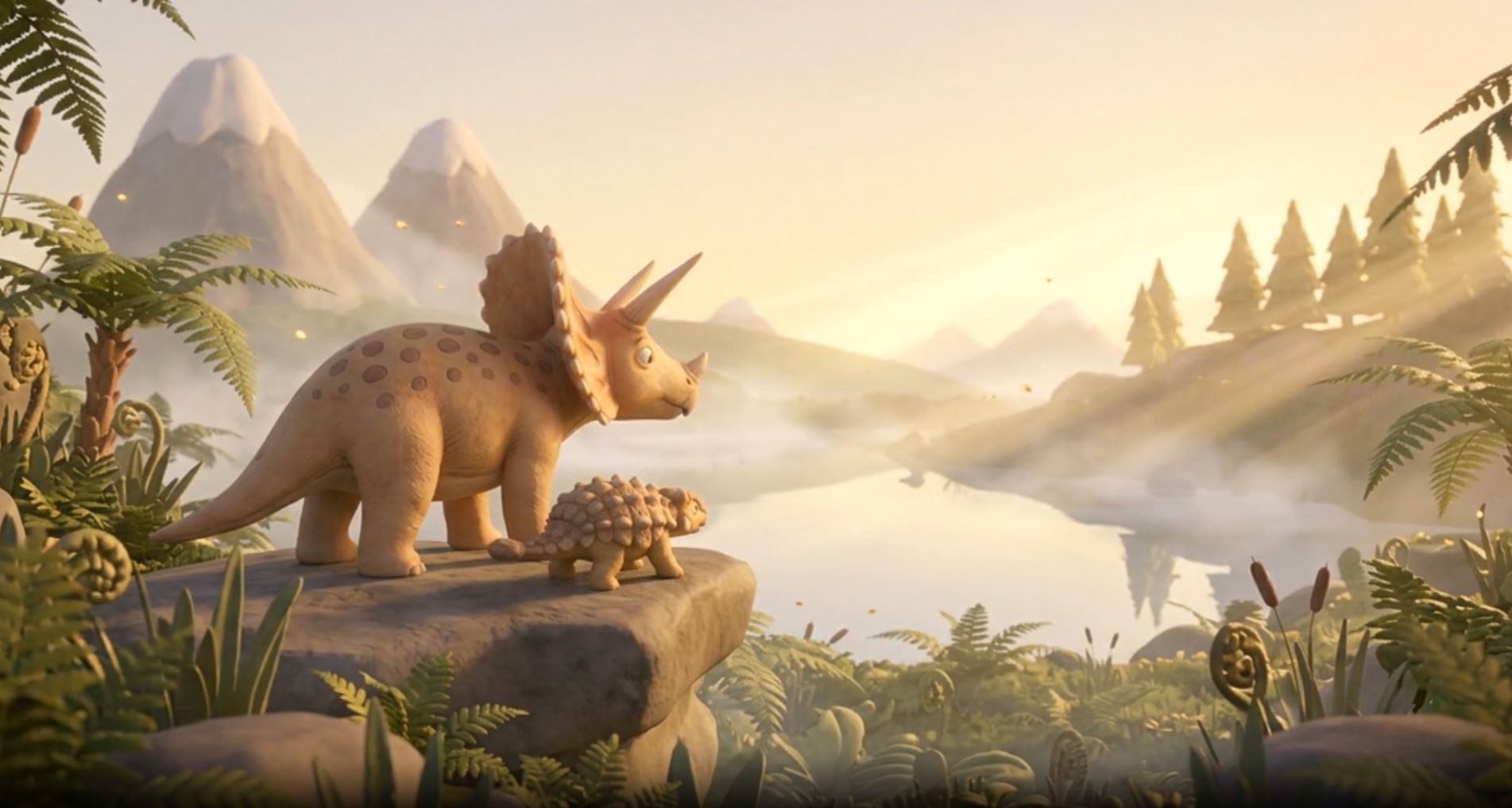
Dream Forest let's an adult user upload a child's drawing and transforms it into an animated and narrated story adventure. New story adventures can be built upon the original to eventually develop a whole story world from one or more of the child's original pieces of artwork turned into story adventure segments.
- Only adults can register an account and upload artwork.
- To start a Story World, the user will upload an image of the child's artwork.
- The app utilizes GPT-5.6 to perform an "Artwork Understanding" pass that separates visible evidence from interpretation, and presents the user with its interpretation for review/correction.
- When the user approves the interpretation, GPT-5.6 then develops a creative direction, story plan, age-appropriate narration, character and setting continuity requirements, and presents the user with a production rehearsal.
- The user updates and/or approves the rehearsal for story video generation pipeline.
- The app utilizes Vertex AI and Gemini-based models for AI media generation and TTS to compile a final private MP4 assembled with FFmpeg, and viewable from the Story Worlds dashboard or within that specific story world's page.
How we built it
This was my first app I've built alongside Codex (or any integrated coding agent) in my IDE from the start. I gave Codex my recommended stack:
- React, Vite, TypeScript / JavaScript, Node.js, Express, NPM, Firebase, Google Cloud Services (Cloud Run, Secret Manager, Vertex AI, etc.) and some general security rules to follow.
I told it my objective and all of the UX details I'd thought of so far, asked it to create documentation from my goal and specs of development workflow and plan for developing the app. I created the repo, and made the first commit on 2026-7-14. I wanted the repo and documentation to serve as a source of truth in case a Codex thread drifted too far or became inaccessible.
We quickly set up some frontend UI and an auth system, some main UX functionality like artwork upload, story world management/expansion/deletion/recovery, user roles and corresponding permissions, story token balance and usage system, sharing and access permissions. We set up basic validation, local tests, and deployed remote builds. Then, we started the difficult work of connecting to AI model APIs and formatting and testing calls that would be used for the main feature.
After hours of internal tests with no live calls sent, fighting local emulator restrictions, trying to estimate time/cost ceilings that would prevent overspending, we finally tried and debugged live tests on the connected APIs. It was a major milestone when we succeeded in getting AI models to generate and piece together a video from an uploaded artwork image. The video was predictably not the quality I'm aiming for, but it was the first working version that proved the AI pipeline was properly connected, and I could begin iterative improvements.
I reached that milestone shortly before the end date of this hackathon, so the next sprint was spent tying the working AI image interpretation, story generation, and video generation pipeline into the UX to make the app testable similar to how a user would eventually use the app. Current output videos contain transitions and camera movement over static images, and combining them with AI video generated elements is the next step that will be completed immediately after hackathon judging.
I have big dreams for the UI, UX, and story generation quality improvements as well as major next features, but this is as far as we reached in this hackathon duration.
Challenges we ran into
- One expected challenge was token usage. Previously, I'd only used ChatGPT chat sessions to brainstorm development plans, learn systems, or debug issues, and did all of the code updates manually writing or pasting code blocks in. As Codex's skill amazed me, I continued to upgrade my existing ChatGPT subscription when usage limits were hit. The quick hackathon deadline meant I dedicated more of my weekly time than I normally would on a meaningful side project like this, and had to defer features and UI/UX improvements I wanted in order to get the main feature working in time to submit.
- Another challenge was getting the API calls formatted (schema, prompt quality, privacy, auditability, data retention, expected returns) and tested as well as possible before attempting live tests and burning through tokens and running up cloud billing costs. I wanted very good AI responses preserving the child's intentions for their artwork's identity, but couldn't improve upon them iteratively yet. We also had to predict a lot of output validation. This would've been far easier if I'd had disposable funds to run many live tests and iterate upon the results, but with that constraint we had to put a lot more effort into refining the first live test.
- The third challenge was figuring out how to allow judges to register and test the current working version of the app without allowing everyone who wanted to test it access to the paid API call functionality.
- I knew getting the balance of quality, cost, response time, and token efficiency would be a challenge that I would continually work to improve upon throughout the life of this project, and it's only at the very beginning now.
Accomplishments that we're proud of
- Dream Forest produced its first complete narrated 60-second adventure from a child-style drawing. Then, we connected that working pipeline to the UX and generated another better result.
- Codex, ChatGPT 5.6, and I turned my childhood dream into a real working app feature. I wanted to build this app this year, and this hackathon helped me get it to a working state faster than I thought possible. Now I can give my children, who also love drawing, what I wish I had access to as a kid.
- I learned to develop alongside Codex in VS Code, and it's incredibly helpful. It will always be my coding partner into the future.
What we learned
Cost of quality AI compute is still a limit for this app to produce its best results. That's exciting because now is the right time to develop this app. As AI output quality improves per cost unit, this app will be ready to convert that benefit into supercharging creativity and imagination.
I probably should've checked before building this, but knew I wanted to make my own anyway. I was curious to see if anyone else had developed an app with the same goal.
I found multiple cool apps that would allow a user to upload an image or construct prompt details. Those apps would use AI to generate storybook static images and text. All of them were limited to a static image set for stories, and all of them required user input beyond an image upload to generate the story.
I learned why all of those apps had those constraints when I discovered how difficult it was to get coherent interpretation data and consistent story character/object/environment media when the AI model starts with too little explicit guidance. My goal is to astonish everyone by getting the app to the point it can generate incredibly high quality stories and consistent video content from a single artwork upload while the competition can still only generate still images with explicit guidance the user must think up first.
What's next for Dream Forest
- After this demo release, finish the pipeline adding AI generated video segments along with the static images until the output is the quality I wanted. Then, expand into a fully functional invite-only Alpha test, then Beta, and official release.
- I have registered the dreamforest.ai and mydreamforest.com domains, and will move the cloud-hosted app on those for web.
- I would like to launch mobile apps available in both major app stores giving mobile-only users full access to this functionality.
- I'll overhaul design/branding and improve UI/UX to make the app look and feel very good for the Alpha release.
- After official release and continued improvement on story video generation output, I will add sharing features so users can showcase the Story Worlds they've imagined and built within the app.
- The first major technical feature I will add is the ability to generate a 3d world modeled after a Story World created within this app. The user will be able to enter it and explore in first-person the story world with familiar characters and environments they've invested in. Eventually, we'll create educational games within that 3d Story World, and continue to expand on what users want most.
- When the technology produces high quality results within cost limits users are happy to pay, we can expand to new apps that can interpret adult-suitable art with focus on story worlds that are not only meant for children and families.
Final Submission Notes
- Thank you for giving me this opportunity!
- Original Codex thread/session ID:
019f6226-568d-7792-9823-45278a66fb46my IDE couldn't find this session after starting it, so I started a new one to continue the project, and that's the Codex thread that worked alongside me for most of the development this week. - Current continuation Codex thread/session ID:
019f641a-0d6d-7e81-be96-7fdd5b6c9ef1 - This app is currently accessible at https://story-spark-journey.web.app and will be migrated to https://dreamforest.ai/ after this hackathon.
Built With
- cloud-run
- codex
- docker
- express.js
- ffmpeg
- firebase
- gemini
- google-cloud
- google-cloud-tts
- google-secret-manager
- gpt-5.6
- javascript
- node.js
- openai-responses-api
- react
- typescript
- vertex-ai
- vite
