-
-
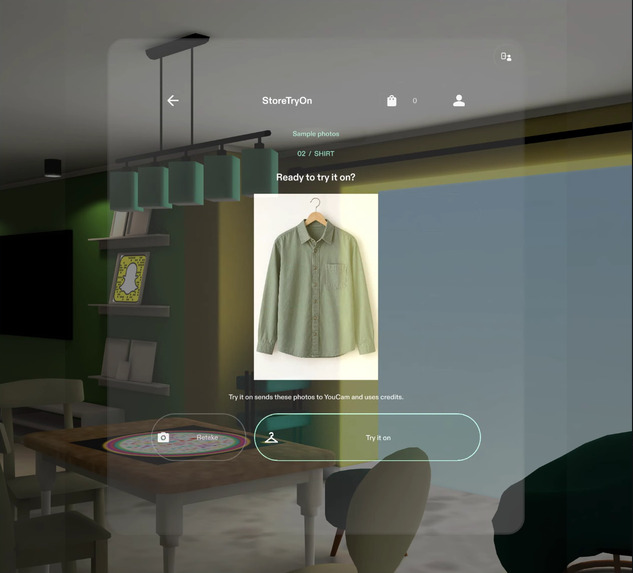
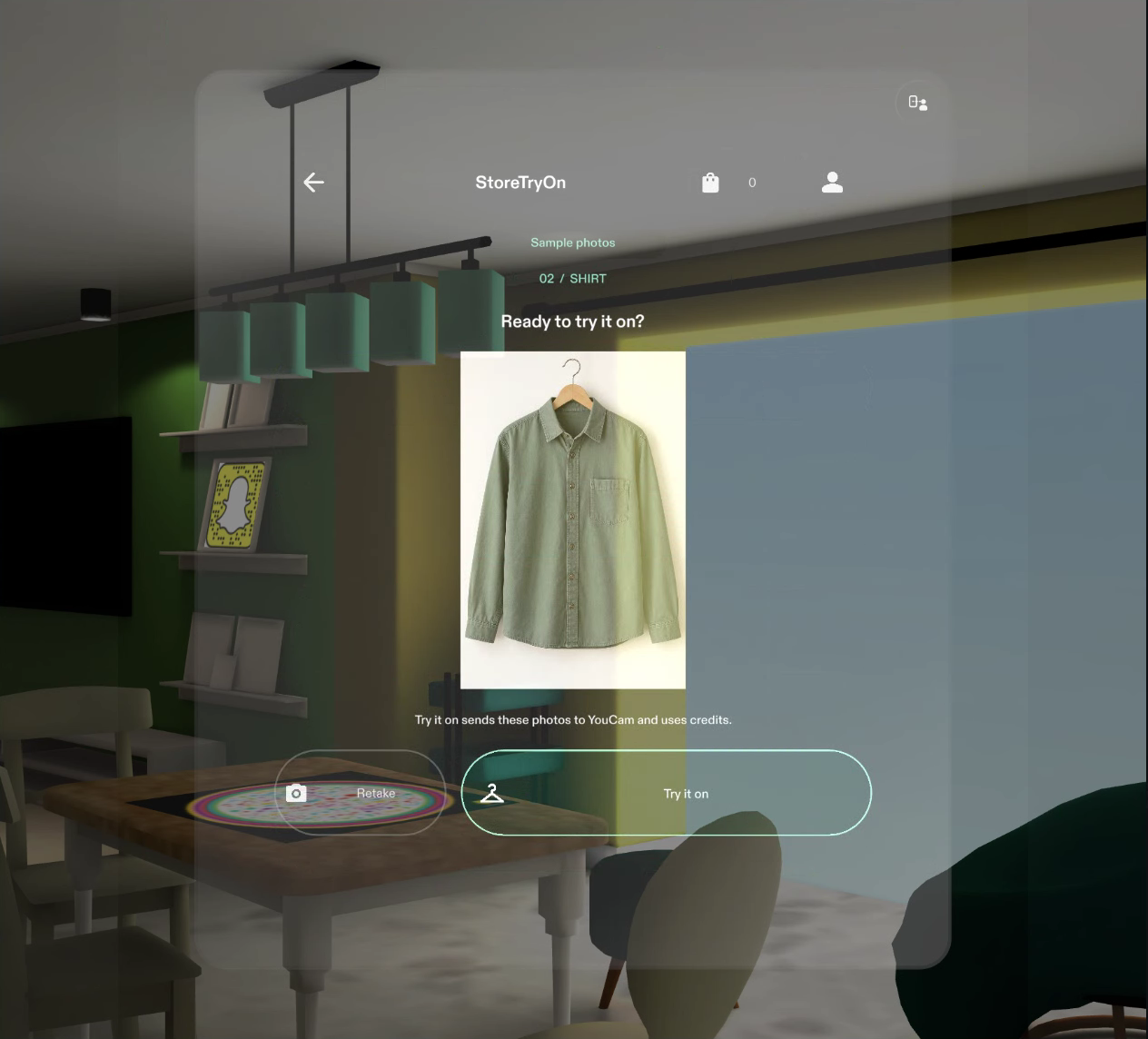
Review the shirt before sending the photos.
-
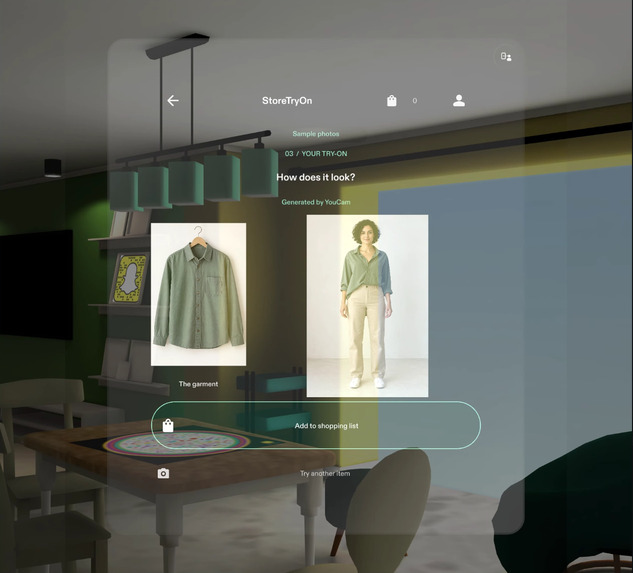
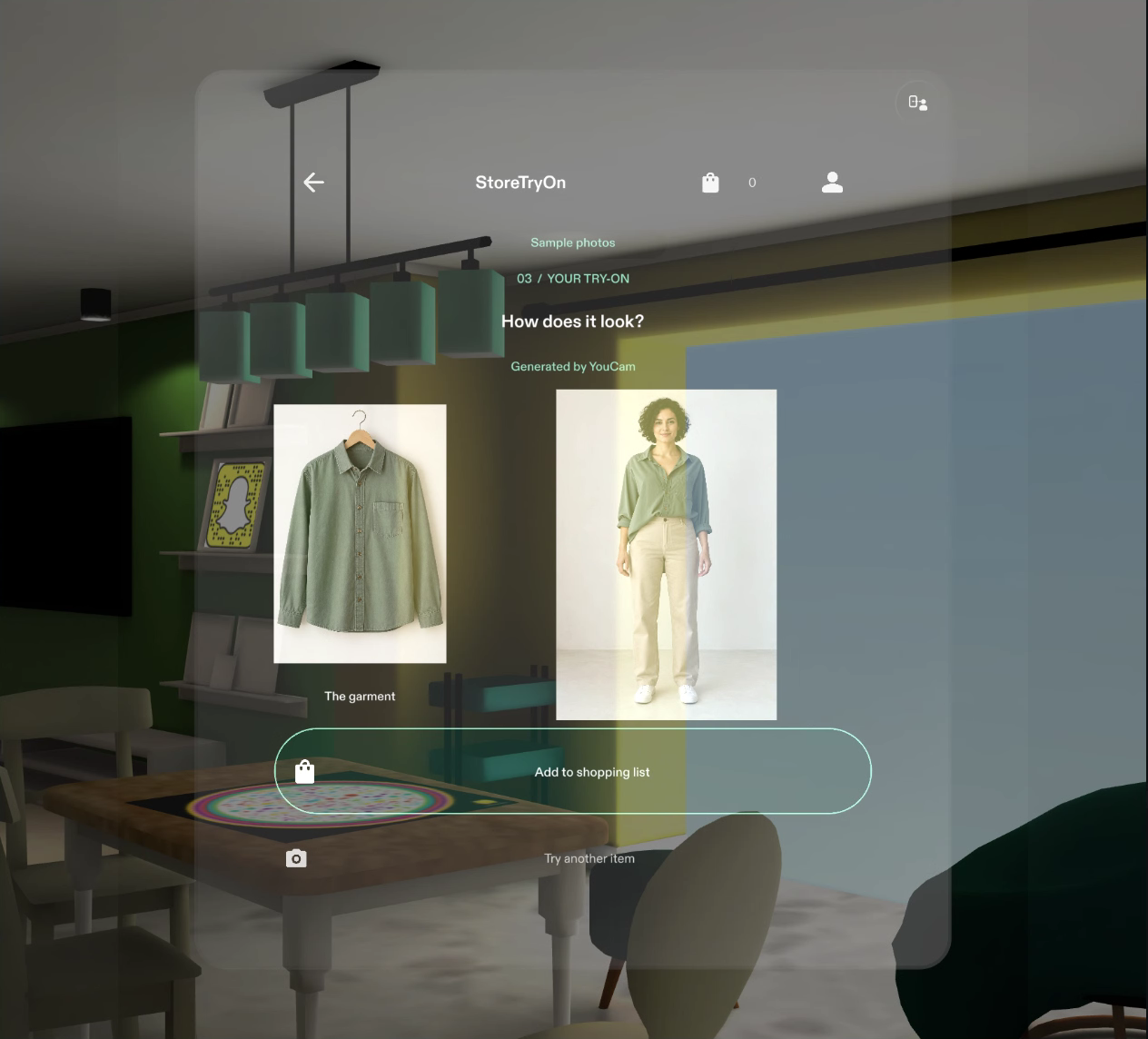
See the generated look beside the garment.
-
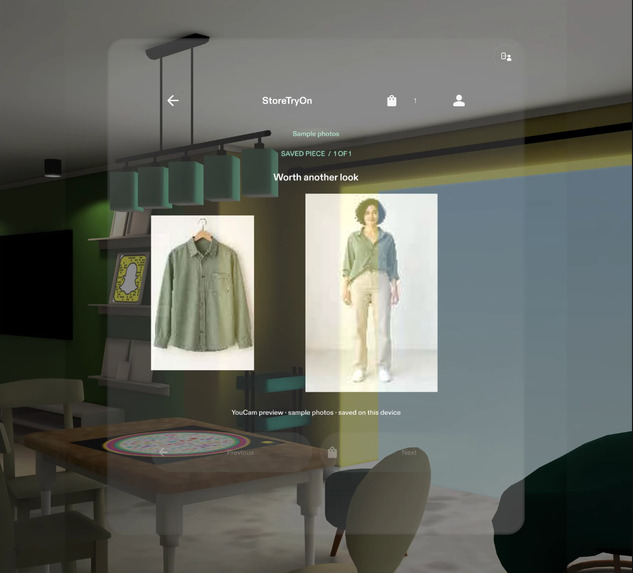
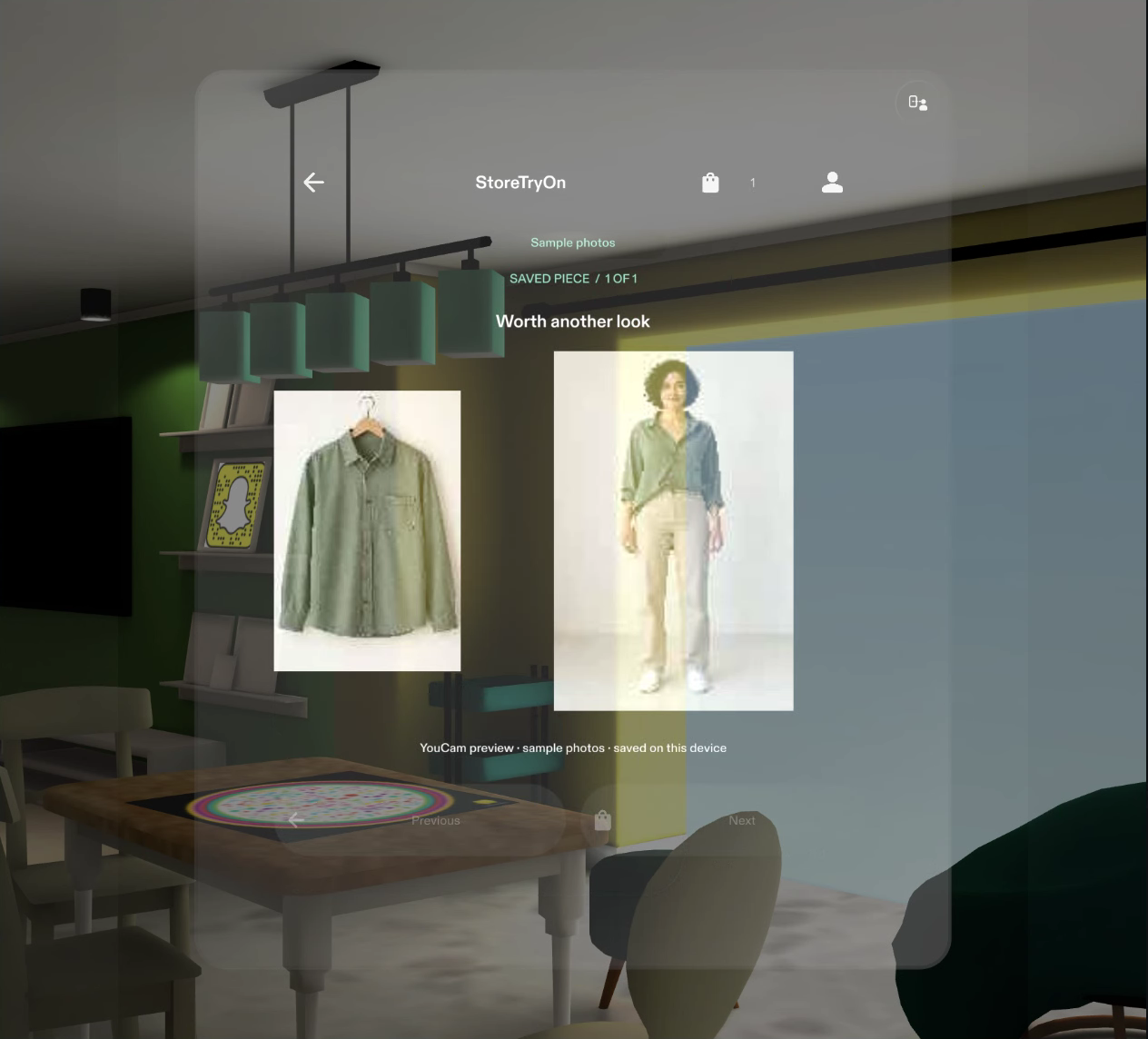
Save the pair and reopen it from the shopping list.
Inspiration
In a store, you can't try on every jacket, and you forget the ones you liked. StoreTryOn is for shoppers browsing a clothing store who want to remember which pieces are worth a fitting-room visit.
What it does
StoreTryOn is a spatial shopping prototype built for Snap Spectacles. A shopper chooses one full-body photo for the visit, selects a shirt or jacket, and reviews the garment photo before tapping Try it on.
The generated look appears beside the garment. Add to shopping list keeps both images together, so the shopper can review the look, keep browsing, and reopen the piece later. Trying another item reuses the shopper photo. Retakes, Back navigation, a visible saved confirmation, and clear-list confirmation make the journey easy to follow.
Why glasses
In store, the shopper frames a garment with the world-facing camera and selects capture. A movable spatial window keeps the preview and shortlist available alongside the store surroundings, while pinch controls let the shopper navigate in place without reaching for a phone. This keeps the physical item and the digital reference part of the same shopping moment.
Potential impact
A visual shortlist could help shoppers remember which pieces are worth a fitting-room visit and find them again later.
How it was built
I used the Devpost Learn plan-lens skill to interview the idea and write the design brief in devpost/design-brief.md. The initial planning explored a mobile-web framing; I then corrected the target to a SPECS Lens and updated the brief before the Lens Studio implementation. CLAD ran inside Codex to build the Lens in Lens Studio through the Lens Studio MCP, and LEAF scenarios tested the flow in Preview.
The Lens uses TypeScript, Spectacles UIKit and Spectacles Interaction Kit. The demo runs in Snap's Lens Studio Preview for Spectacles, its official environment for simulating a Lens before deploying it to the glasses.
YouCam AI Clothes V4 creates the appearance preview: shirts use upper_body, while jackets use outer. Native HTTPS connects the Lens to a protected Node.js proxy, which uploads the photos, creates and polls the task, and returns the image. The provider API key stays on the server. Saved garment/result pairs use local JPEG thumbnails so they remain available beyond a temporary result link.
Remotion turns recorded app footage into the narrated shopping story.
Challenges
Making a long-running try-on feel reliable was the hardest part. Recoverable polling preserves the known request, accepted photos survive failed retakes, and duplicate generation is blocked. Queuing page changes also resolved an interaction timing race. These changes let shoppers recover without losing their place or their saved items.
Accomplishments
The guided UI completed generation, decoded a 1024 × 1536 preview, saved the garment/result pair, and reopened it from the shopping list. Separate adapter checks exercised both shirt and jacket categories. Preview scenarios cover shopper-photo reuse, retakes, Back navigation, background completion, duplicate prevention, storage recovery, collection scrolling and persistence.
What we learned
This was my first Lens Studio project. Planning began with a mobile-web idea; changing the target to glasses meant reconsidering how the experience fits around a shopper's surroundings and hand interactions. Because the world-facing camera is not a selfie camera, I chose to photograph an existing full-body photo instead. Each screen has one primary action so the shopper can move through the flow one decision at a time.
What's next
Demo uses synthetic photos; the try-on is a real YouCam Clothes V4 call. Physical Spectacles testing is next.
We plan to test in-store lighting, hand interaction and comfort, then extend the garment selection to bottoms such as pants, supported by YouCam's lower_body category. Retail catalog links and account-based saved lists could connect a remembered look to a later visit.
Demo and testing
Watch the 1:38 shopping story and design process. The video adds the plan-lens interview, the corrected design brief and the CLAD/Lens Studio MCP build. The recorded generation wait is condensed from 30 seconds to eight seconds at 3.75×, labelled on screen.
Source and judging guide. Open StoreTryOn.esproj in Lens Studio and use Spectacles Preview. The guide covers photo review, shirt/jacket selection, generation, save and reopen. A free UI walkthrough uses the explicit Use illustrations setting; a live run uses the protected HTTPS proxy, a separate prototype token and YouCam credits.
Built With
- ai-clothes-v4
- clad
- codex
- devpost-learn
- instacloud
- leaf
- lens-studio
- lens-studio-mcp
- node.js
- remotion
- specs
- spectacles-interaction-kit
- spectacles-uikit
- typescript
- youcam-api

Log in or sign up for Devpost to join the conversation.