-
-
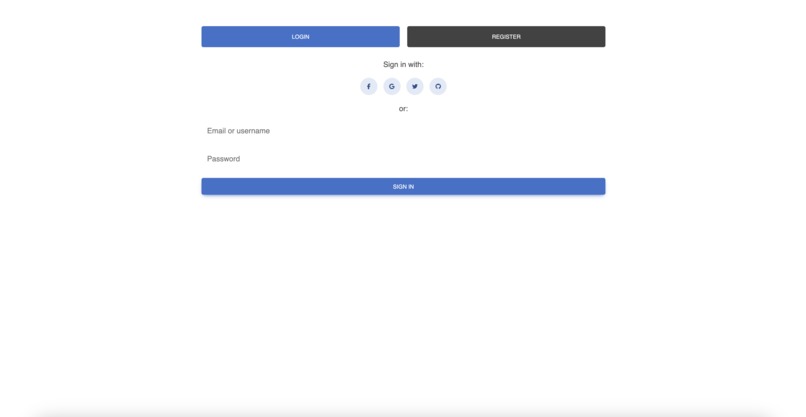
Login Page
-
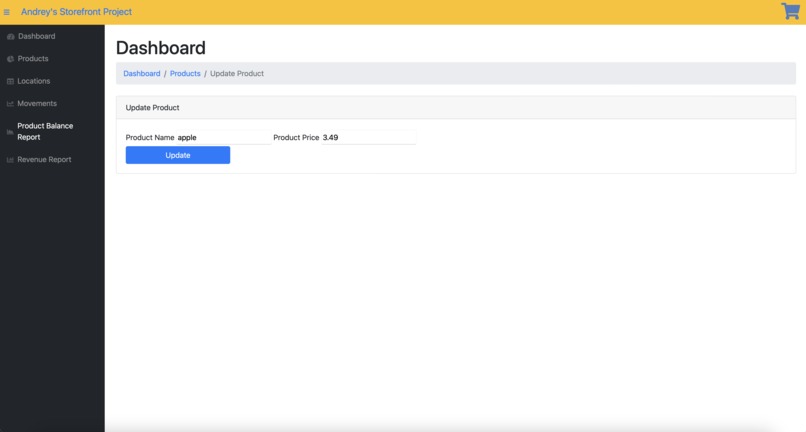
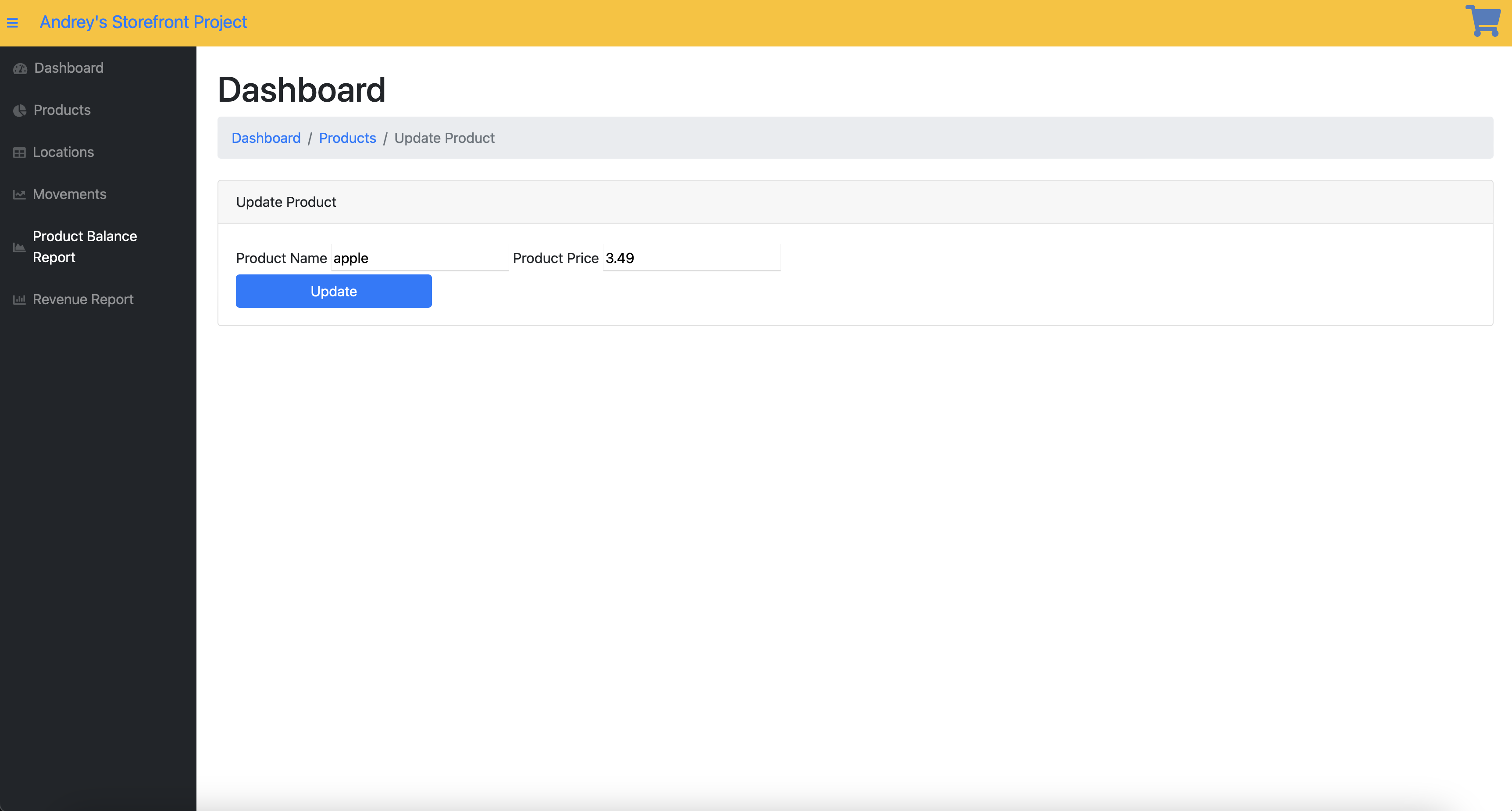
Ability to update a product
-
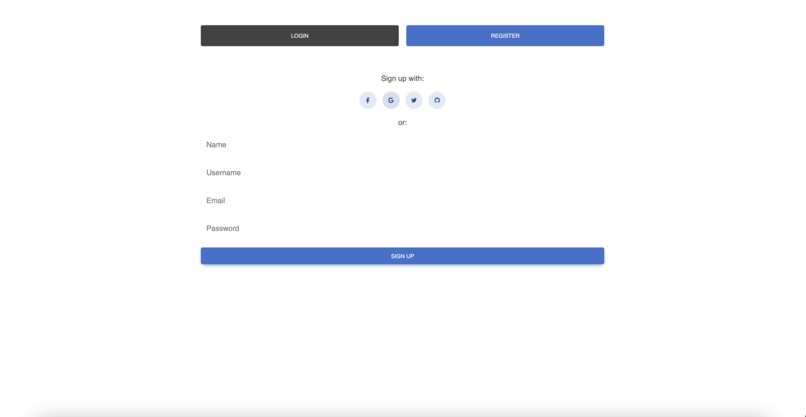
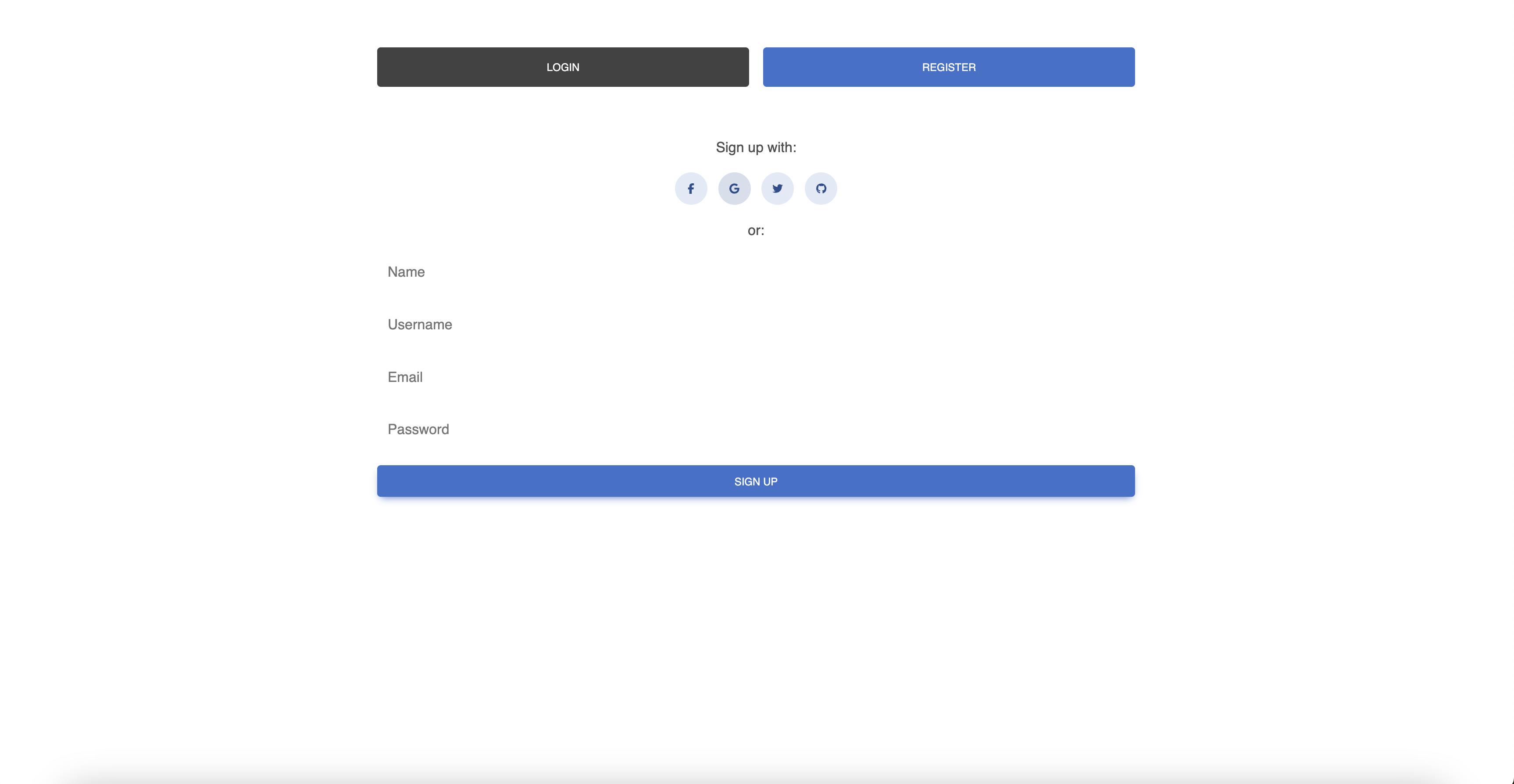
Register Page
-
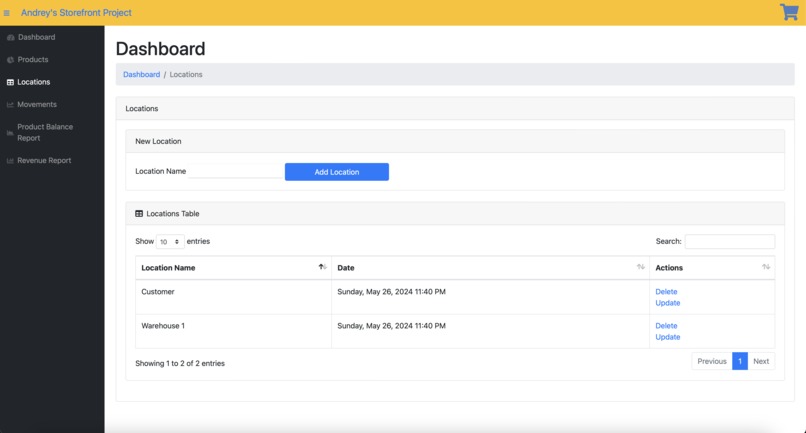
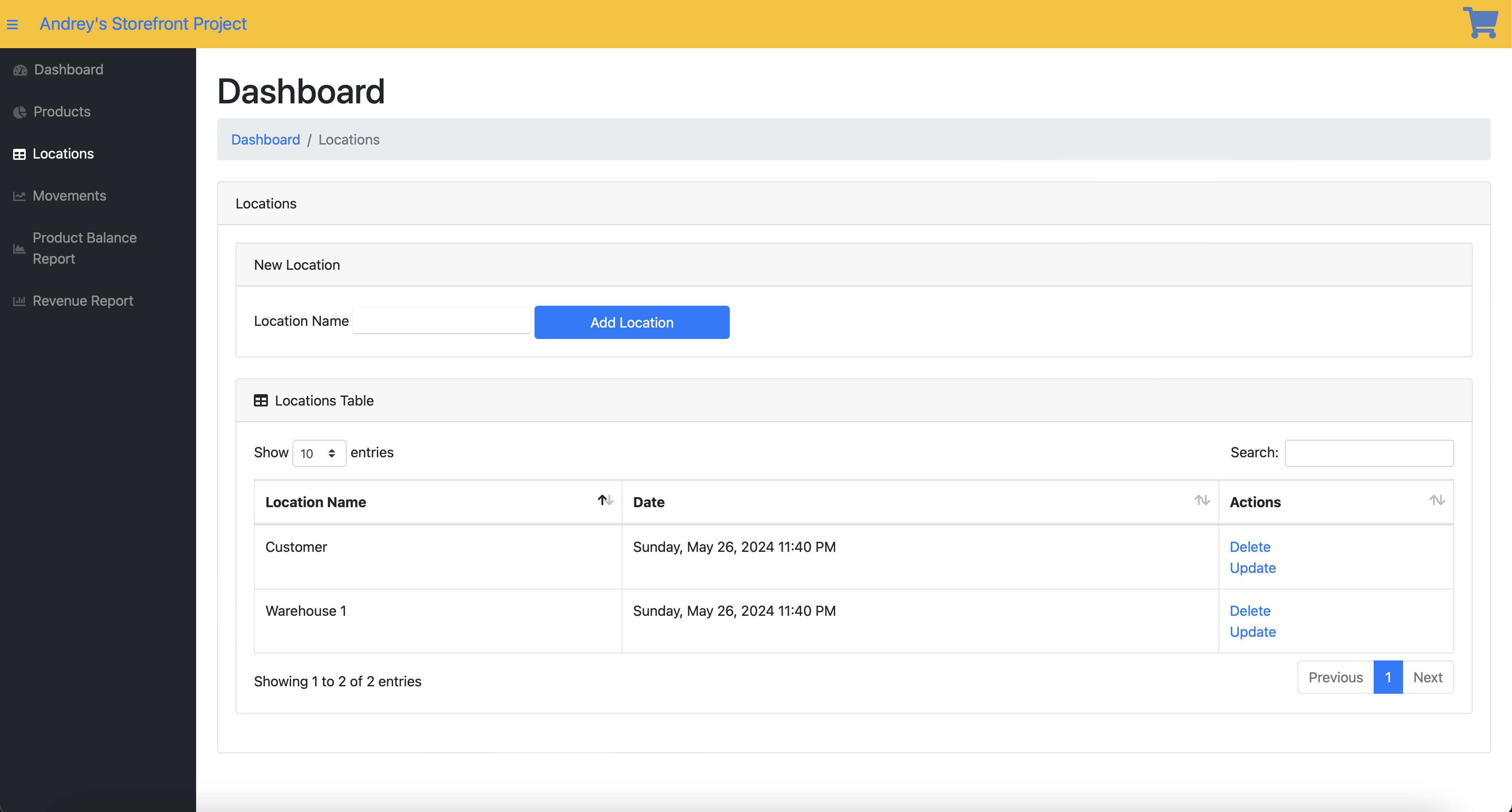
Locations Section of the Website
-
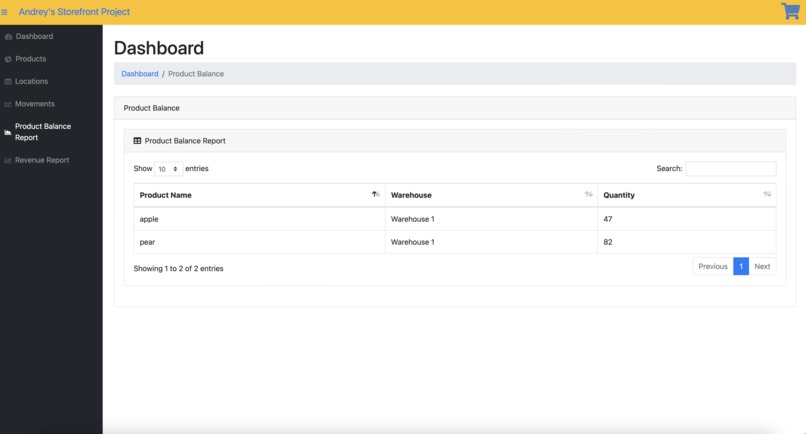
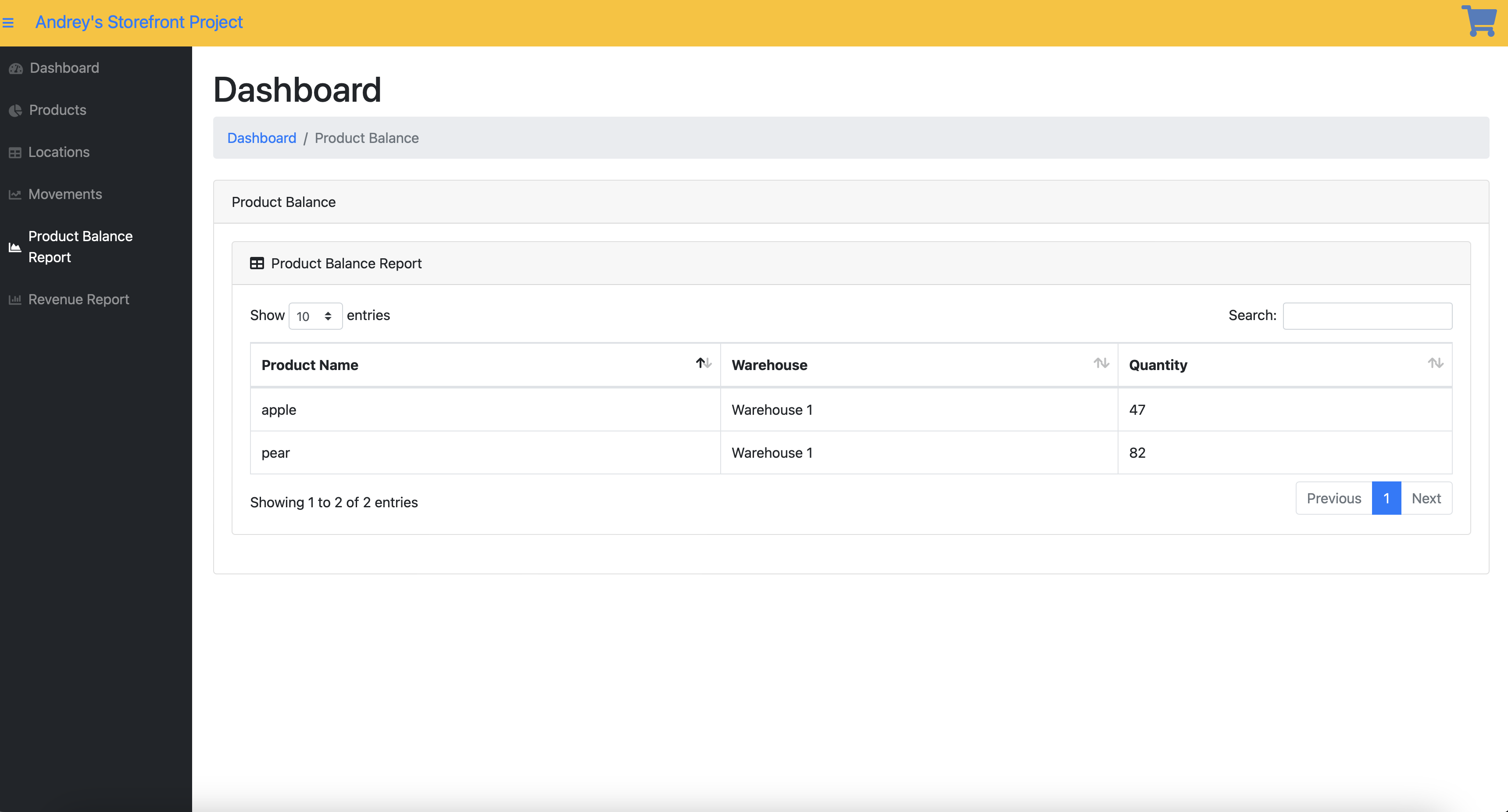
Store inventory section
-
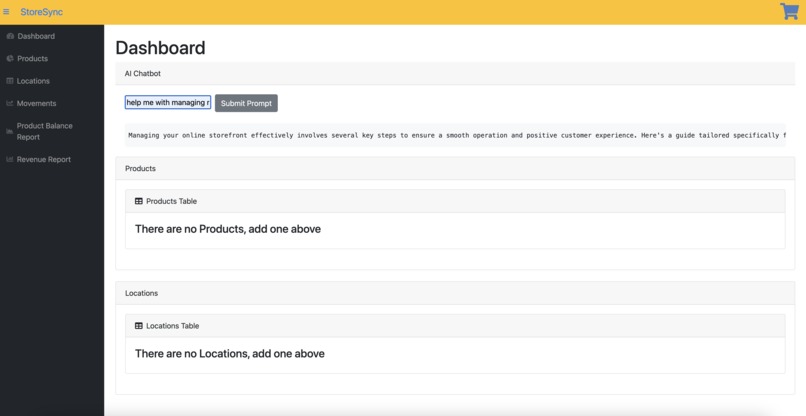
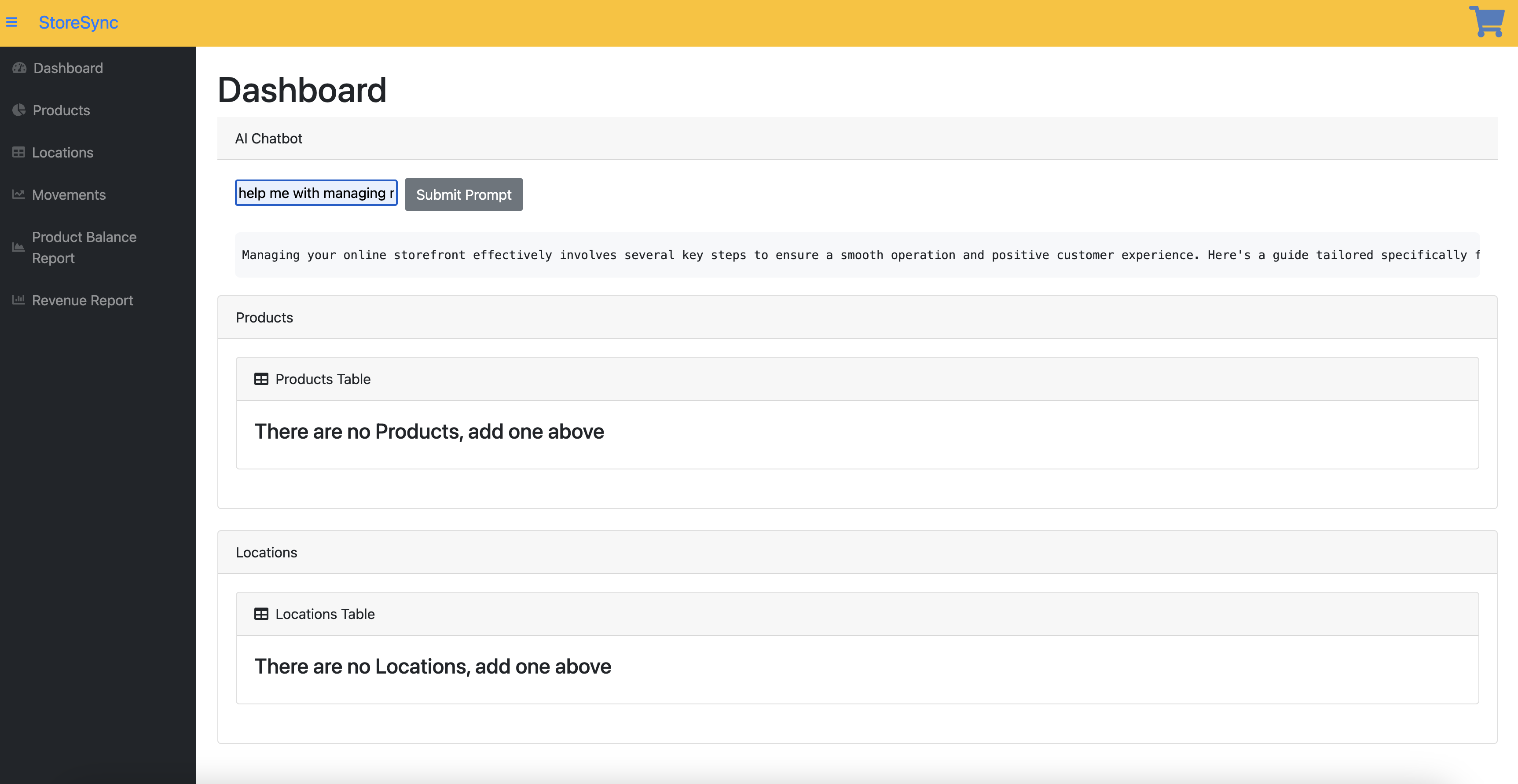
AI Chatbot capability
-
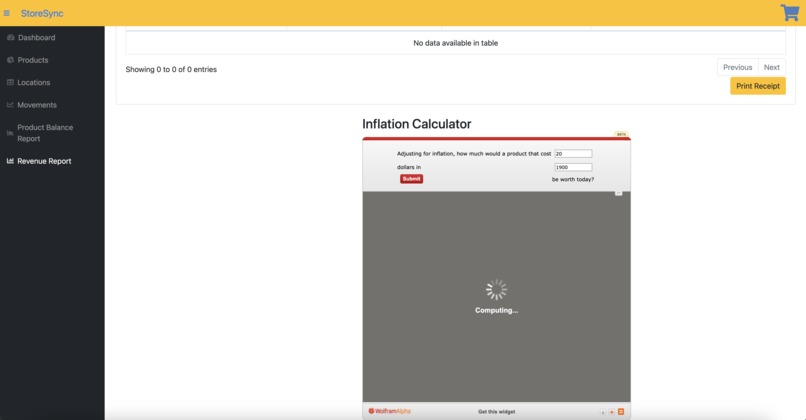
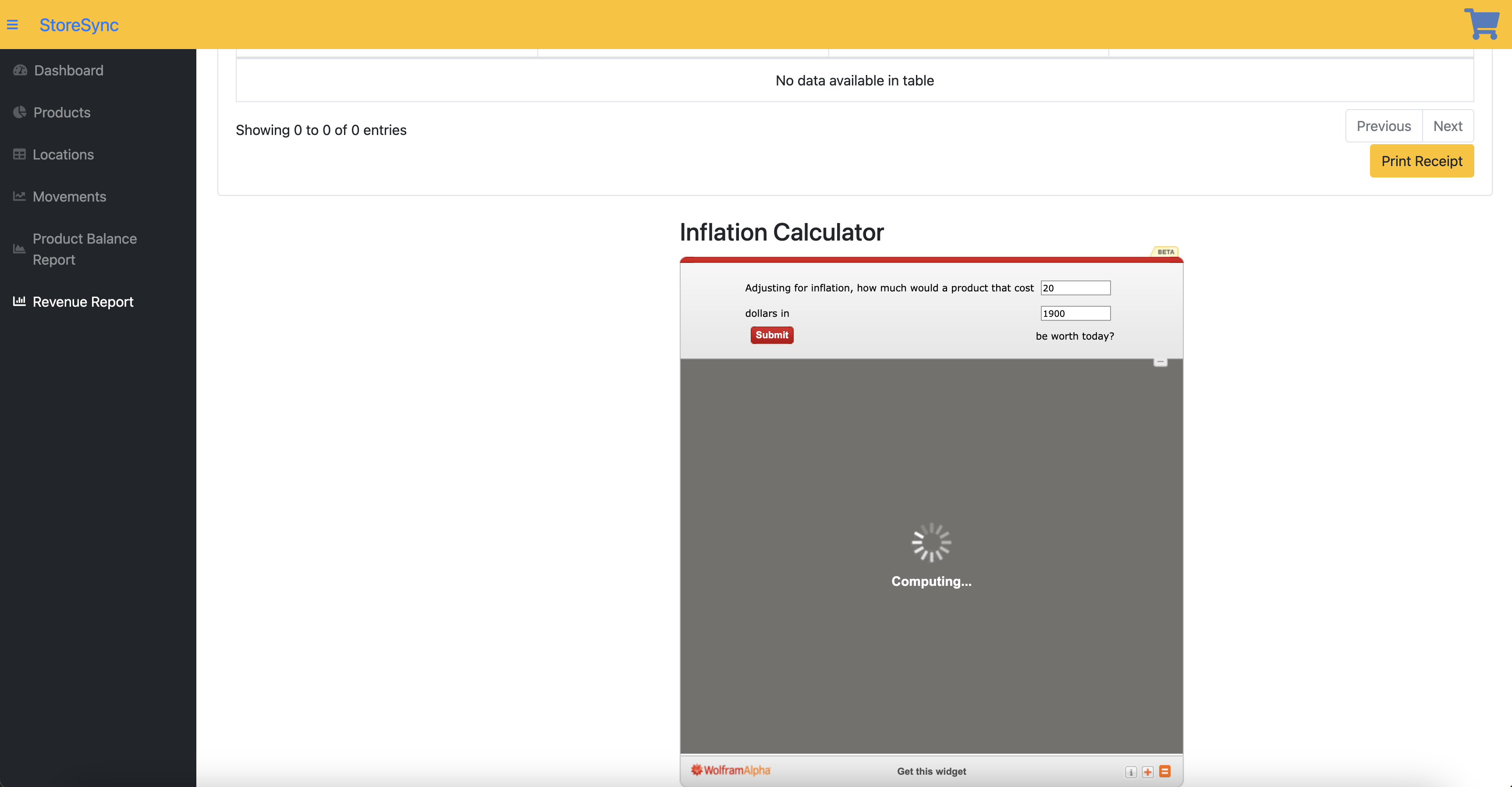
Inflation Calculator under Revenue Report
-
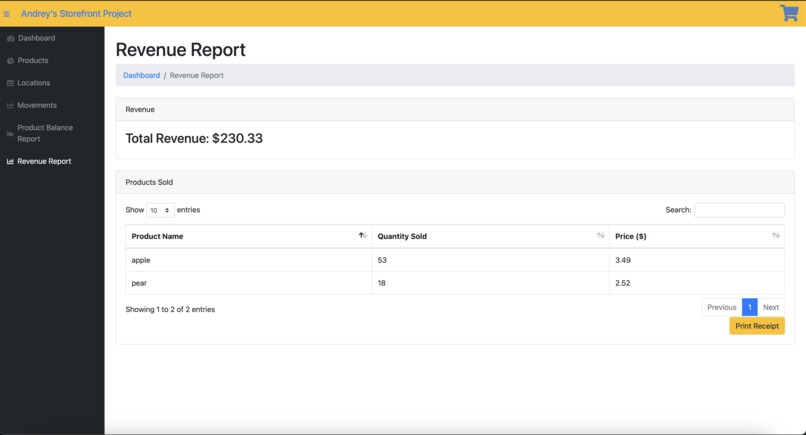
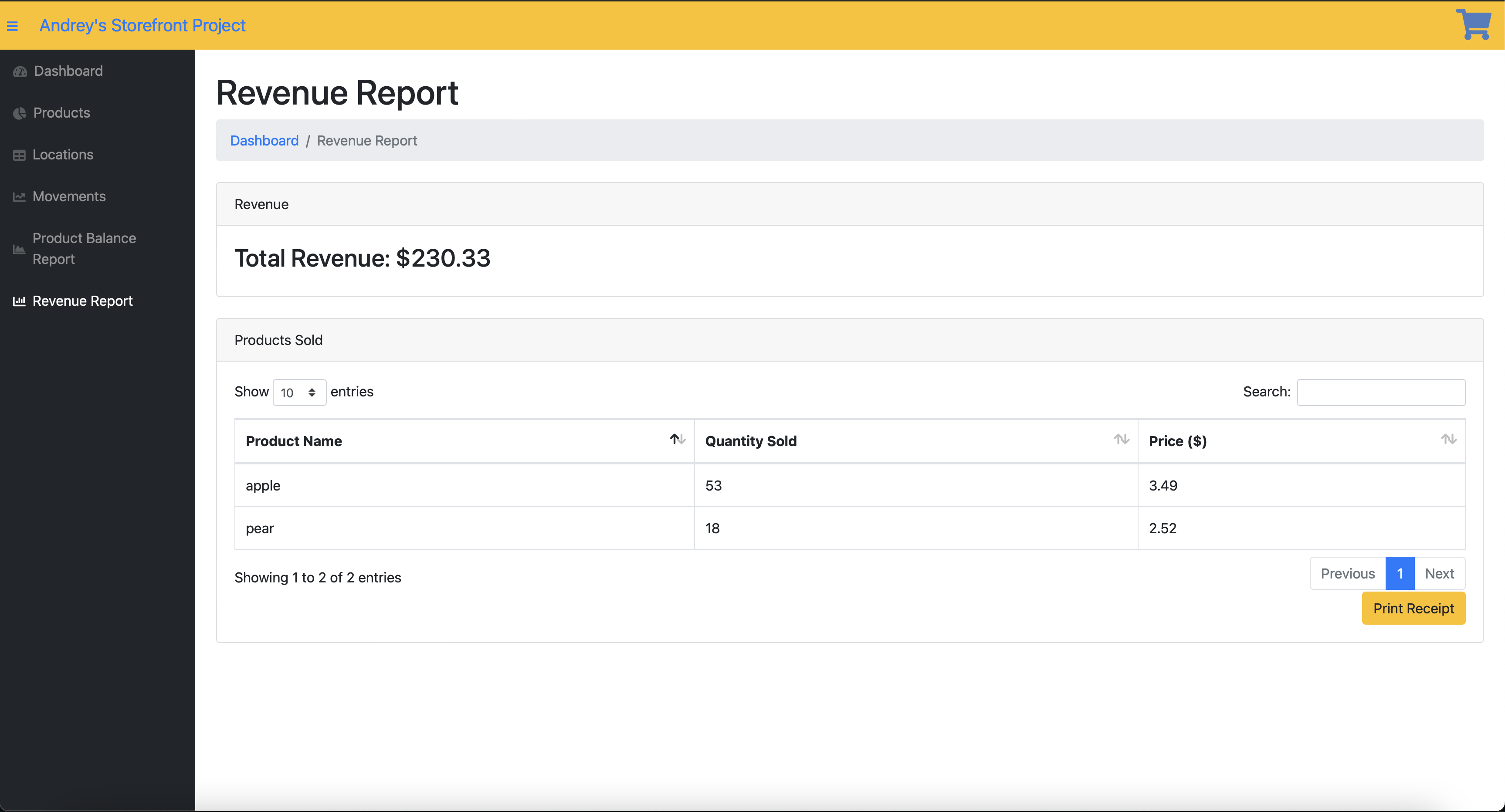
Revenue Report feature
-
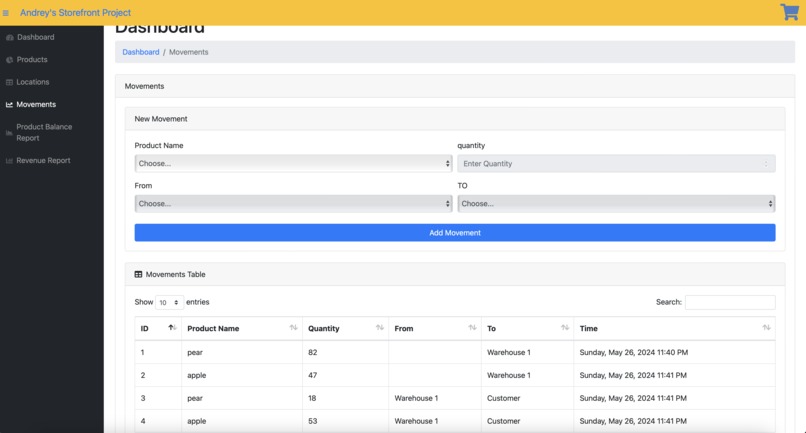
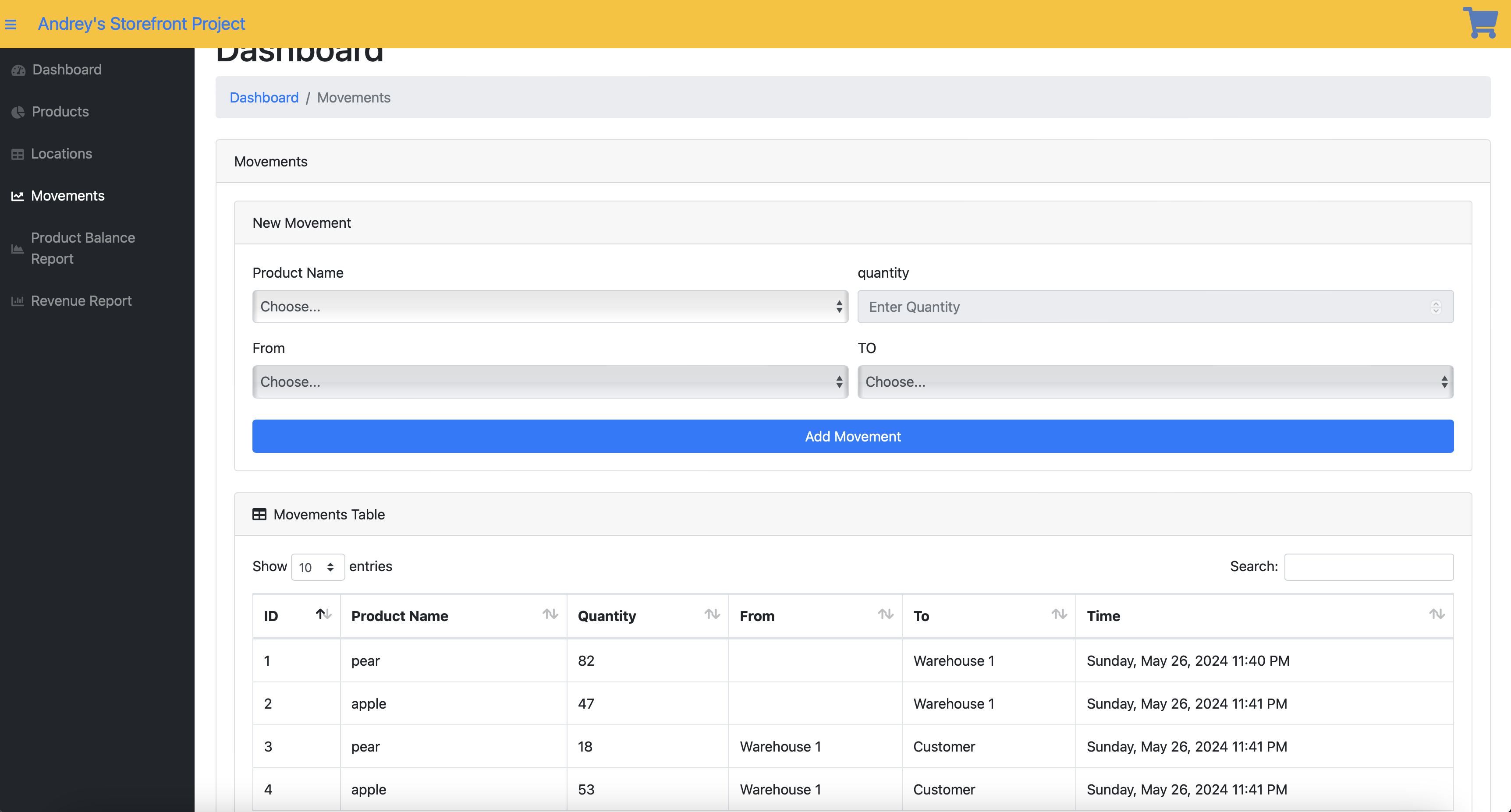
Movements Section of the Website
-
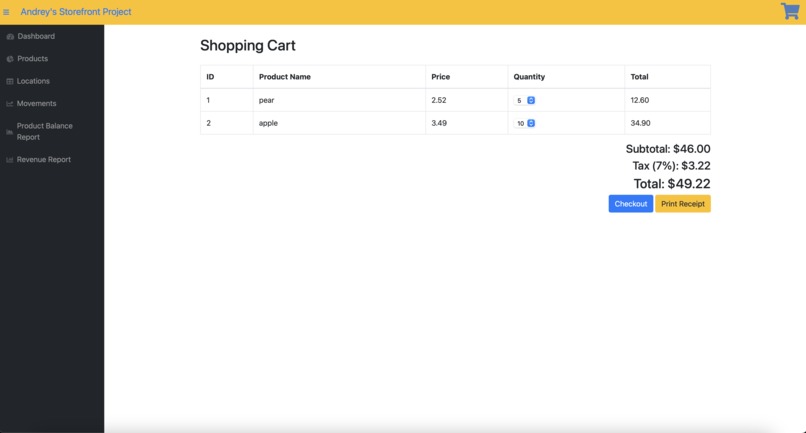
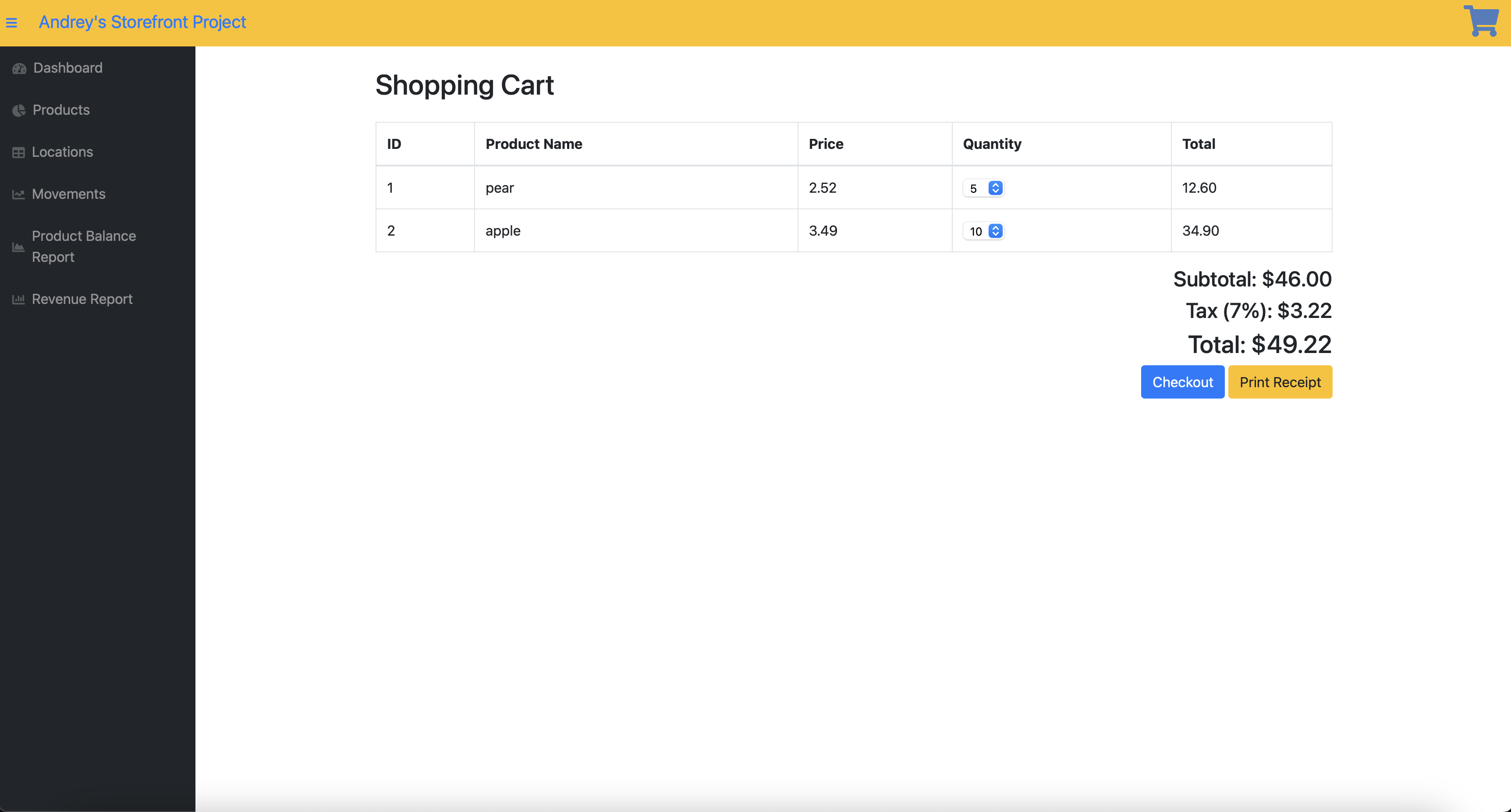
Shopping Cart
-
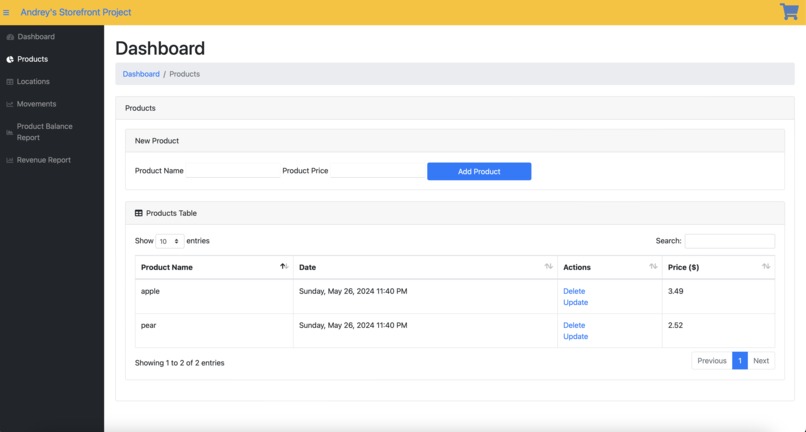
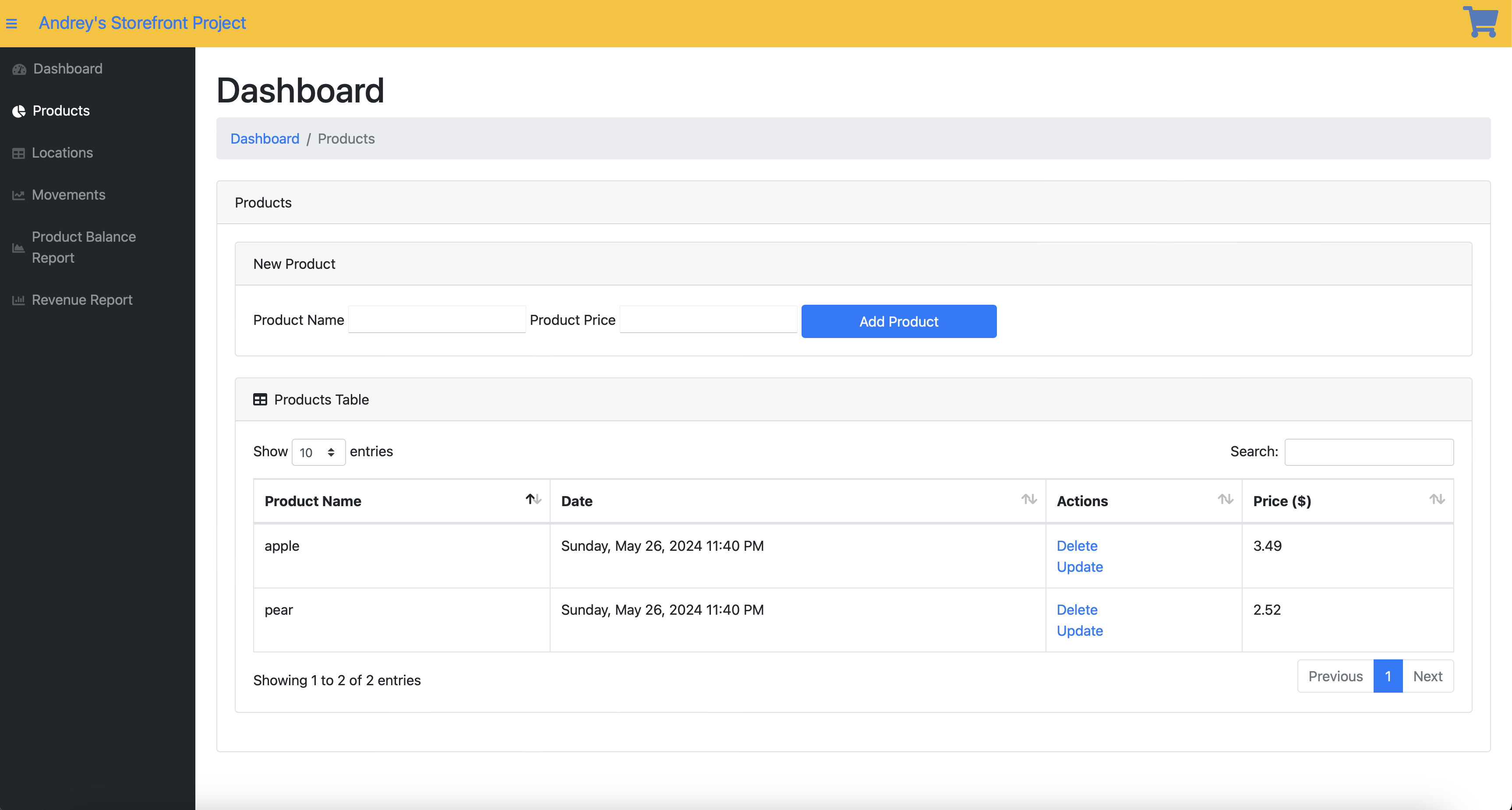
Products Section of the website
Inspiration
The local small businesses, a food pantry and thrift store, are currently spending thousands of dollars a month to manage their inventory, putting them at risk of going out of business. This past school year, our school offered a solution for inventory management at a lower cost. However, with the school year ending, we couldn't complete the project. It makes perfect sense to develop it sooner rather than later, so we can present a working prototype or product to the local food pantry and thrift store to help them stay in business.
What It Does
Login Page
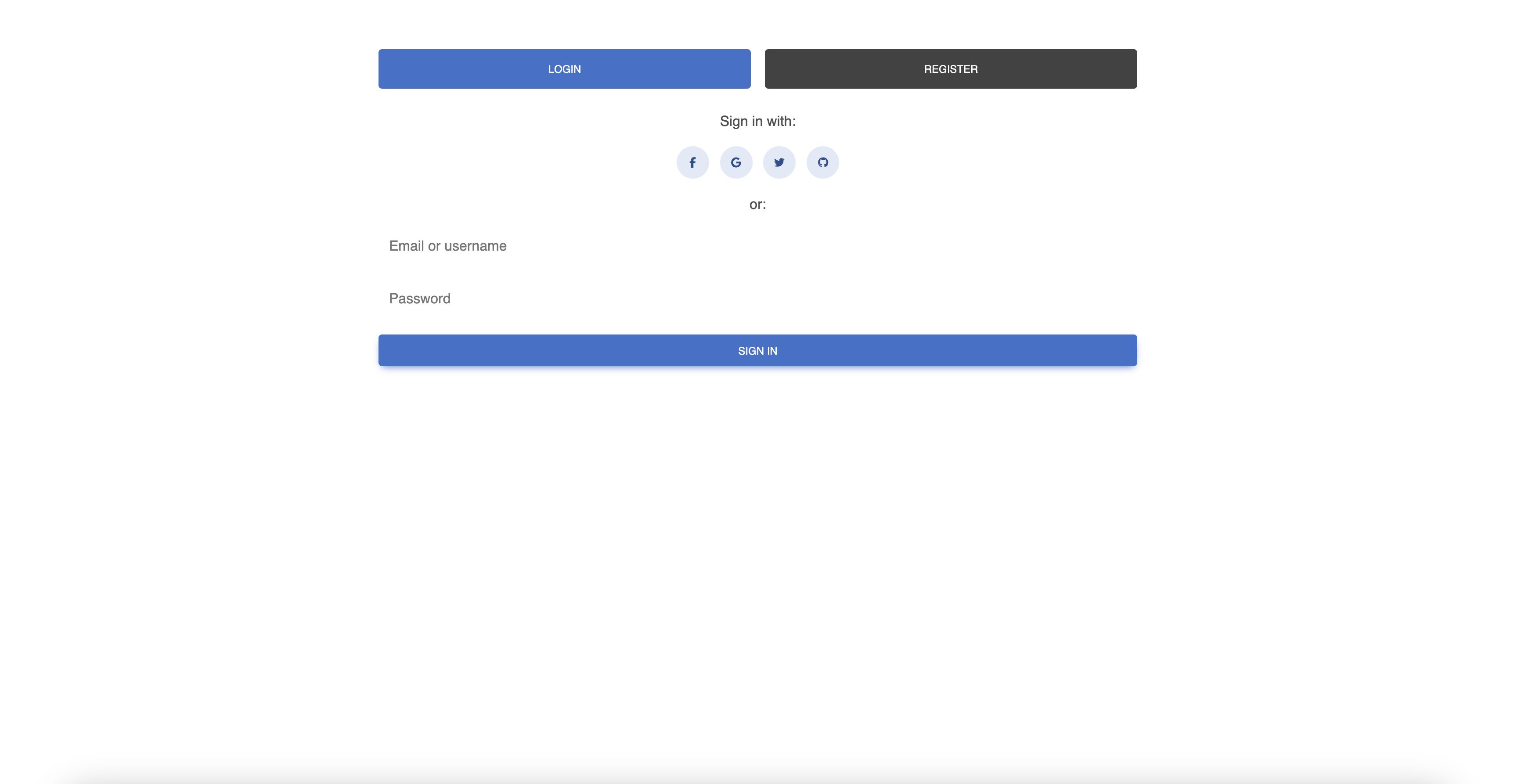
The store owner can log in with their credentials and create an account. After successfully logging in, they are redirected to the dashboard.
AI Chatbot The AI Chatbot is displayed on the dashboard. The user can send any prompt or questions he/she has and the chatbot will respond within a few seconds. The chatbot works on the phi3 model.
Dashboard
The dashboard displays the products in the inventory, which can be updated or deleted. Below the products, the locations are listed, representing store locations with their names, which can also be updated or deleted.
Products
The products section allows the store owner to create a new product and assign a purchase and selling price. The product can be updated or deleted later.
Locations
The locations section allows the store owner to create a new location that can be updated or deleted. For simplicity, customers are treated as locations.
Movements
The movements section is designed to move products to/from stores to efficiently manage inventory. Like the products and locations, movements can be updated.
Product Balance Report
This section displays the current inventory of products with their associated locations.
Revenue Report
This section shows how much money the store owner has made from selling the products. Additionally, it displays the products and the quantities sold. The store owner can print a receipt of the revenue made. We're thrilled to announce that this section also has an inflation calculator using a WolframAlpha widget!
Add to Cart Feature
The store owner enters the products the customer chooses to buy. They can select the available products in their respective locations and their quantities. The price and tax are dynamically updated each time a product is selected or its quantity is changed. At the bottom, there is a print receipt feature like in the revenue report section, and a Checkout button.
How We Built It
We built the website using the Flask framework in Python. The webpages were created in HTML, and Flask was used for URL routing and the entire backend. To create a satisfying dynamic webpage, we used JavaScript and Ajax to facilitate communication between the front end and back end. The storage of products, movements, and locations is done in PKL files. The chatbot works by getting the user’s input and then doing a terminal command through Ollama. It uses the phi3 model and creates a server to get its response. Once the response has been generated, the server gets killed and the response gets sent back to the HTML file. (This assumes the hosting server has ollama and phi3 installed).
What We Learned
We learned how to use PKL files, object-oriented programming, server management, URL routing, and Ajax technology (none of us knew how to use Ajax before). Overall, we became better at building websites.
Challenges We Ran Into
Initially, it was challenging to facilitate communication between the backend and frontend to create a dynamic webpage. We were unsure of what exactly needed to be done and whether we needed extra libraries or could just use Flask. Once we realized that we needed additional tools to update user interactions, especially for the add-to-cart feature, we decided to implement JavaScript to handle user interaction on the webpage whenever a new product, location, or movement was created. Additionally, it was really hard to make the formatting from the AI Chatbot work properly. When you send a response to AI, it responds in markdown where different text is formatted differently. Without proper formatting, the responses look ugly. We were able to solve this problem by getting a script called GitHub-md that correctly formats markdown text.
Accomplishments That We're Proud Of
The StoreSync software is ready to be presented to the food pantry and thrift store, and we are excited to do so at the beginning of the next school year! We are very proud of the UI and its modern look. Additionally, we're happy to have the ability to implement complex calculators using Wolfram widgets. The inflation calculator fits very well with the revenue report feature we made. We consider it a significant achievement to have made StoreSync a dynamic website.
What's Next for StoreSync Inventory Manager
We may transition from PKL files to using SQL databases for better security. We also plan to add payment forms and images associated with products. Additionally, we aim to host the server and purchase a domain name for the website to make it accessible globally. Lastly, it would make sense for the user to be able to choose the model they would like to use for the chatbot and make the chat experience more advanced by creating a separate webpage for it.
Note: ChatGPT 3.5 has been used to assist with the development of the main.py file and javascript files. It was used to create comments and handle saving and uploading data to and from and pkl files.
Built With
- ajax
- flask
- html
- javascript
- ollama
- pkl
- python
- subprocess


Log in or sign up for Devpost to join the conversation.