Inspiration
What it does## 💡 What Inspired Me
I live in Haridwar — a city full of small traders, local artisans, street vendors, and home-based businesses. Every day I see people selling handmade goods, home-cooked food, and local crafts entirely through WhatsApp groups and word of mouth. They are brilliant at what they do. But they have no online presence — not because they don't want one, but because building a website feels impossible without design skills, technical knowledge, or money.
India has over 63 million small businesses. Most of them have never had a website.
That number stayed with me. I kept asking: what is the absolute minimum a person should need to do to get their business online? And the answer I arrived at was: one sentence. Just describe what you sell. AI should handle everything else.
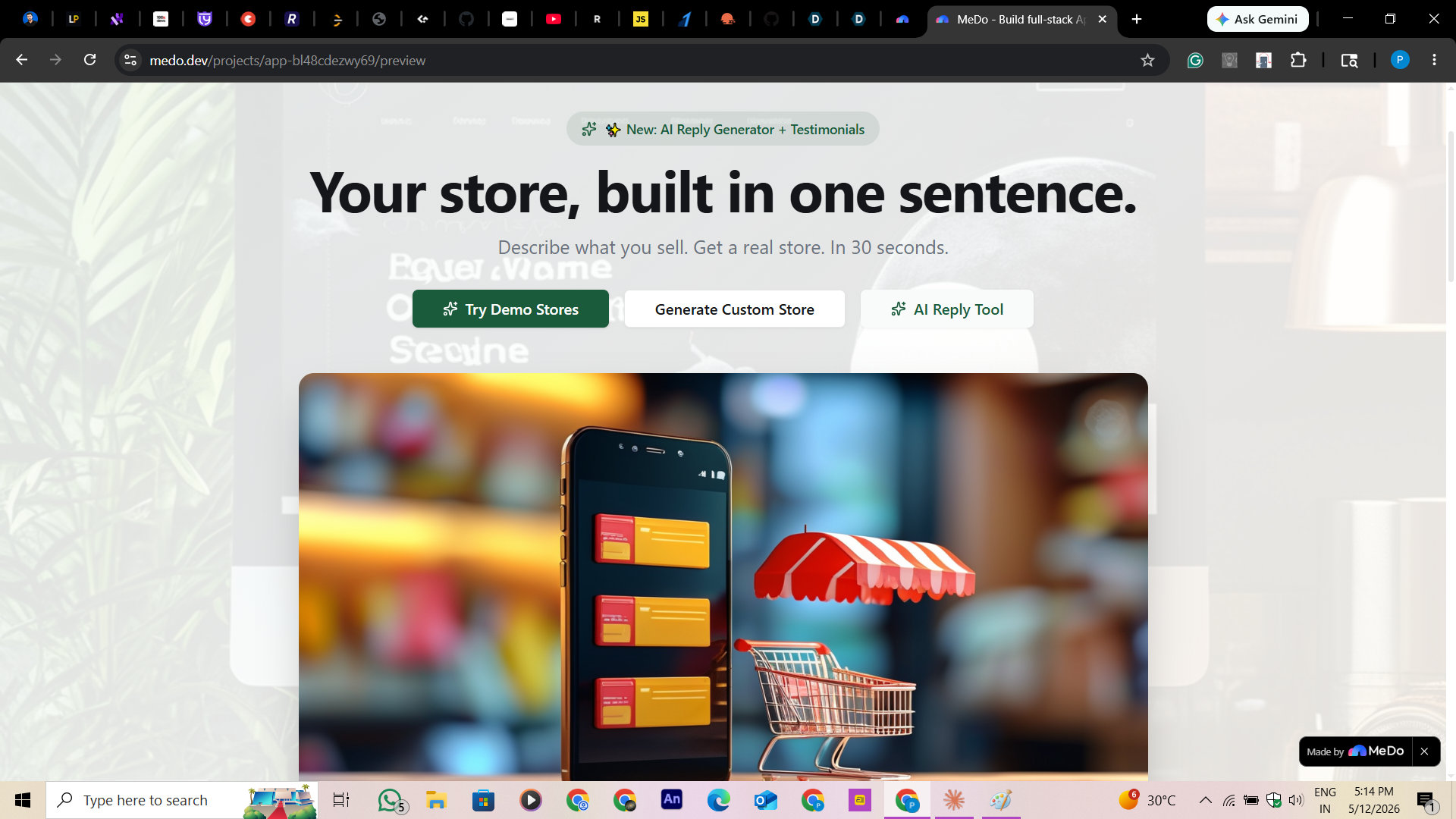
That became StoreAI.
🛠️ How I Built It
I built StoreAI entirely through prompting in MeDo — not a single line of code written manually.
The prompting strategy
I structured my MeDo conversations in three layers:
Layer 1 — Full product blueprint I wrote a single, deeply detailed prompt describing the entire product: all six screens, the design system (color palette, typography, spacing), every user interaction, the AI integration, and the data flow. MeDo generated the complete React + TypeScript application, Tailwind CSS styling, and Supabase backend in one pass.
Layer 2 — Feature refinement I used targeted follow-up prompts to sharpen specific features:
- The progressive generation screen — where each step appears and gets a checkmark in real time as the store builds
- Inline editing — store owners click any text to edit it live without leaving the page
- Section regeneration — individual parts of the store (brand, colors, products, FAQ) can be re-generated independently
Layer 3 — AI integration I prompted MeDo to connect Google Gemini 2.0 Flash via a Supabase Edge Function, so the API key is never exposed to the browser. MeDo structured the full server-side flow — Edge Function → Gemini API → structured JSON response → frontend render.
Tech stack (all generated by MeDo)
| Layer | Technology |
|---|---|
| Frontend | React + TypeScript + Tailwind CSS + shadcn/ui |
| Backend | Supabase (Database + Edge Functions) |
| AI | Google Gemini 2.0 Flash (gemini-2.0-flash) |
| Storage | localStorage (pre-signup) + Supabase cloud |
✨ The Most Impressive Thing MeDo Built
The feature that surprised me most was the progressive store generation experience.
Instead of a blank loading spinner, MeDo built a live step-by-step animation where the UI shows each generation step completing in real time while a preview panel on the right side fills in content as it arrives:
✓ Understanding your business...
✓ Choosing your brand identity...
✓ Writing your product descriptions...
✓ Designing your color palette...
⟳ Building your store layout...
The brand name appears first. Then the hero color. Then product cards one by one.
This transforms a 30-second API wait into a 30-second experience. MeDo built this entire interaction — the timing logic, the progressive reveal, the live preview sync — without me writing a single line of code. It is what makes StoreAI feel like a real product rather than a hackathon prototype.
🚧 Challenges I Faced
1. The deprecated model error
The biggest early blocker was a 404 Not Found error from the Gemini API:
models/gemini-1.5-flash is not found for API version v1beta
MeDo had initially integrated gemini-1.5-flash, which Google deprecated. I had to re-prompt MeDo to switch every API call to gemini-2.0-flash with the correct endpoint structure — and also add a JSON parsing fallback, since Gemini sometimes wraps its response in markdown code blocks that break JSON.parse().
2. Getting AI to return clean JSON
Gemini occasionally returns responses wrapped in json fences instead of raw JSON. I prompted MeDo to add a sanitisation layer that strips markdown fences before parsing, and a retry prompt that explicitly says "Return ONLY a raw JSON object. No markdown. No backticks. Start with { and end with }."
3. Making the demo work without an API key
I wanted judges to be able to explore the full product immediately — without setting up a Gemini API key. I prompted MeDo to build three complete pre-loaded demo stores (Glow & Grace, BrightMinds, Sweet Bliss) with different aesthetics, so the entire experience is accessible from the first click.
💬 Beyond the Store — AI Customer Reply Tool
After building the store generation feature, I realised the product was only solving half the problem.
A small business owner in India gets their store live in 30 seconds. Then a customer messages them on WhatsApp: "Bhai, kya ye available hai? Price thoda kam hoga?" — and the owner doesn't know how to respond professionally. They either ignore it, reply with a single word, or lose the sale.
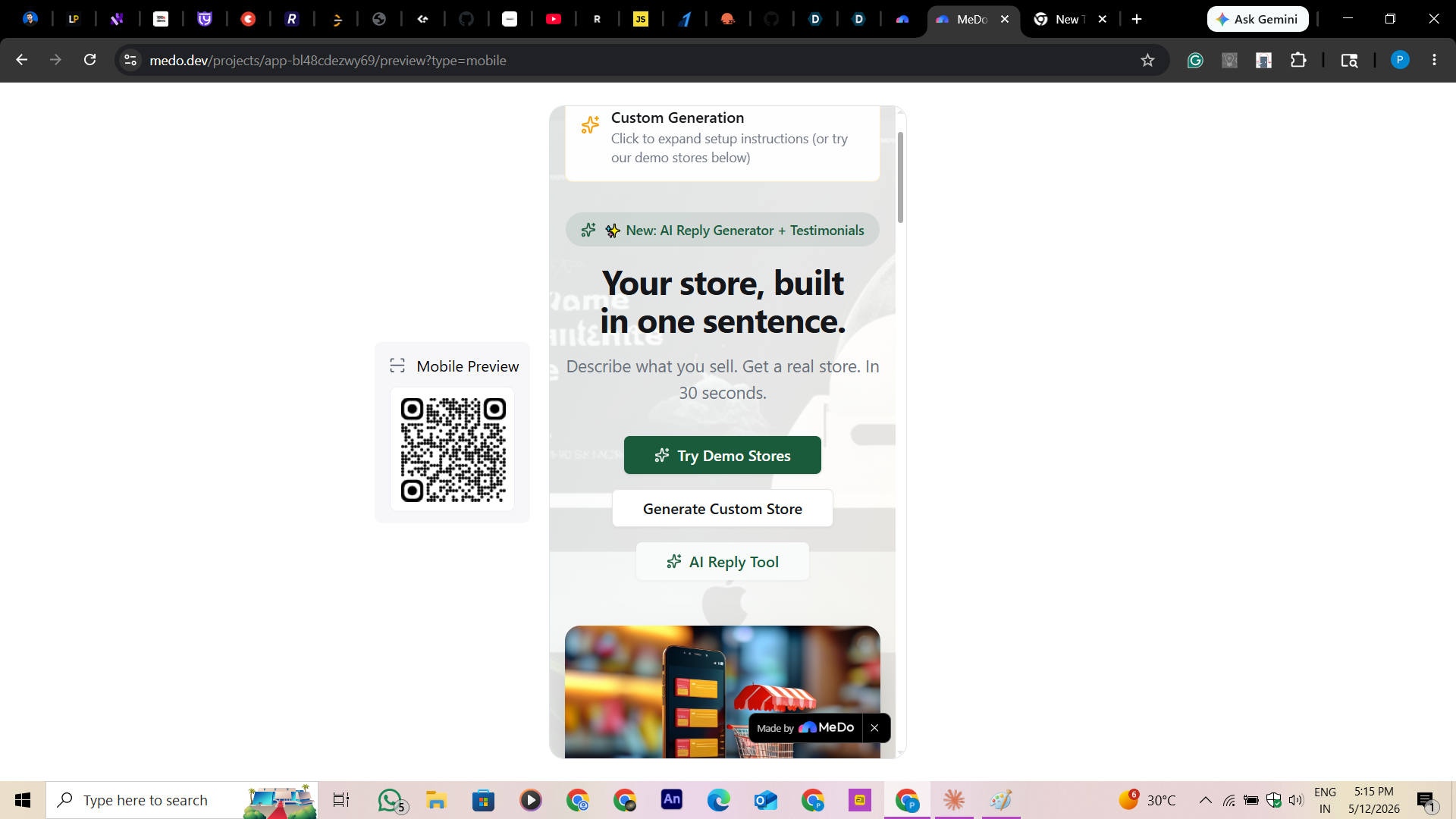
So I added the AI Customer Reply Tool — accessible directly from the homepage via the "AI Reply Tool" button.
The owner pastes any customer message they received — in Hindi, English, or Hinglish — and the AI generates a ready-to-send, friendly, professional reply in seconds. The reply:
- Addresses the customer's exact question
- Maintains a warm, trustworthy tone matching the business type
- Is formatted perfectly for WhatsApp — short, clear, no corporate jargon
- Can be copied and pasted in one tap
This turned StoreAI from a store builder into a complete business assistant — not just helping owners get online, but helping them actually run their business once they are online.
The store is the shopfront. The AI Reply Tool is the shopkeeper.
📖 What I Learned
- Prompt depth beats prompt count. One deeply structured prompt with full context — screens, design system, interactions, API flow — produces better output than ten vague follow-ups.
- MeDo handles full-stack. I expected to prompt the frontend and figure out the backend myself. MeDo generated the Supabase Edge Functions, the RLS policies, and the server-side Gemini integration without me asking separately.
- The waiting screen is part of the product. How your app feels during loading is as important as what it delivers. The progressive generation animation is not a visual trick — it is the moment the user understands what just happened.
🚀 Real-World Impact
StoreAI is built for the Indian small business market. A home baker in Mumbai, a handicraft seller in Rishikesh, a tailor in Lucknow — any of them can go from zero online presence to a live, shareable store with a working WhatsApp order button in under 30 seconds.
The WhatsApp integration is not a feature. It is the commerce layer — because that is how Indian micro-businesses actually operate.
One sentence in. A real business out.
How we built it
Challenges we ran into
Accomplishments that we're proud of
What we learned
What's next for StoreAI — Your Store, Built in One Sentence
Built With
- medo


Log in or sign up for Devpost to join the conversation.