-
-
-
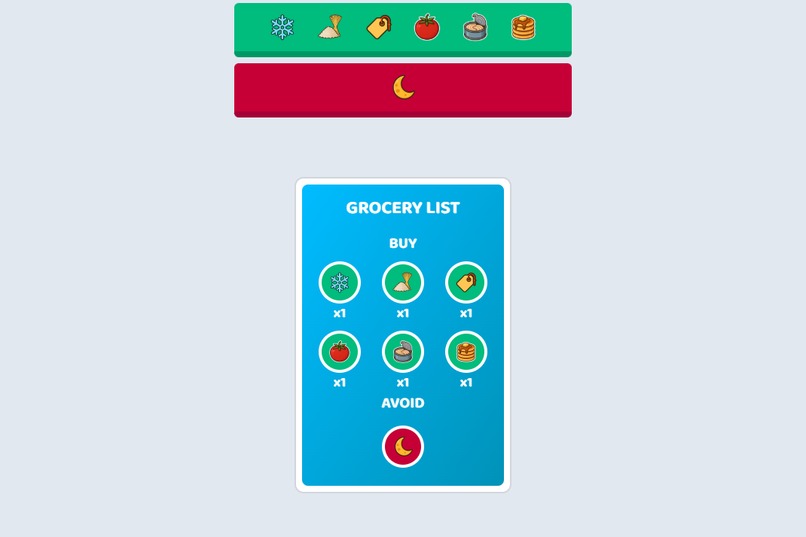
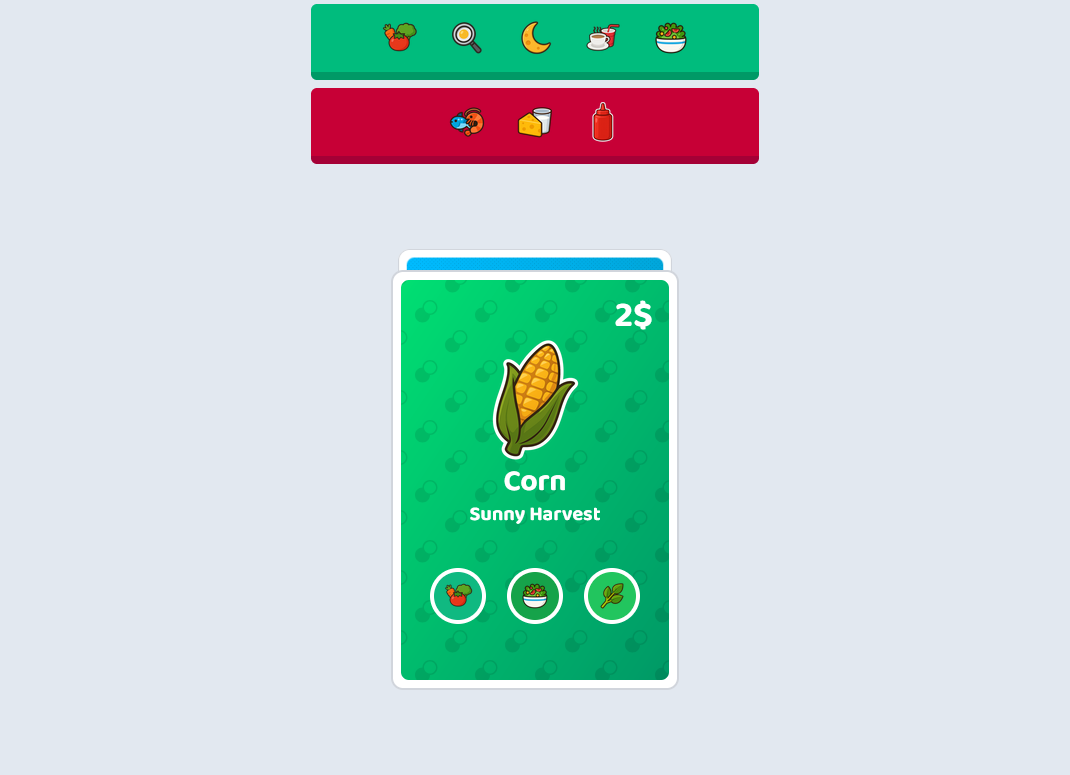
The GROCERY LIST indicates what to buy and what to avoid.
-
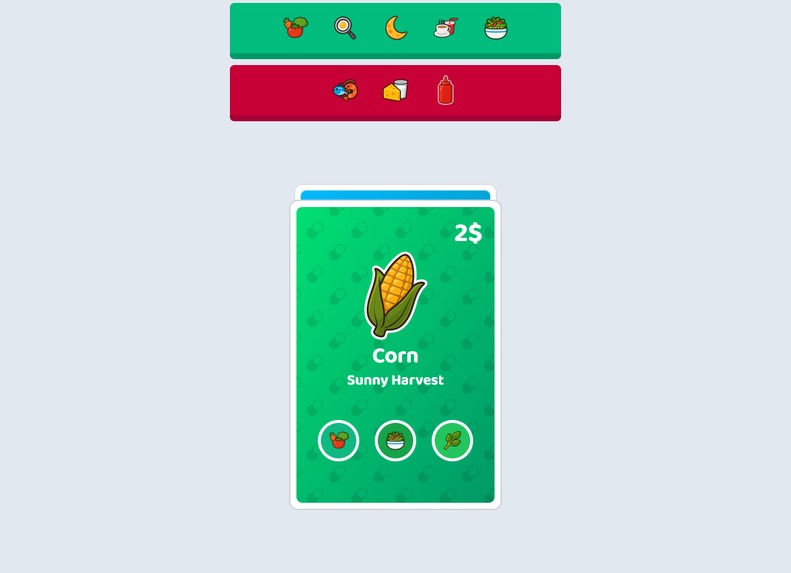
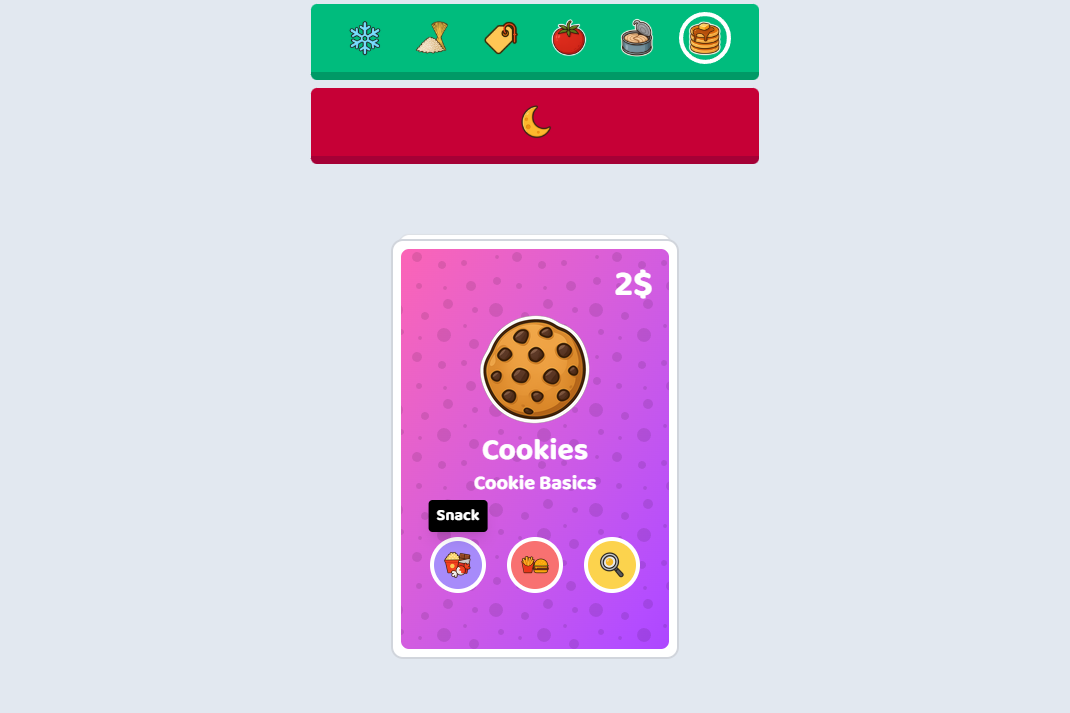
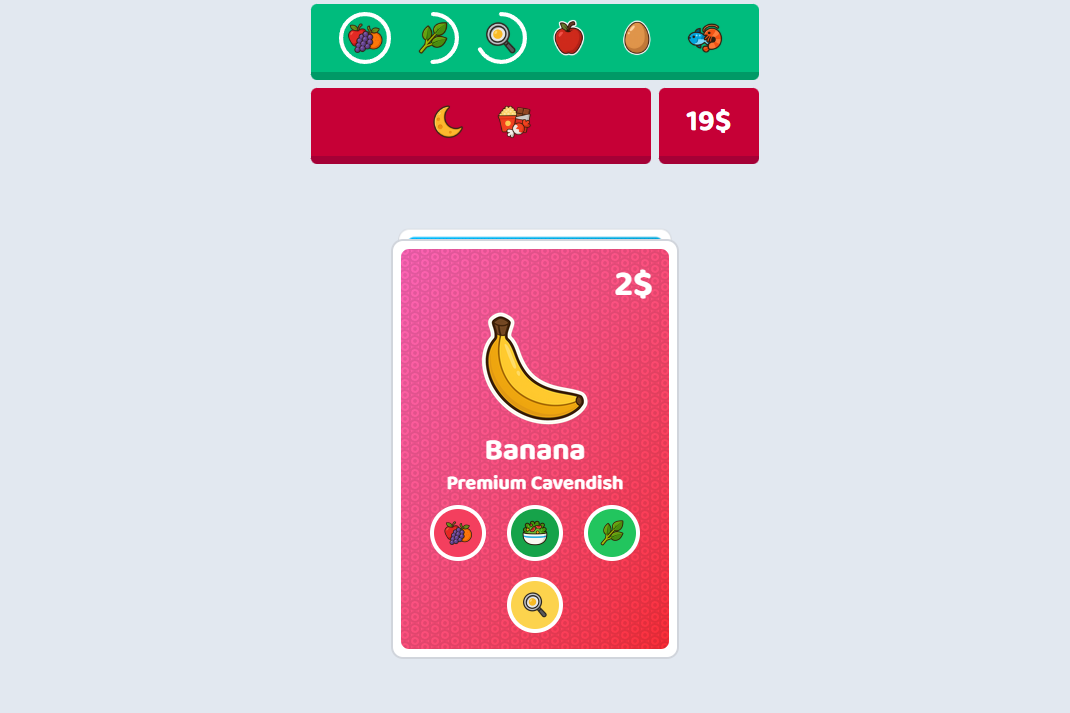
Each item has specific traits.
-
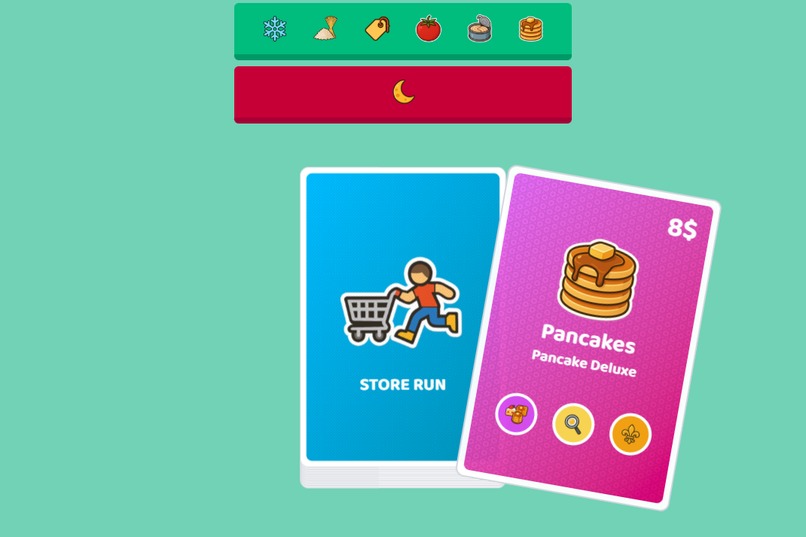
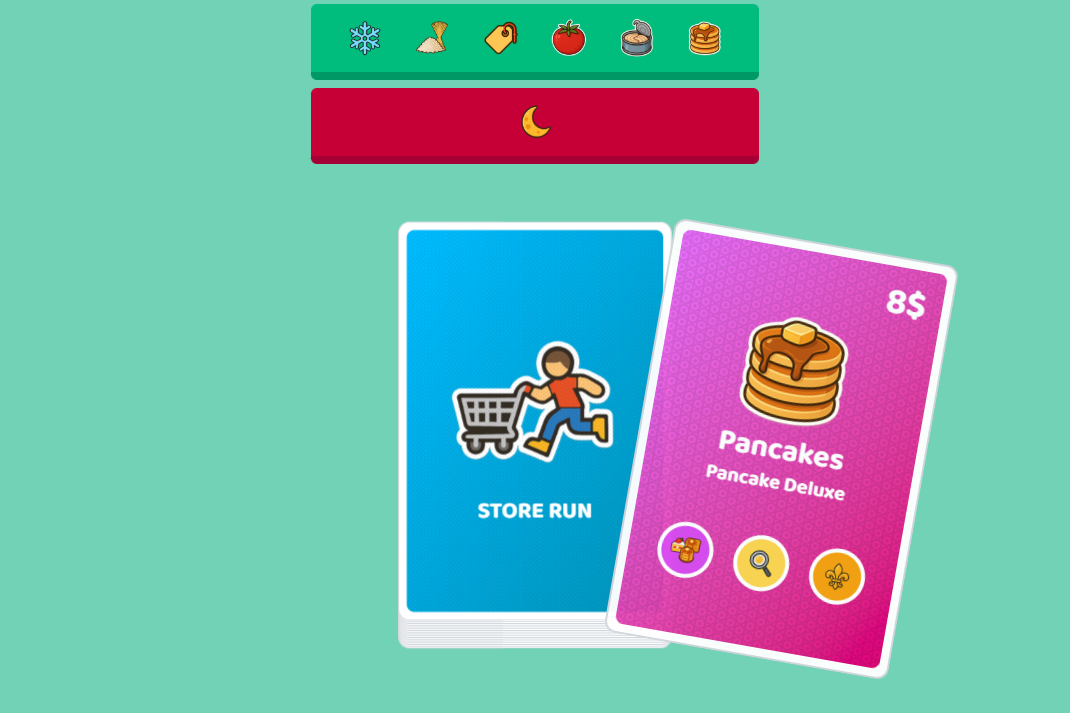
Swipe right to buy a product.
-
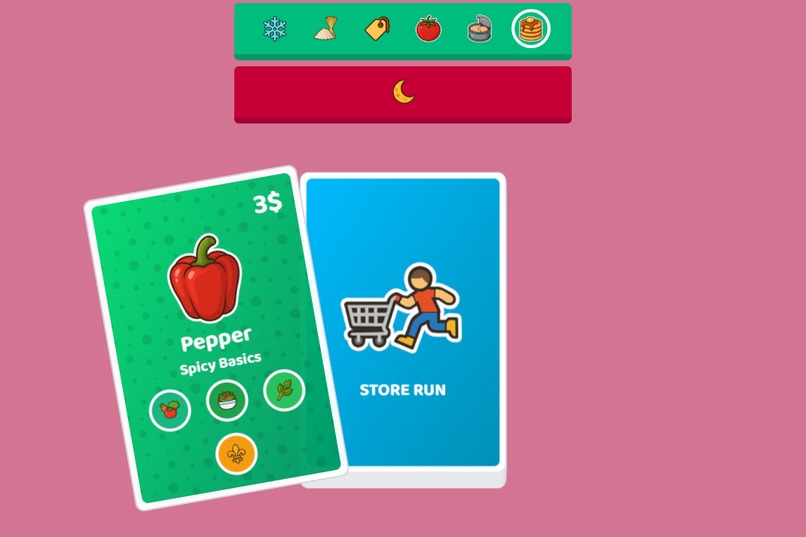
Swipe left to reject a product.
-
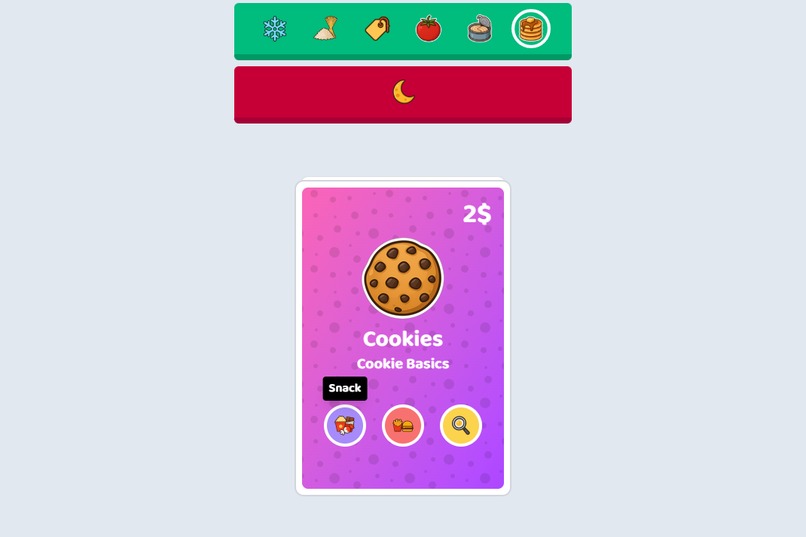
Hover over an item's traits to get more info.
-
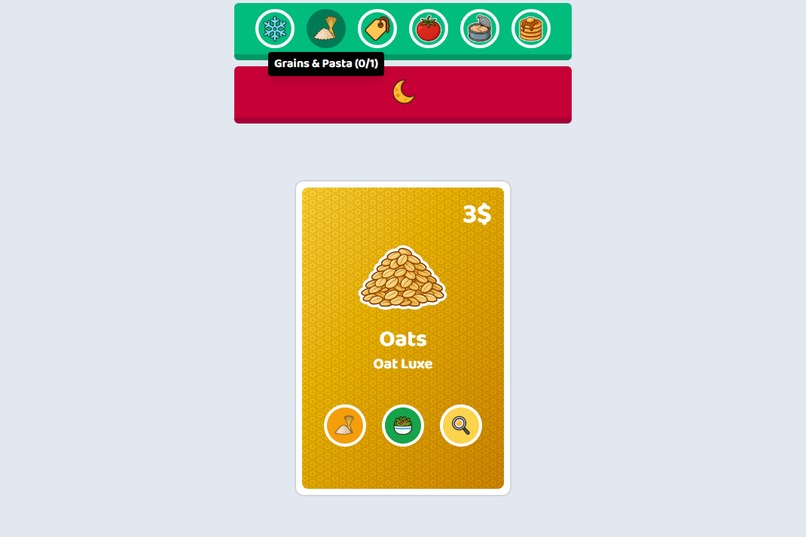
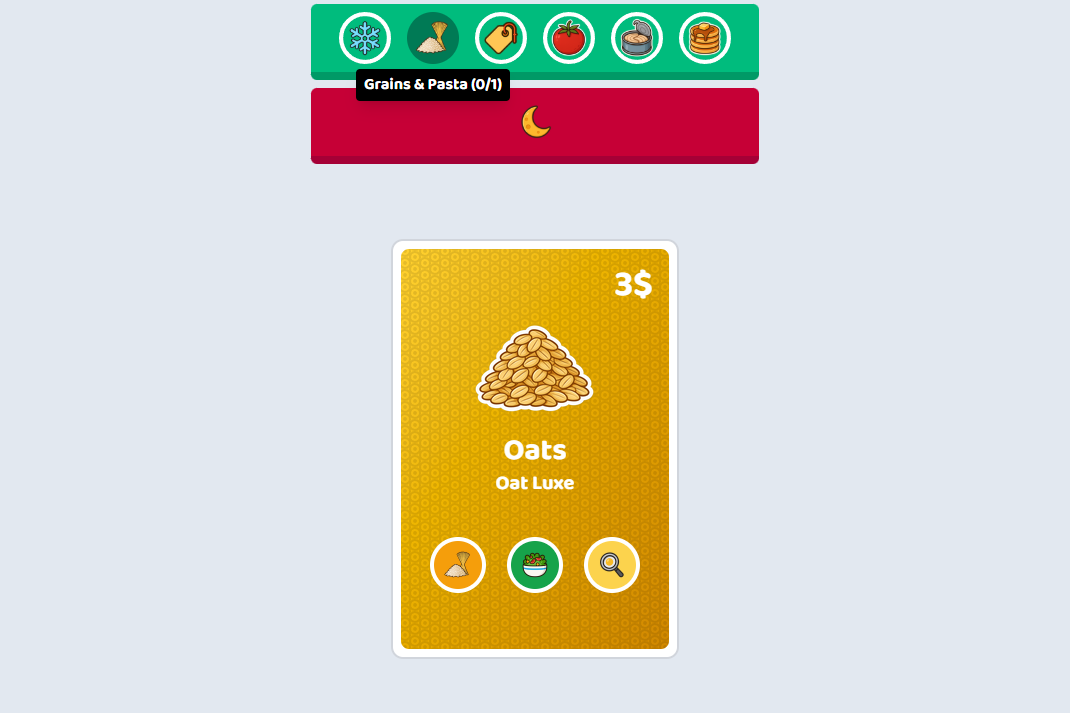
The bar at the top helps you keep track of your groceries.
-
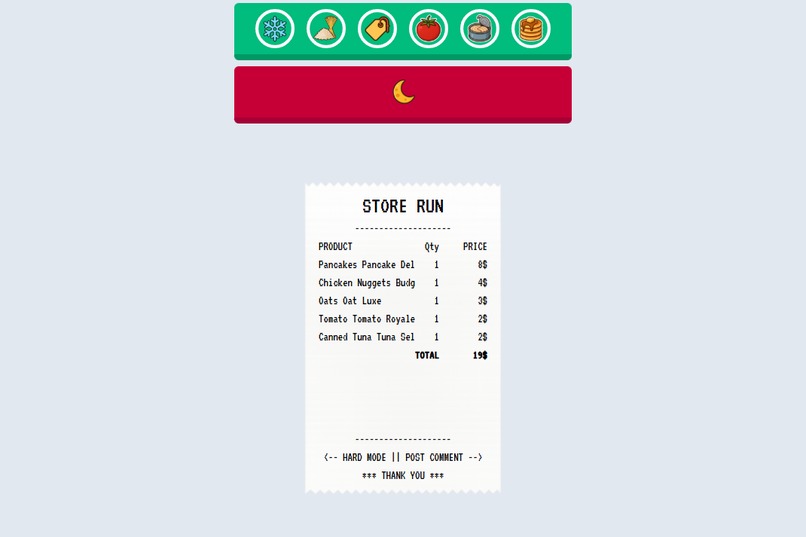
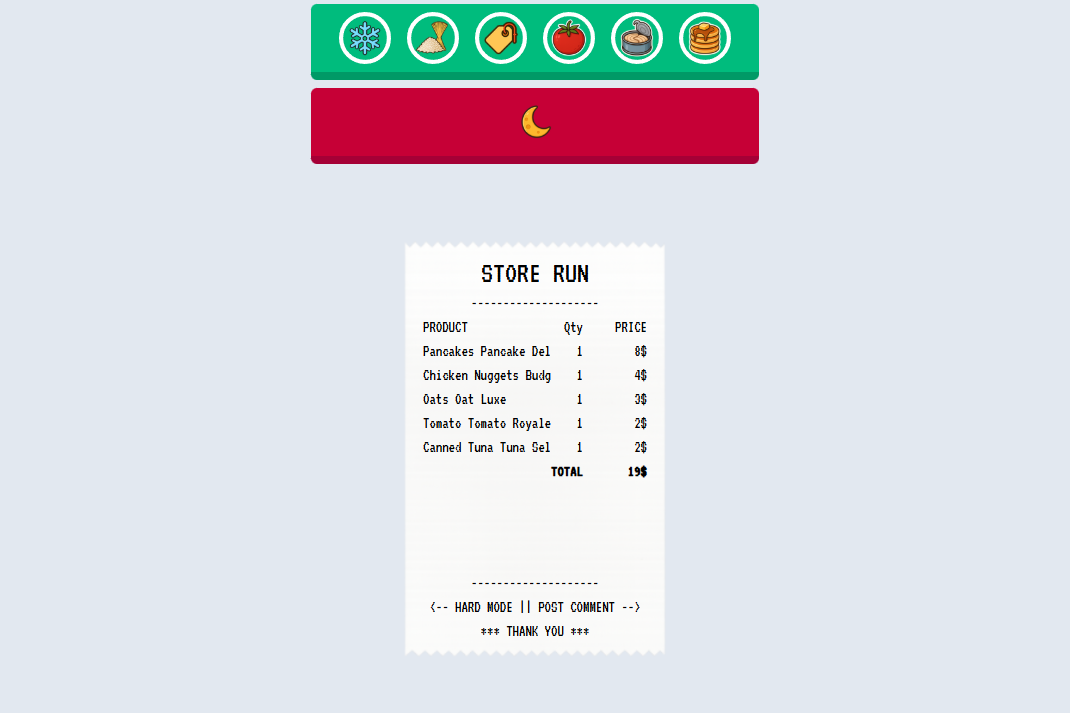
Grab everything in your grocery list to get the RECEIPT!
-
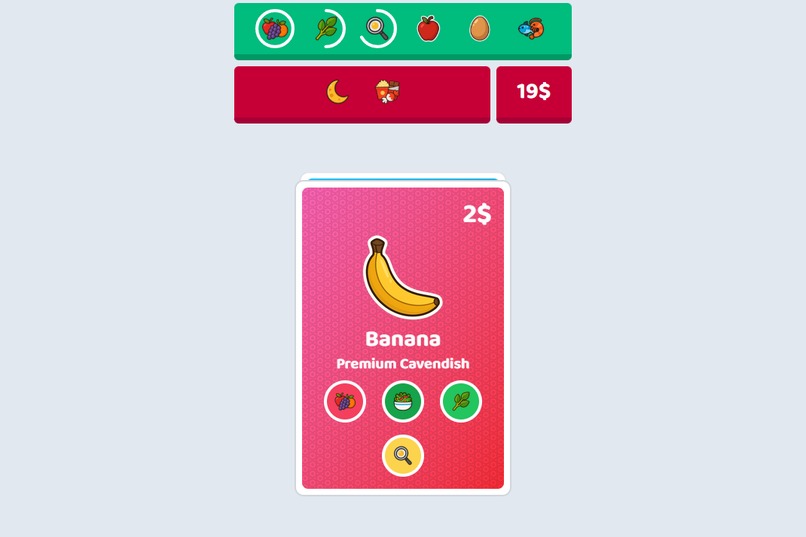
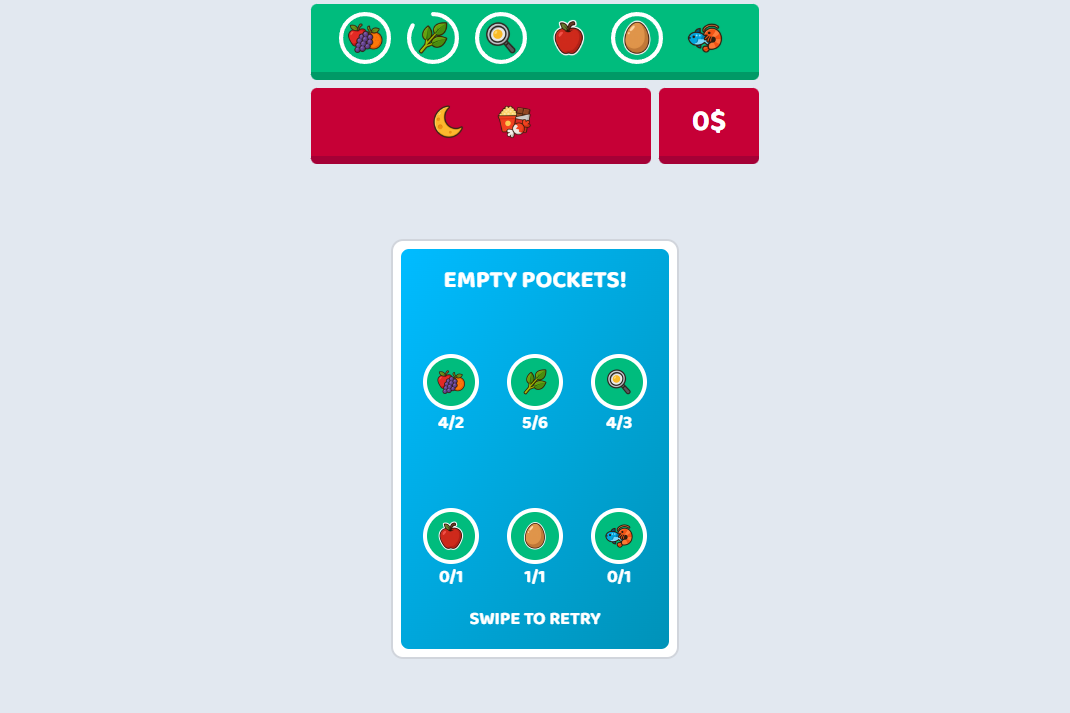
In HARD MODE, you have to pay attention to your budget
-
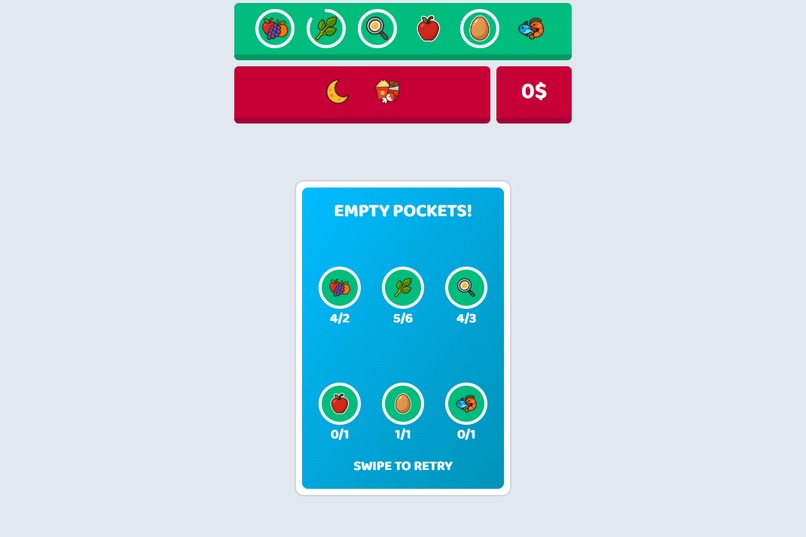
Don't run out of money in HARD MODE!
-
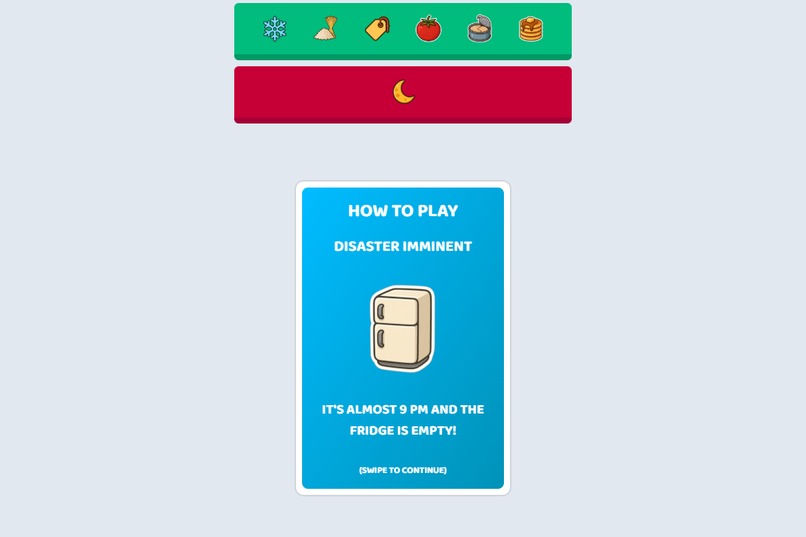
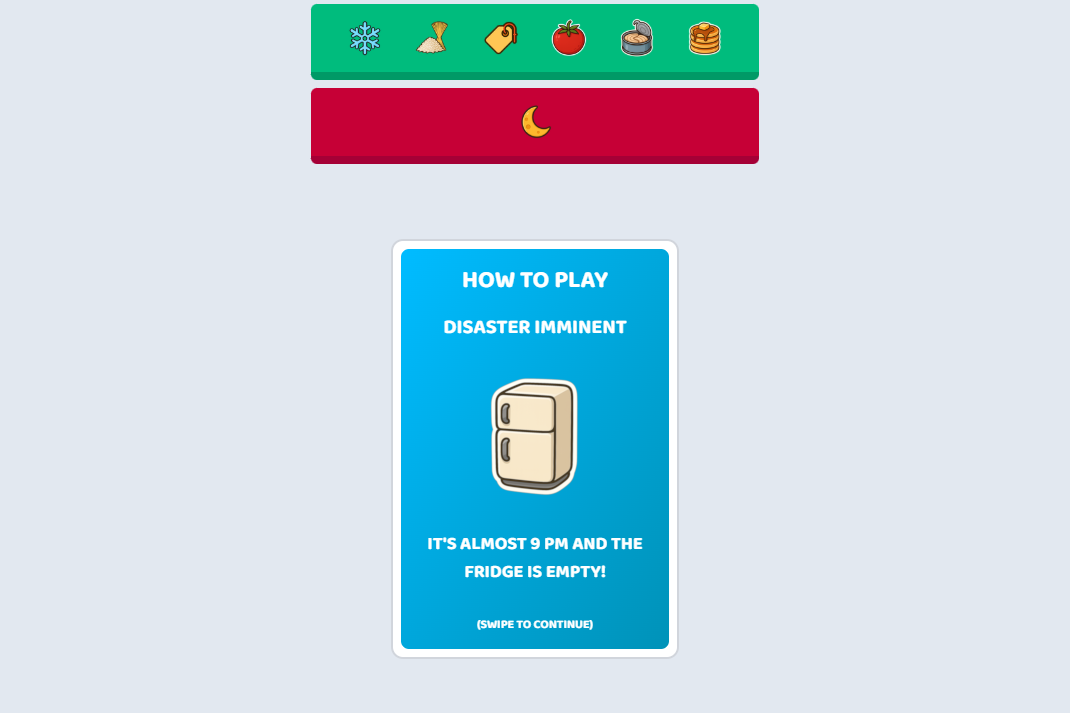
If you are new to the game, go through the tutorial to learn how to play!


Inspiration
I had this concept for a game where you enter a grocery store a few minutes before closing time and have to rush to buy everything on your grocery list. I was also inspired by Balatro and wanted to try building something card-based to replicate some cool deck effects, so I adapted my idea to work with cards.
What it does
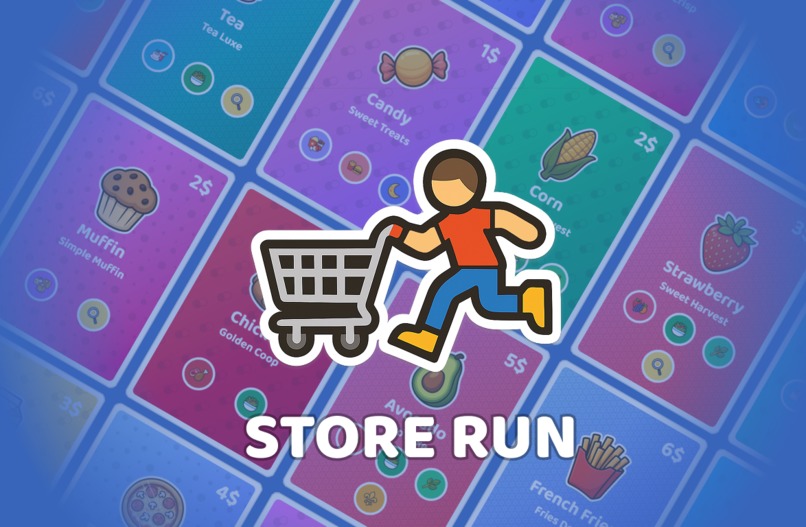
Store Run is a daily card-swiping game. Each day, a new grocery list is generated with desirable and undesirable groceries and traits. Players swipe through 20 food cards to complete their list: swipe right to buy, swipe left to reject. After beating the daily challenge, you can replay in a harder mode with a limited budget. Can you make it out of the store with money left?
The project features:
- 60 product cards
- 3 brands per product, each priced at a different price point
- 11 product categories
- 8 product traits
How we built it
I used TypeScript, React, Tailwind, and Devvit to build the app.
Challenges we ran into
One of the hardest things to design was the top bar that tracks grocery list progress. The issue was fitting too many rows of information into smaller screen layouts. After many iterations, I landed on a design that’s simple enough while still conveying the key information.
Another recurring issue I run into with React projects is audio. I can’t quite figure out how to do audio properly (there are always delays and other quirks).
A number of planned features had to be cut due to time and complexity. Here are some of them:
The first draft had players racing against the clock, managing a budget, and making decisions based on product traits. I realized that was too much for a casual game, so I scrapped the timer and budget for normal mode. However, I still wanted money to matter, so I created hard mode, where players must manage their cash.
I planned to add special cards with unique effects (e.g. foil cards, cards that add groceries to the deck) and “mystery” cards (face-down cards you could flip for a cost). These may still be added later, but they were too complex to implement within hackathon time.
I originally wanted more visual feedback using particle effects, but the library I used didn’t handle bursts well, so I had to drop it.
I also considered letting players create their own lists, but decided on the daily challenge format instead. It guarantees fresh content and avoids the tedium of players navigating lots of menus to build lists.
Accomplishments that we're proud of
I’m proud of how visually polished the project feels. The card designs turned out great, and the animations add a smoothness that makes the gameplay satisfying.
What we learned
While I didn't use any new frameworks this time, this project helped me study good UI/UX patterns how you can provide feedback through animation.
What's next for Store Run
I think Store Run is very playable, and I hope people enjoy it. If it gets a positive response, I plan to continue adding features.
Built With
- devvit
- react
- tailwind
- typescript


Log in or sign up for Devpost to join the conversation.