Inspiration
Living in a small urban apartment, I’d grown frustrated with wasted space and endless clutter. Watching friends struggle with the same—too many belongings, too little room, no clear way to fix it—sparked the idea: what if an AI could turn messy spaces into organized ones with real, actionable steps? I wanted to create something practical, not just aesthetic, for everyday people in busy homes.
What it does
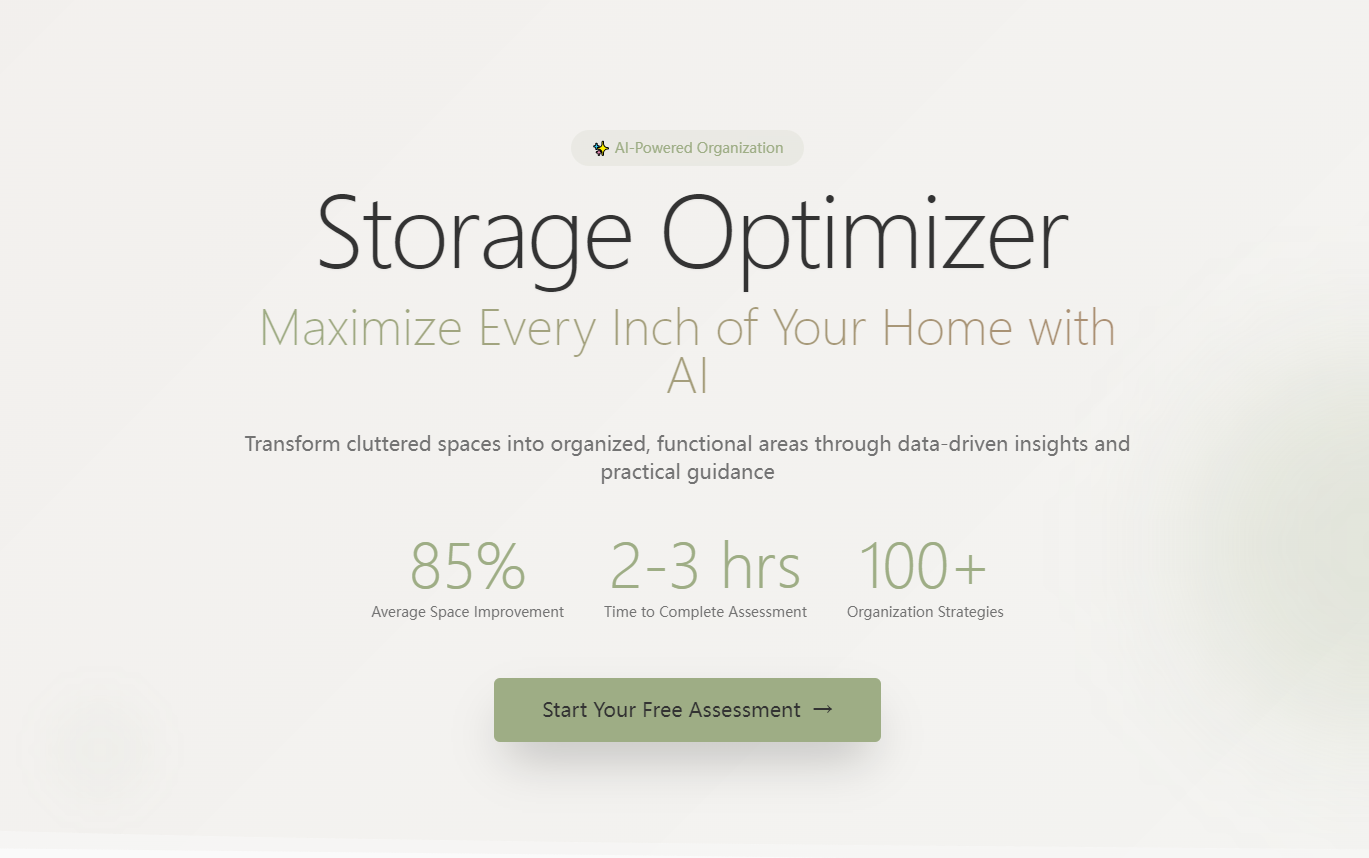
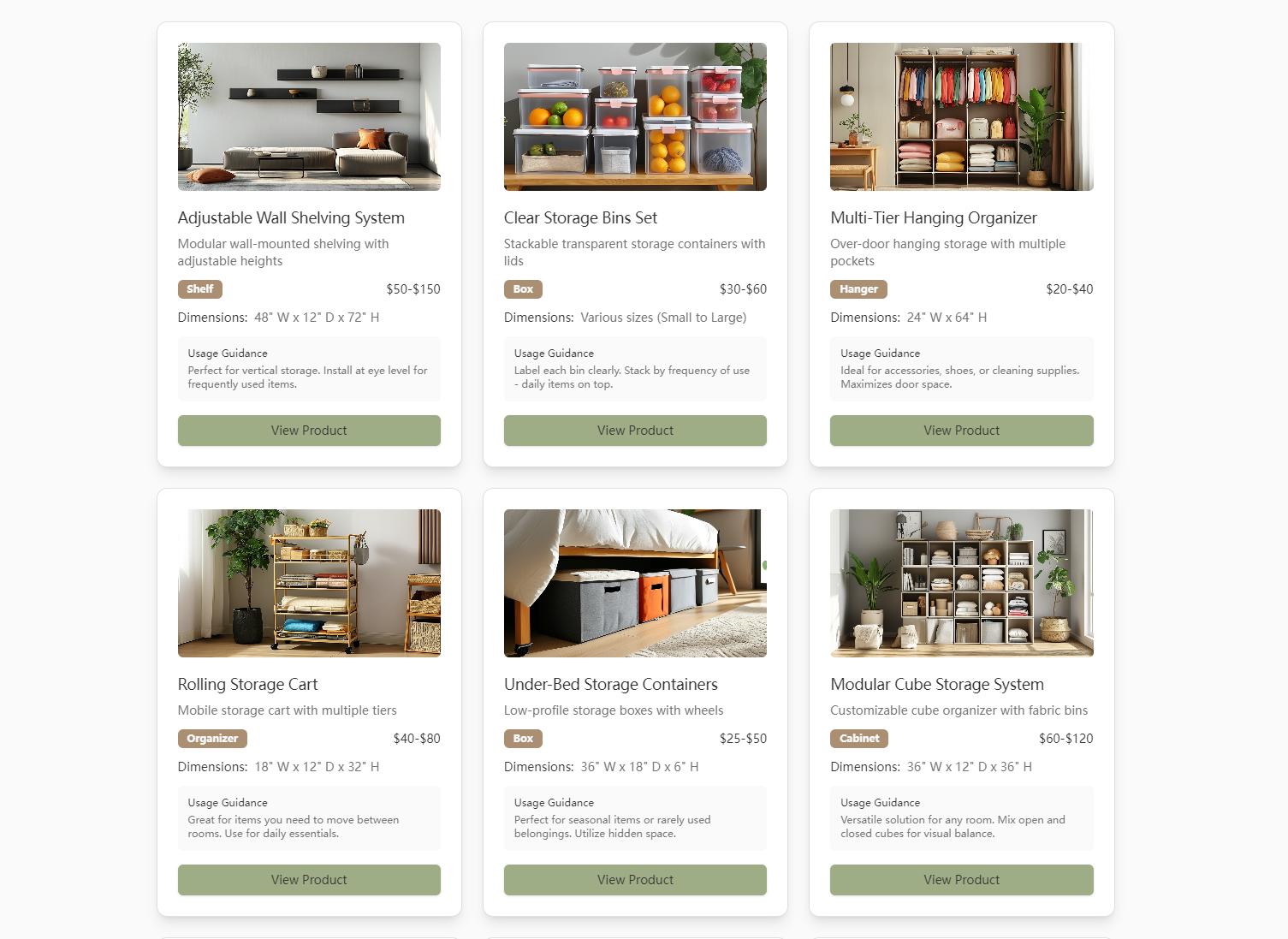
Storage Optimizer is a web app that lets users assess room dimensions, furniture/layout, and item categories to generate a space efficiency score and clutter analysis. It delivers custom organization plans (prioritizing vertical/hidden storage), curated storage product recommendations (filtered by space, style, budget), and a way to track progress via before/after photo comparisons.
How we built it
I started with user flow mapping (Figma) to align with core scenarios: assessment, planning, product picks, progress tracking. The frontend (React/HTML/CSS) focuses on clean, minimalist design with the brand color palette (soft white, sage green, oak brown). The backend (Node.js/Express) runs the AI-driven scoring logic, storing user inputs in MongoDB (AWS-hosted). I integrated Cloudinary for photo management and Chart.js for visualizing scores.
Challenges we ran into
The biggest hurdle was refining the assessment scoring logic—balancing room dimensions, item density, and furniture layout to generate accurate efficiency scores felt like guesswork at first. I tested with real user data (friends’ home measurements) to tweak the formula until scores felt meaningful. Also, ensuring the photo comparison slider worked seamlessly across devices required debugging responsive design edge cases.
Accomplishments that we're proud of
The app’s usability stands out: beta testers (urban renters/families) completed full assessment-to-plan workflows without confusion. Seeing users say the product recommendations actually fit their space (e.g., a narrow closet shelf for a small bedroom) and the progress tracker motivated them to declutter made it worth it. The visual score indicators also turned abstract “clutter” into a measurable, fixable problem.
What we learned
I deepened my understanding of translating user pain points into technical solutions—designing for “overwhelmed users” meant simplifying inputs (no jargon, clear error messages for incomplete data) and focusing on actionable outputs (step-by-step routines, not just vague advice). I also learned to prioritize core features (assessment/planning) over nice-to-haves (AR scanning) to keep the launch focused and usable.
What's next for this project
First, add user accounts (to save progress across sessions) and refine the product recommendation algorithm to include more sustainable, affordable options. Long-term, I want to test a mobile-responsive version and explore partnerships with home goods retailers for direct, affiliate-linked product recommendations. I also plan to add a simple checklist feature to track daily organization routines—turning plans into consistent habits.

Log in or sign up for Devpost to join the conversation.