-
-
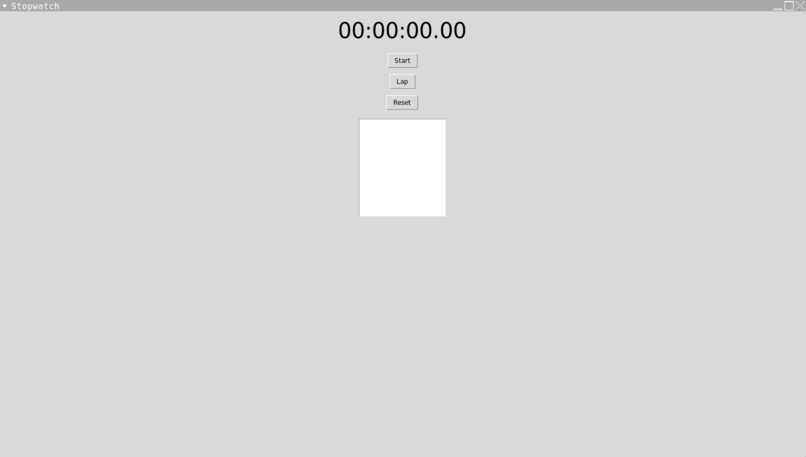
Default Screen
-

Inspiration
As a coding novice, I wanted to build a project that would help me learn more about Python and its capabilities. I also wanted to create something useful that I could use in my daily life. The idea for a stopwatch app came to me while working on a time-sensitive project where I needed to track the time I spent on each task.
What I Learned
During the development of the stopwatch app, I learned how to work with Python's built-in time module, which allowed me to create a timer that can accurately track time down to the millisecond. I also learned about how to create a graphical user interface (GUI) using Python's tkinter module.
How I Built the Project
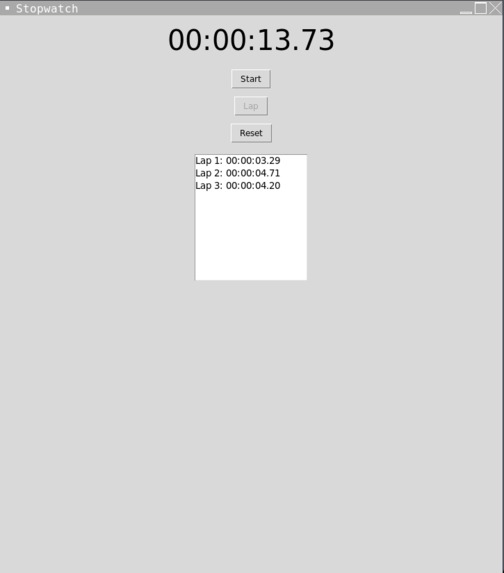
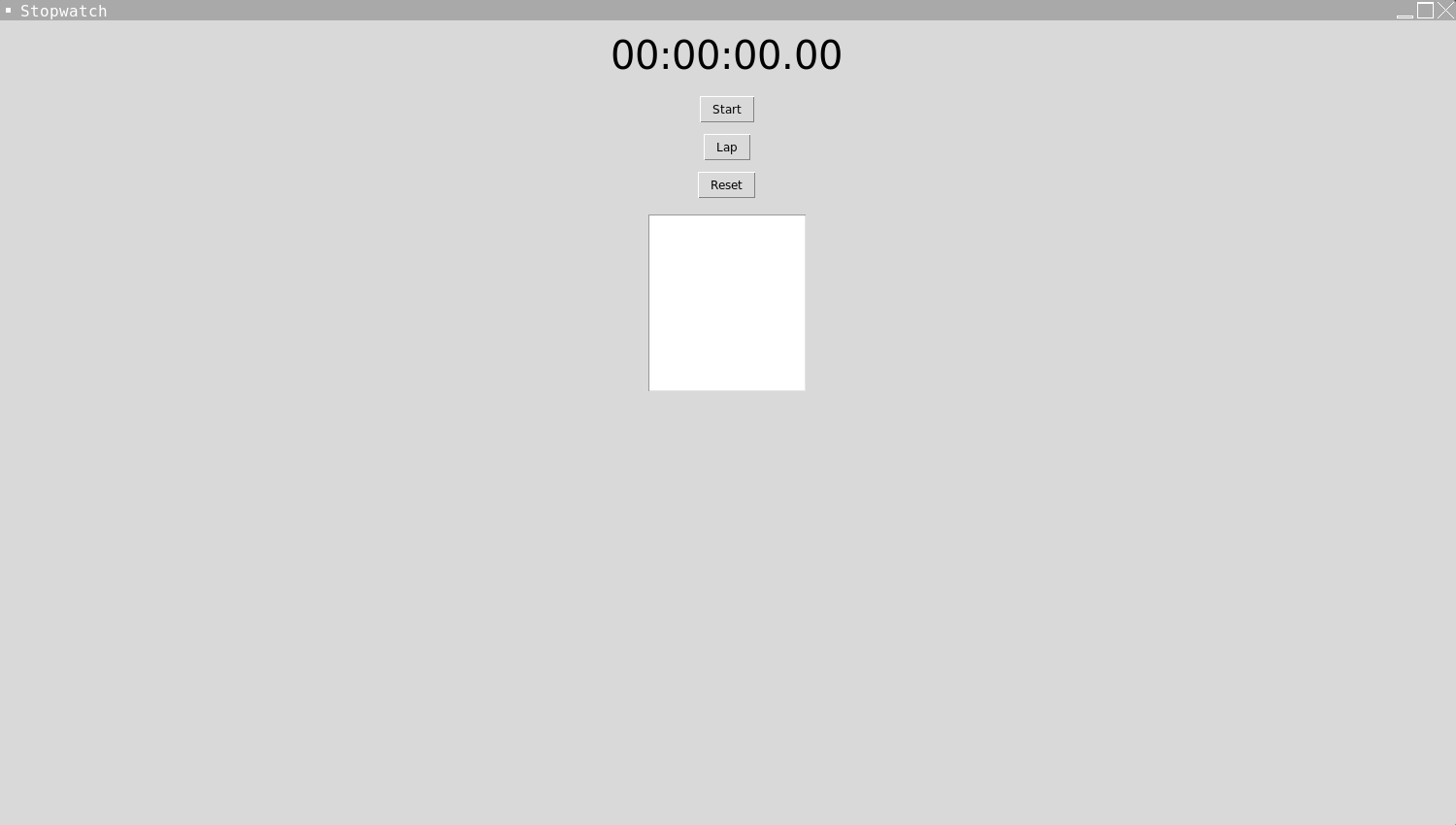
To build the stopwatch app, I used Python's tkinter module to create a simple GUI with buttons for start, stop, and reset. I then used Python's time module to implement the timer functionality. When the user clicks the start button, the timer begins counting up from zero. When the user clicks the stop button, the timer stops, and when the user clicks the reset button, the timer resets to zero.
Challenges Faced
One of the main challenges I faced during the development of the stopwatch app was figuring out how to display the time on the GUI in a user-friendly format. After some research, I discovered the strftime() function, which allowed me to format the time in hours, minutes, seconds, and milliseconds.
Another challenge was figuring out how to make the buttons responsive and how to handle button clicks. I had to learn how to use Python's bind() function to bind button clicks to specific functions.
Overall, building the stopwatch app was a great learning experience for me, and I'm proud of what I was able to accomplish as a coding novice.
Built With
- python
- replit
- tkinter


Log in or sign up for Devpost to join the conversation.