-
-
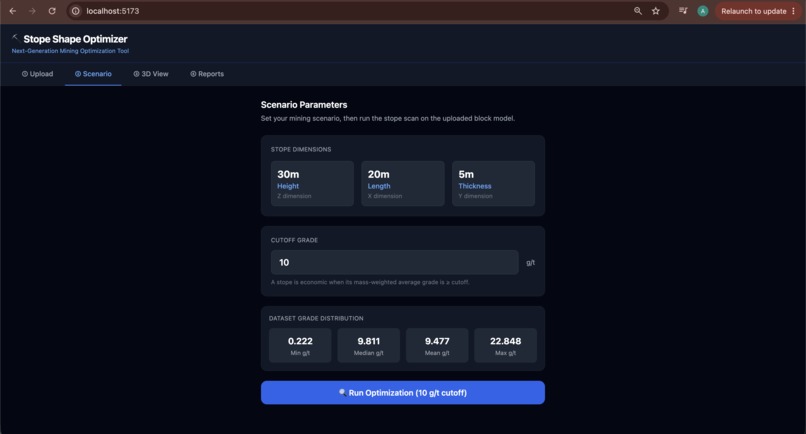
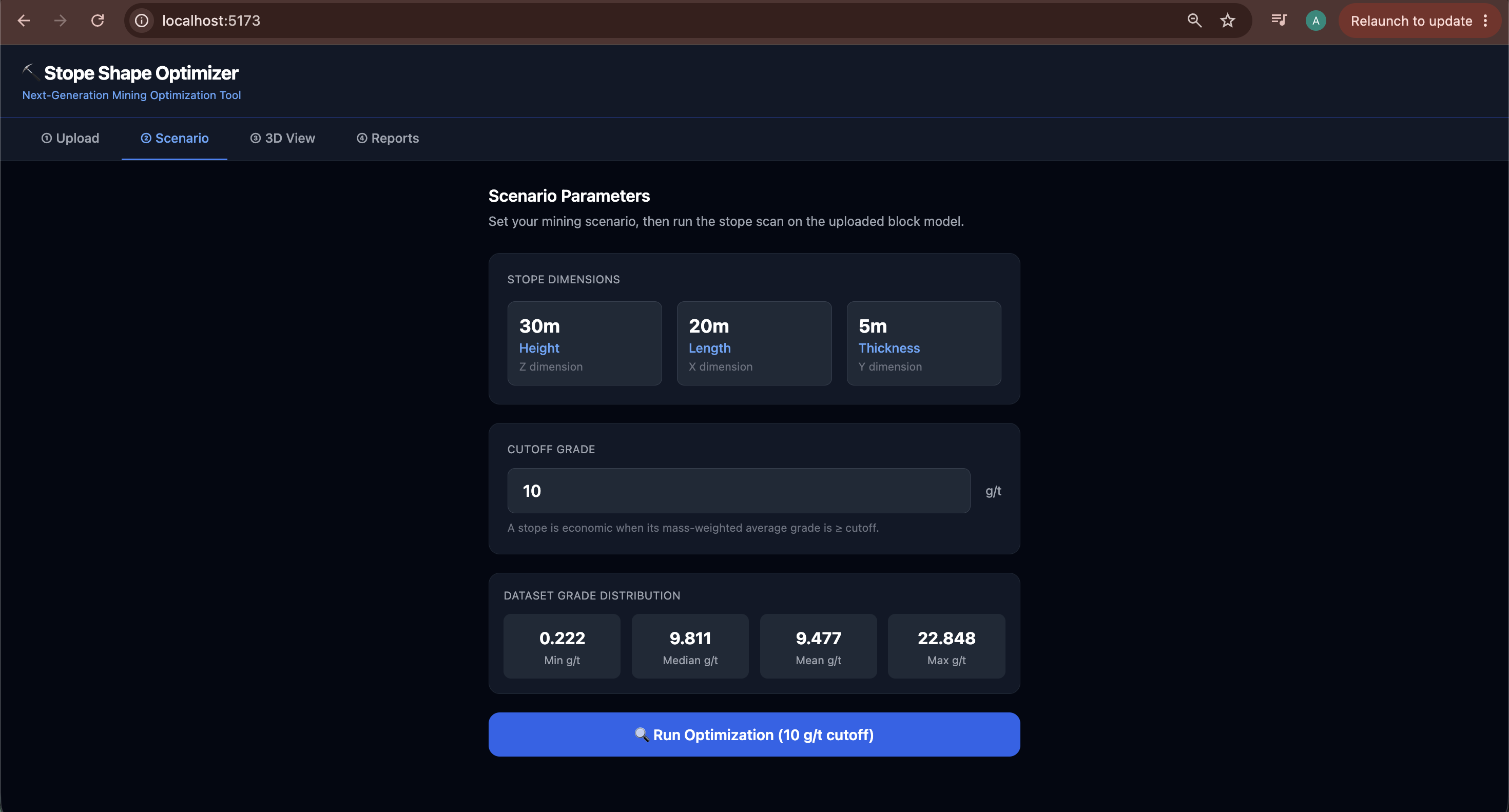
data extracted from csv file
-
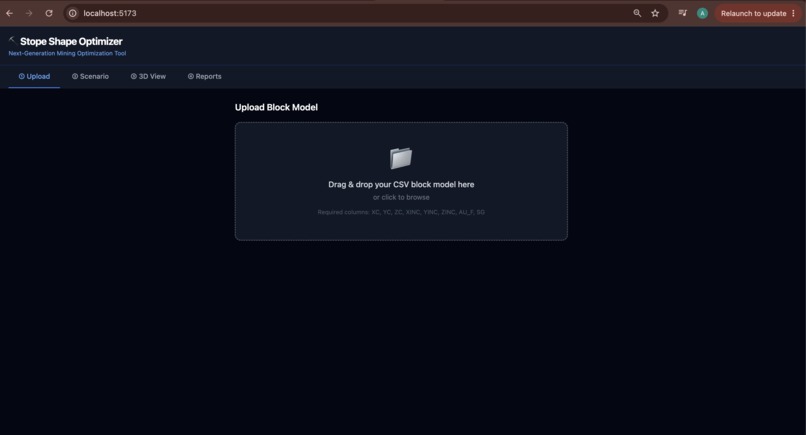
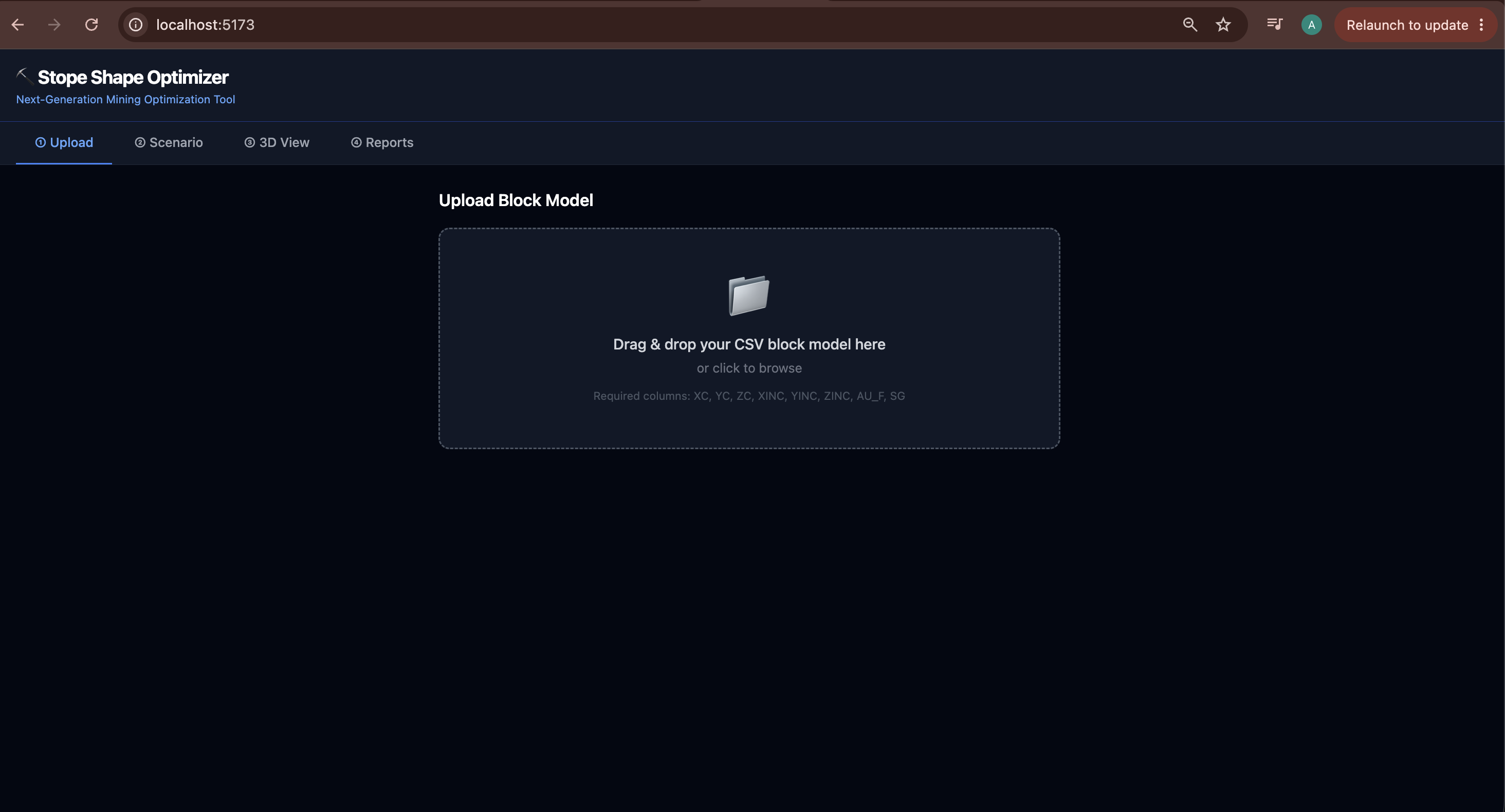
upload the csv file of mining data
-
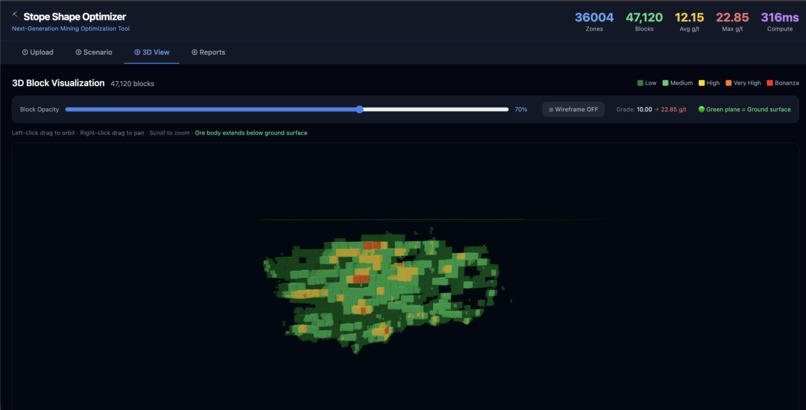
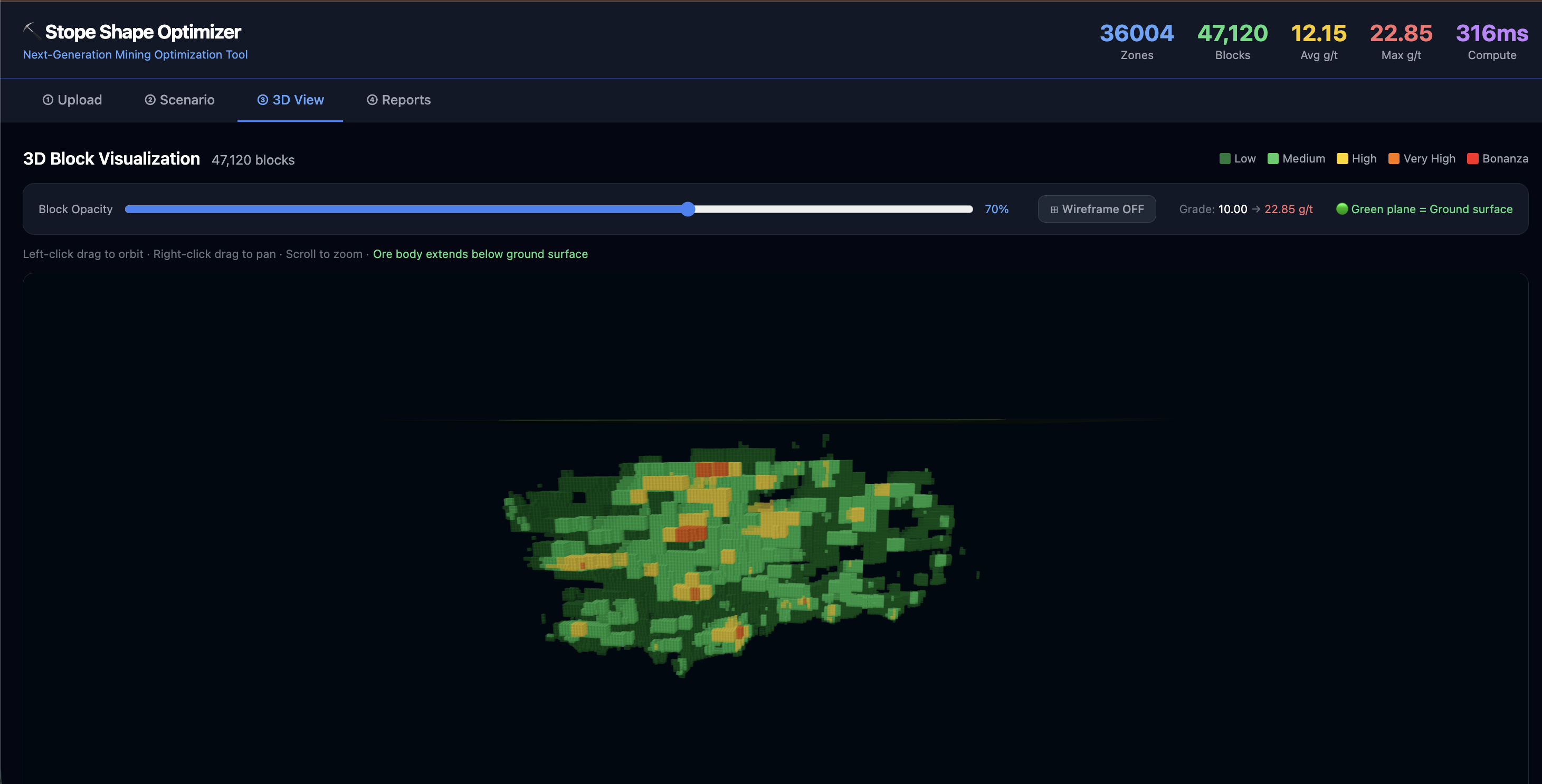
the 3d vizualization of data based on the block grade
Inspiration
Mining planners still spend hours working through block model CSVs in spreadsheets, with little real-time 3D feedback and slow handoffs to AutoCAD. I wanted to build something real — not another generic hackathon app — that modernizes a genuine industry workflow.
Underground stope design sits at the intersection of 3D spatial data, domain-specific math, and practical engineering outputs. That made it a perfect fit for a full-stack web app: fast APIs, in-browser 3D, and instant exports engineers actually use.
What it does
Stope Shape Optimizer turns a geological block model CSV into economic stope shapes you can explore and export.
- Upload a block model (coordinates, grade, density)
- Configure stope dimensions (30m × 20m × 5m) and a grade cutoff
- Scan the full 3D model for every economic stope position
- Visualize ore blocks in an interactive Three.js viewer, color-coded by grade
- Export to AutoCAD DXF, CSV, PDF, and Excel
On a ~97,000 block dataset, the scan completes in under 300 milliseconds and finds ~36,000 economic stopes at a 10 g/t cutoff.
For each stope window, the engine computes mass-weighted average grade:
[ \bar{G} = \frac{\sum_{i=1}^{n} T_i \cdot G_i}{\sum_{i=1}^{n} T_i} ]
where (T_i = V_i \times \rho_i) and a stope is economic when (\bar{G} \geq G_{cutoff}).
Missing blocks inside a stope are treated as waste rock ((G = 0) g/t, (\rho = 2.8) t/m³) so dilution is modelled correctly.
How we built it
Backend — Python / FastAPI
parser_csv.py— Parses CSV block models, skips metadata rows, auto-detects grade/density columnsoptimizer.py— Builds a 3D NumPy grid, applies gap fill, scans all stope positions viasliding_window_viewdxf_exporter.py— Exports stope prisms as 3D faces for AutoCAD (ezdxf)reporter.py— Generates CSV, PDF, and Excel reports
Frontend — React / Vite / Three.js
- 4-step tab UI: Upload → Scenario → 3D View → Reports
- Instanced Three.js meshes for rendering 47k+ grade-colored blocks
- Tailwind CSS dark theme
Architecture
CSV Upload → FastAPI → NumPy 3D Grid → Stope Scanner → JSON Results
                                              ↓
                         React UI ← 3D Viewer + DXF / CSV / PDF / Excel
Challenges we ran into
Sparse block models — Empty grid cells were initially ignored, inflating stope grades. Gap fill (0 g/t @ 2.8 t/m³) fixed dilution modelling.
Performance — Scanning every stope position on ~97k blocks required vectorized NumPy sliding windows instead of Python loops — runtime dropped from seconds to ~300 ms.
3D at scale — Rendering tens of thousands of blocks required instanced meshes grouped by grade tier, not individual components per block.
DXF file size — Exporting 36k+ stope prisms with labels creates huge files. We export all geometry but skip text labels on large exports to keep AutoCAD usable.
Cross-platform setup — Windows and Mac/Linux setup scripts plus a clean Python venv workflow so anyone can run the demo locally.
Accomplishments that we're proud of
- Built a domain-realistic mining tool, not a generic CRUD app
- Sub-300ms stope scan on a real ~97k block dataset
- End-to-end pipeline: CSV in → 3D visualization → AutoCAD DXF out
- Correct mining formulas: volume, tonnes, weighted grade, gold content, ore vs waste
- Polished UI with live stats, grade legends, opacity controls, and multi-format downloads
- Gap-aware sliding-window algorithm that matches real mining engineering logic
What we learned
- Domain knowledge matters — Gap fill, dilution, and weighted cutoffs are as important as the code
- NumPy
sliding_window_viewis powerful for 3D spatial scanning problems - Three.js instancing is essential for large-scale in-browser 3D
- Export formats are first-class features — engineers live in AutoCAD and Excel, not JSON
- A simple 4-step UX makes complex engineering tools approachable for demos and judges
What's next for Stope Shape Optimizer
- Adjustable stope dimensions in the UI (not just cutoff grade)
- Economic NPV optimization — metal price, mining cost, processing cost, recovery
- Best-set stope selection — deduplicate overlapping stopes and maximize total value
- Deployed live demo — hosted version judges can try without local setup
- Support for multiple metals — copper, zinc, multi-element block models
- Improved 3D viewer — render stope prisms (not just ore blocks) with accurate block sizes

Log in or sign up for Devpost to join the conversation.