-
-
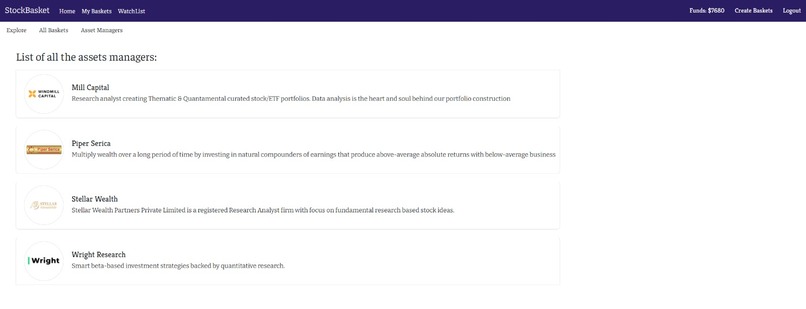
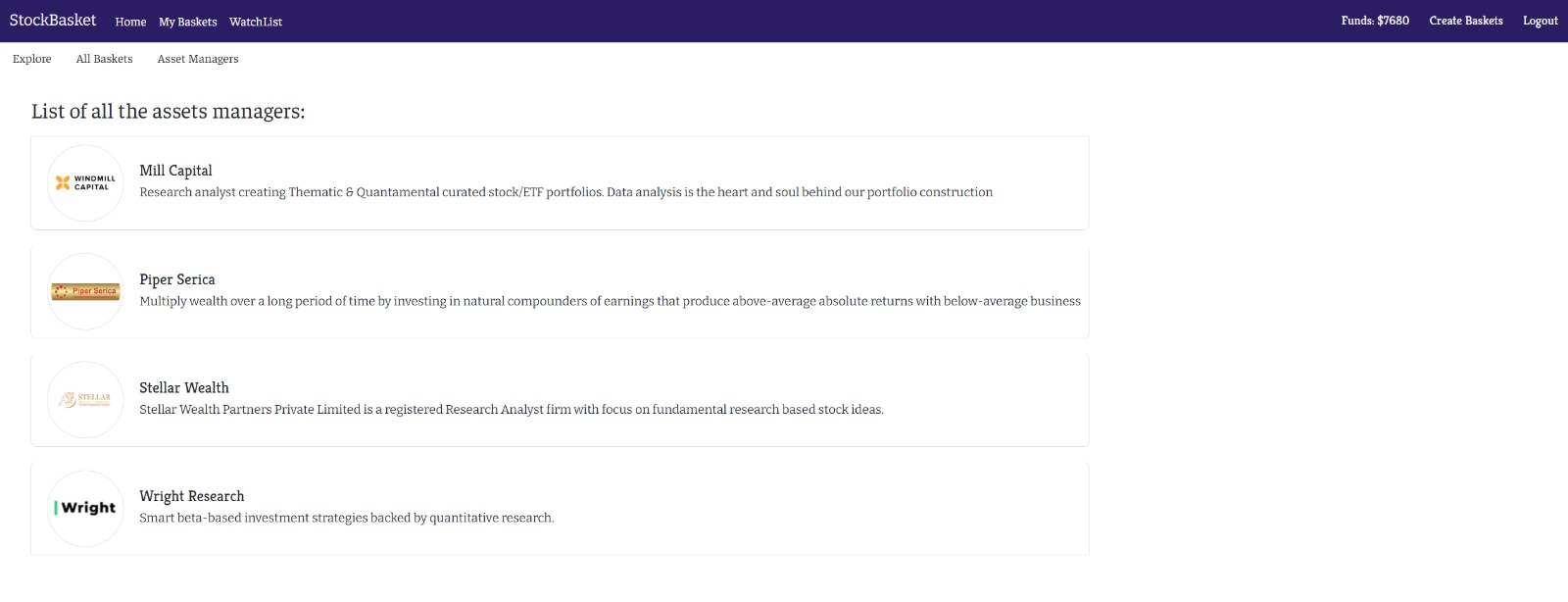
All Managers
-
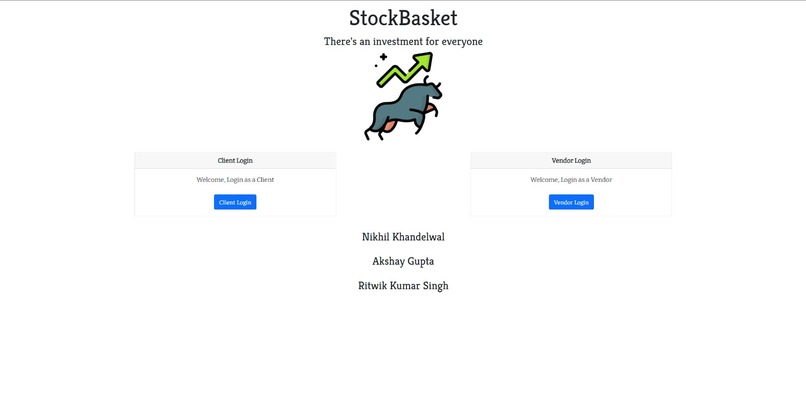
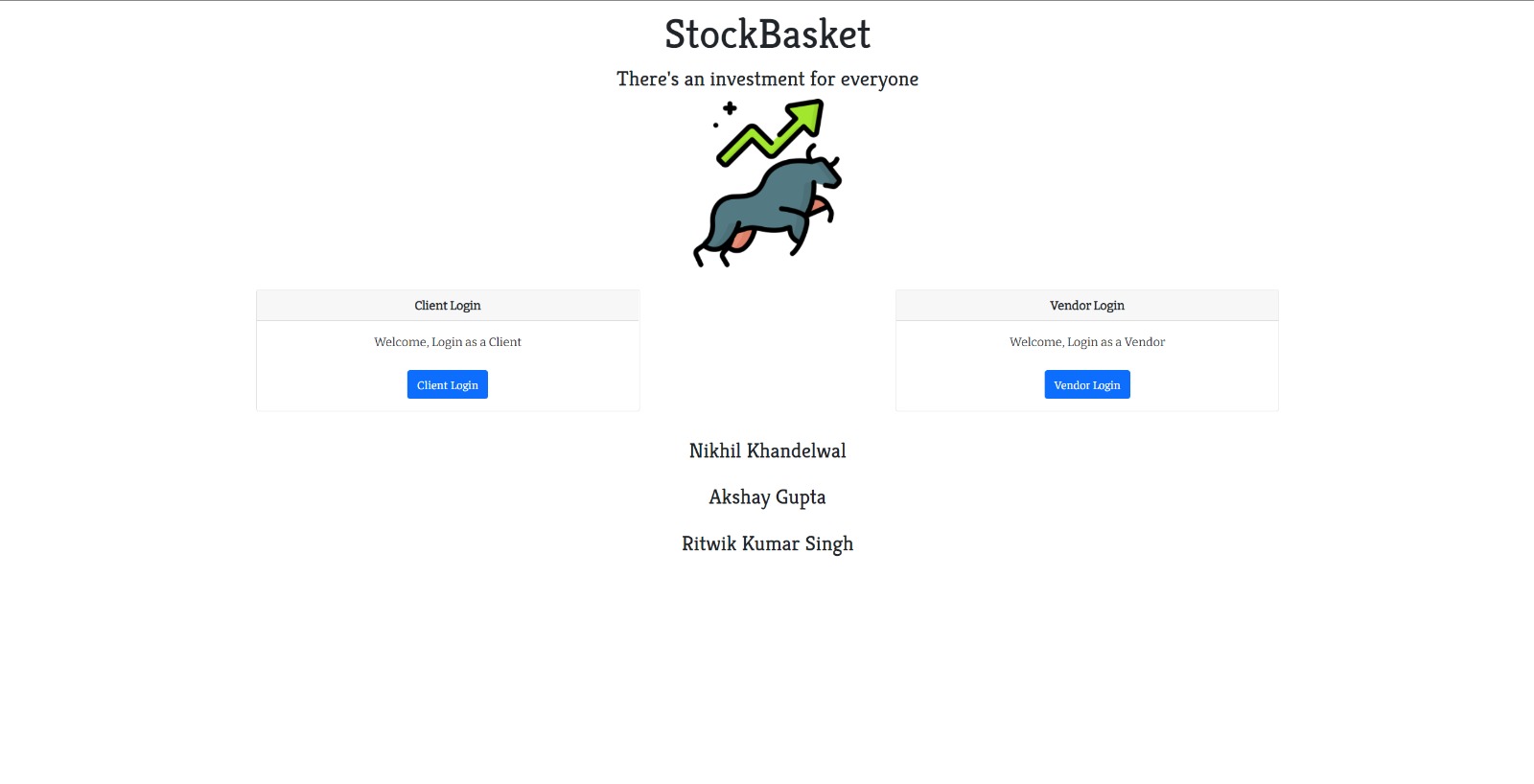
Landing Page
-
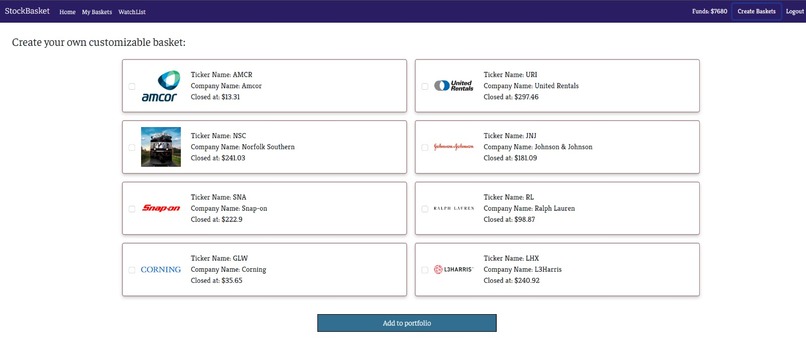
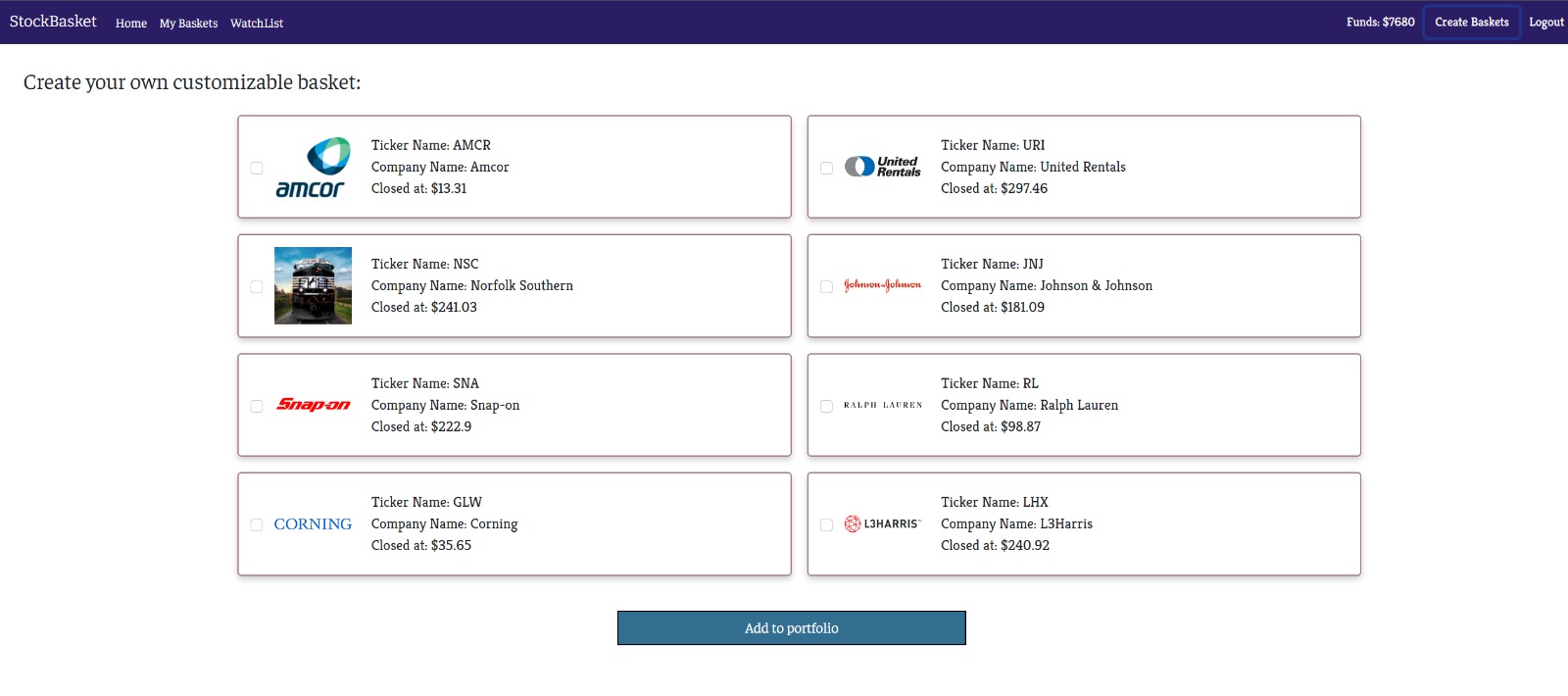
Page in which user can create there own customised basket
-
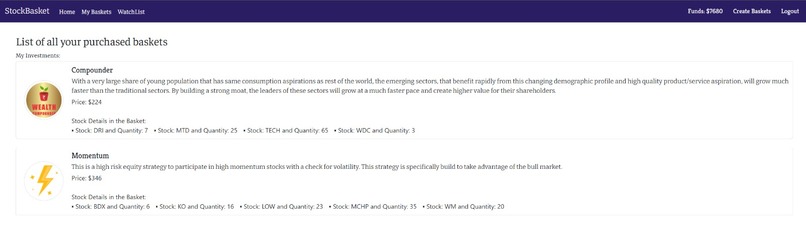
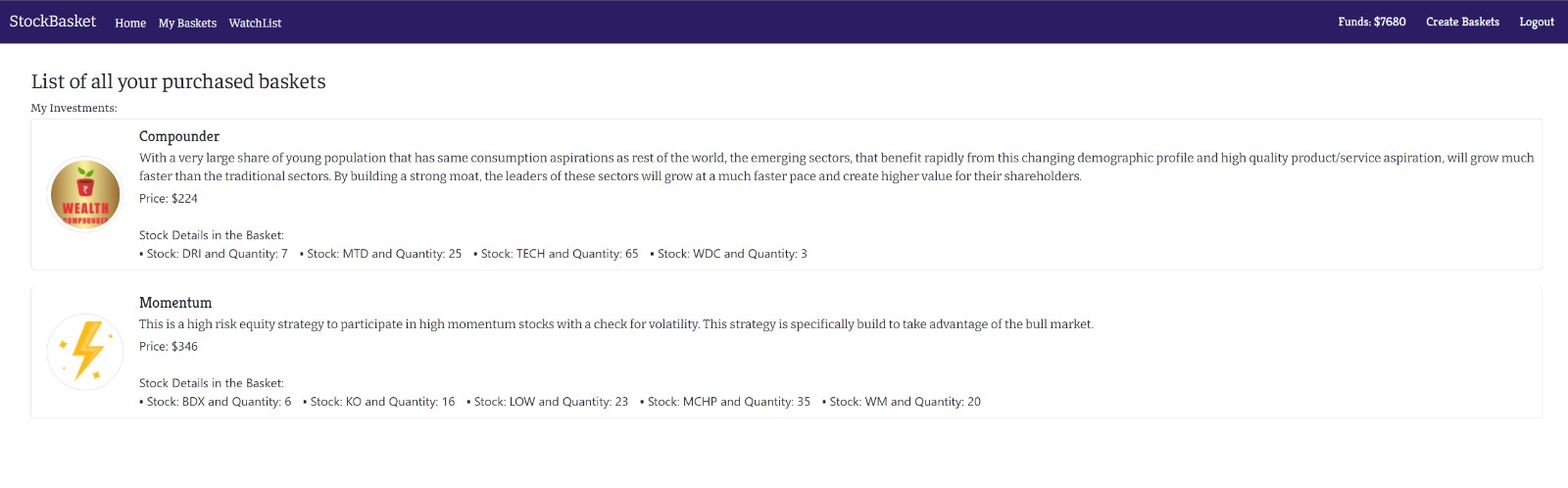
Clients Invested Baskets
-
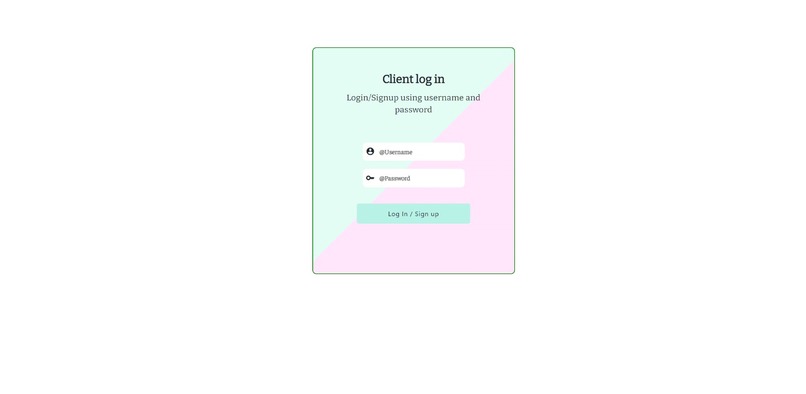
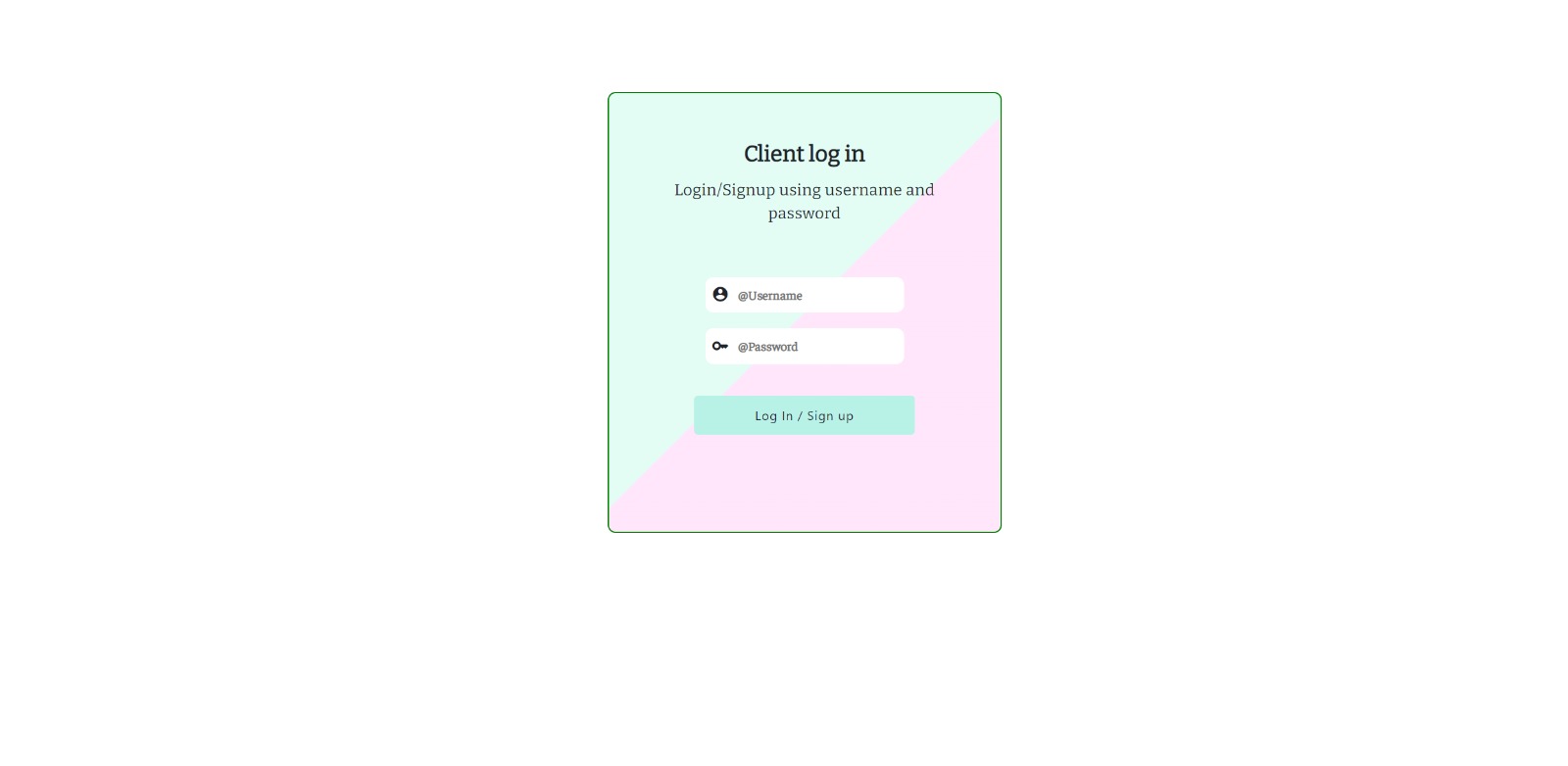
Client/ Retail Login page
-
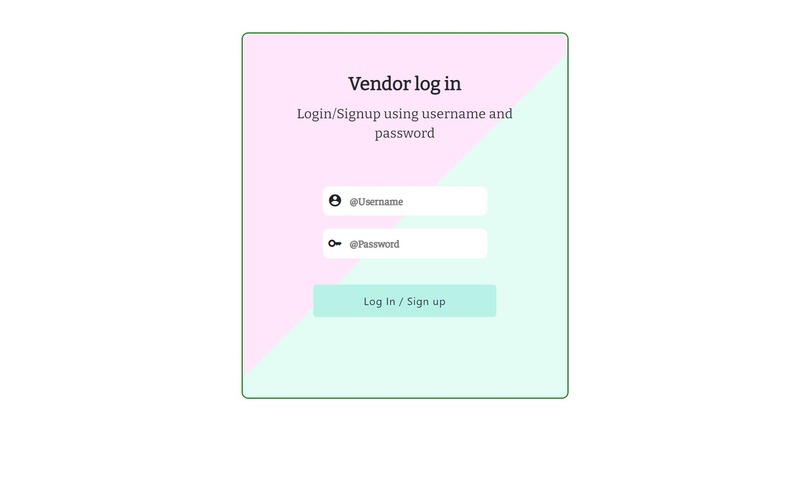
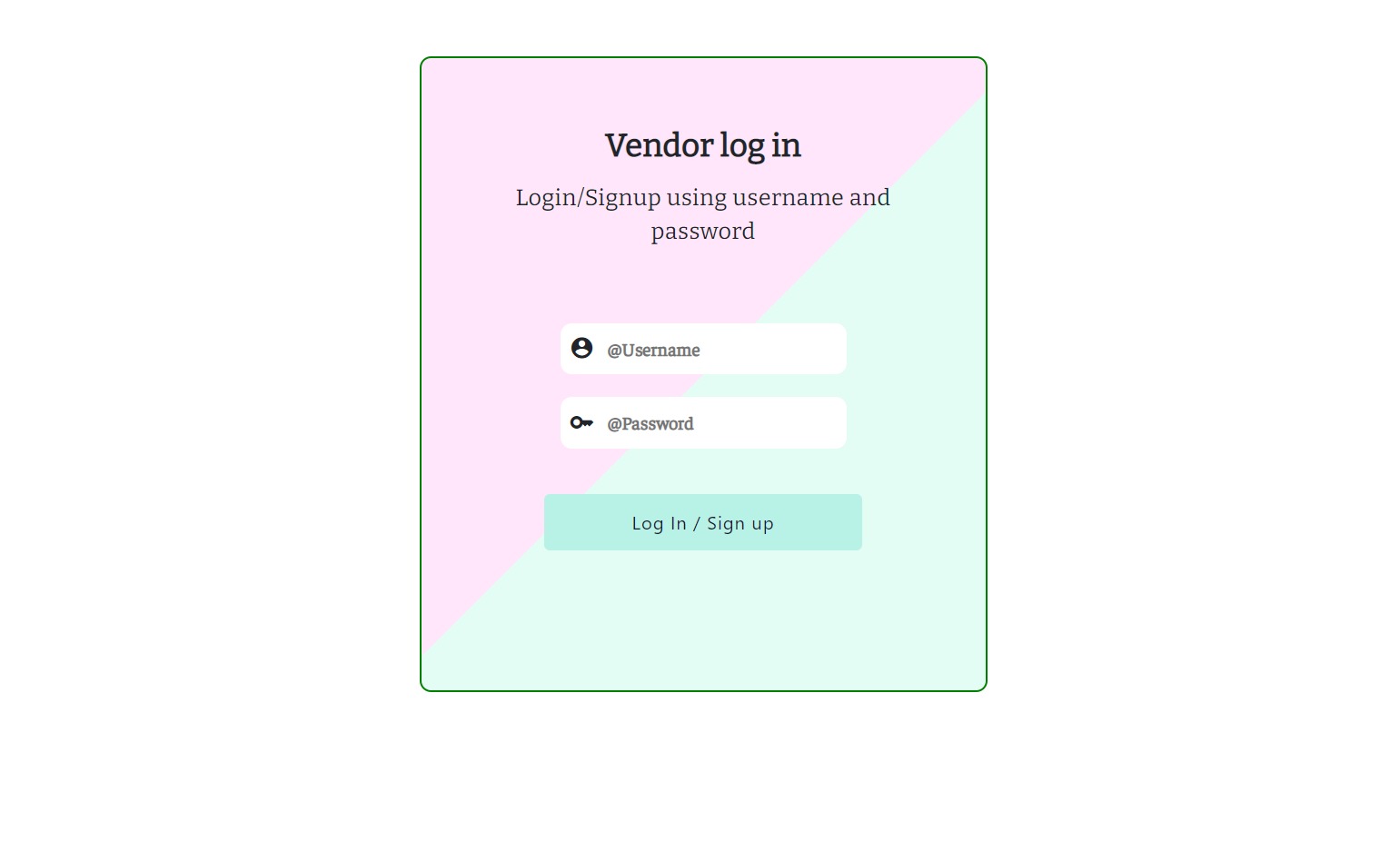
Financial Asset managers Login/Signup Page
-
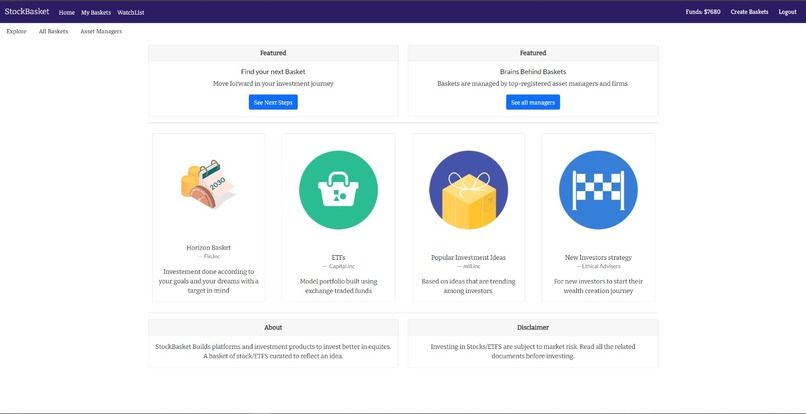
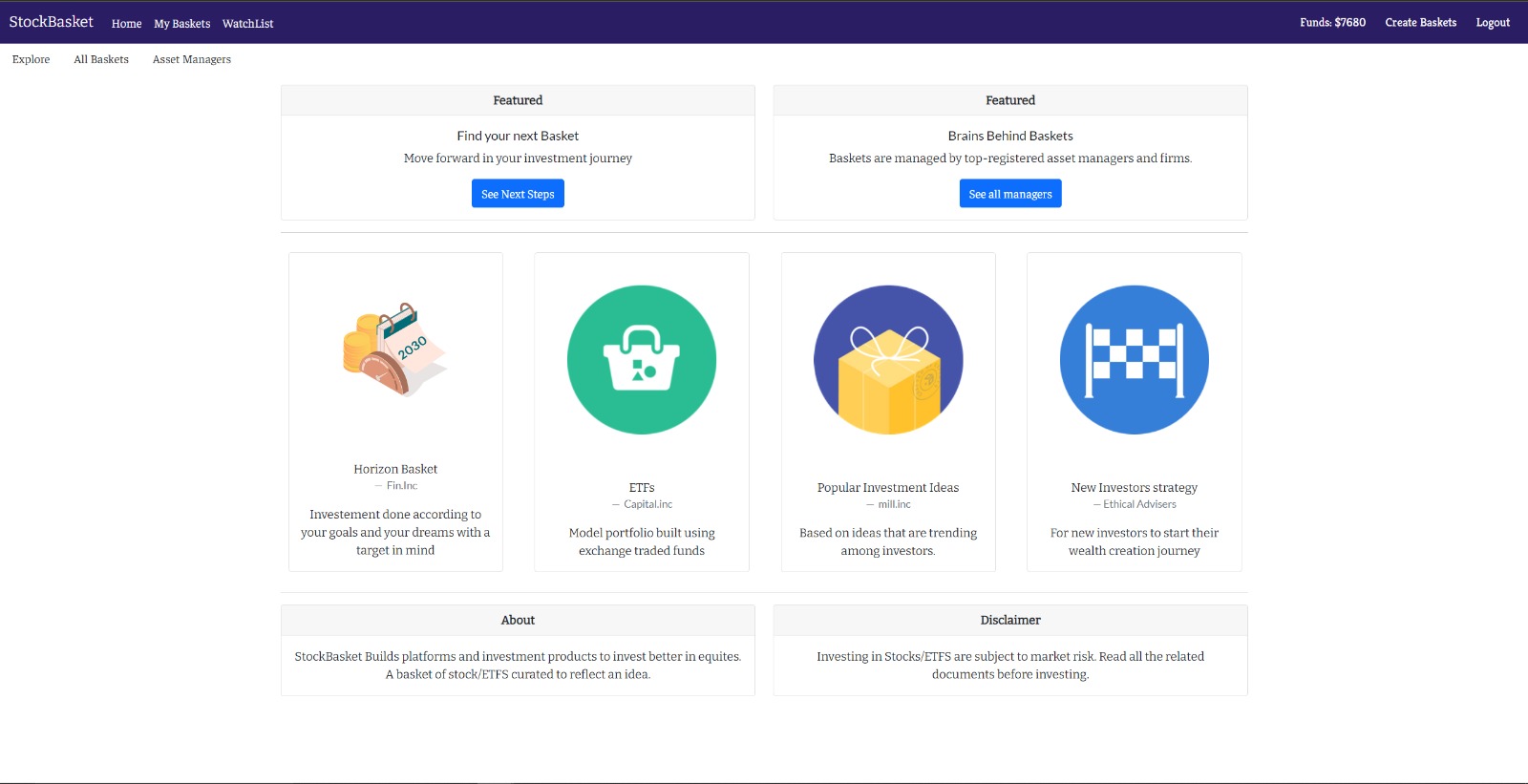
Explore page/ Home Page
-
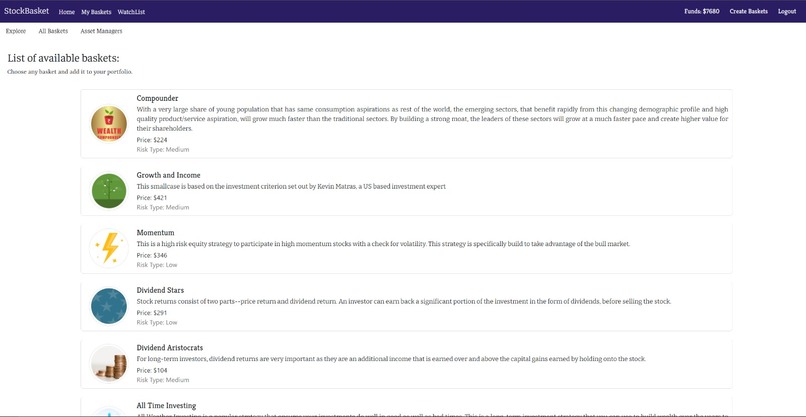
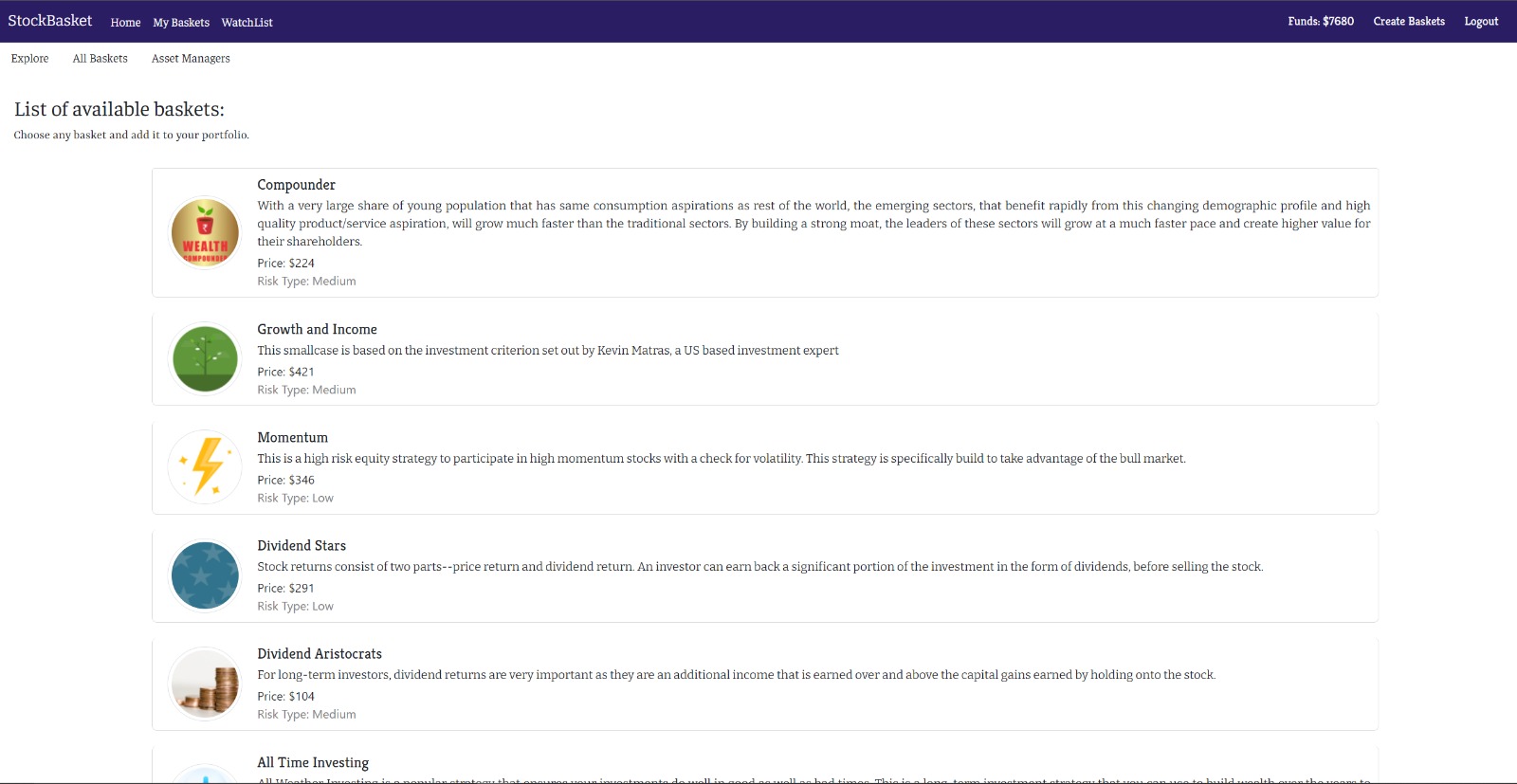
All Baskets
NUWildHack-StockBasket
StockBasket - Basket of stocks that refelcts a theme.
Hackthon Track - Life Hack
Problem Statement
When retail customers enter the stock investment and trading world, they face many problems researching and finding the right investing strategy. Moreover, given the recent events, people have realized the importance of financial stability.
Our Solution
We have created a platform, StockBasket, that provides a basket of exchange-traded securities in a specified weighting scheme based on a theme or objective.
It is a user-friendly platform that provides users with a modern investing solution. Leading finance experts and firms create the baskets with a solid research team.
It will help retail customers get a better-investing strategy at their fingertips.
Tech Stack
- Frontend: React, Bootstrap, HTML/CSS, React-router, Axios
- Backend: Firebase-authentication, Flask, Firebase-realtime-database, Python
- API: Polygon.io, robinhood, twelveData
Features
- Users can see a variety of baskets and can select which to invest in
- Storing the users' data on the Firebase server
- Responsive design
- Users can create their baskets.
- Finance experts/vendors can curate baskets for users based on theme and strategy.
Project Structure
- Frontend
- We used Axios to make requests to the flask endpoint that we had created.
- We divided the frontend part of the application into different react components and used react-router to navigate between pages.
We have used Bootstrap for responsive UI.
Backend
We used flask as our backend and created the necessary endpoints for the platform.
We used firebase's real-time database and authentication to communicate backend and store data.
Credentials For Login Client:
username: [email protected] password: password
Installation
Navigate to the backend folder and do pip to install the requirments.txt. Of course, you can also create a virtual environment first.
py -m venv env

# activate the environment
env\Scripts\activate

# install the Python dependencies
py -m pip install -r requirements.txt

# finally, run the flask server
flask run
Navigate to the frontend folder. First, install the dependencies from the packagae.json and then start the node server for React.
npm install
npm start
If there are no issues, React will run on localhost:3000 while flask will run on localhost:5000. Once you start the node server, the landing page will load on localhost:3000
Challenges and Learnings
Getting the Stock Data: We had a problem parsing the polygon API data while storing the stock data in firebase in real-time as it changes in regular intervals.
Working with React and Flask was a learning curve for us. We faced issues like importing modules, CORS(cross-origin policy), and working with react components.
Demo
WebApp Link - StockBasket
Authors
Ritwik Kumar Singh
Github: ritwik-singh
LinkedIn: ritwiksingh28
Akshay Gupta
Github: akshay-vgupta
LinkedIn: akshaygupta
Nikhil Khandelwal
Github: nikhil-nuCS
LinkedIn: nu-nikhil-khandelwal

Log in or sign up for Devpost to join the conversation.