-
-
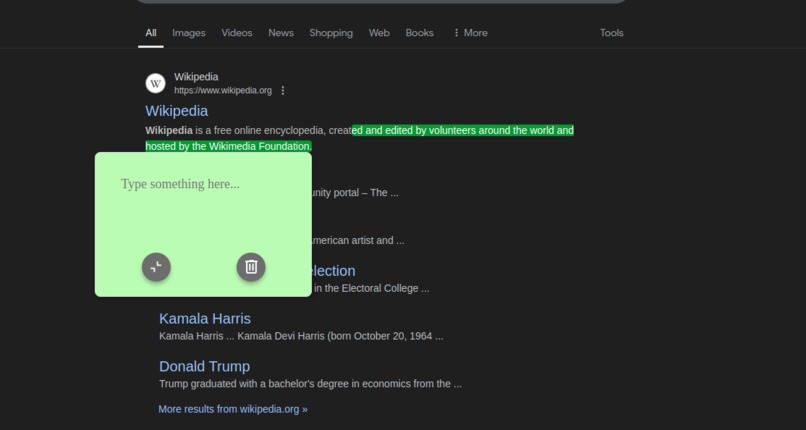
Adding a note
-
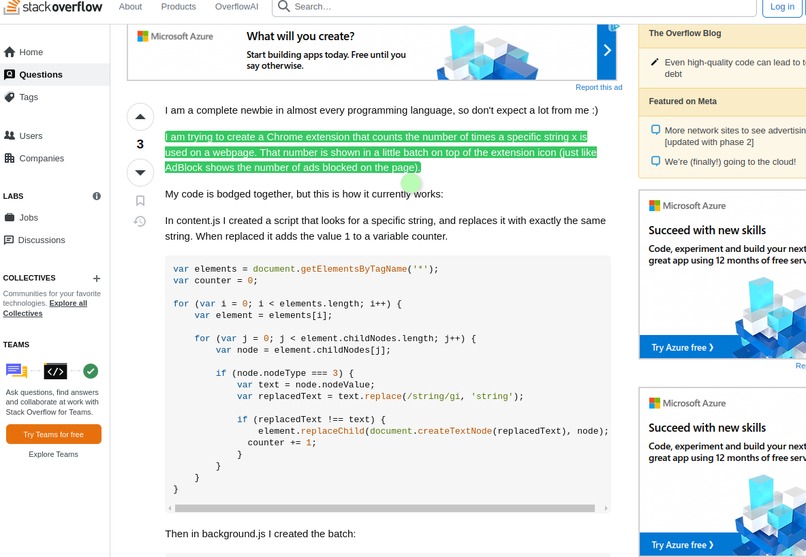
Shrink note from view
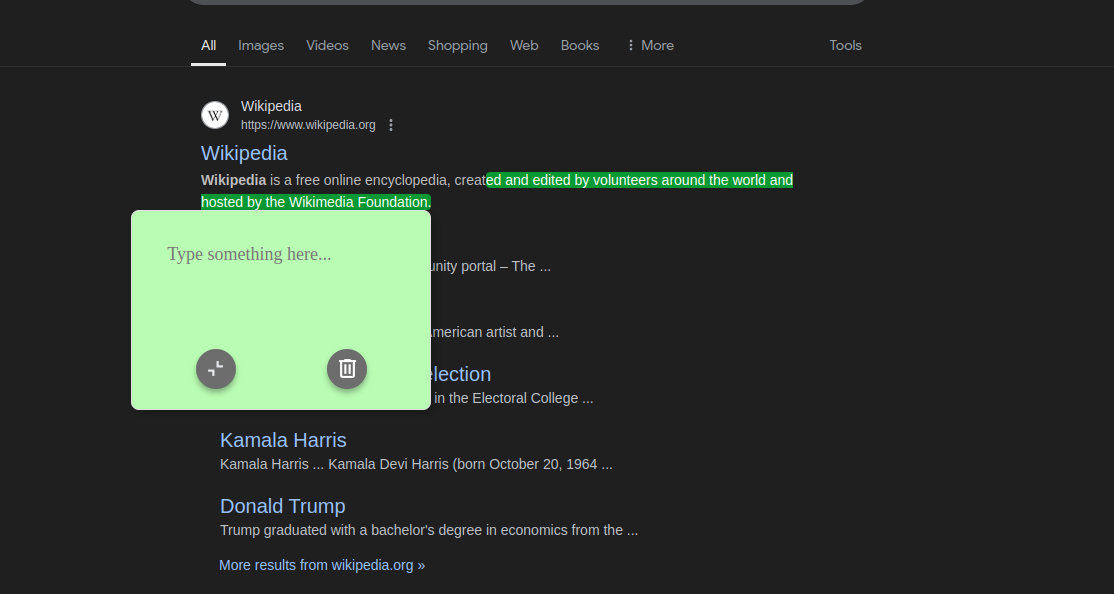
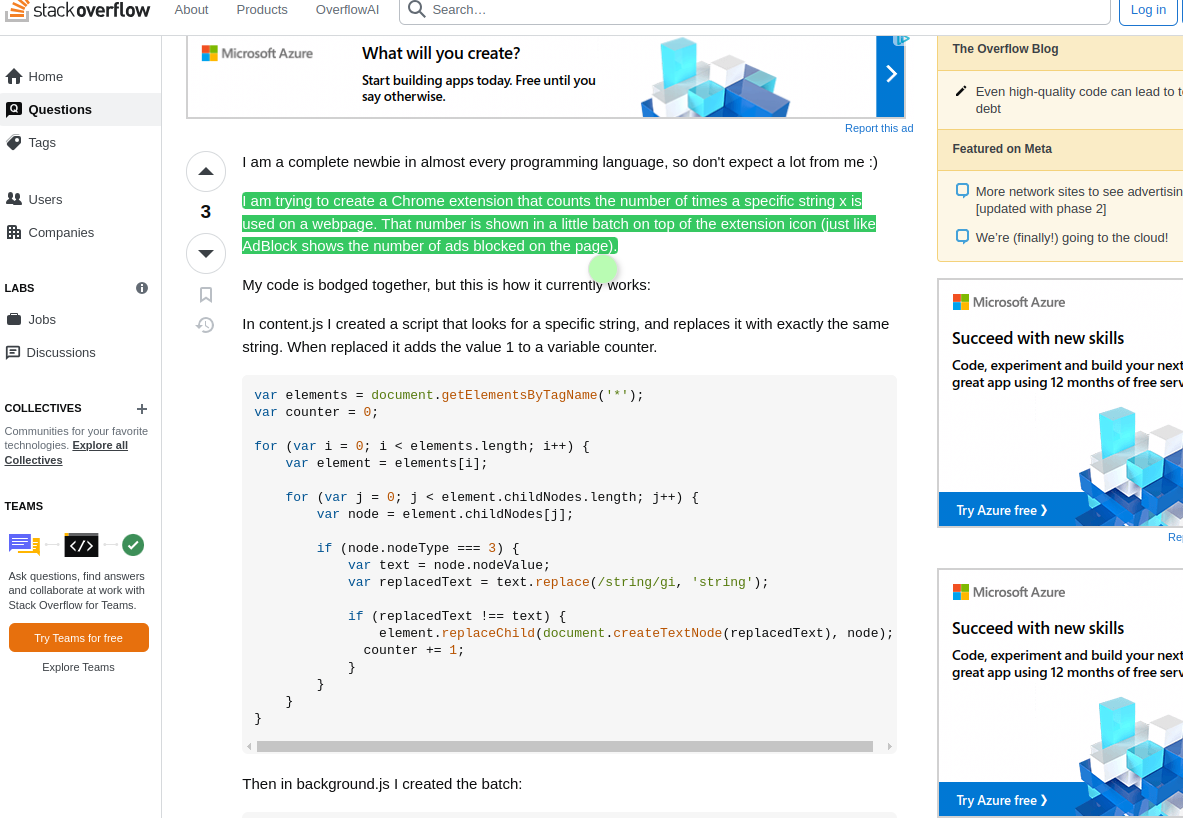
Inspiration
Often times, I see something on a webpage and want to stick a note on top of it, but obviously this isn't possible. That's what led me to create stky.
What it does
Stky is a Chrome extension that extends how you interact with web content. It allows users to highlight any text-based component on a webpage and attach personalized notes directly to it. These annotations persist across browsing sessions, reappearing automatically when you revisit the page.
How I built it
Using the WXT framework, enabled me to quickly bootstrap the project, I also took some help online tutorials, libraries like floating-ui.
Challenges I ran into
Searching and highlighting text on any webpage was a tough challenge as the depending on the web page the components might formatted differently. Having the notes reappear on the same nodes and persist across browser sessions was also tough.
Accomplishments that I'm proud of
The chrome extension can perform what it set out to do, without any significant performance issues.
What we learned
Learned how to build chrome extensions, HTML DOM structure, CSS and typescript.
What's next for stky
I would like for it to be integrated with popular knowledge base apps like Notion, Obsidian so that users can sync the notes on the cloud with their preferred service.
Right now, the extension only supports highlighting text within a single node. My next big goal is to develop a enable users to annotate across multiple paragraphs and components. This would be a game-changer for how people capture and organize information while browsing.

Log in or sign up for Devpost to join the conversation.