-
-

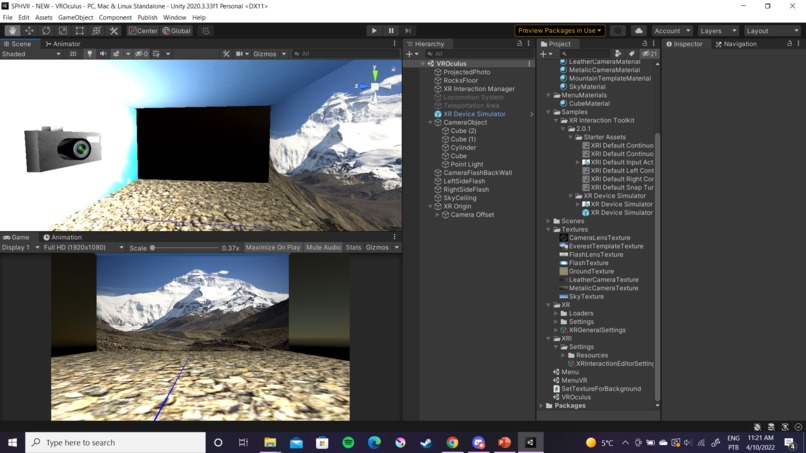
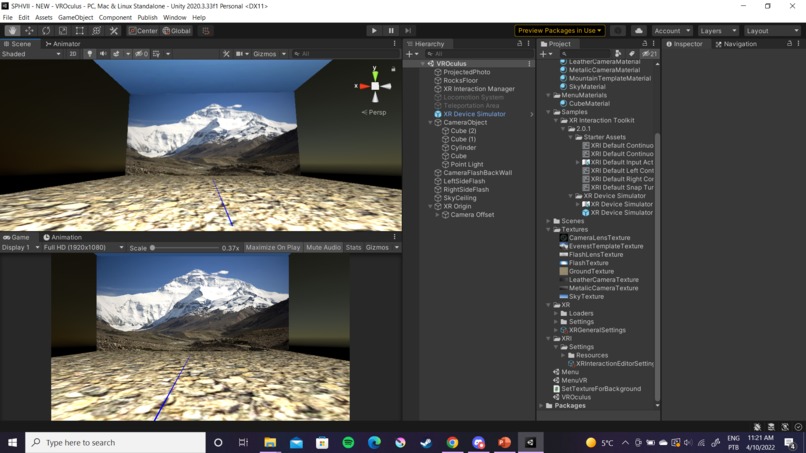
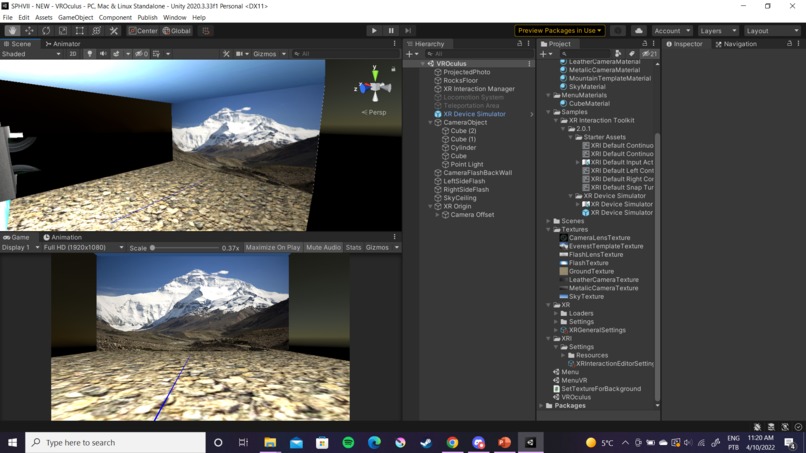
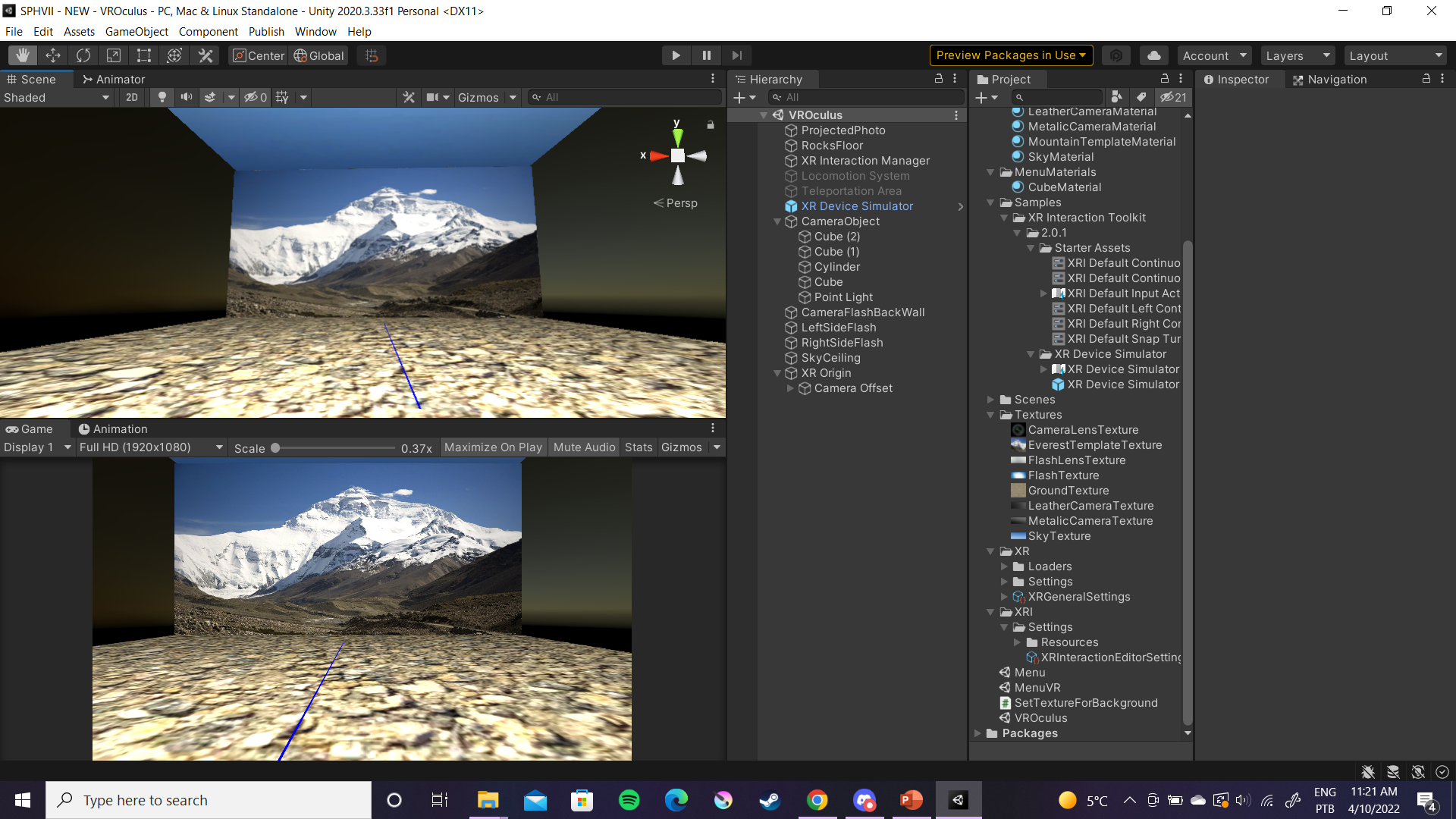
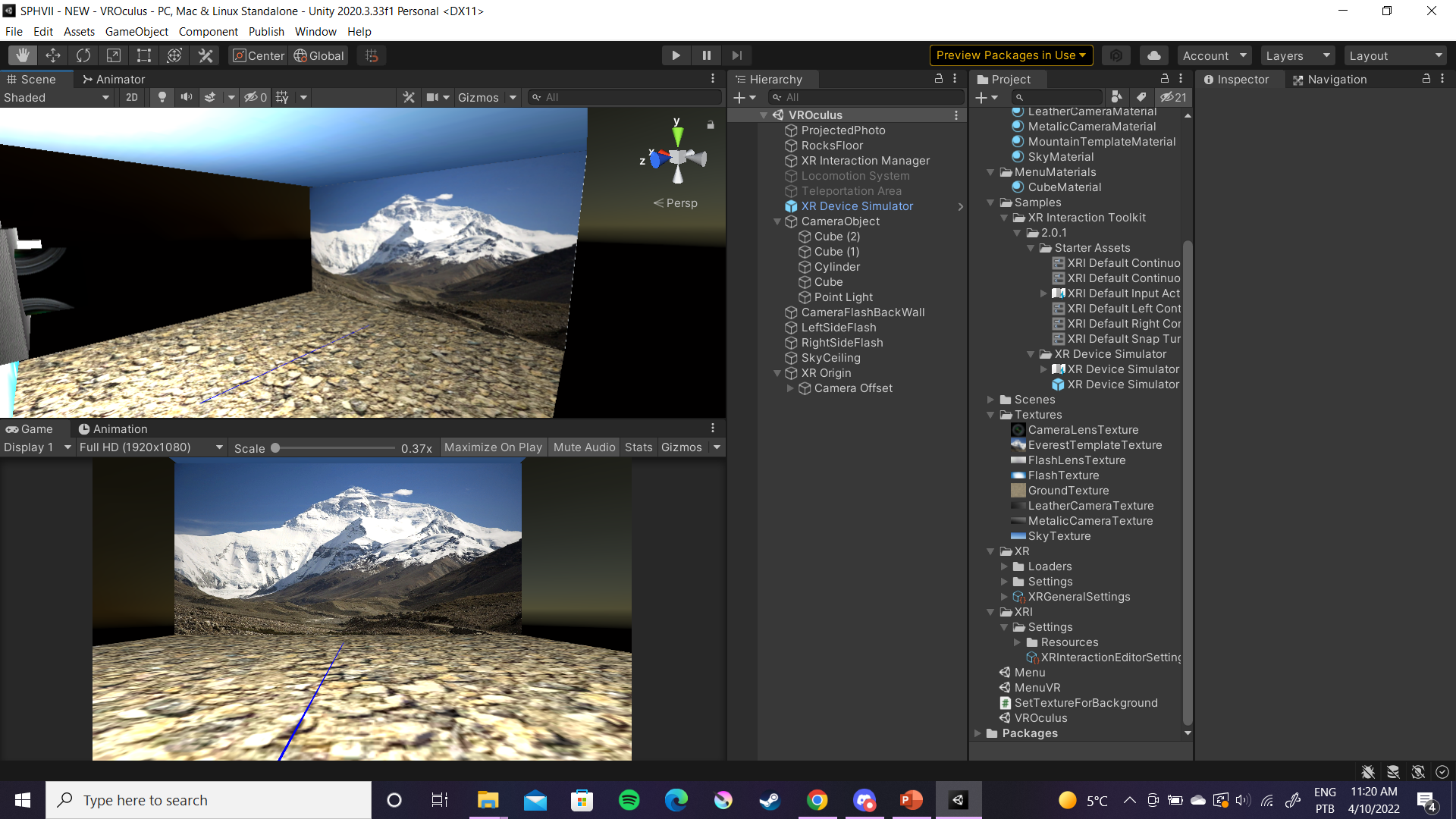
Unity Editor View of VR Scene Two
-

Unity Game View of UI Scene One Functionality
-
-
-


Inspiration
Our inspiration for this project was high prevalence of mental illness and mental health in modern times. Alzheimer's and dementia being at the top for memory loss. Also, some of the group's family members have been impacted by memory-based illnesses like dementia and that gave personal meaning to the hackathon project.
What it does
Our project's design is to have two game scenes in Unity, one with a UI Menu that allows the user to enter in accurate height measurements of themselves and a second scene that contains the VR model and image render. The goal is to have the menu communicate character model height data to the second scene along with a specified image to accurately render a 3D space where the player could be immersed in a photo memory to a more elevated level. This would, in turn, help with mental illness like Alzheimer's and dementia by allowing the immersion and realistic virtual environment to better jog the memory whilst also providing a nice nostalgic setting as opposed to just a small 2D digital photo on their phone.
How we built it
The initial design was to have our game be enclosed in one whole Unity VR game template. We would have a first game scene that contained the Unity UI Panel for entering in player height information as well as selecting/uploading an image to render in VR. Then the player would hit an OK button and it would take them to the second scene where the VR rendering stage actually takes place. In the second stage, we would have a VR/XR player rig and camera setup that was adjusted by the previous scene mentioned above. Then using that height data, the second scene would adjust the environment to scale to be more immersive.
Our VR/3D game at the moment has two separate branched versions. One is a VR-input based version and the other is a Desktop-input based version. We have two separate versions because we did not have time to figure out how to replace our Unity UI Menu Panel functionality with that of VR inputs like "activate-on-pointer" mechanics. The VR-input based version of our game has the VR controls and headset simulation implemented in front of the picture rendering scene. The Desktop-input based version has the capabilities and functionality of using the Unity UI menu to enter in height data to and pressing the OK button to go the second VR scene. To clarify further on our current build, both branched versions have both of the scenes; it's just that Desktop-input version has scene one with the Unity UI working properly with the VR scene not working due to the VR rig not being able to be implemented without messing up the input controls of the UI. It's vice-versa for the VR-input version where the first scene with the Unity UI doesn't work properly due to a change in inputs, but the second scene with VR staging works as intended with VR headset camera and controllers being rendered in the photograph scene.
Challenges we ran into
The main issue and why we have two separate versions of our VR game is because of the conflicting Unity inputs. Unity can only handle one set of inputs at a time per game, so you can't have a game with both desktop/phone inputs like a tap to drop down a menu while also having VR inputs like controller pointers. The solution to this would be to figure out how to adjust our first scene's UI to work with VR point detection to activate certain components like a dropdown or push button. Unfortunately, we did not have enough time for this and had to settle for our two separate demonstrations.
Accomplishments that we're proud of
We are proud of diving head-first into Unity VR development with no prior knowledge or training. We went from nothing to something and that's honestly a huge first step for this game and more to come. We are also proud of the fact that despite our weak C# skills, we were able to code with C# to create awesome and useful scripts (most of which worked; only 1 did not but could've been fixed if given more time). But most of all, we are proud of how much work we did just as a team of two; both who have never attended a hackathon before.
What we learned
We learned more C# syntax, Unity C# functions, Unity Documentation on C# with GameObjects, WebGL connection to upload Unity games to the Unity Cloud, and Git/GitHub skills for storing all of our team files like code, assets, etc.
What's next for Stimulate Memory with VR
Our next steps are still to fix our data transfer of the drop down text field data from scene 1 with UI to scene 2 with the VR config. We also still need to add the photo-selection functionality to the UI and have that also pipeline to the second scene to render the same image onto the large canvas object for the VR player to be immersed in. In addition, we still need to have the second's scene environment adjust based on the player height data in scene one. Finally, we need to spline the image canvas in scene two to more of a curved prism so that it can surround the player's vision in a more 180-degree manner (better immersion that just a flat prism). Deployment of the VR game (to Oculus or to Android/iOS) is still to be determined.

Log in or sign up for Devpost to join the conversation.