-
-
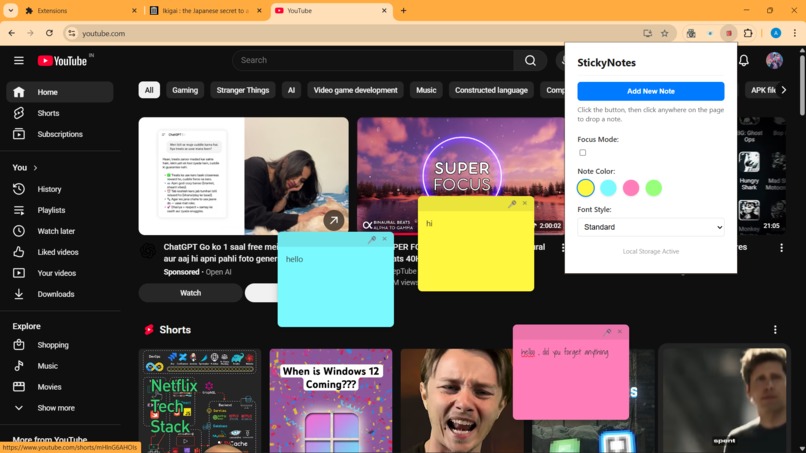
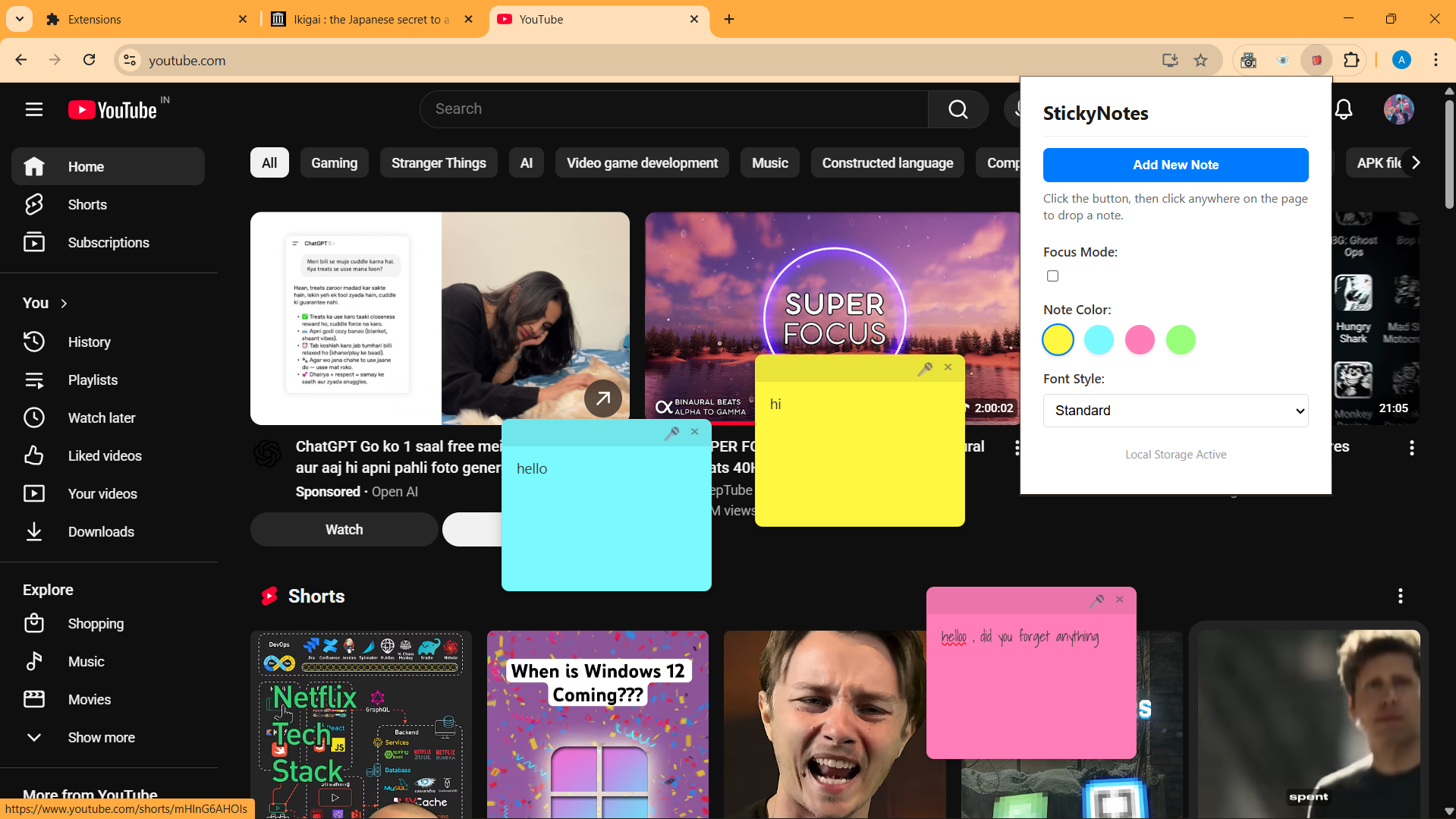
Sticky note on a website
-
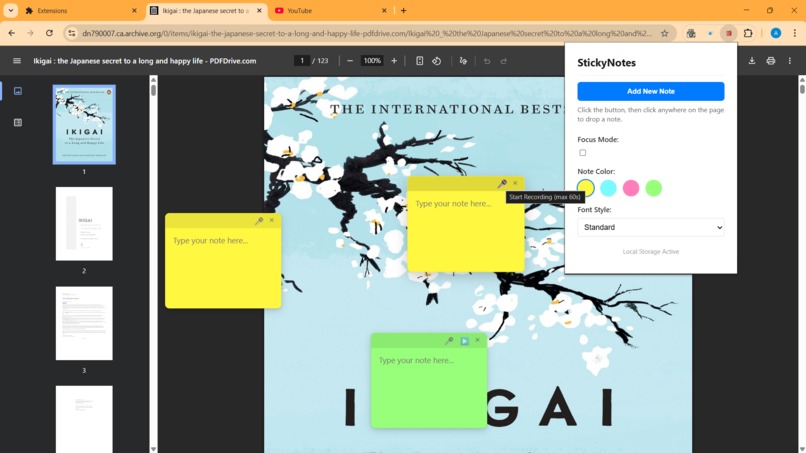
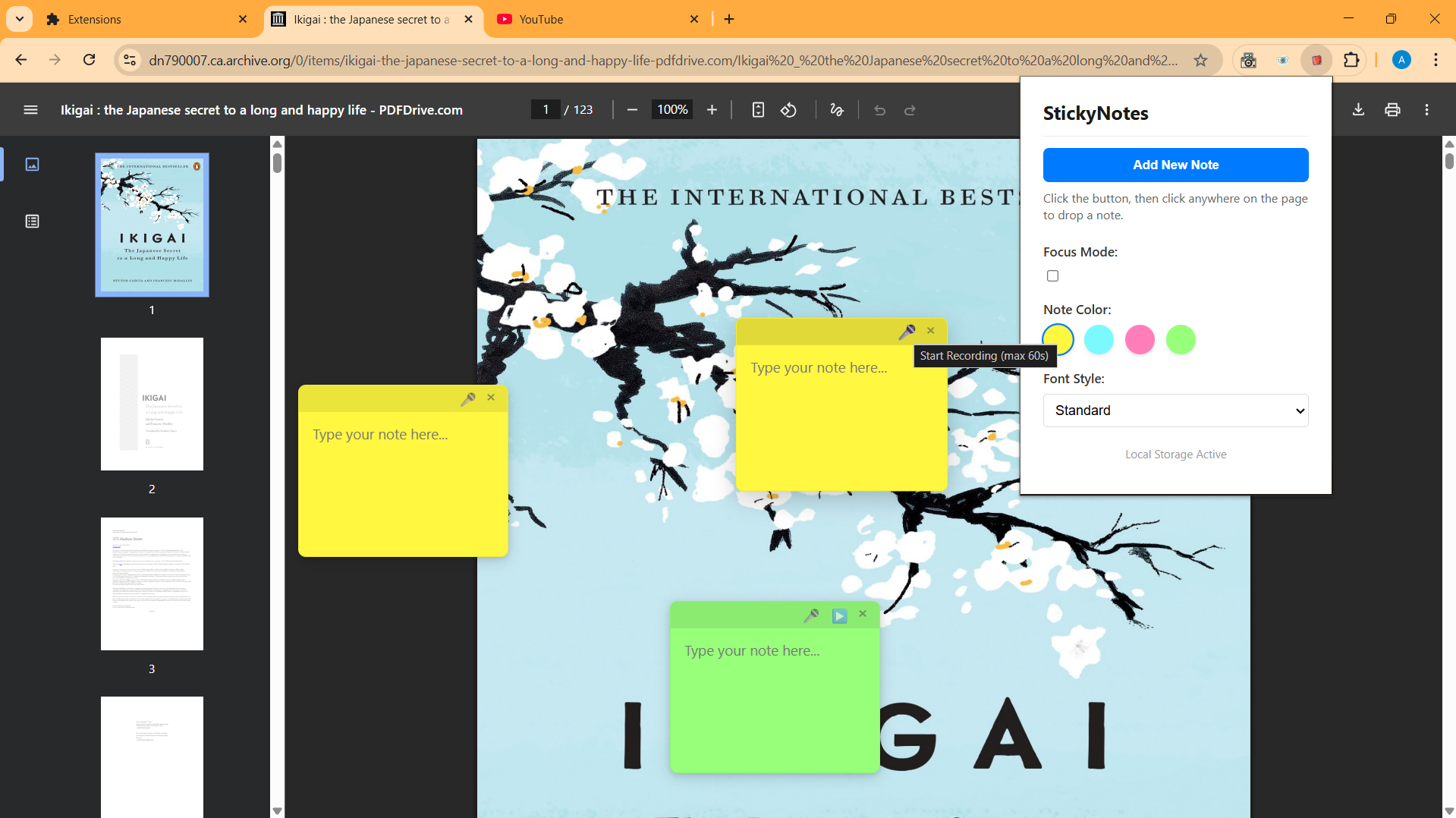
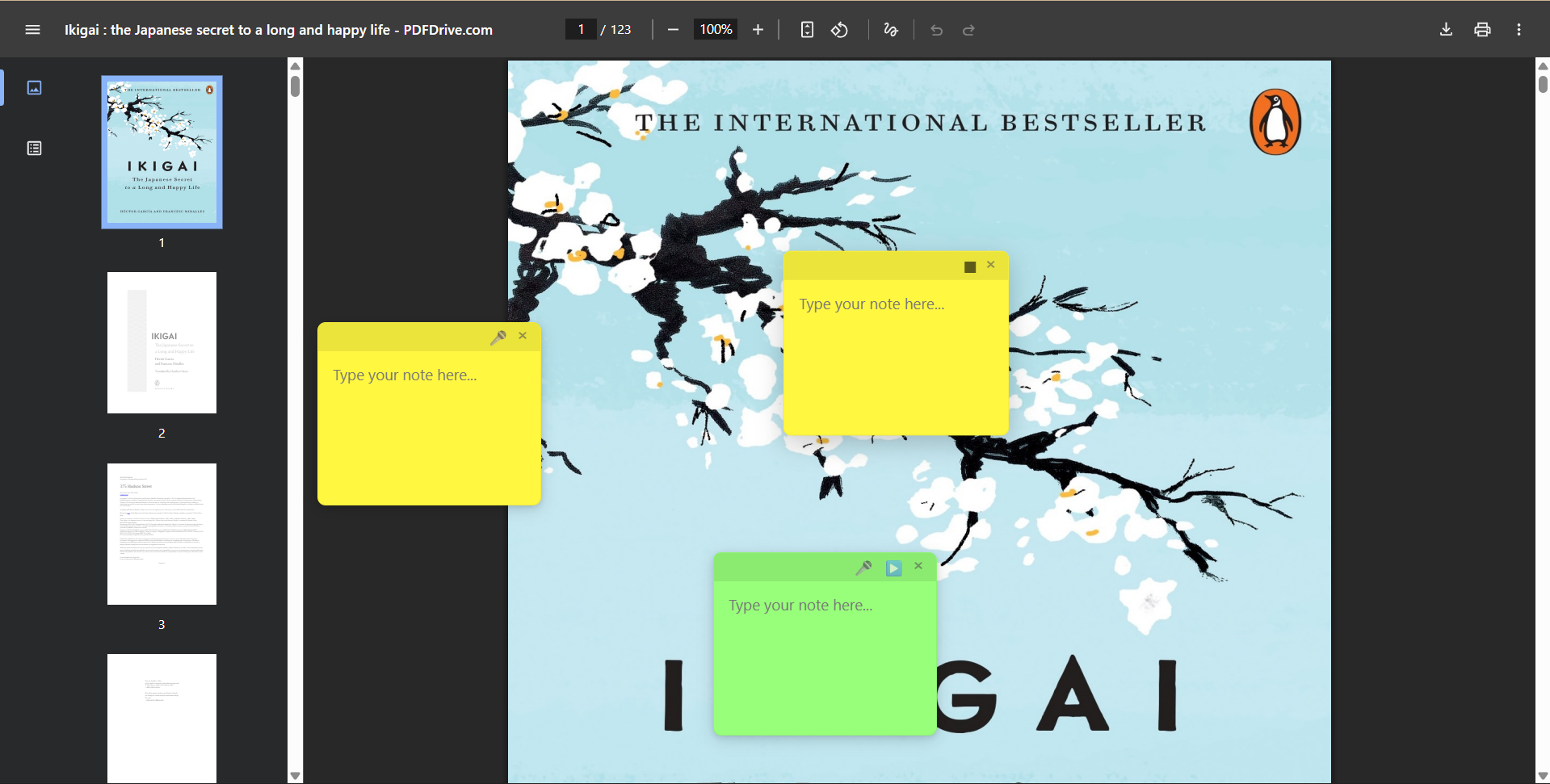
Sticky note on a PDF
-
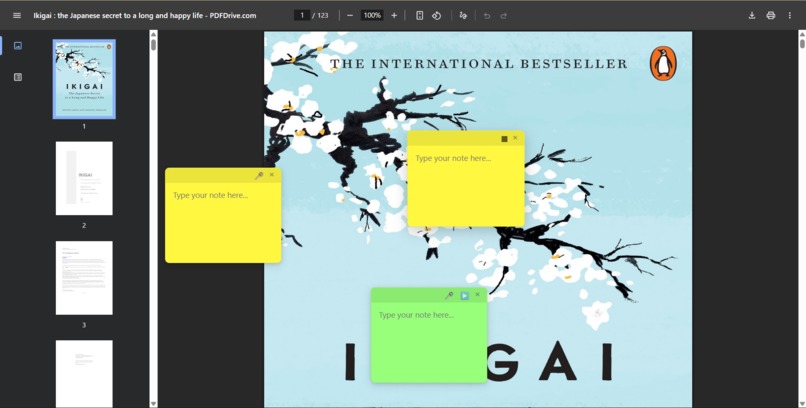
Audio recording buttons visible
-
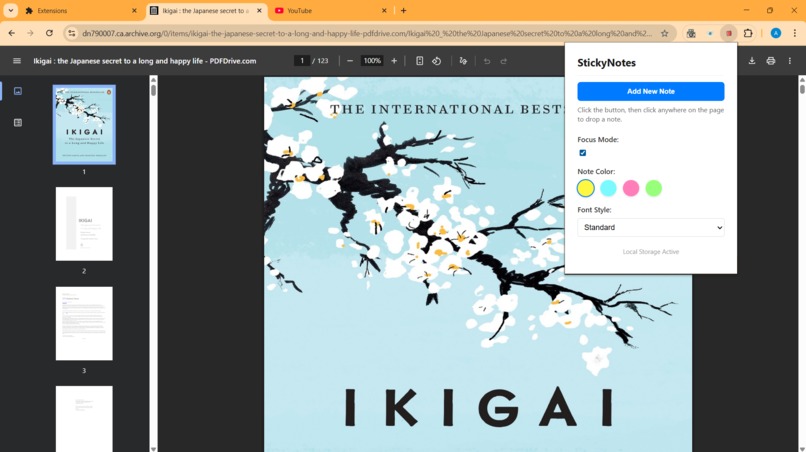
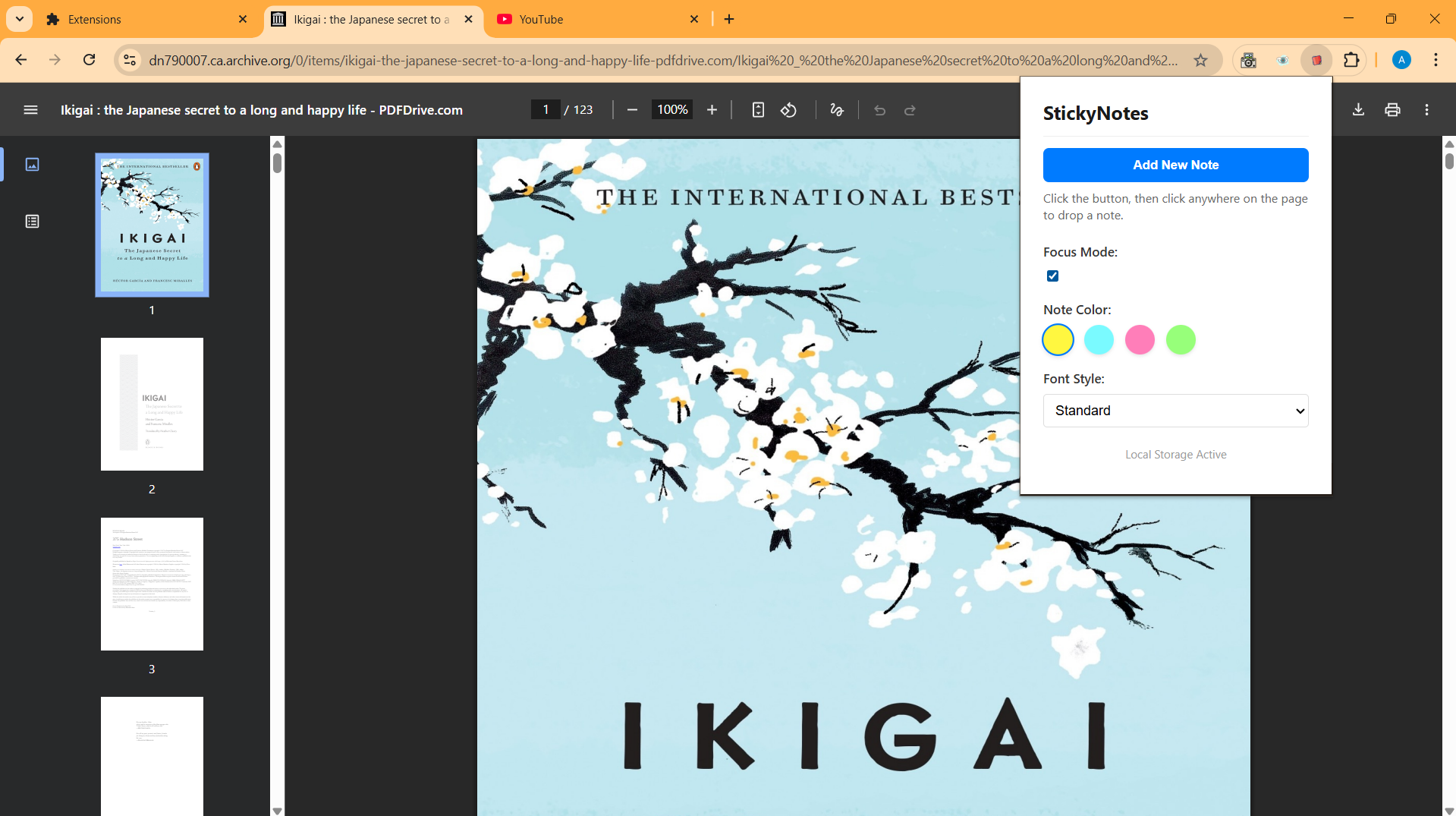
Focus Mode ON
-
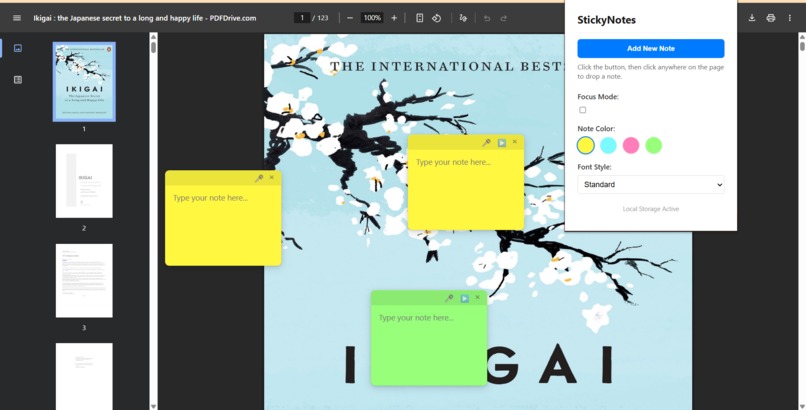
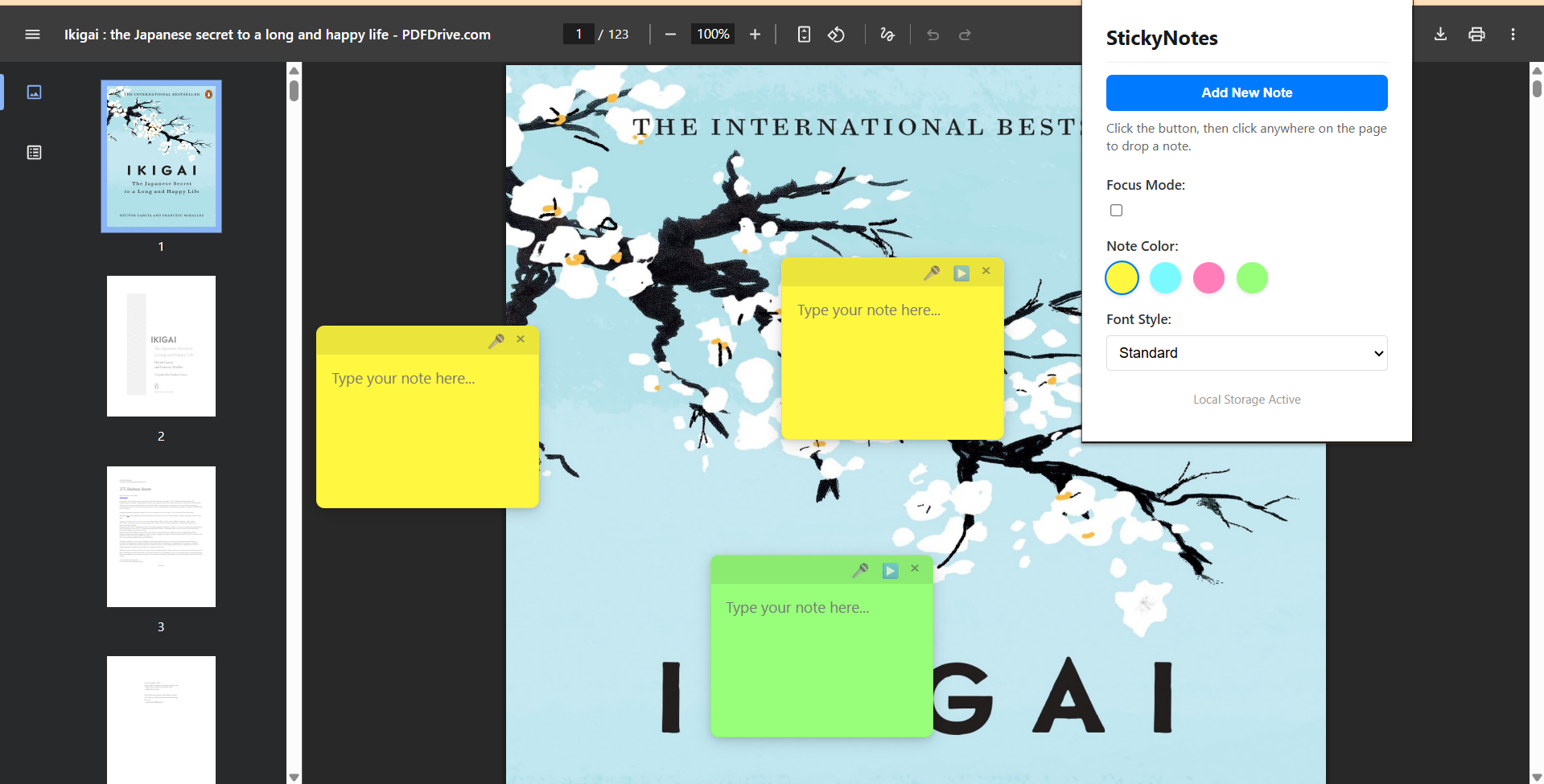
Focus Mode OFF
-
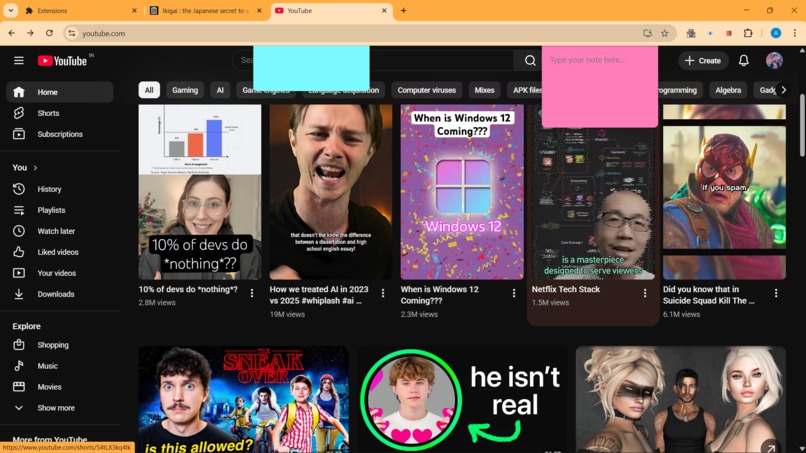
Scrollable sticky notes on normal websites

Inspiration
While studying and reading long articles and PDFs online, I often found myself switching between tabs or external apps just to take notes. This breaks focus and makes contextual learning harder.
I wanted a way to keep my thoughts exactly where they belong — directly on the webpage or PDF I’m reading. That idea led to StickyNotes.
What it does
StickyNotes is a Chrome Extension that allows users to attach persistent sticky notes to any website or PDF.
Key features include:
- Floating sticky notes that work even inside Chrome’s native PDF viewer
- Audio notes: record and play voice notes directly inside a sticky note
- Focus Mode to temporarily hide notes for distraction-free reading
- Drag-and-drop positioning with smart viewport anchoring for PDFs
- Persistent storage so notes survive page reloads and browser restarts
How we built it
The extension is built using Chrome Extension Manifest V3.
- A content script injects sticky notes directly into webpages
- For PDFs, notes are implemented as viewport-relative floating overlays to bypass Chrome’s PDF DOM isolation
- Notes are stored using
chrome.storage.localfor persistence - Audio notes use the MediaRecorder API, stored as Base64 data per note
- Focus Mode dynamically toggles visibility without interfering with page interactions
The UI is built using plain HTML, CSS, and vanilla JavaScript for performance and simplicity.
Challenges we ran into
The biggest challenge was PDF support.
Chrome’s built-in PDF viewer runs in an isolated environment that blocks normal DOM events. Traditional event listeners and overlays simply don’t work. I solved this by switching to a viewport-anchored overlay system, which treats the PDF as a visual surface rather than a DOM element.
Another challenge was ensuring that Focus Mode didn’t accidentally hide newly created notes. This required refining the note creation lifecycle to distinguish between restored notes and new ones.
Accomplishments that we're proud of
Successfully implemented sticky notes that work inside Chrome’s native PDF viewer, which is normally difficult due to DOM isolation and sandboxing.
- Designed a floating, viewport-anchored overlay system that keeps notes stable during zooming, resizing, and page reloads on PDFs.
- Added audio recording and playback per note using the MediaRecorder API, with persistent storage across sessions.
- Built a Focus Mode that hides notes without breaking interactivity or affecting newly created notes.
- Achieved zero external dependencies, using only vanilla JavaScript, HTML, and CSS for maximum performance.
- Created a robust persistence system using
chrome.storage.localto reliably restore notes, positions, and audio. - Debugged and resolved complex visibility and lifecycle bugs that arise from combining PDFs, overlays, and focus states.
What we learned
This project taught me:
- Advanced Chrome Extension architecture (Manifest V3)
- How browser security sandboxes affect DOM access
- MediaRecorder API usage for audio capture
- Designing resilient UI systems that work across websites and PDFs
- Debugging complex event-handling and rendering edge cases
What's next for StickyNotes Chrome Extension
Future improvements include:
- Optional cloud sync across devices
- Tagging and search for notes
- Exporting notes as text or audio summaries
- Optional scroll-anchored notes for advanced PDF navigation
Built With
- chrome-extensions-api-(manifest-v3)
- css
- html
- javascript
- mediarecorder-api


Log in or sign up for Devpost to join the conversation.